A matching game maker for teachers.
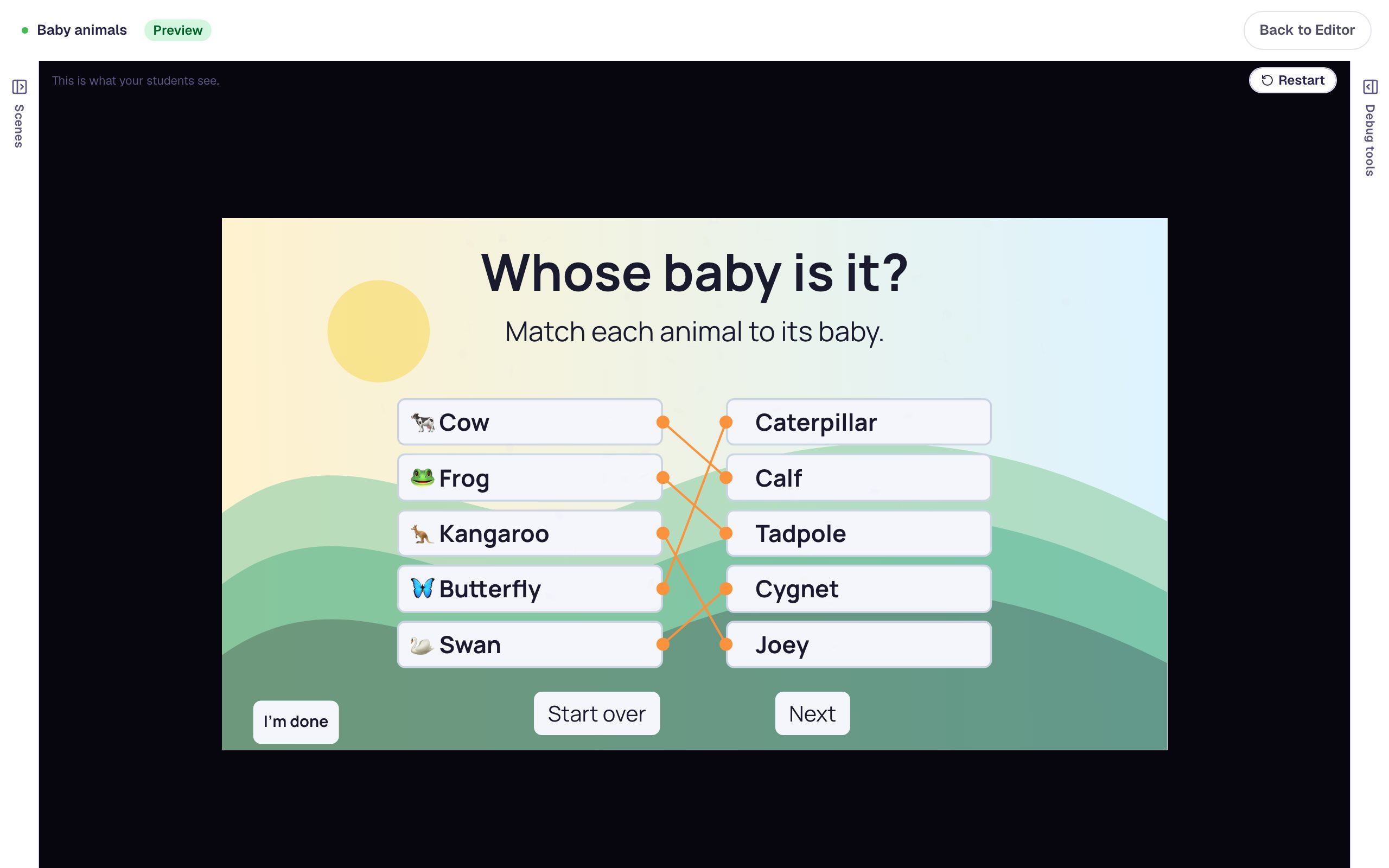
Students pick a prompt, then its match, and a line joins the pair: a word to its definition, an animal to its baby, a picture to its name. You decide what happens on a wrong pair and when the set is done.
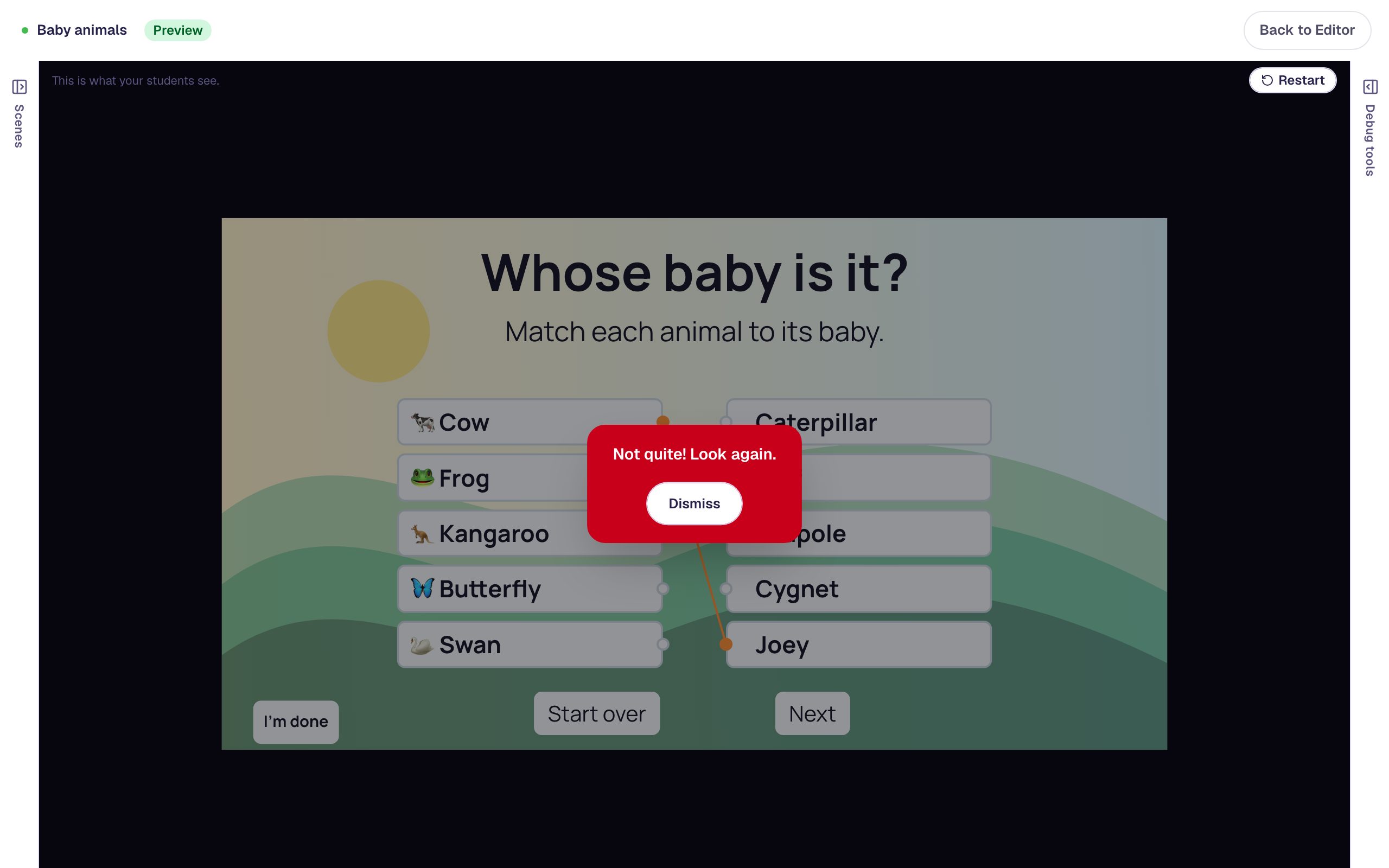
One activity, a hundred kinds of pairs.
Words and definitions
Science terms on the left, their meanings on the right, with the answers shuffled each time the game is played.
Pictures and names
Either side of a pair can be a picture, for matching a photo to a word or a symbol to its meaning. Screen readers read the text you give each picture.
Causes and effects
Pair events with their results in history or science, then add a Start over button for another try.
Three steps to a matching game.
Add your pairs
Type each prompt and its match, or pick a picture from your media library for either side.
Choose the feedback
Show a message on every wrong pair and a celebration when all of them are right.
Assign it
Students play in the browser and match by tapping or clicking. You see their result on each attempt.
The settings that make it a game.
Randomize Matches
Shuffle the answer column so the order changes every time. The prompts stay in the order you wrote them.
Feedback as they go
Every wrong pair can show your hint, not just the first one, and a full set can trigger confetti or move to the next scene.
Scoring
Set the points the activity is worth. It earns them when every pair is right.
Start over
A Reset action clears every line so students can pair the items again.
Every setting is explained in the help center: Matching widget.
Build one with us, a screenshot for every step.
Common questions
Make your first matching game today.
Build and preview for free, with no credit card. When you assign it, students play in the browser on a Chromebook, tablet or phone.