Learn Berdee by building
Step-by-step walkthroughs with a screenshot for every step. Follow along in the studio and finish with a lesson that works. Looking up one setting instead? The help center covers every control.
Studio basics
Your first steps in the studio: scenes, widgets, preview, and the score.
 Beginner · 10 min · 9 steps
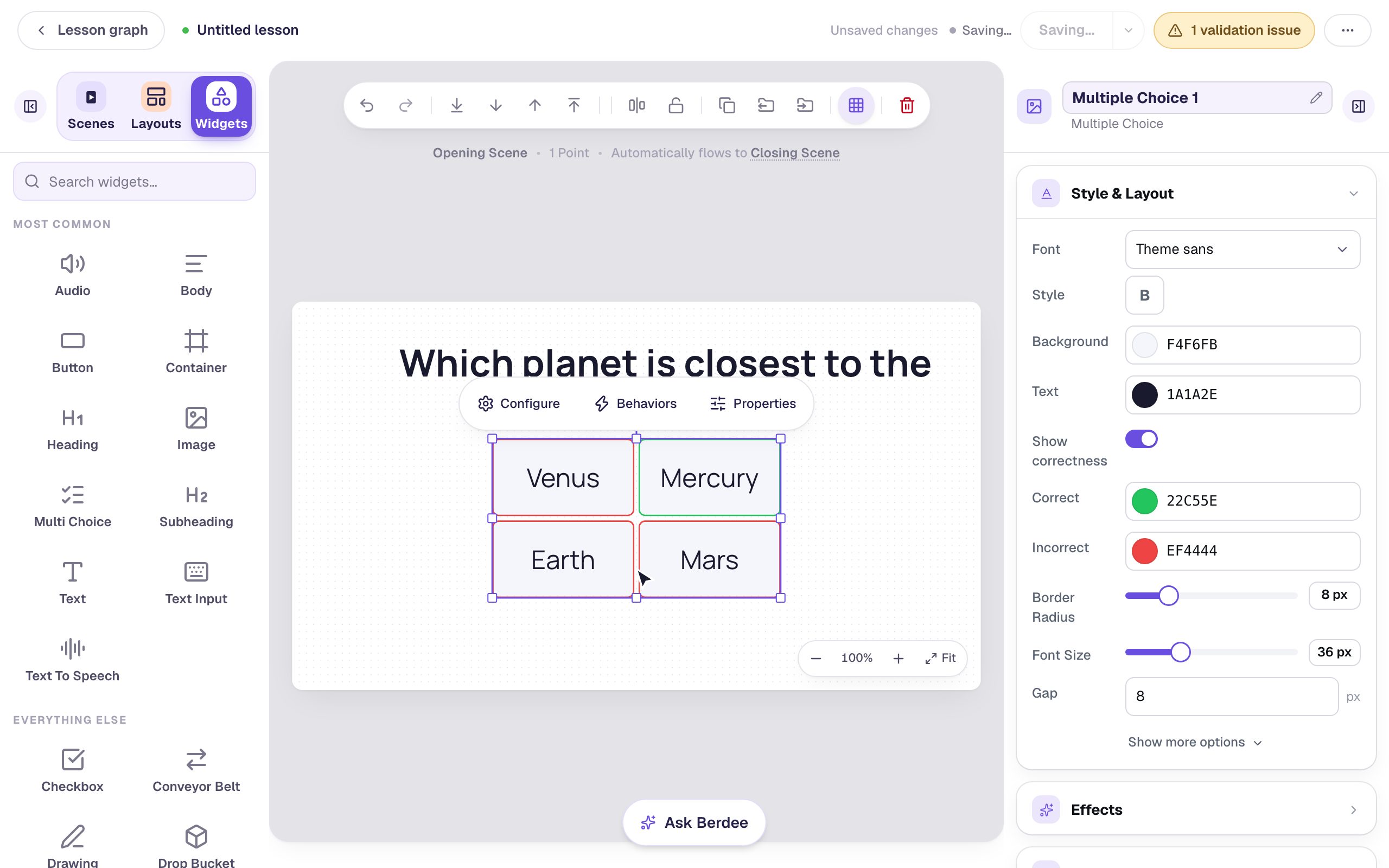
Build your first quiz question
Start a blank lesson, add a multiple-choice question, and watch it score in preview, one click at a time.
Ready-made lesson to add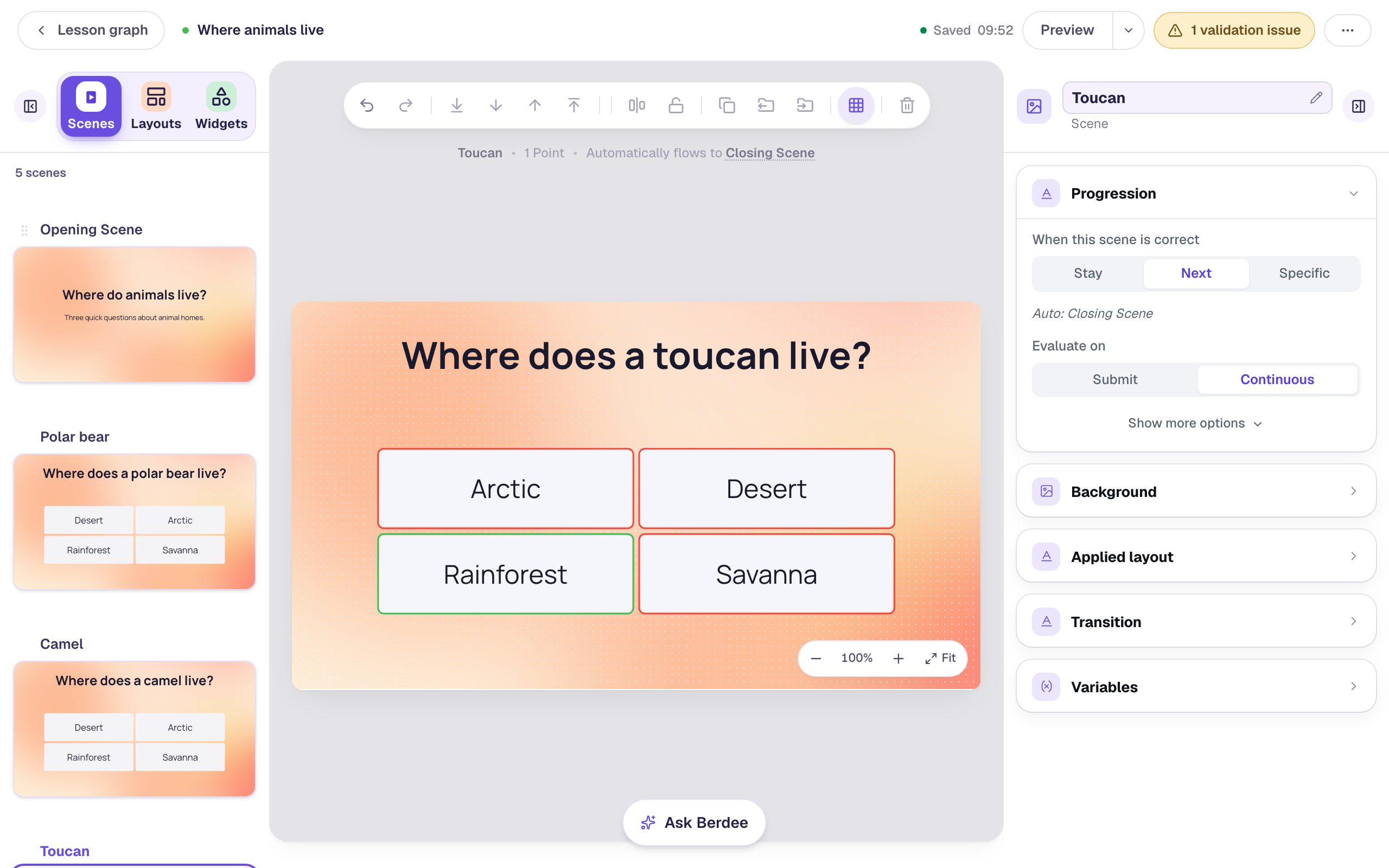 Beginner · 12 min · 9 steps
Build a three-question quiz by duplicating a scene
Build one question scene properly, then duplicate it and change only what's different, so every question in the quiz has the same look and layout. Reorder the questions by dragging and watch the lesson follow the new order.
Ready-made lesson to add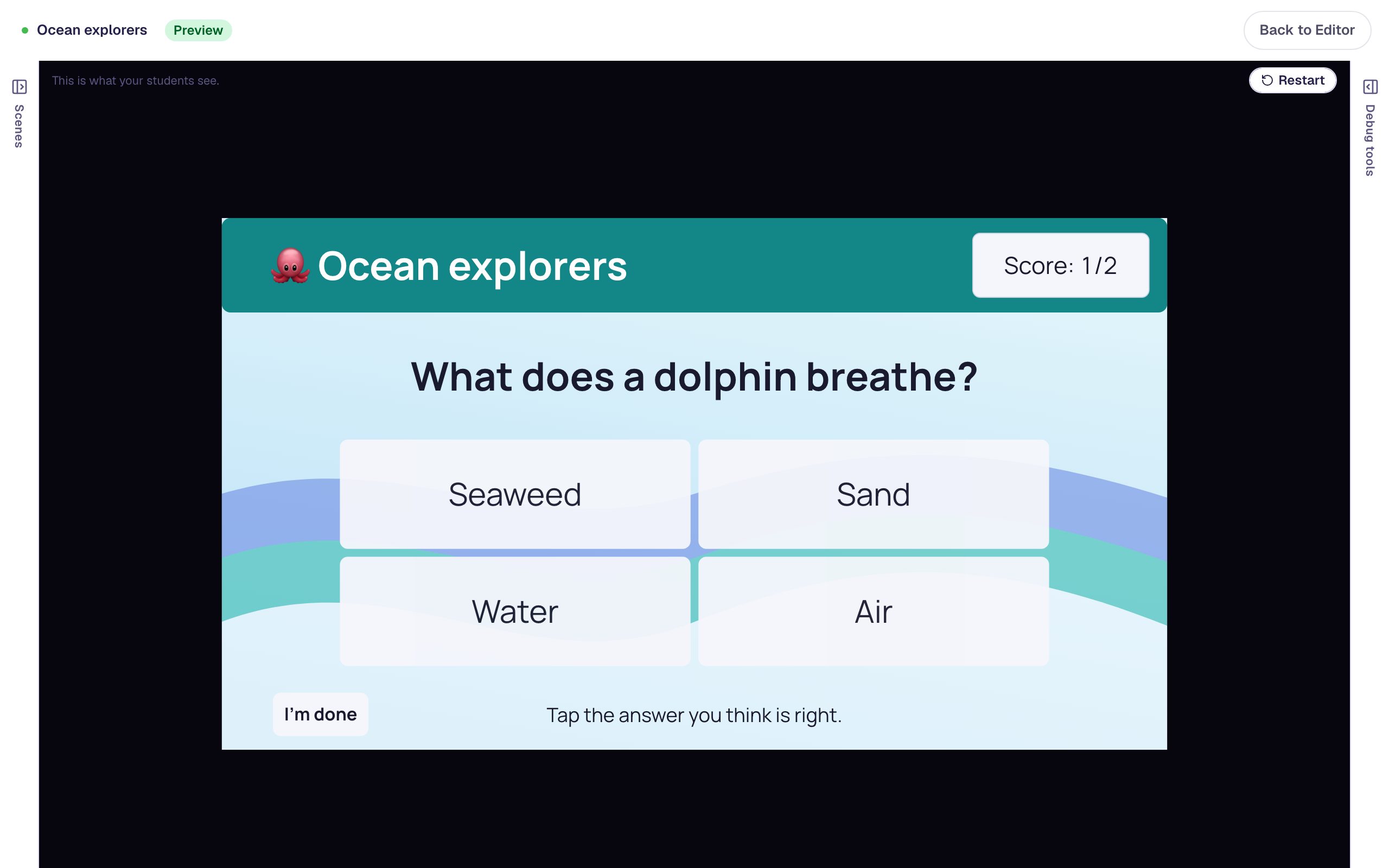 Beginner · 12 min · 8 steps
Give every question the same frame with a layout
Design a title bar, a running score, and a background once as a layout, then use it behind every question in a quiz. Change the layout later and every scene that uses it changes with it.
Ready-made lesson to add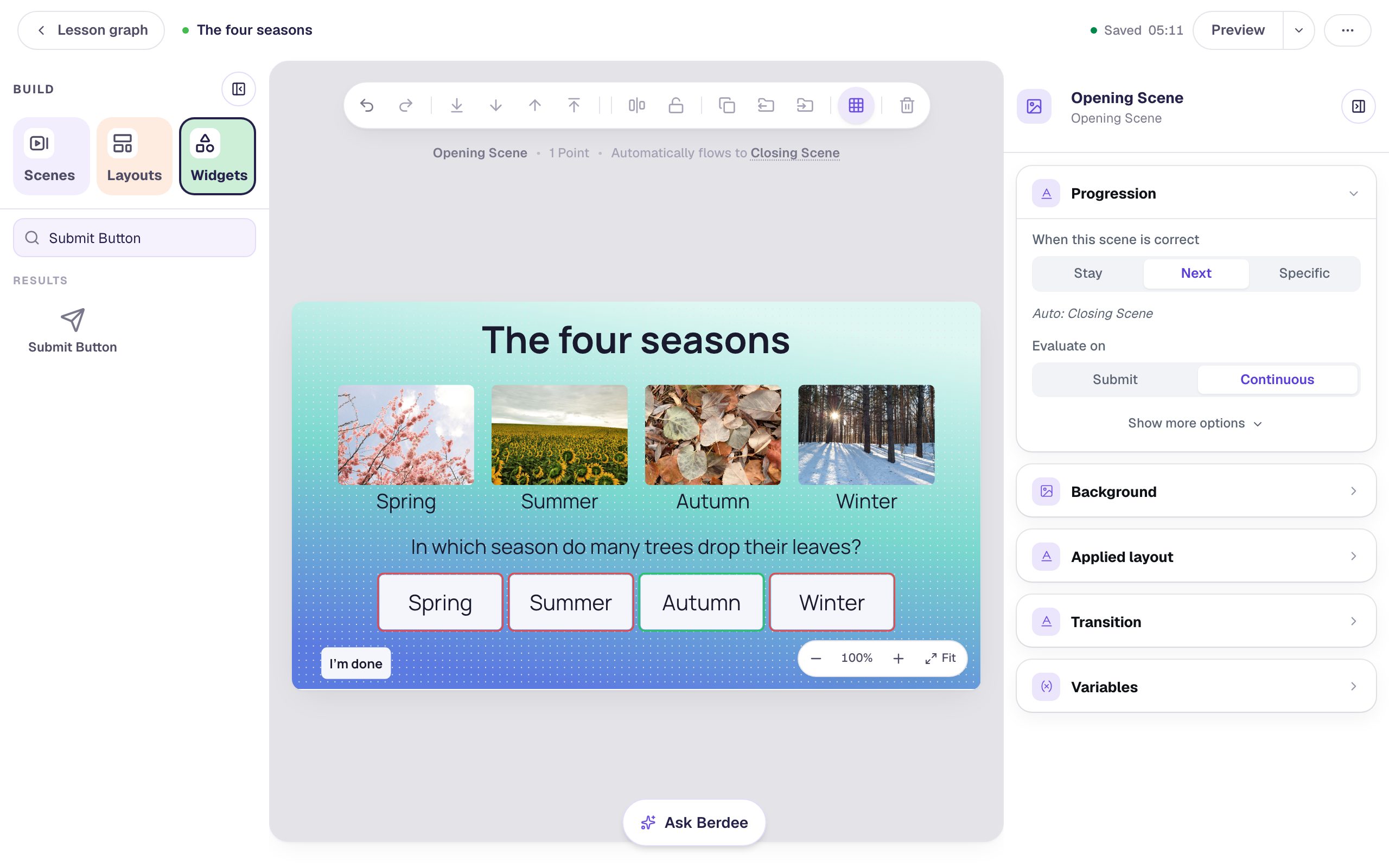 Beginner · 10 min · 8 steps
Line up a row of pictures with Tidy up, Gap, and Lock
Drop four pictures and their names roughly where they go, then let the Align & distribute menu line them up, space them evenly, centre them, and lock the finished row so it can't be knocked out of place.
Ready-made lesson to add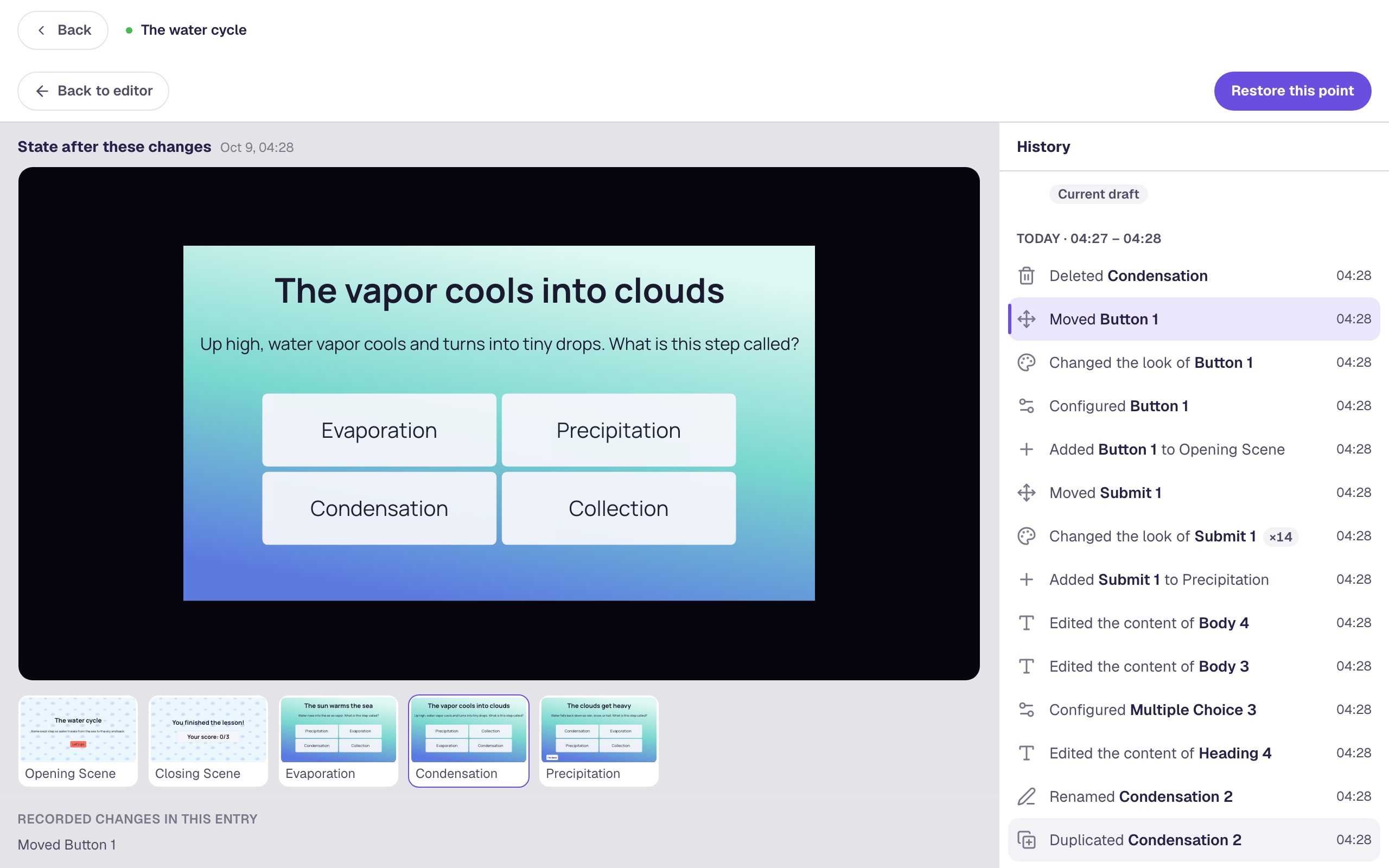 Beginner · 8 min · 6 steps
Bring back a scene you deleted with History
Delete a question scene by mistake, then use History to find the moment just before, preview it, and restore it, even after you've closed the lesson and come back.
Ready-made lesson to add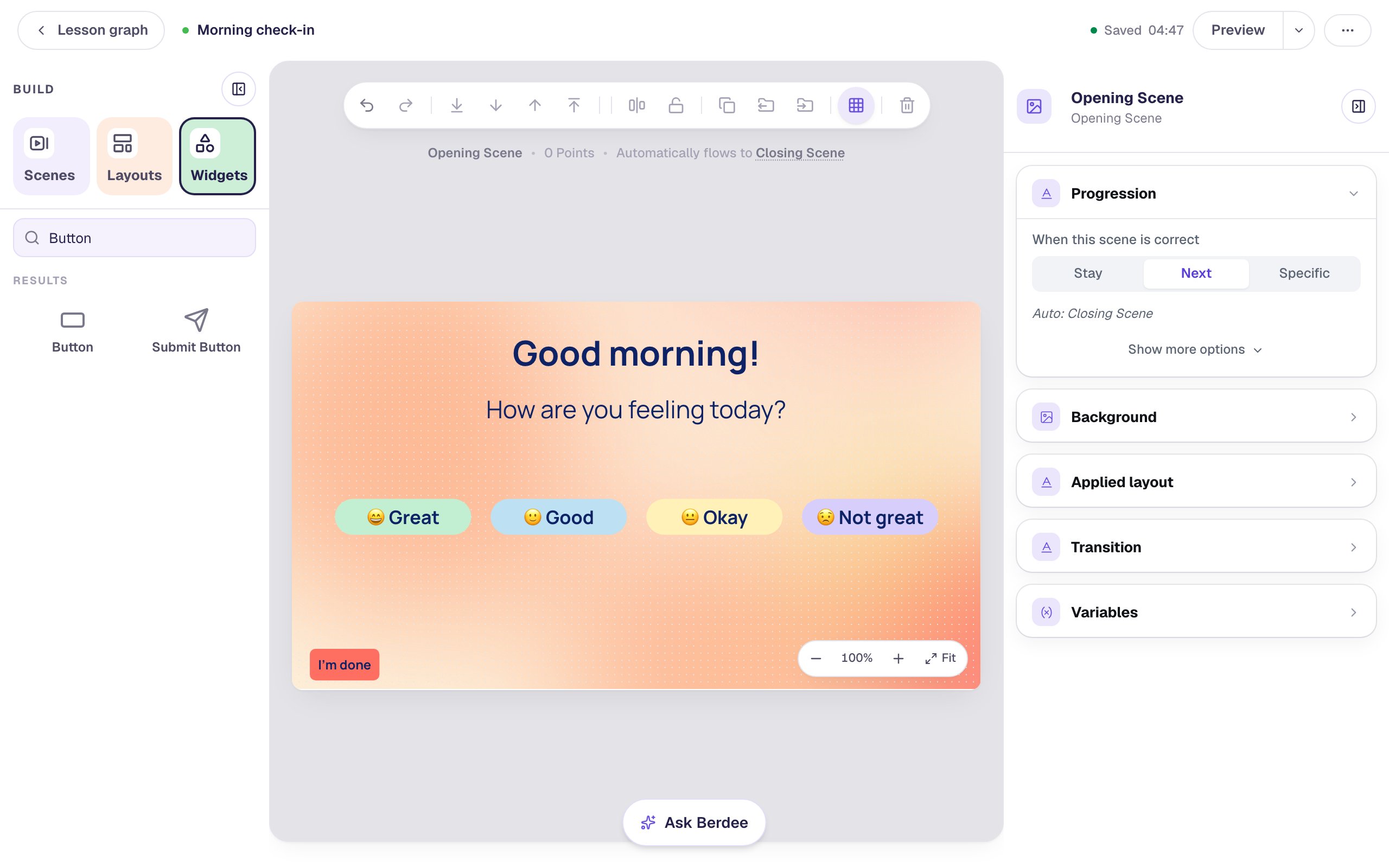 Beginner · 10 min · 9 steps
Restyle a row of buttons all at once
Build one button, copy it three times, then select all four and change their size, weight, colour, corners and width in one pass. Finish by giving each button a colour of its own.
Ready-made lesson to add
Widgets
One widget at a time, set up for a real activity.
 Beginner · 10 min · 8 steps
Write a fill-in-the-blank sentence that accepts more than one answer
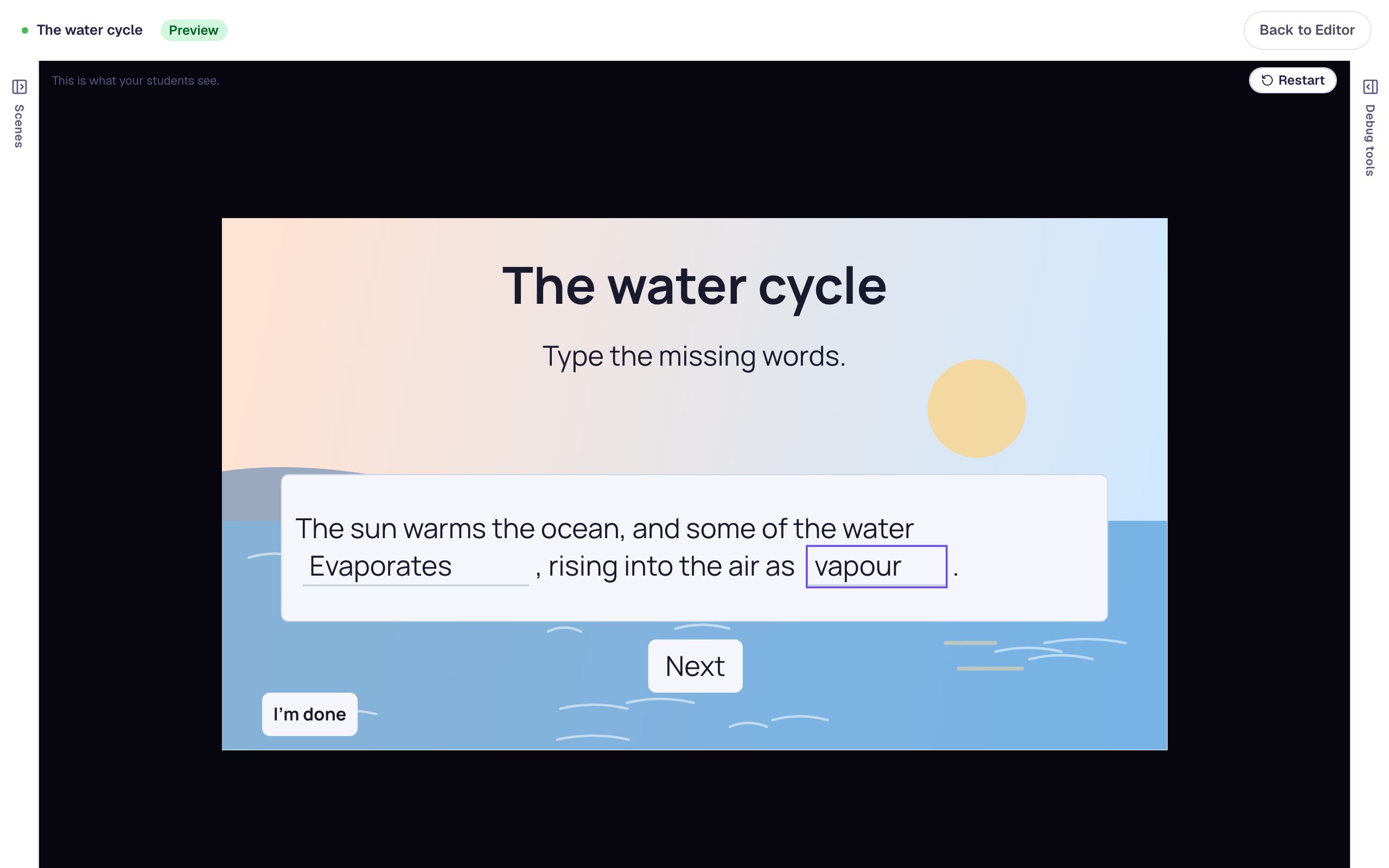
Build a Fill in the Blank question by typing the real sentence and marking the missing words, then add hints and a second spelling so a right answer is never marked wrong.
Ready-made lesson to add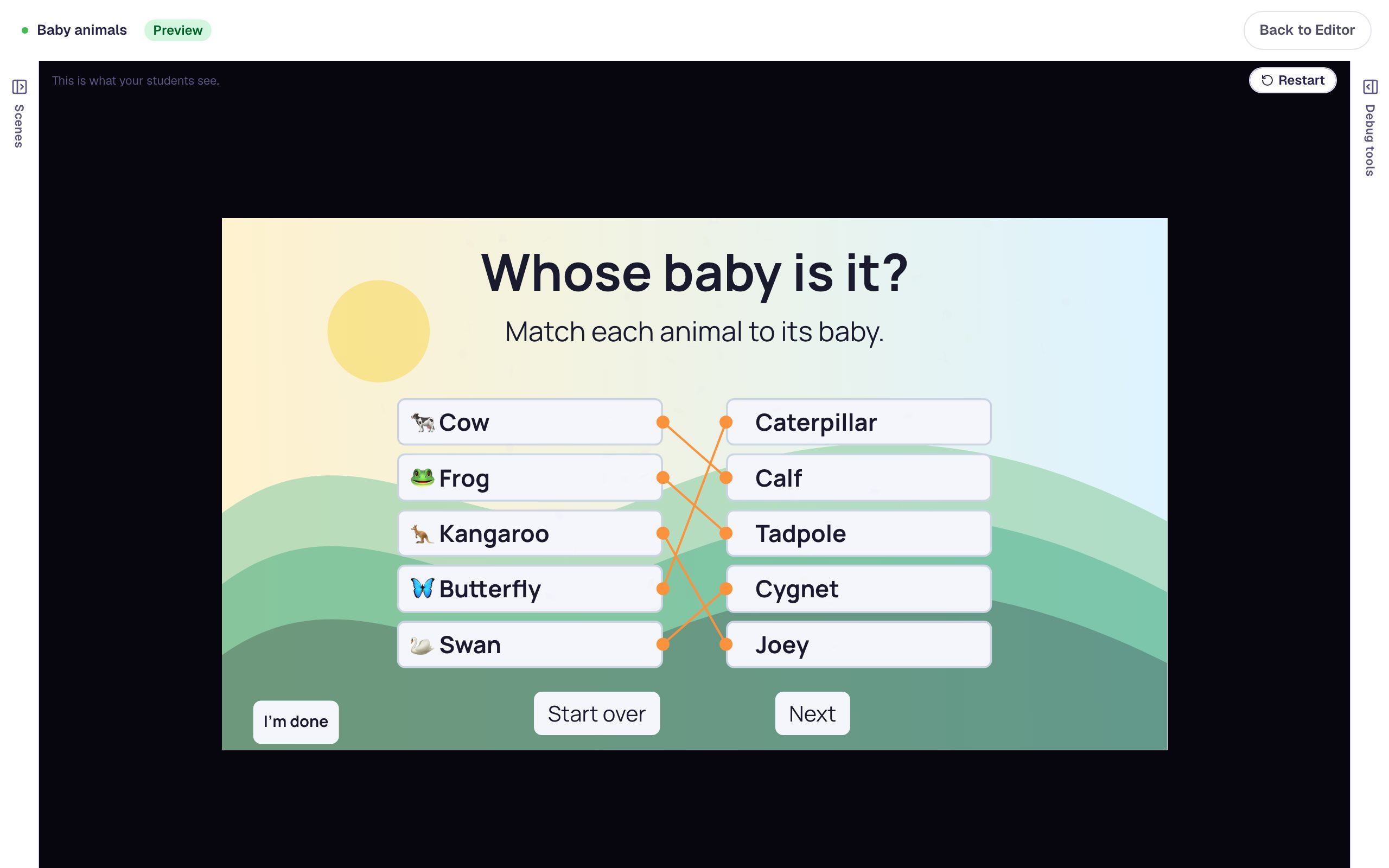 Beginner · 10 min · 9 steps
Build a matching game with instant feedback
Build a five-pair matching game where students connect each animal to its baby. Add a gentle message for every wrong pairing, confetti when the set is complete, and a Start over button.
Ready-made lesson to add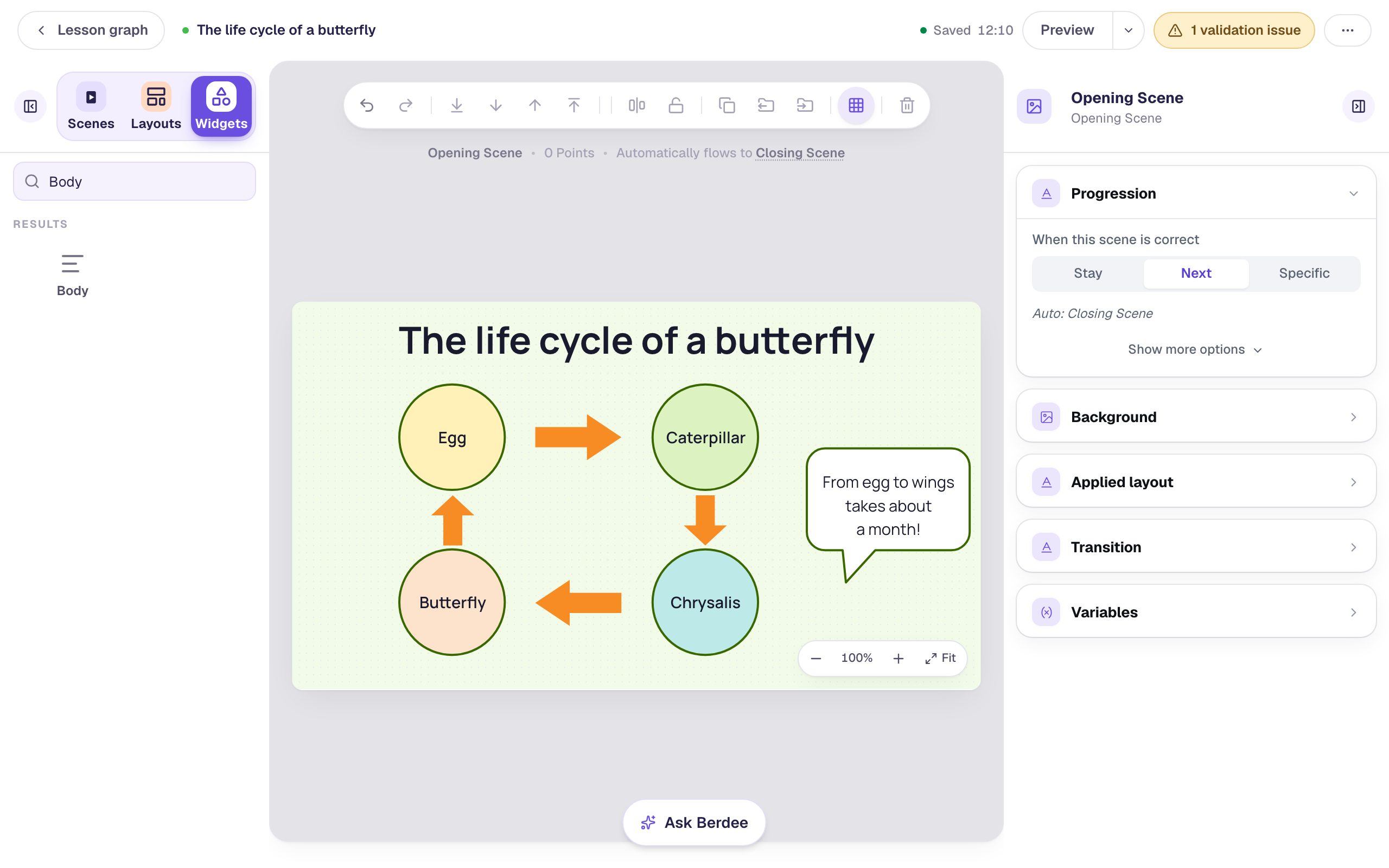 Beginner · 10 min · 8 steps
Draw a life-cycle diagram with shapes and arrows
Build a butterfly life-cycle diagram from Shape widgets. Pick shapes from the library, colour them, put labels on top, copy a finished stage, and turn copies of one arrow in each direction.
Ready-made lesson to add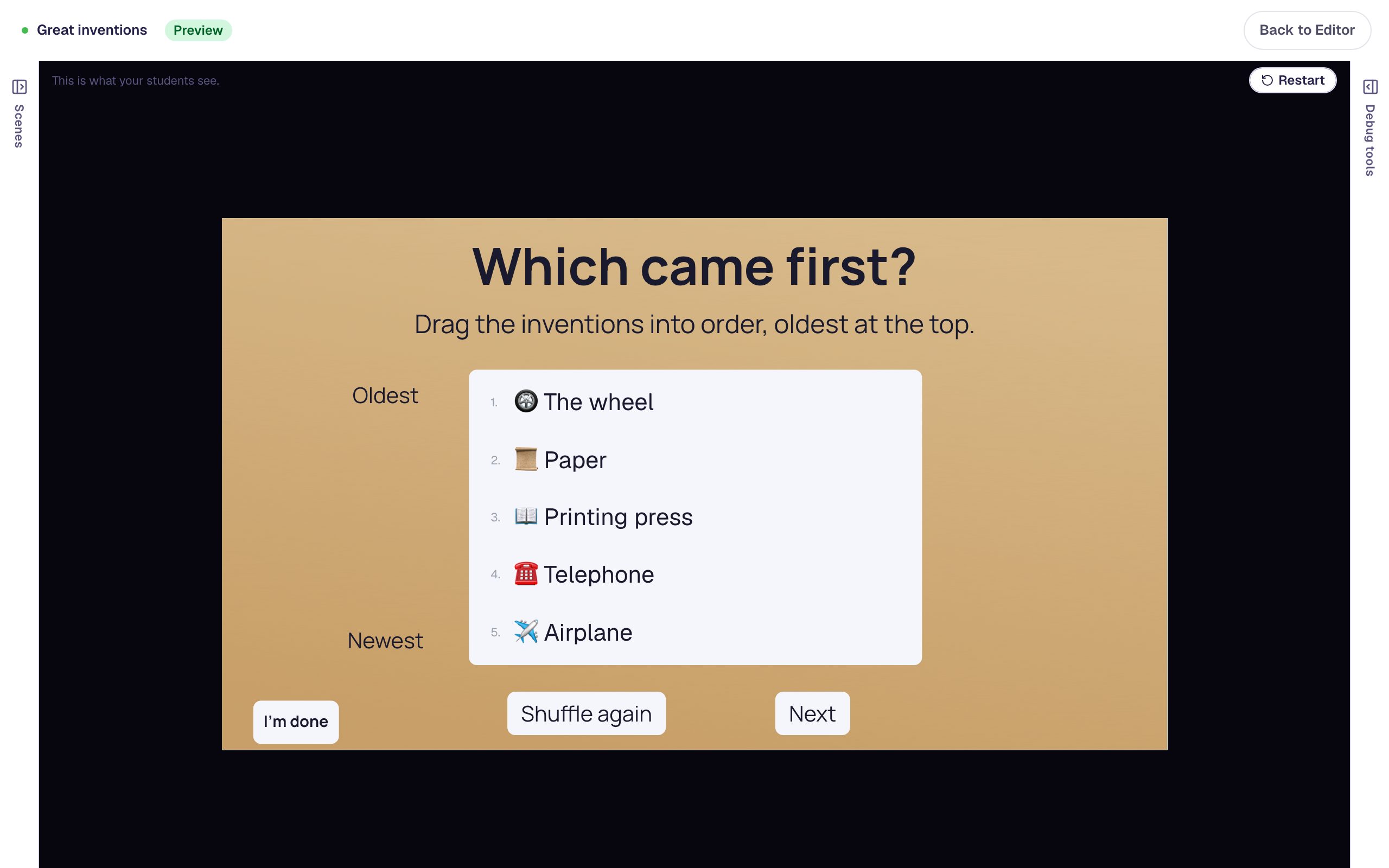 Beginner · 10 min · 9 steps
Put events in order with a sorting list
Build a "Which came first?" activity where students drag five inventions into time order. Type the cards in the right order, label the ends of the list, celebrate a correct order, and add a Shuffle again button.
Ready-made lesson to add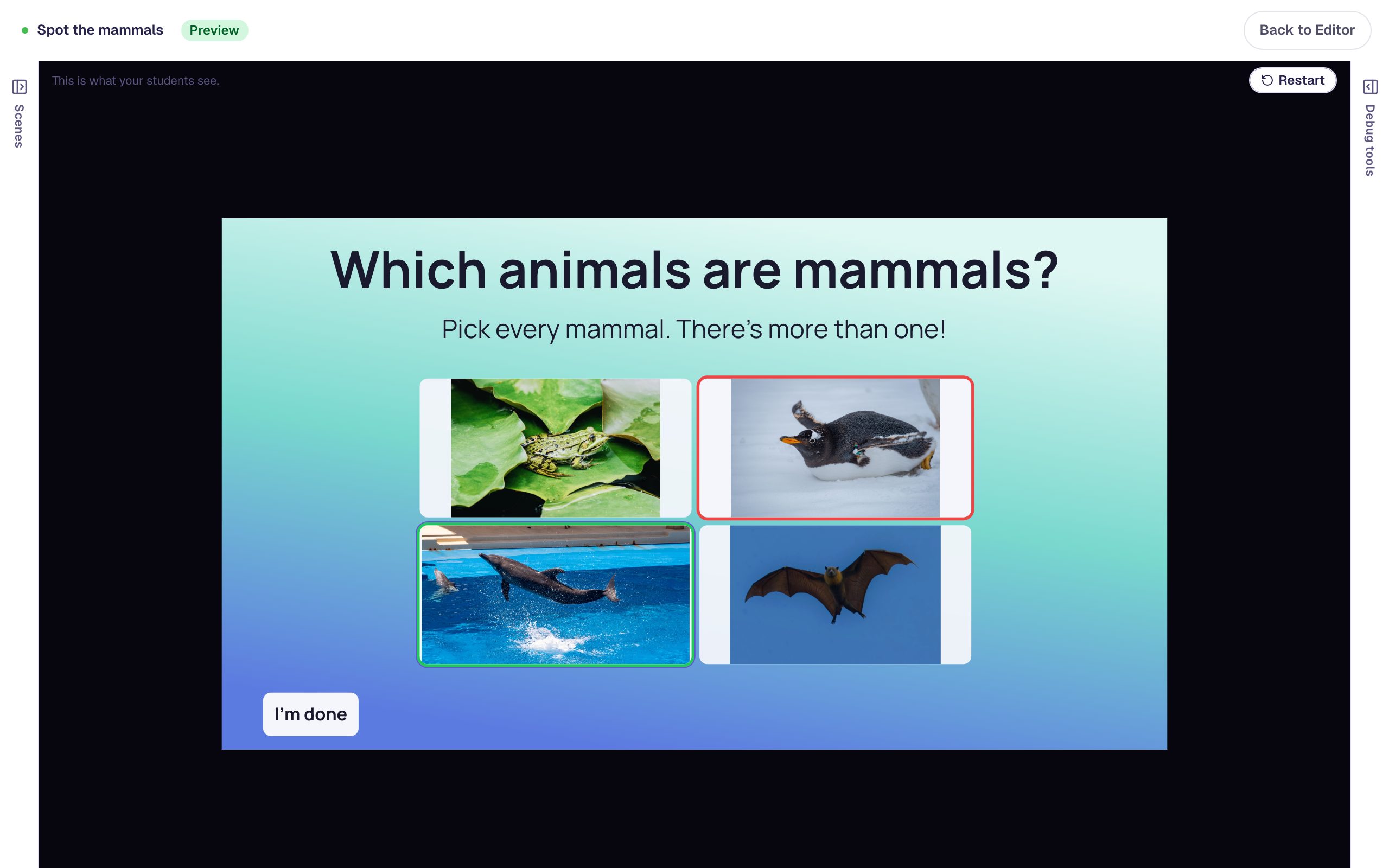 Beginner · 10 min · 8 steps
Ask a "select all that apply" question with pictures
Turn a Multiple Choice question into a select-all question with more than one right answer, give every answer a stock photo, and describe each picture so screen readers can read it.
Ready-made lesson to add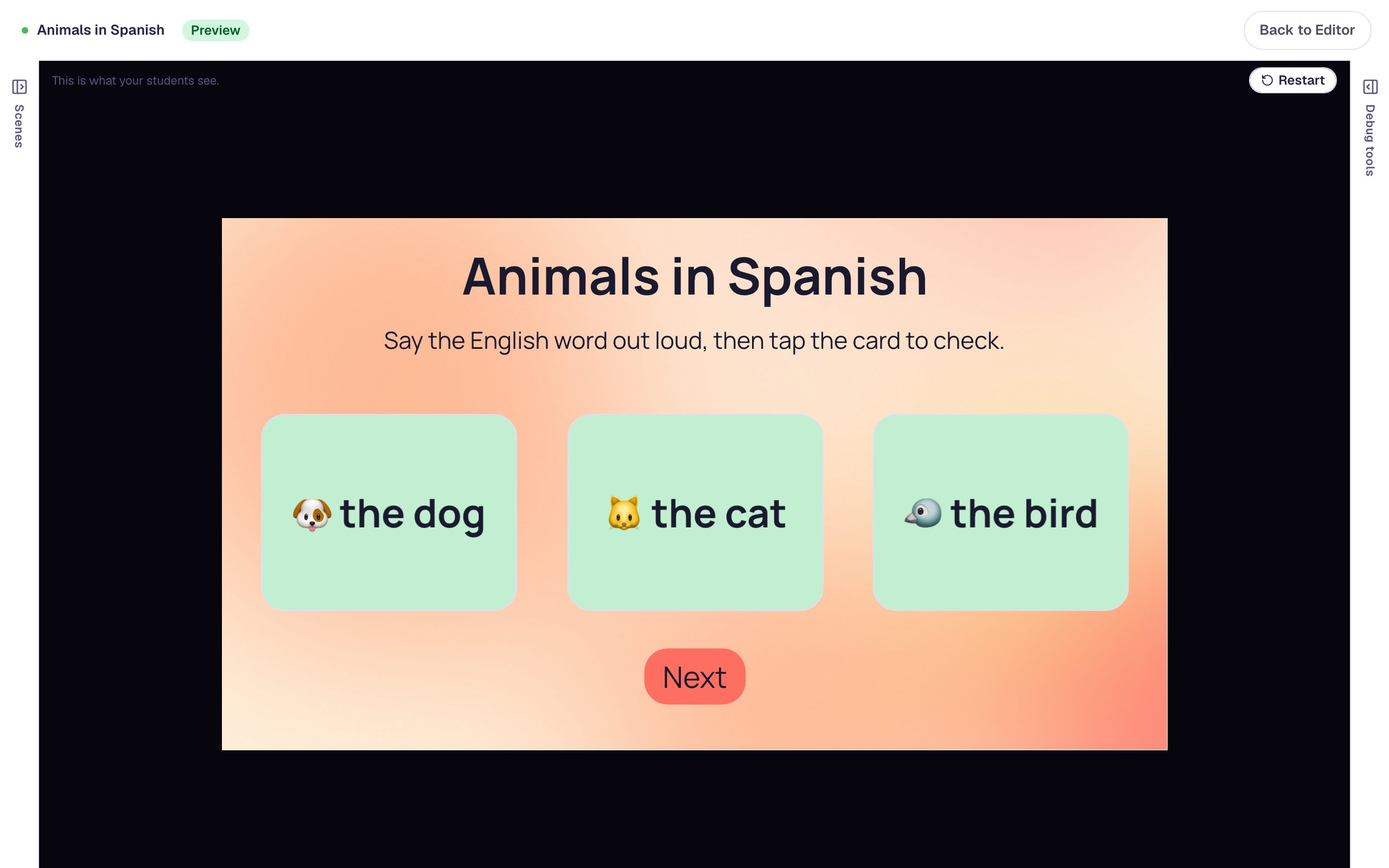 Beginner · 10 min · 7 steps
Make a deck of vocabulary flashcards
Build a row of Spanish vocabulary flashcards that students tap to flip. Write one card, style it, copy it with ⌘D, and add a Next button that only appears once every card has been turned over.
Ready-made lesson to add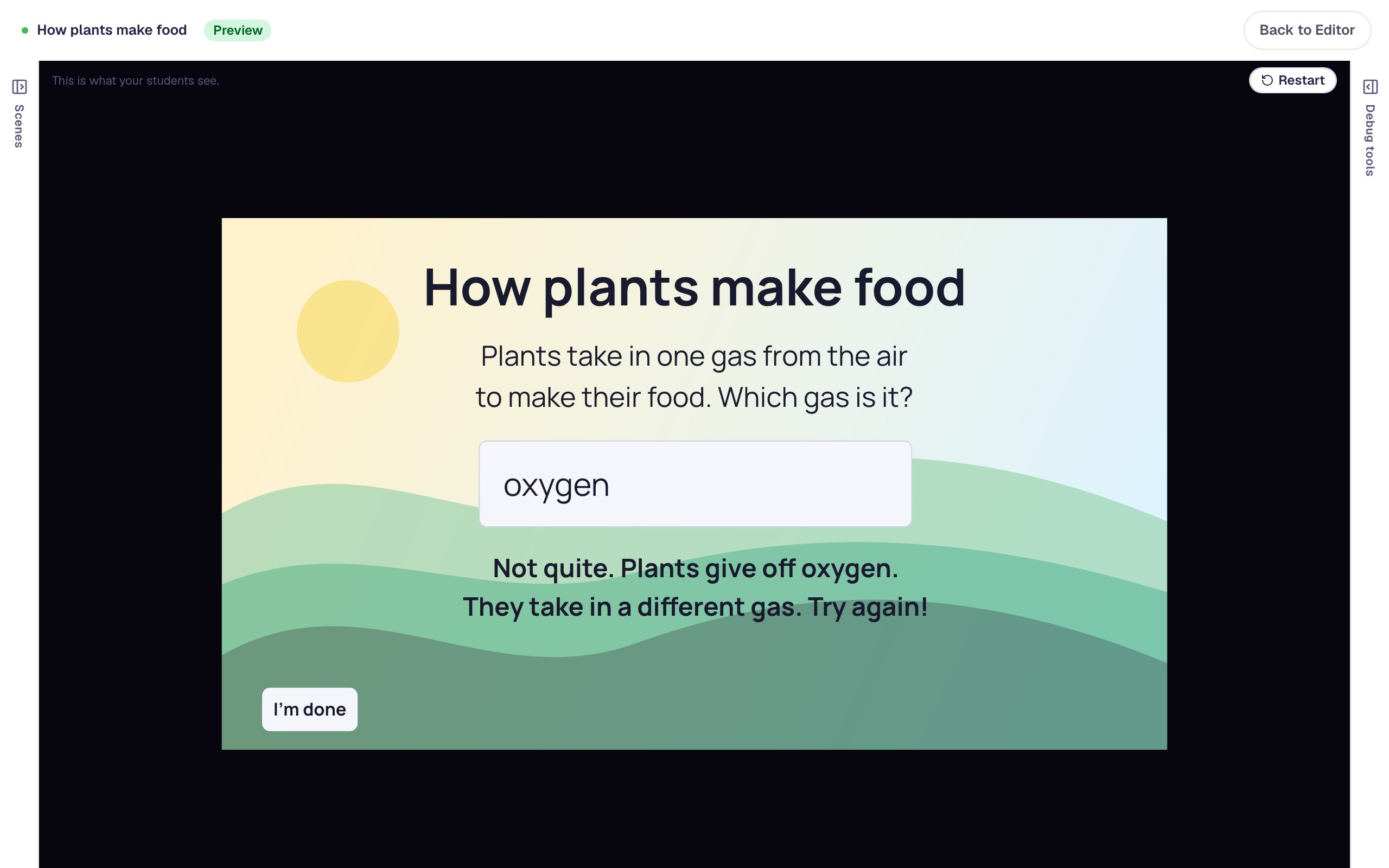 Beginner · 10 min · 7 steps
Ask a short-answer question that coaches a wrong try
Build a Text Input question that accepts more than one way of writing the answer, then add a "try again" message that appears only after a wrong answer.
Ready-made lesson to add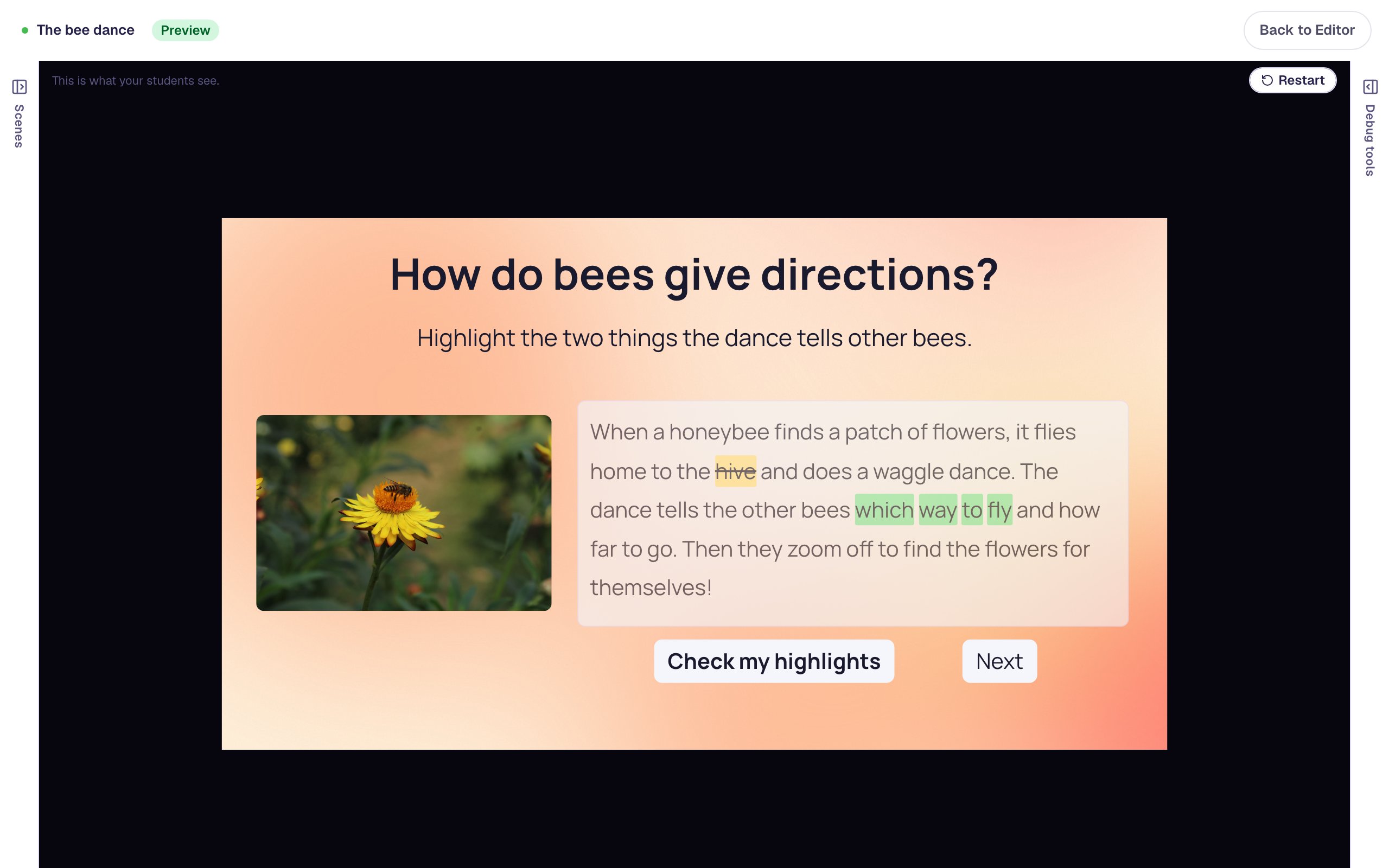 Beginner · 12 min · 9 steps
Ask students to highlight the evidence in a passage
Build a close-reading question with the Highlighter. Students read a short passage about honeybees, highlight the words that answer the question, and press Check to see which highlights were right.
Ready-made lesson to add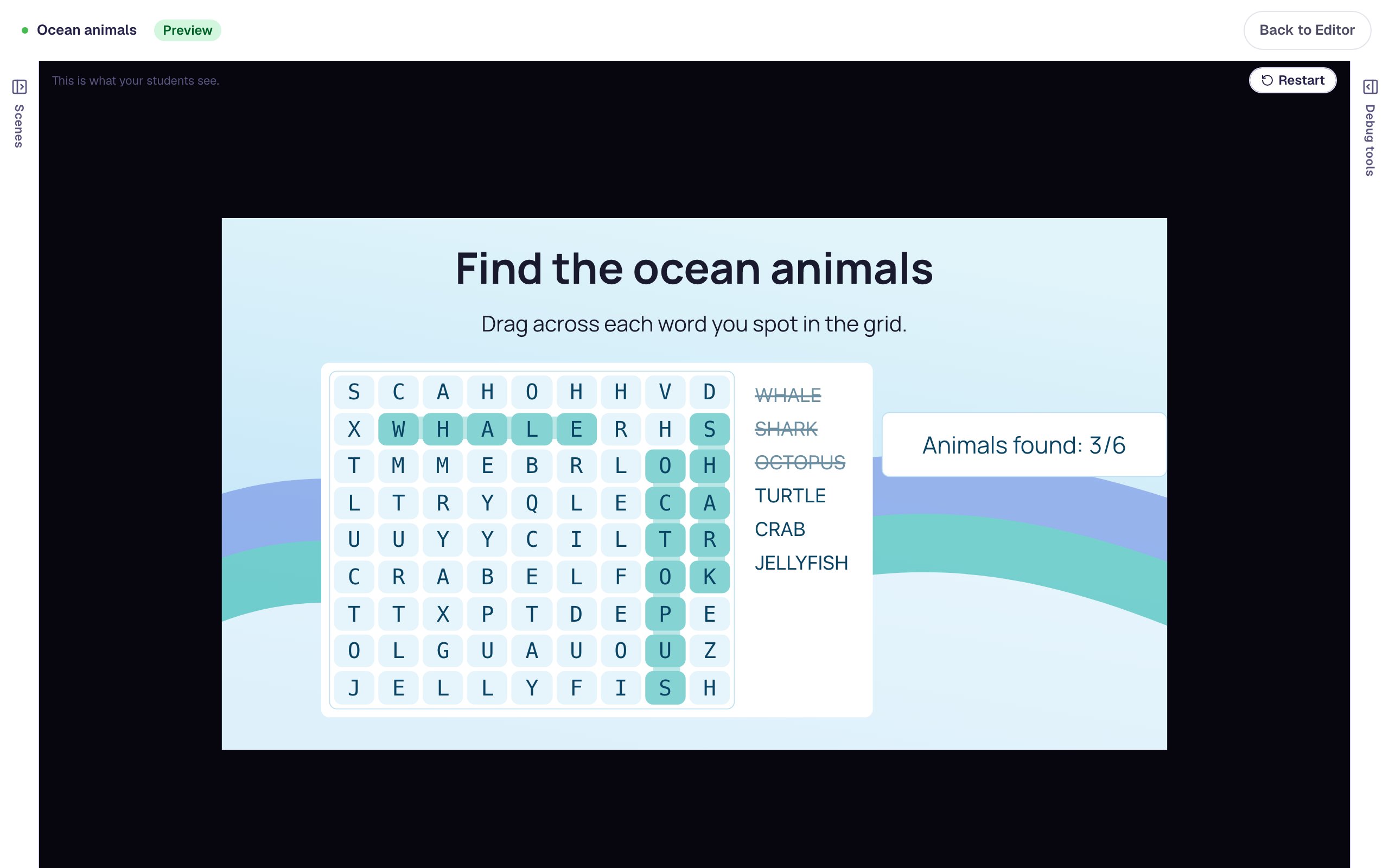 Beginner · 10 min · 6 steps
Review vocabulary with a word search
Hide six ocean-animal words in a Word Search, keep the puzzle easy enough for young readers, color it to match the lesson, and add a running count of the words found. The lesson finishes by itself when the last word is found.
Ready-made lesson to add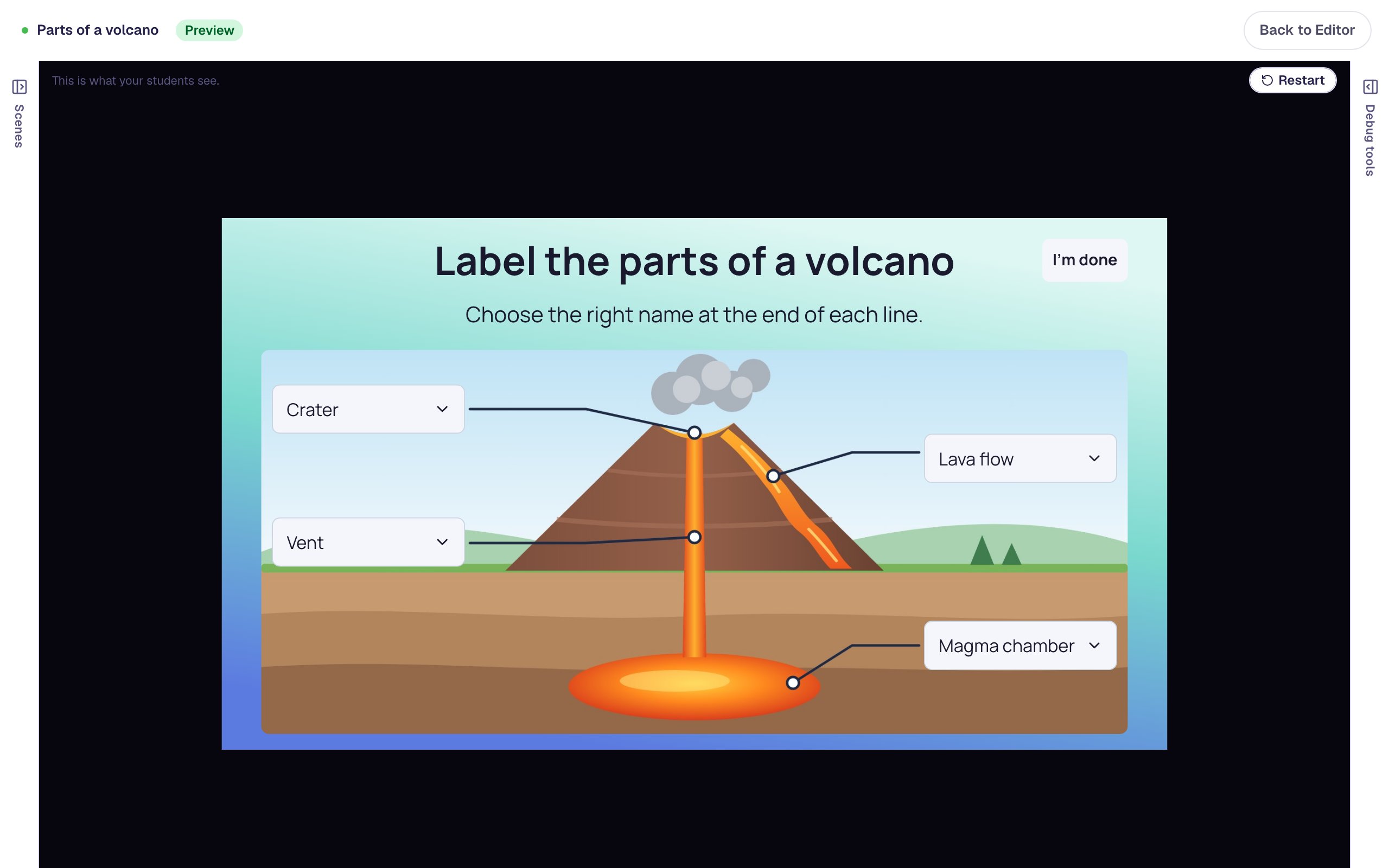 Beginner · 15 min · 7 steps
Label a diagram with dropdowns
Put four dropdowns on a picture of a volcano so students label each part by choosing its name from a list. Each dropdown is marked like a quiz question, and a wrong pick gets a try-again message straight away.
Ready-made lesson to add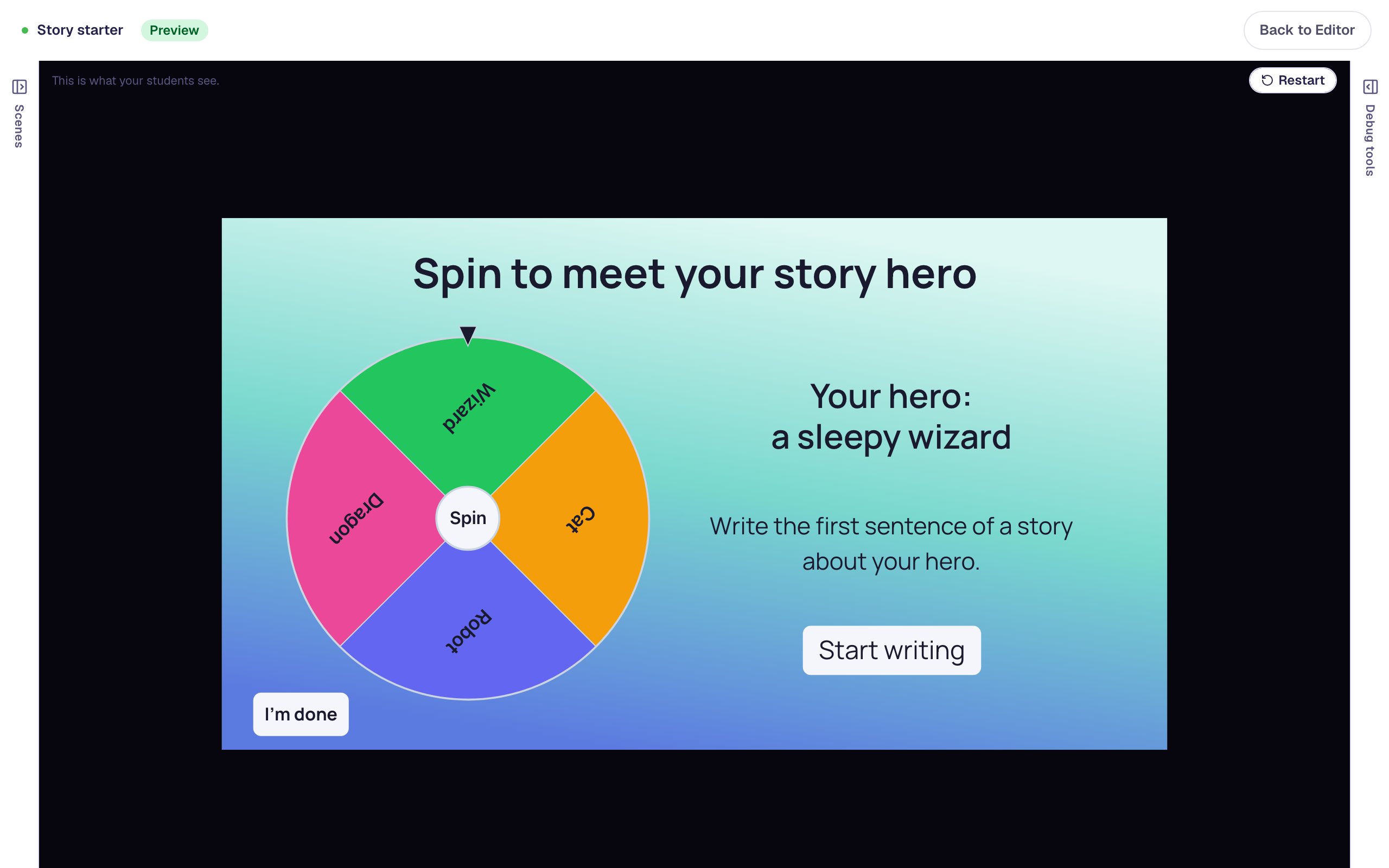 Intermediate · 15 min · 7 steps
Spin a wheel to pick a story starter
Build a Spin Wheel that picks a random hero for a writing warm-up. Each segment saves its hero in a variable, and the scene shows it the moment the wheel stops.
Ready-made lesson to add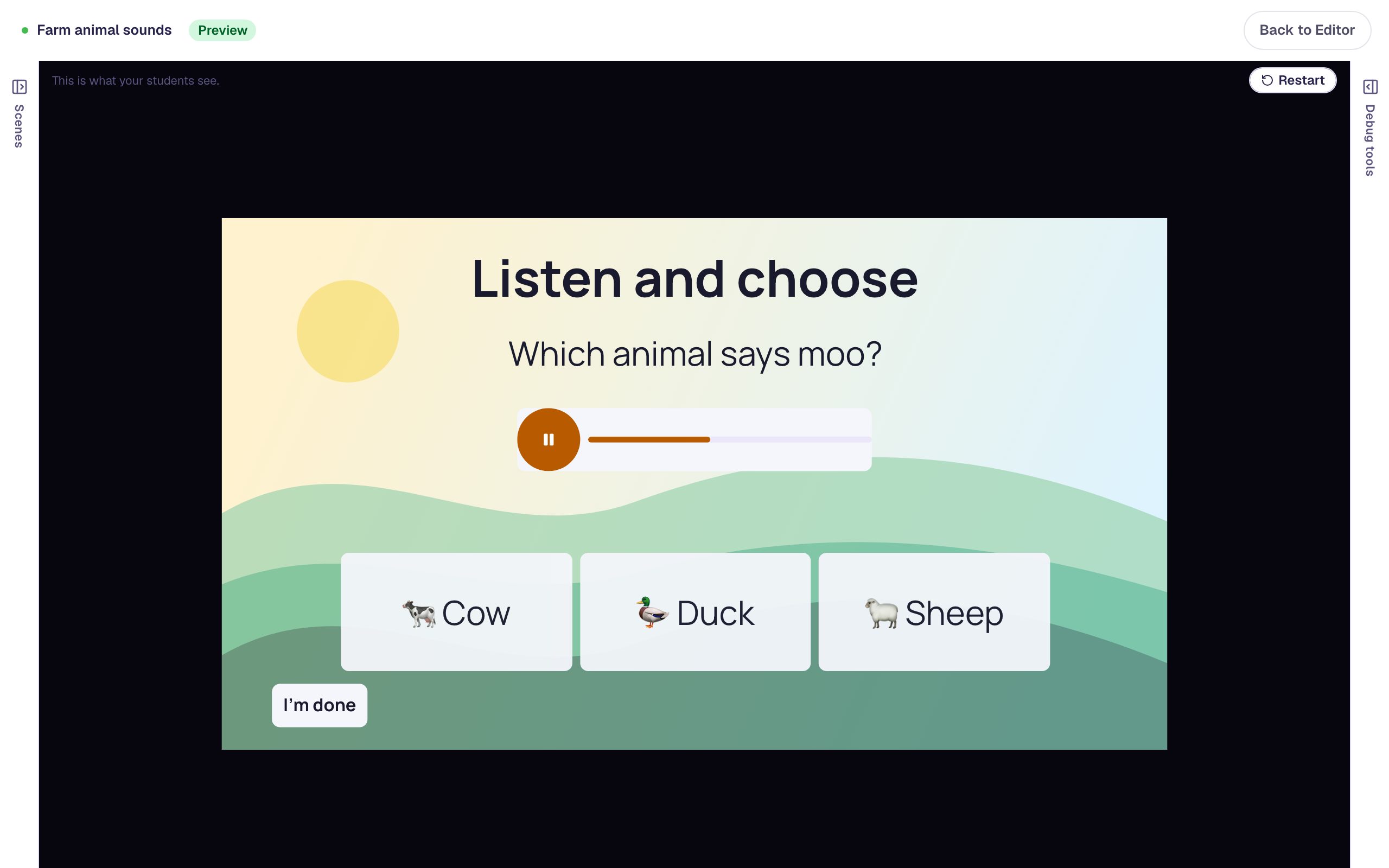 Beginner · 10 min · 8 steps
Read a question aloud for students who are still learning to read
Add a Text To Speech player beside a question so students can hear it as many times as they need, in a voice you choose, with no recording or audio file to upload.
Ready-made lesson to add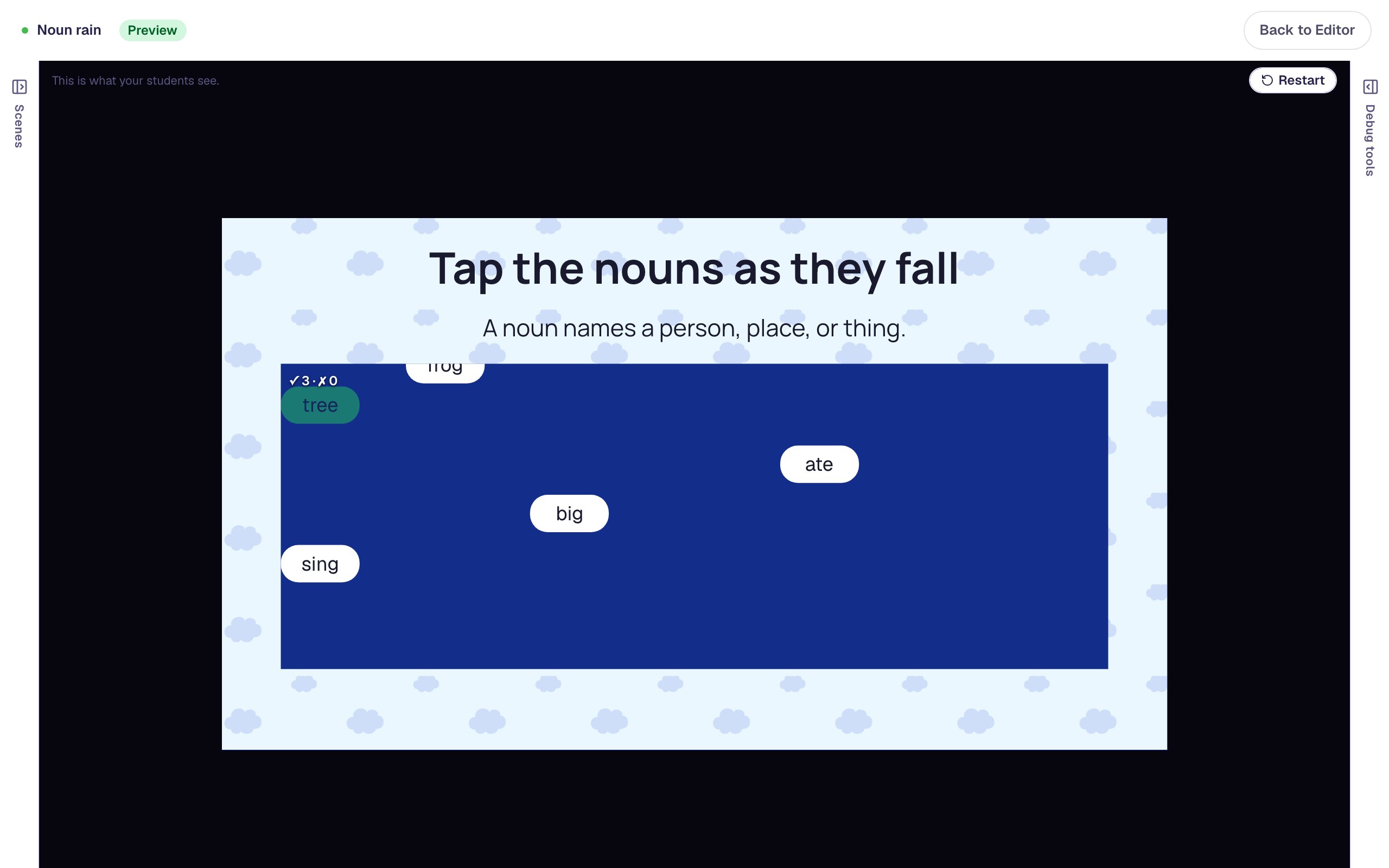 Beginner · 12 min · 8 steps
Make a rain game where students tap the nouns
Turn a word list into an arcade game. Words fall down a night-sky game area, students tap the nouns before they reach the bottom, and one wrong tap ends the round so they try again.
Ready-made lesson to add
Combining widgets
Put several widgets together for richer activities.
 Beginner · 15 min · 8 steps
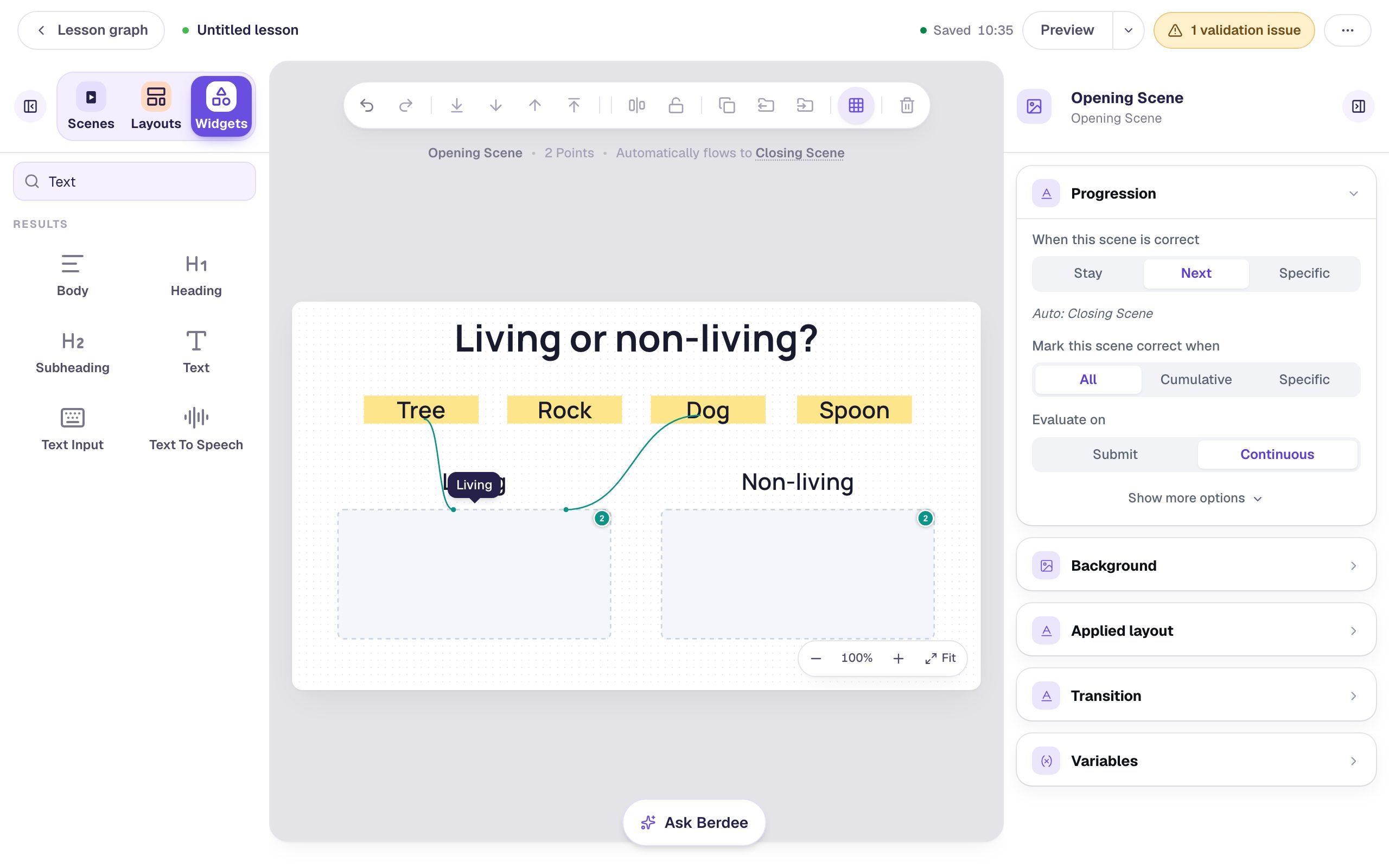
Build a drag-and-drop sorting activity
Combine Text cards and Drop Buckets into a sorting activity that shows students when a card is in the wrong group and moves on once everything is sorted.
Ready-made lesson to add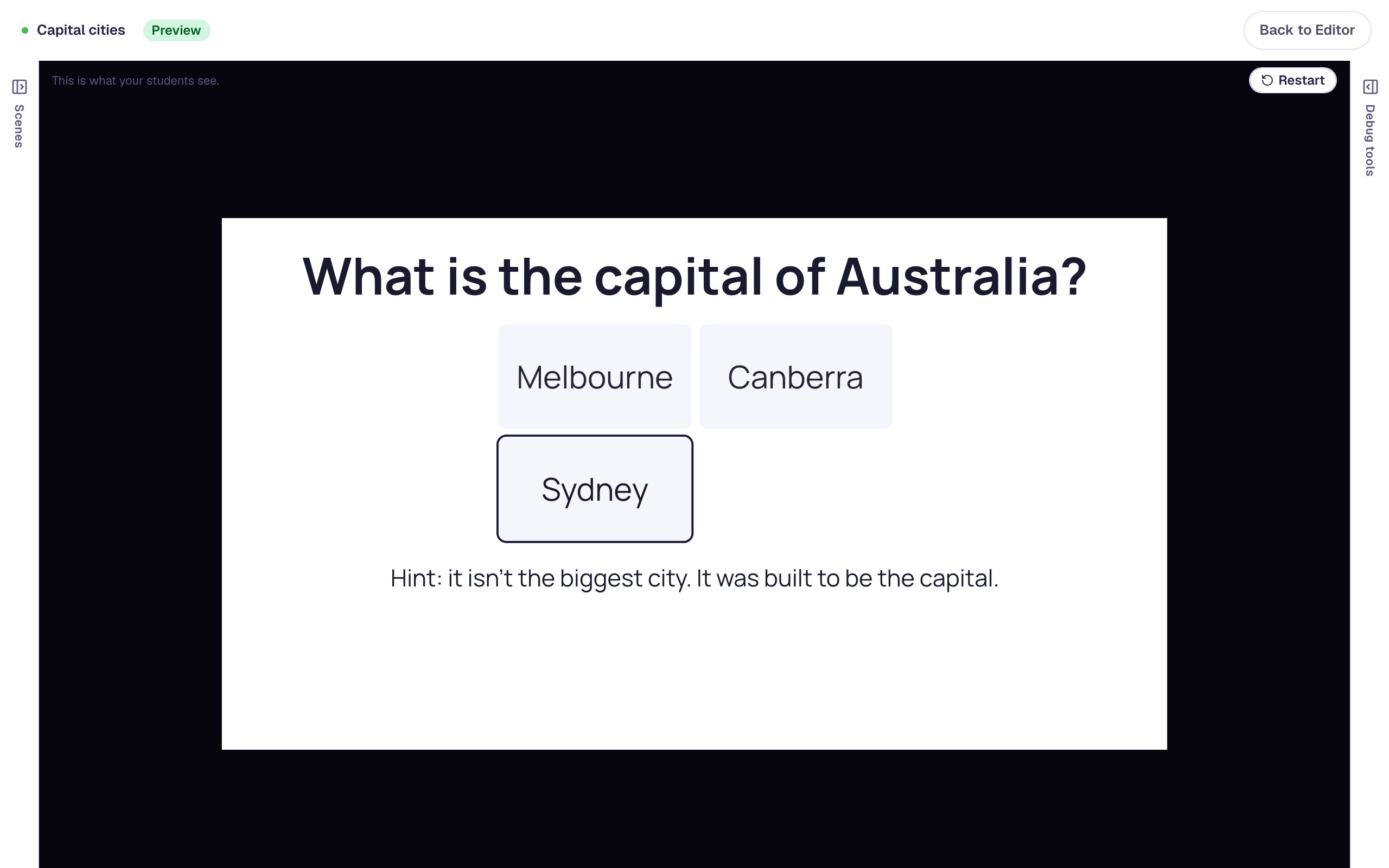 Beginner · 10 min · 6 steps
Add a hint students can open when they're stuck
Hide a hint under a question and add a Show hint button that reveals it, so students get help only when they ask for it.
Ready-made lesson to add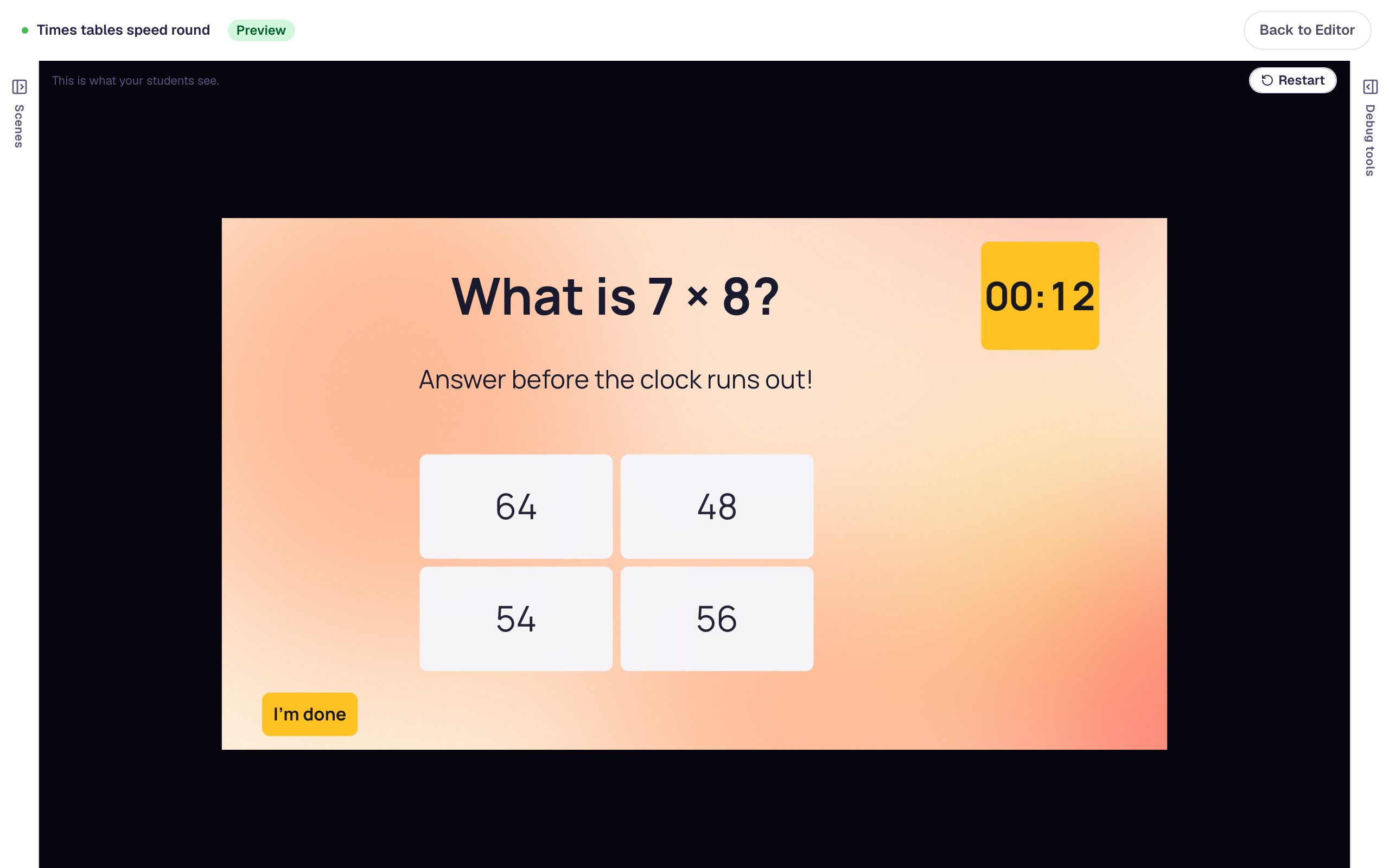 Intermediate · 15 min · 8 steps
Give students 15 seconds to answer a question
Put a countdown Timer next to a multiple-choice question and send students to an "Out of time" scene when it reaches zero, while a quick right answer goes straight to the ending.
Ready-made lesson to add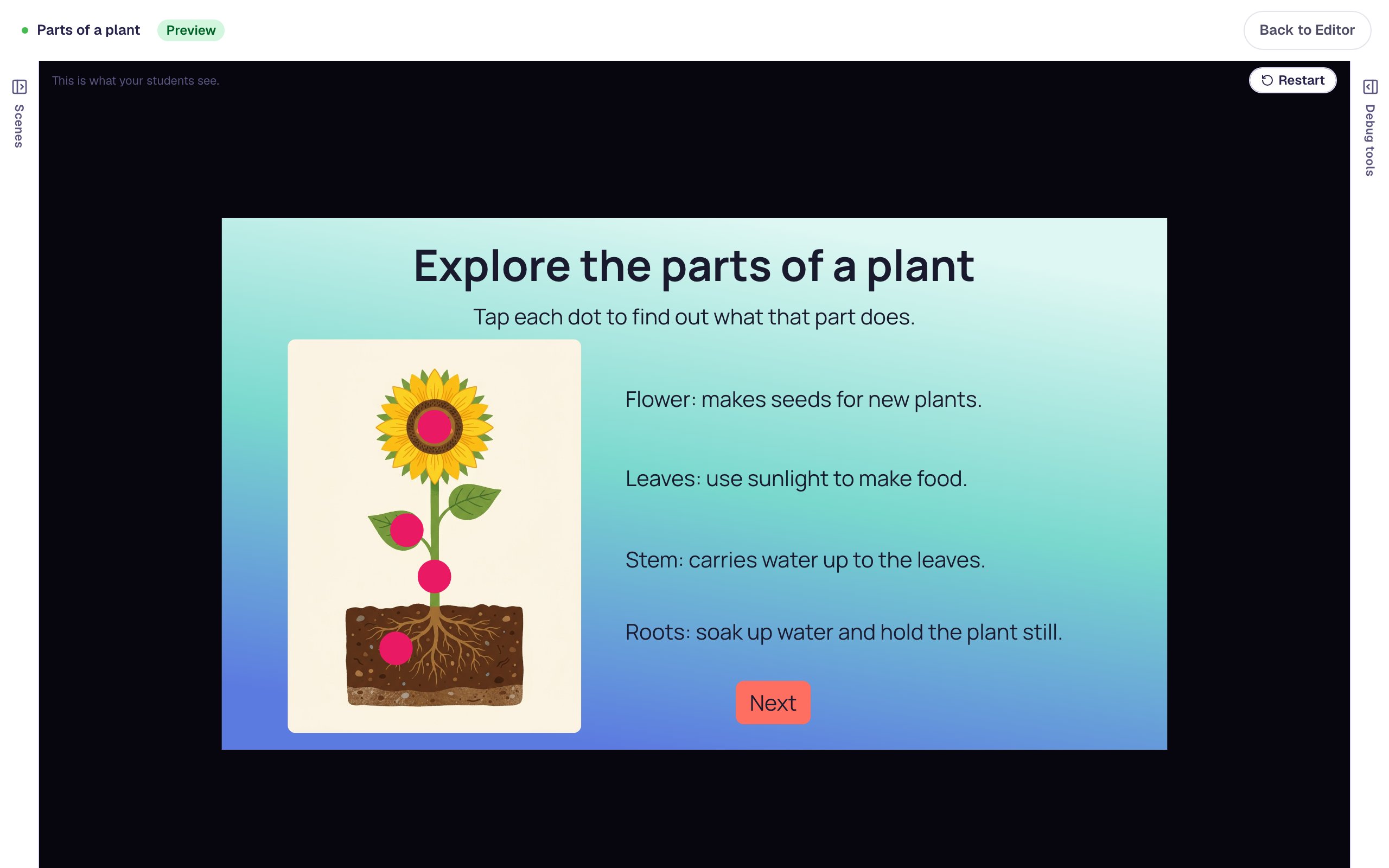 Beginner · 15 min · 7 steps
Make a picture students can tap to explore
Put Hotspot dots on a picture of a plant and make each one reveal what that part does, so students explore a diagram by tapping it instead of reading a wall of labels.
Ready-made lesson to add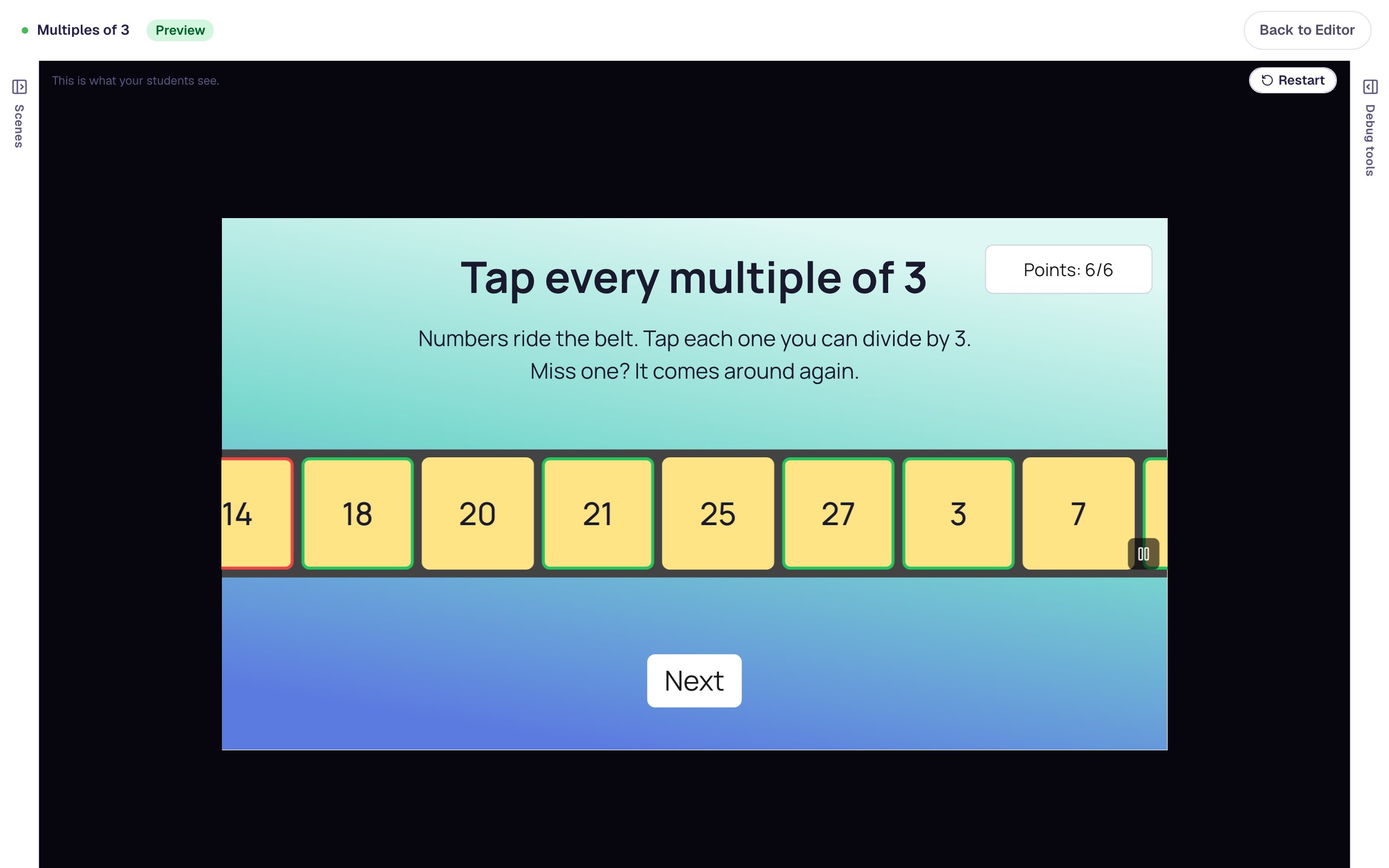 Beginner · 12 min · 8 steps
Build a conveyor-belt math game with a live score
Turn times-table practice into a game. Numbers ride a Conveyor Belt, students tap every multiple of 3, a Score widget counts each find, and a Next button appears once the belt is done.
Ready-made lesson to add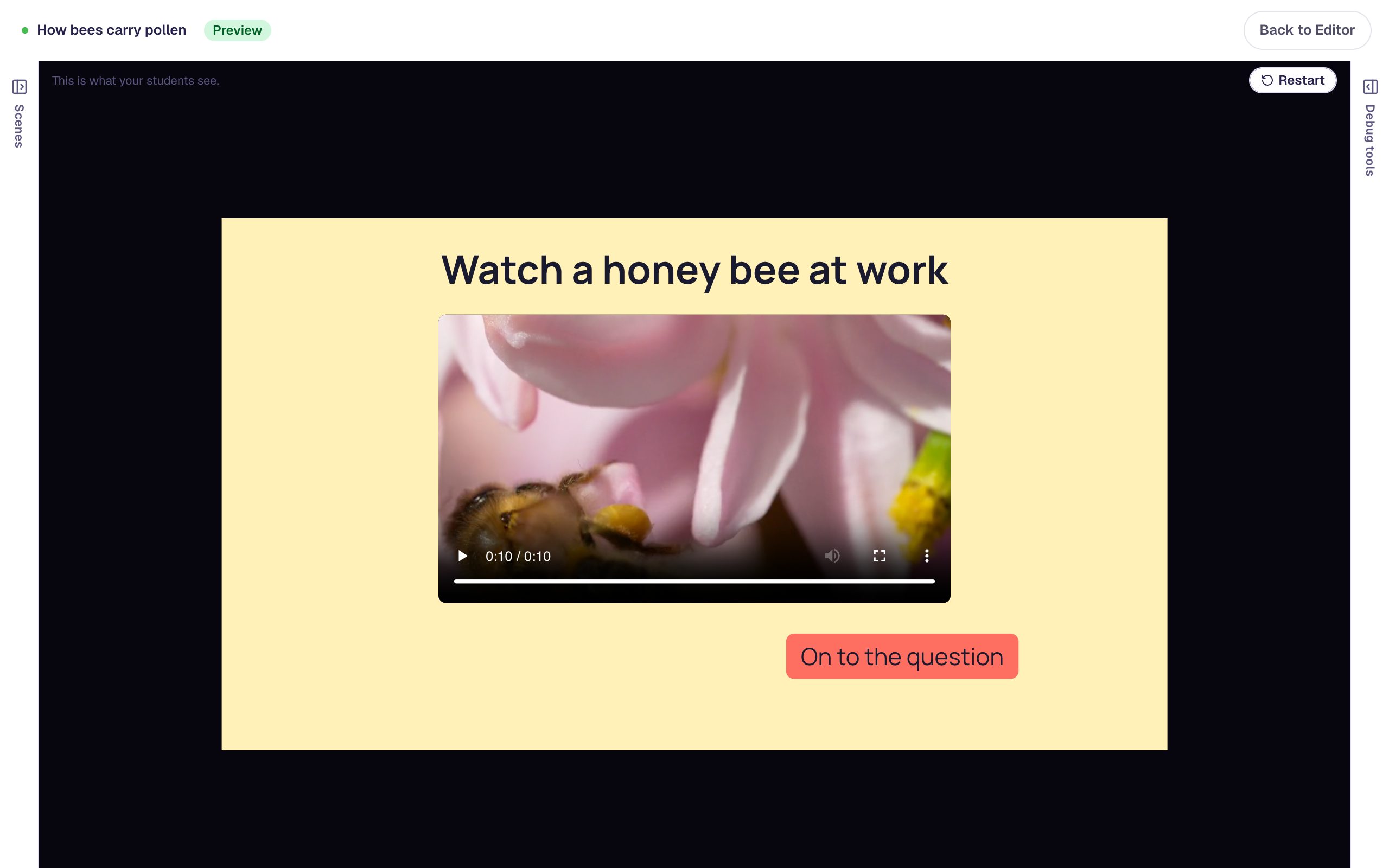 Intermediate · 15 min · 8 steps
Unlock a question only after students watch a video
Upload a short clip to a Video widget, then use visibility rules so the button to the question appears only once the video has played to the end.
Ready-made lesson to add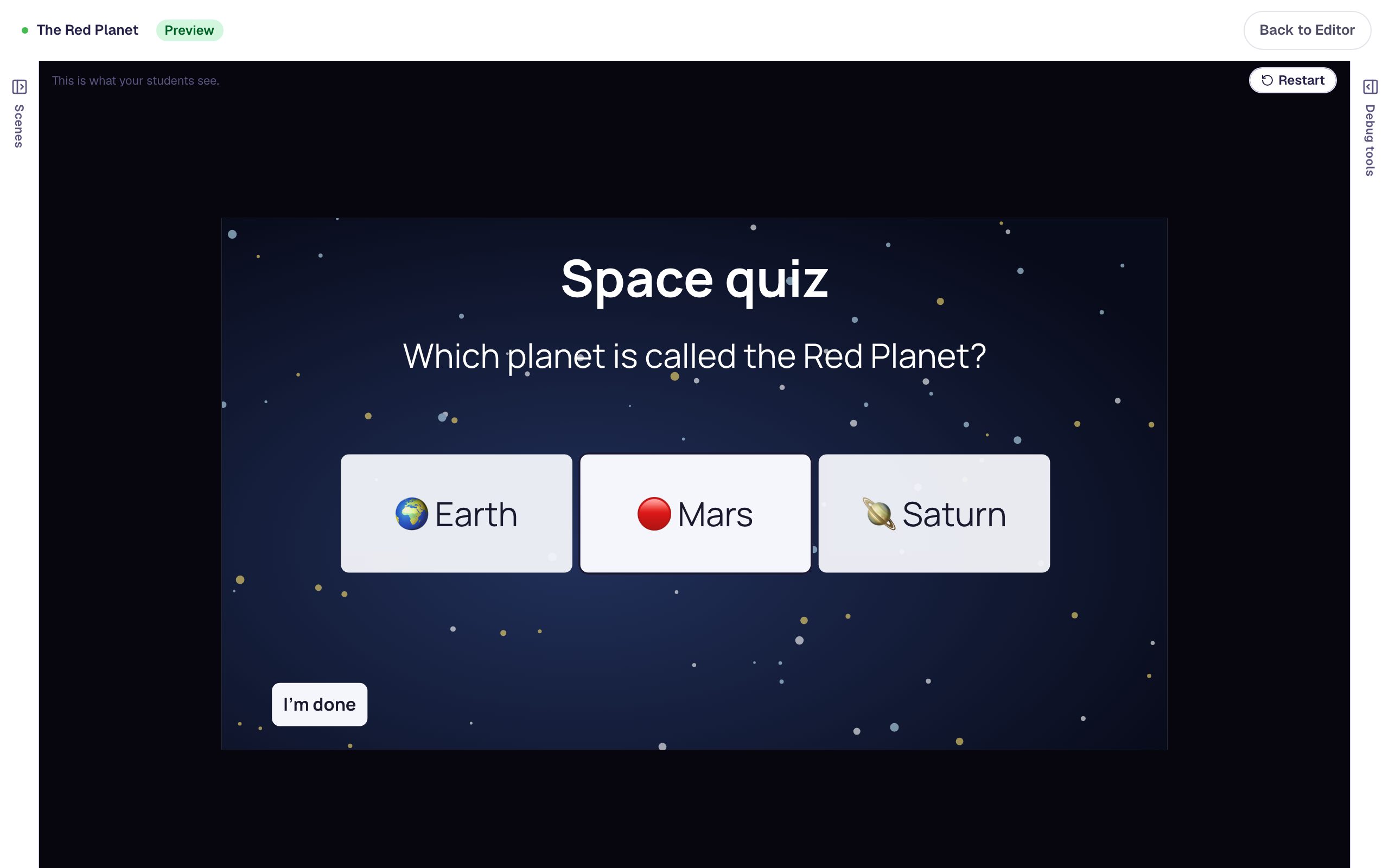 Beginner · 12 min · 9 steps
Play a cheer for a right answer and a gentle boing for a wrong one
Generate two sound effects, hide their players, and use behaviors so a question plays one sound when students get it right and another when they pick a wrong answer.
Ready-made lesson to add
Styling
Themes, fonts, colors, and backgrounds that make a lesson look finished.
 Beginner · 10 min · 7 steps
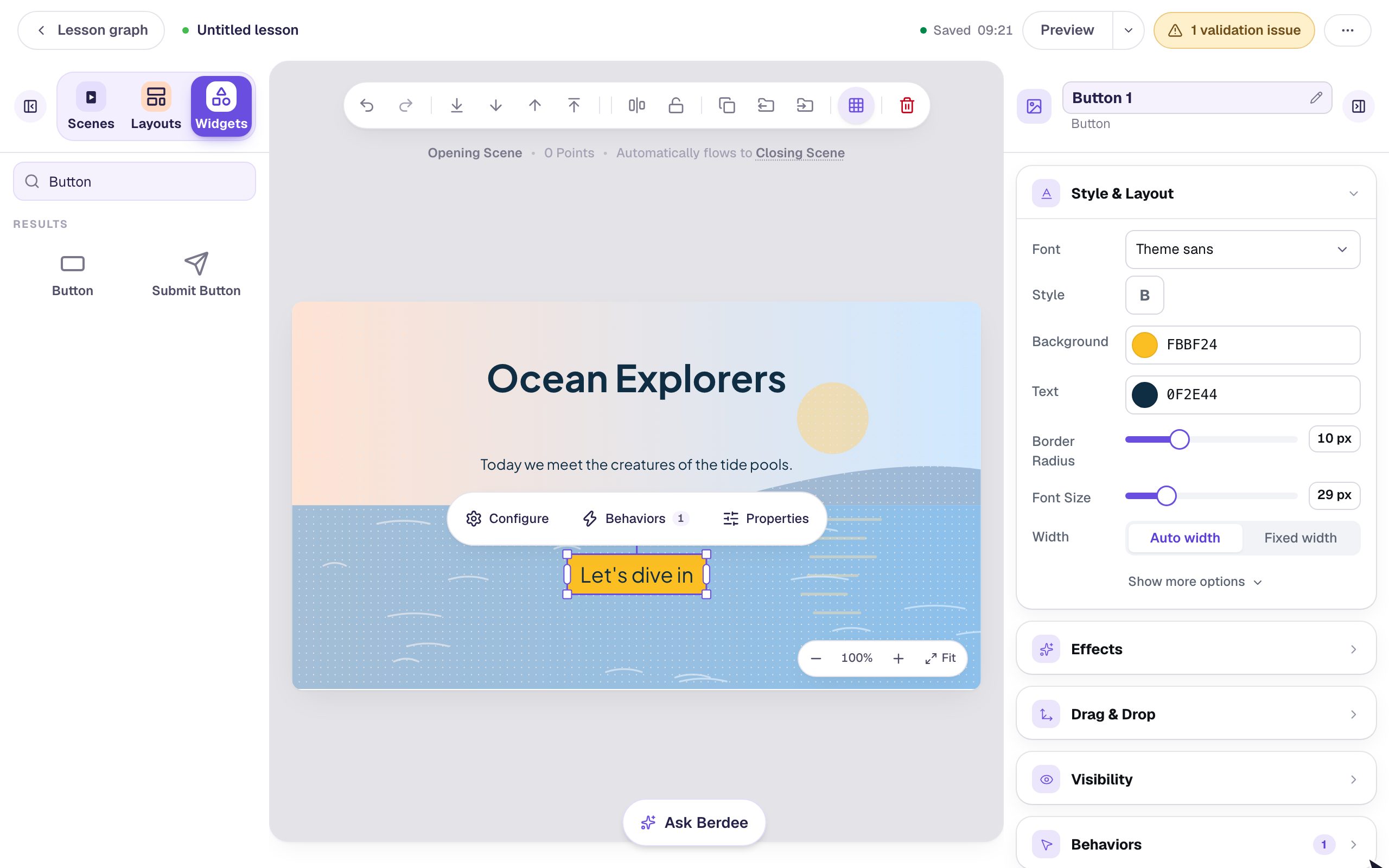
Style a title scene with a palette, a background, and a display font
Give a lesson's opening scene a finished look in ten minutes. Pick a palette, add a generated background, make the button stand out, and give the title a font and an entrance.
Ready-made lesson to add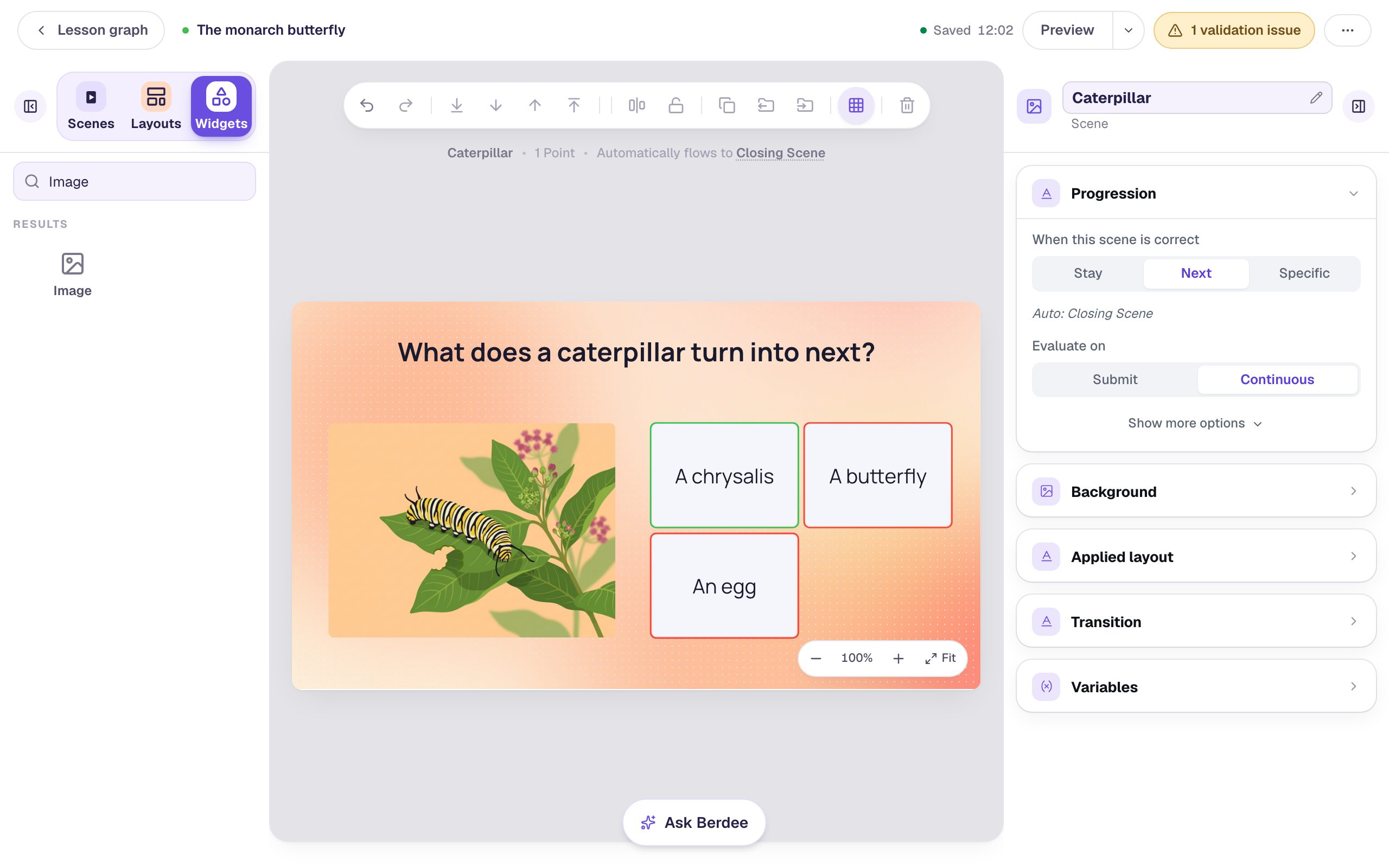 Beginner · 10 min · 8 steps
Illustrate a lesson with pictures you generate
Describe a picture in a sentence and Berdee draws it for your lesson. Then remix that picture into a second one in the same style, so every scene looks like it belongs to the same story.
Ready-made lesson to add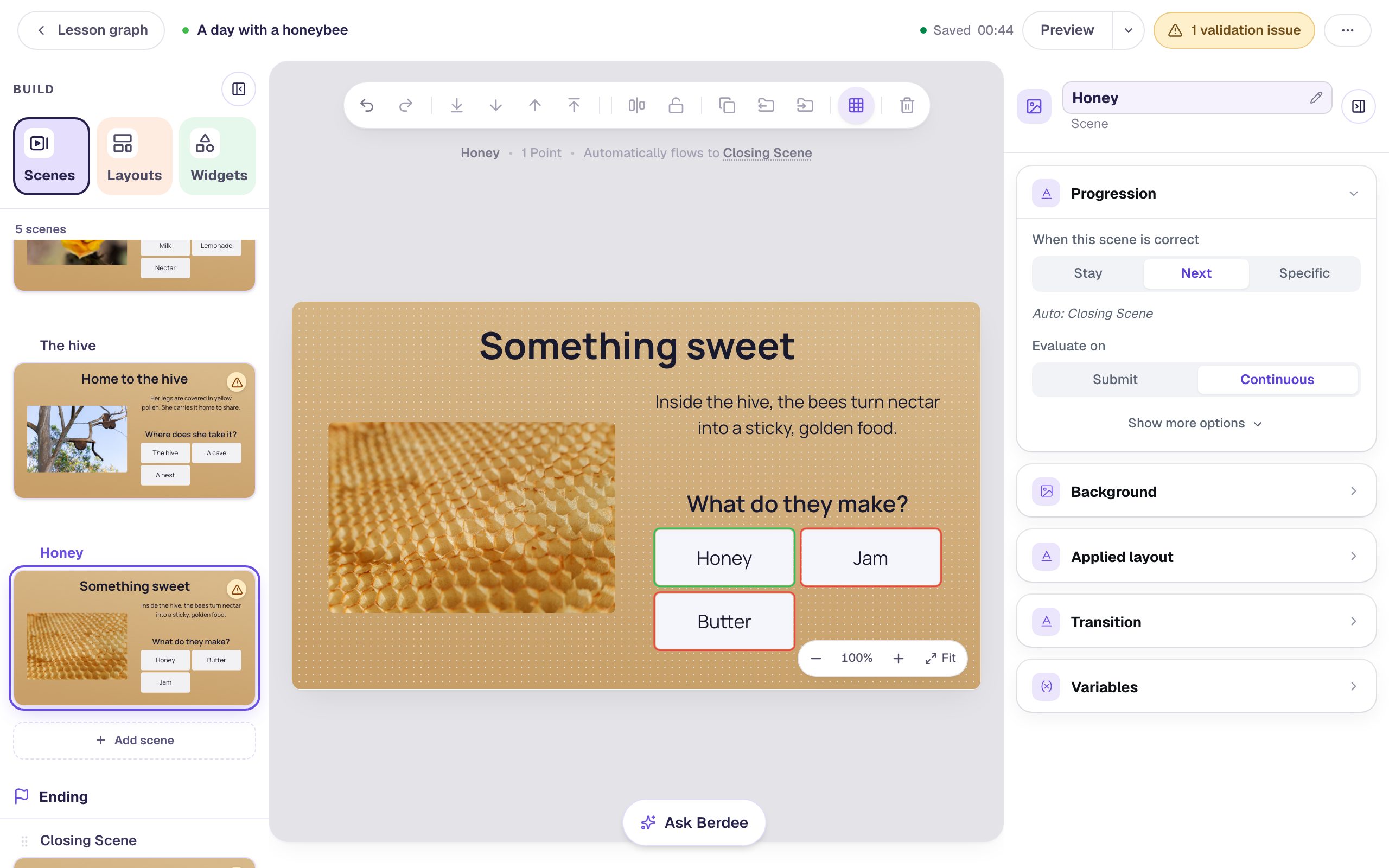 Beginner · 12 min · 9 steps
Make a picture-book story whose pages turn
Build a short picture book where every page asks one quick question, and a right answer slides the next page in. Set the transition once, duplicate the page, and give the ending a softer fade.
Ready-made lesson to add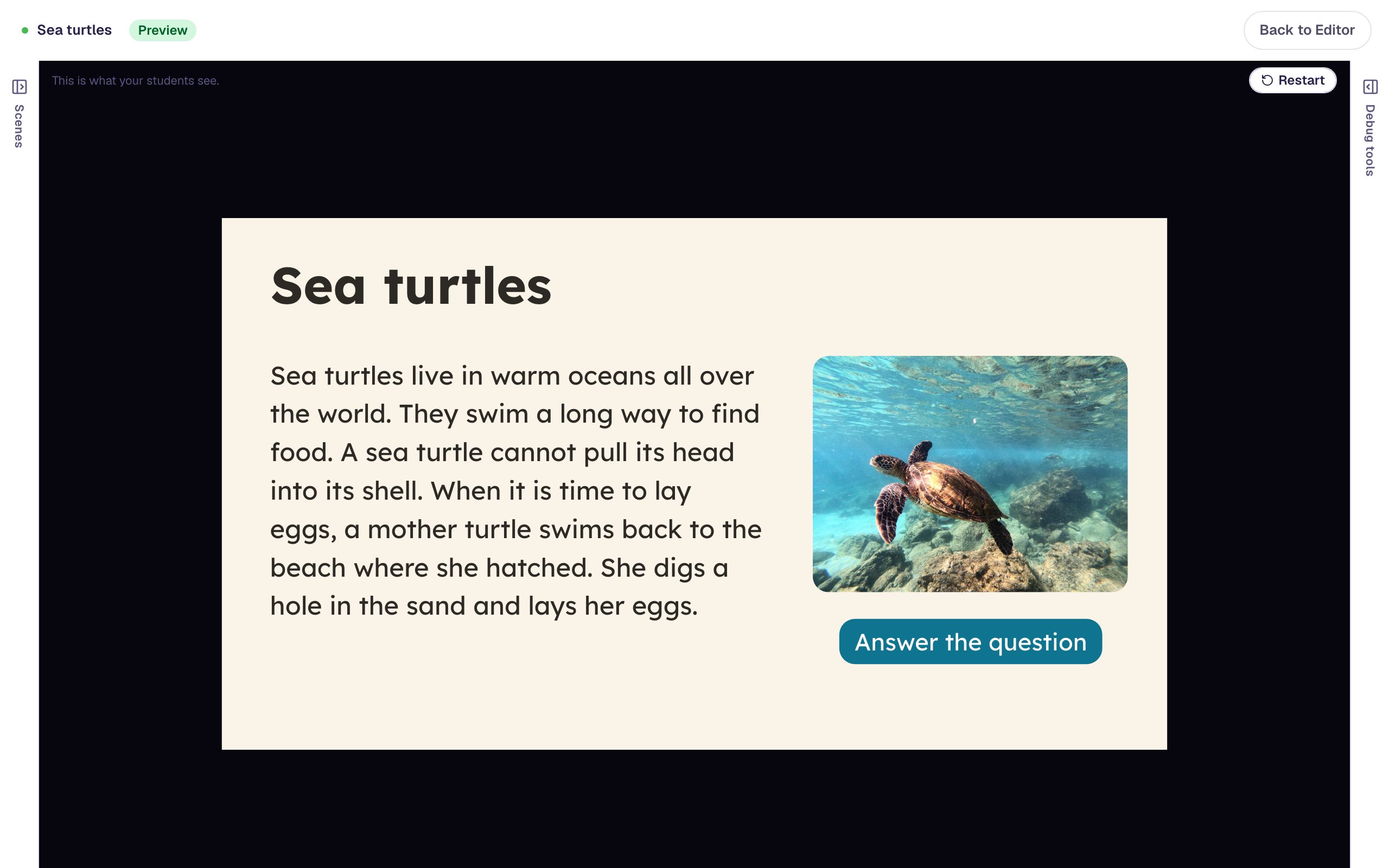 Beginner · 10 min · 8 steps
Make a reading passage easy to read
Set a short nonfiction passage the way struggling and dyslexic readers find easiest. Start from the dyslexia-friendly Lexend Clear palette, then give the text short lines, a bigger size, a picture, and a question on a scene of its own.
Ready-made lesson to add
Lesson flow
Scene progression, routing, and the Lesson Graph.
 Beginner · 10 min · 7 steps
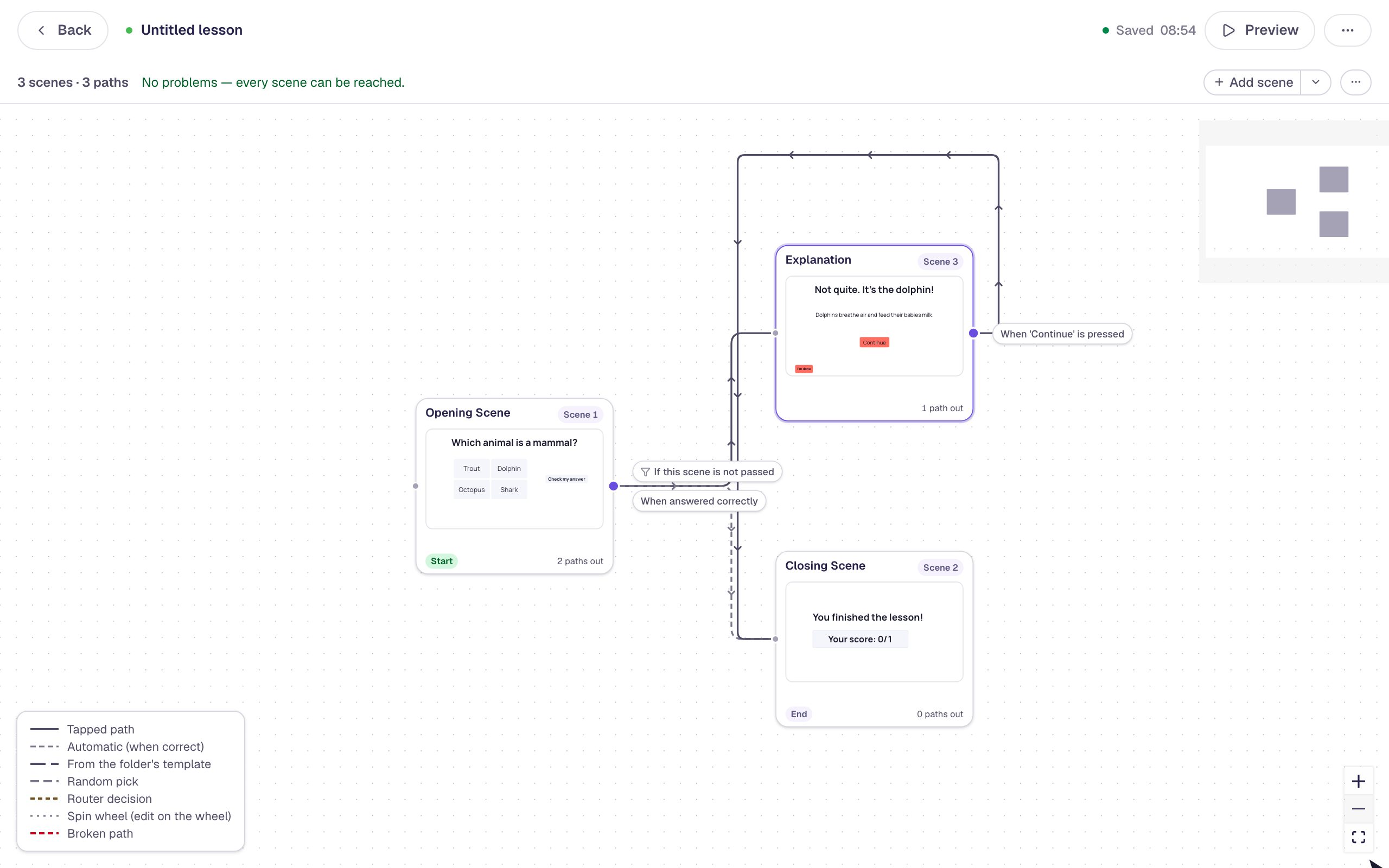
Show an explanation when a student gets it wrong
Use the Lesson Graph to send wrong answers to a short explanation scene, while right answers go straight to the ending.
Ready-made lesson to add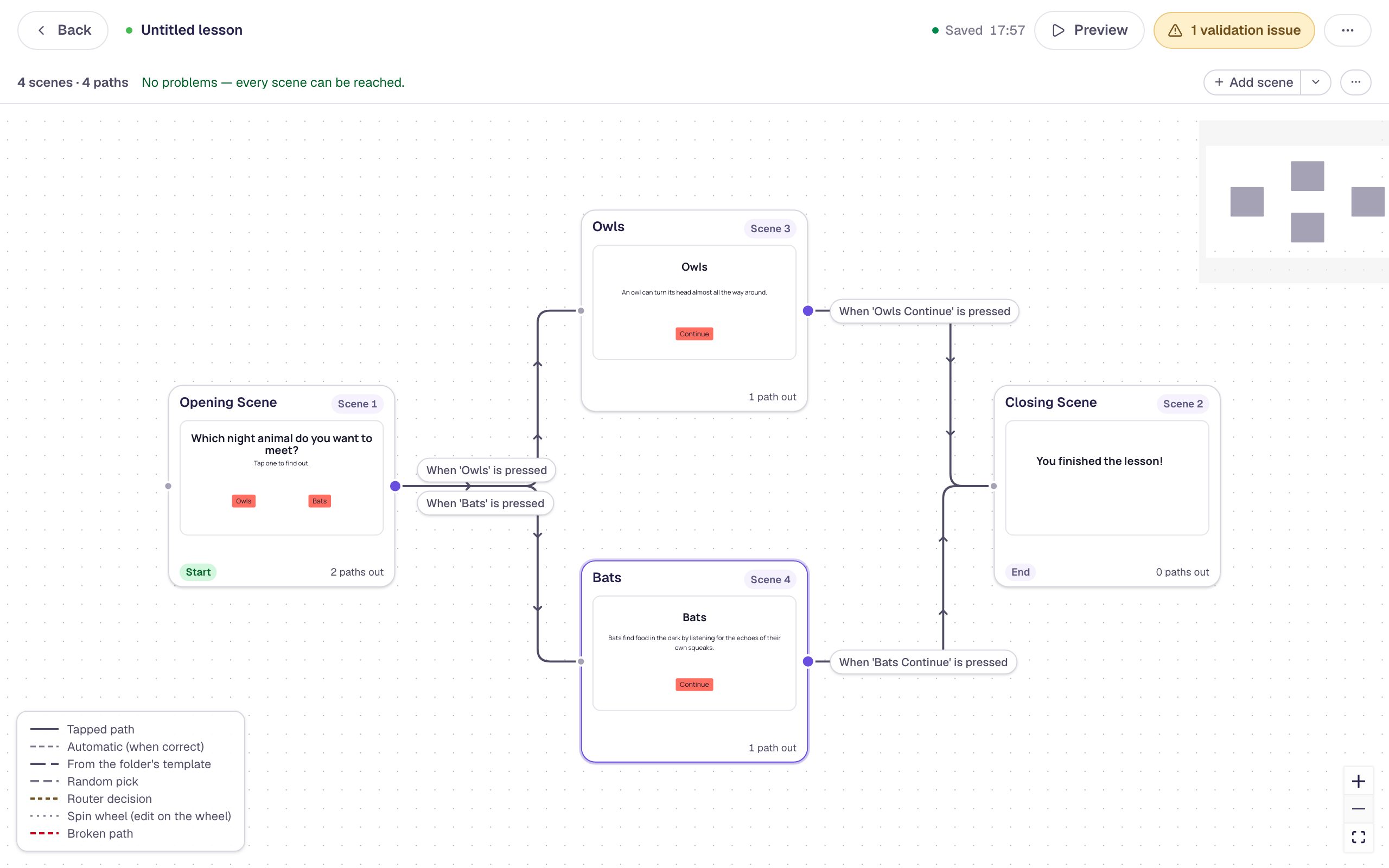 Beginner · 10 min · 7 steps
Let students choose their own path
Put two buttons on a scene and use the Lesson Graph to give each one its own scene, so students pick what they explore before both paths meet again at the ending.
Ready-made lesson to add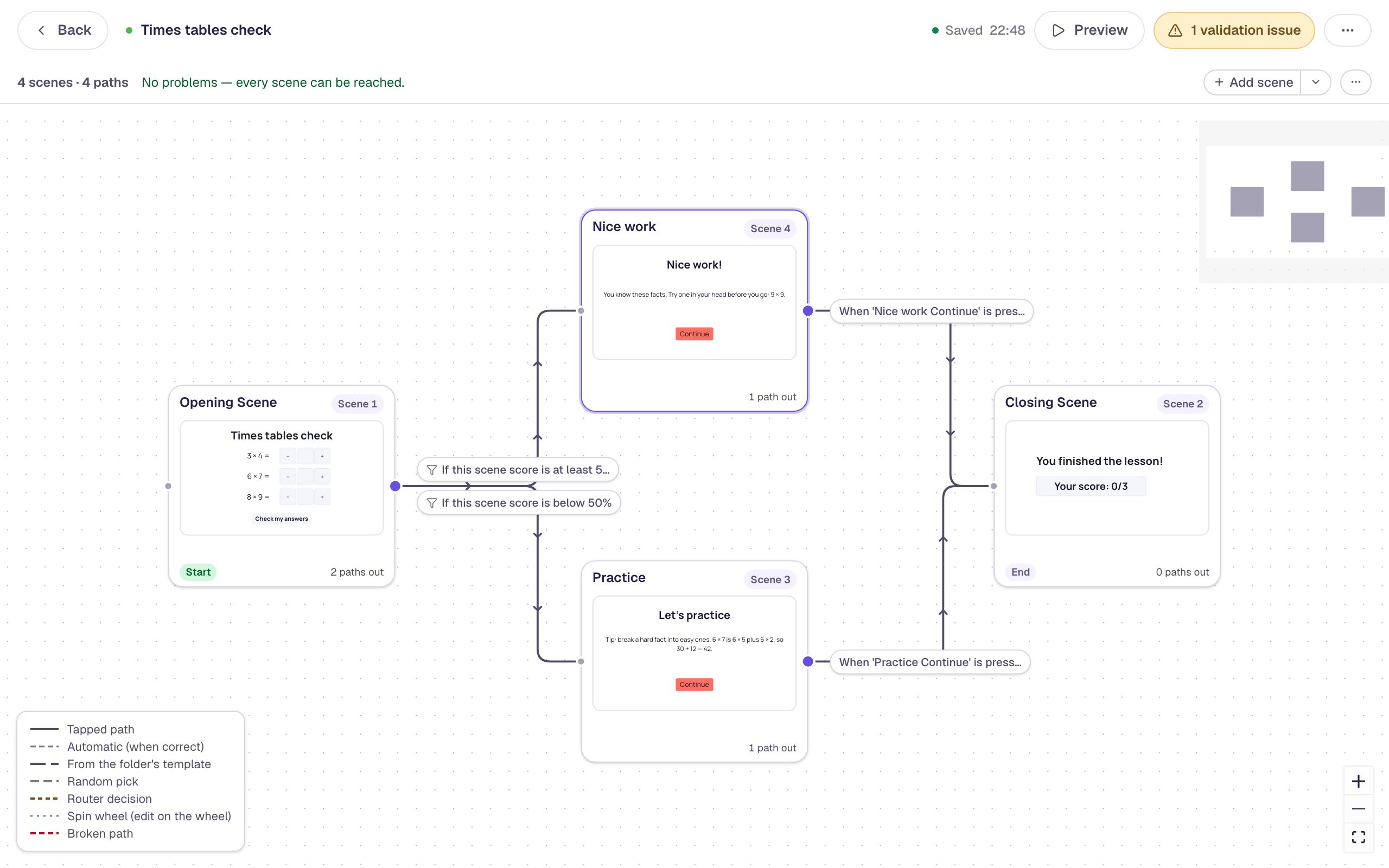 Intermediate · 15 min · 7 steps
Send students down different paths by their score
Put three questions on one scene and use the Lesson Graph's score paths to send students who got most of them right one way and students who need practice another.
Ready-made lesson to add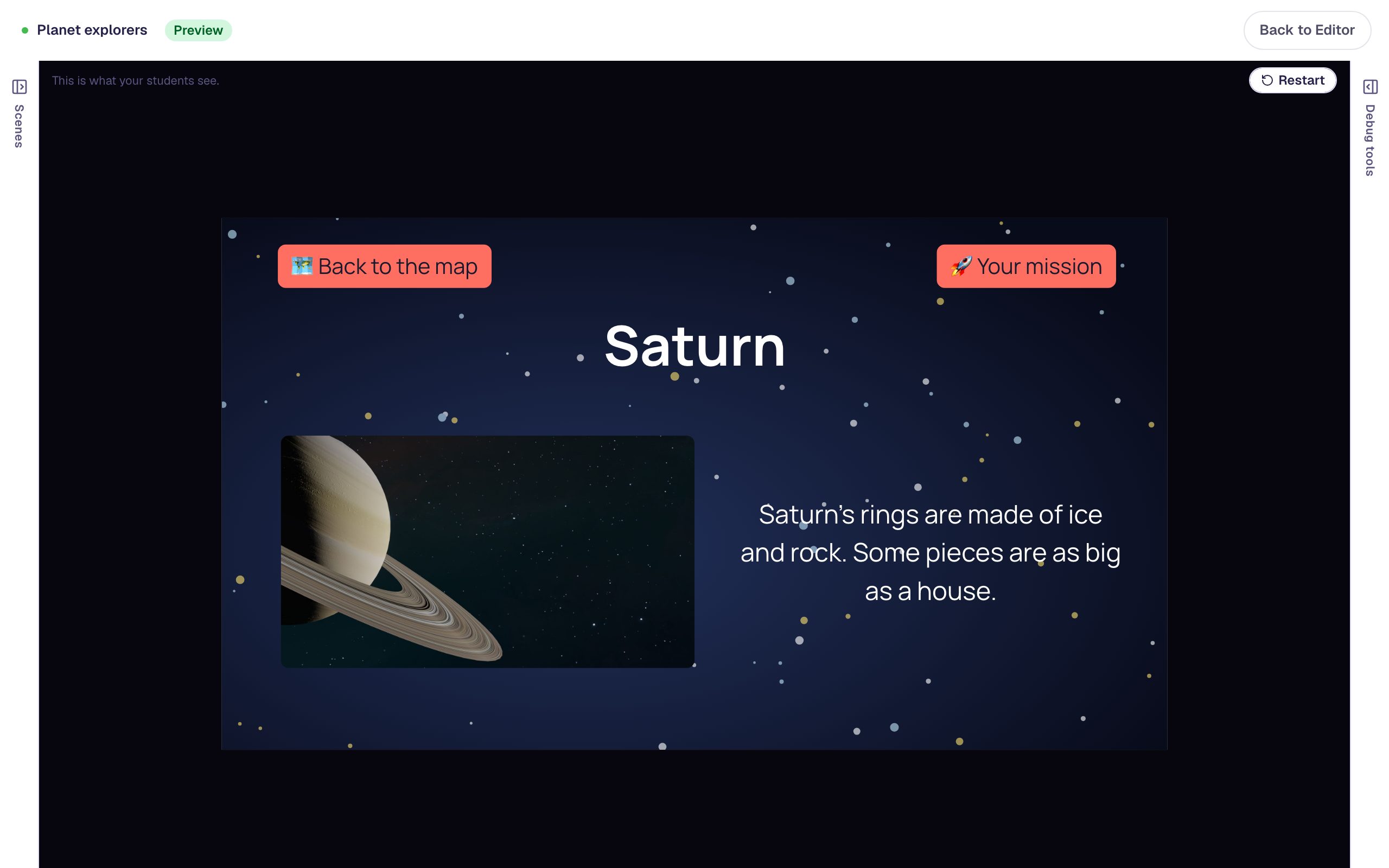 Intermediate · 15 min · 8 steps
Share working buttons across scenes with a layout
Build a map students explore in any order, and put a Back to the map button and a mission reminder on a layout, so every scene that uses it gets buttons that work, built and wired once.
Variables and logic
Remember what students do, and use it later in the lesson.
 Beginner · 12 min · 8 steps
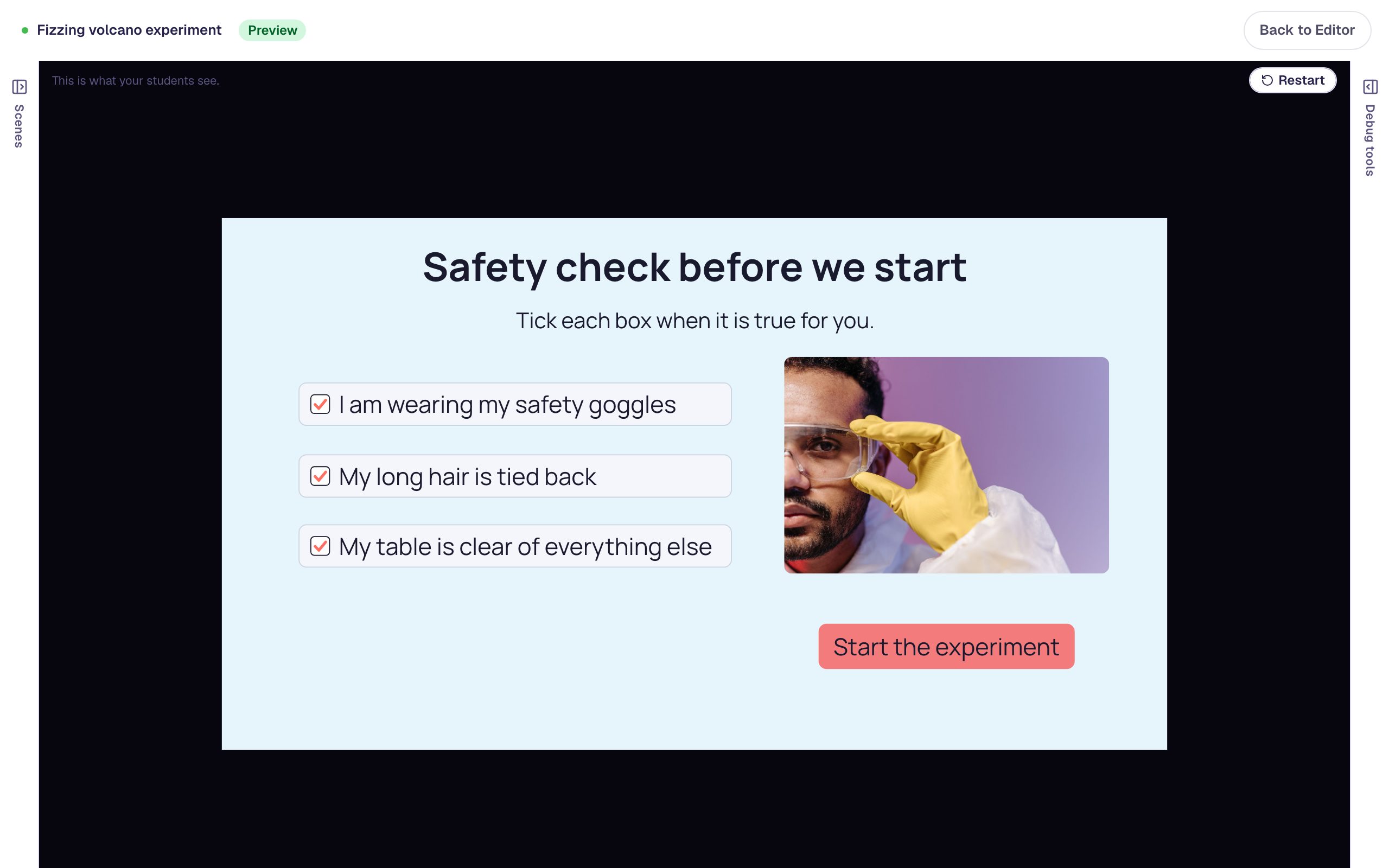
Unlock the Start button only when every box on a checklist is ticked
Build a lab safety checklist from three checkboxes, then give the Start button one visibility rule with three conditions so it appears only once every box is ticked.
Ready-made lesson to add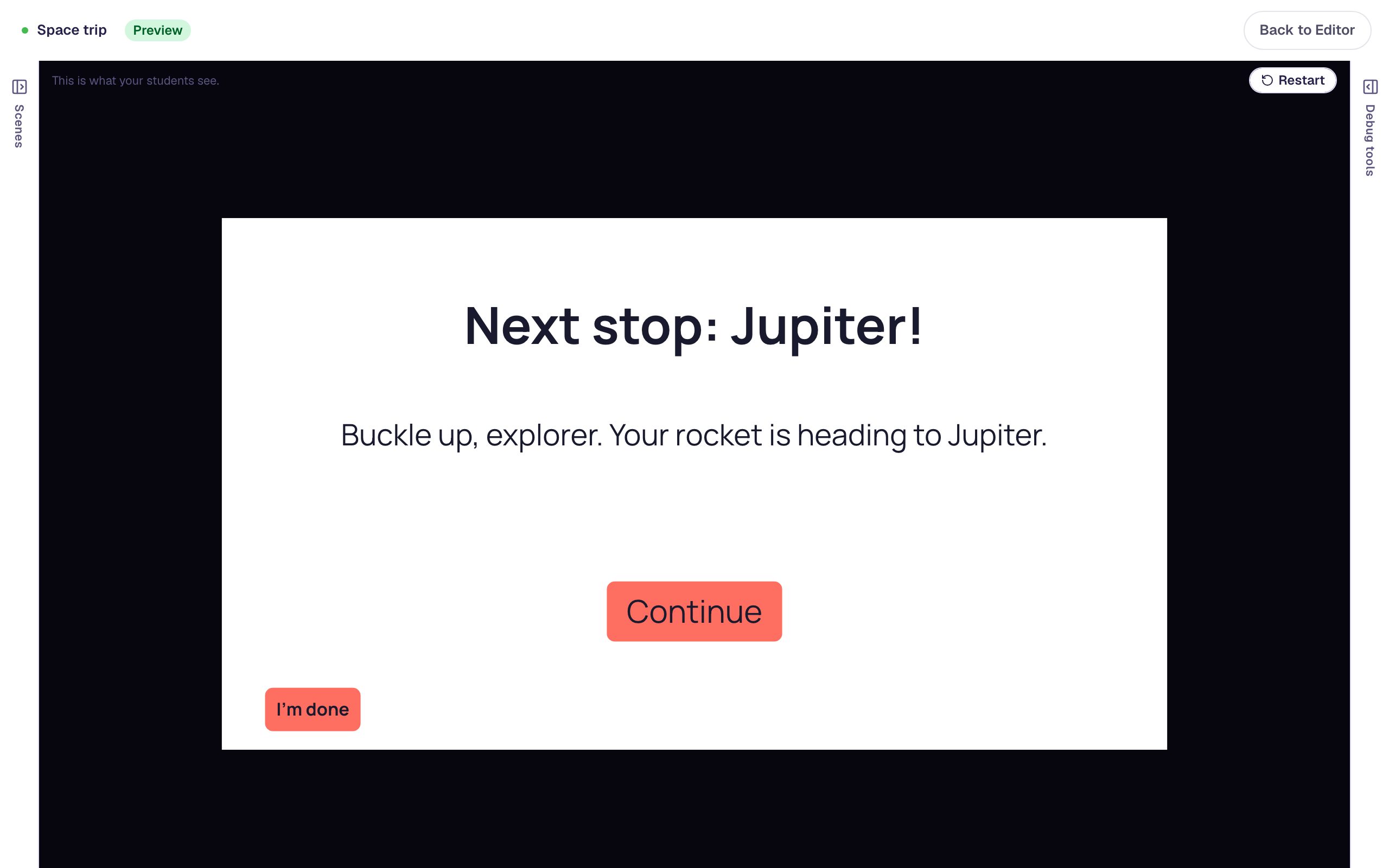 Intermediate · 15 min · 5 steps
Remember a student's choice and use it later
Save what a student picks in a variable, then show it on a later scene with a placeholder like {{ planet }}, so the lesson talks back to them.
Ready-made lesson to add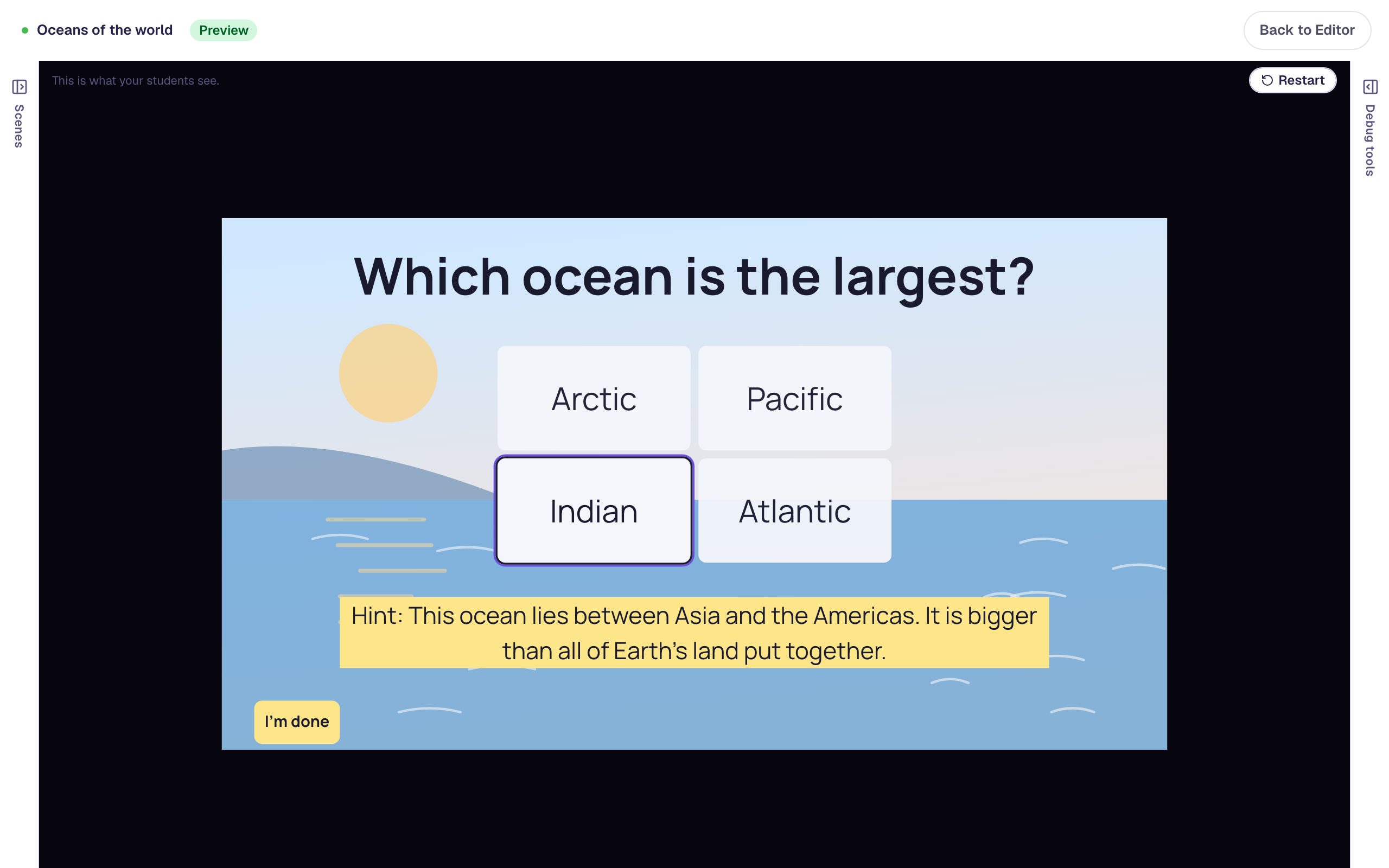 Intermediate · 15 min · 7 steps
Show a hint after two wrong tries
Count a student's wrong answers in a number variable, then let a hint appear on its own once they've missed twice, so students try first and get help only when they need it.
Ready-made lesson to add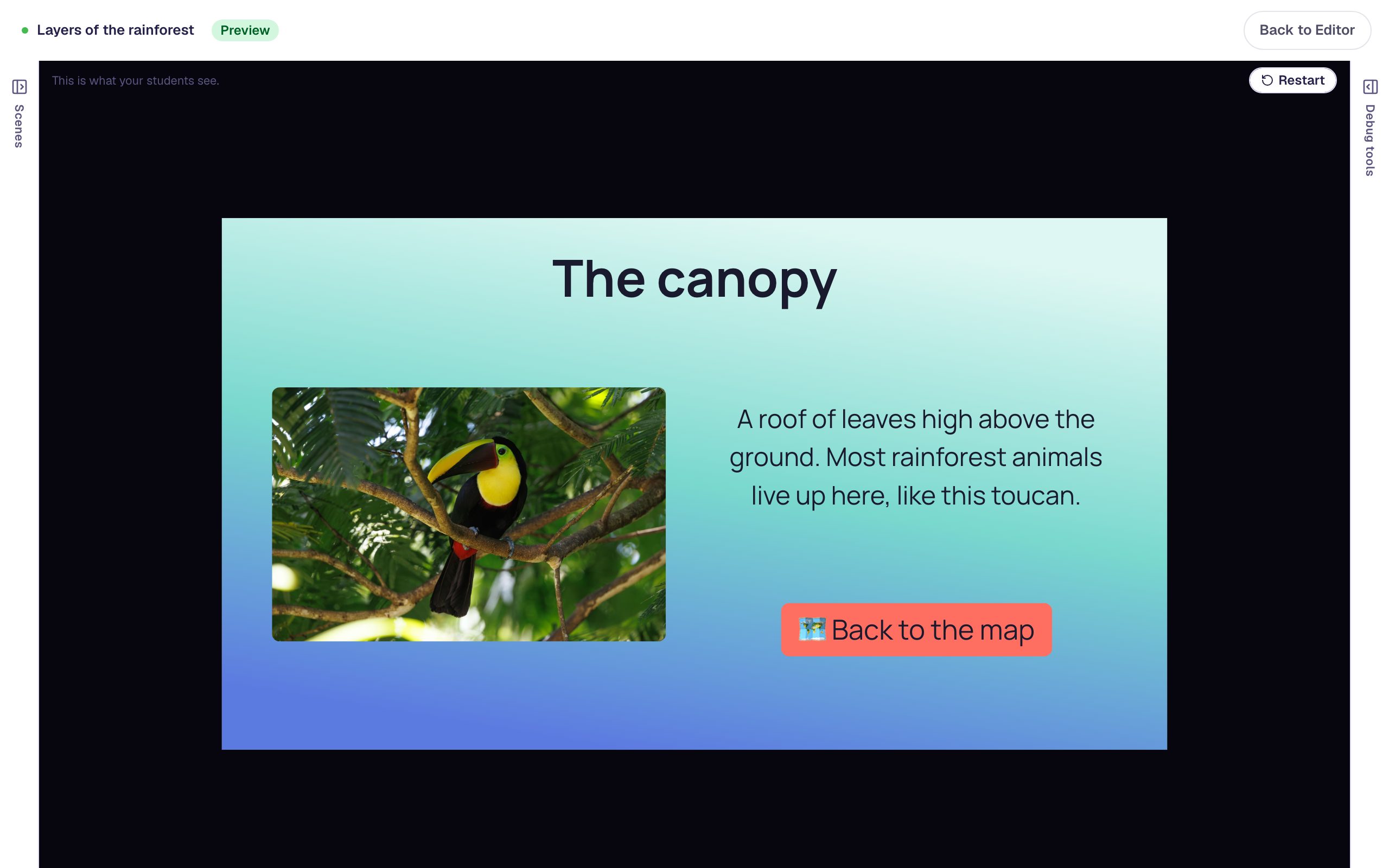 Intermediate · 15 min · 7 steps
Finish the lesson only after students explore every part
Build a map students explore in any order, and use a router to send them back to the map until they've visited every part. The lesson finishes on its own once they've seen them all.
Ready-made lesson to add
Scoring
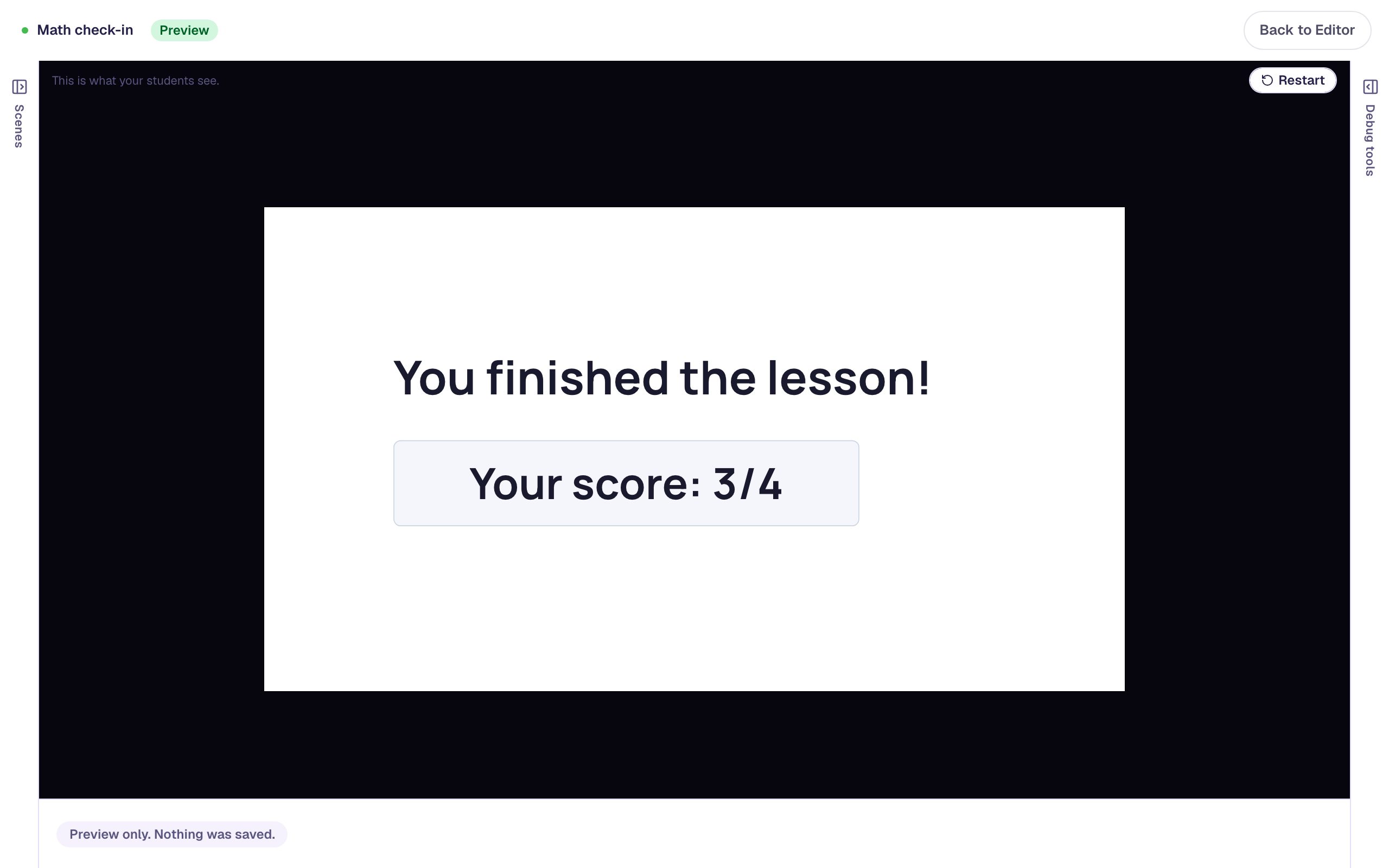
Points, passing, and what students see at the end.
 Beginner · 15 min · 8 steps
Make some questions count more, and one not at all
Give a harder question more points, turn scoring off for a practice question, and check the score students see at the end.
Ready-made lesson to add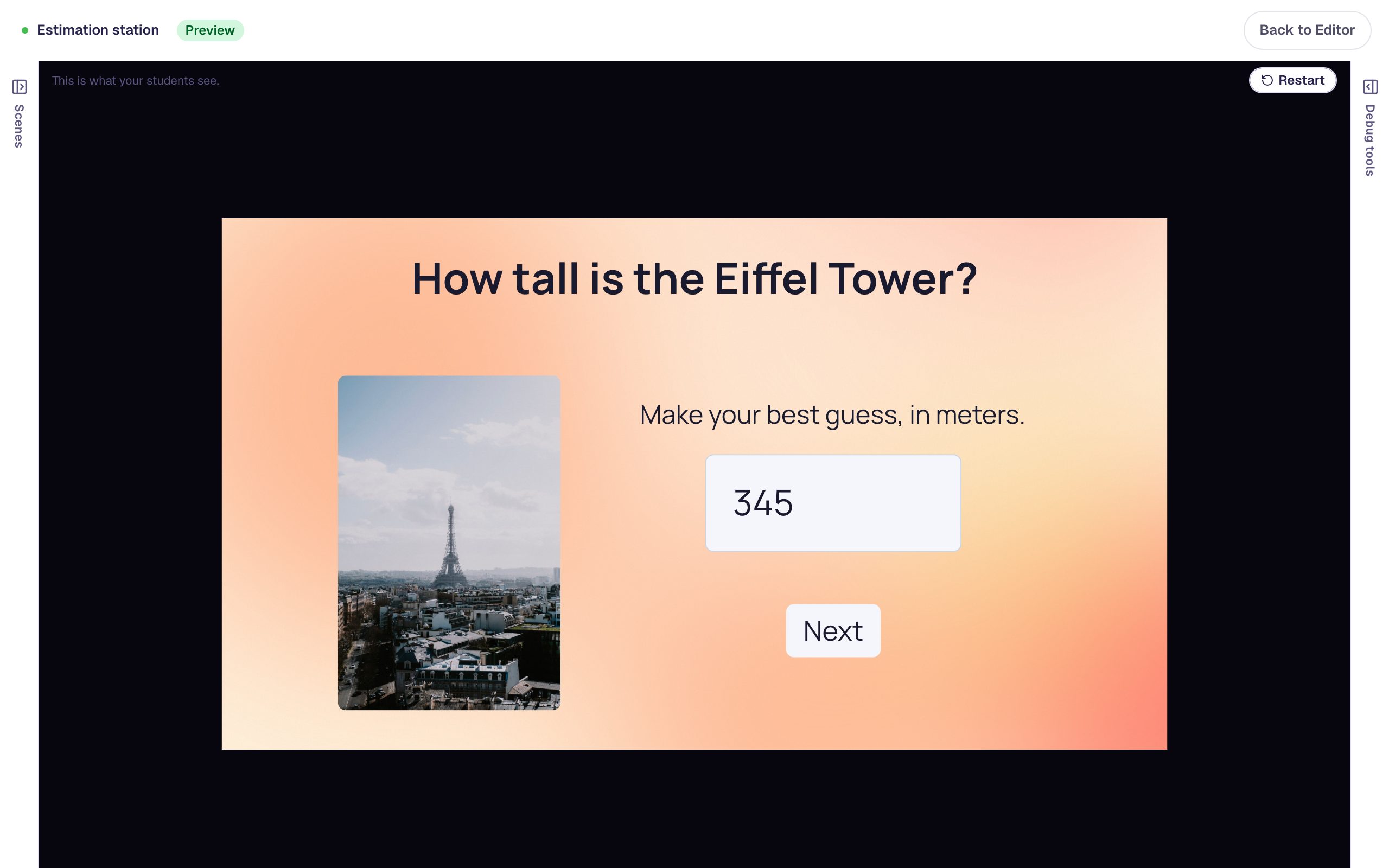 Beginner · 15 min · 7 steps
Accept close-enough answers to a number question
Ask students to estimate the Eiffel Tower's height and place 3/4 on a number line, and use Tolerance so an answer that's close still counts as right.
Ready-made lesson to add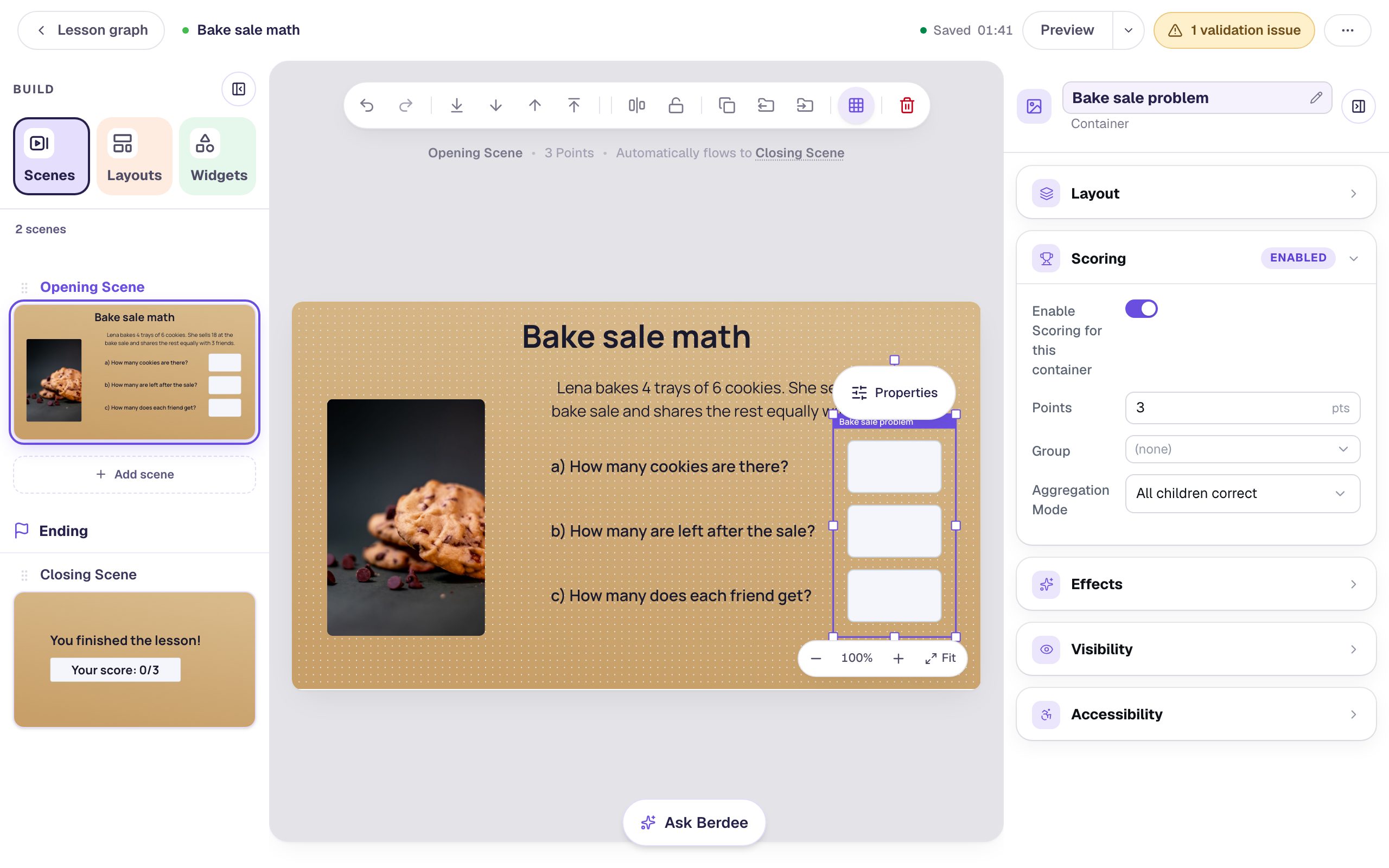 Intermediate · 15 min · 8 steps
Score a three-part word problem as one question
Group the answers to a multi-part problem in a container so they earn one score together, then decide whether students need every part right or most of them.
Ready-made lesson to add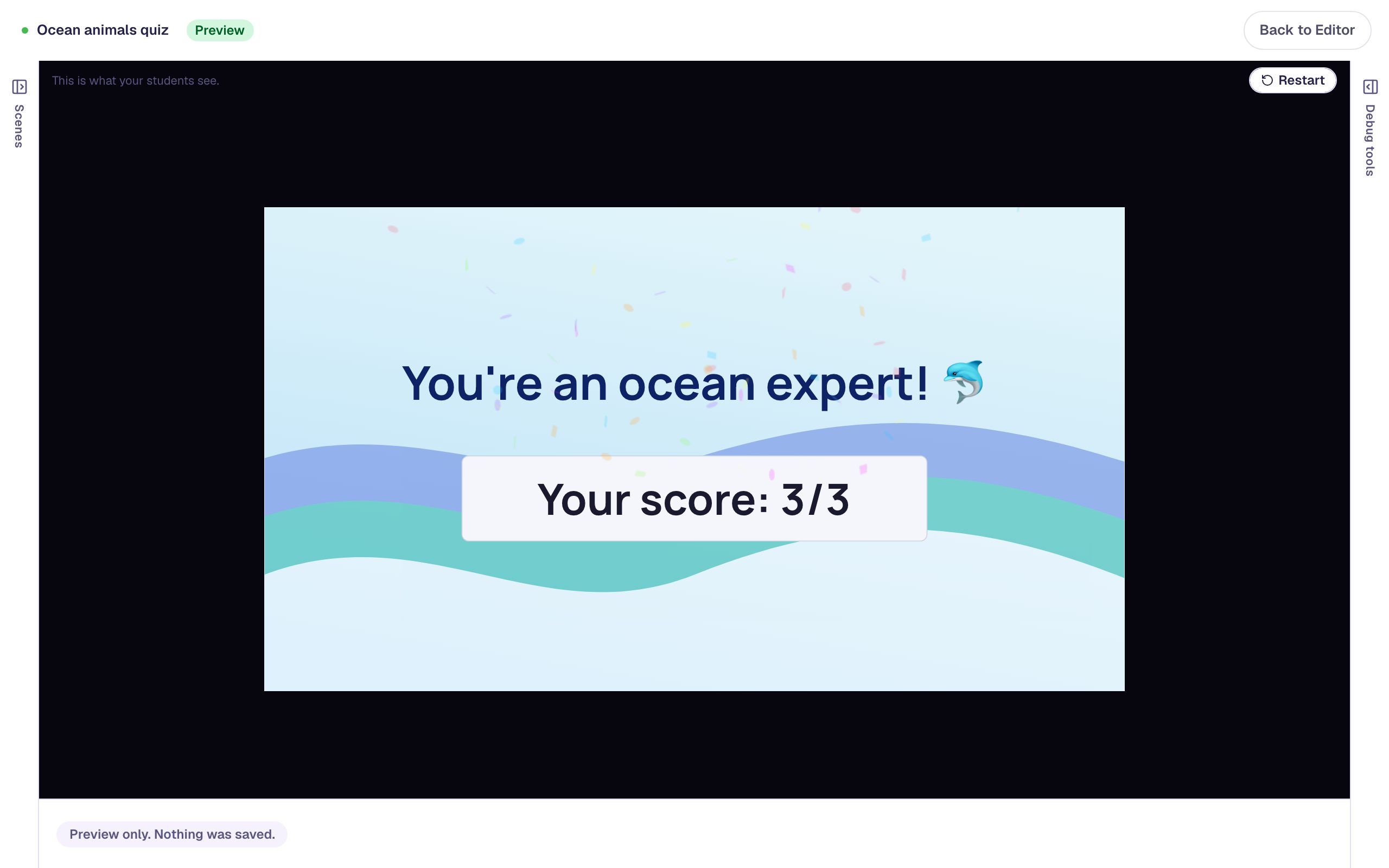 Intermediate · 15 min · 7 steps
Cheer a high score and encourage a low one on the ending
Give the ending two messages, one for students who scored 80% or more and one for everyone else, and save the confetti for the high scores, using visibility rules and a behavior condition on the lesson score.
Ready-made lesson to add