Learn Berdee by building
Step-by-step walkthroughs with a screenshot for every step. Follow along in the studio and finish with an activity that works. Looking up one setting instead? The help center covers every control.
Try “timer”, “drag” or “score”. 173 of 174 come with a ready-made activity you can add to your account.
19 tutorials found
Drag, sort and match19 tutorials
 Beginner · 10 min · 9 steps
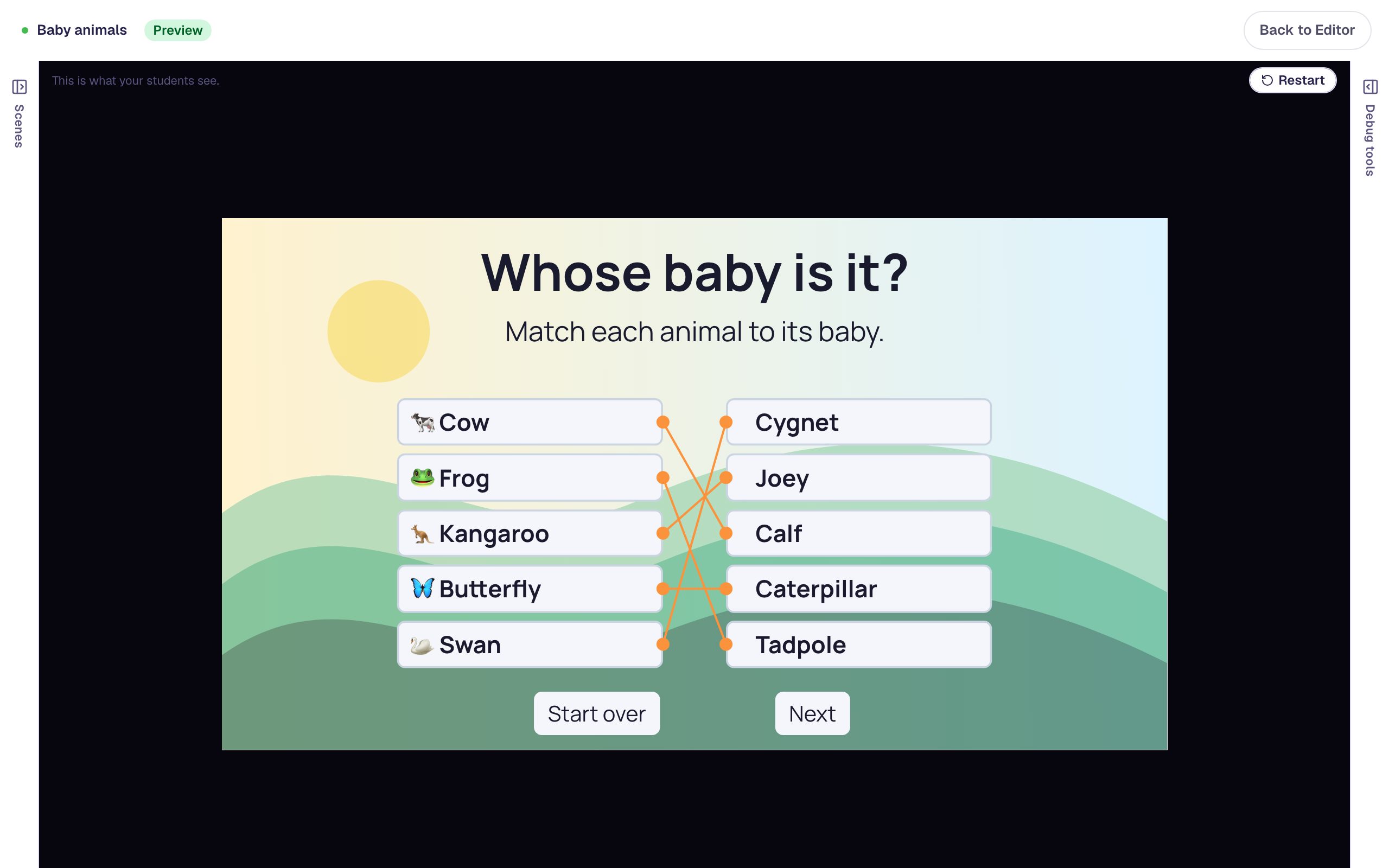
Build a matching game with instant feedback
Build a five-pair matching game where students connect each animal to its baby. Add a gentle message for every wrong pairing, confetti when the set is complete, and a Start over button.
 Beginner · 10 min · 9 steps
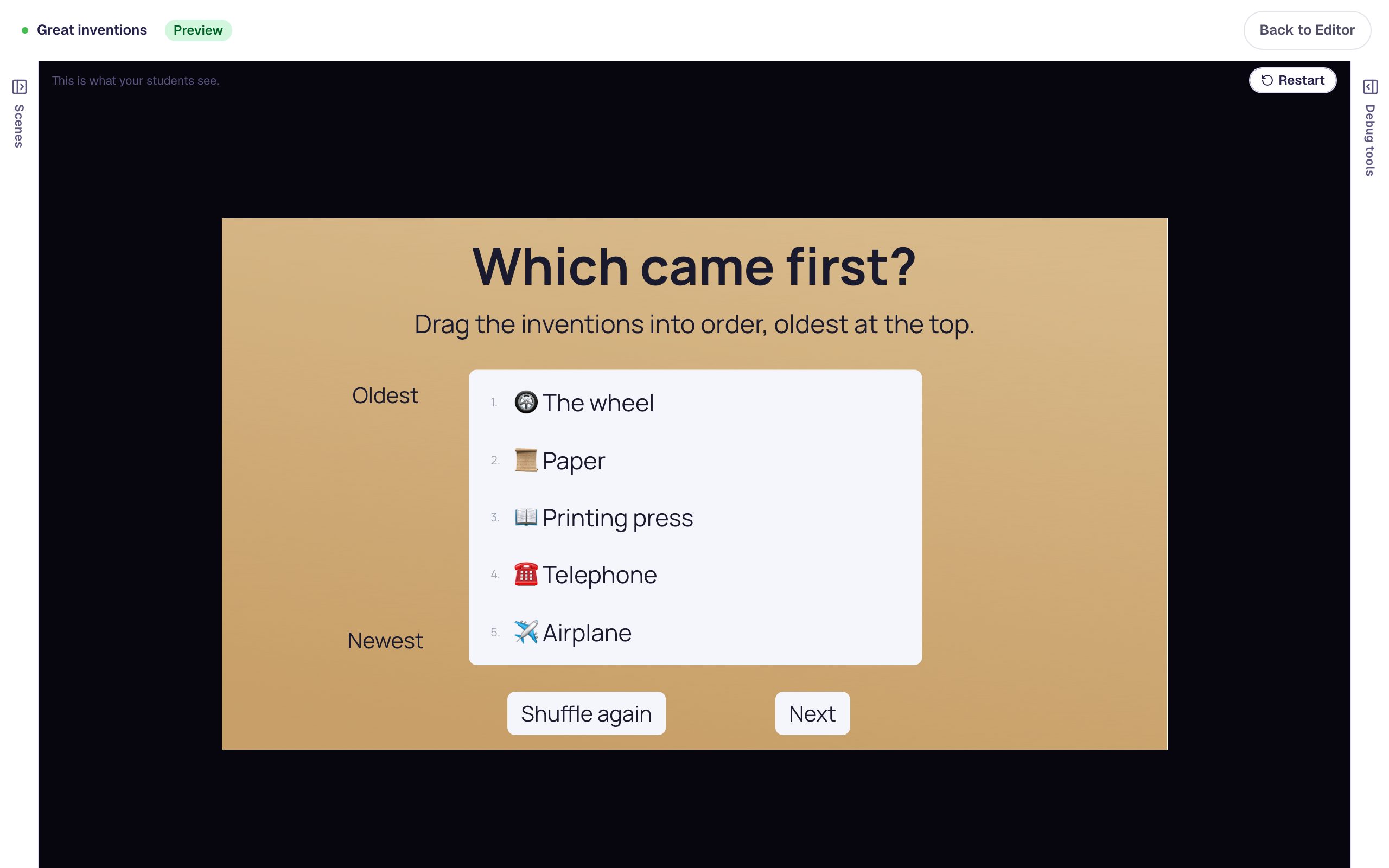
Put events in order with a sorting list
Build a "Which came first?" activity where students drag five inventions into time order. Type the cards in the right order, label the ends of the list, celebrate a correct order, and add a Shuffle again button.
 Beginner · 10 min · 8 steps
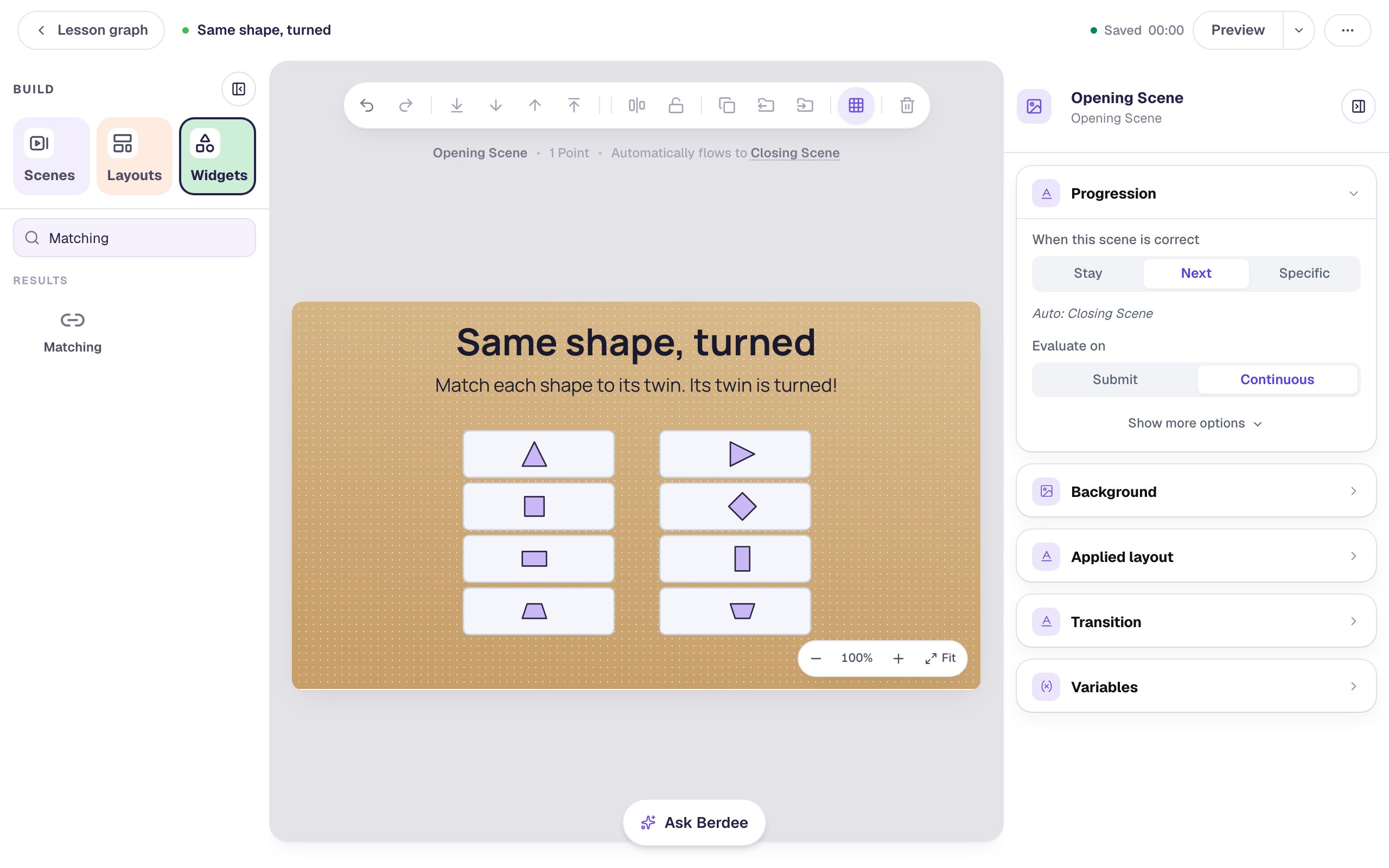
Match each shape to the same shape, turned
Build a matching game where Berdee draws the shapes for you. Draw a triangle, square, rectangle and trapezoid, copy each one to the other side, and turn the copy, so students learn that a shape keeps its name when it's turned.
 Beginner · 10 min · 7 steps
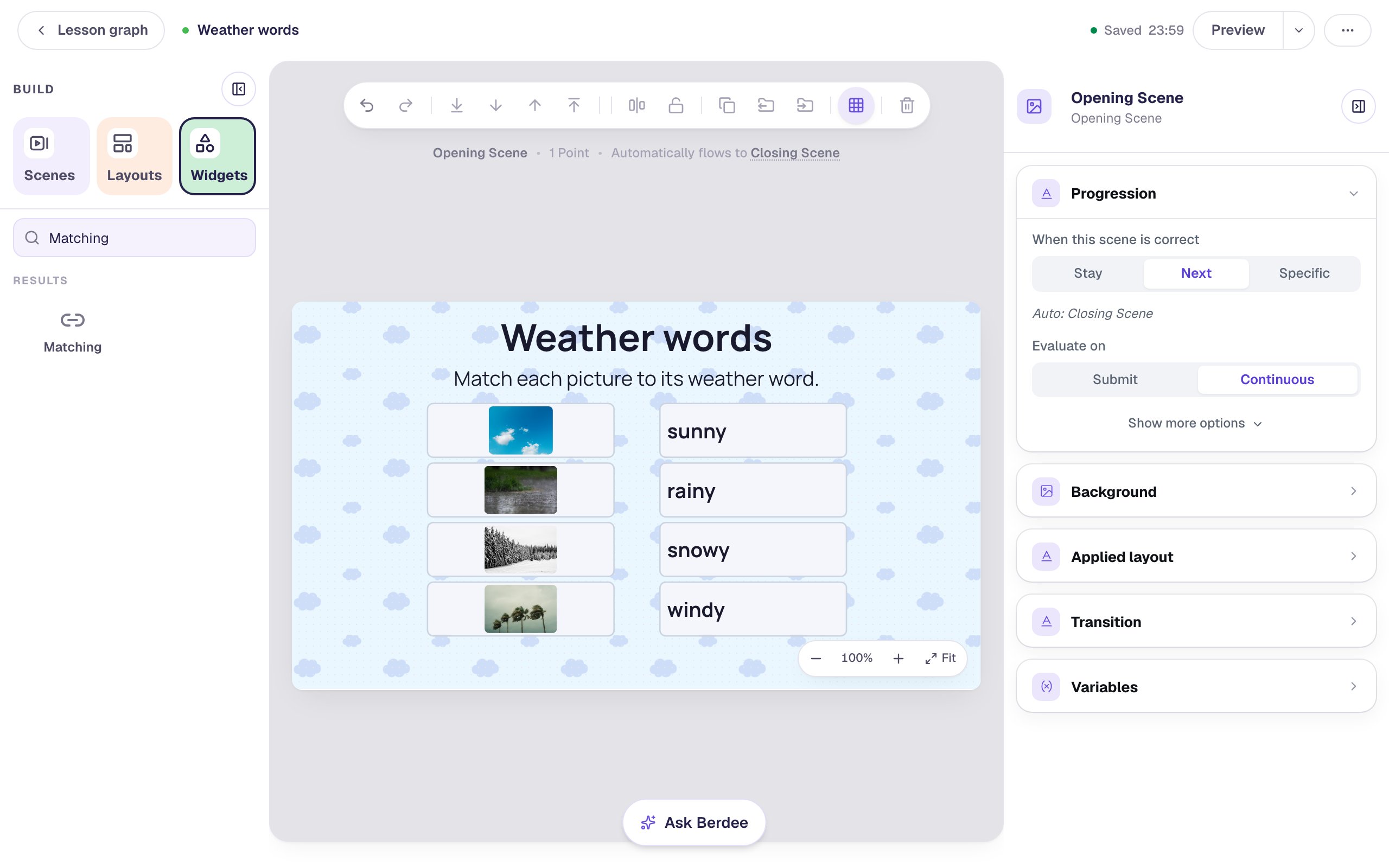
Match pictures to their words
Build a Matching activity where early readers connect four weather photos to the words sunny, rainy, snowy and windy. Pick each photo from the stock library, then describe it for screen readers without giving the answer away.
 Beginner · 10 min · 7 steps
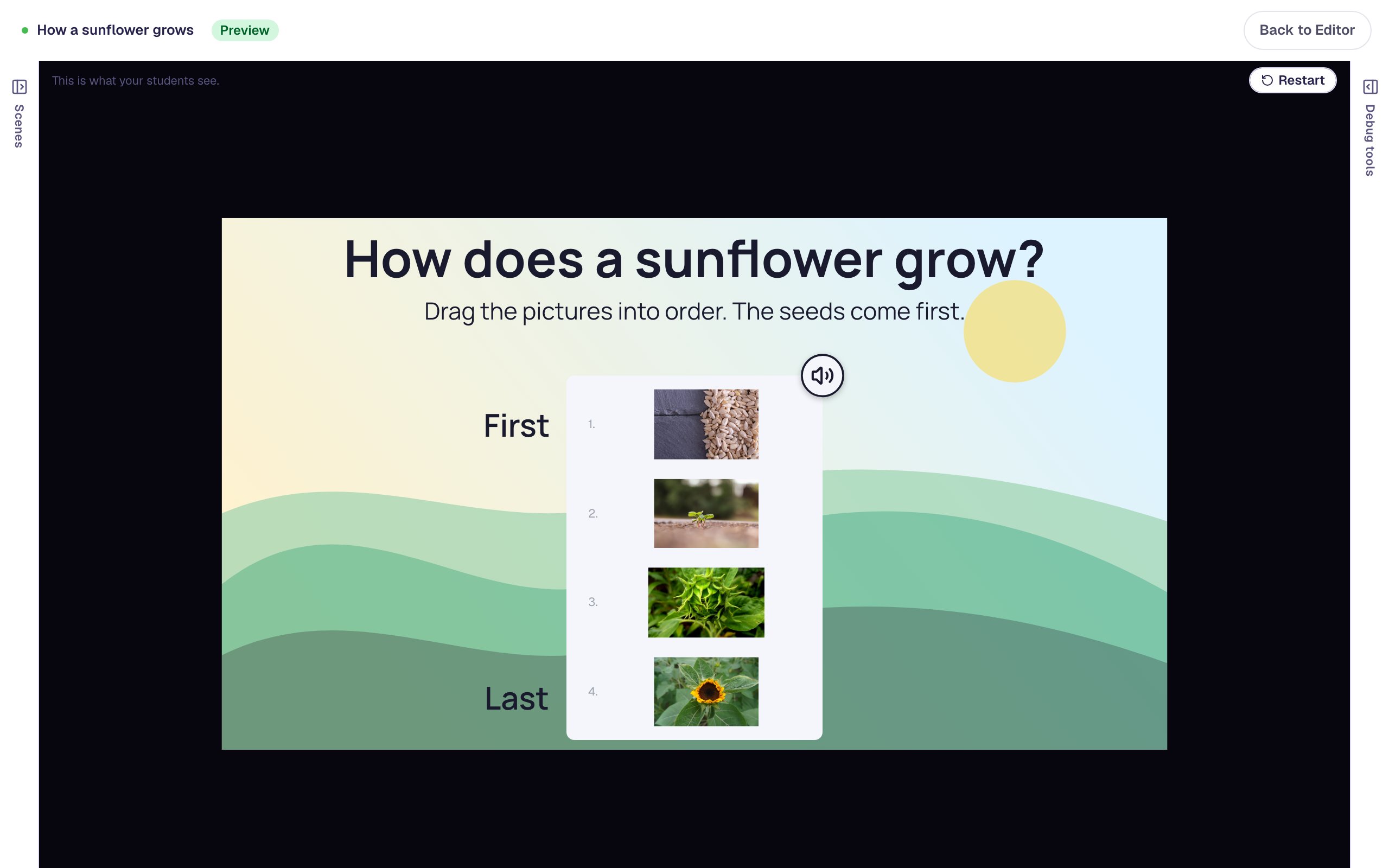
Put a plant's life cycle in order with pictures
Turn a Sorting List's cards into photos, so young learners drag a sunflower from seeds to bloom. Give every picture a name a screen reader can say, and let pre-readers tap a card to hear it.
 Beginner · 10 min · 8 steps
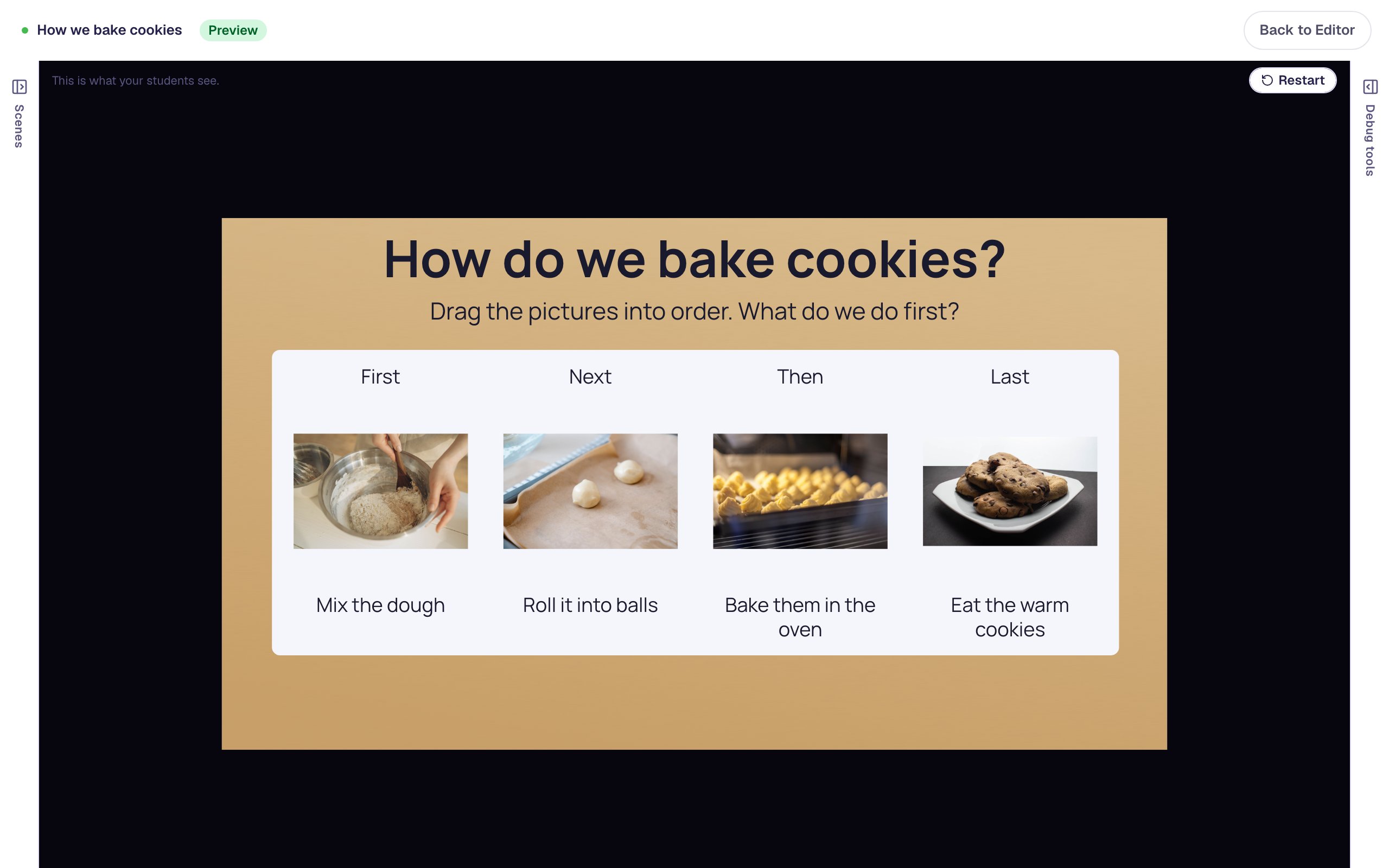
Order steps with First, Next, Then, Last
Build a "How do we bake cookies?" scene where young learners drag four photos into order under the words First, Next, Then and Last. Name a sorting list's positions, lay the cards out in one row, and show a caption under every picture.
 Beginner · 15 min · 8 steps
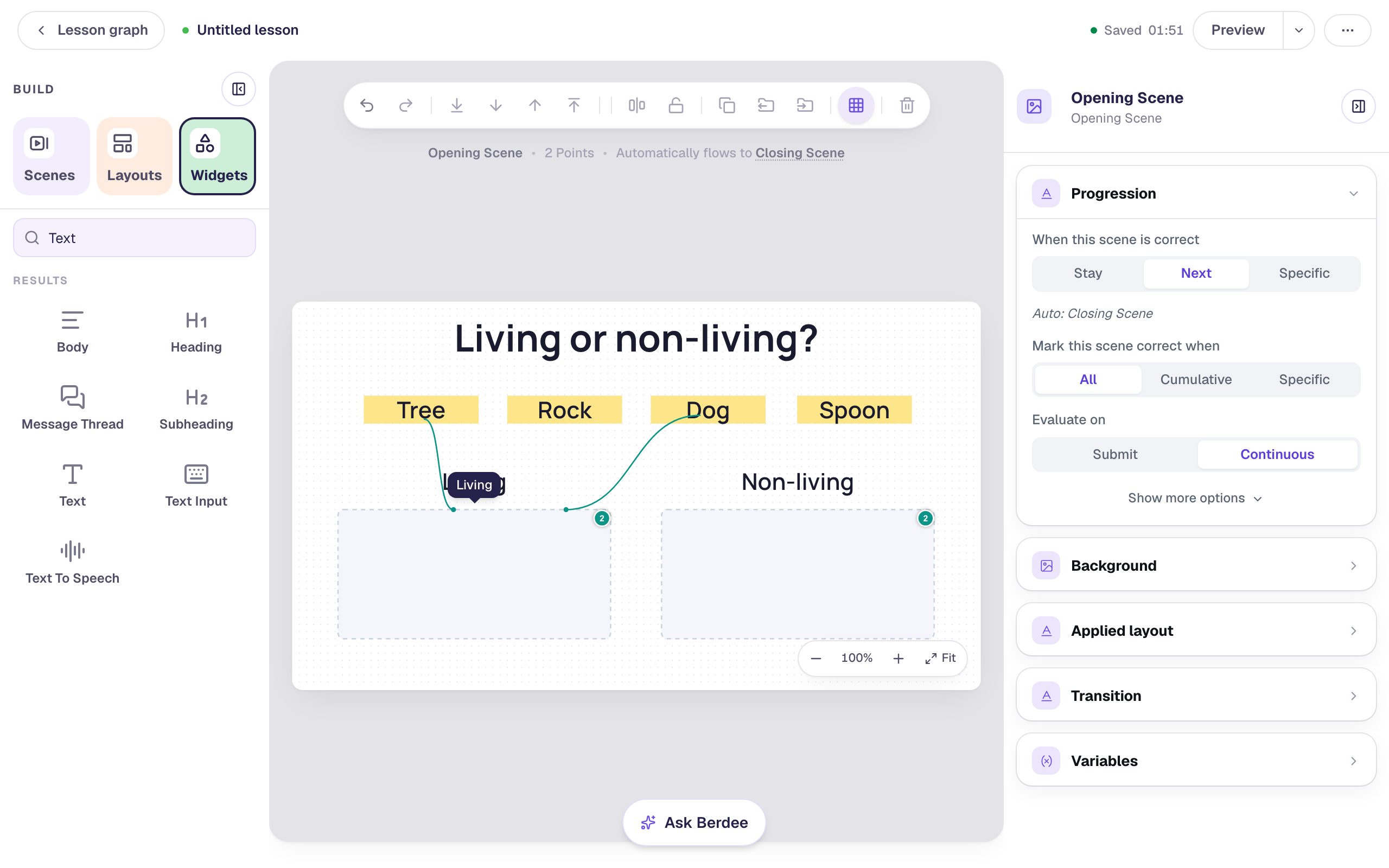
How to make a drag-and-drop sorting activity
Combine Text cards and Drop Buckets into a sorting activity that shows students when a card is in the wrong group and moves on once everything is sorted.
 Beginner · 20 min · 8 steps
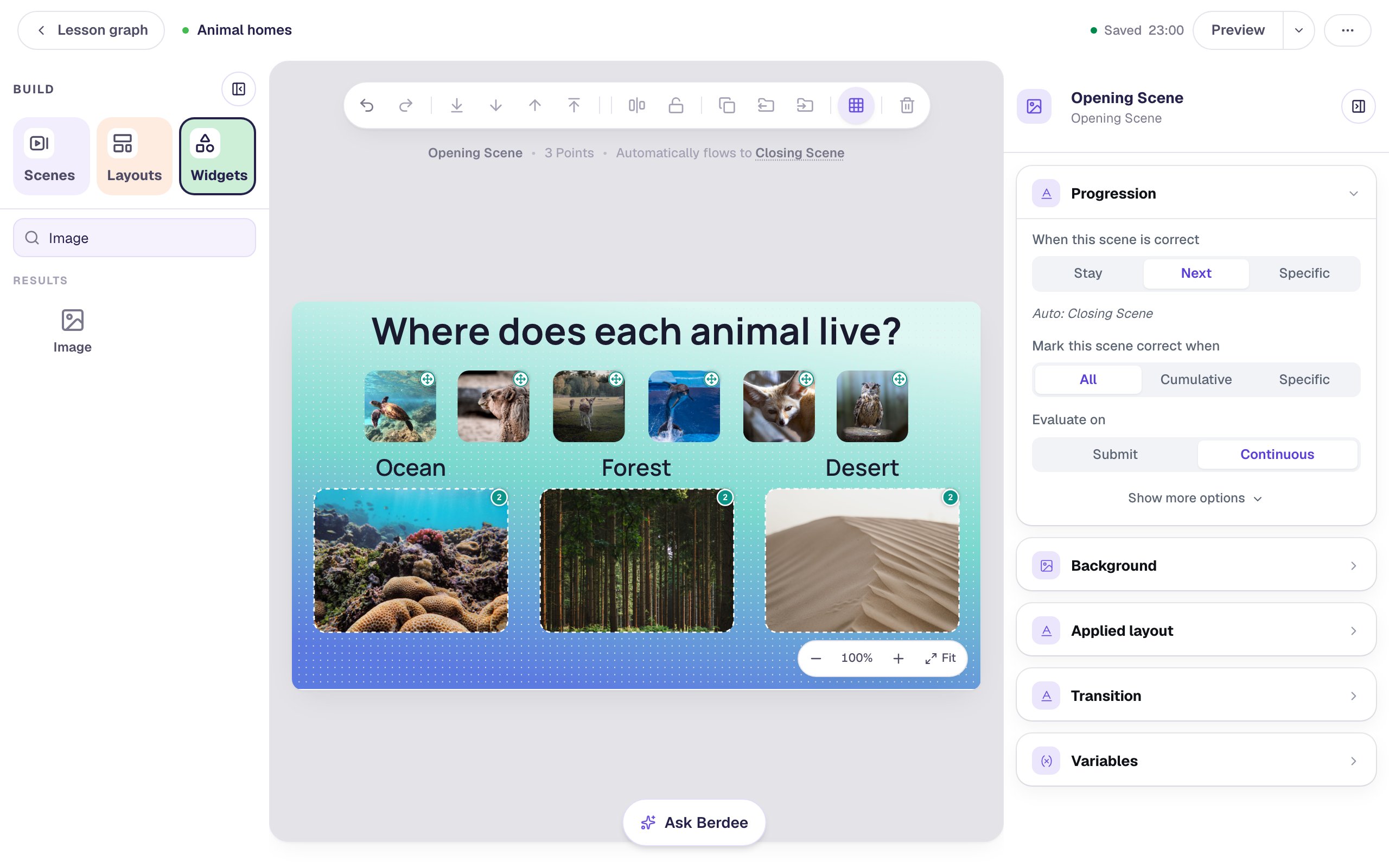
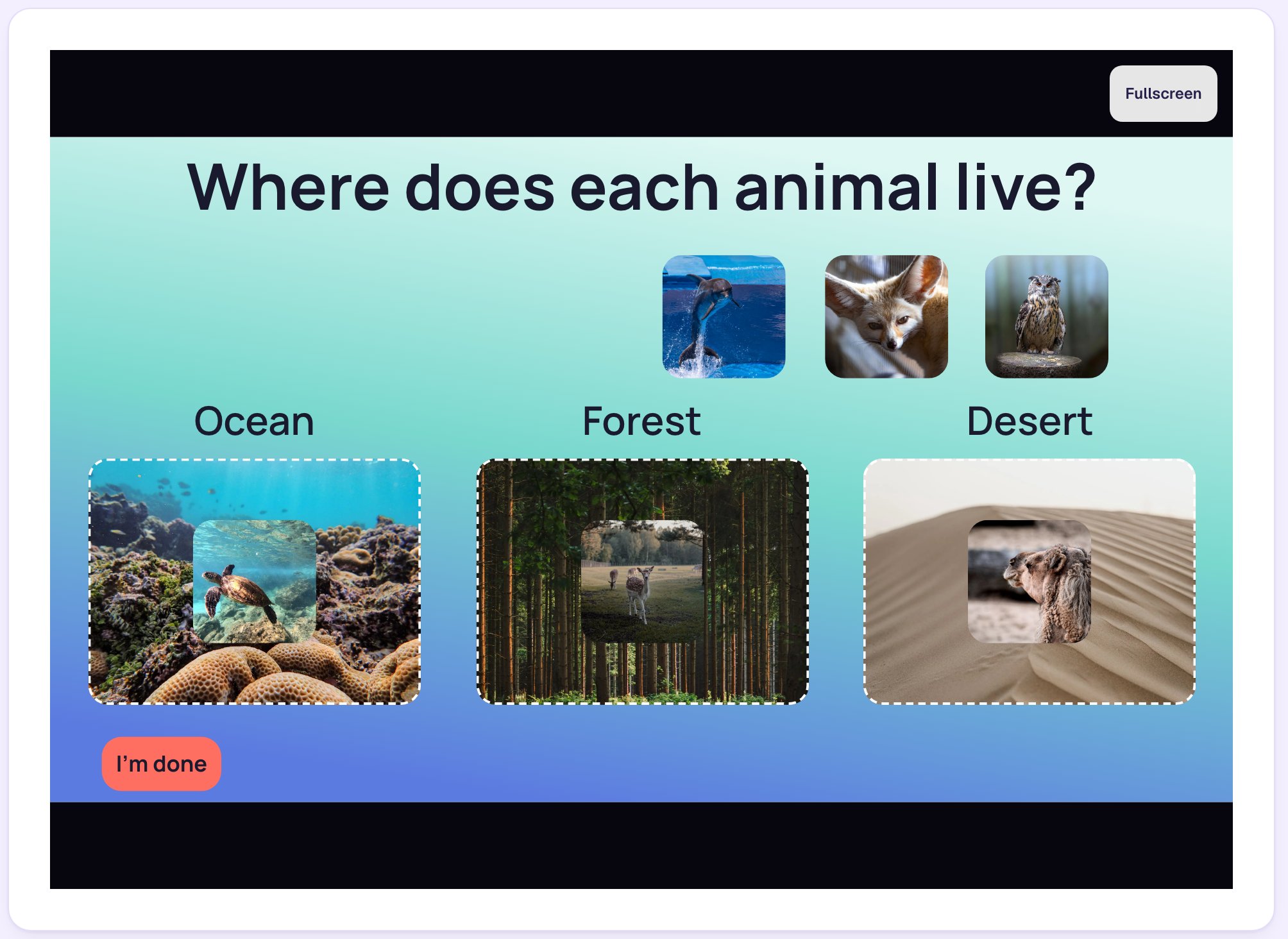
Sort animal pictures into their habitats
Lay see-through Drop Buckets over three habitat photos and turn six animal photos into draggable cards, so students drag each animal to the place it lives.
 Beginner · 15 min · 8 steps
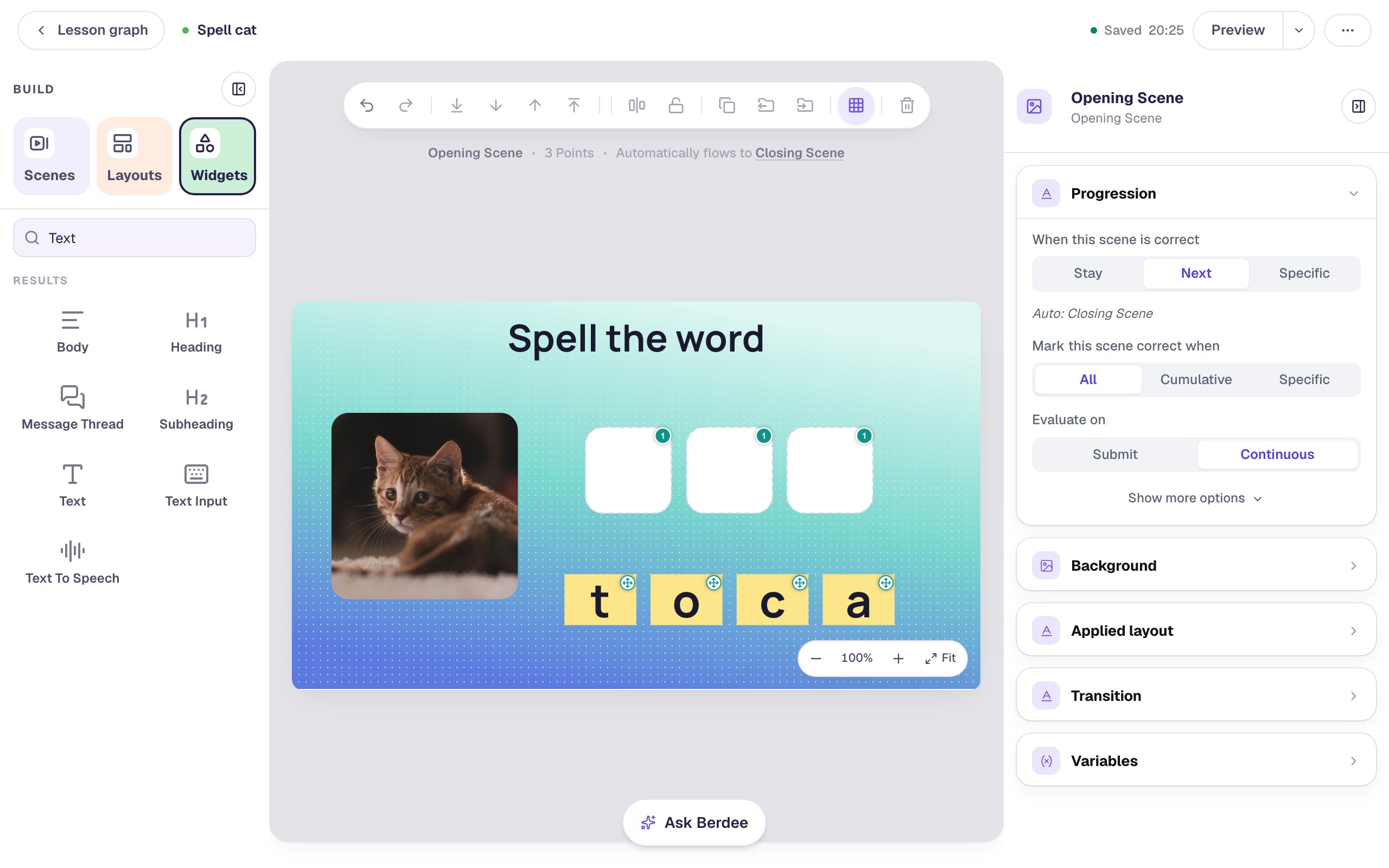
Build a word from letter tiles
Turn Drop Buckets into letter slots and Text widgets into letter tiles, so early readers spell a word by dragging each letter into place, with an extra letter that shows red in the wrong slot.
 Beginner · 15 min · 8 steps
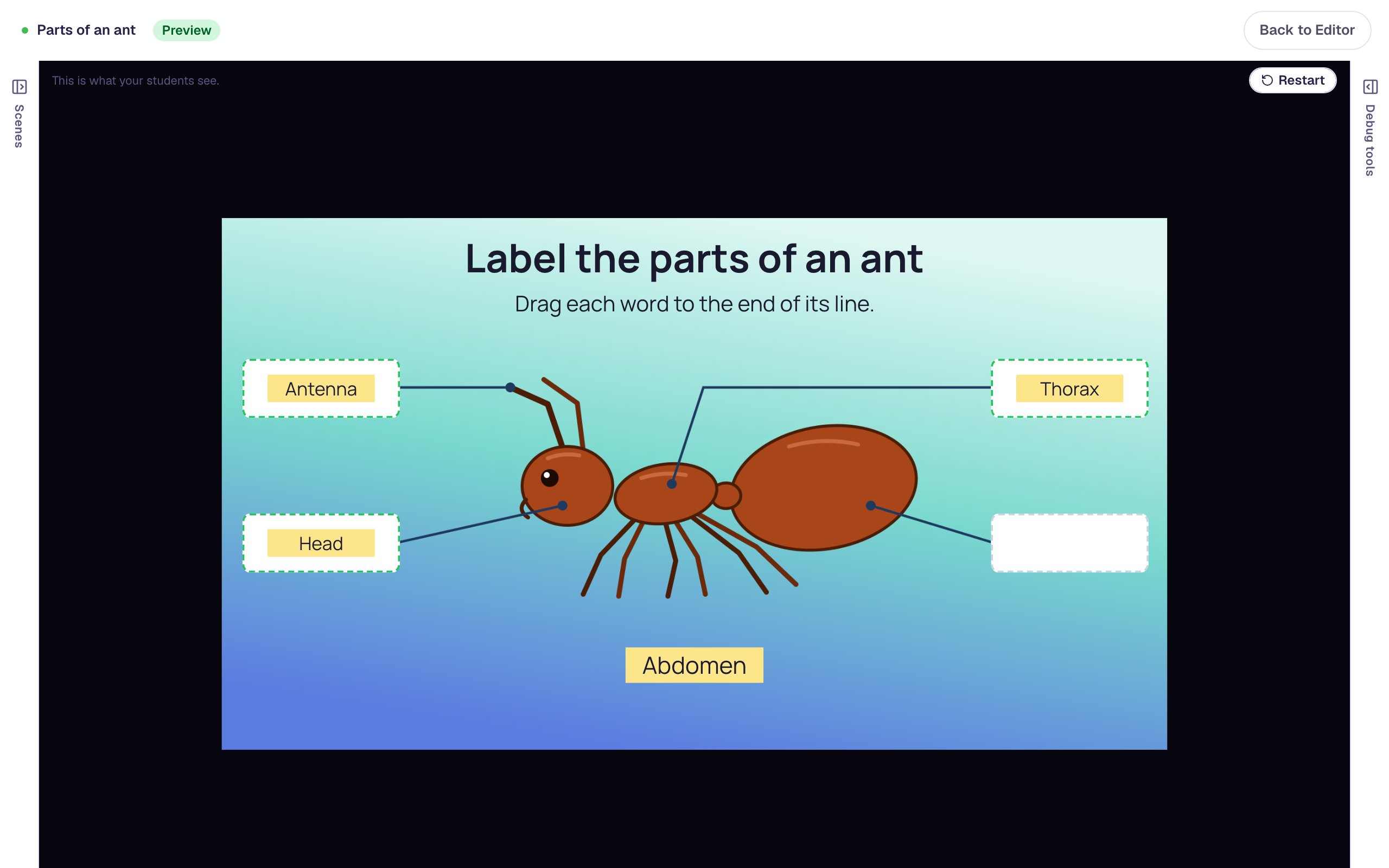
Drag labels onto the parts of a diagram
Put an empty slot at the end of each line on a diagram, turn four words into cards students can drag, and connect each word to its slot, so students label an ant's antenna, head, thorax and abdomen and see a red slot when a word is in the wrong place.
 Beginner · 20 min · 8 steps
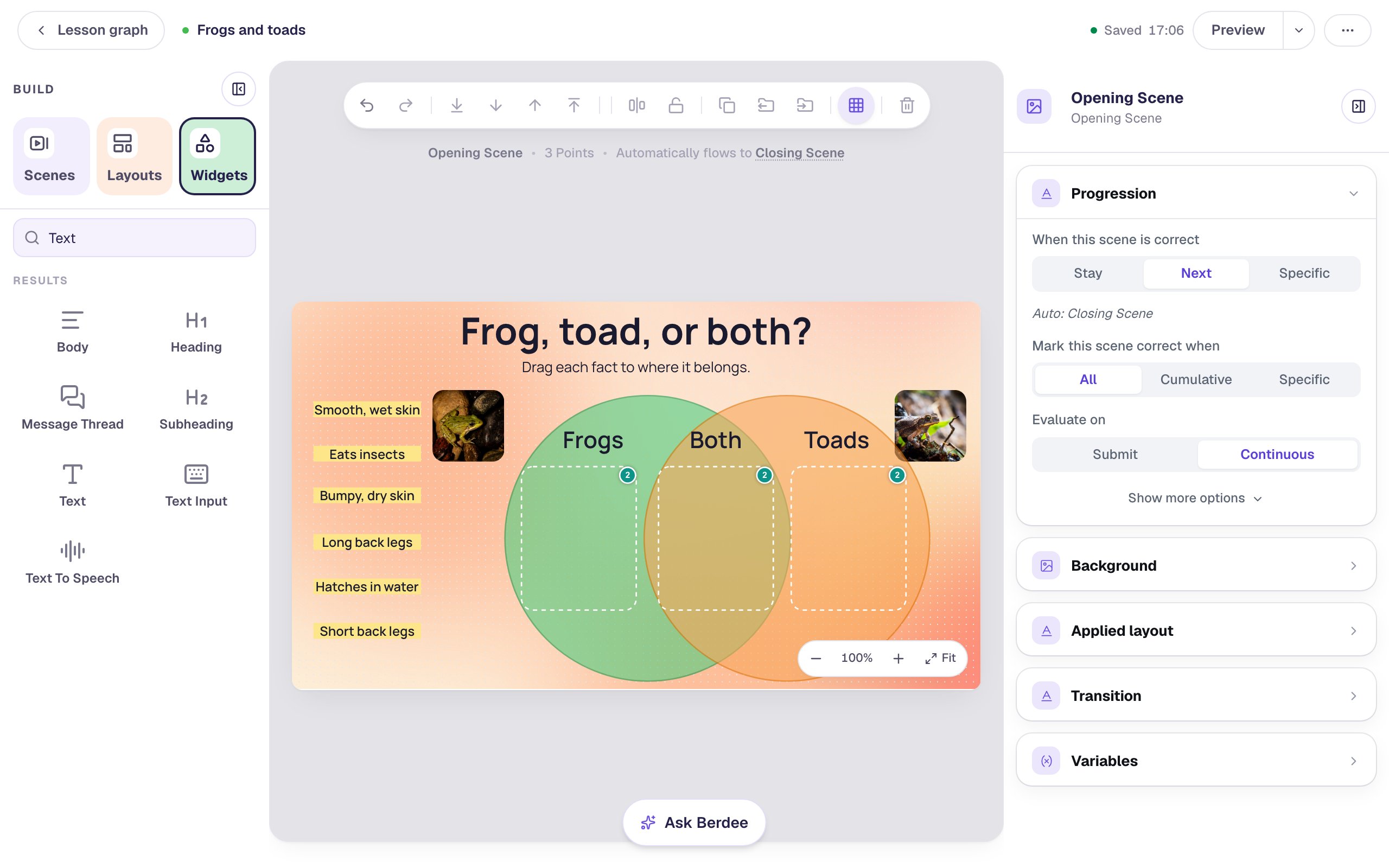
Compare frogs and toads with a Venn diagram
Draw two overlapping see-through circles with Shape widgets, lay a Drop Bucket in each part, and turn six facts into cards, so students sort what's true of frogs, of toads, or of both.
 Beginner · 15 min · 9 steps
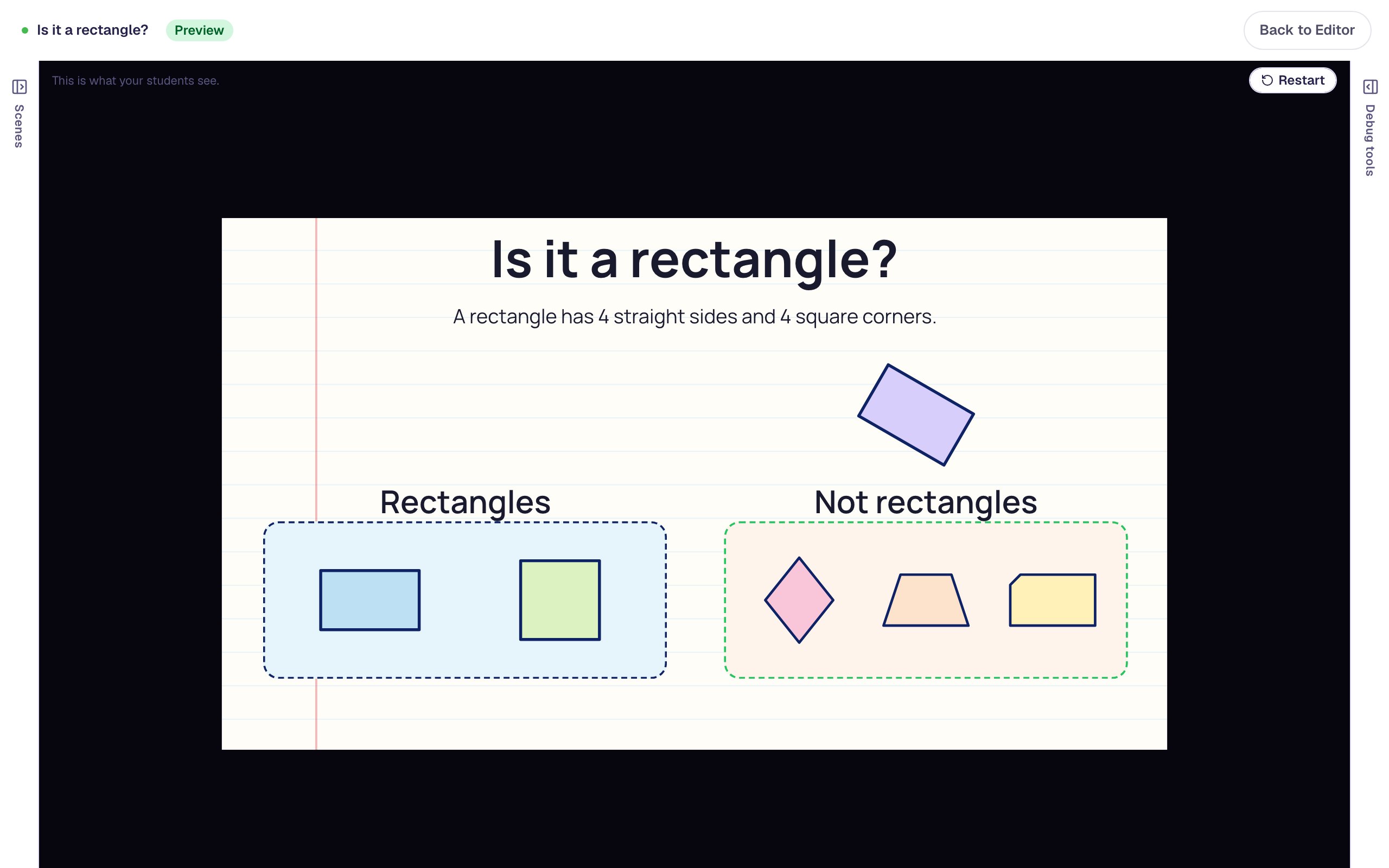
Sort rectangles from shapes that aren't
Draw six exact shapes with the Shape widget, make each one a draggable card, and let students sort them into Rectangles and Not rectangles. A square and a tilted rectangle belong with the rectangles; a rhombus and a trapezoid don't.
 Intermediate · 20 min · 8 steps
React to each drop in a drag-and-drop game
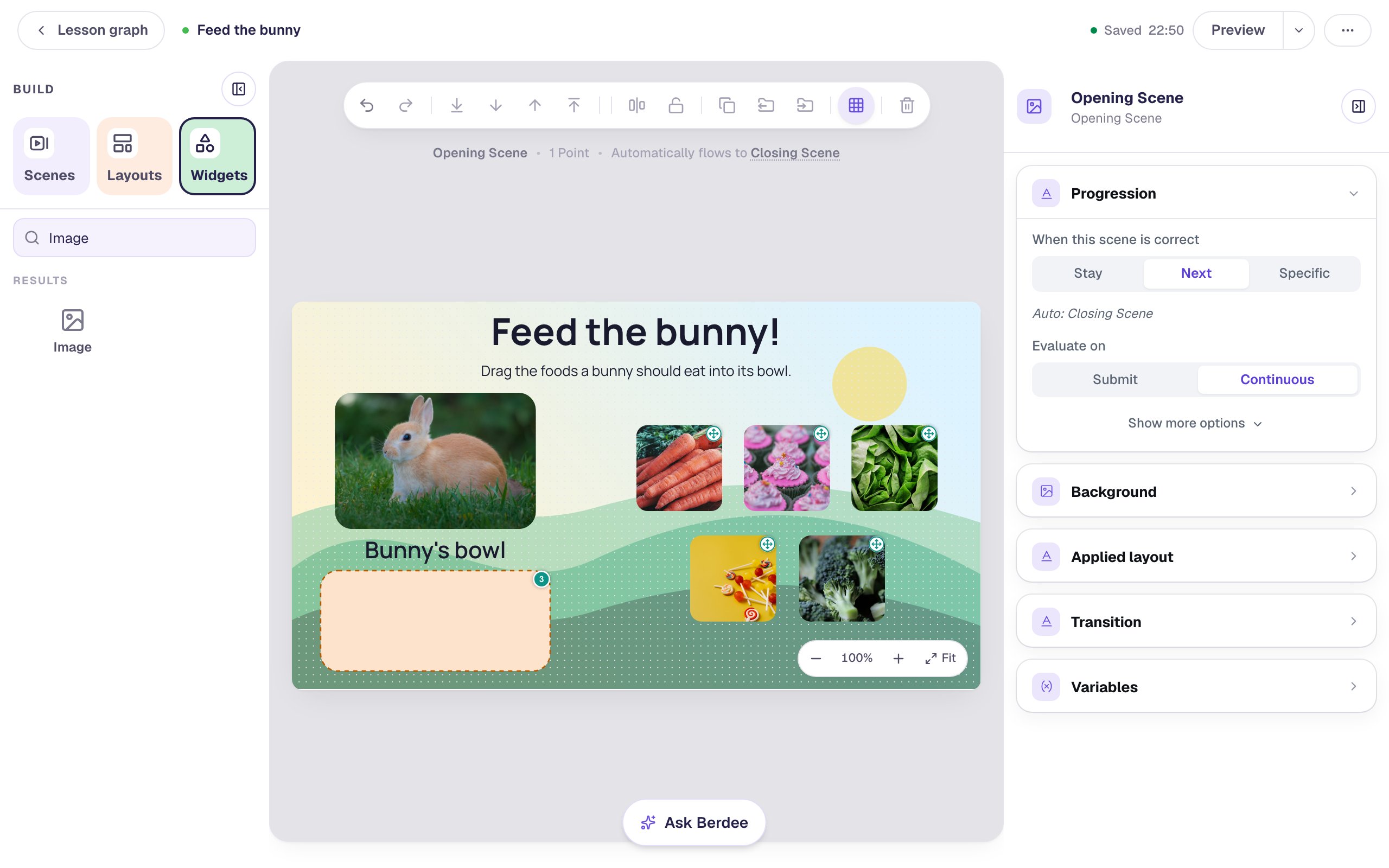
Build a feed-the-bunny game where every drop gets an answer right away, with an emoji burst for a right food, a gentle message for a wrong one, and praise when the student fixes it.
 Beginner · 20 min · 8 steps
Print a word on a picture students drag
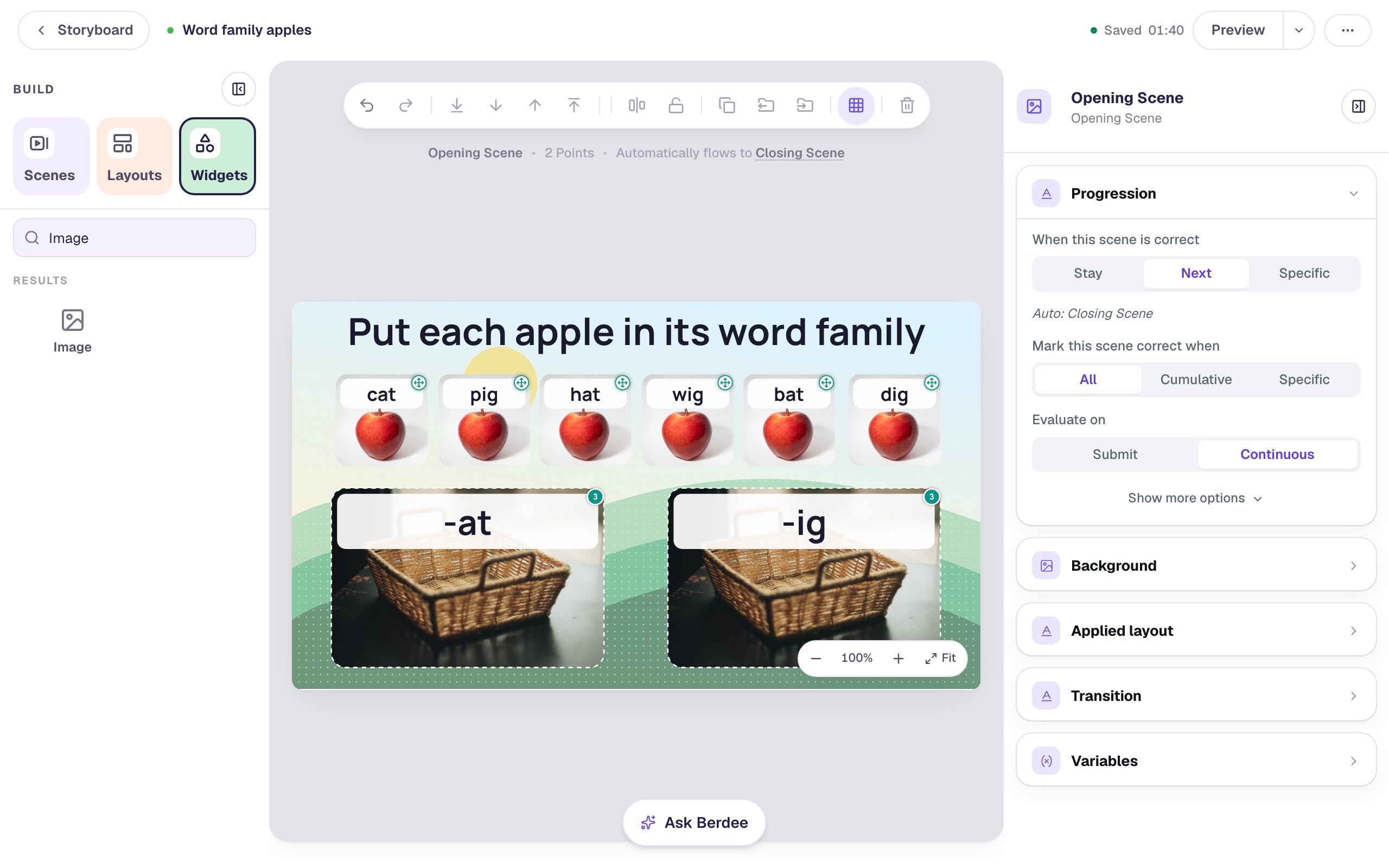
Print a word on an Image with its Label, so one apple photo becomes six word cards that drag, drop and score with their word, and students sort them into -at and -ig baskets.
 Intermediate · 15 min · 9 steps
Show one hint for a whole row of drop slots
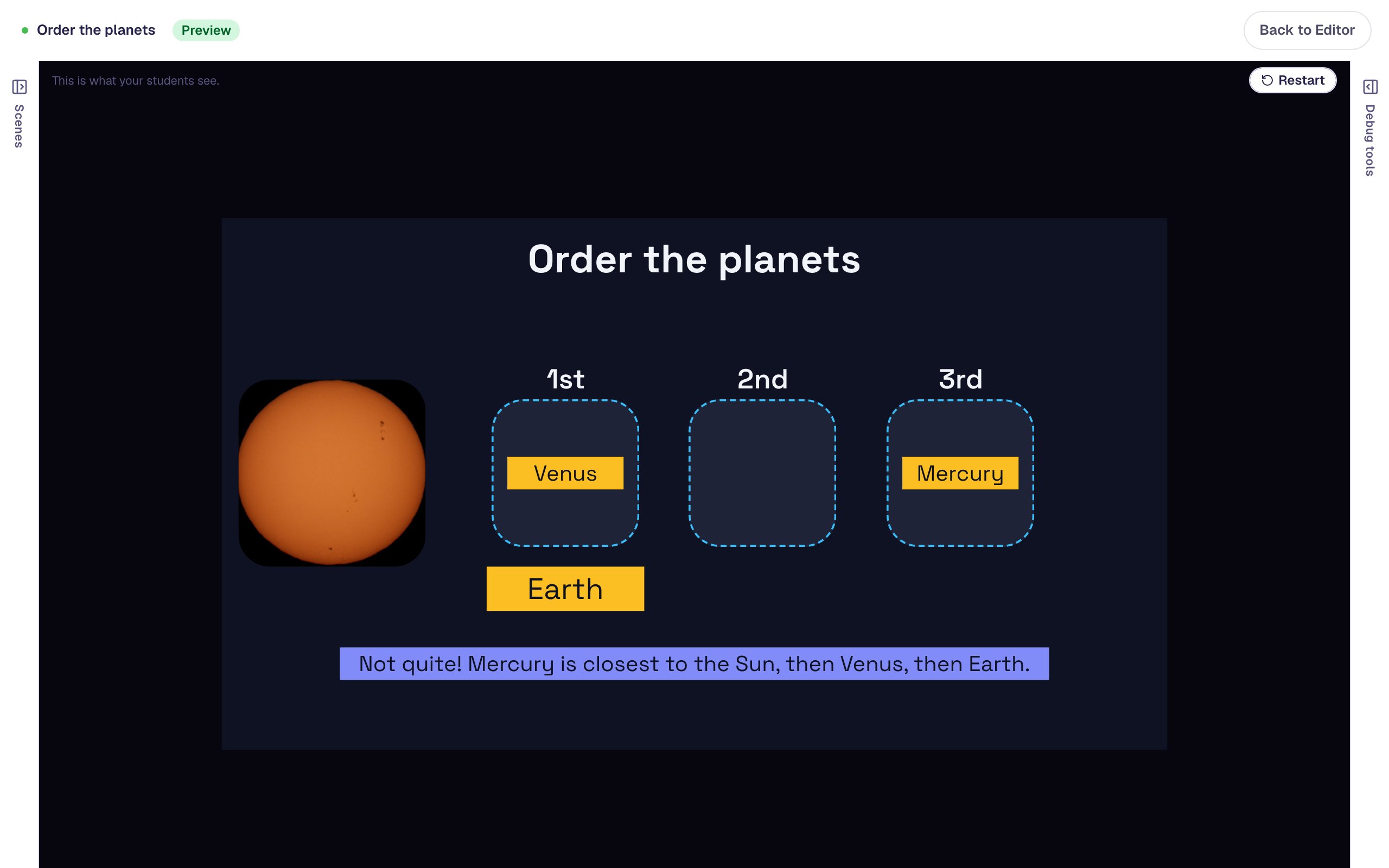
Build a "put the planets in order" scene where one hint appears the moment any slot holds the wrong planet and stays until every mistake is fixed, using each Drop Bucket's Holds a wrong item and one At least one condition is met rule.
 Beginner · 8 min · 6 steps
Share an activity with a colleague
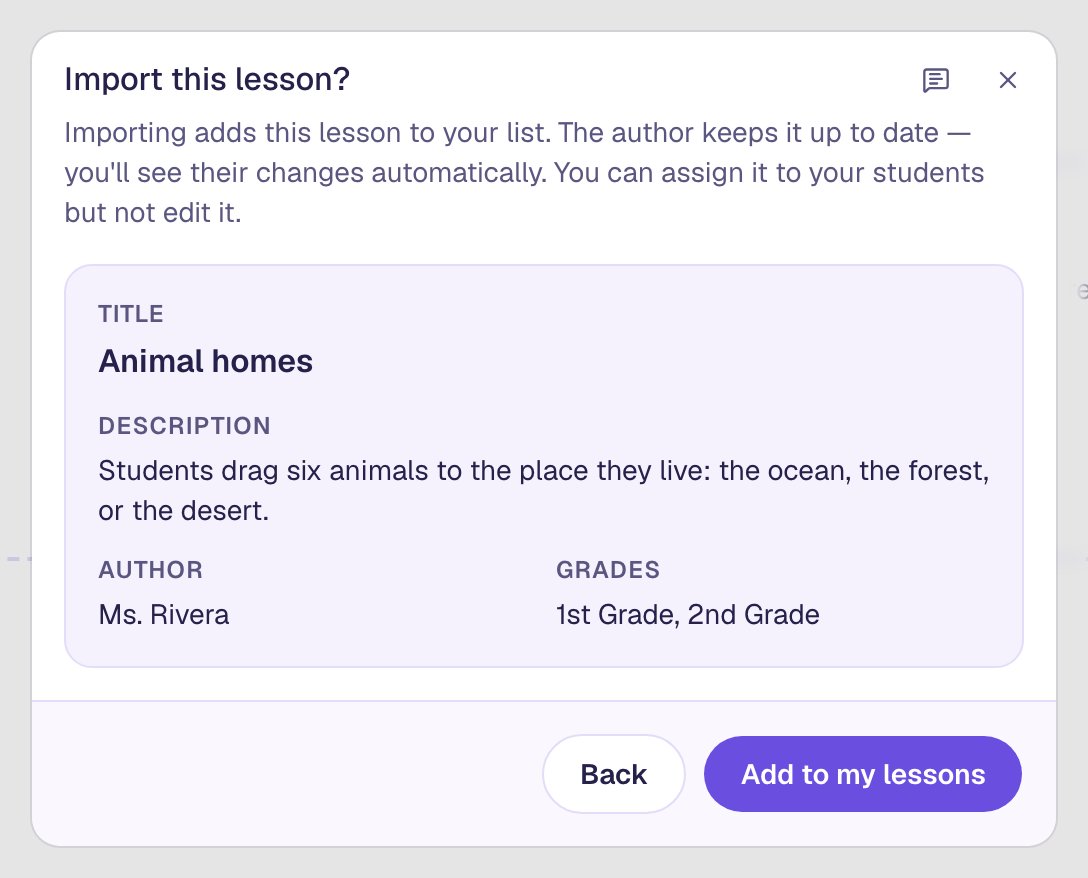
Give a teammate your activity's share code so they can add it to their own account and assign it to their class, while you stay the only one who edits it.
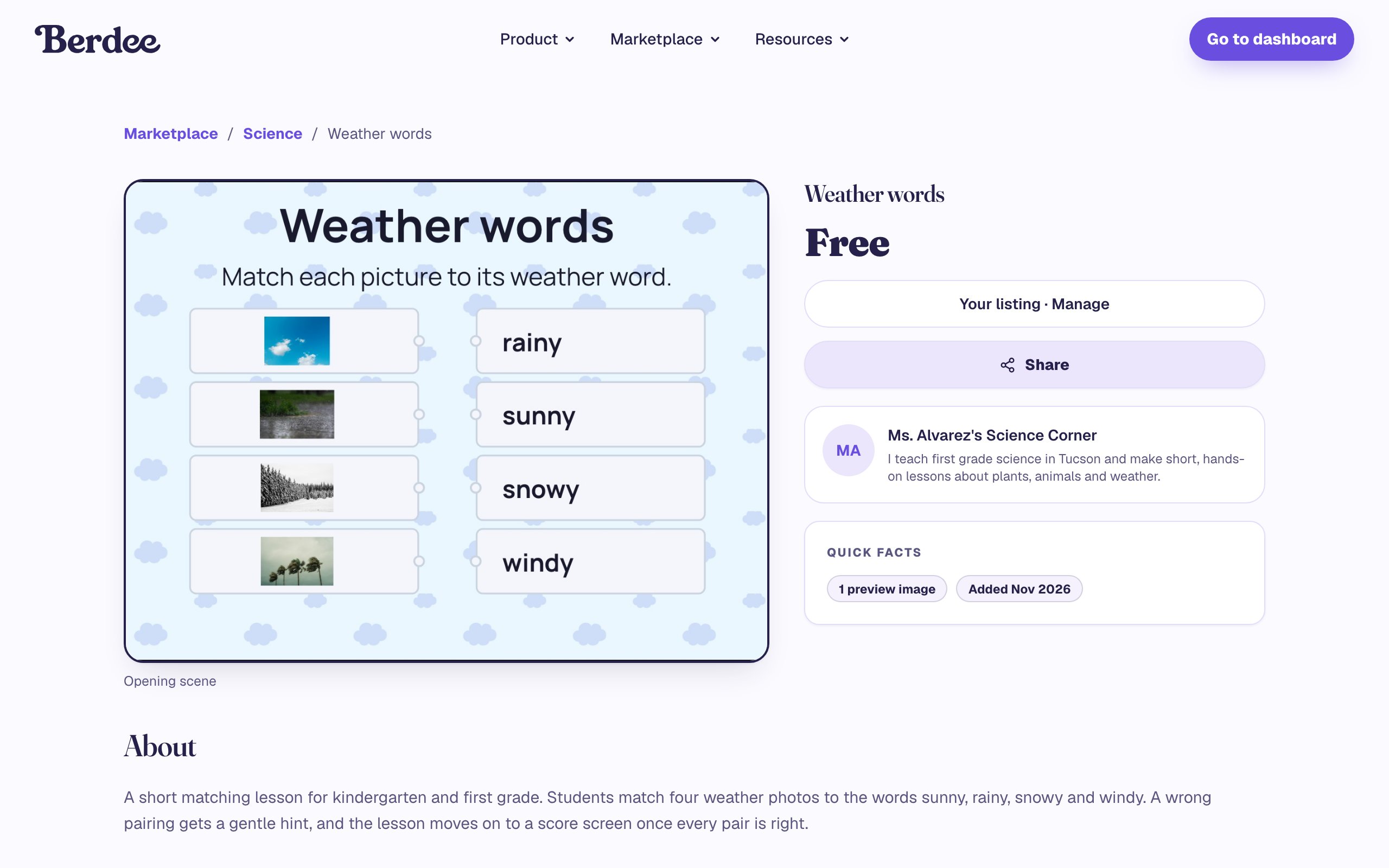 Beginner · 10 min · 7 steps
Publish a free activity to the marketplace
Put a finished activity on the Berdee marketplace for free, so any teacher can find it, add it to their account, and assign it. Set up your publisher profile, fill in the listing, and see it the way other teachers do.
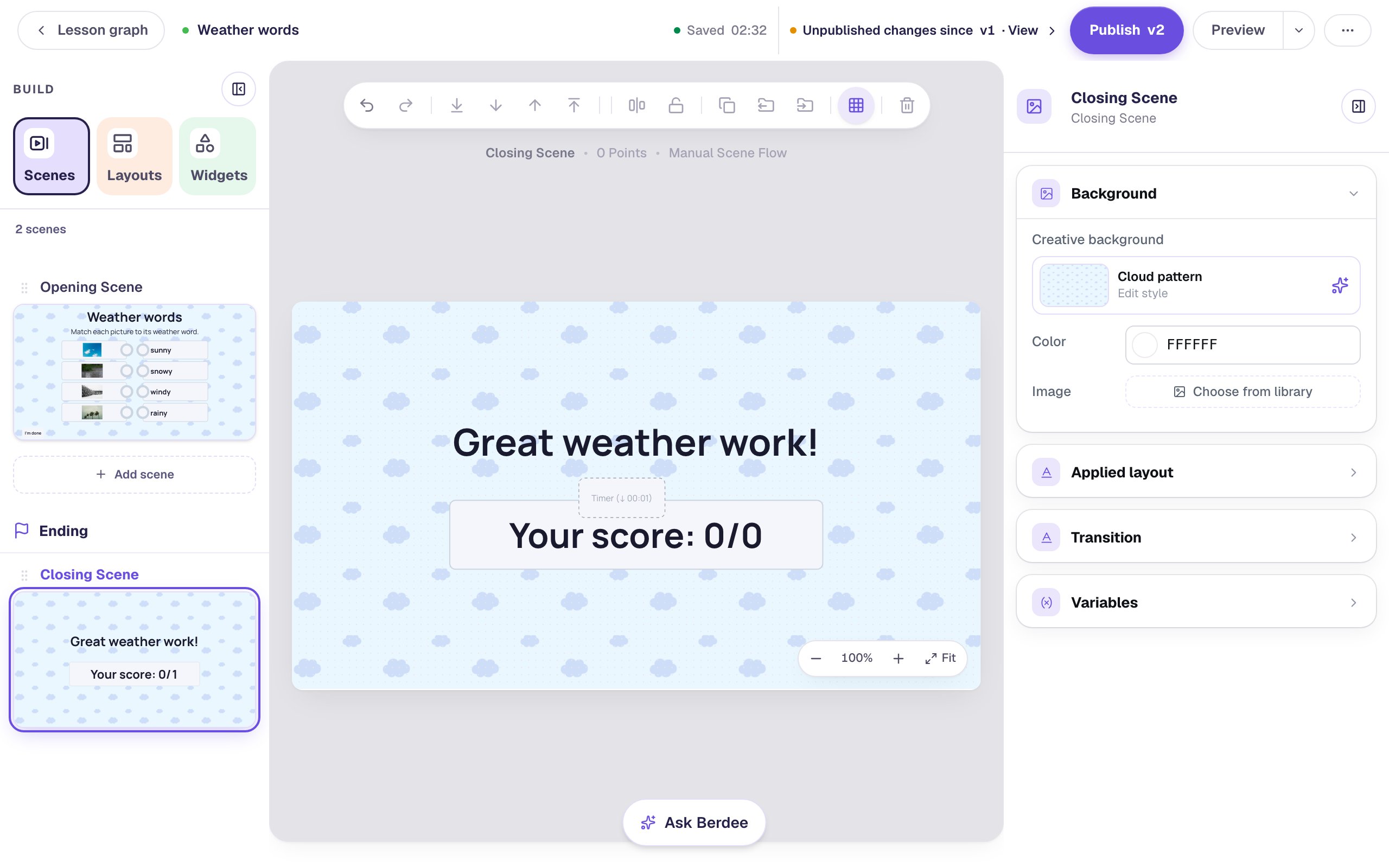 Beginner · 8 min · 8 steps
Publish an update to a marketplace activity
Fix an activity you've already put on the marketplace, check what changed since the version teachers have, and publish the new version with a short note they can read in its version history.
 Beginner · 8 min · 7 steps
Let anyone play an activity with a code
Turn on an activity's play code so families at a science night can play it at /go, with no class or roster to set up. Choose a code that's easy to say, share the link, and turn it off when the night is over.