An interactive quiz maker for teachers.
Build multiple choice, select-all, dropdown, number and short-answer questions on a drag-and-drop canvas. Decide what each question is worth and what a student sees after a wrong answer.
Quizzes for checking understanding, not just collecting answers.
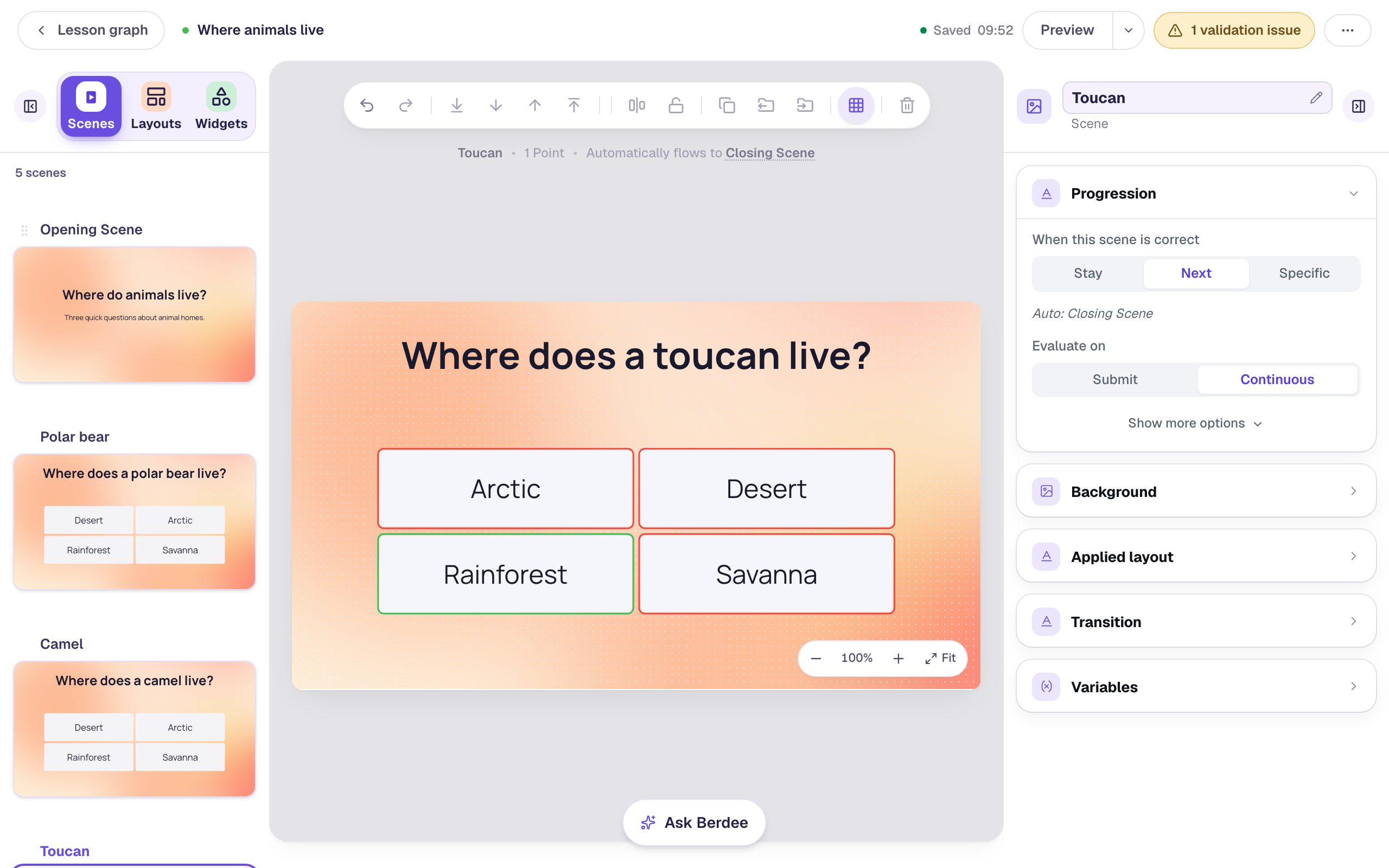
A three-question check
Build one question, duplicate the scene, and change the words. The lesson moves on by itself when a student gets each one right.
Select-all questions with pictures
Put pictures in the choices and ask students to pick every one that fits. You decide whether they need all the right picks, at least one, or exactly one.
Math answers with room for rounding
A number question can accept anything within a range you set, so 9.8 and 10.2 both count when the answer is about 10.
From a blank scene to a finished quiz.
Add the question
Drag a multiple choice, dropdown, number or text answer onto a scene and type your choices, or start from a template.
Set the scoring
Mark the right answers, give each question its points, and turn scoring off for a warm-up that shouldn't count.
Assign and review
Each student opens the quiz with their own code. Each attempt shows every answer, whether it was right, and the time spent on it.
The settings teachers reach for most.
Points for each question
Make the hard question worth more and the practice one worth nothing. Grading groups give a separate score for each skill.
Accepted answers
A short-answer question can accept several answers, with capitals counted or ignored. A number question accepts a margin you choose.
Feedback on a wrong answer
Show a hint, play a sound, or send the student to a scene that explains the mistake.
Shuffled choices and timers
Randomize the order of the choices, or put a time limit on a question for a speed round.
Every setting is explained in the help center: Grading and score.
Build one with us, a screenshot for every step.
 Beginner · 10 min · 9 steps · Updated
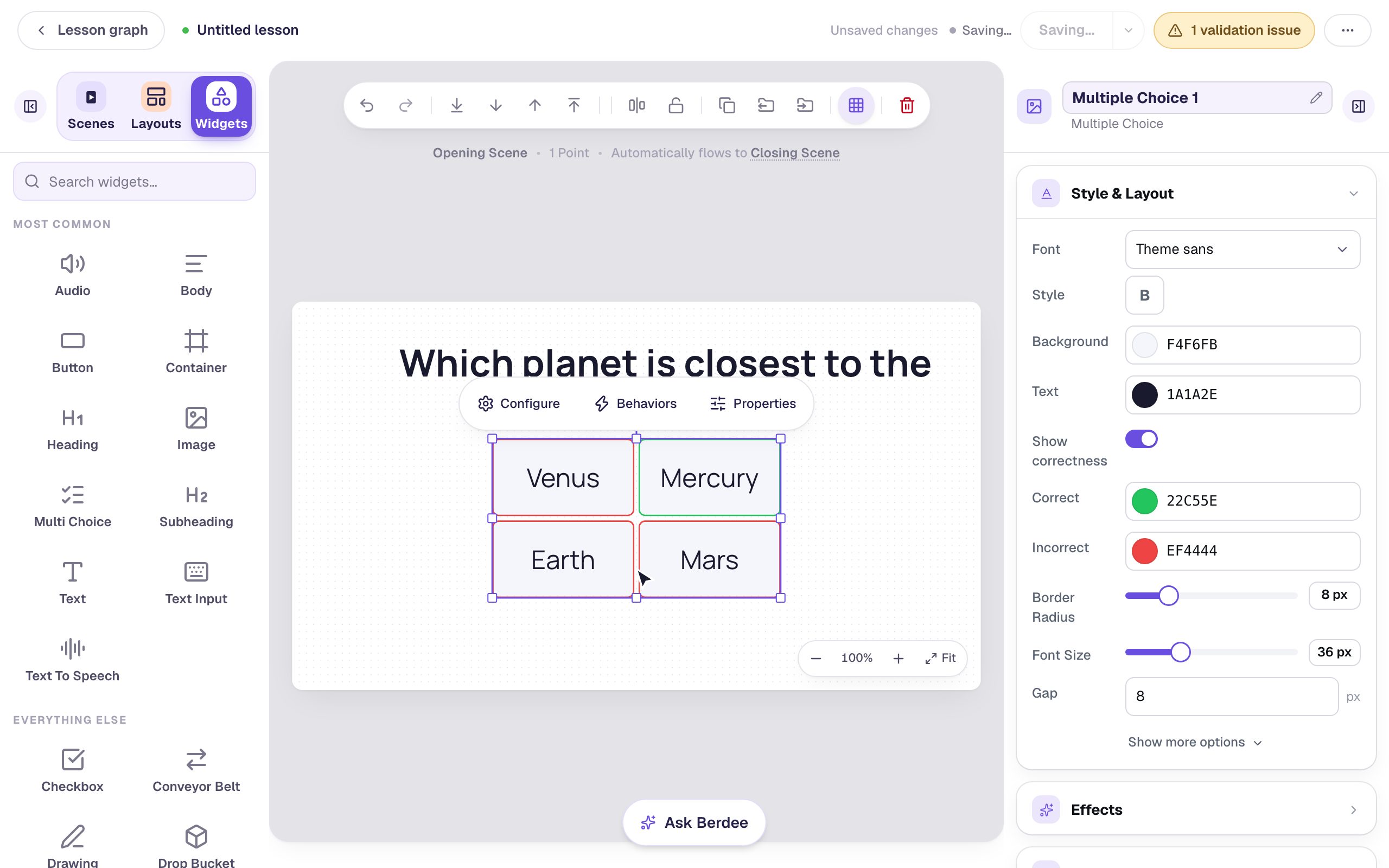
Build your first quiz question
Start a blank lesson, add a multiple-choice question, and watch it score in preview, one click at a time.
Ready-made lesson to add- Beginner · 12 min · 9 steps · Updated
Build a three-question quiz by duplicating a scene
Build one question scene properly, then duplicate it and change only what's different, so every question in the quiz has the same look and layout. Reorder the questions by dragging and watch the lesson follow the new order.
Ready-made lesson to add 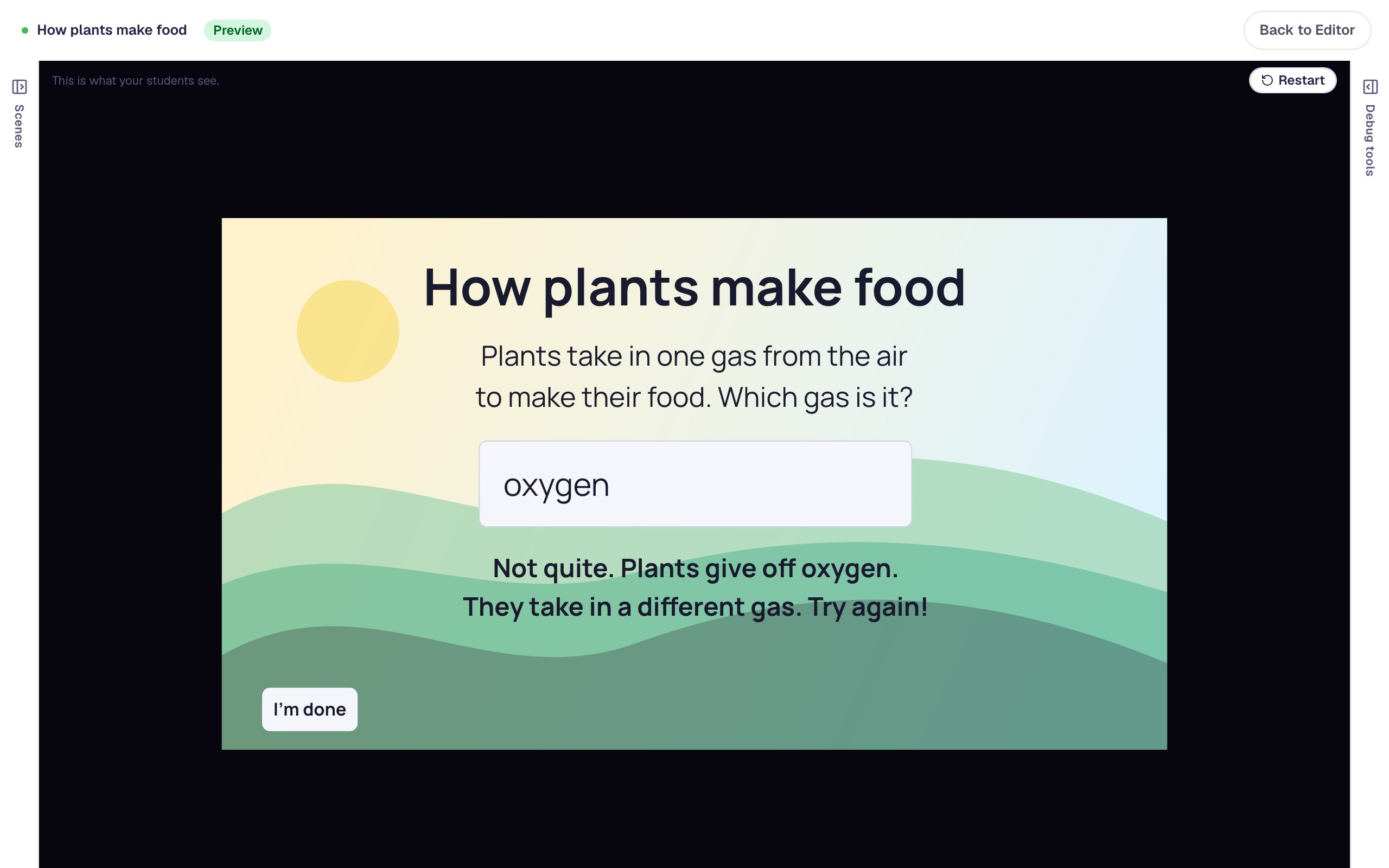 Beginner · 10 min · 7 steps · Updated
Ask a short-answer question that coaches a wrong try
Build a Text Input question that accepts more than one way of writing the answer, then add a "try again" message that appears only after a wrong answer.
Ready-made lesson to add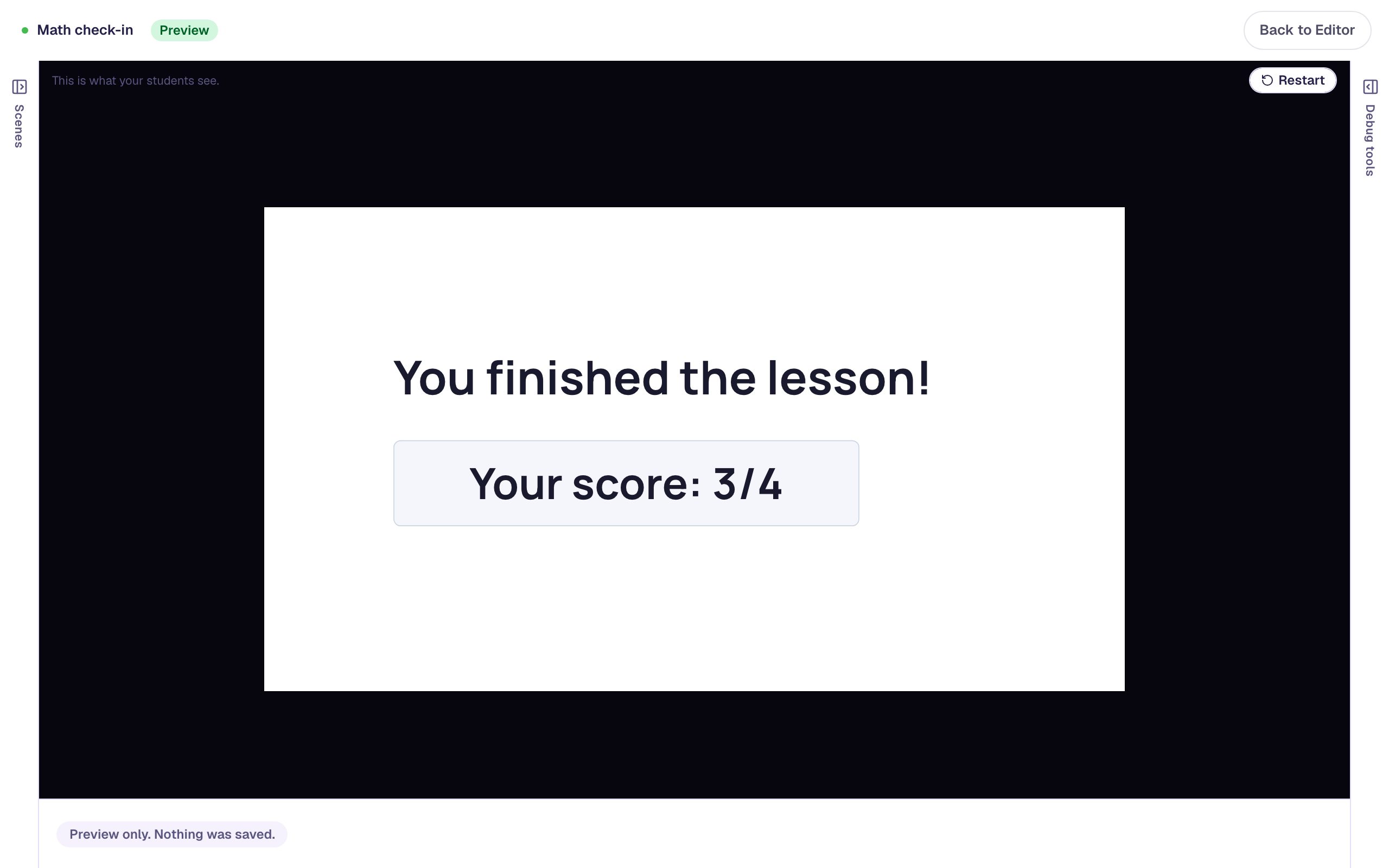 Beginner · 15 min · 8 steps · Updated
Make some questions count more, and one not at all
Give a harder question more points, turn scoring off for a practice question, and check the score students see at the end.
Ready-made lesson to add
Common questions
Build your first quiz today.
Build and preview for free, with no credit card. When you assign it, students play in the browser on a Chromebook, tablet or phone.