A word search maker for your vocabulary list.
Type your words and Berdee builds the grid. Students find each word by dragging across it, tapping its first and last letters, or with the keyboard, and you can score every word they find.
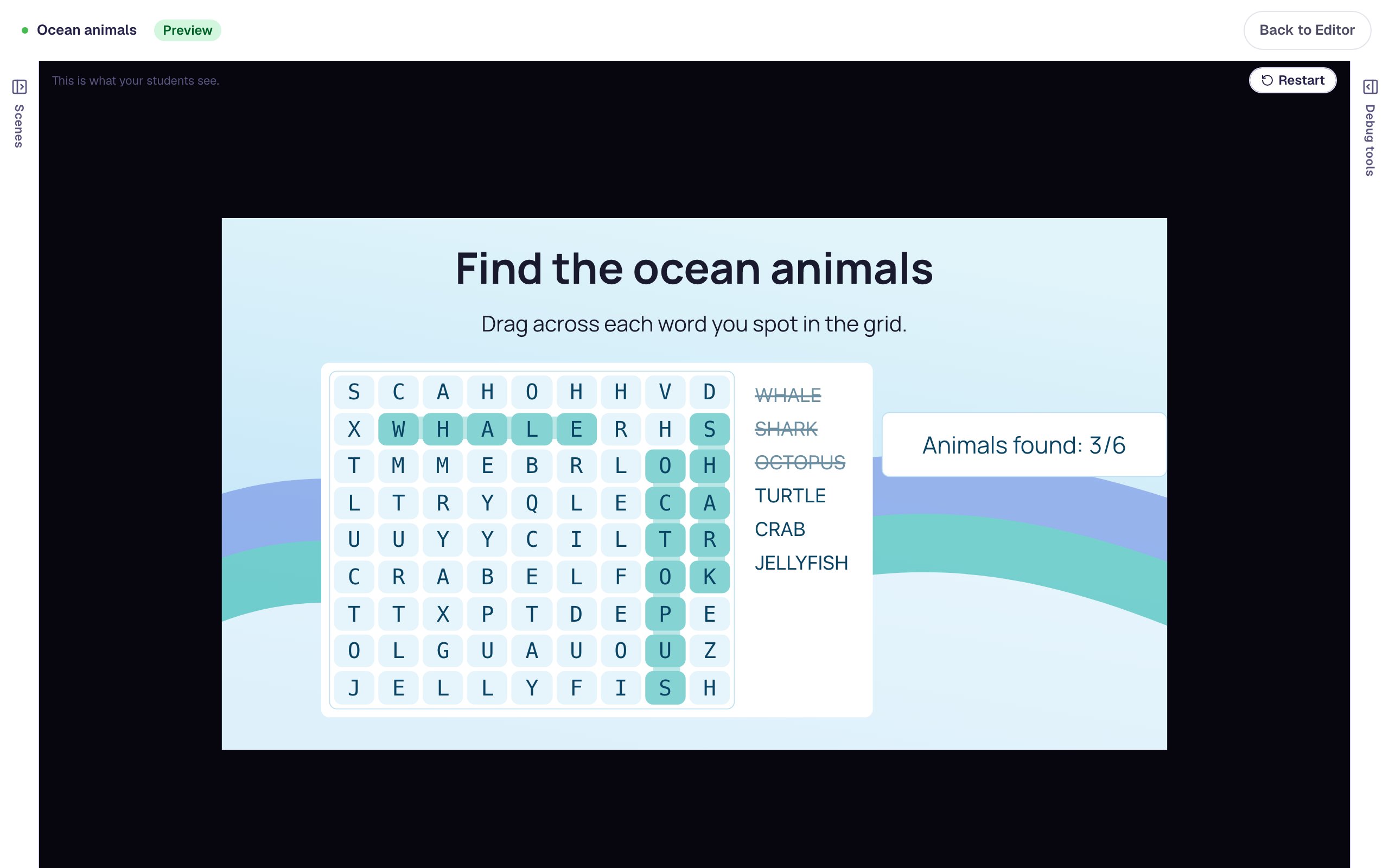
A puzzle for any word list.
This week's spelling words
Enter the list, keep the puzzle to across and down, and show the word list so younger students know what to look for.
Science and history vocabulary
Hide the unit's key terms and count each one as it's found, with a running total on the scene.
A warm-up or early finisher
Turn on diagonal and backwards words for a harder puzzle, or add a timer for a speed round.
Three steps to a word search.
Type your words
Enter the list and the points each word is worth. Berdee builds the grid to fit.
Set the difficulty
Allow diagonal or backwards words, show or hide the word list, and add rows to spread the words out.
Assign it
Found words are struck through, the puzzle counts how many are left, and the scene can finish by itself when the last word is found.
The settings that set the challenge.
Scoring by word
Per word credits each find as it happens. Full completion gives the points only when every word is found.
Word list on or off
Show the list beside the grid, or hide it for a find-the-hidden-words challenge.
Reveal answers
Let students reveal the words they couldn't find. Revealed words don't earn points.
Keyboard and screen reader
Every letter can be reached with the arrow keys, and each find is announced to screen readers.
Every setting is explained in the help center: Word search widget.
Build one with us, a screenshot for every step.
Common questions
More you can make
Make your first word search today.
Build and preview for free, with no credit card. When you assign it, students play in the browser on a Chromebook, tablet or phone.