Learn Berdee by building
Step-by-step walkthroughs with a screenshot for every step. Follow along in the studio and finish with an activity that works. Looking up one setting instead? The help center covers every control.
Try “timer”, “drag” or “score”. 173 of 174 come with a ready-made activity you can add to your account.
65 tutorials found
Widgets65 tutorials
One widget at a time, set up for a real activity.
 Beginner · 10 min · 8 steps
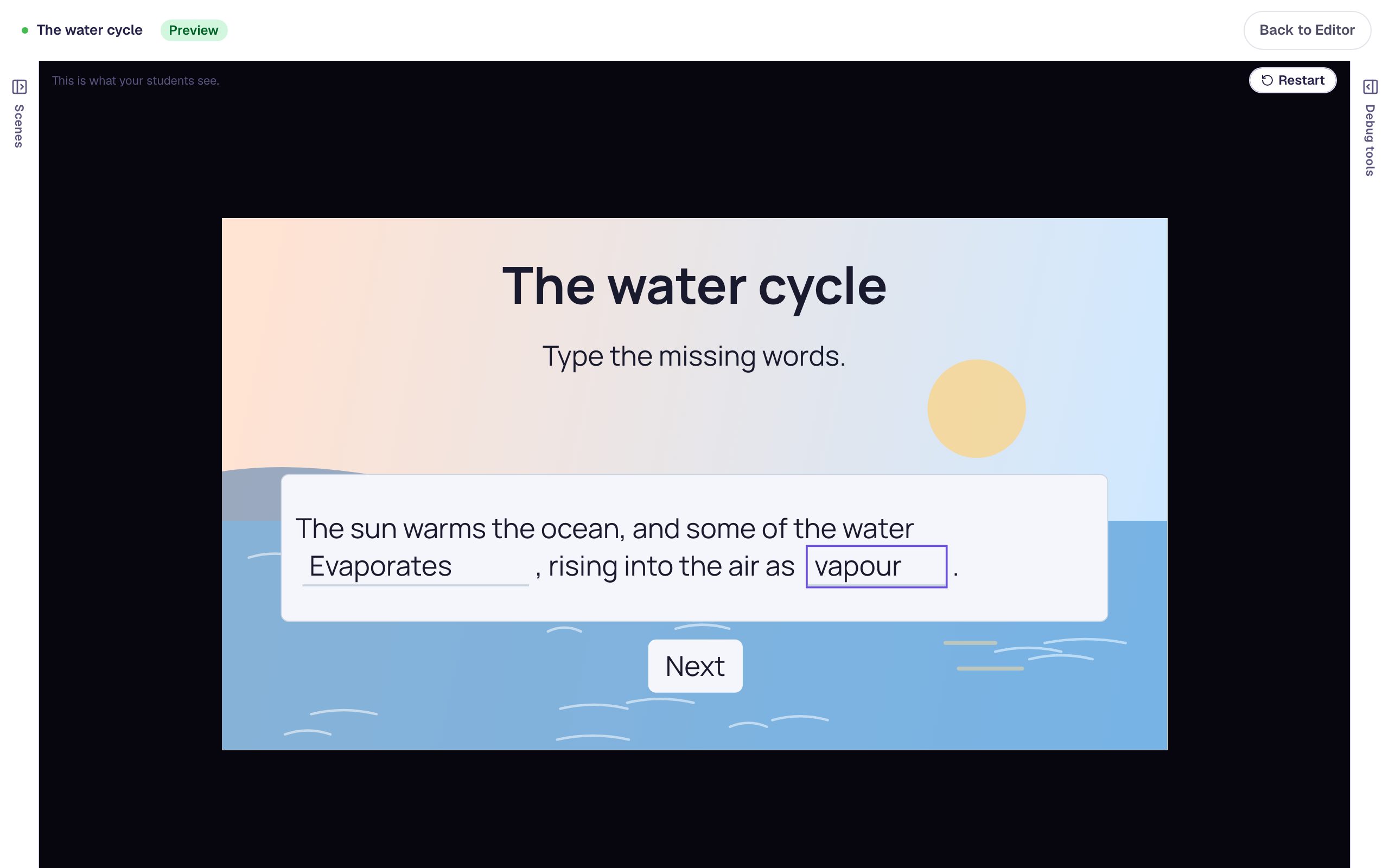
Accept more than one answer in a fill-in-the-blank
Build a Fill in the Blank question by typing the real sentence and marking the missing words, then add hints and a second spelling so a right answer is never marked wrong.
 Beginner · 10 min · 9 steps
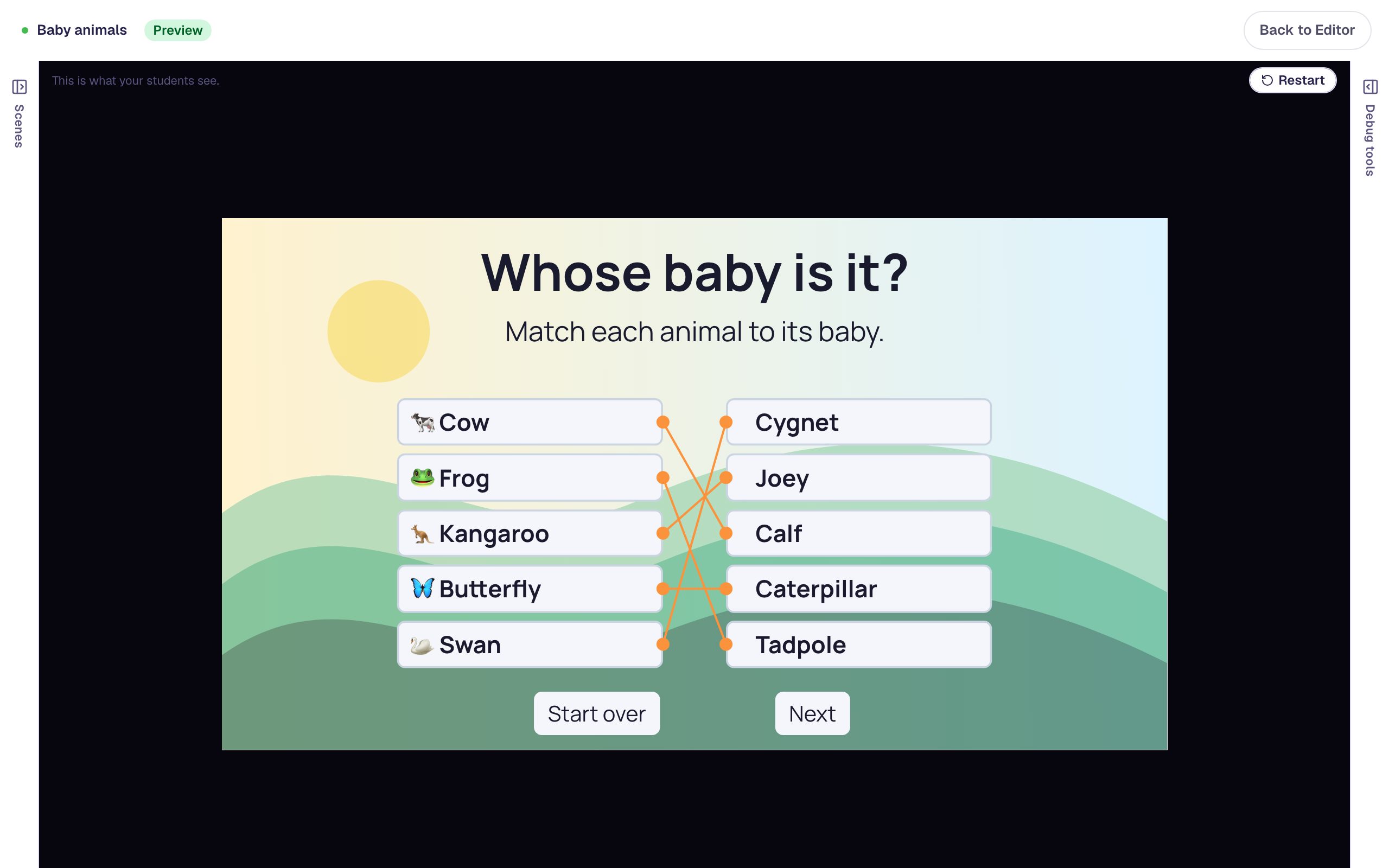
Build a matching game with instant feedback
Build a five-pair matching game where students connect each animal to its baby. Add a gentle message for every wrong pairing, confetti when the set is complete, and a Start over button.
 Beginner · 10 min · 8 steps
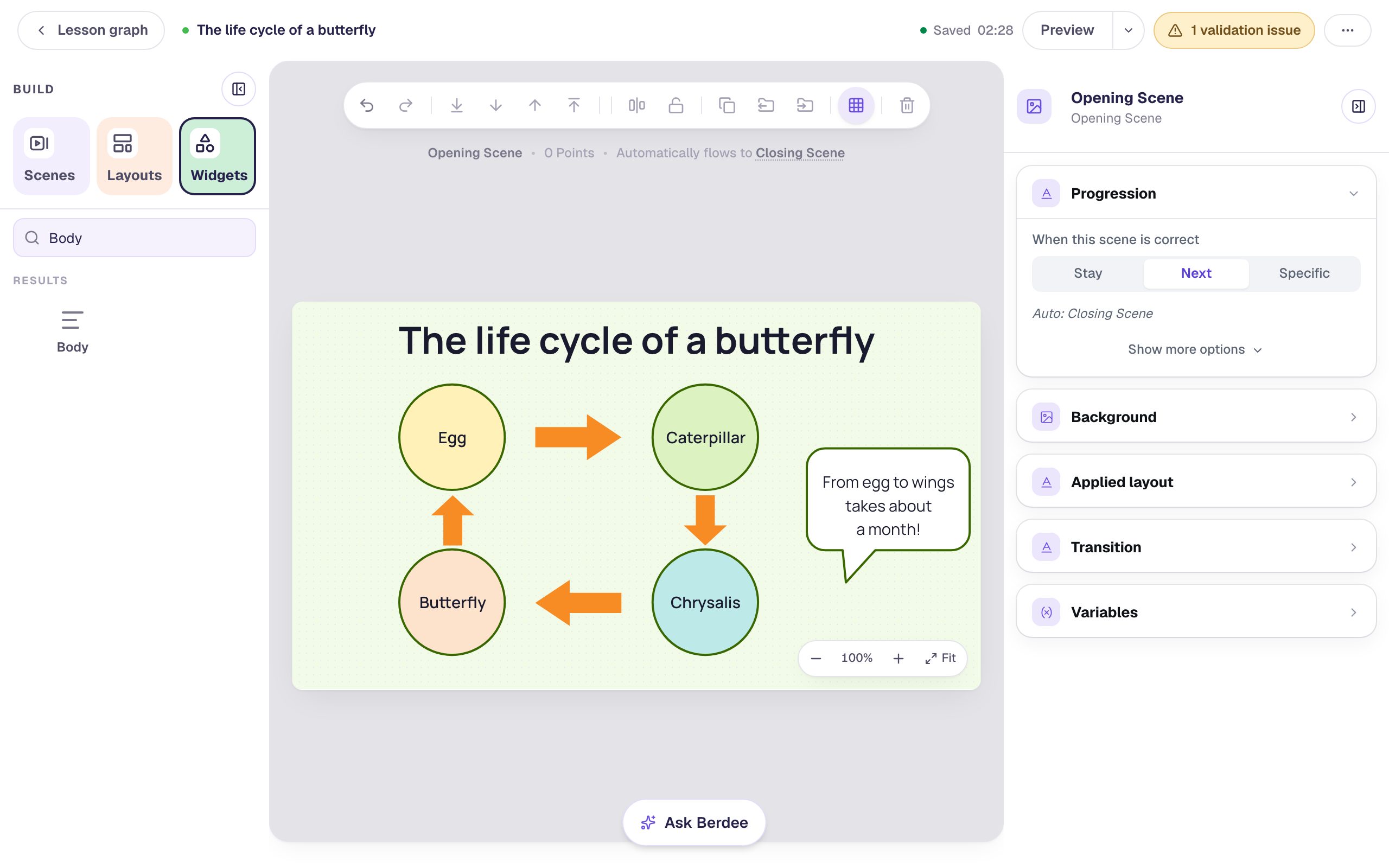
Draw a life-cycle diagram with shapes and arrows
Build a butterfly life-cycle diagram from Shape widgets. Pick shapes from the library, colour them, put labels on top, copy a finished stage, and turn copies of one arrow in each direction.
 Beginner · 10 min · 9 steps
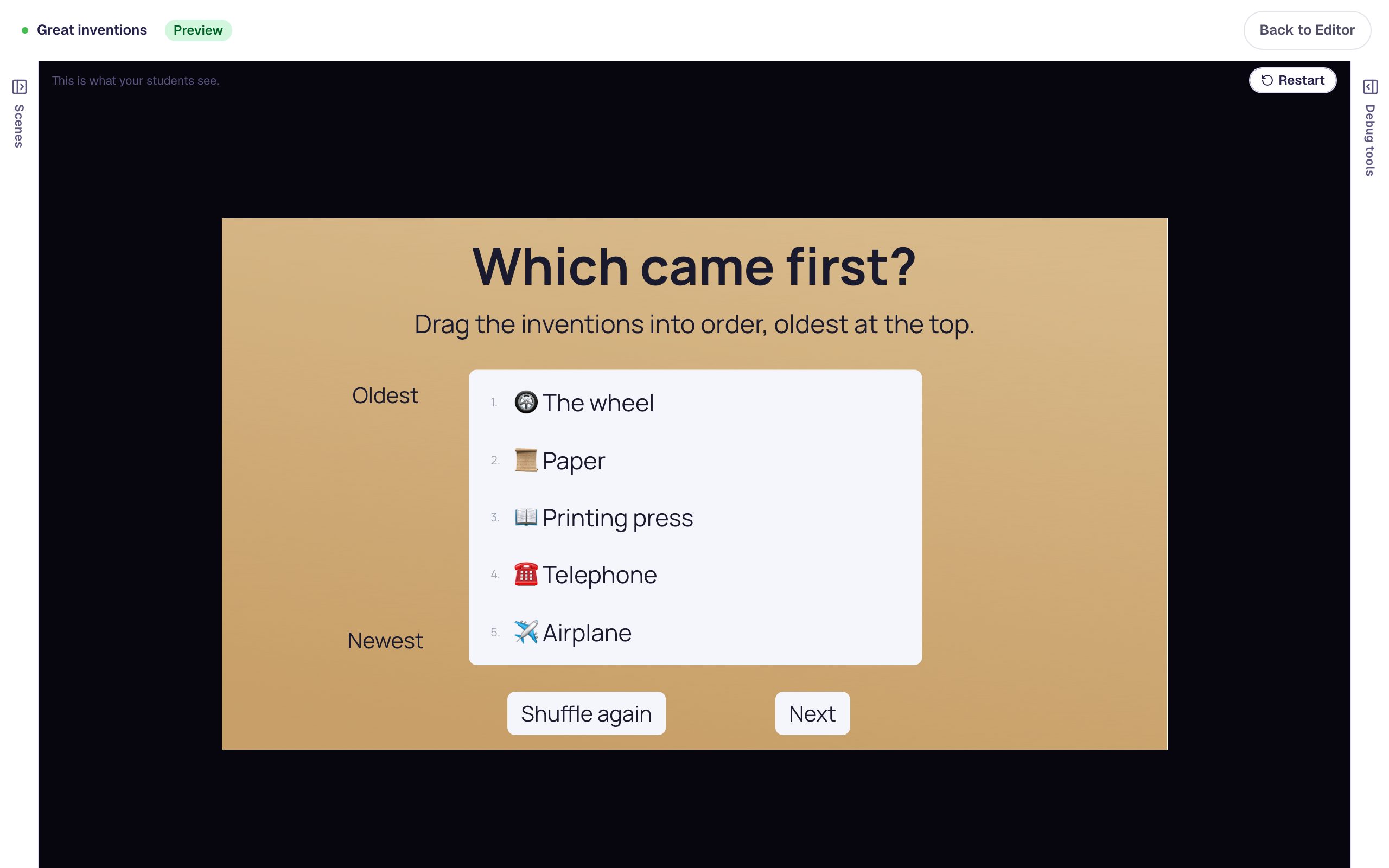
Put events in order with a sorting list
Build a "Which came first?" activity where students drag five inventions into time order. Type the cards in the right order, label the ends of the list, celebrate a correct order, and add a Shuffle again button.
 Beginner · 10 min · 8 steps
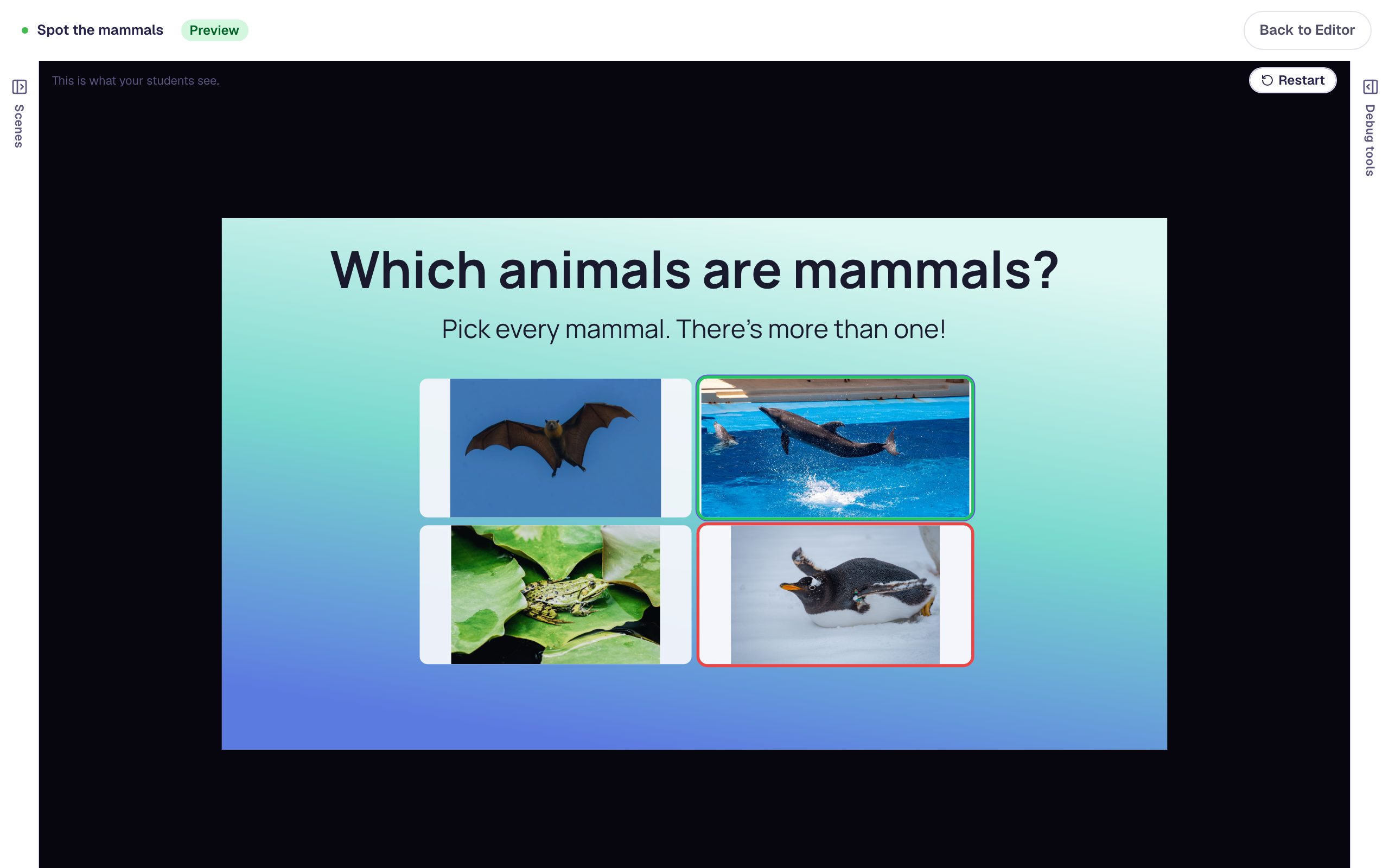
Ask a "select all that apply" question with pictures
Turn a Multiple Choice question into a select-all question with more than one right answer, give every answer a stock photo, and describe each picture so screen readers can read it.
 Beginner · 10 min · 7 steps
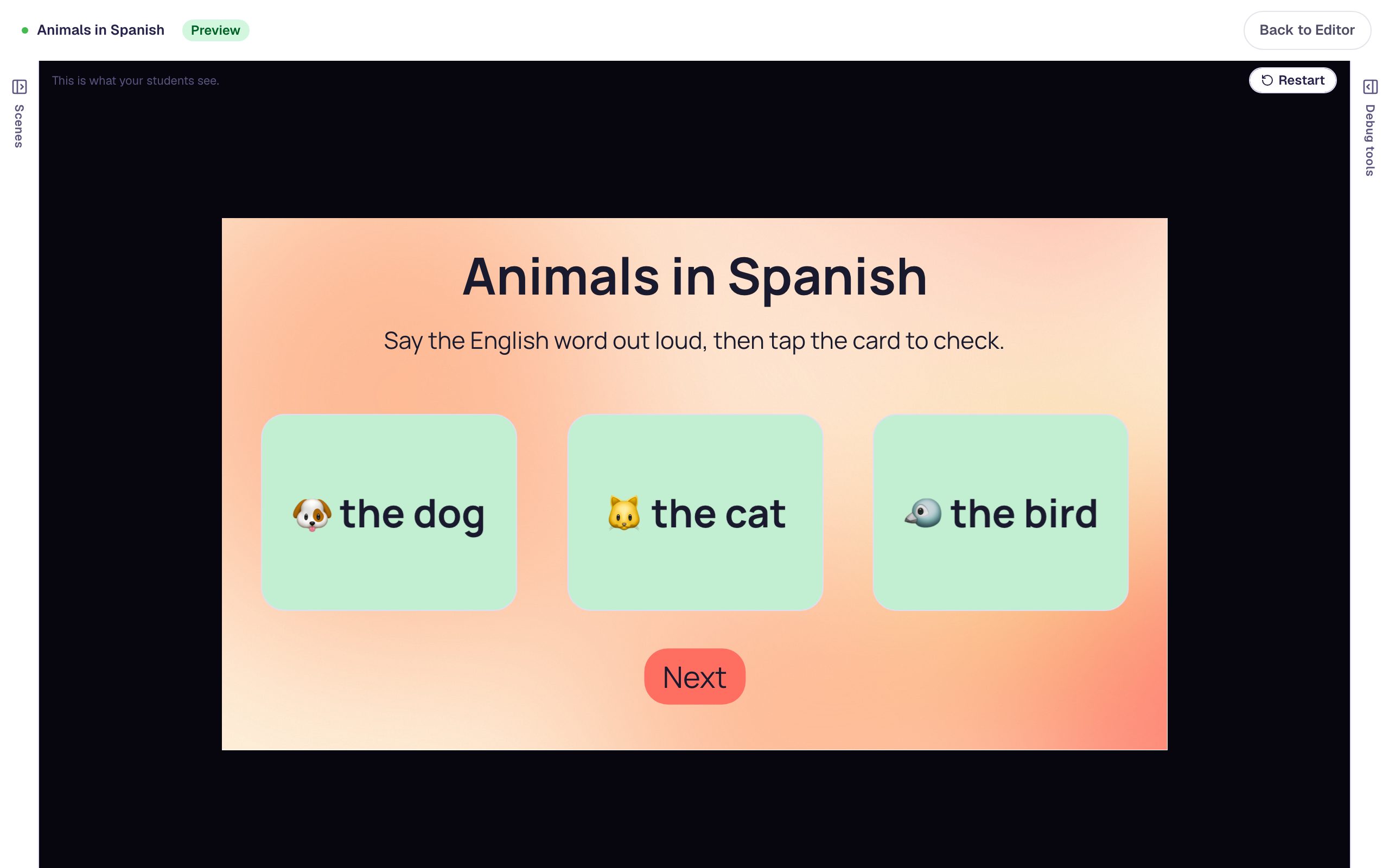
Make a deck of vocabulary flashcards
Build a row of Spanish vocabulary flashcards that students tap to flip. Write one card, style it, copy it with ⌘D, and add a Next button that only appears once every card has been turned over.
 Beginner · 15 min · 7 steps
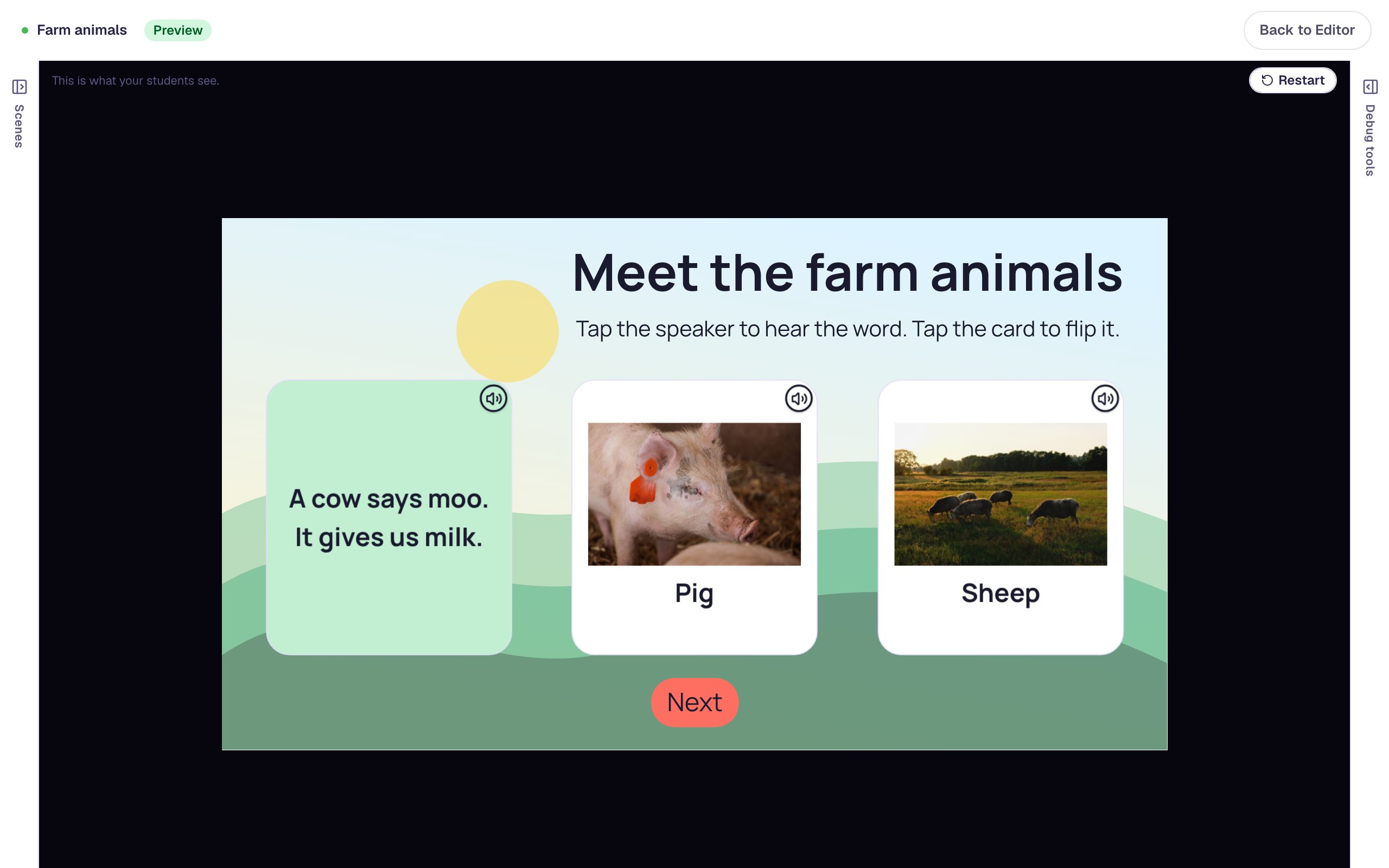
Make picture flashcards that read aloud
Build farm-animal flashcards with a photo and a word on the front and a short fact on the back, then turn on Read the card aloud so children who can't read yet hear each side from a speaker on the card.
 Beginner · 10 min · 7 steps
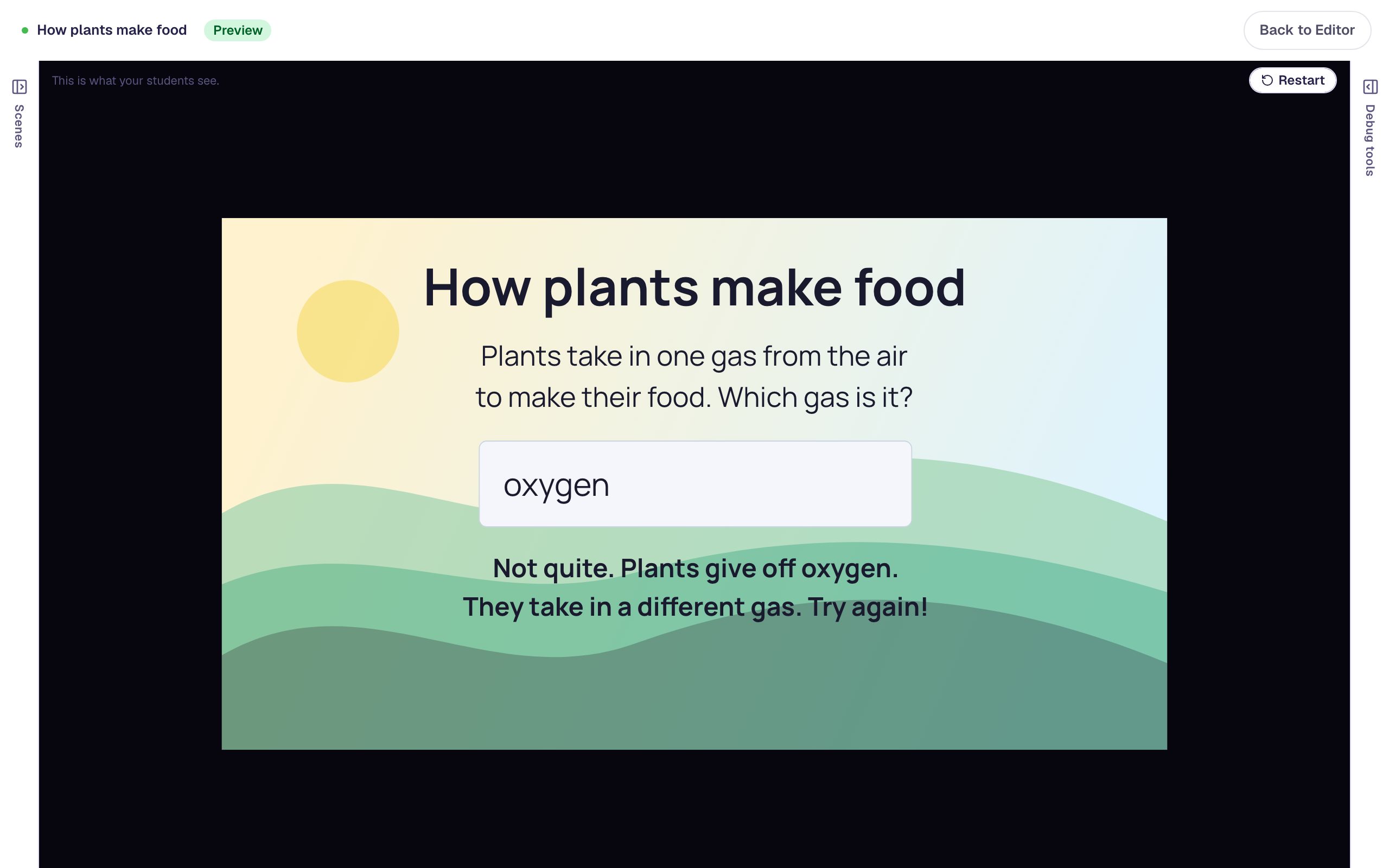
Ask a short-answer question that coaches a wrong try
Build a Text Input question that accepts more than one way of writing the answer, then add a "try again" message that appears only after a wrong answer.
 Beginner · 12 min · 9 steps
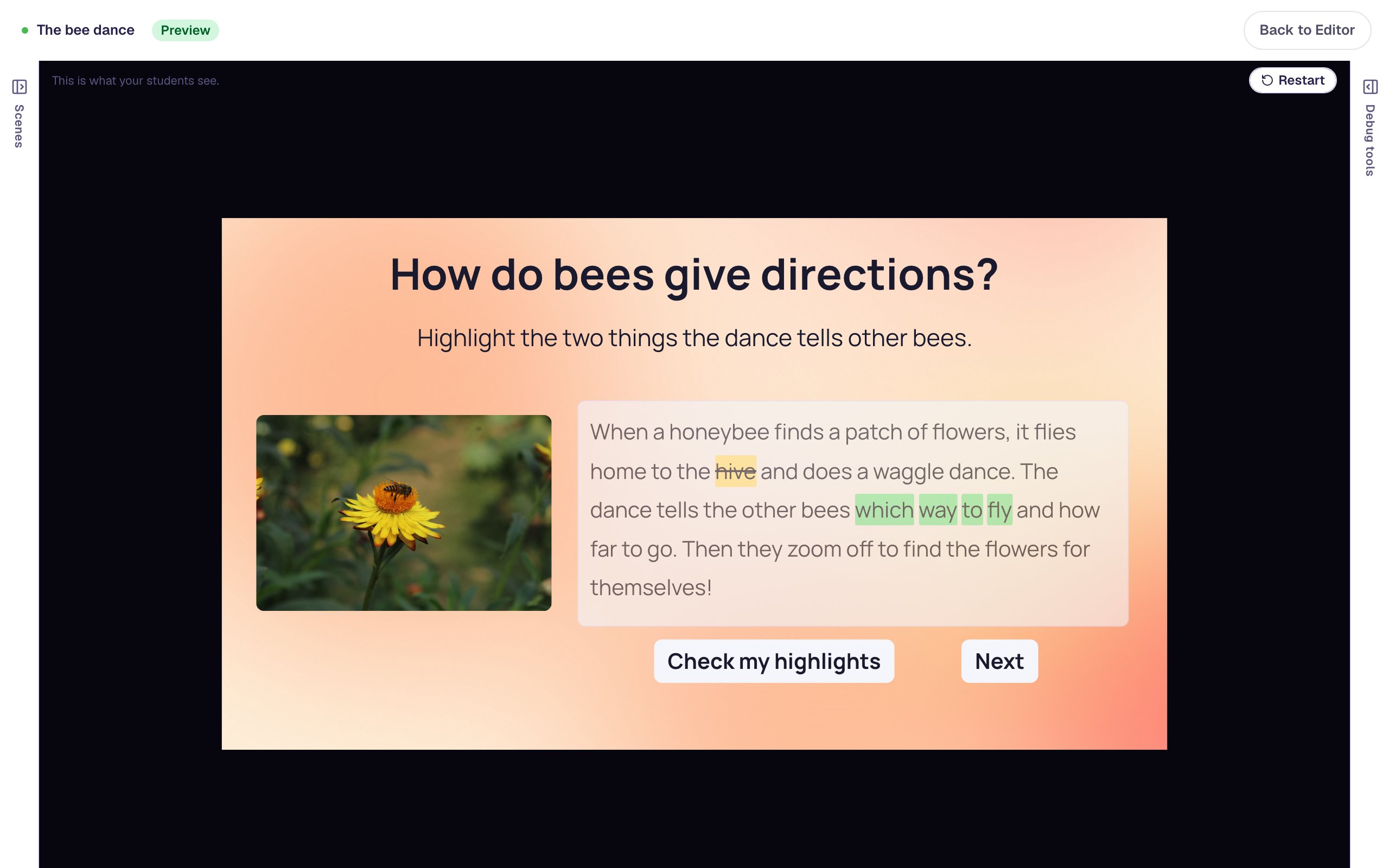
Ask students to highlight the evidence in a passage
Build a close-reading question with the Highlighter. Students read a short passage about honeybees, highlight the words that answer the question, and press Check to see which highlights were right.
 Beginner · 10 min · 6 steps
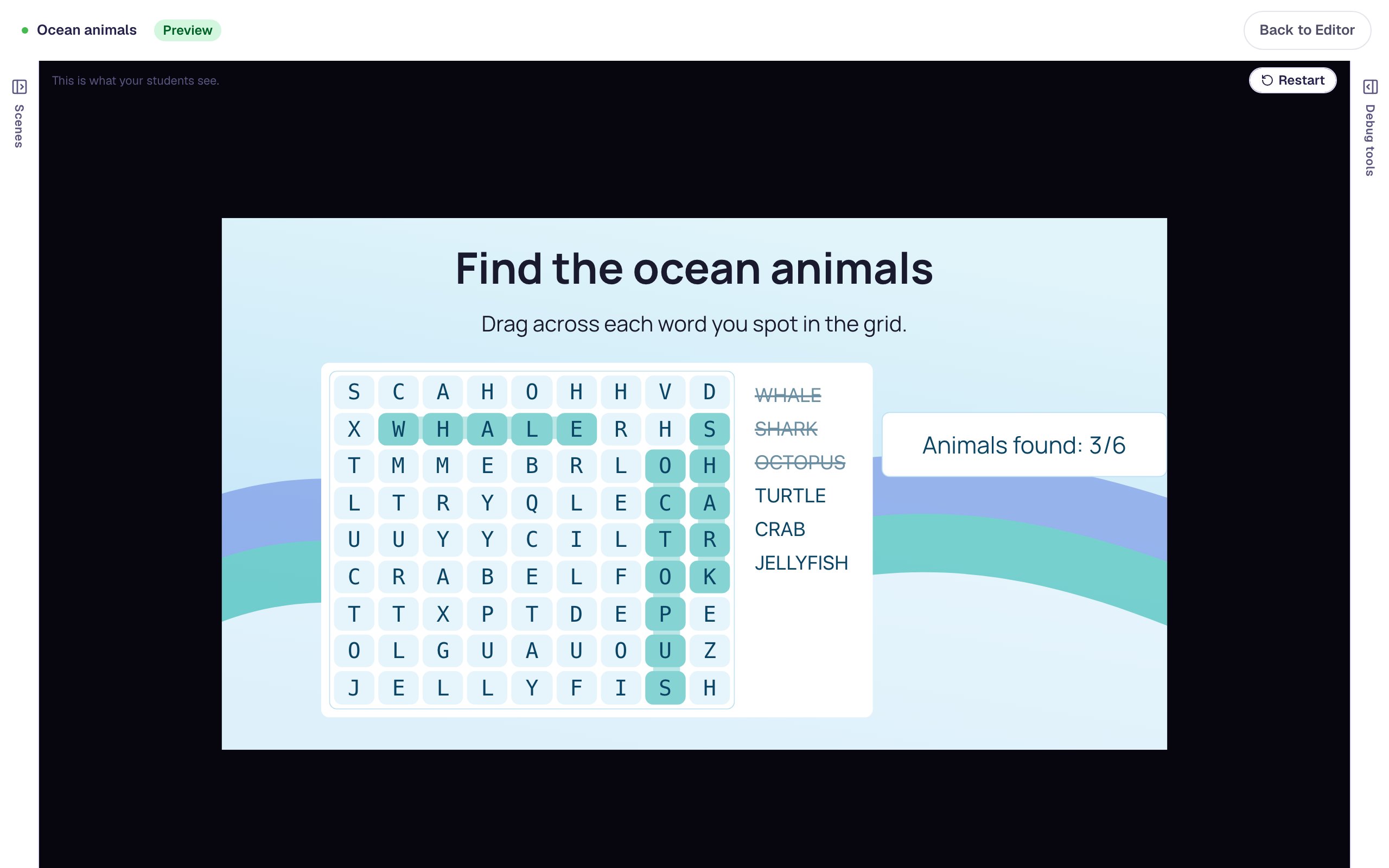
Review vocabulary with a word search
Hide six ocean-animal words in a Word Search, keep the puzzle easy enough for young readers, color it to match the activity, and add a running count of the words found. The activity finishes by itself when the last word is found.
 Beginner · 15 min · 7 steps
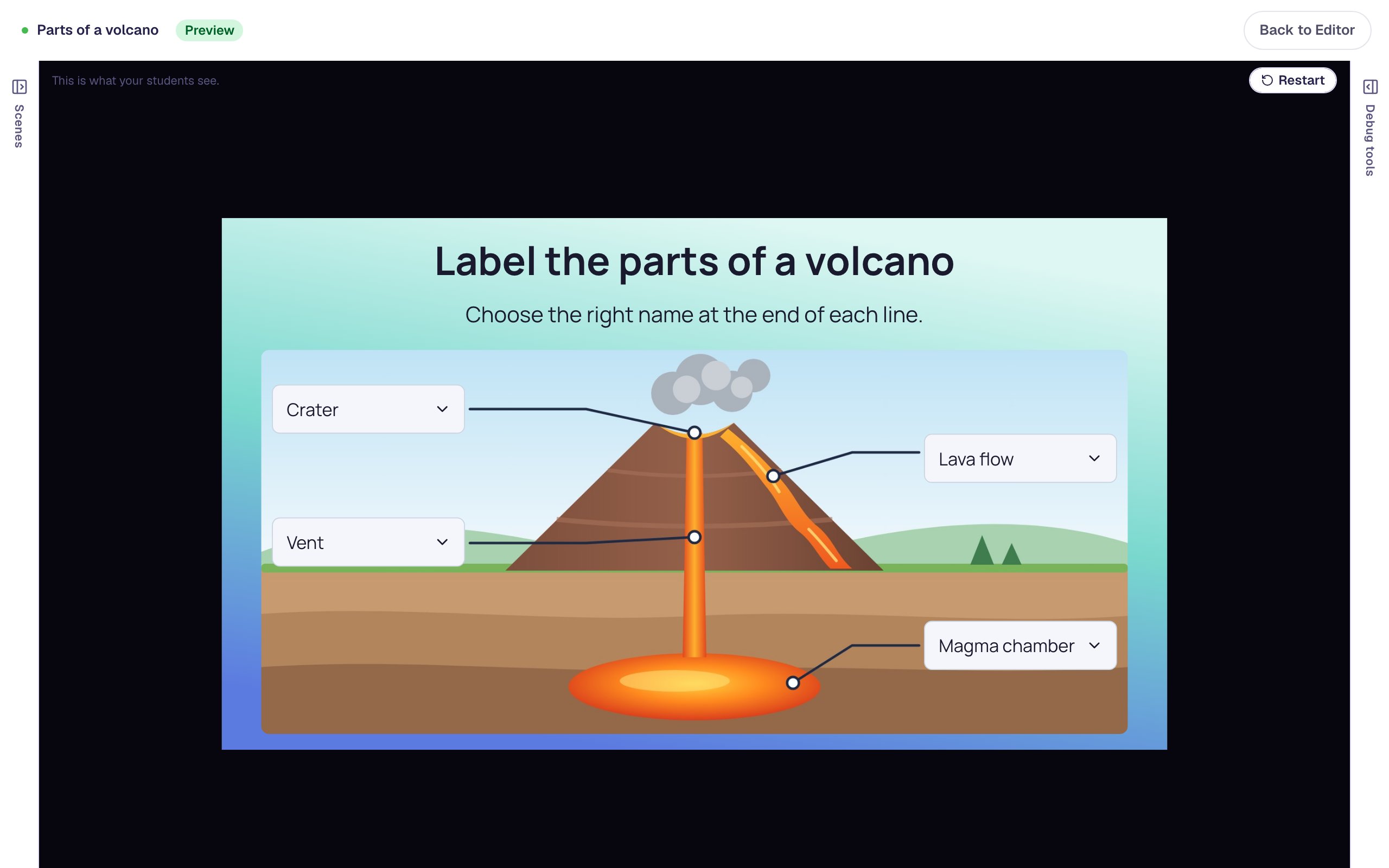
Label a diagram with dropdowns
Put four dropdowns on a picture of a volcano so students label each part by choosing its name from a list. Each dropdown is marked like a quiz question, and a wrong pick gets a try-again message straight away.
 Intermediate · 15 min · 7 steps
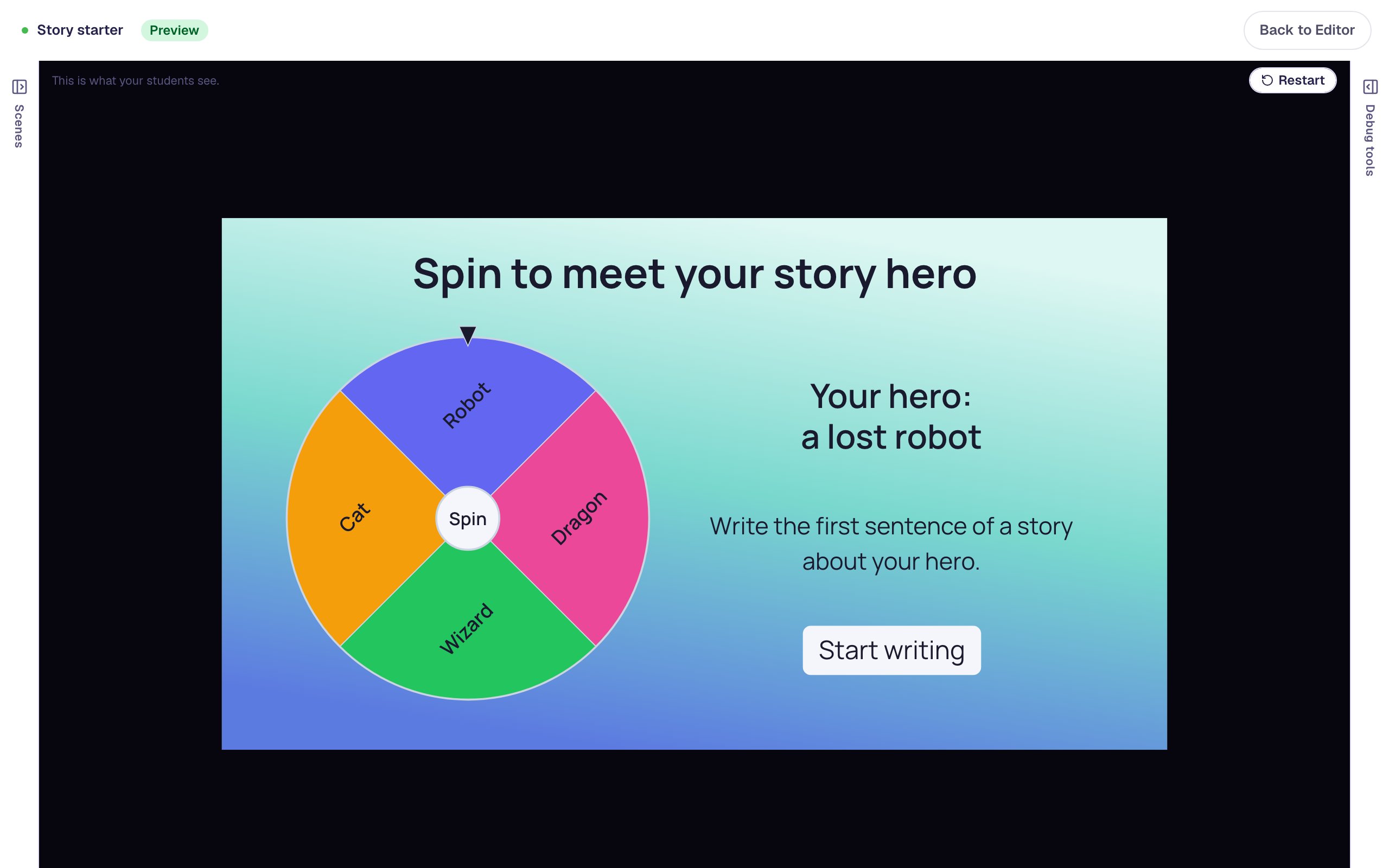
Spin a wheel to pick a story starter
Build a Spin Wheel that picks a random hero for a writing warm-up. Each segment saves its hero in a variable, and the scene shows it the moment the wheel stops.
 Beginner · 10 min · 7 steps
Read a question aloud for early readers
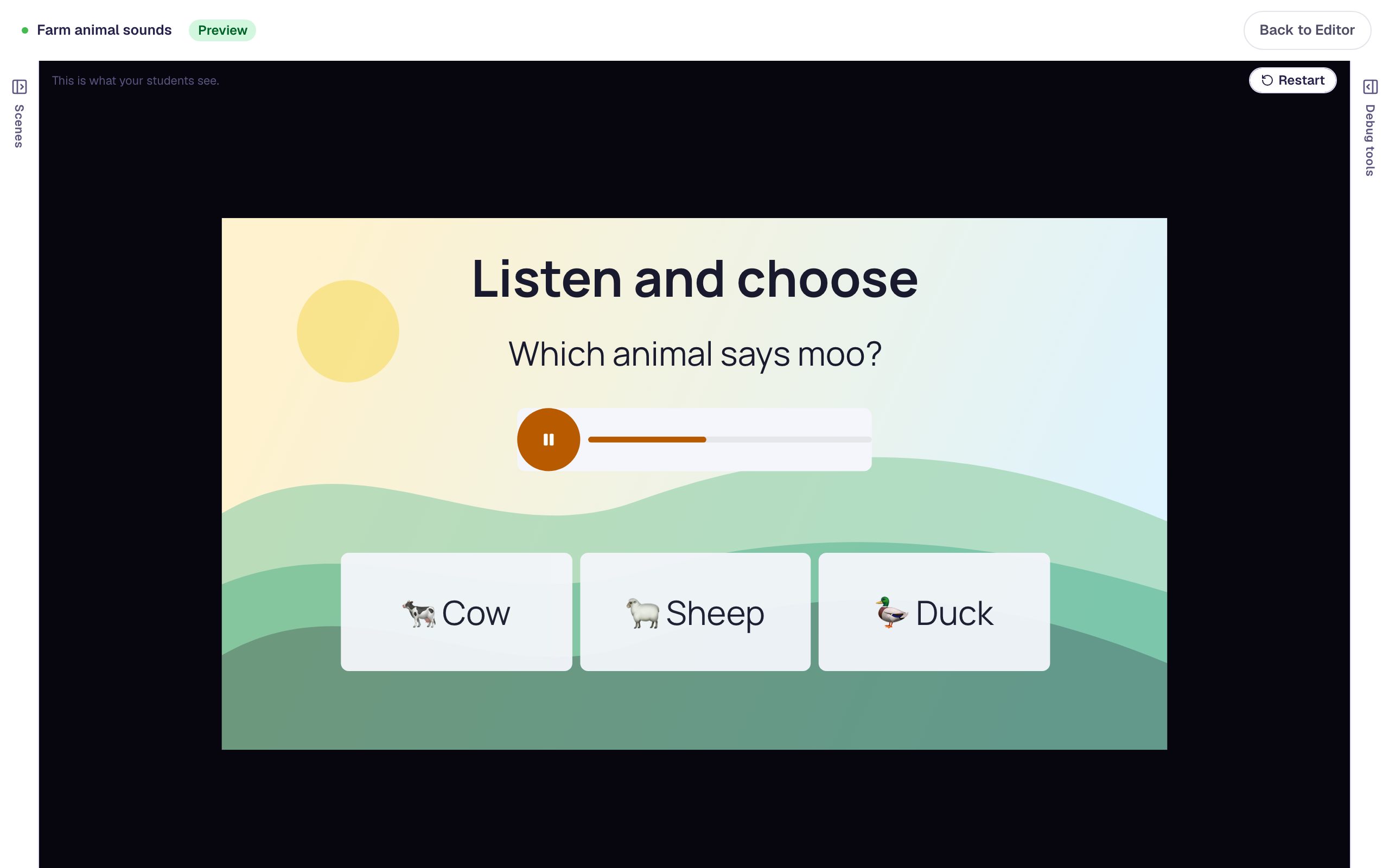
Add a Text To Speech player beside a question so students can hear it as many times as they need, in a voice you choose, with no recording or audio file to upload.
 Beginner · 12 min · 8 steps
Make a rain game where students tap the nouns
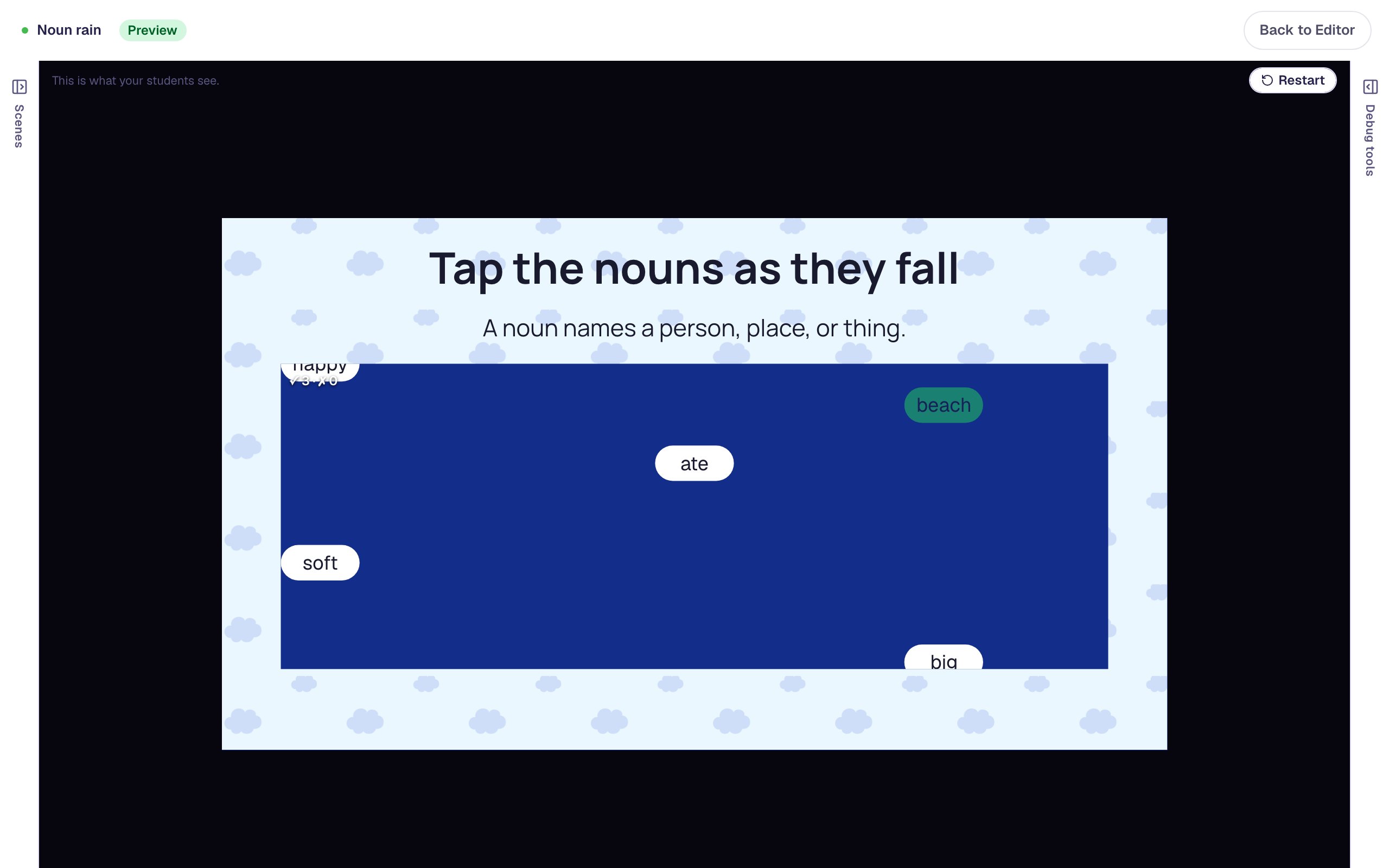
Turn a word list into an arcade game. Words fall down a night-sky game area, students tap the nouns before they reach the bottom, and one wrong tap ends the round so they try again.
 Beginner · 10 min · 7 steps
Turn a picture into a play button for listening
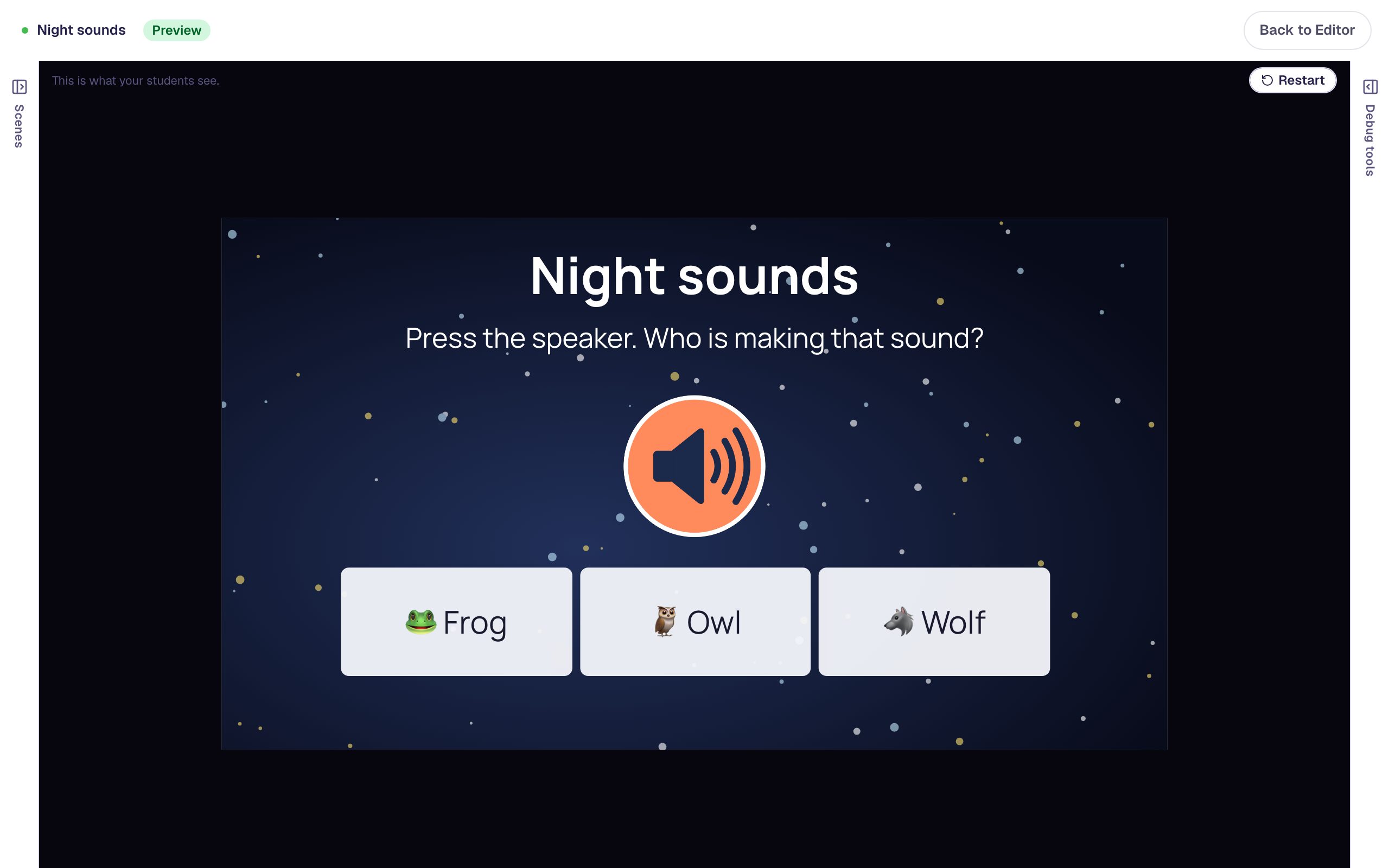
Make a "Who's making that sound?" question where students press a big speaker picture to hear a mystery animal. Give the Audio player your own picture for its play button, and a second one that shows while the sound plays.
 Beginner · 10 min · 6 steps
Build a number on a ten frame
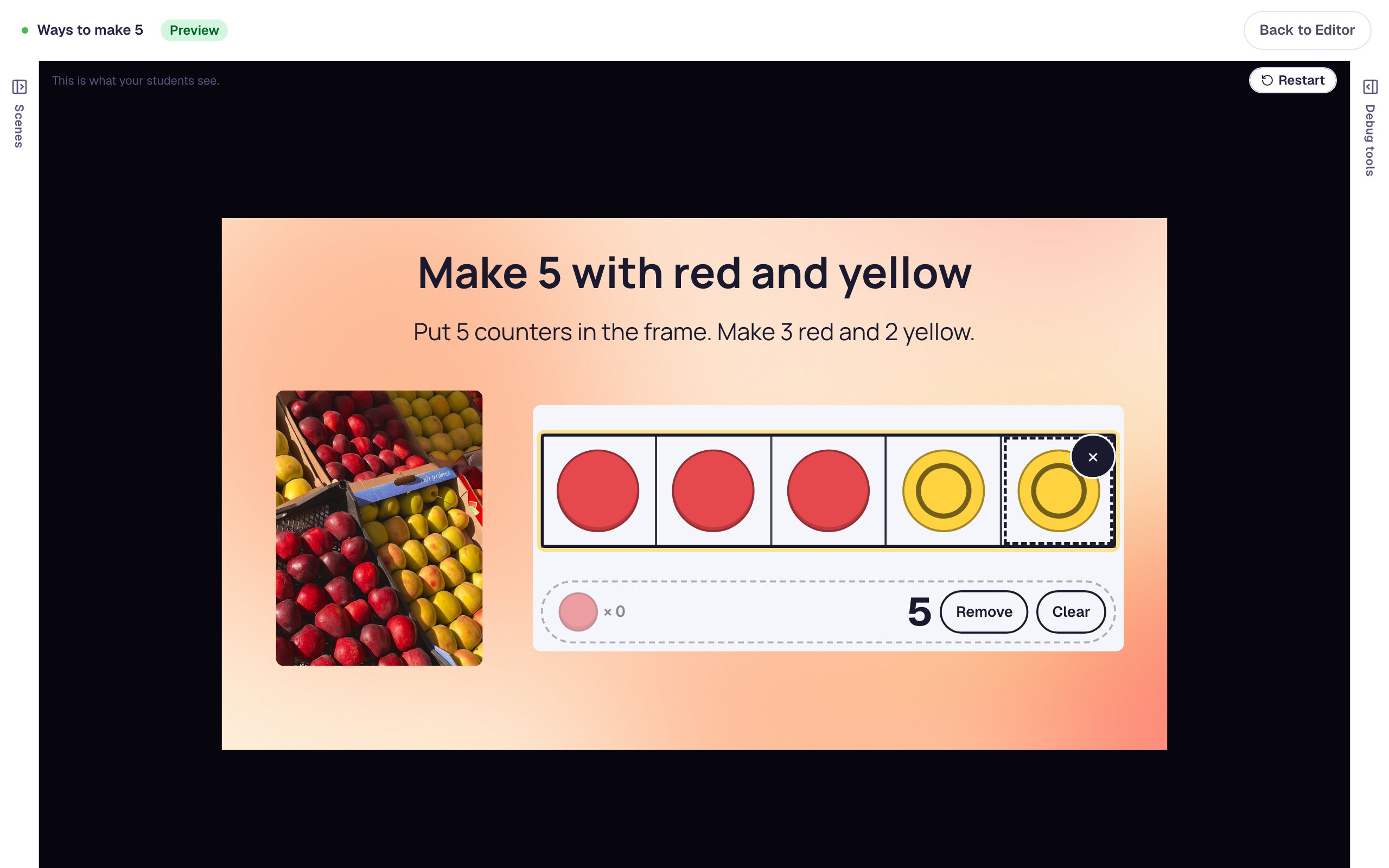
Set up a Ten Frame that asks young learners to make 5 with 3 red and 2 yellow counters, show the numeral when they get it right, and give them a moment to see it before the activity moves on.
 Beginner · 10 min · 7 steps
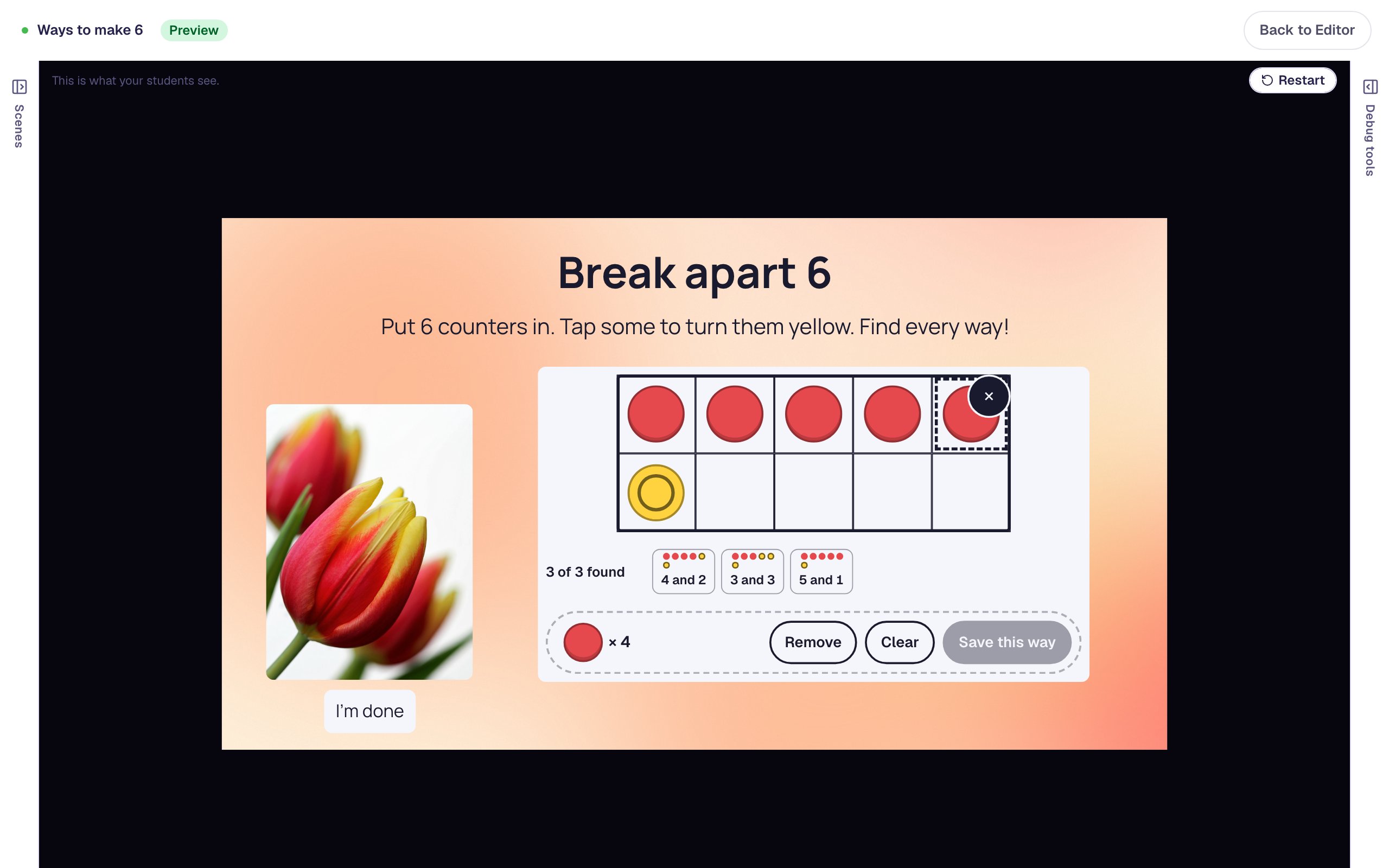
Find every way to break apart a number
Set up a Ten Frame in Break apart mode so young learners find all the ways to make 6 with red and yellow counters, and decide whether 4 and 2 and 2 and 4 count as one way or two.
 Beginner · 10 min · 6 steps
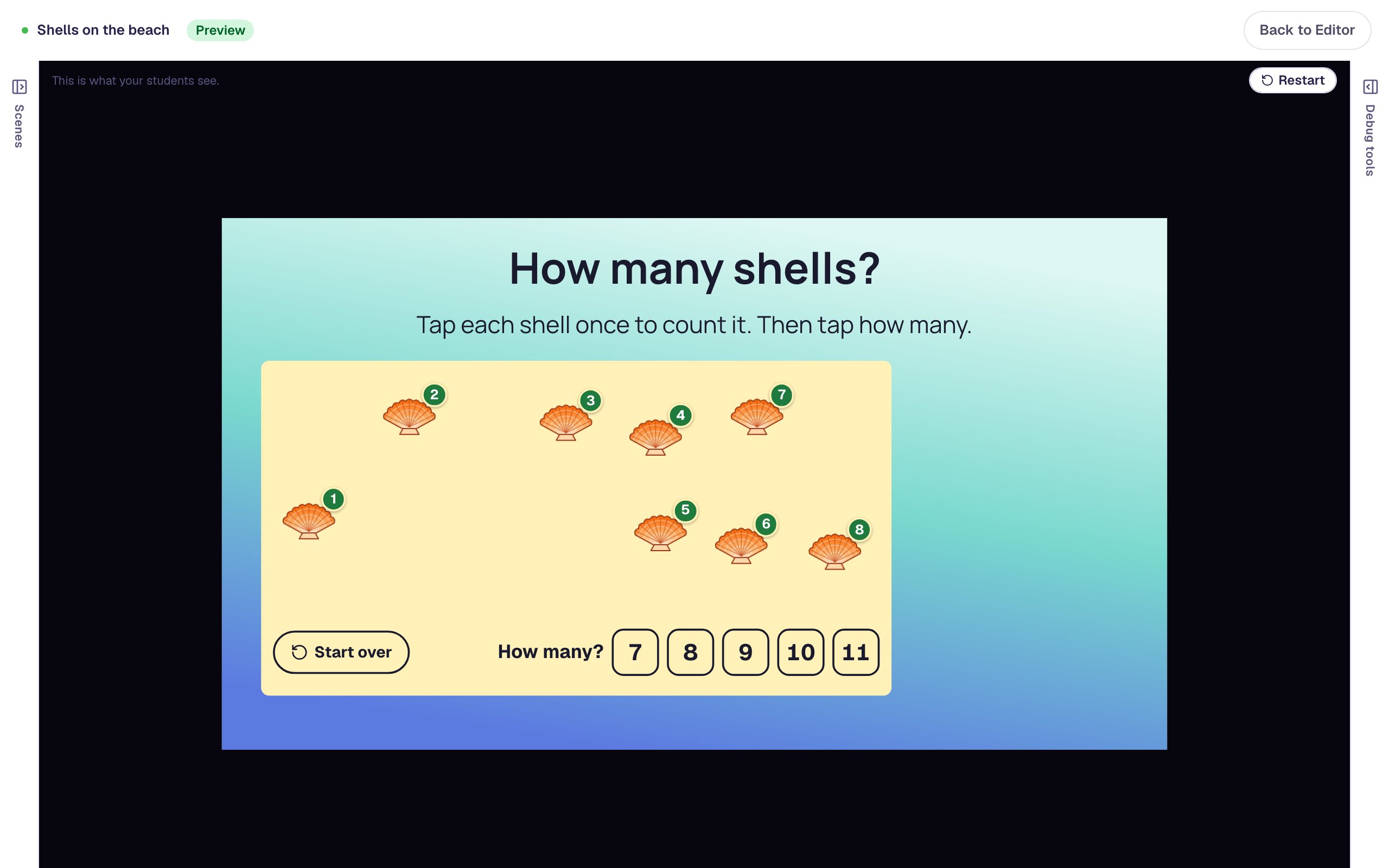
Count a collection of shells, then say how many
Set up a Counting Collection where young learners tap eight scattered shells one at a time, see each one numbered, and then answer "How many?". Berdee notes how each child counted, not just the answer.
 Beginner · 10 min · 7 steps
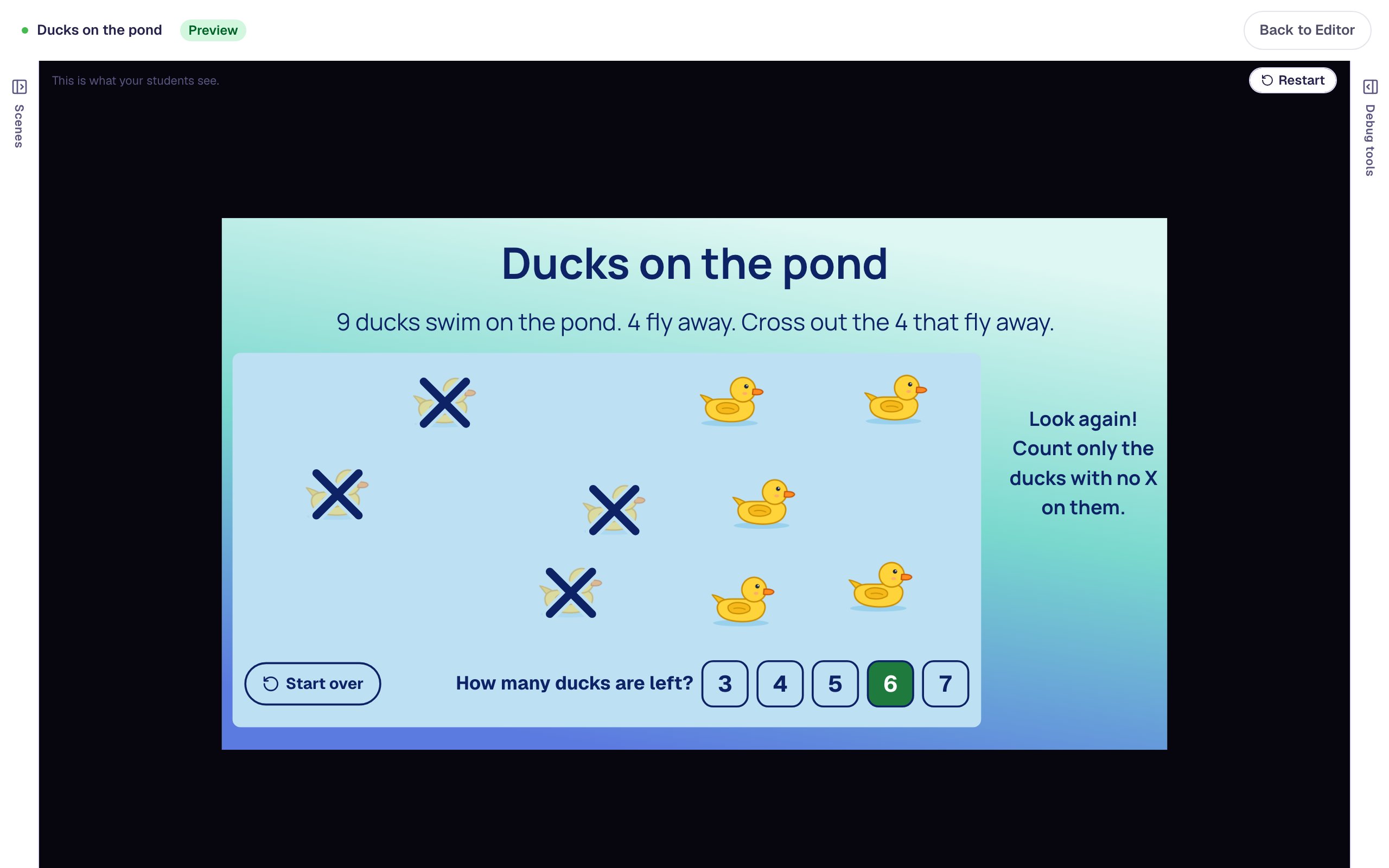
Cross out pictures to solve a take-away story
Turn a subtraction story into an activity young learners can act out. Students cross out the ducks that fly away, say how many are left, and see a hint if their answer is wrong.
 Beginner · 10 min · 7 steps
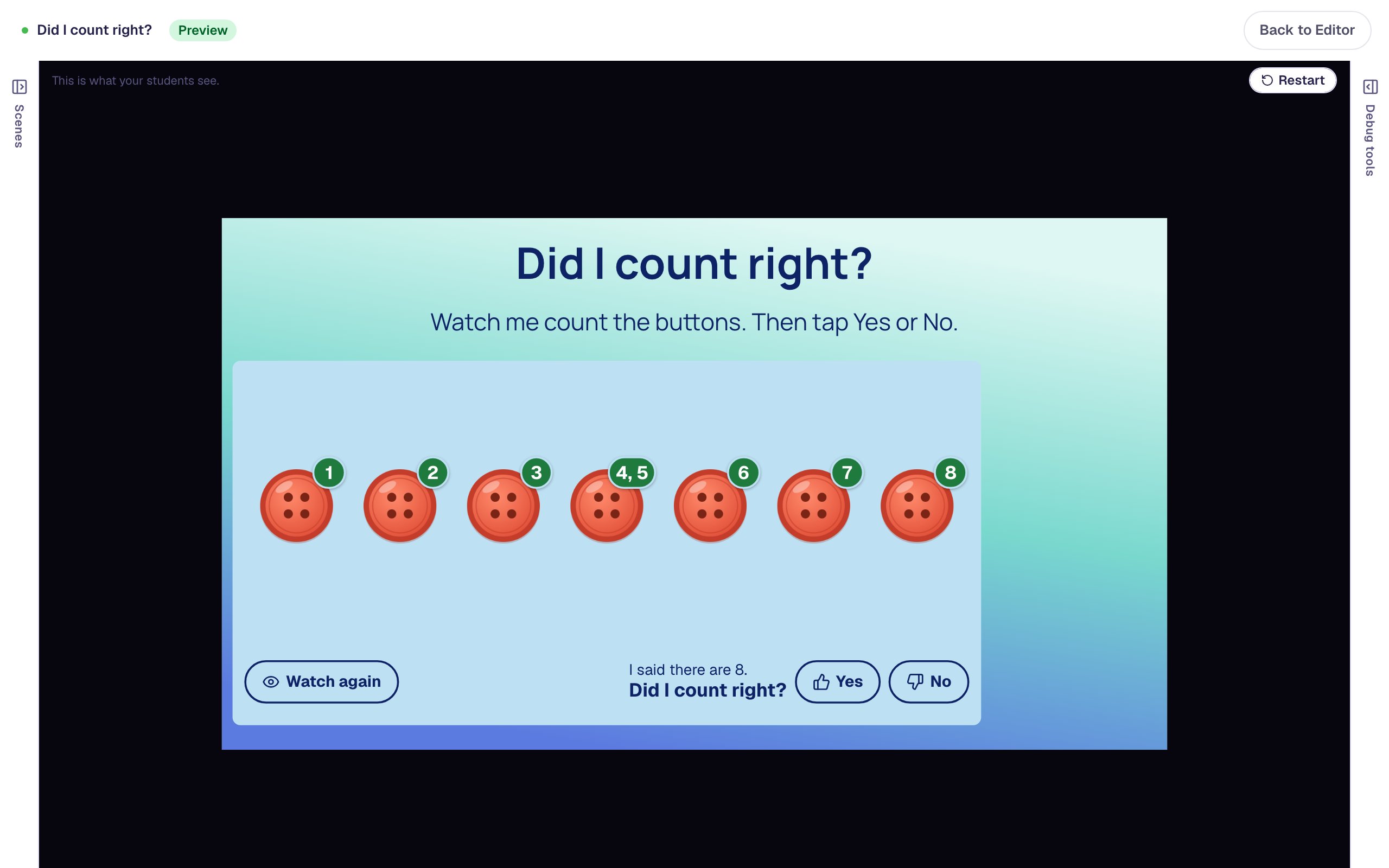
Ask students to catch a counting mistake
Use the Counting Collection's Watch and judge mode to have the activity count a row of buttons out loud, slip in a mistake, and ask students "Did I count right?". A second count that's right keeps students from guessing No every time.
 Beginner · 10 min · 7 steps
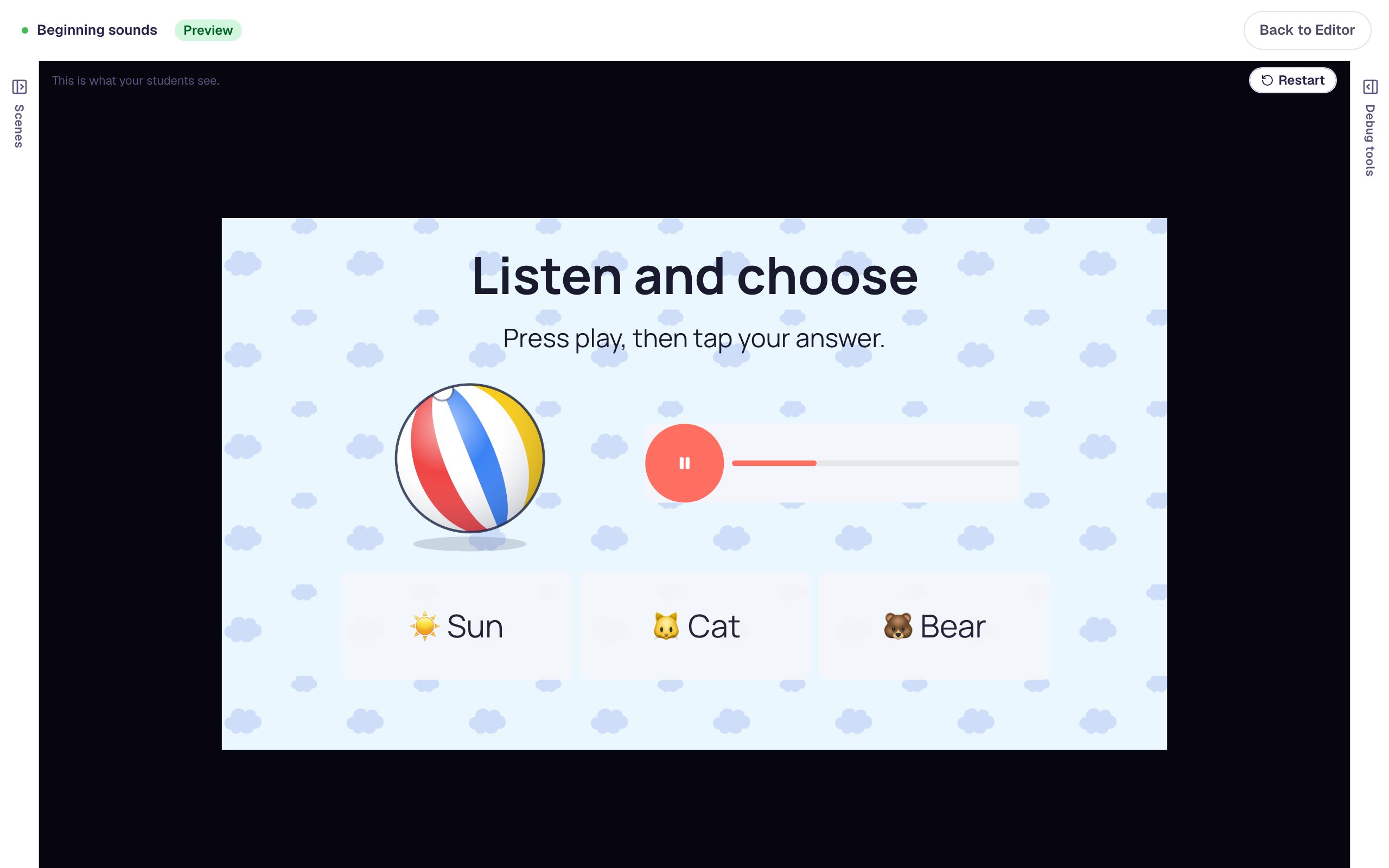
Record your own voice for a question
Record spoken directions in your own voice on the Audio player's Record tab, listen back, and save the take, so early readers can hear you explain a beginning-sounds question as often as they need.
 Beginner · 12 min · 9 steps
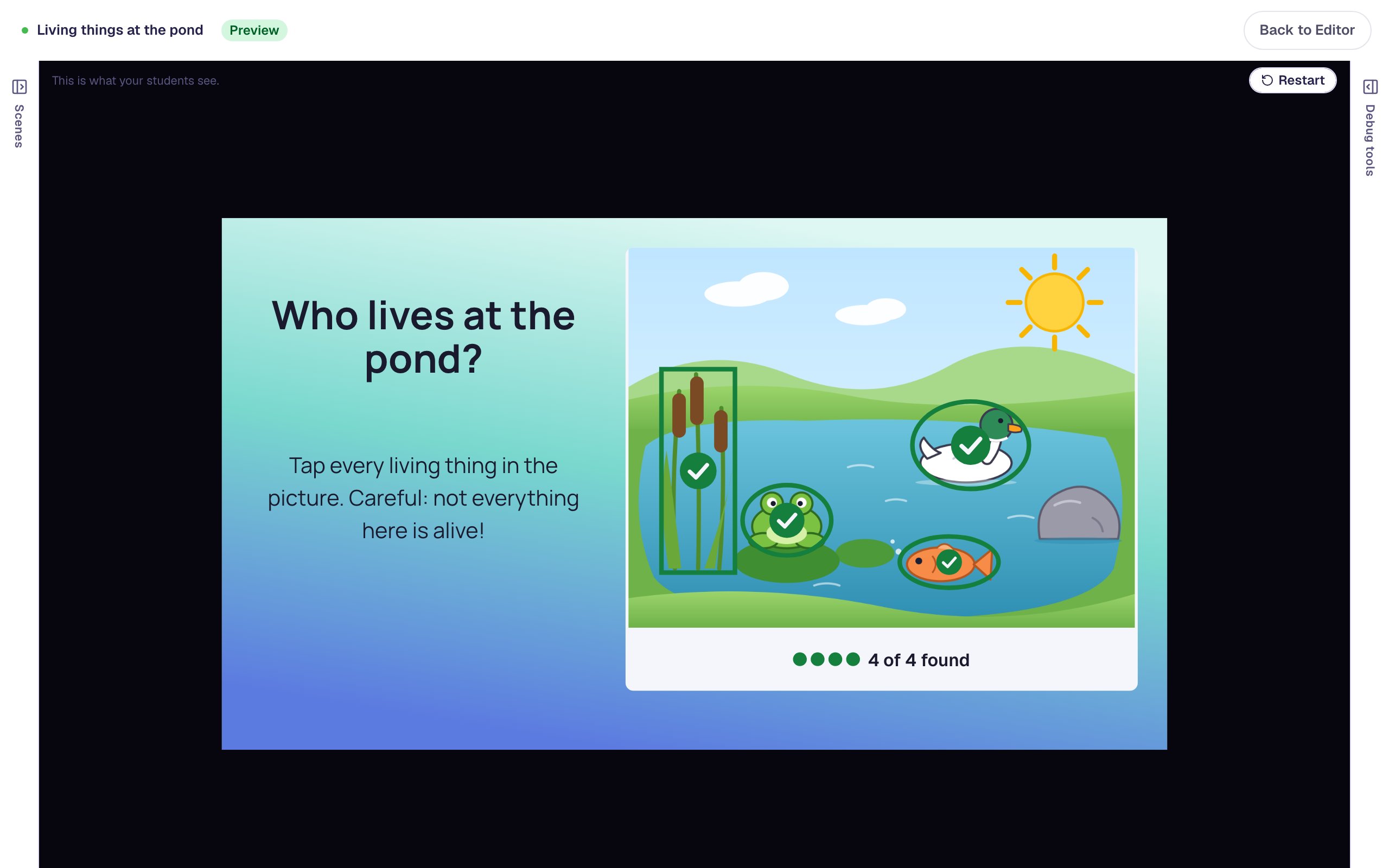
Find every living thing in a pond picture
Build a graded Find in Picture question where students tap the living things in a pond scene. Draw a region around each one, add two near-misses that aren't alive, and give a hint when a student taps the wrong thing.
 Beginner · 10 min · 7 steps
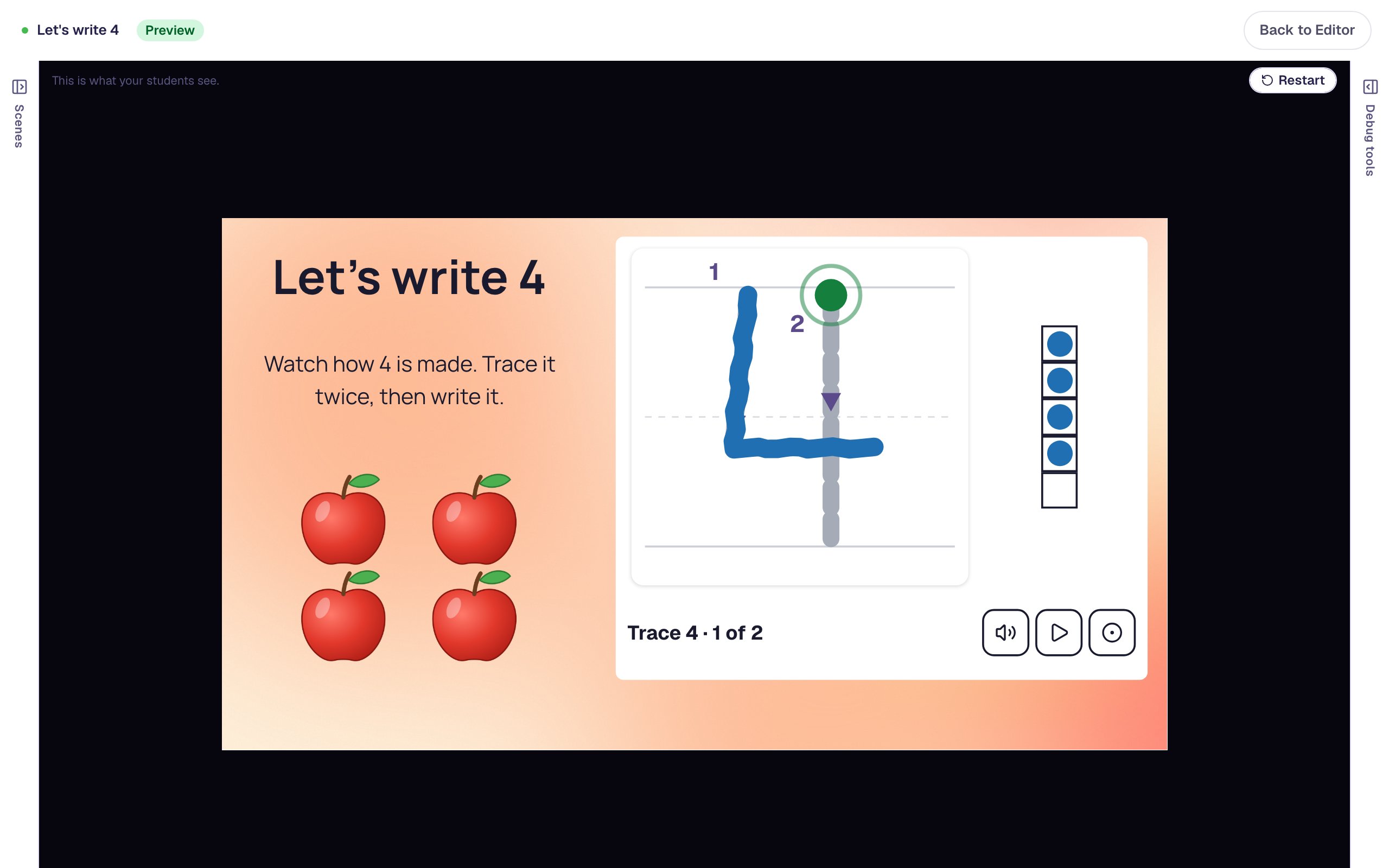
Trace a number, then write it
Set up a Number Tracing widget where young learners watch how 4 is formed, trace it twice along its arrows, then write it on their own, with a five-frame of four beside it.
 Beginner · 15 min · 8 steps
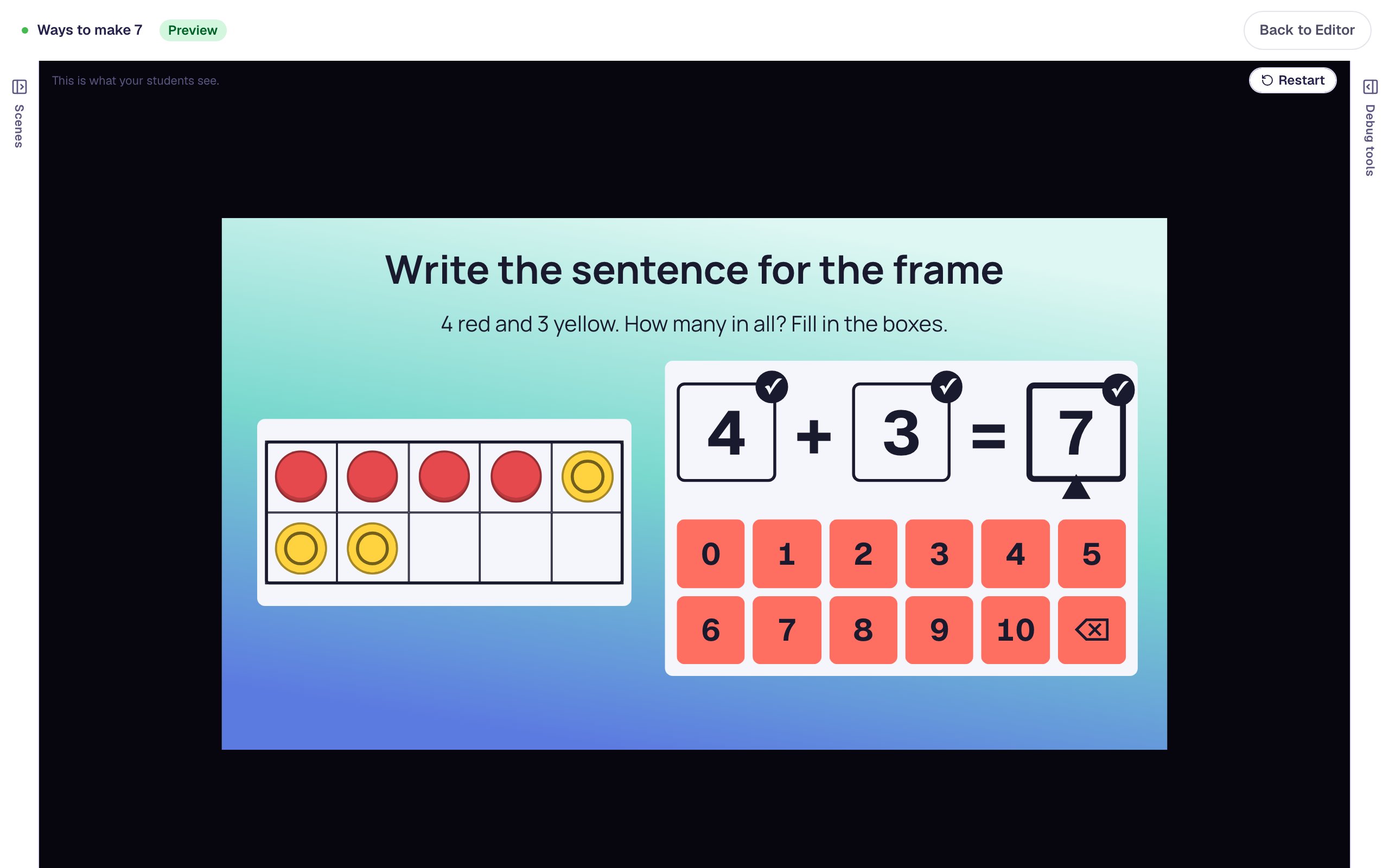
Write an addition sentence for a ten frame
Pair a Ten Frame with a Number Sentence so young learners write 4 + 3 = 7 for the counters they see, then accept any true answer when they find their own way to make 7.
 Beginner · 10 min · 8 steps
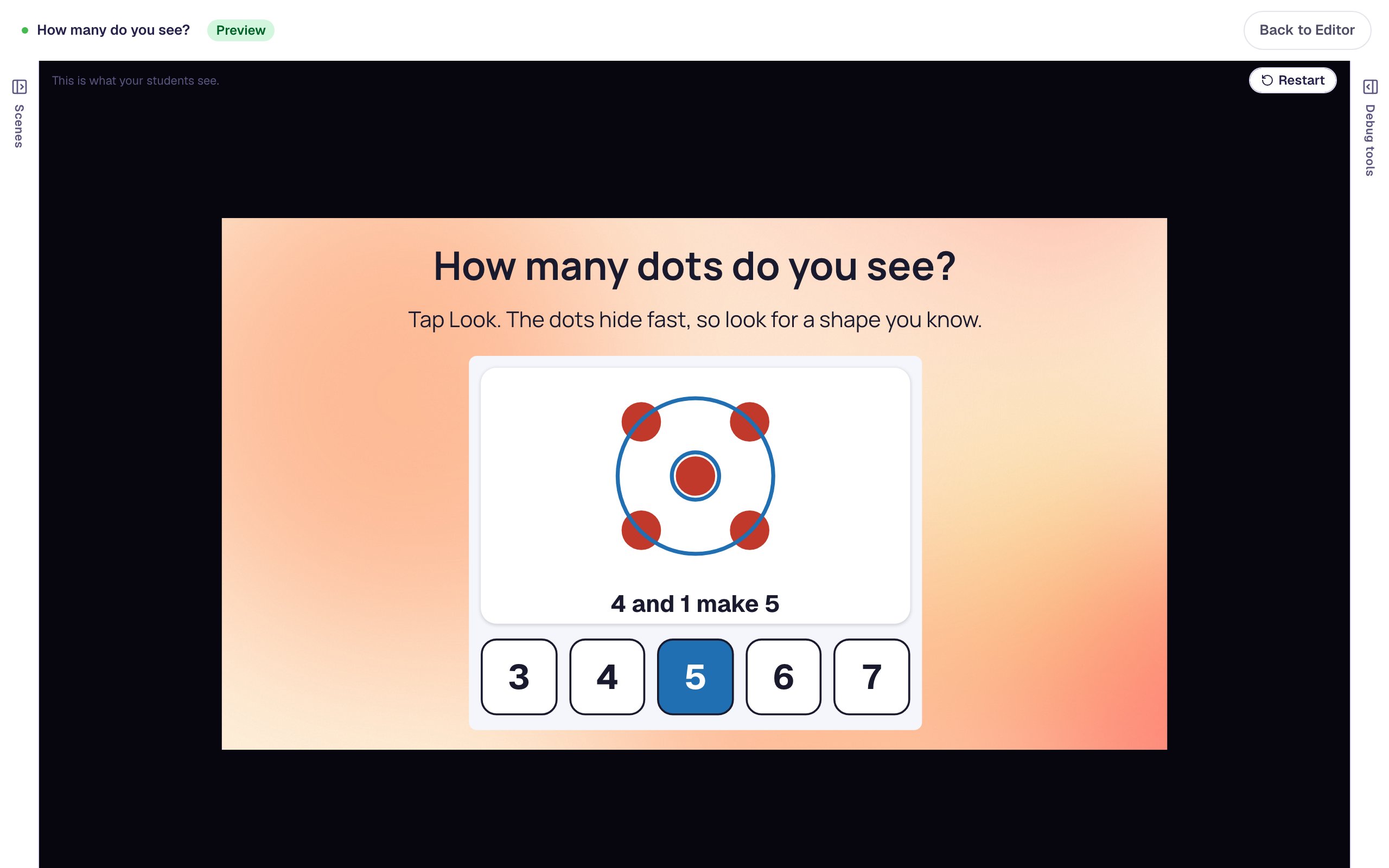
Flash a dot card for How Many Do You See?
Use a Quick Look to flash a dice-face 5 for two seconds, let young learners tap how many they saw, and then show them how to see it, with a second card that shows 7 as a red part and a yellow part.
 Beginner · 10 min · 8 steps
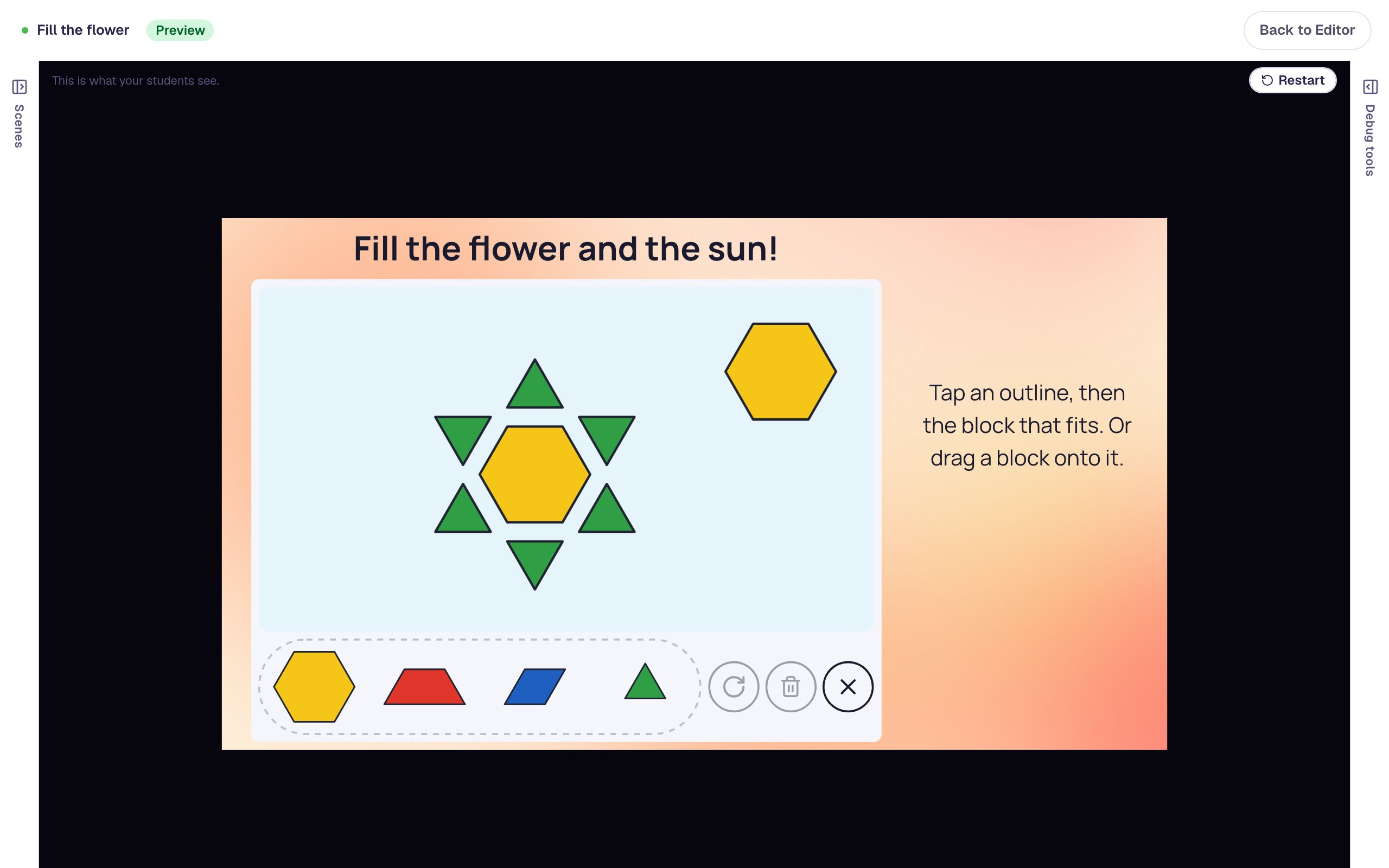
Make a pattern block puzzle
Use the Pattern Blocks widget to turn a ready-made flower into a puzzle, add a sun of your own on the working board, and let young learners fill every outline by tapping or dragging, with gentle feedback when a shape doesn't fit.
 Beginner · 12 min · 6 steps
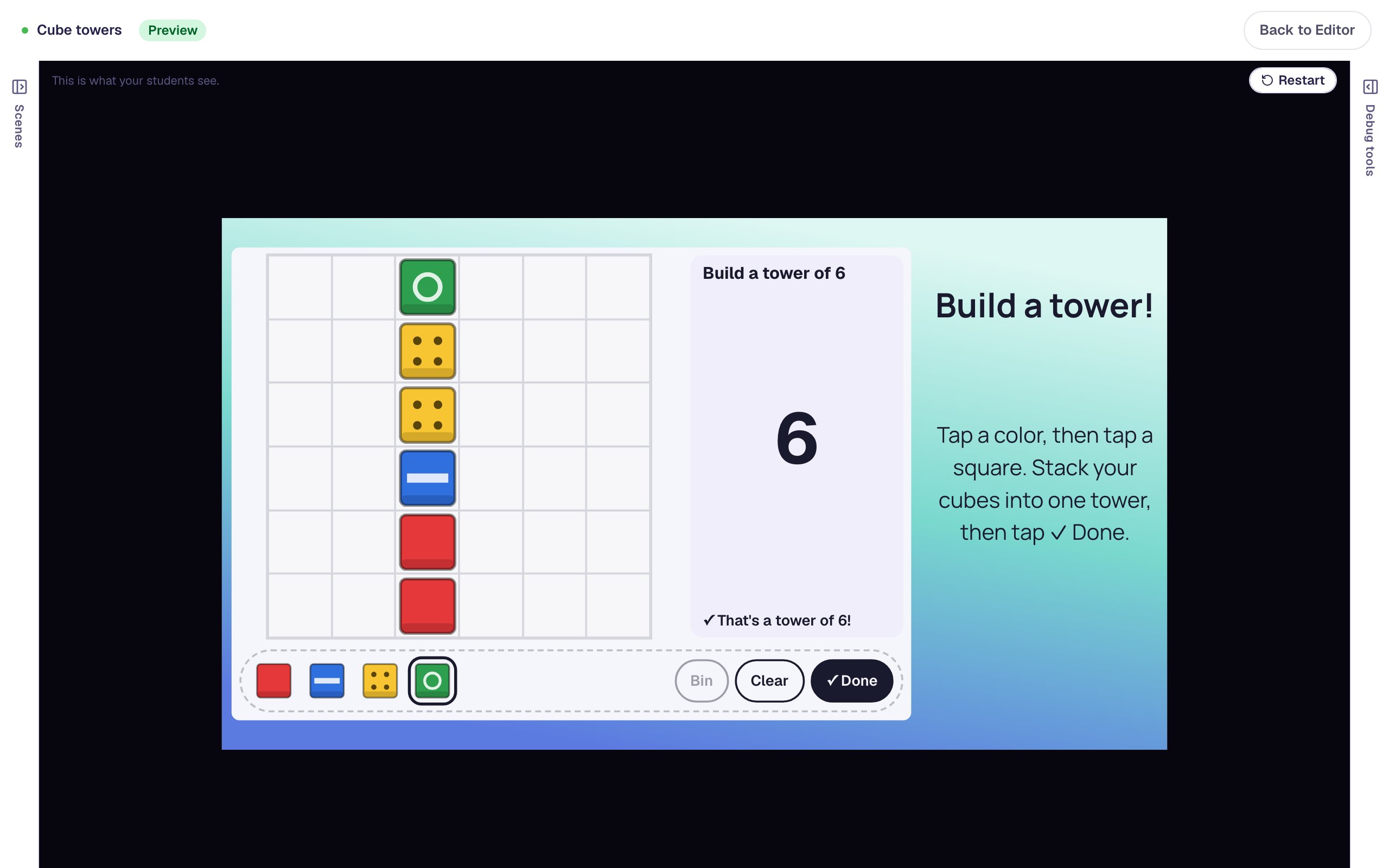
Build and compare towers of connecting cubes
Use the Connecting Cubes widget to ask young learners for a tower of 6, give a gentle "count your cubes" hint when it's off, then have them build a tower longer than yours and say which is longer.
 Beginner · 10 min · 7 steps
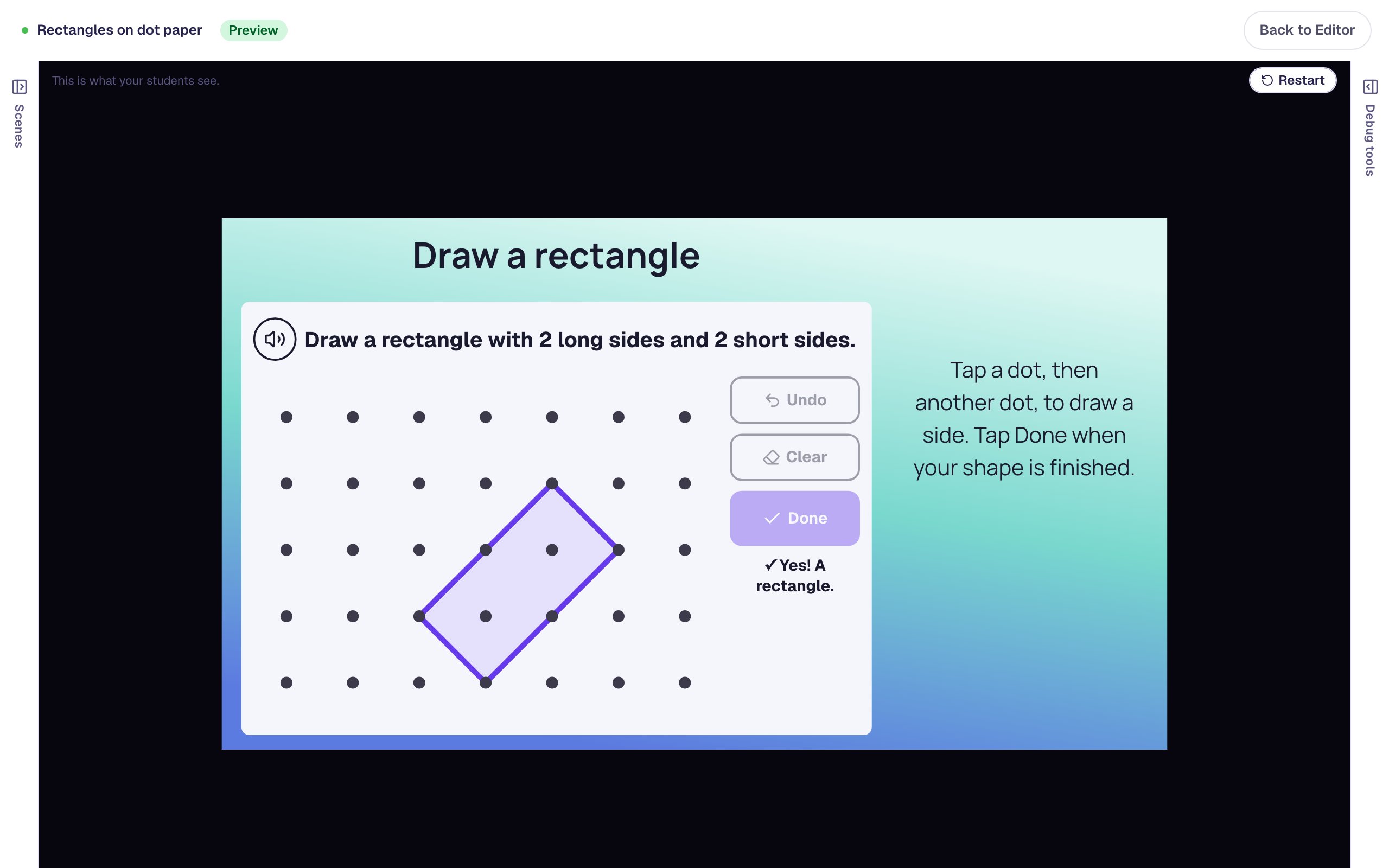
Draw a rectangle from a clue on dot paper
Use the Dot Paper widget to ask young learners for a rectangle with 2 long sides and 2 short sides. Berdee checks every shape they draw, refuses a square, and accepts a tilted rectangle as readily as a flat one.
 Beginner · 10 min · 7 steps
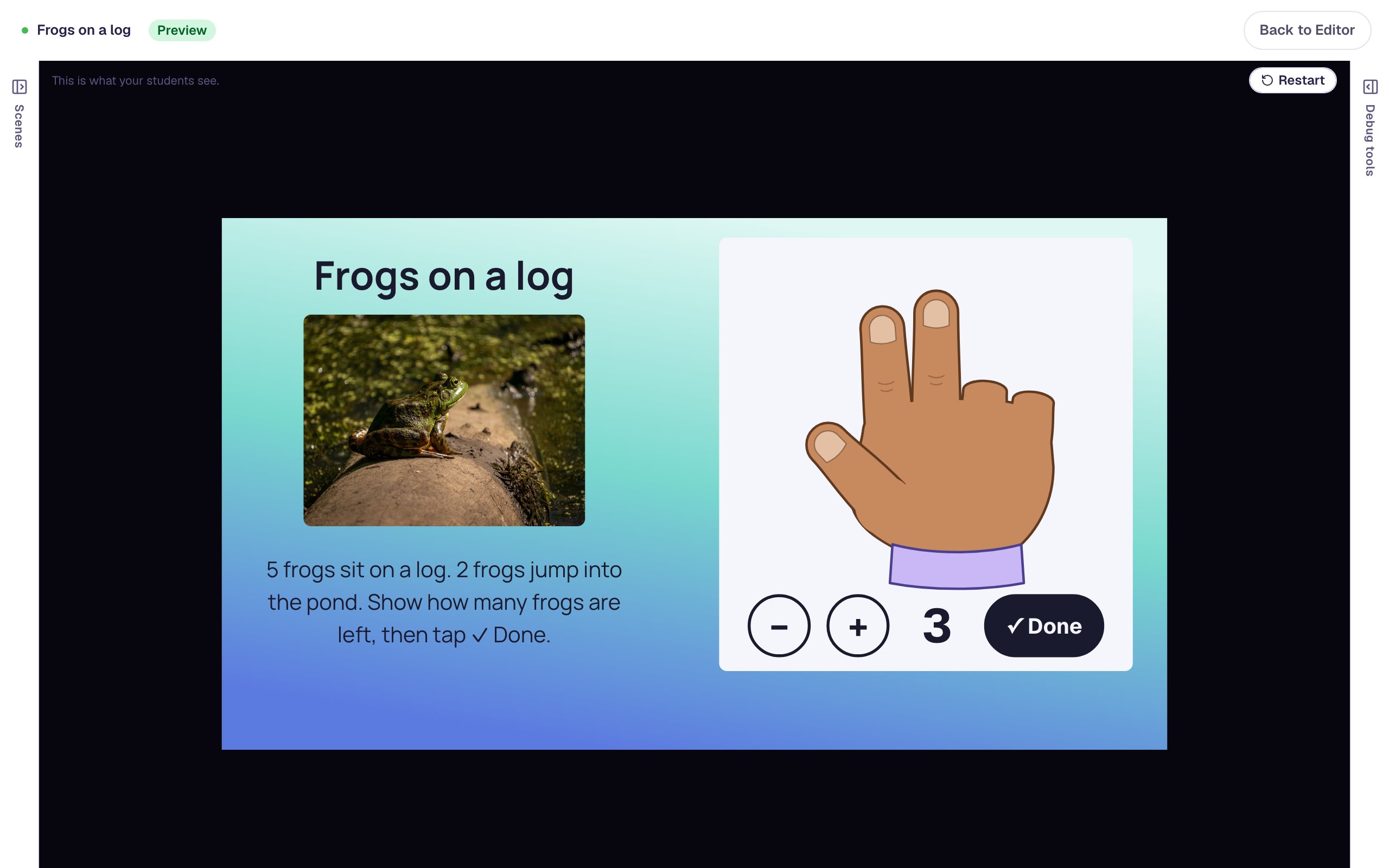
Act out a story problem on fingers
Use the Fingers widget's Act it out mode for a "5 frogs, 2 jump away" story. Students start with five fingers up and put fingers down as the frogs jump, with a hint for the most common slip.
 Beginner · 10 min · 8 steps
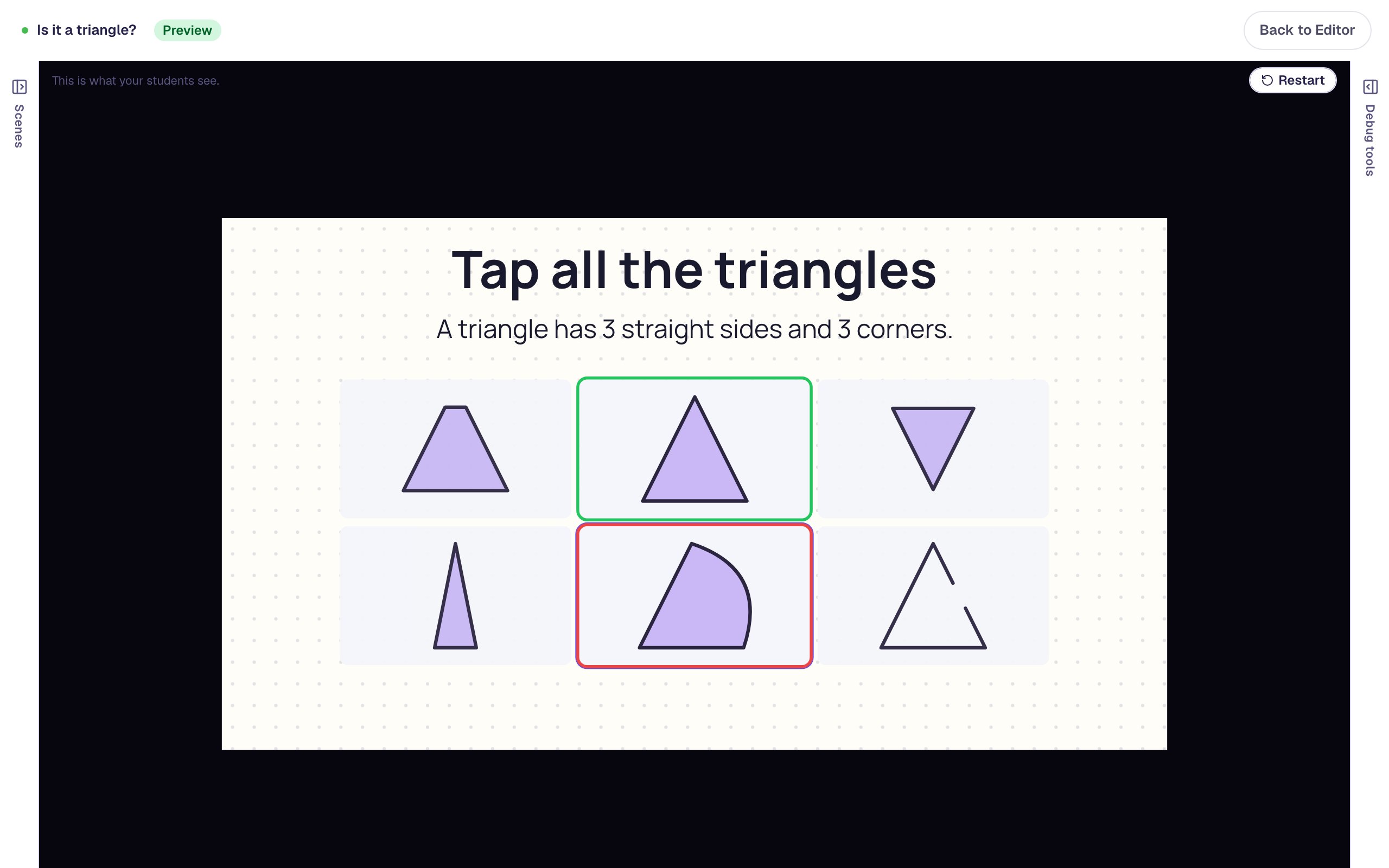
Ask students to tap all the triangles
Turn Multiple Choice answers into shapes Berdee draws for you, then mix real triangles (turned, smaller, skinny) with near-misses like a pizza slice and an open shape, so students sort by the rule, not the look.
 Beginner · 10 min · 7 steps
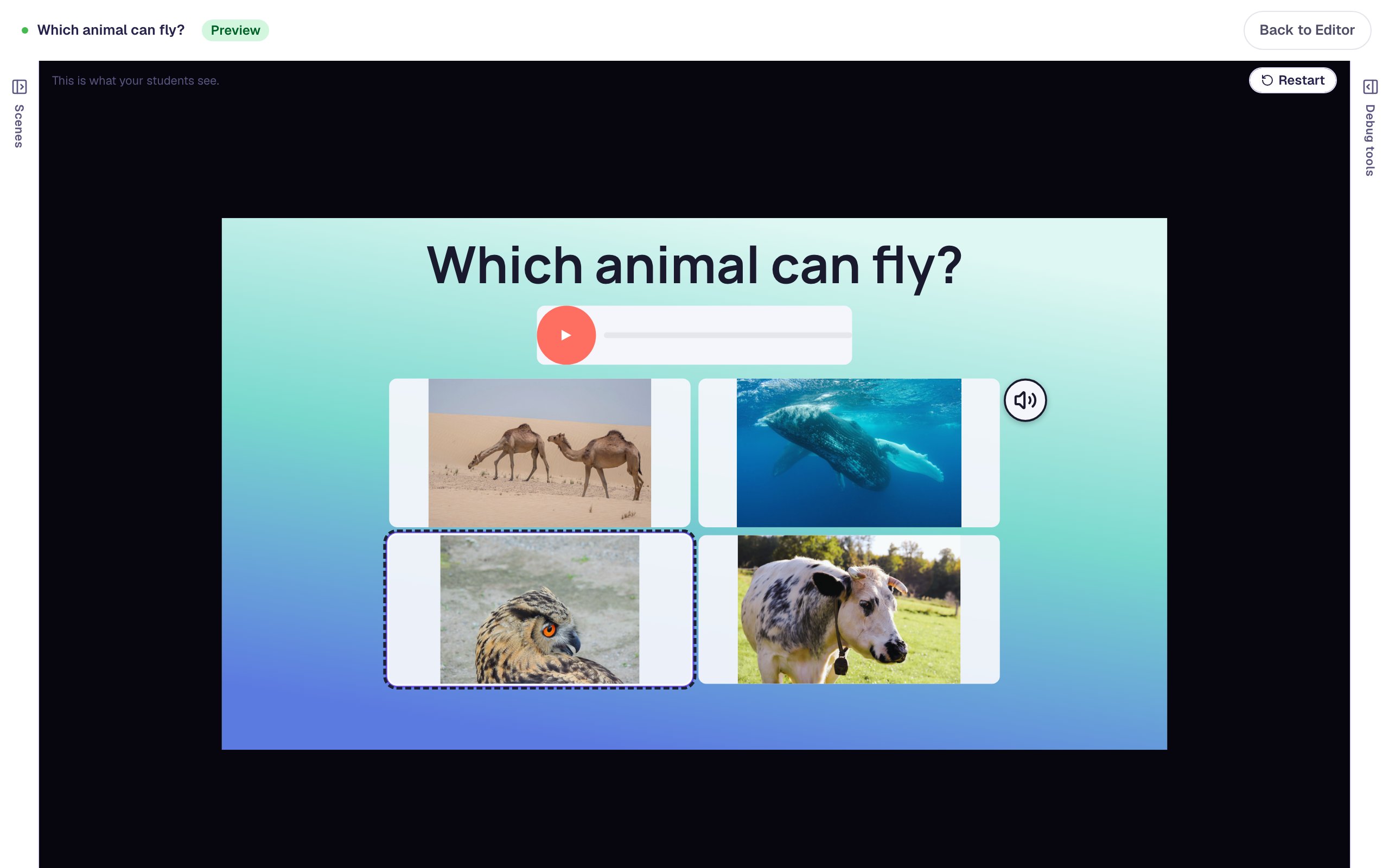
Let pre-readers hear every answer choice
Turn on Read choices aloud for a picture question, so children who can't read yet tap a picture to hear its name and tap it again to choose it. Give each picture a short spoken name and make the audio in the activity's narration voice.
 Beginner · 12 min · 8 steps
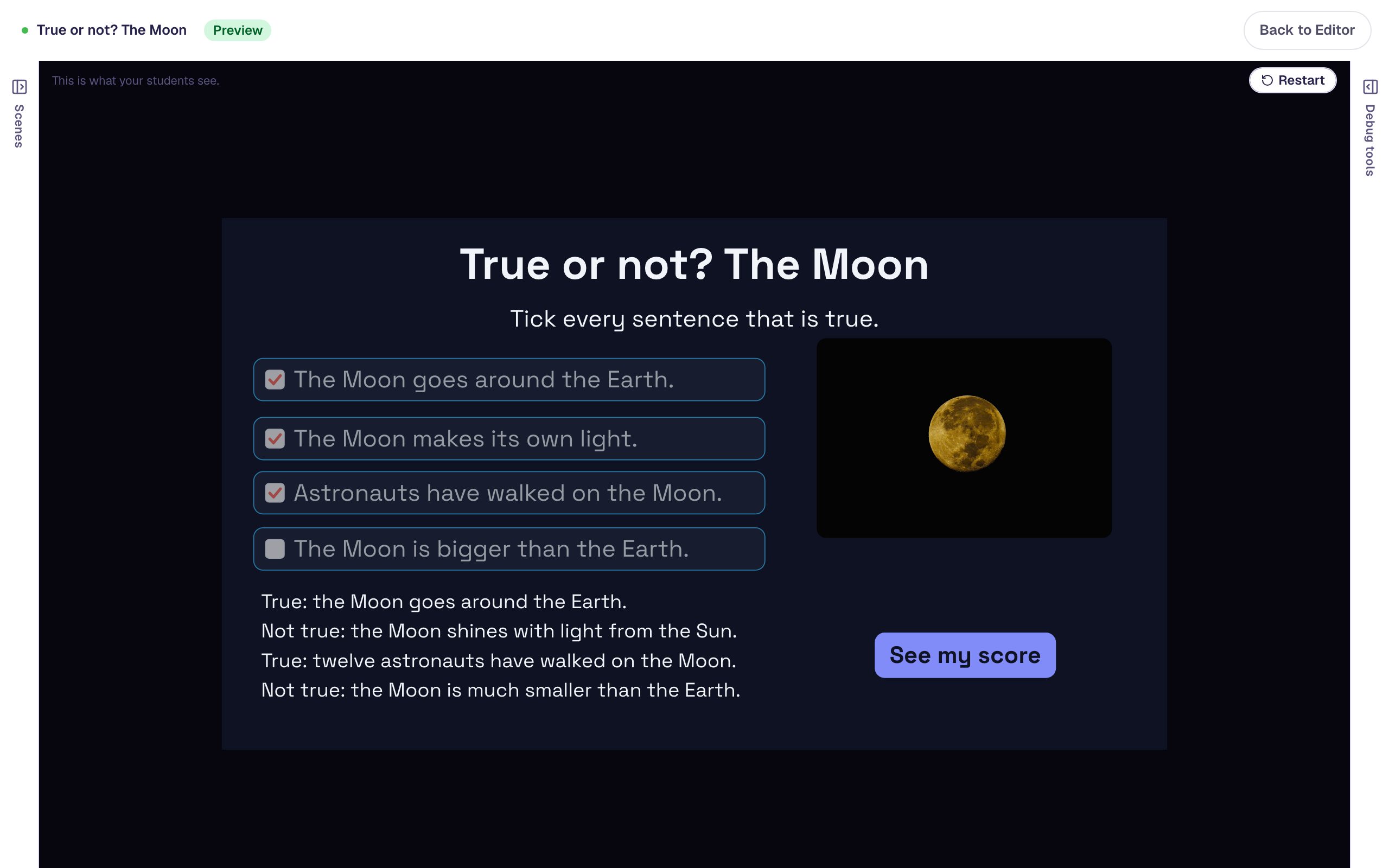
Tick every true sentence with checkboxes
Build a true-or-not check on the Moon from four graded checkboxes, where students tick the true sentences and leave the others alone. One Check button grades them all, then an answer key and a See my score button appear.
 Beginner · 10 min · 8 steps
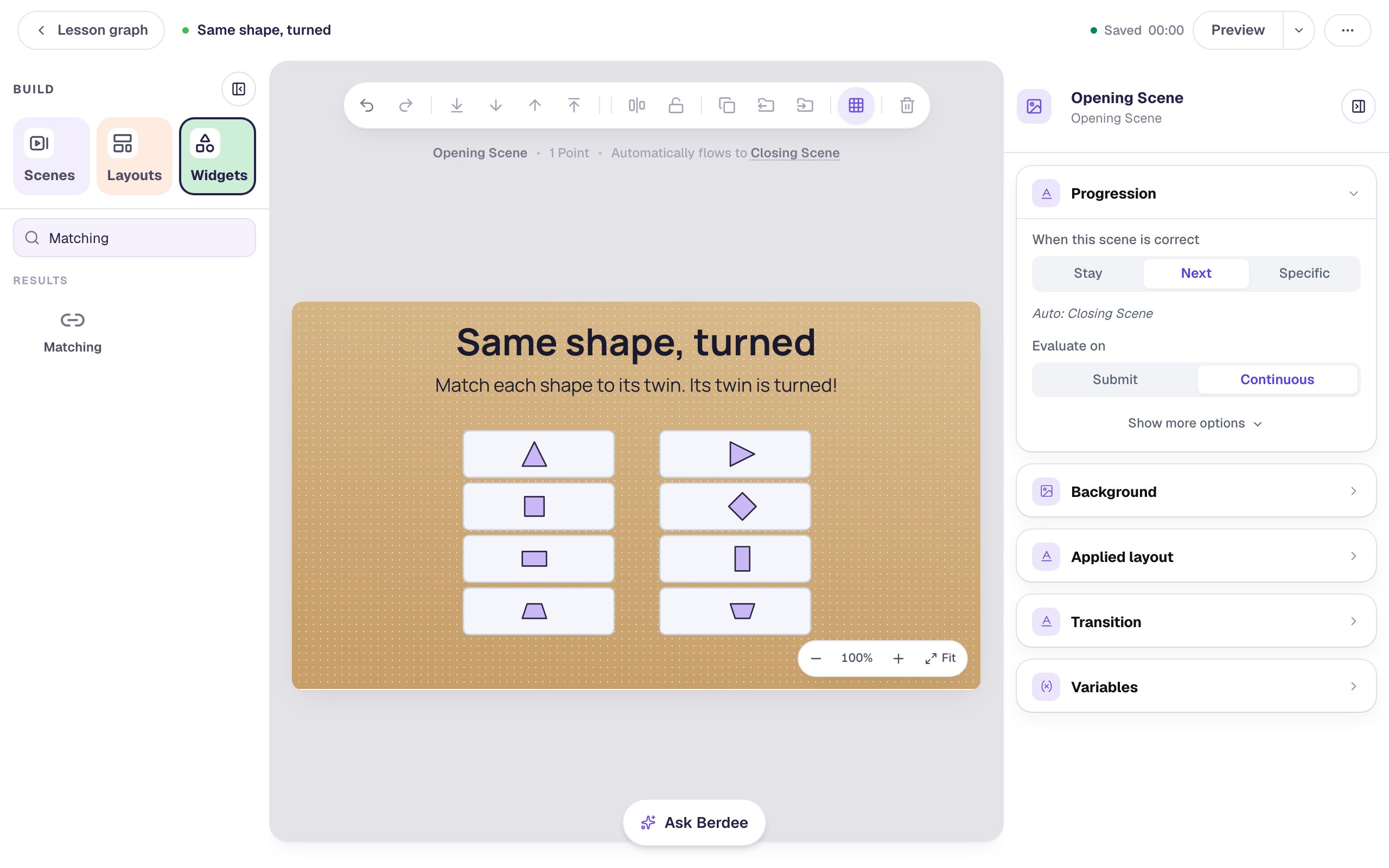
Match each shape to the same shape, turned
Build a matching game where Berdee draws the shapes for you. Draw a triangle, square, rectangle and trapezoid, copy each one to the other side, and turn the copy, so students learn that a shape keeps its name when it's turned.
 Beginner · 12 min · 8 steps
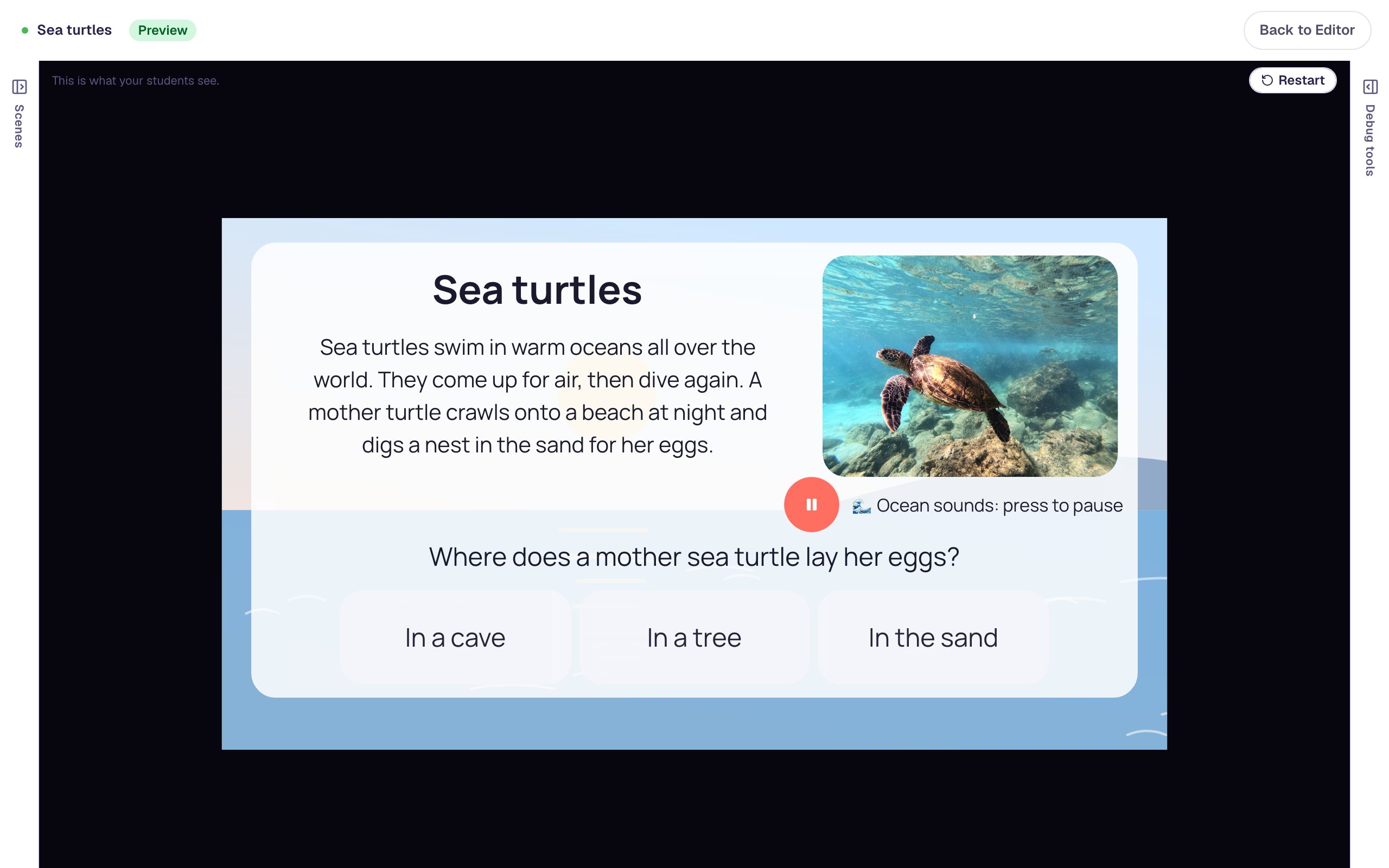
Play ocean sounds while students read
Build a sea turtle reading page with the sound of waves playing quietly behind it. Generate a seamless loop, start it with Auto Play and Loop, and give students a button to pause it.
 Beginner · 12 min · 8 steps
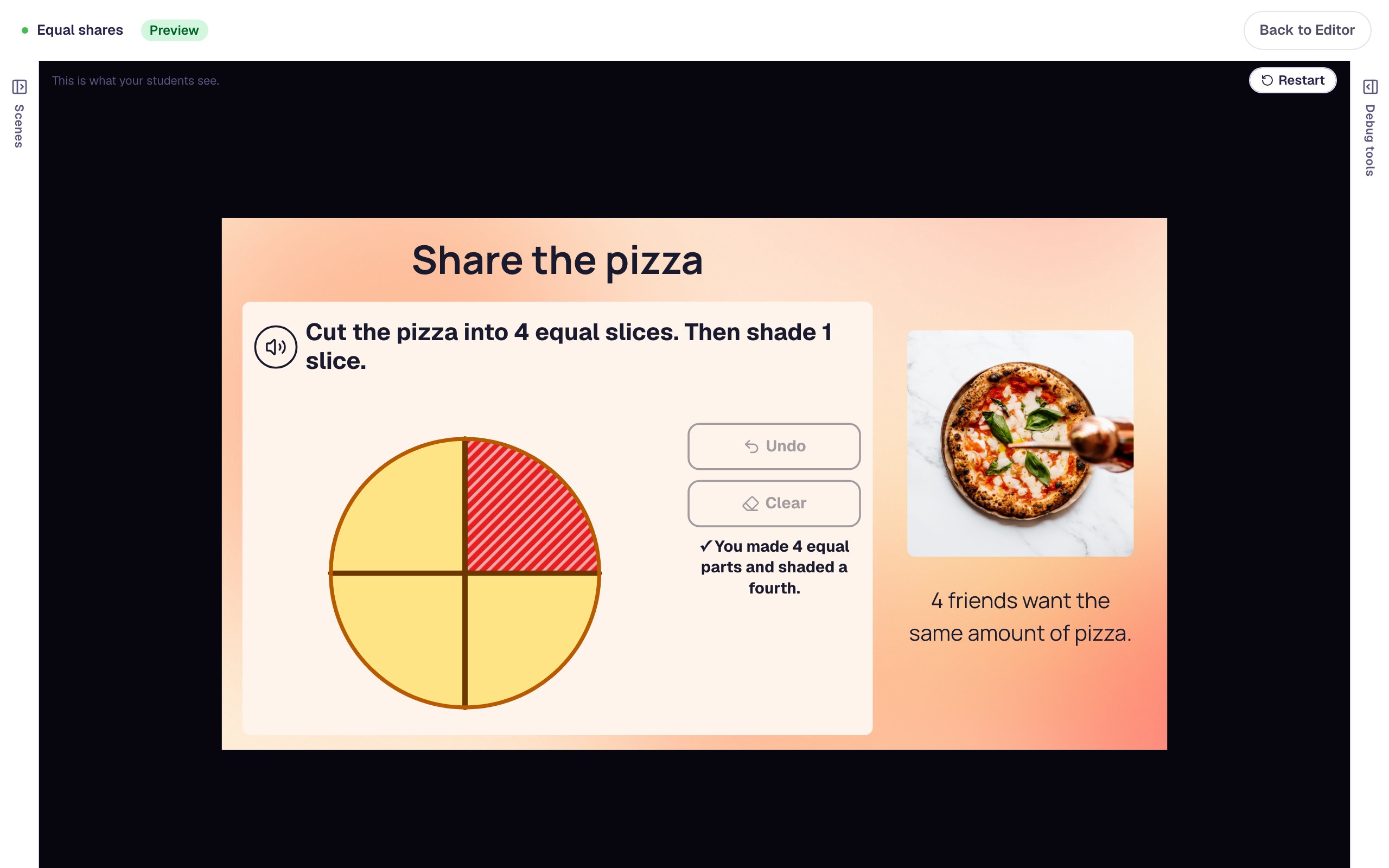
Cut a pizza into equal shares
Use the Equal Shares widget to have students cut a pizza into 4 equal slices and shade 1, then decide whether a sandwich is cut into 2 equal parts. Berdee works out every part exactly, so a lopsided cut never passes.
 Beginner · 15 min · 9 steps
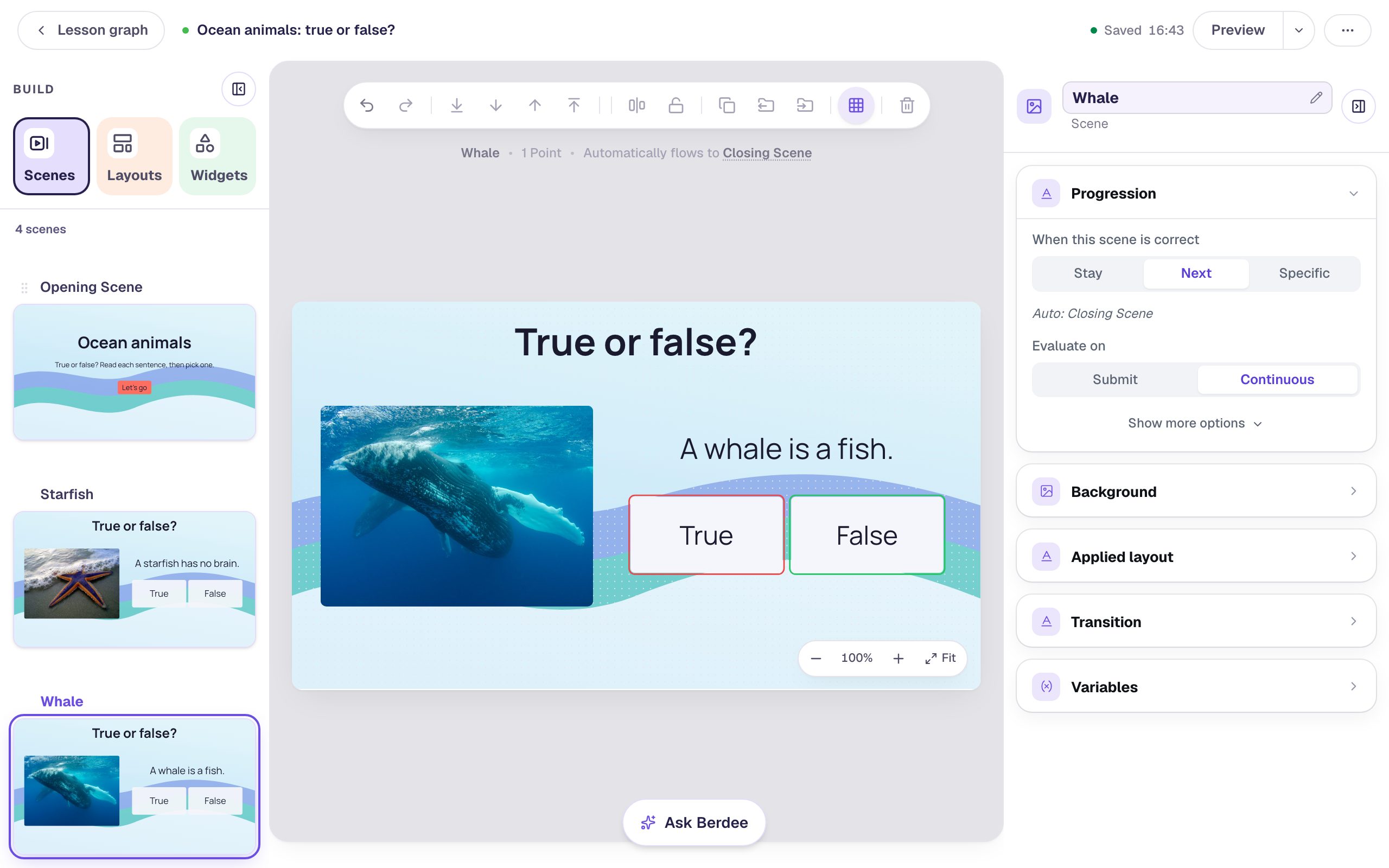
Make a true-or-false question
Turn a Multiple Choice into a True or False question with its two answers side by side, explain the fact after every answer with a message, and move students on after a wrong pick so their first answer is the one that counts.
 Beginner · 10 min · 7 steps
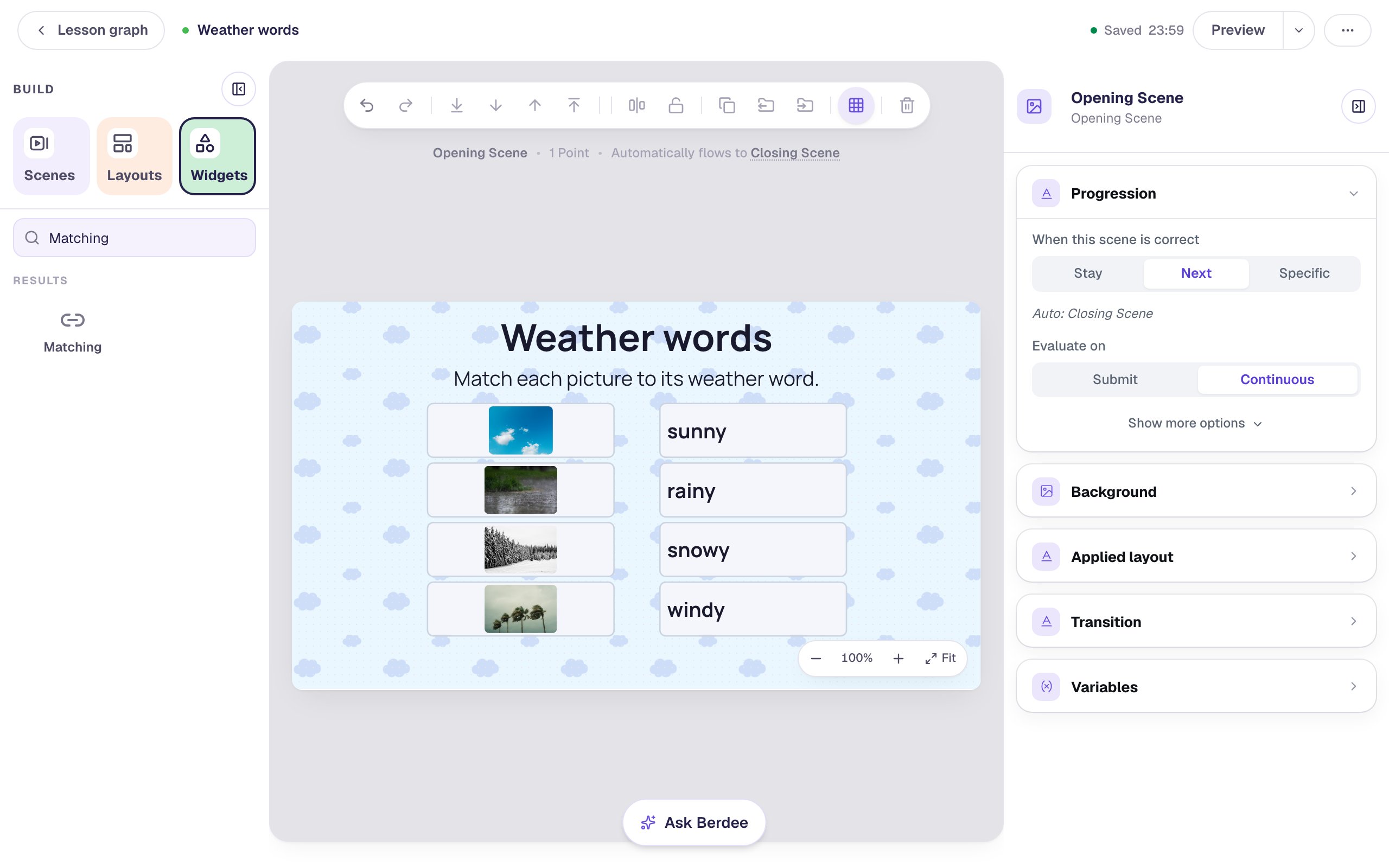
Match pictures to their words
Build a Matching activity where early readers connect four weather photos to the words sunny, rainy, snowy and windy. Pick each photo from the stock library, then describe it for screen readers without giving the answer away.
 Beginner · 10 min · 6 steps
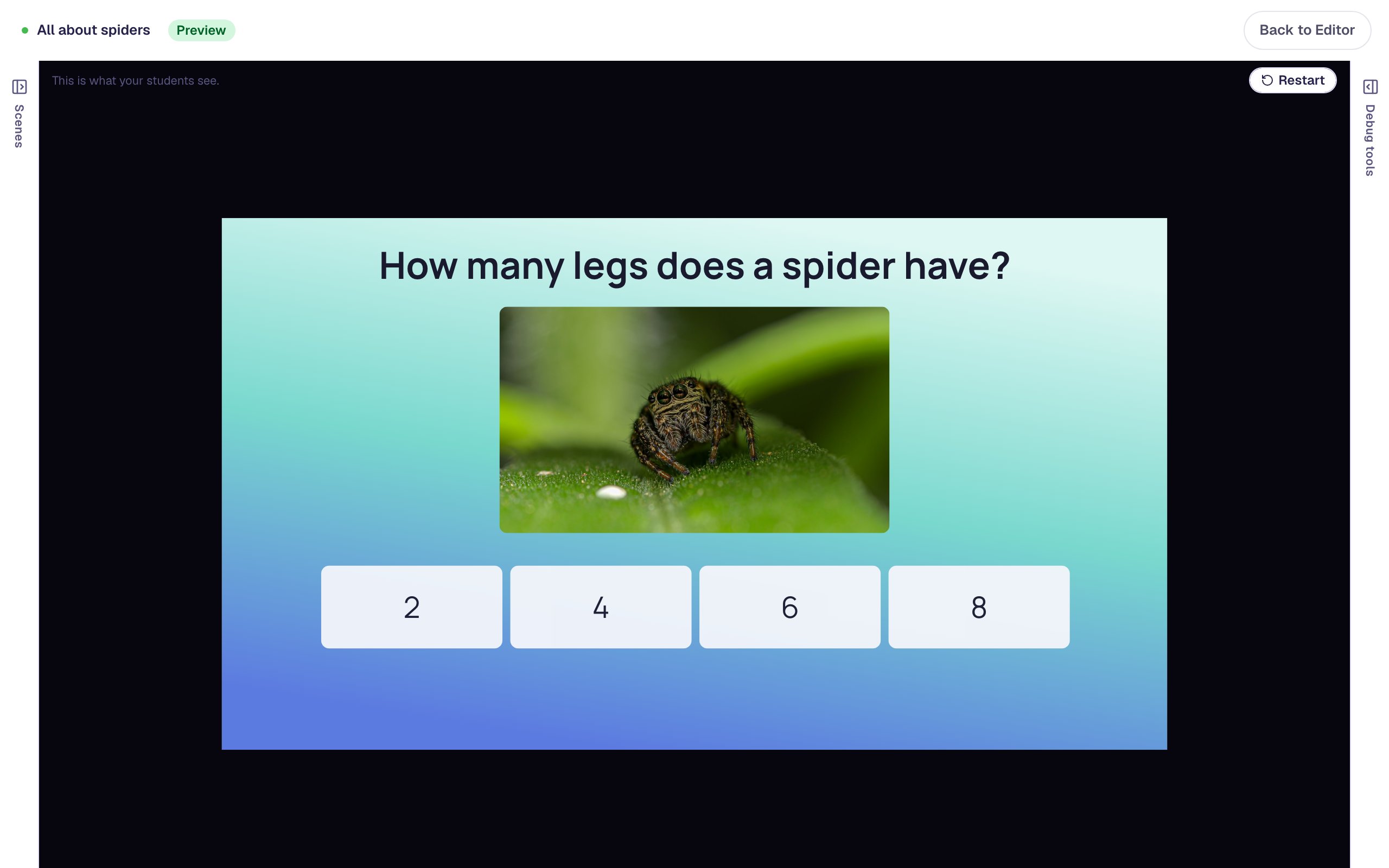
Keep number answers in order, shuffle the rest
Multiple Choice shuffles its answers for every student. Turn Randomize Order off for a question whose answers are numbers, so 2, 4, 6, 8 read in order, and leave it on where the order you typed would give the answer away.
 Beginner · 10 min · 7 steps
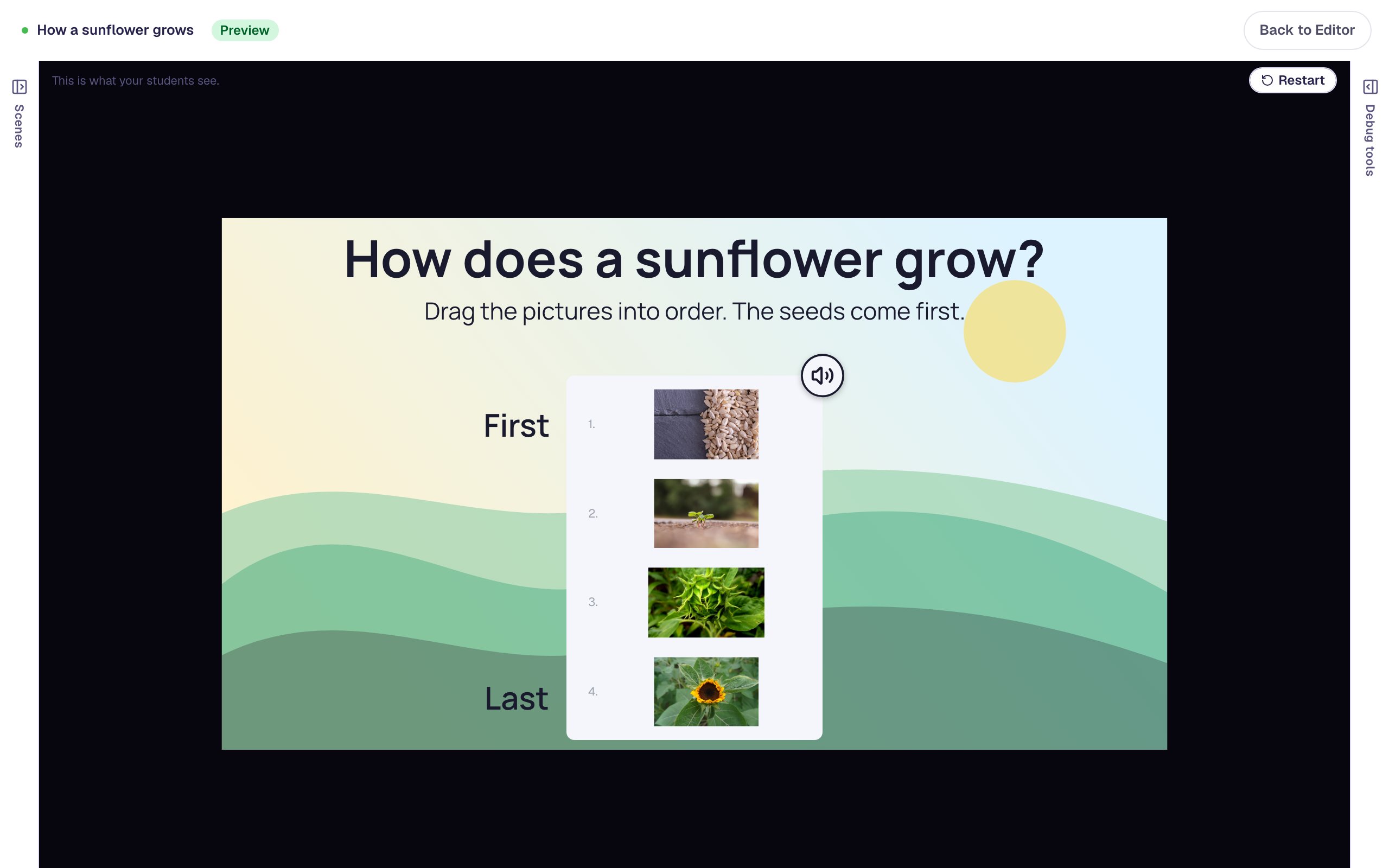
Put a plant's life cycle in order with pictures
Turn a Sorting List's cards into photos, so young learners drag a sunflower from seeds to bloom. Give every picture a name a screen reader can say, and let pre-readers tap a card to hear it.
 Beginner · 12 min · 7 steps
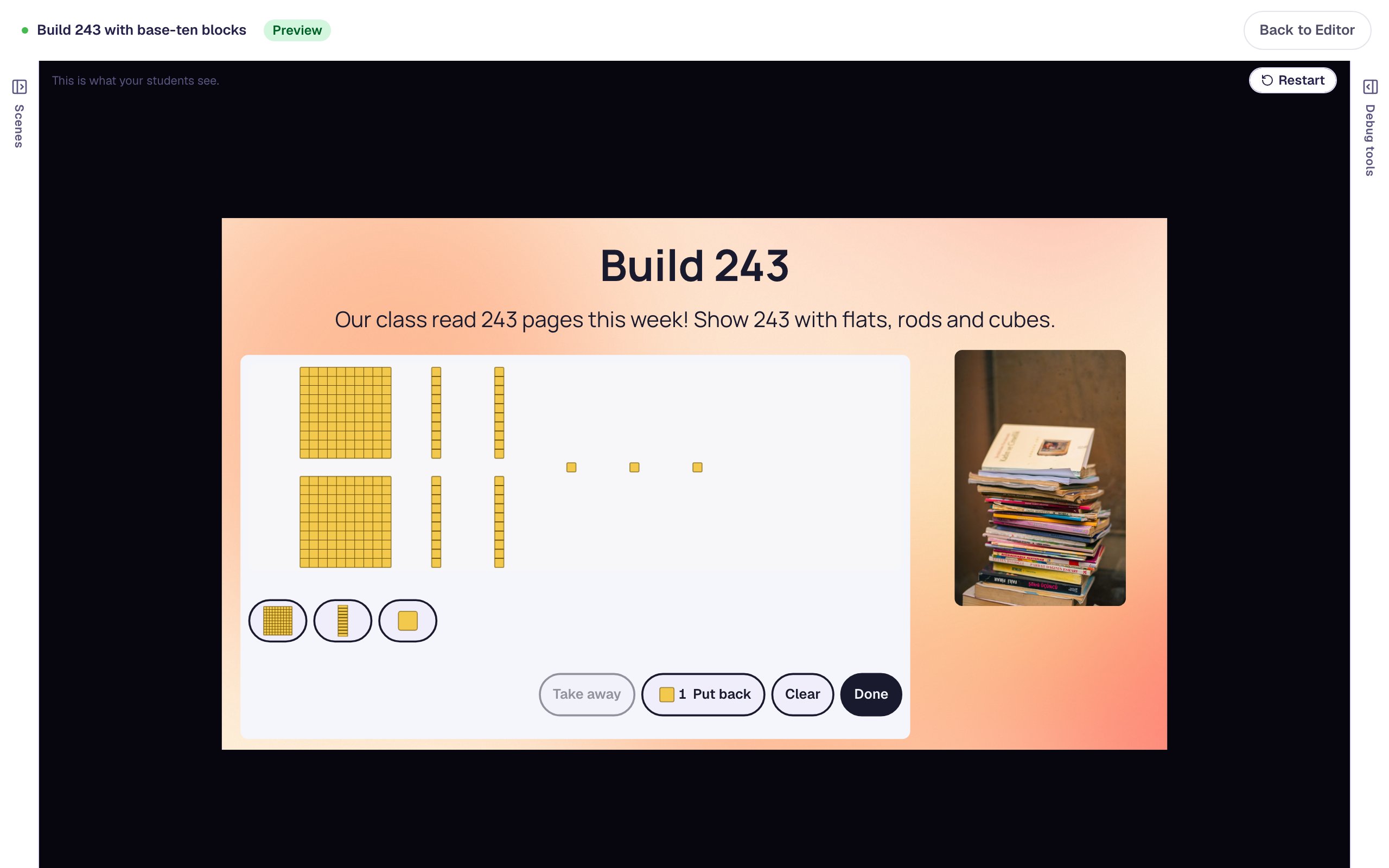
Build a three-digit number with base-ten blocks
Set up Base-Ten Blocks so second graders build 243 from flats, rods and small cubes, accept only 2 hundreds, 4 tens and 3 ones, and show a hint when a student swaps the tens and ones.
 Intermediate · 15 min · 9 steps
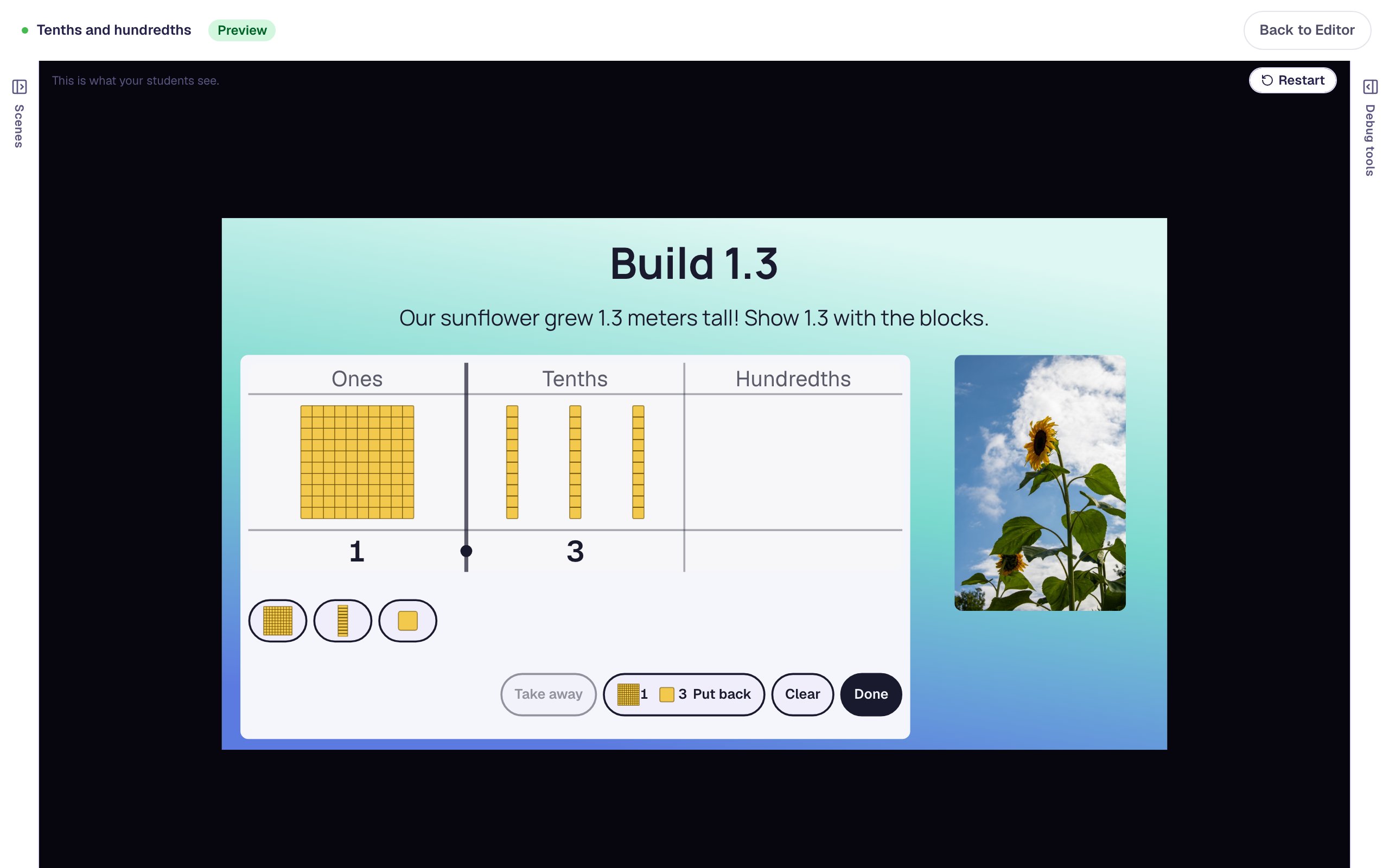
Show tenths and hundredths with base-ten blocks
Make a flat worth 1 whole so the same base-ten blocks show decimals. Students read 1.25 from a model on a place-value chart, then build 1.3 themselves, with a hint for the classic 1.03 mix-up.
 Beginner · 10 min · 7 steps
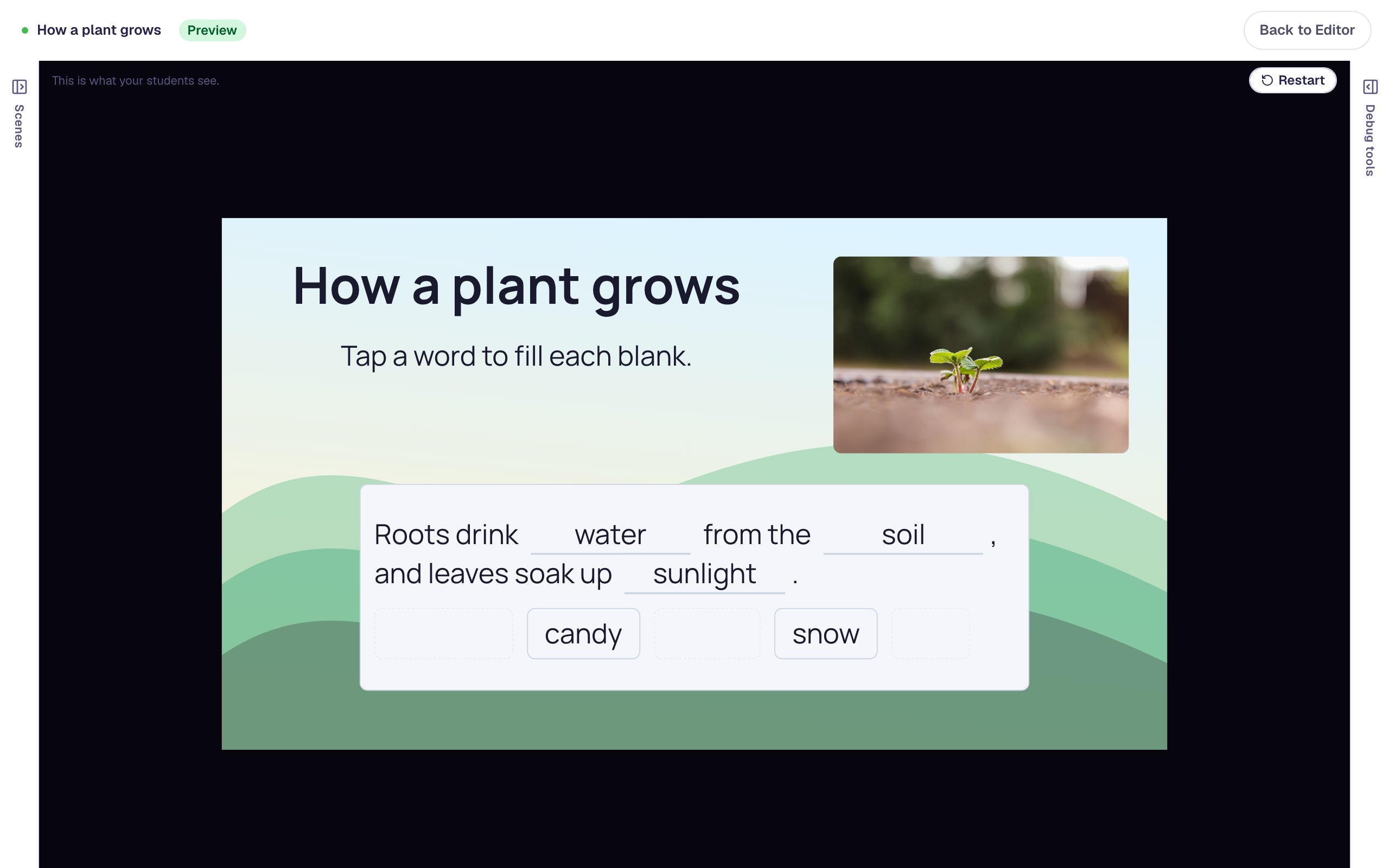
Fill in the blanks from a word bank
Turn a Fill Blank question into a tap-to-place word bank, add extra words to rule out, and mix up their order so the bank doesn't give the answers away.
 Intermediate · 15 min · 7 steps
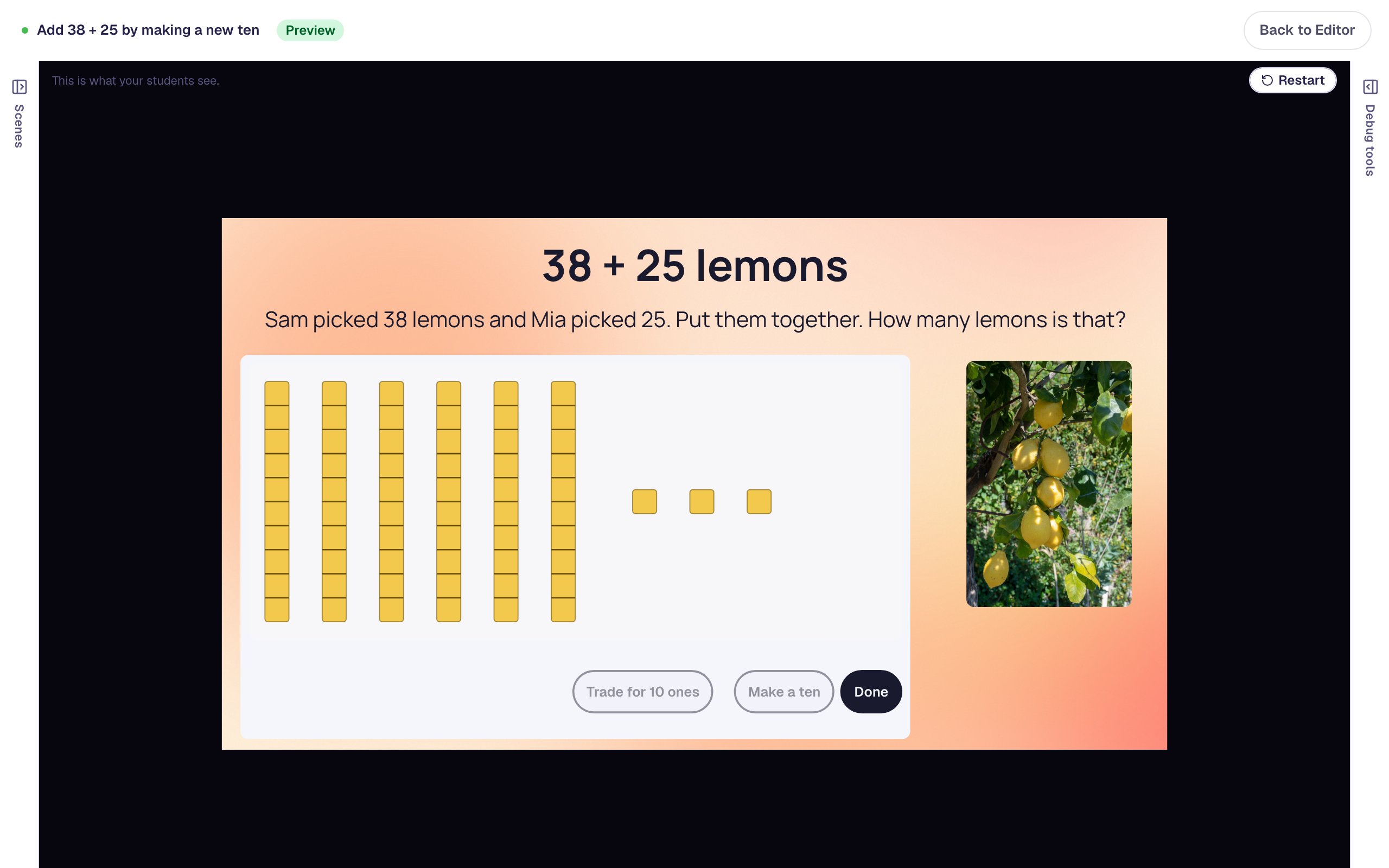
Add two-digit numbers by making a new ten
Use Base-Ten Blocks' Add or take away mode so students put 38 and 25 together, see 13 small cubes, and trade 10 of them for a rod to reach 63, with a cheer when they make the ten and a hint if they stop too soon.
 Beginner · 10 min · 7 steps
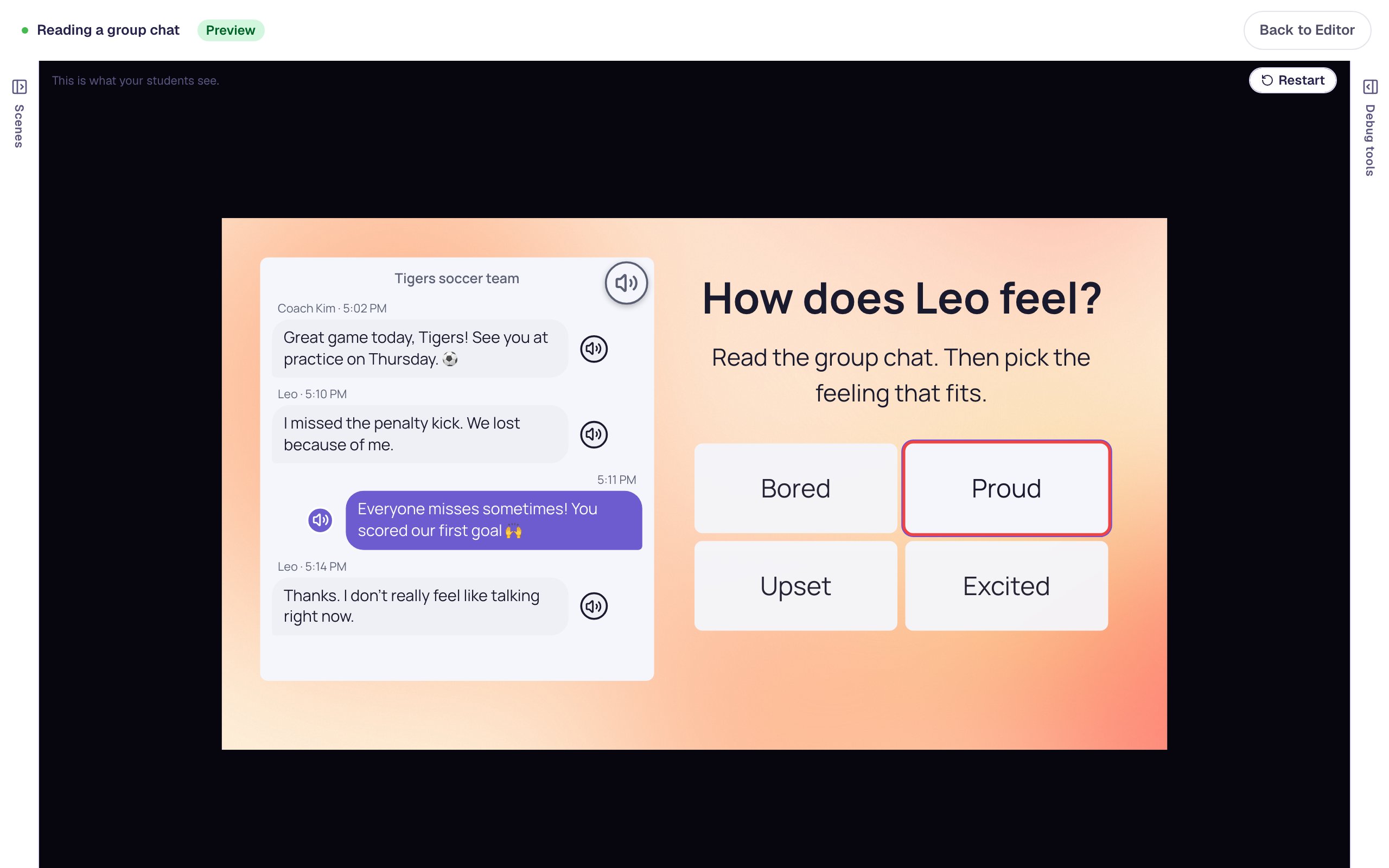
Ask how someone feels in a group chat
Show a phone-style group chat with the Message Thread widget, put the student's own messages on the right, let pre-readers hear each message, and ask a question about what they read.
 Beginner · 15 min · 7 steps
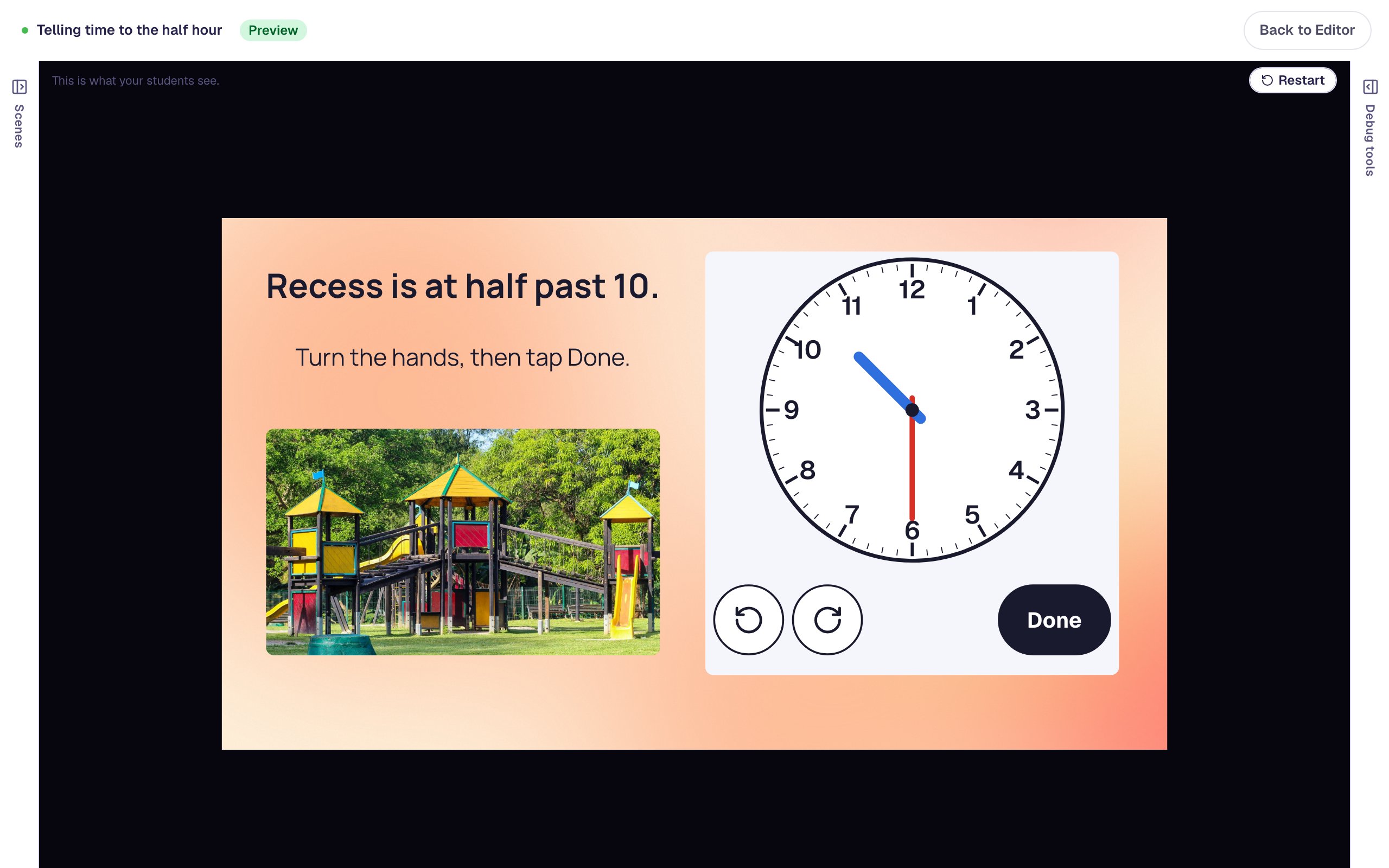
Tell time to the half hour with a clock
Build a two-scene activity with the Clock widget. Students read a clock and tap the time, then turn the hands to show a time, with a hint when they get it wrong.
 Beginner · 15 min · 7 steps
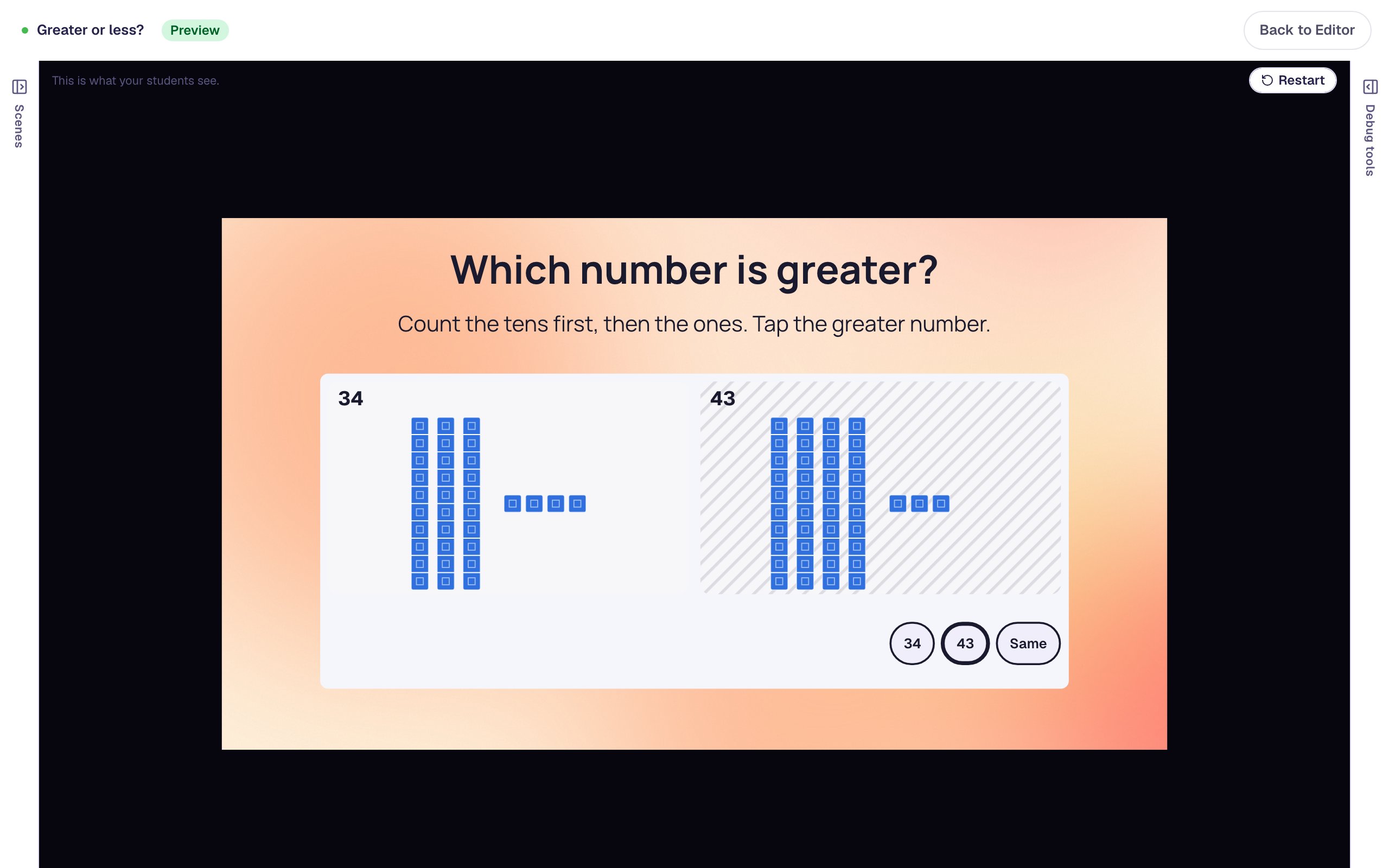
Compare two-digit numbers with <, >, and =
Use Base-Ten Blocks in Compare mode so students see which of 34 and 43 is greater, with a hint when they read the ones first, then have them write 34 < 43 with a Number Sentence's sign box.
 Intermediate · 15 min · 8 steps
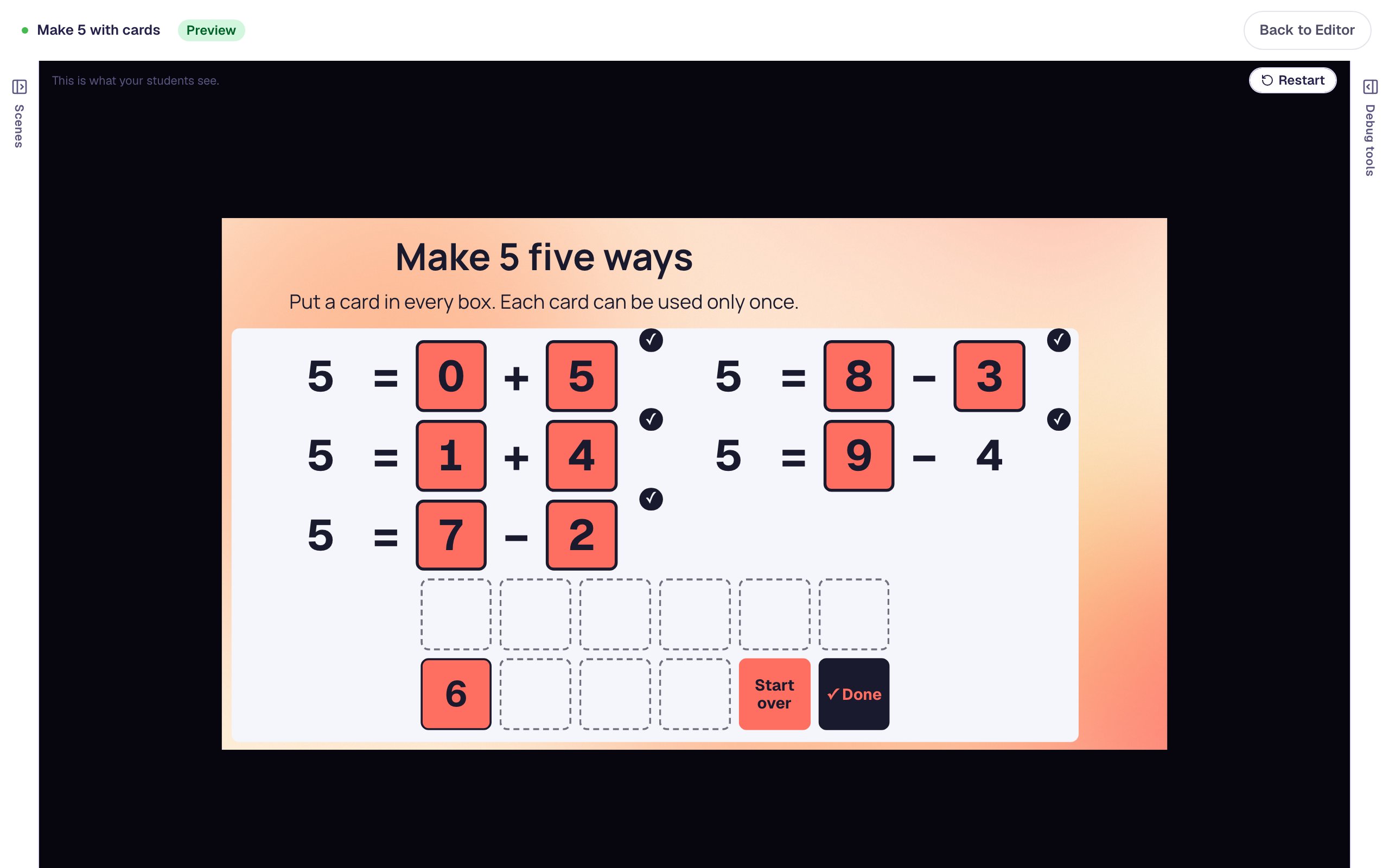
Make a number puzzle where each card is used once
Turn a Number Sentence into a puzzle board of five equations for 5 and a tray of digit cards 0 to 9, so students have to plan which card goes where, and give a point for every true equation.
 Beginner · 15 min · 9 steps
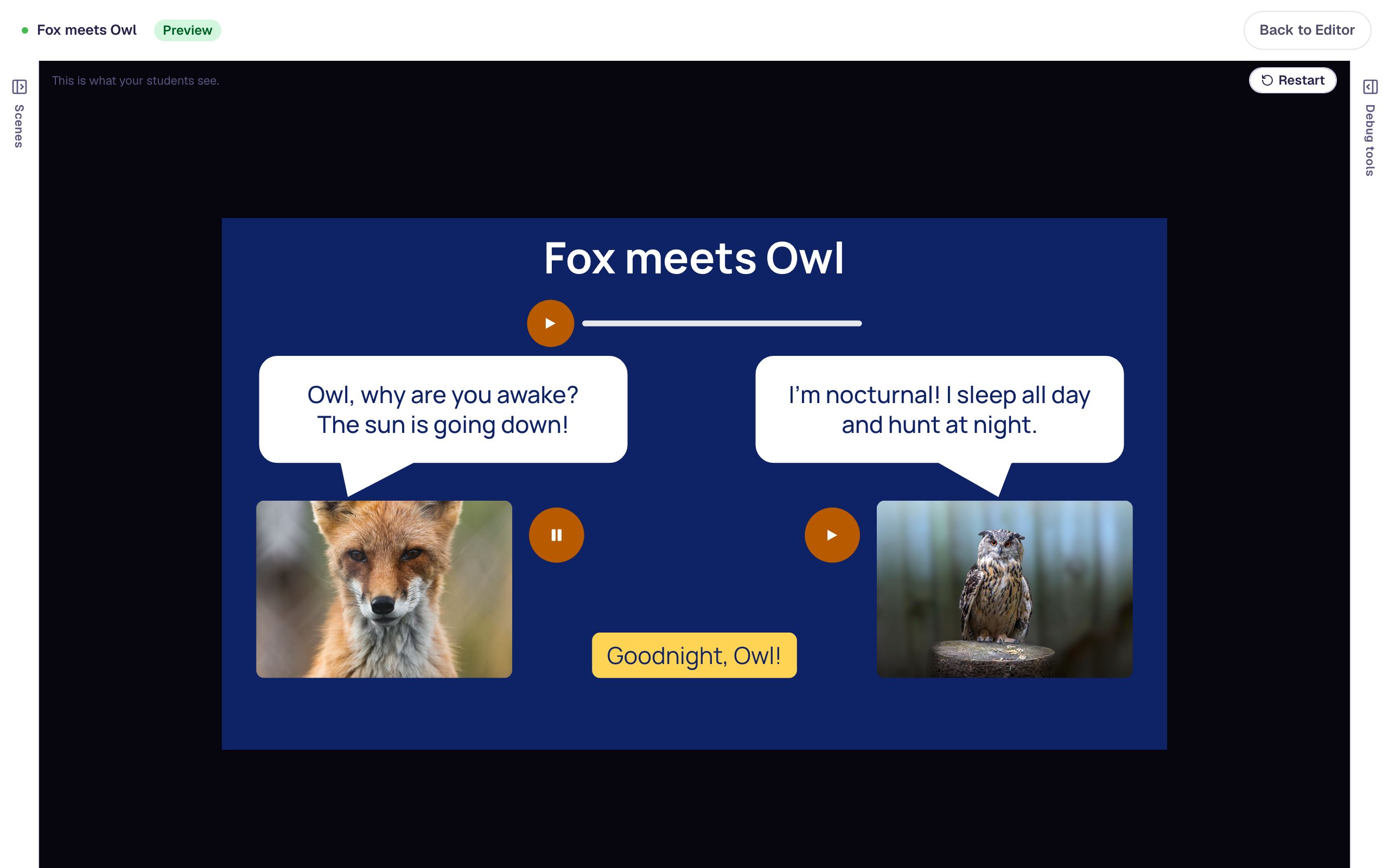
Give each character in a story their own voice
Add the characters in your story to Activity settings, give each one a voice, then choose who says each Text To Speech line with Spoken by, so a dialogue sounds like two different speakers.
 Beginner · 10 min · 6 steps
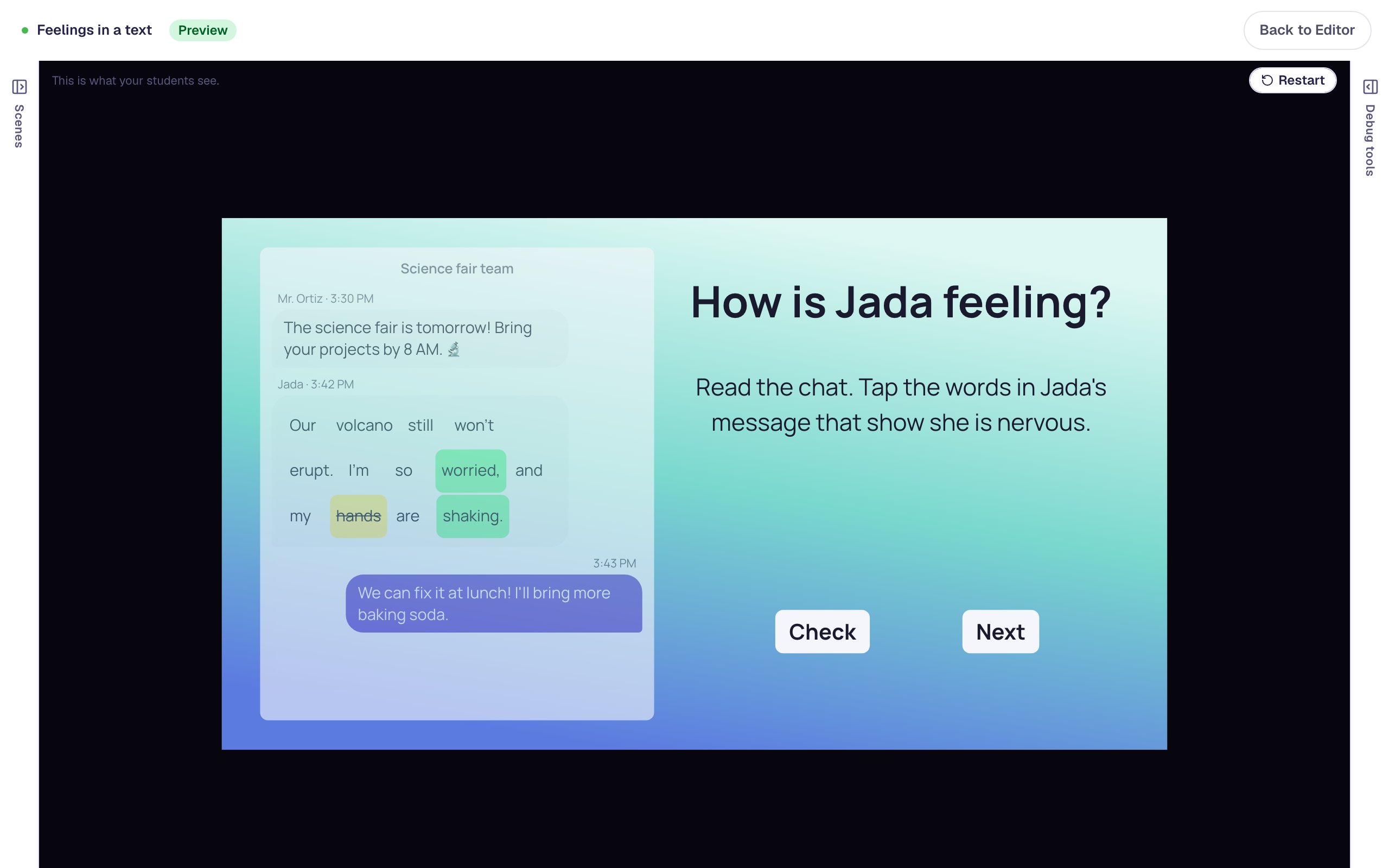
Tap the words that show how someone feels
Turn one message in a Message Thread into a question. Students tap the words that show how the sender feels, and earn partial credit for each right word.
 Beginner · 15 min · 7 steps
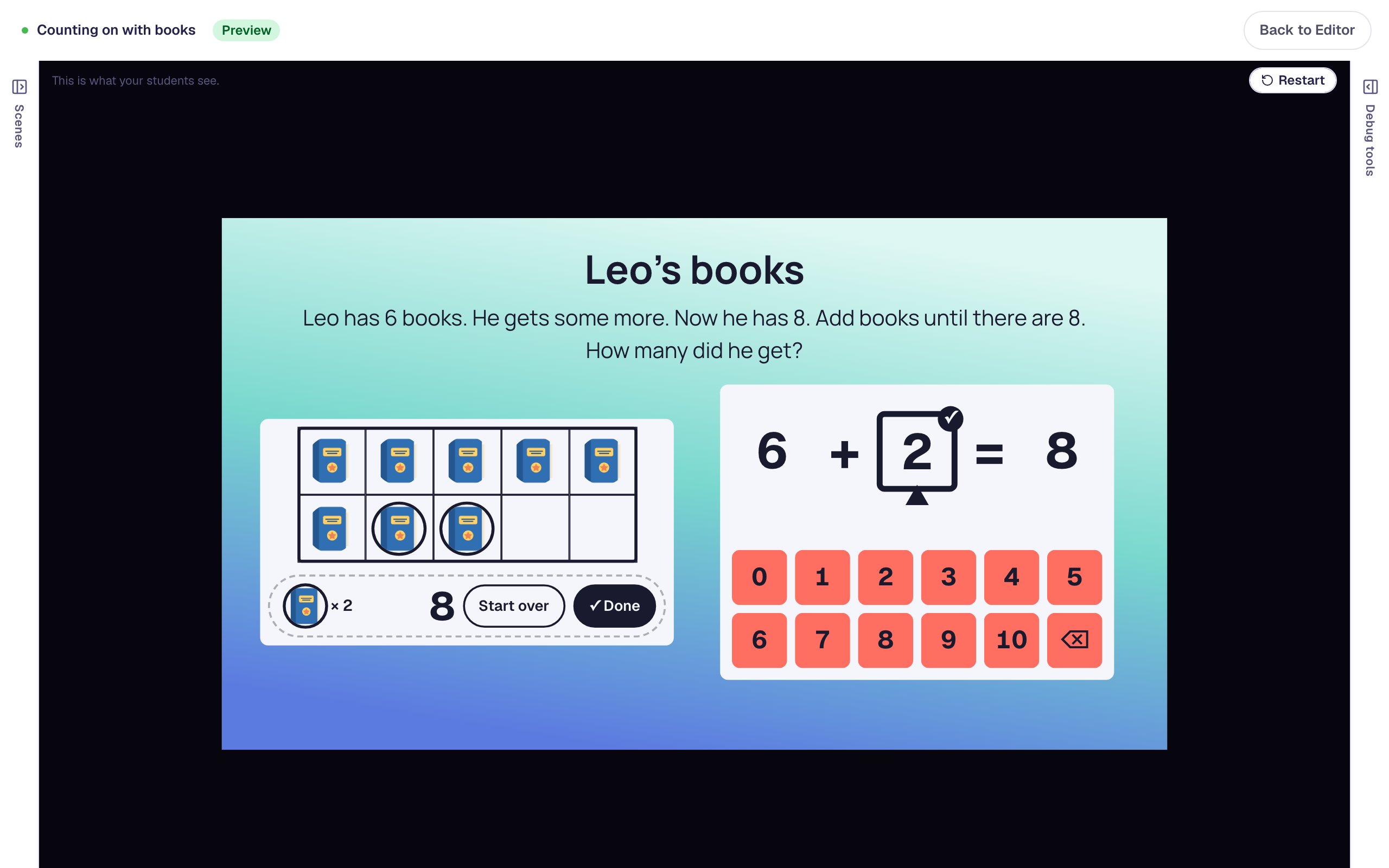
Count on to find how many more
Use the Ten Frame's Add on mode for a "some more" story problem. The frame opens with Leo's 6 books, students add books until there are 8, and a Number Sentence asks how many he got.
 Intermediate · 15 min · 6 steps
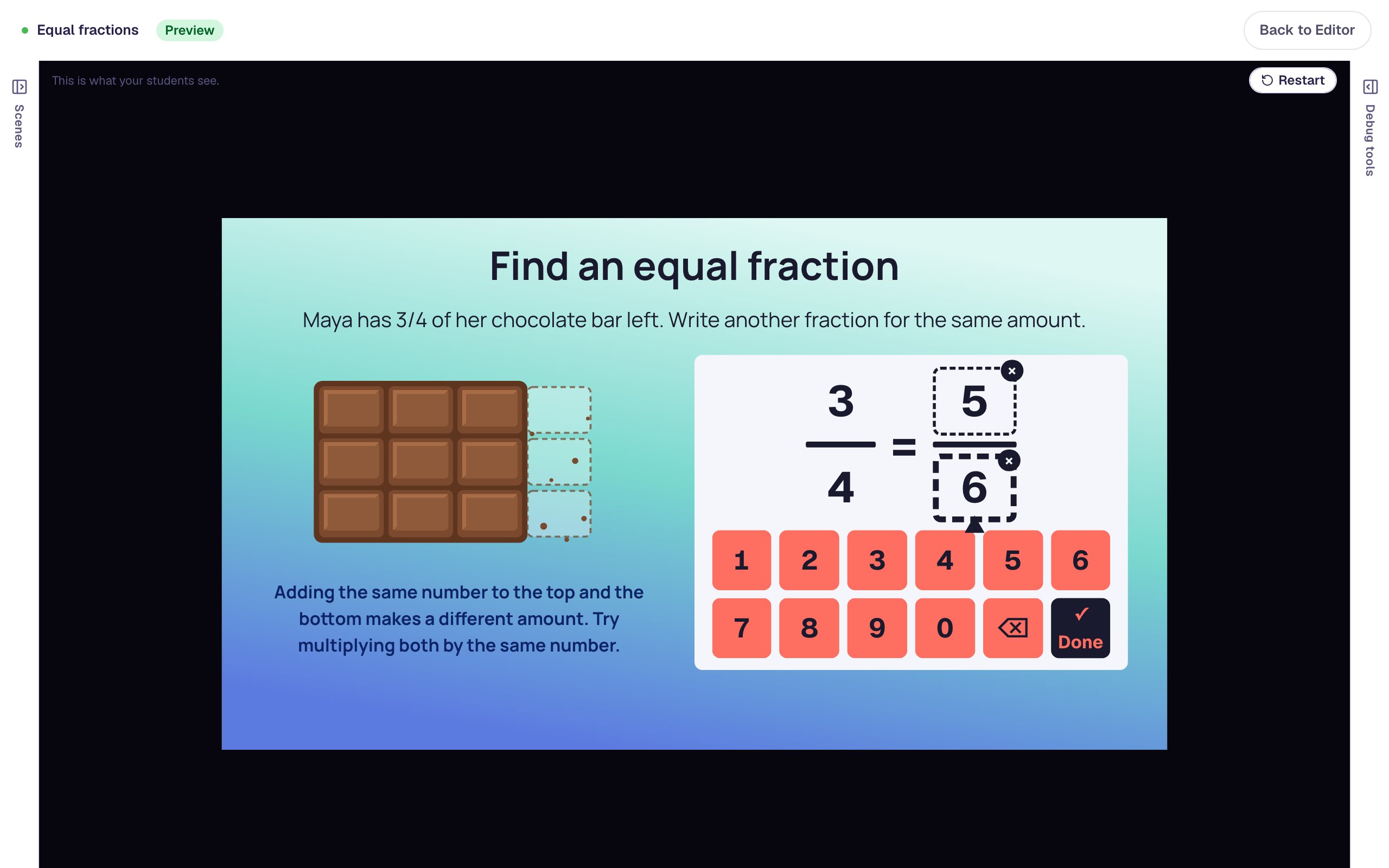
Find an equal fraction with a number sentence
Ask students to write a fraction equal to 3/4 in a Number Sentence that accepts any right answer, like 6/8, 9/12 or 15/20, and show a hint only when they make the classic mistake of adding the same number to the top and the bottom.
 Intermediate · 15 min · 7 steps
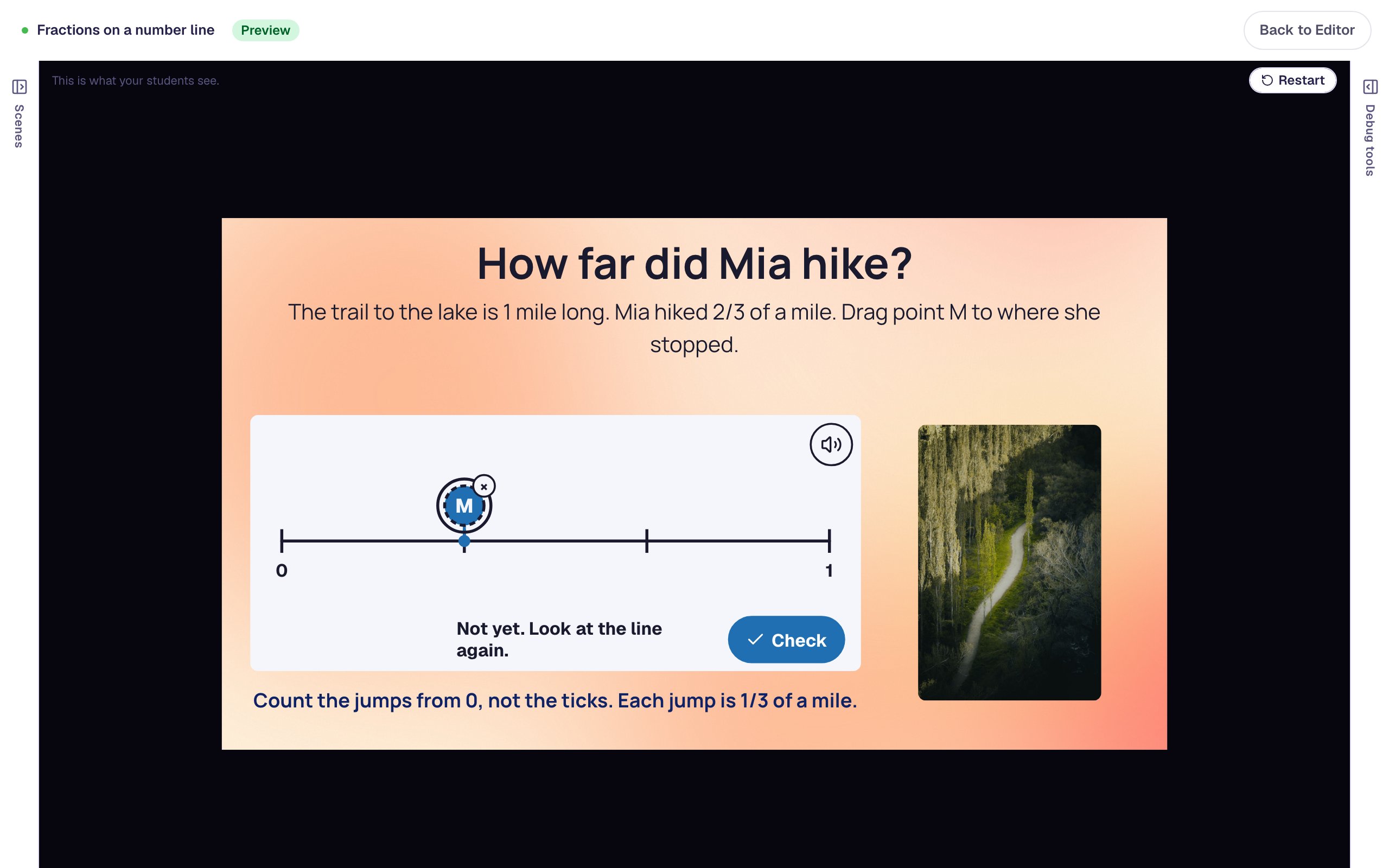
Place a fraction on a number line
Students drag a point to 2/3 on a number line cut into thirds, and a hint appears only when they count the ticks instead of the spaces between them.
 Beginner · 10 min · 8 steps
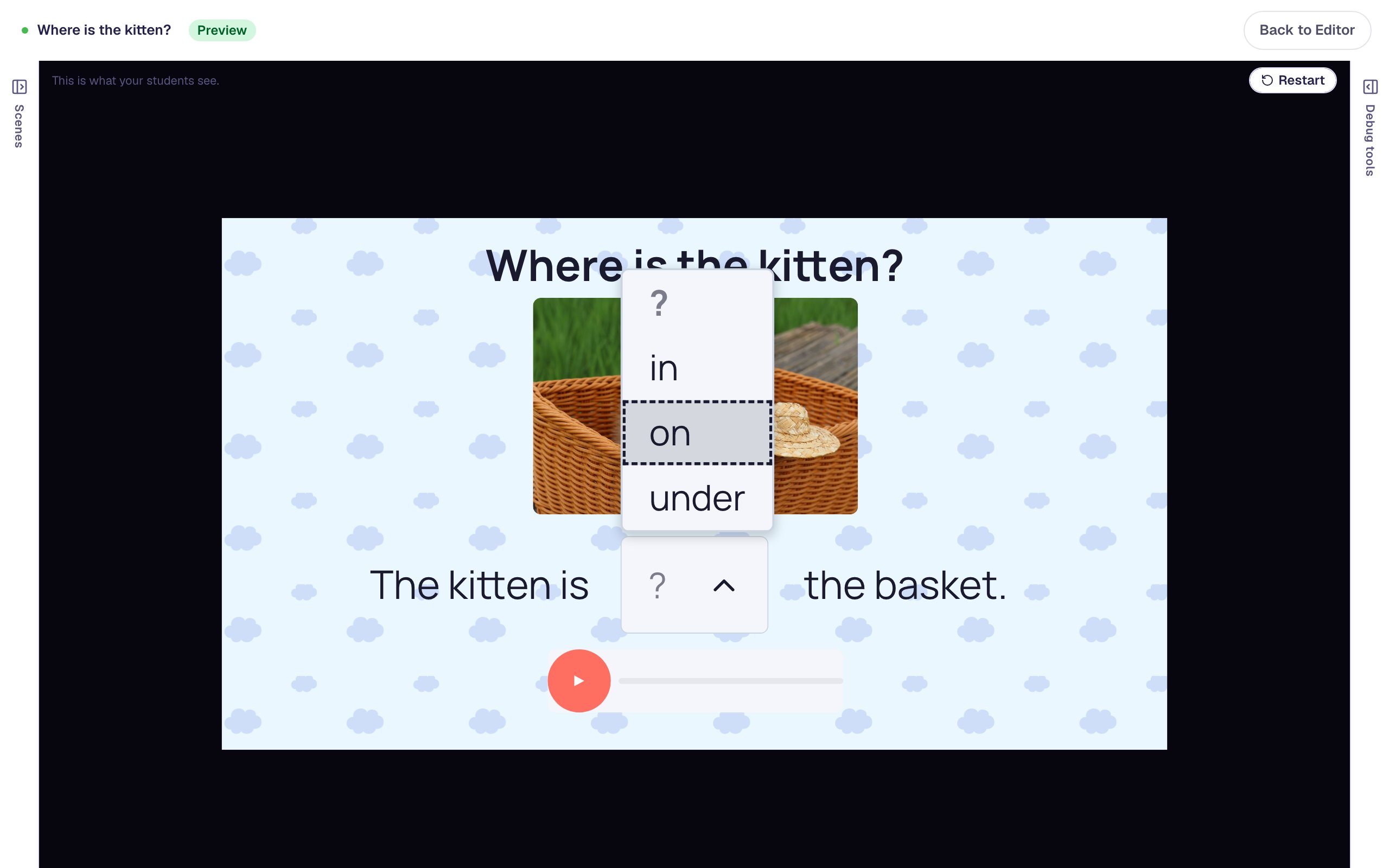
Read a dropdown's choices aloud to pre-readers
Put a dropdown inside a sentence so a child who can't read yet finishes it by ear. Each word says itself when tapped, a second tap chooses it, and your own recording reads the sentence.
 Beginner · 15 min · 8 steps
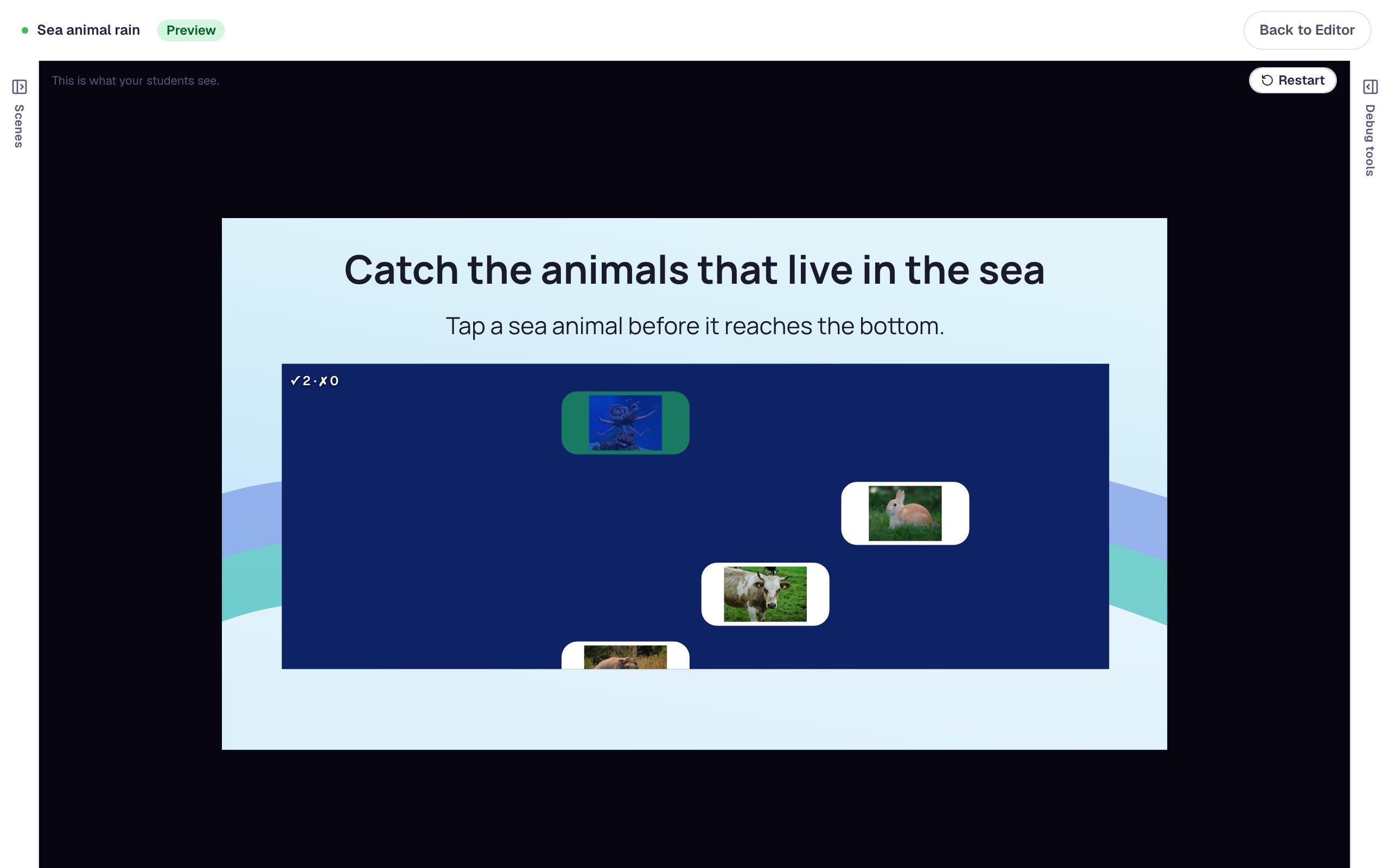
Make a picture rain game that speeds up
Build a Rain Game where pictures of animals fall and students tap the ones that live in the sea. Add picture items with alt text, make the rain speed up with every catch, and end the round when a sea animal gets away.
 Intermediate · 15 min · 7 steps
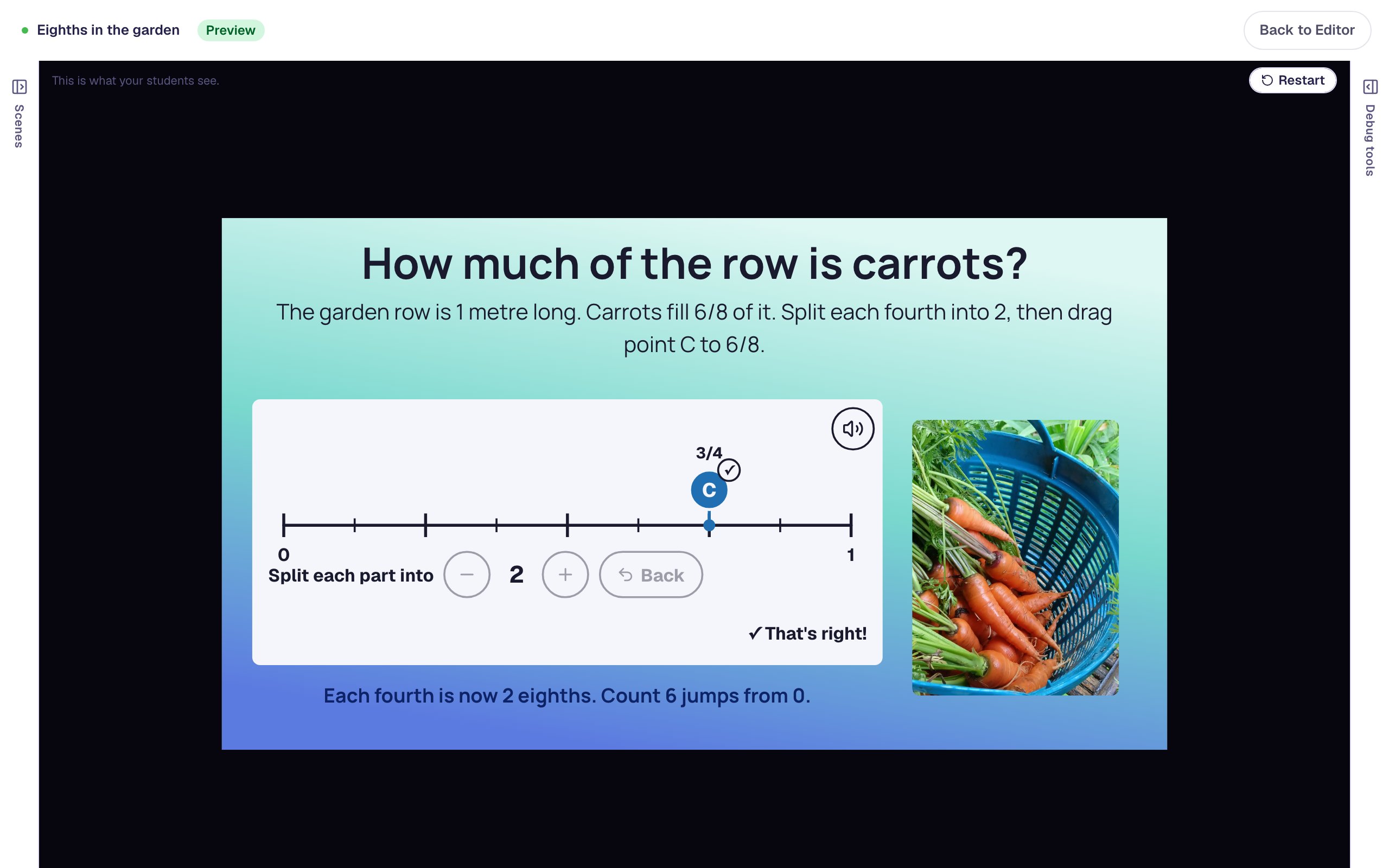
Split a number line to show an equal fraction
Students split each fourth of a number line into eighths, then place point C at 6/8, and see it land exactly where 3/4 is. A tip appears the moment the line is in eighths.
 Beginner · 15 min · 6 steps
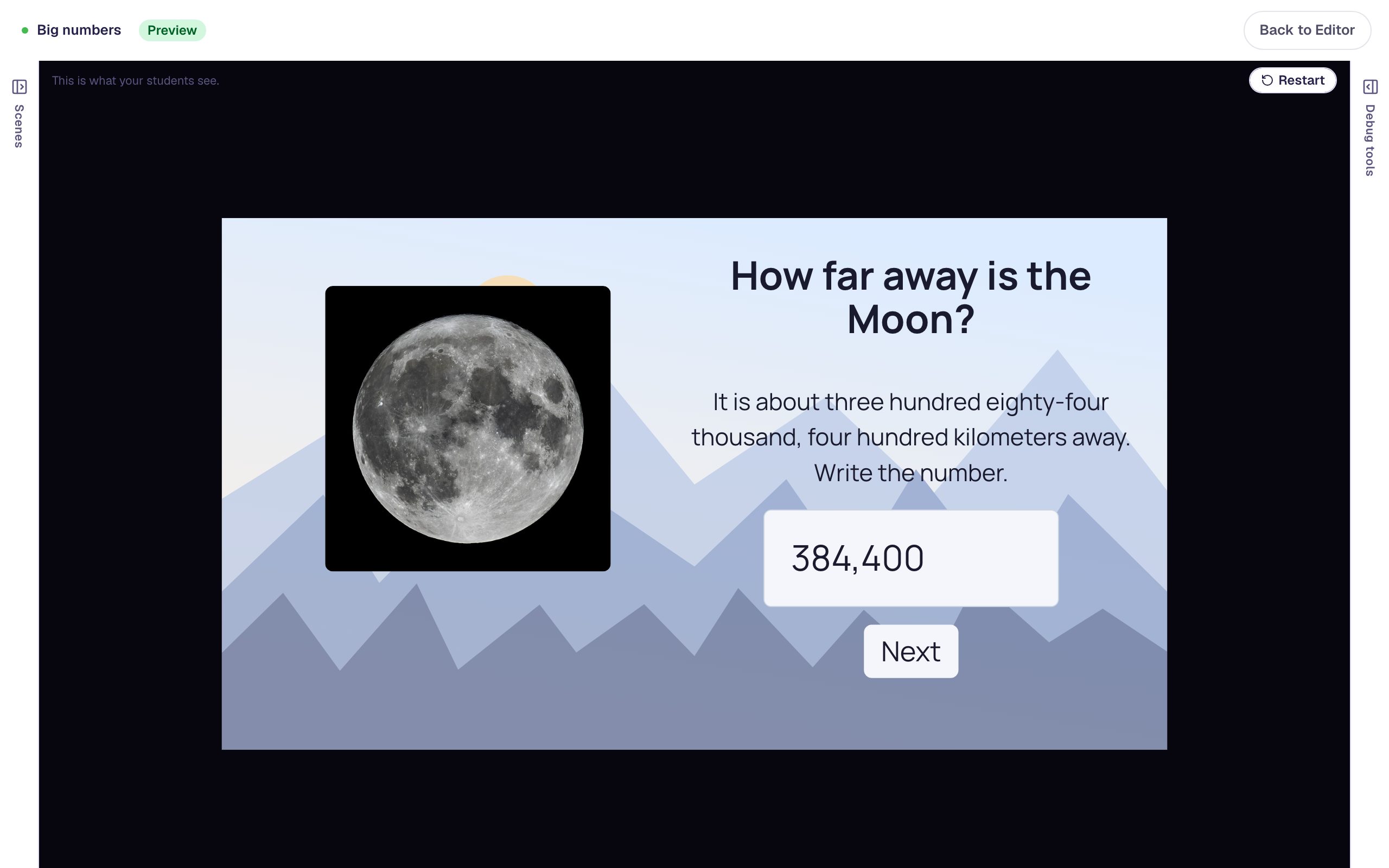
Ask for a big number and show it with commas
Ask students to write numbers in the thousands from their words, and turn on Thousands Separators so 384400 reads as 384,400 the moment they finish typing.
 Beginner · 12 min · 8 steps
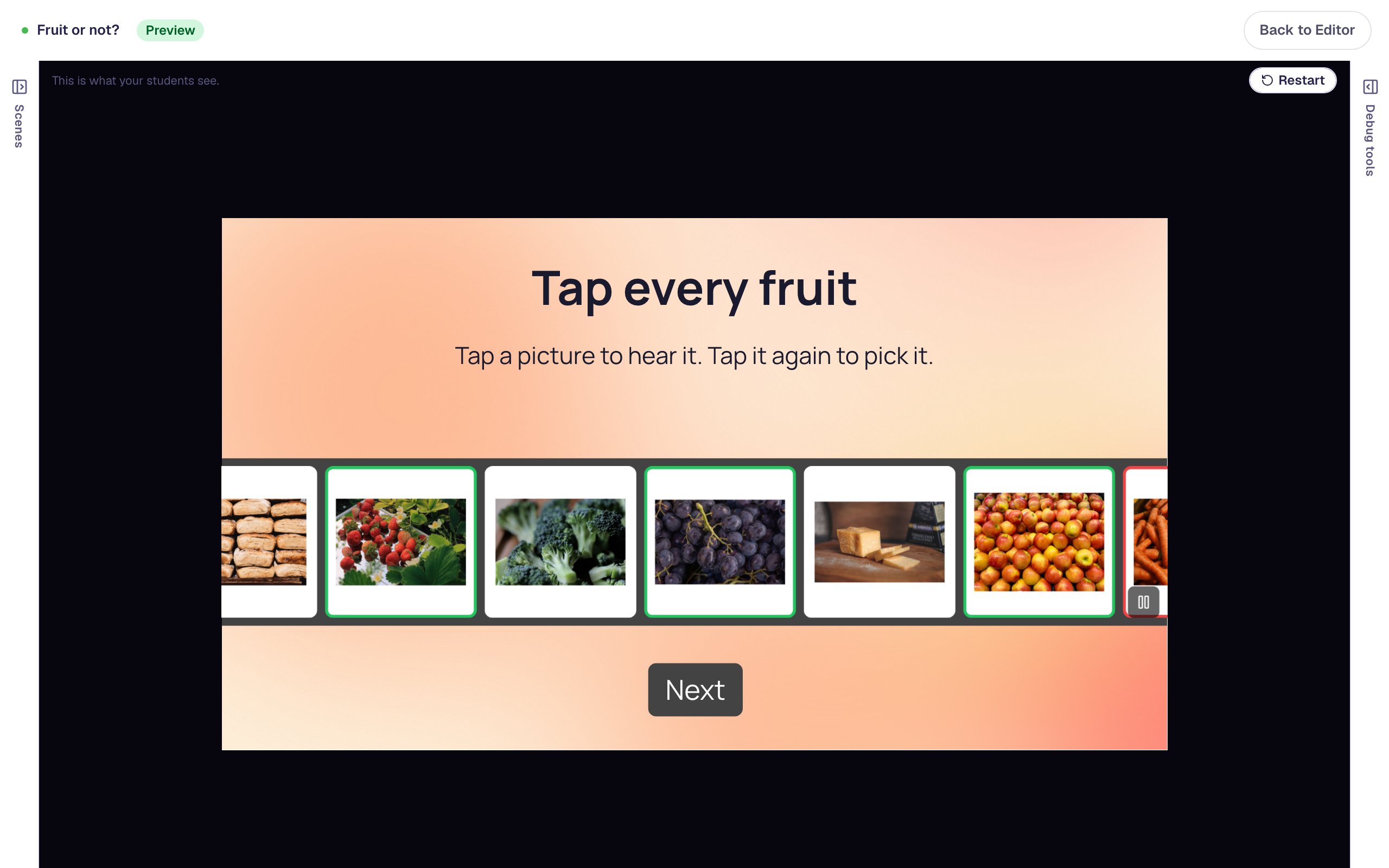
Make a picture conveyor belt that reads aloud
Build a conveyor belt of food photos for children who can't read yet. Each picture says its name on the first tap, a second tap picks it, and every fruit picked earns a point.
 Beginner · 12 min · 6 steps
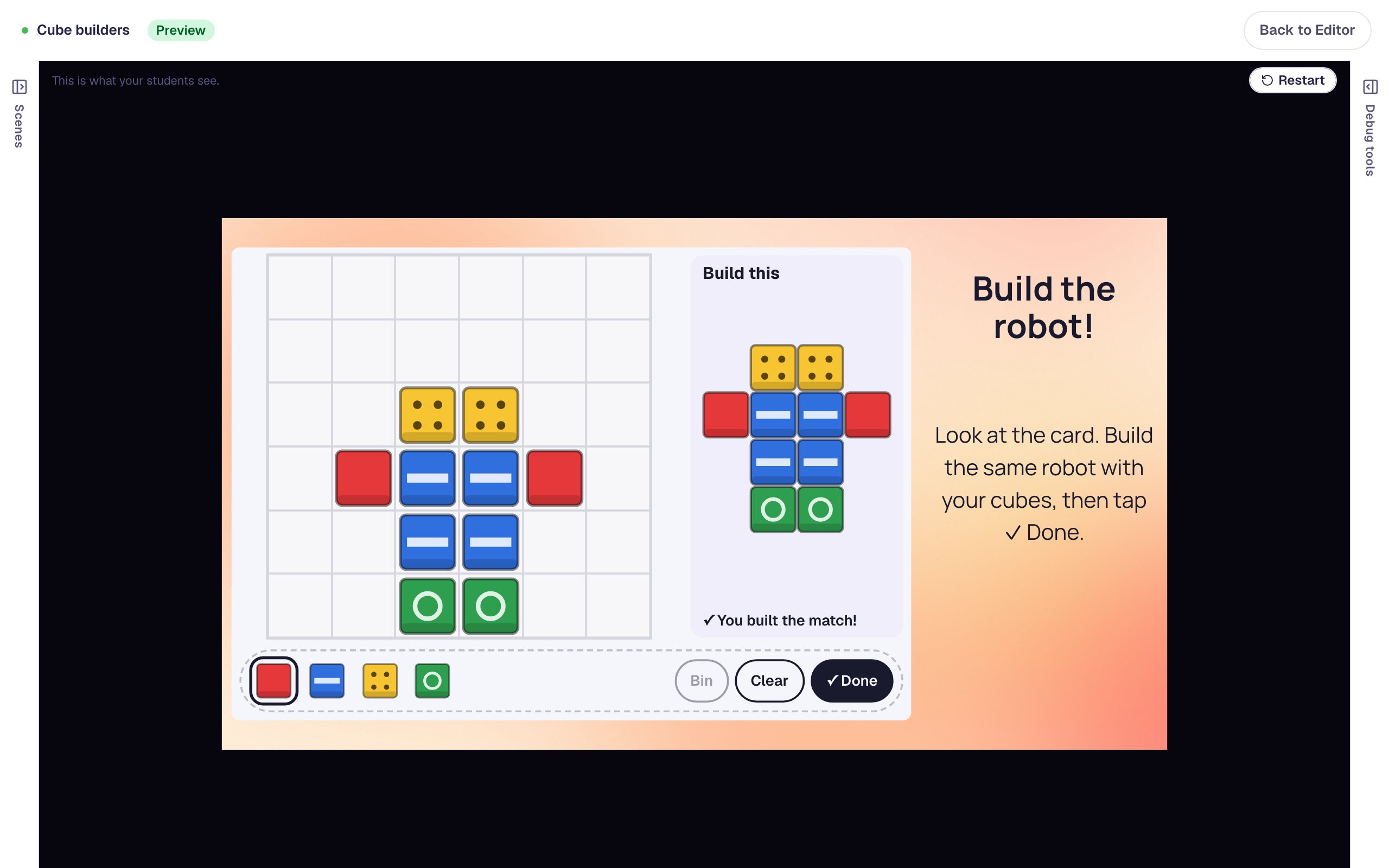
Build a cube robot to match a picture
Use the Connecting Cubes widget's Build to match mode to draw a picture card of a cube robot that young learners copy, with a hint when only the colors are off, then a boat where any colors count.
 Beginner · 15 min · 8 steps
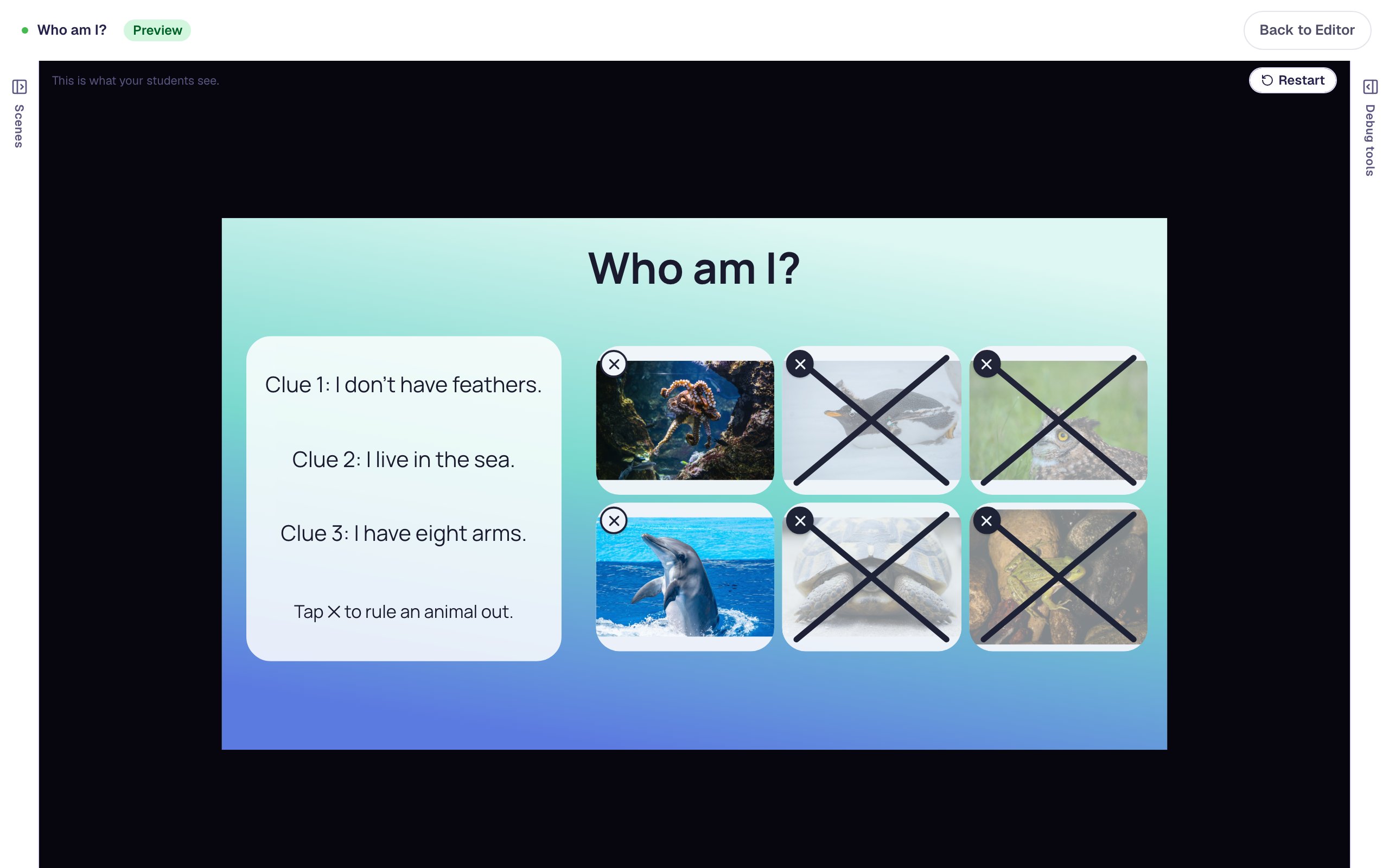
Make a Who am I? riddle with cross-out answers
Build an animal riddle where students read three clues and cross out every animal a clue rules out, using Multiple Choice's Cross Out option, with a gentle warning if they cross out the answer.
 Intermediate · 15 min · 8 steps
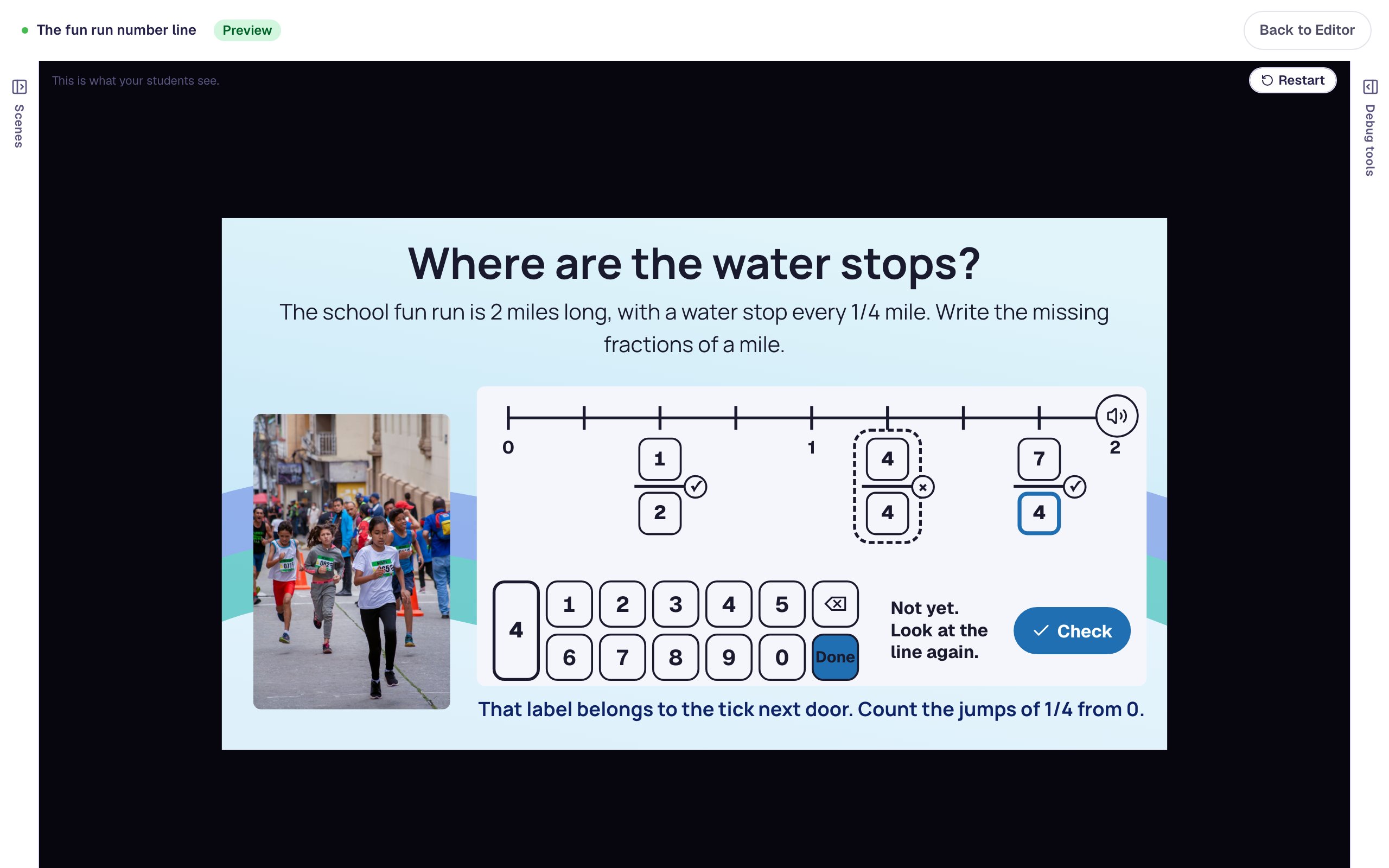
Fill in the missing fractions on a number line
Students write the fractions that belong under blank ticks on a number line from 0 to 2 in fourths. Berdee accepts any equal fraction, so 1/2 is right for 2/4, and a hint appears when a label belongs to the tick next door.
 Intermediate · 15 min · 8 steps
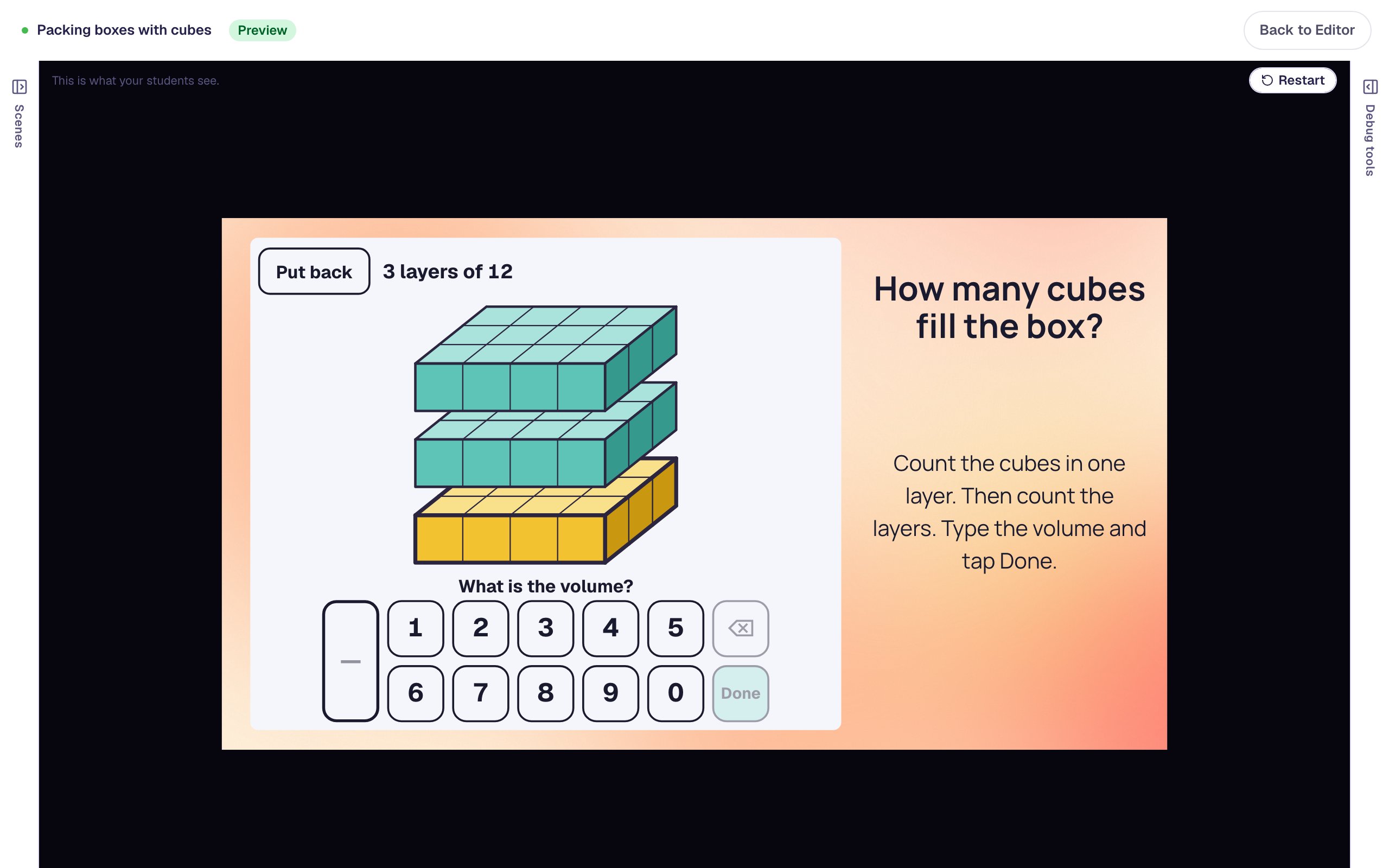
Find the volume of a box by counting cubes
Use the Cube Prism widget to show a box of unit cubes with its bottom layer highlighted, let students peel the layers apart and type the volume, then ask them to build every box that holds 24 cubes.
 Beginner · 10 min · 8 steps
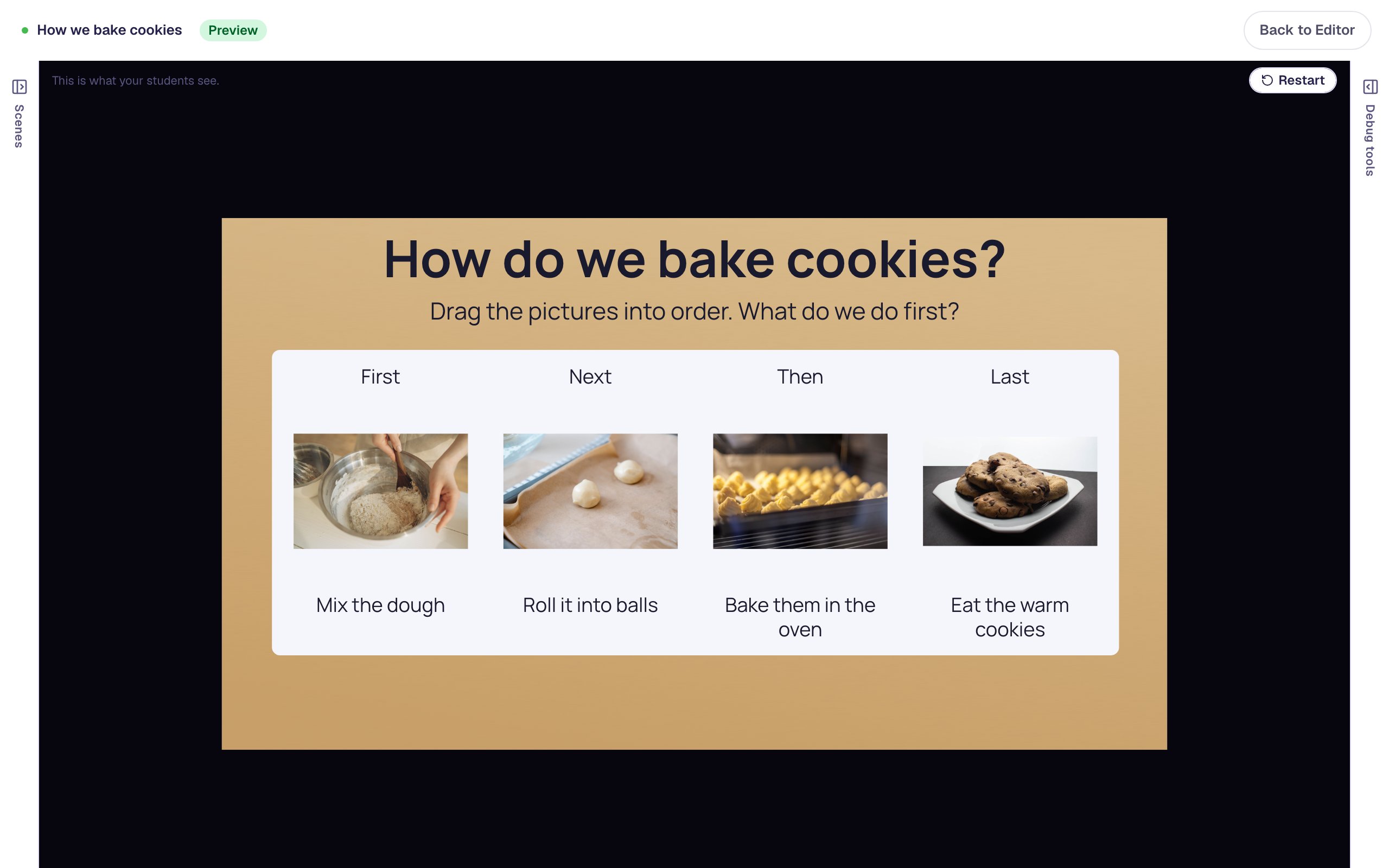
Order steps with First, Next, Then, Last
Build a "How do we bake cookies?" scene where young learners drag four photos into order under the words First, Next, Then and Last. Name a sorting list's positions, lay the cards out in one row, and show a caption under every picture.
 Beginner · 10 min · 7 steps
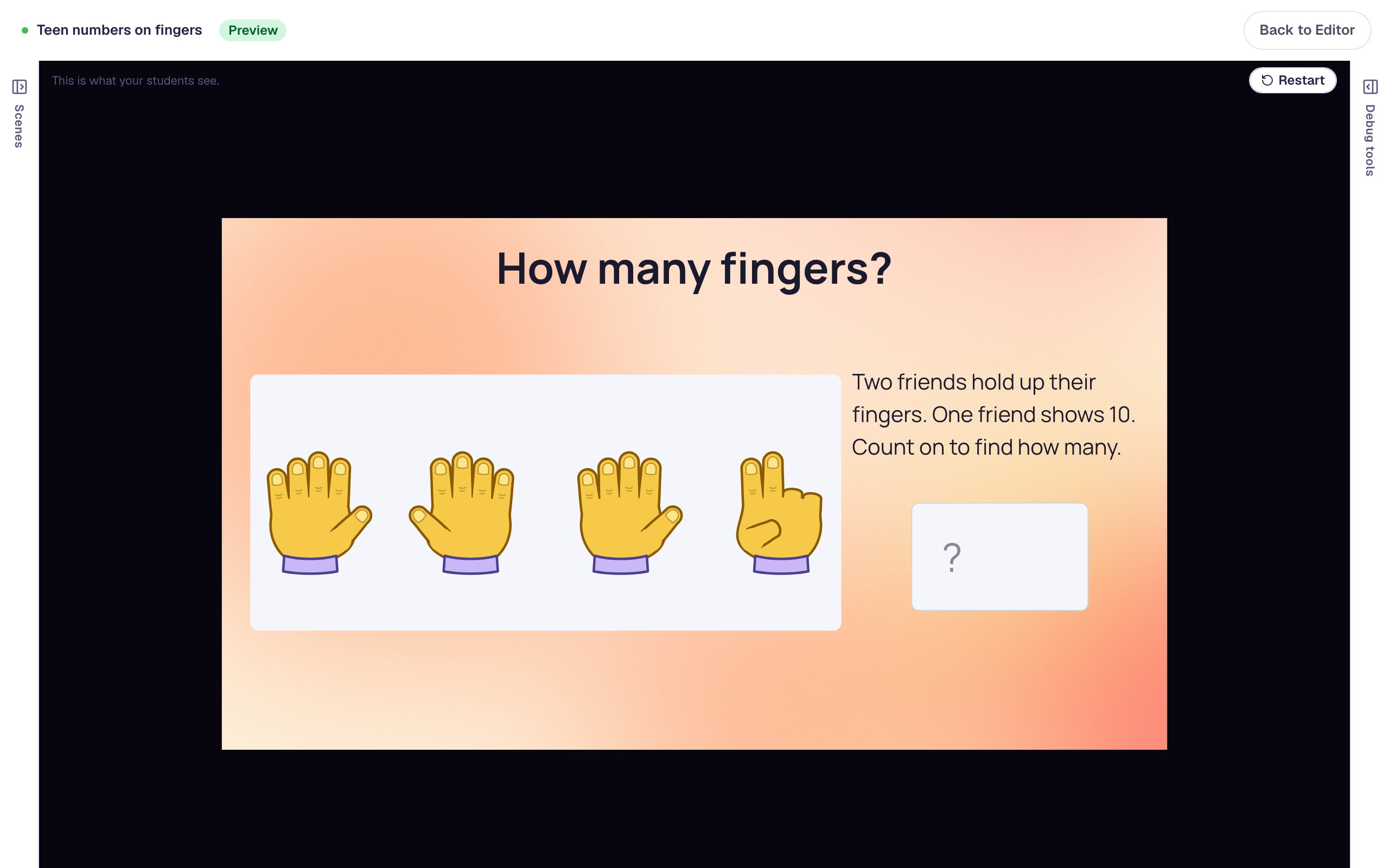
Show a teen number as ten and some more
Use the Fingers widget's Show mode on four hands to count 17 as one friend's 10 fingers and 7 more, then ask students how many with a Number Input that gives a count-on hint for a wrong answer.
 Beginner · 10 min · 6 steps
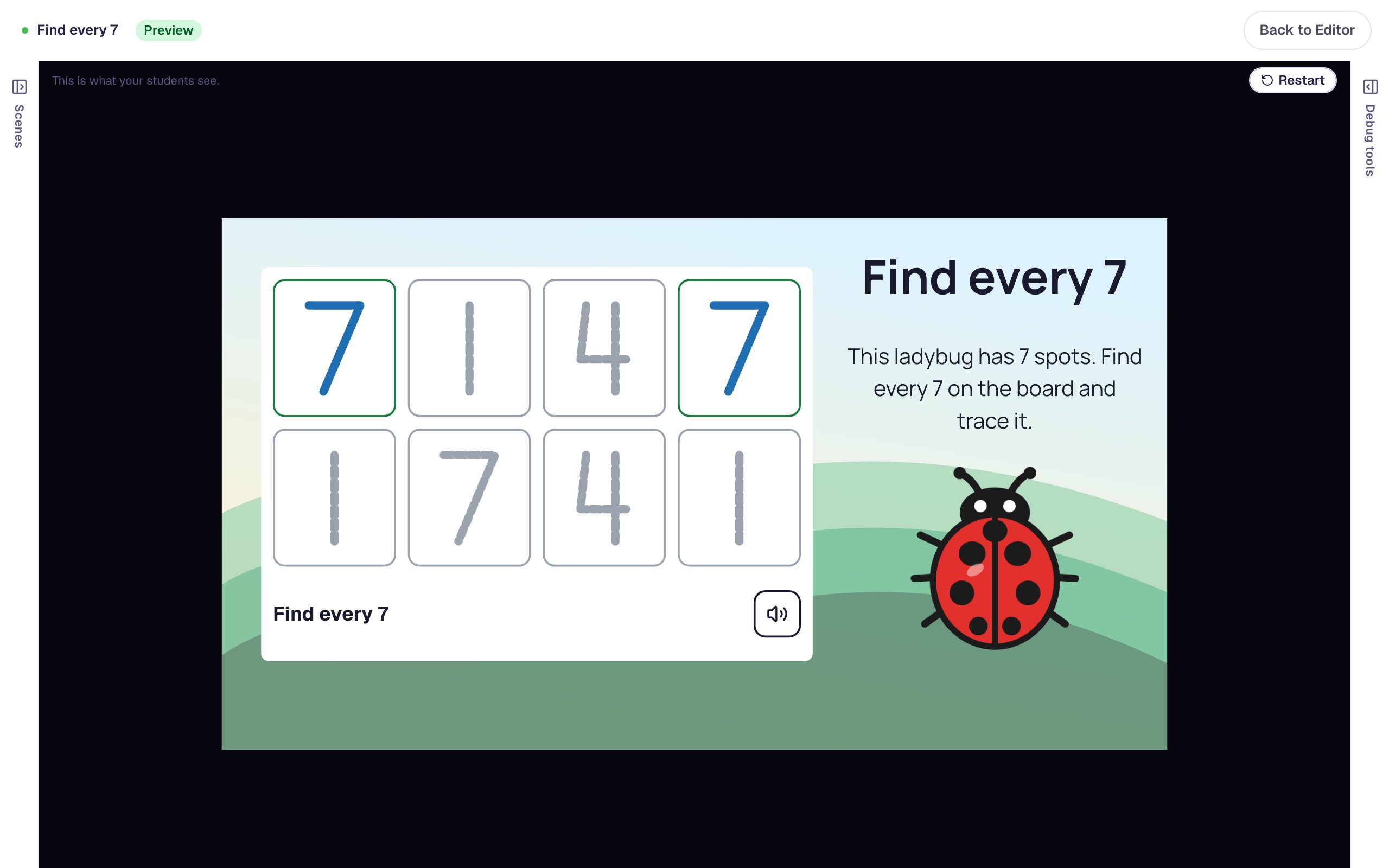
Find and trace every 7 on a number board
Turn a Number Tracing widget into a small board of numerals where students find and trace every 7, while a look-alike 1 or 4 only gives a gentle shake.
 Intermediate · 15 min · 7 steps
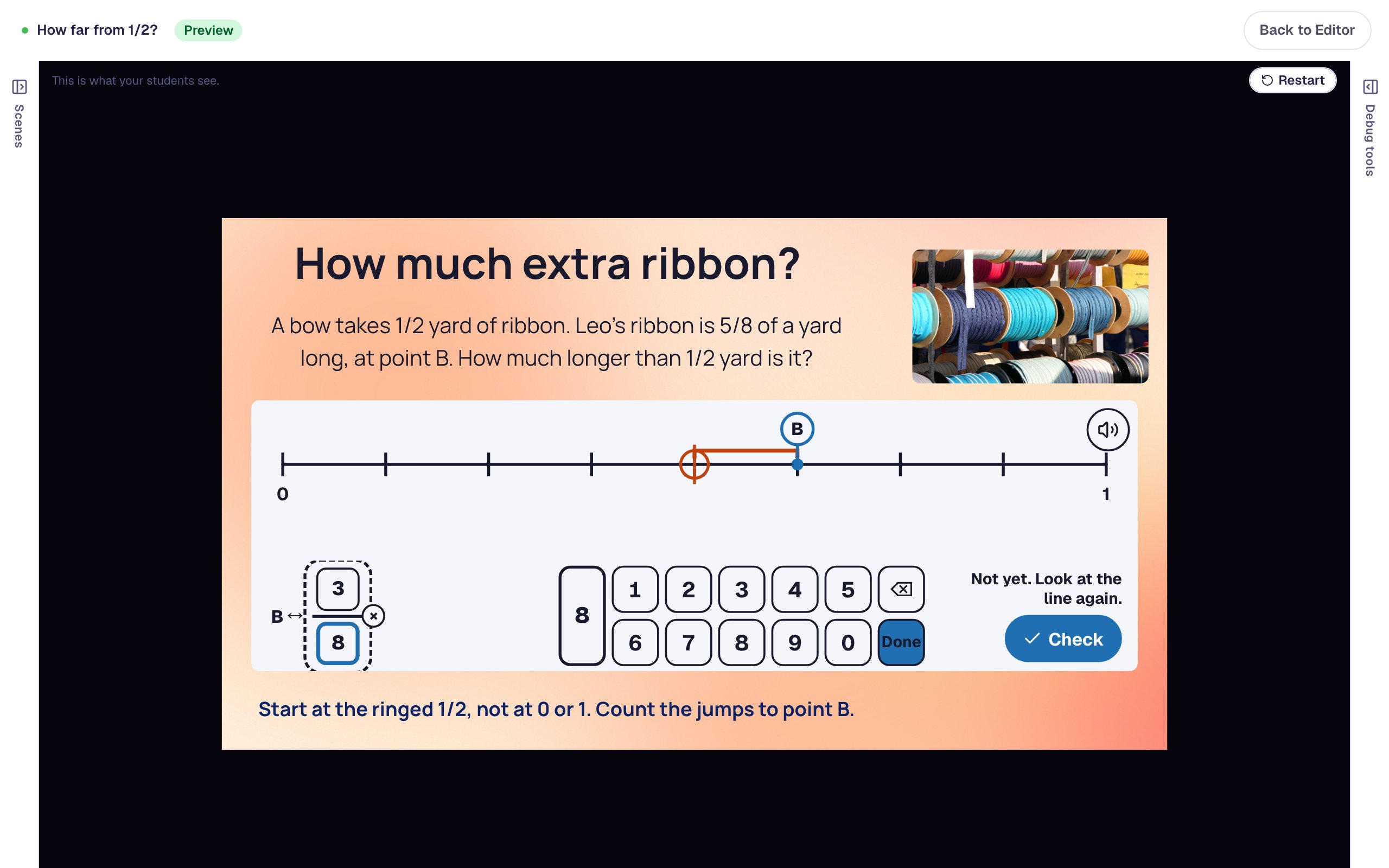
Ask how far a fraction is from 1/2
Students type how far 5/8 is from 1/2 on a number line in eighths, and a hint appears only when they measure from 0 or 1 instead.