Learn Berdee by building
Step-by-step walkthroughs with a screenshot for every step. Follow along in the studio and finish with an activity that works. Looking up one setting instead? The help center covers every control.
Try “timer”, “drag” or “score”. 173 of 174 come with a ready-made activity you can add to your account.
12 tutorials found
Styling12 tutorials
Themes, fonts, colors, and backgrounds that make a lesson look finished.
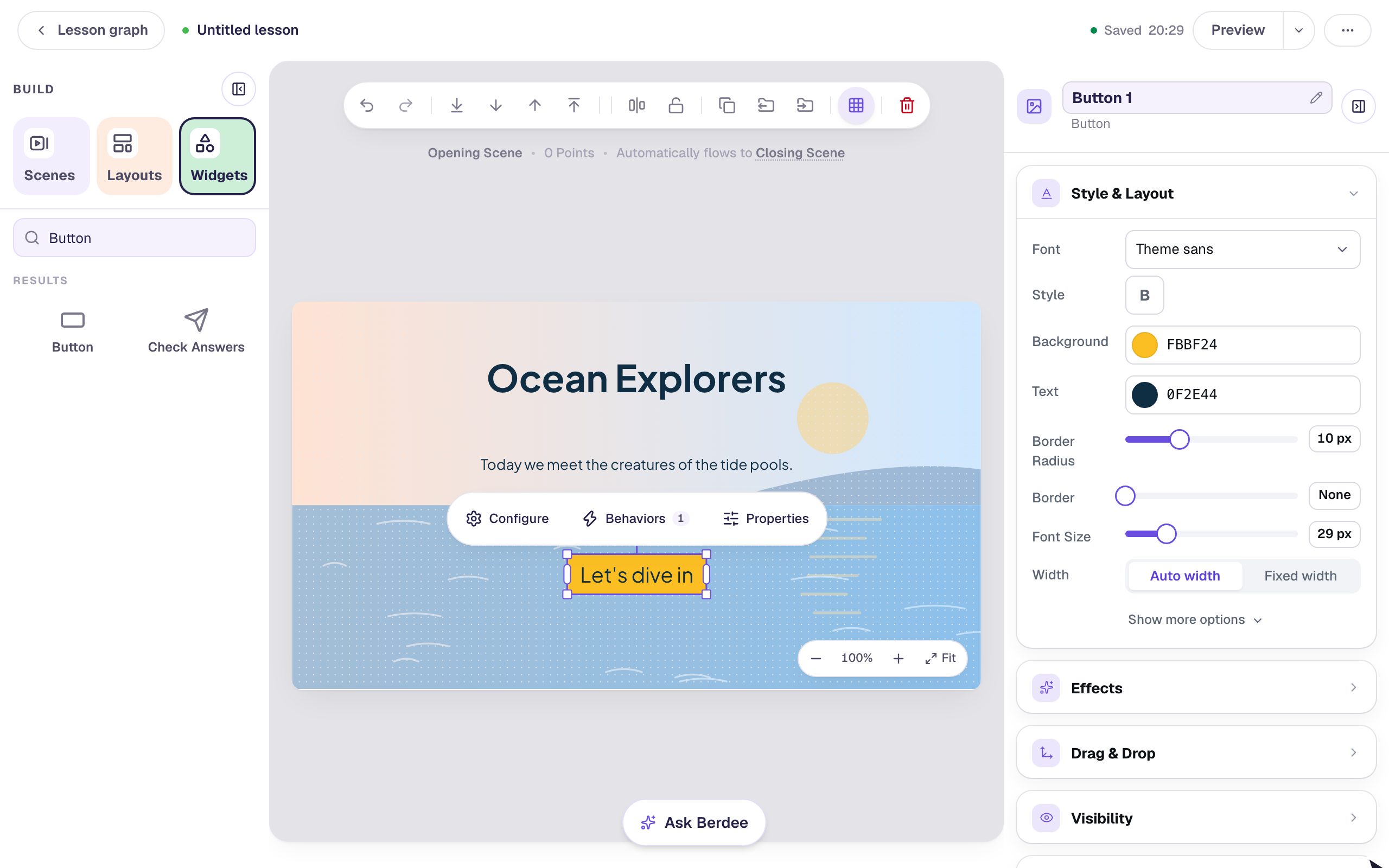 Beginner · 10 min · 6 steps
Style a title scene with a palette and display font
Give an activity's opening scene a finished look in ten minutes. Pick a palette, add a generated background, make the button stand out, and give the title a font and an entrance.
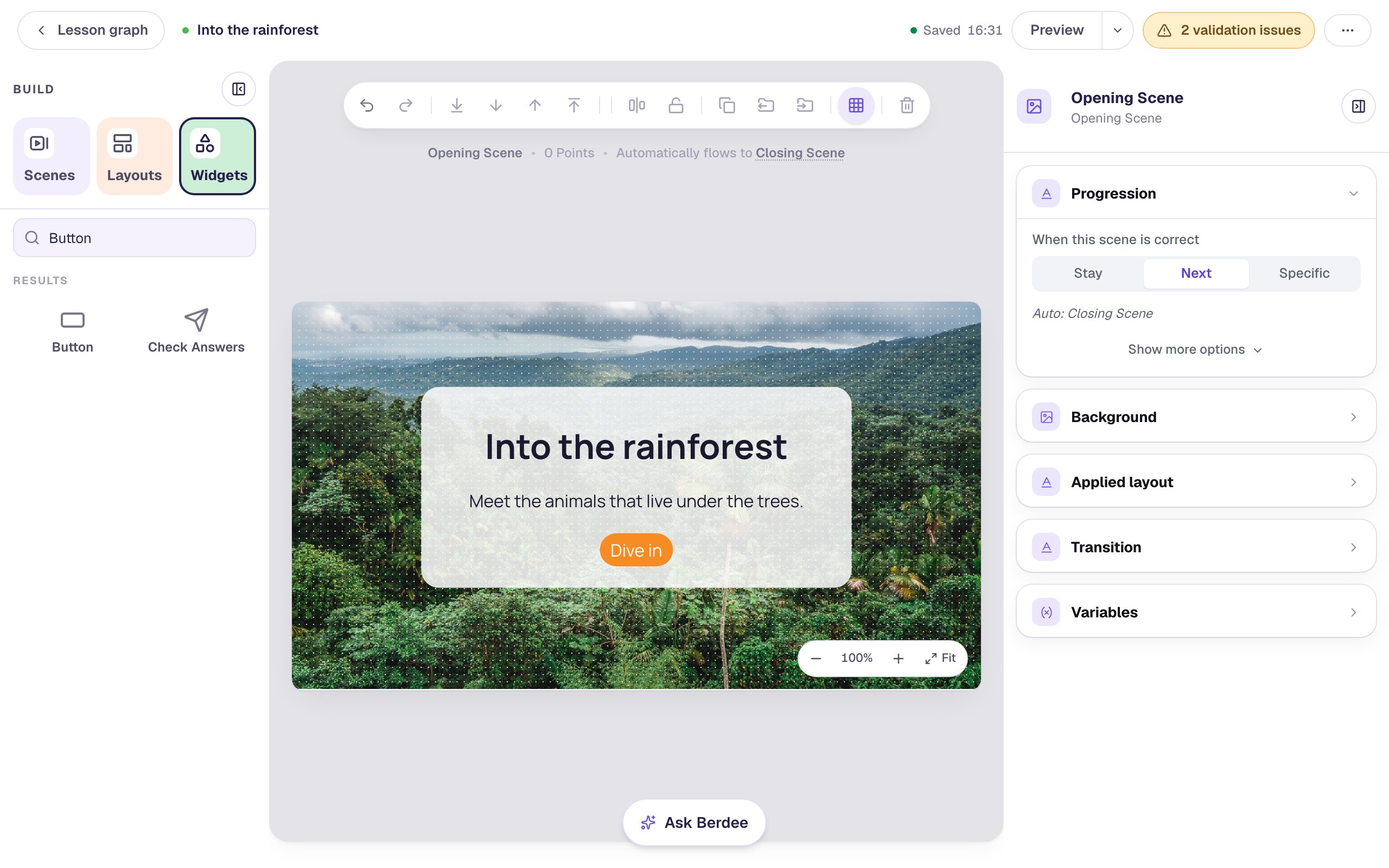 Beginner · 10 min · 8 steps
Use a photo as a scene background
Fill a scene with a rainforest photo from the stock library, put the words on a see-through card so they stay easy to read, and reuse the same photo on the next scenes.
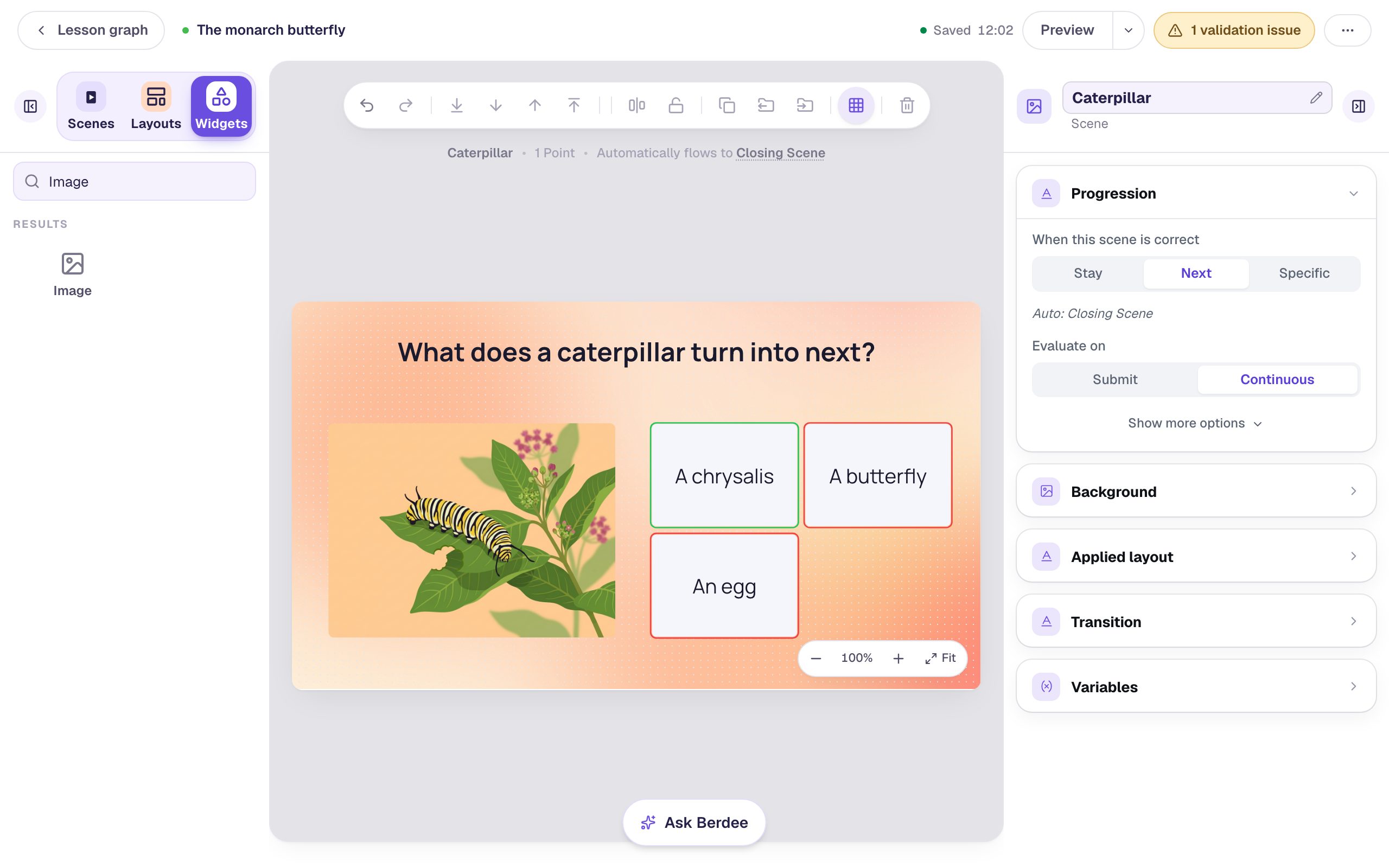 Beginner · 10 min · 8 steps
Illustrate an activity with pictures you generate
Describe a picture in a sentence and Berdee draws it for your activity. Then remix that picture into a second one in the same style, so every scene looks like it belongs to the same story.
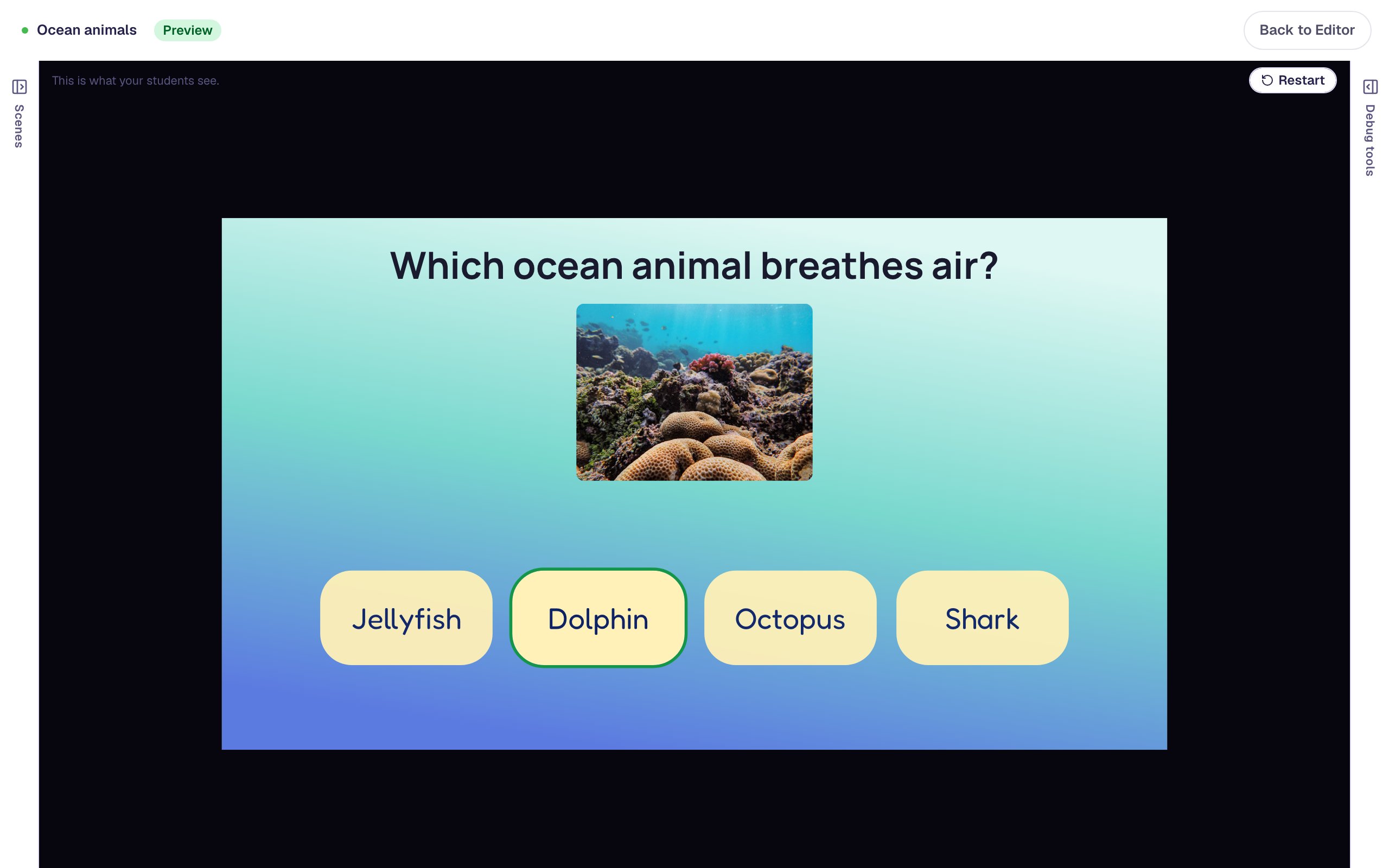 Beginner · 10 min · 7 steps
Style a question's answer buttons
Turn a Multiple Choice question's plain grey answer boxes into big, rounded, friendly buttons that match your activity, then show right and wrong picks in colours you choose. Every setting is in Style & Layout.
 Beginner · 12 min · 9 steps
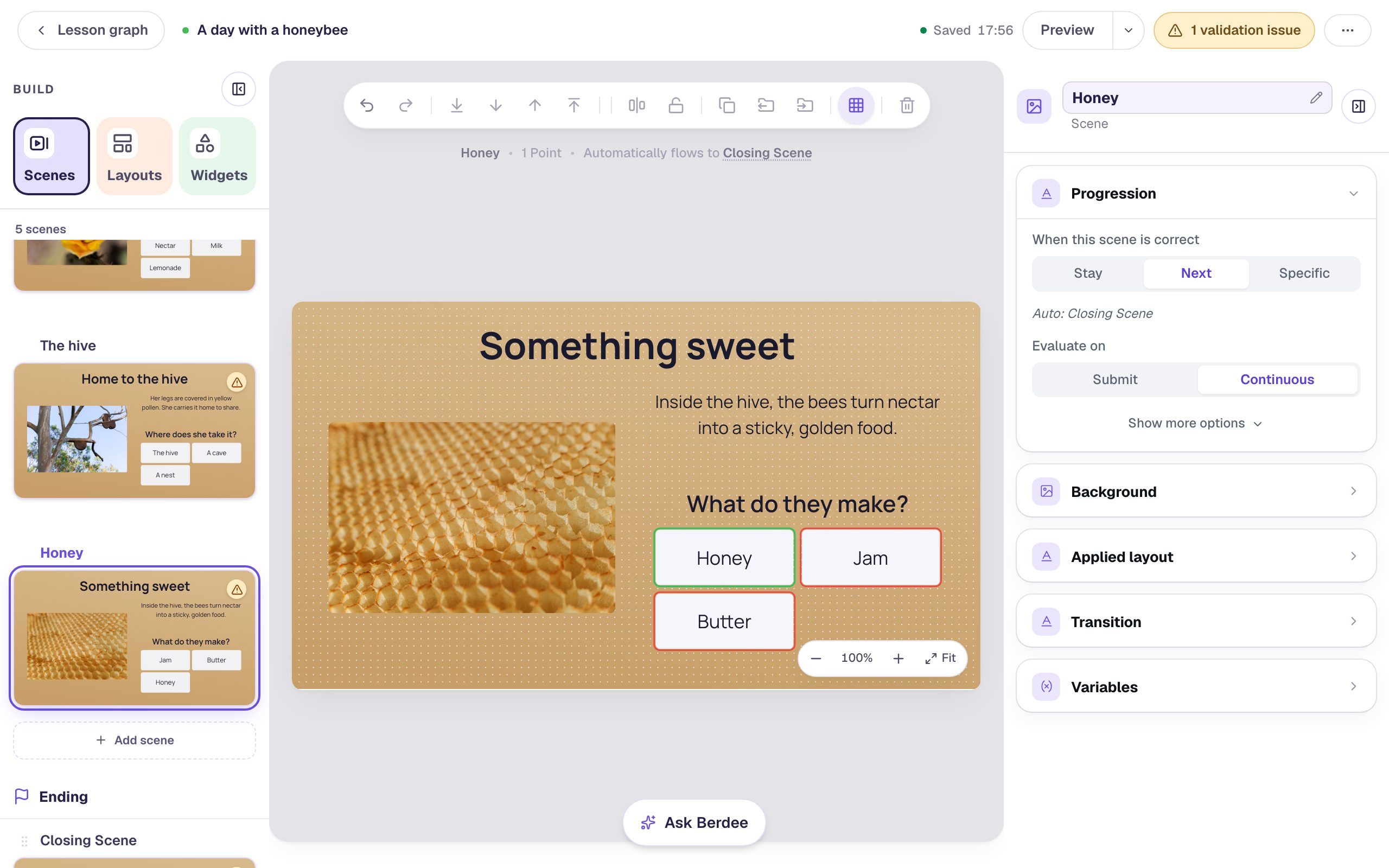
Make a picture-book story whose pages turn
Build a short picture book where every page asks one quick question, and a right answer slides the next page in. Set the transition once, duplicate the page, and give the ending a softer fade.
 Beginner · 10 min · 8 steps
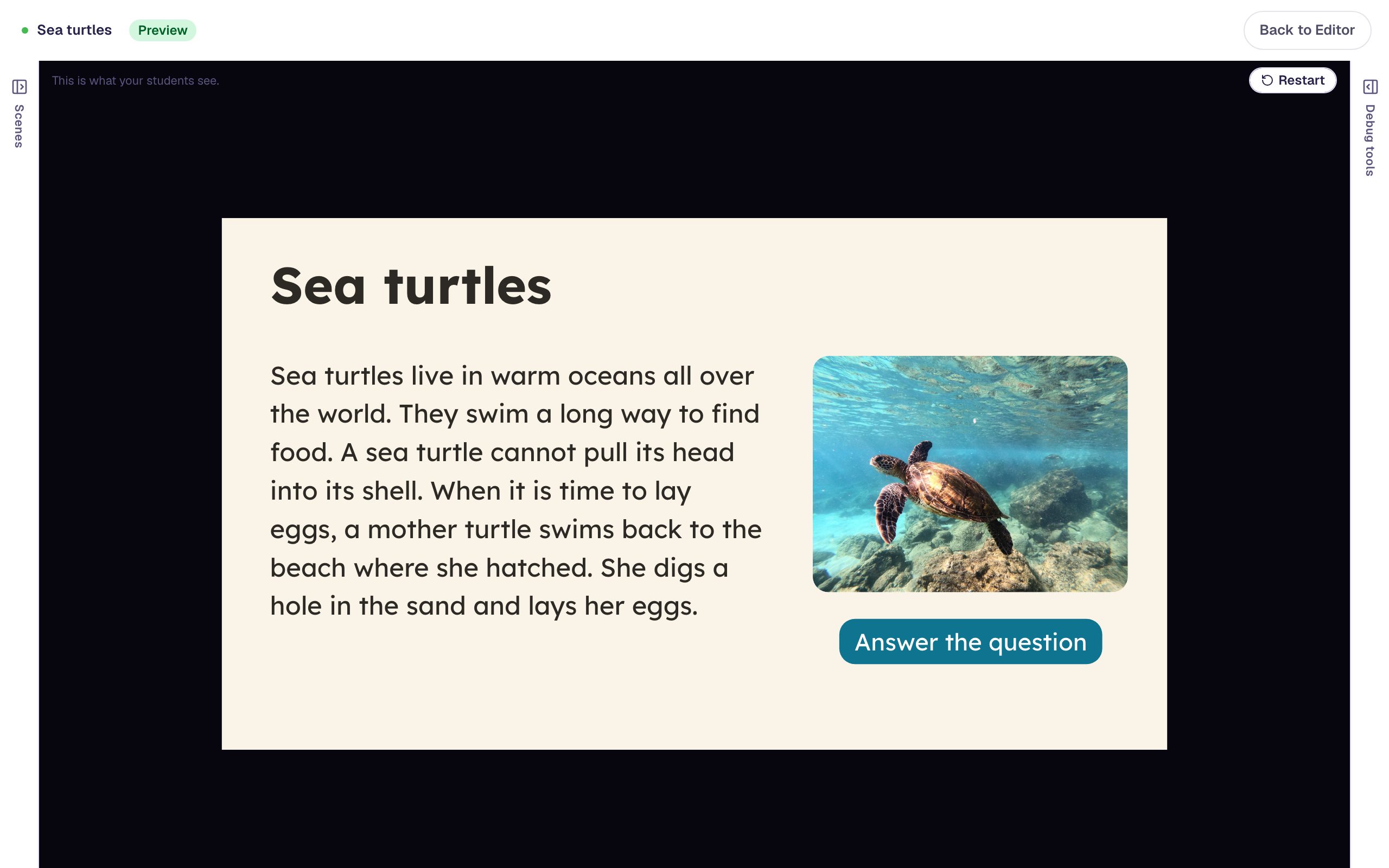
Make a reading passage easy to read
Set a short nonfiction passage the way struggling and dyslexic readers find easiest. Start from the dyslexia-friendly Lexend Clear palette, then give the text short lines, a bigger size, a picture, and a question on a scene of its own.
 Beginner · 10 min · 7 steps
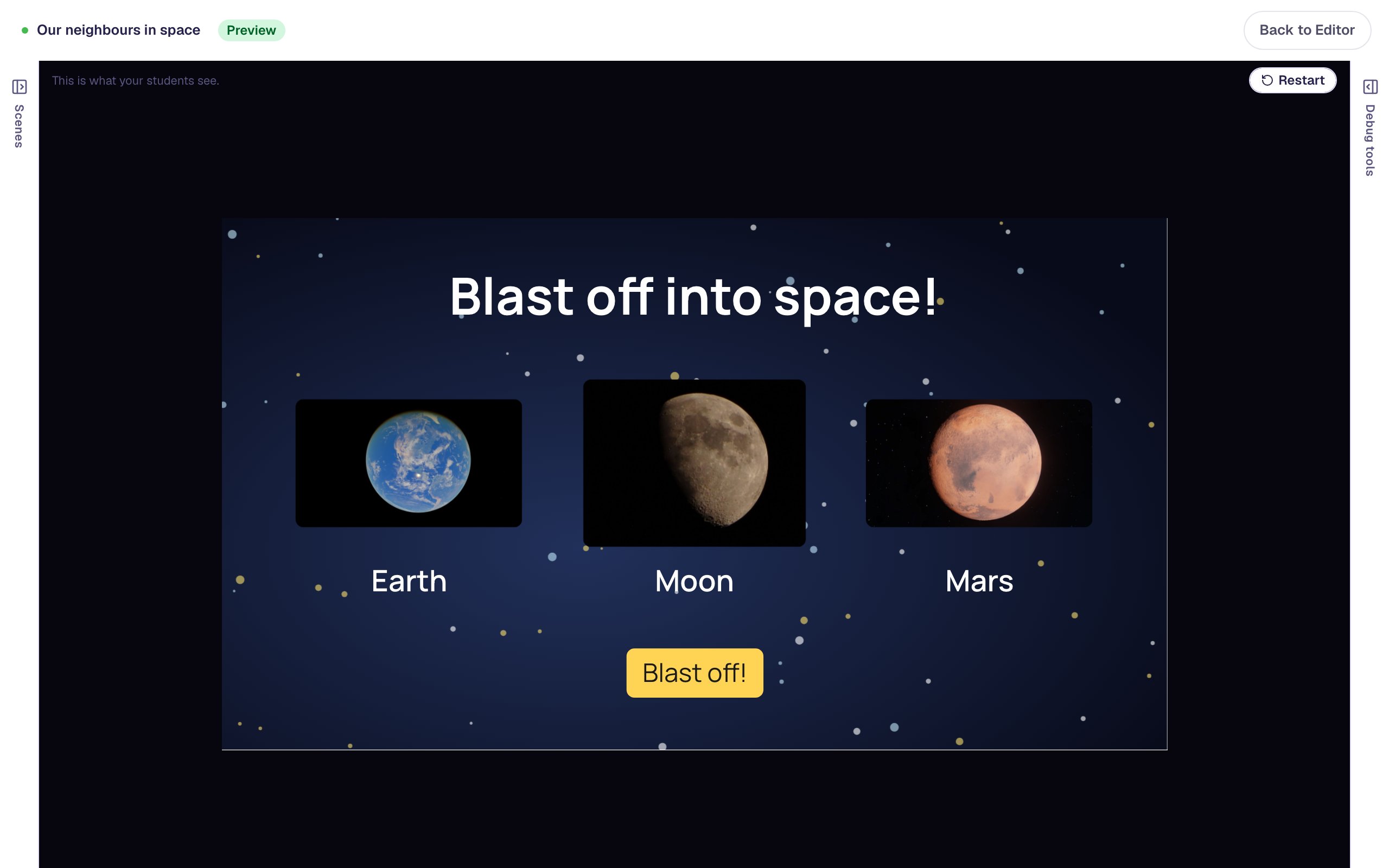
Make a scene come alive with effects
Give a title a zoom, fly three pictures in from different sides, fade their names in slowly, and make the button pulse three times. Learn how timing turns separate effects into one entrance.
 Beginner · 10 min · 9 steps
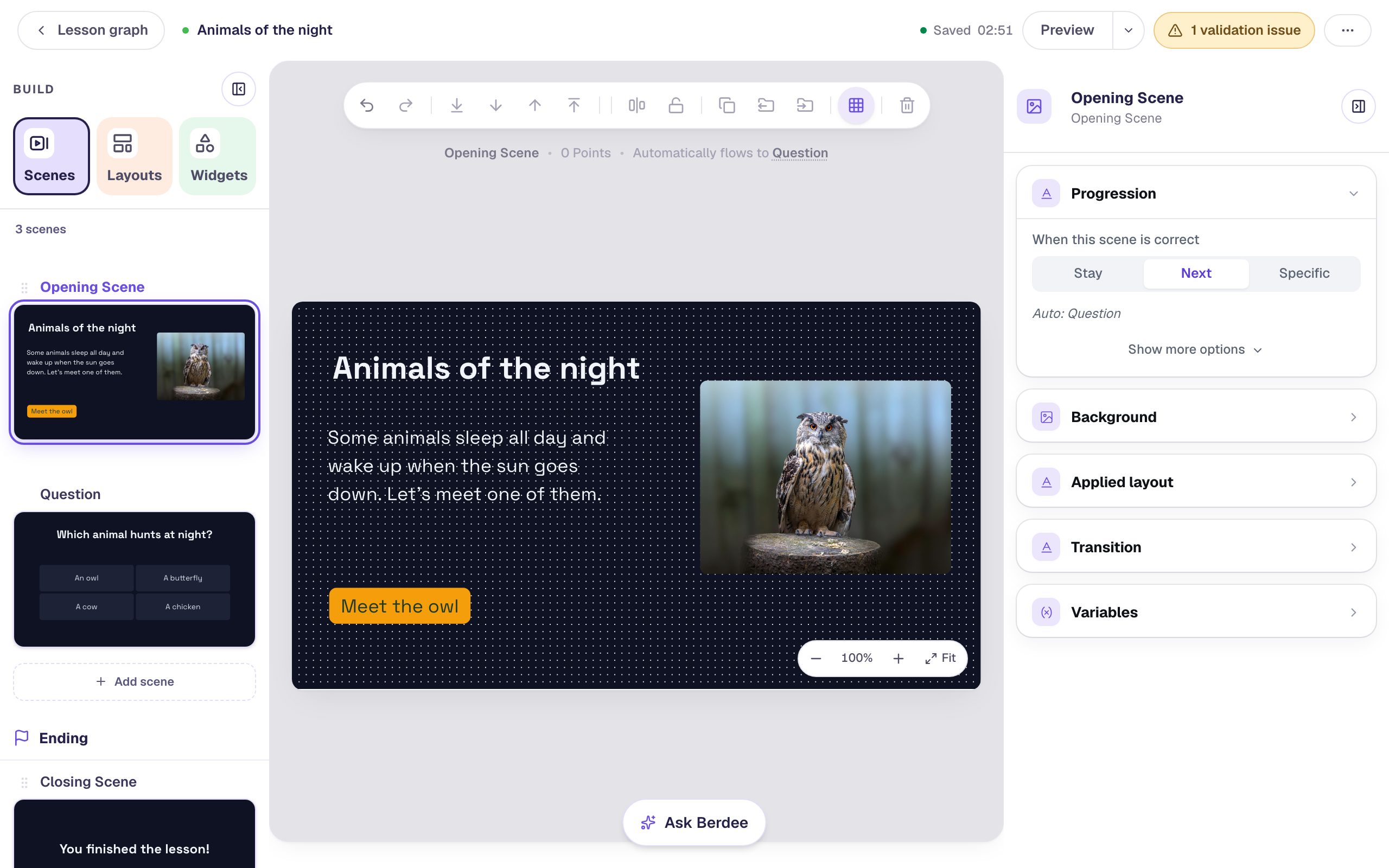
Give a finished activity a new look with a theme
Build a two-scene activity in the Meadow palette, pick one button's colours by hand, then switch the whole activity to Midnight from Activity settings. Every scene restyles in one click, your own colours stay, and one Undo brings the old look back.
 Beginner · 10 min · 7 steps
Make a celebration screen with text effects
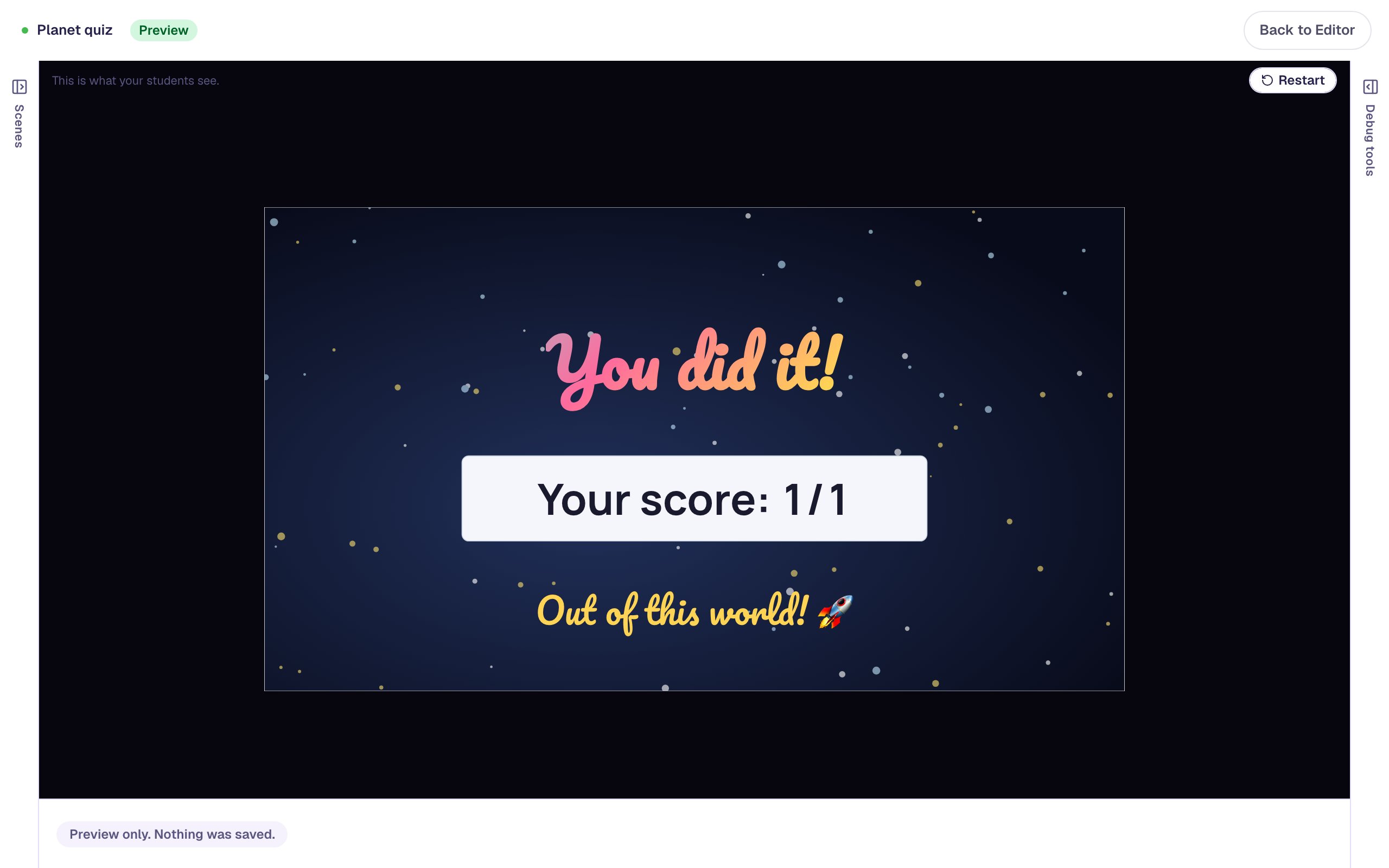
Turn an activity's ending into a celebration. A headline in a shimmering gradient types itself out, and a line of praise underneath keeps changing to a new cheer.
 Beginner · 10 min · 8 steps
Tilt and layer photos like a scrapbook page
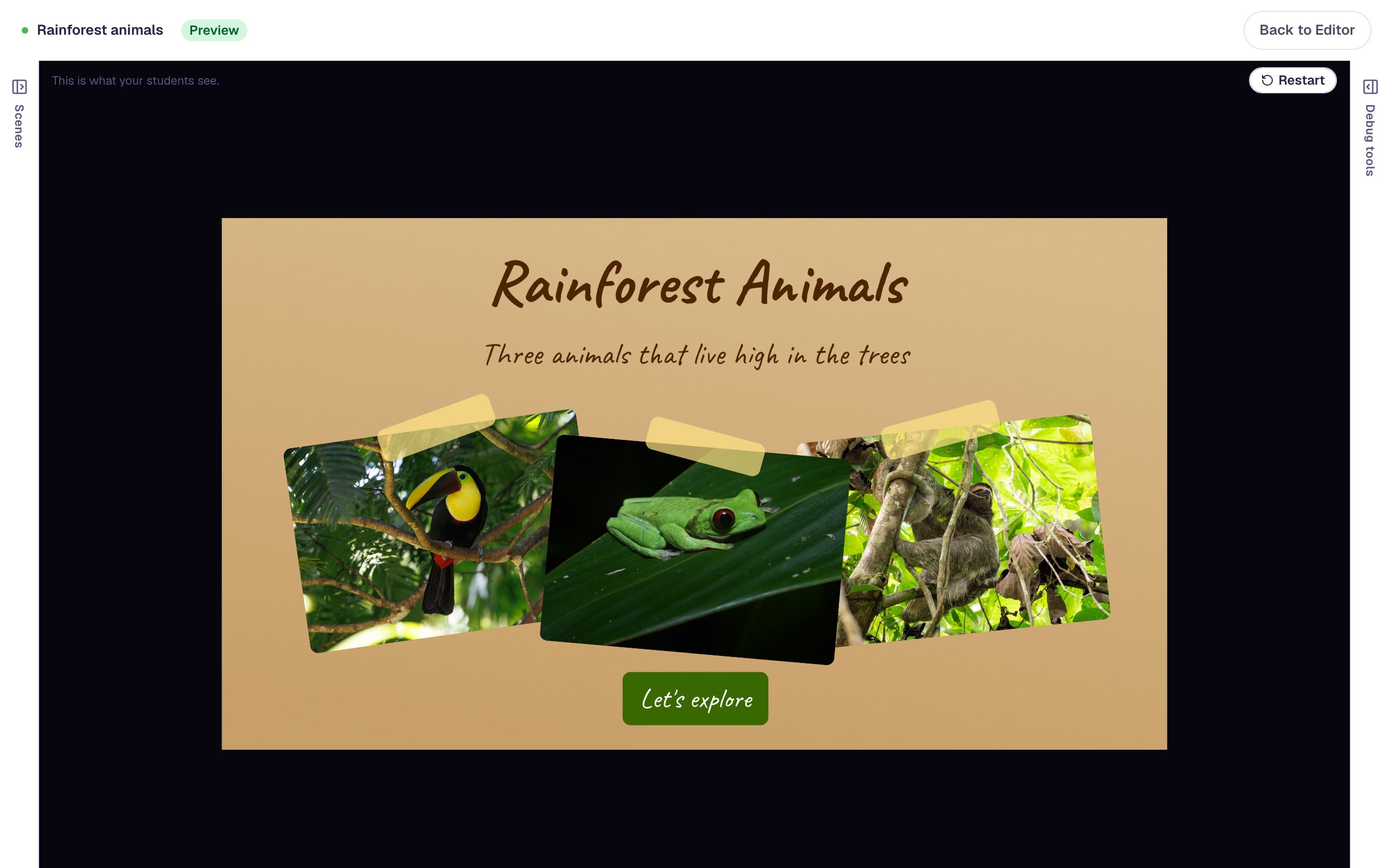
Turn a row of photos into a hand-made scrapbook page. Tilt each photo with Rotation, choose which one sits on top with To Front, and hold them down with see-through tape made from a Shape and Opacity.
 Beginner · 10 min · 8 steps
Make a character talk with a speech bubble
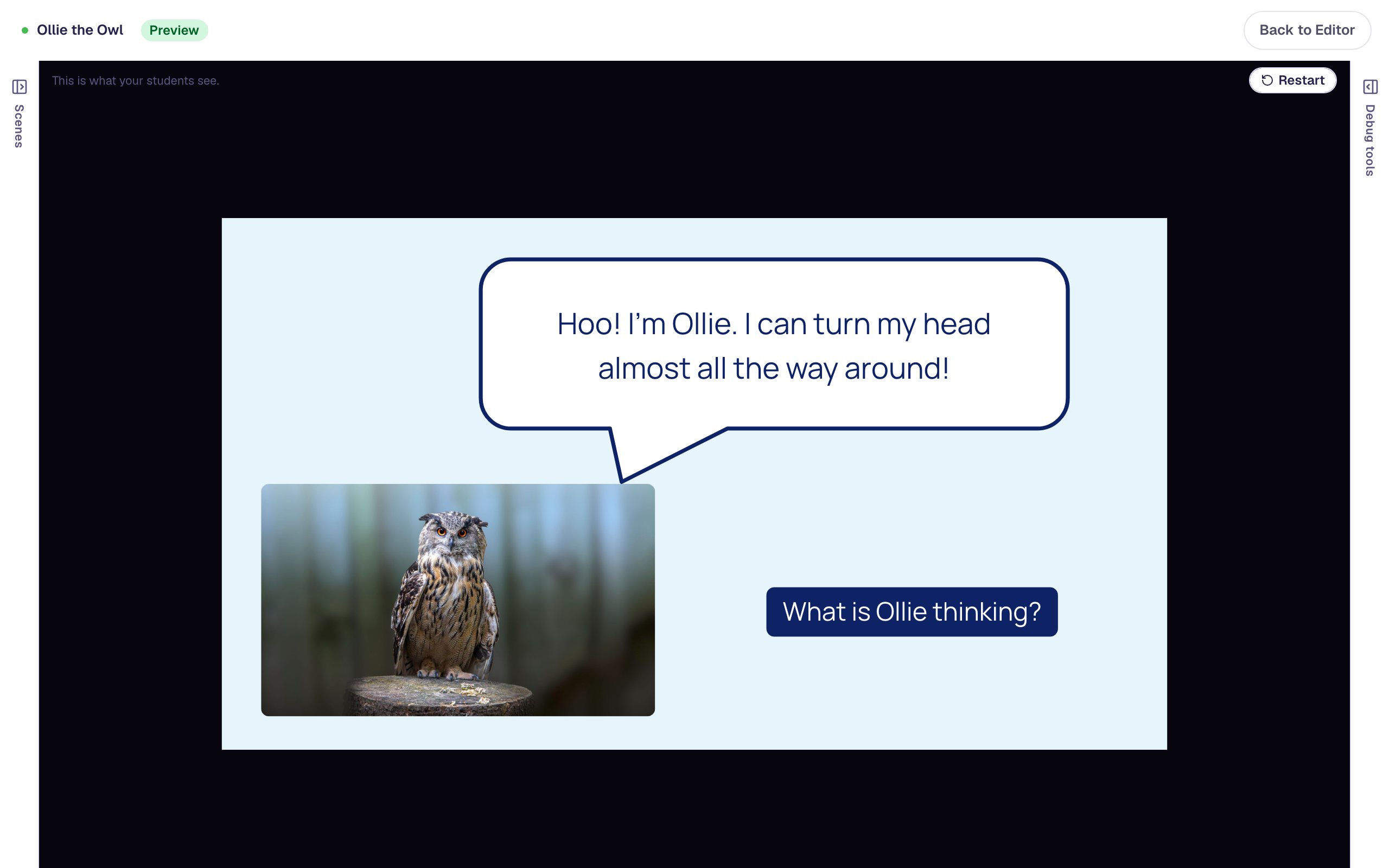
Give a photo of an animal a voice. Add a speech bubble from the Shape library, point its tail at the character, put the words on top, then copy the scene and switch the bubble to a thought bubble for what the character is thinking.
 Beginner · 10 min · 8 steps
Flip a picture so it faces the question
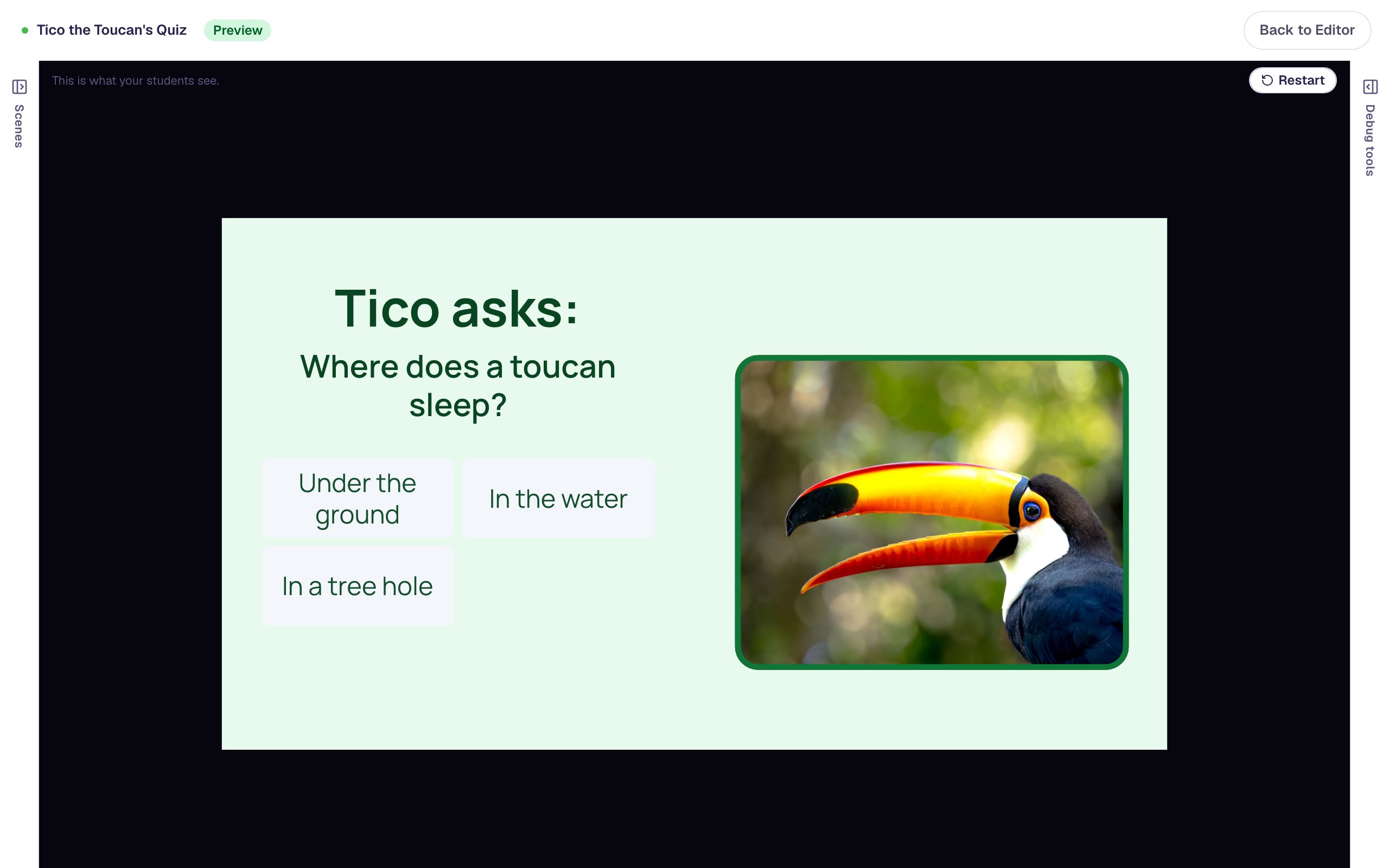
Put a guide character on every question scene and keep it looking at the question, whichever side it's on. Round the photo's corners, give it an outline, copy the scene, swap sides, and turn on Flip horizontally.