Learn Berdee by building
Step-by-step walkthroughs with a screenshot for every step. Follow along in the studio and finish with an activity that works. Looking up one setting instead? The help center covers every control.
Try “timer”, “drag” or “score”. 173 of 174 come with a ready-made activity you can add to your account.
11 tutorials found
Teaching with your lessons11 tutorials
Get a finished lesson to your students, and see how they did.
 Beginner · 10 min · 7 steps
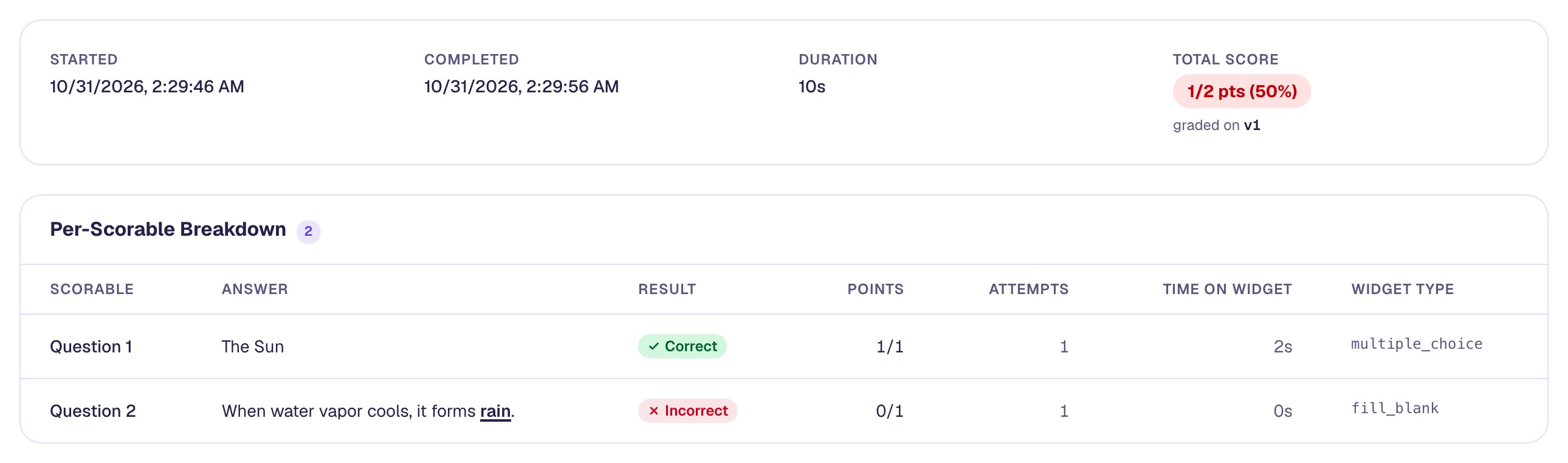
Assign an activity and see how a student did
Add a student to your classroom, assign them a finished activity, give them their access code, and then read exactly what they answered, question by question.
 Beginner · 8 min · 6 steps
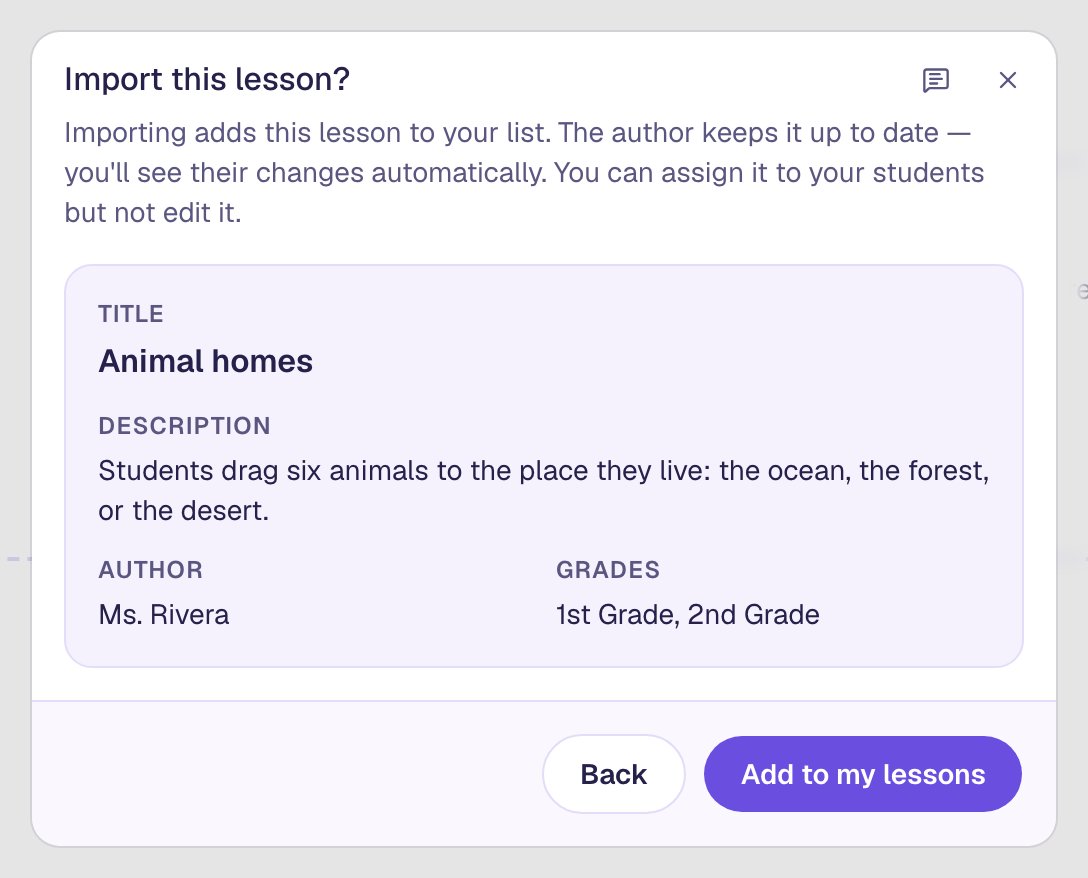
Share an activity with a colleague
Give a teammate your activity's share code so they can add it to their own account and assign it to their class, while you stay the only one who edits it.
 Beginner · 8 min · 6 steps
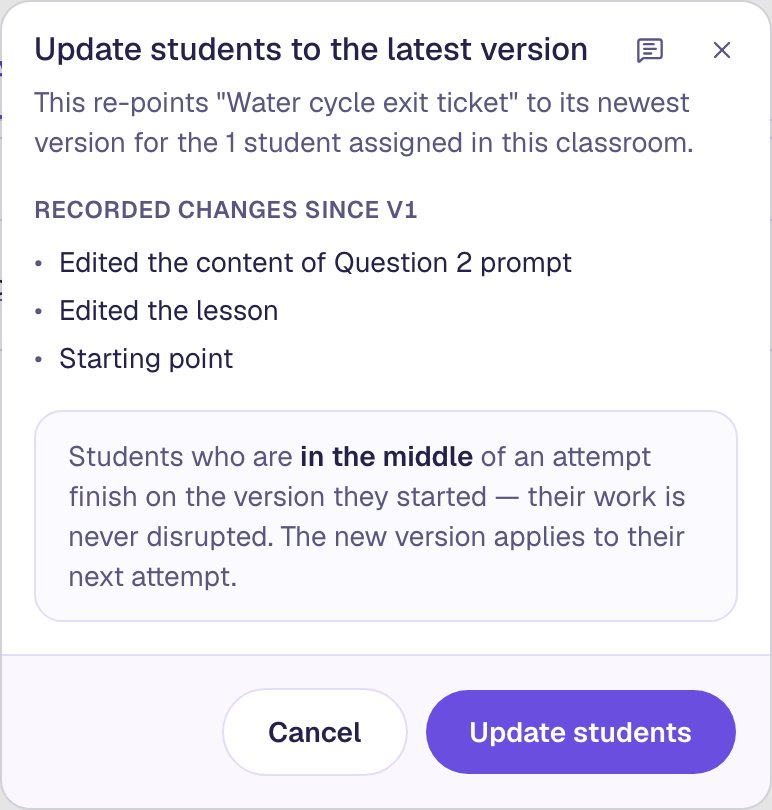
Update an activity your students already have
Improve an activity after you've assigned it, check that your class is still on the old version, and move everyone to the new one with Update students to latest.
 Beginner · 8 min · 8 steps
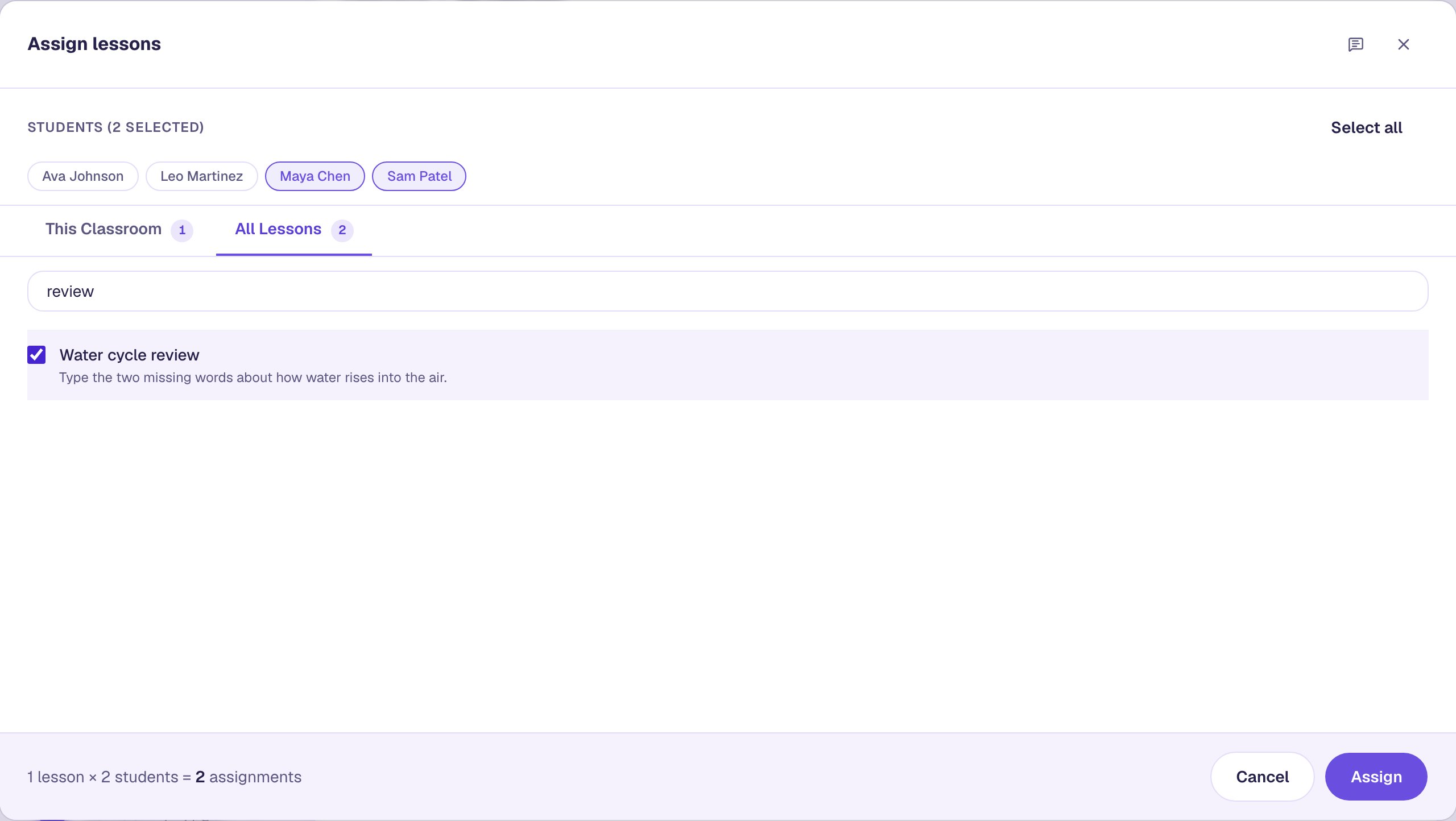
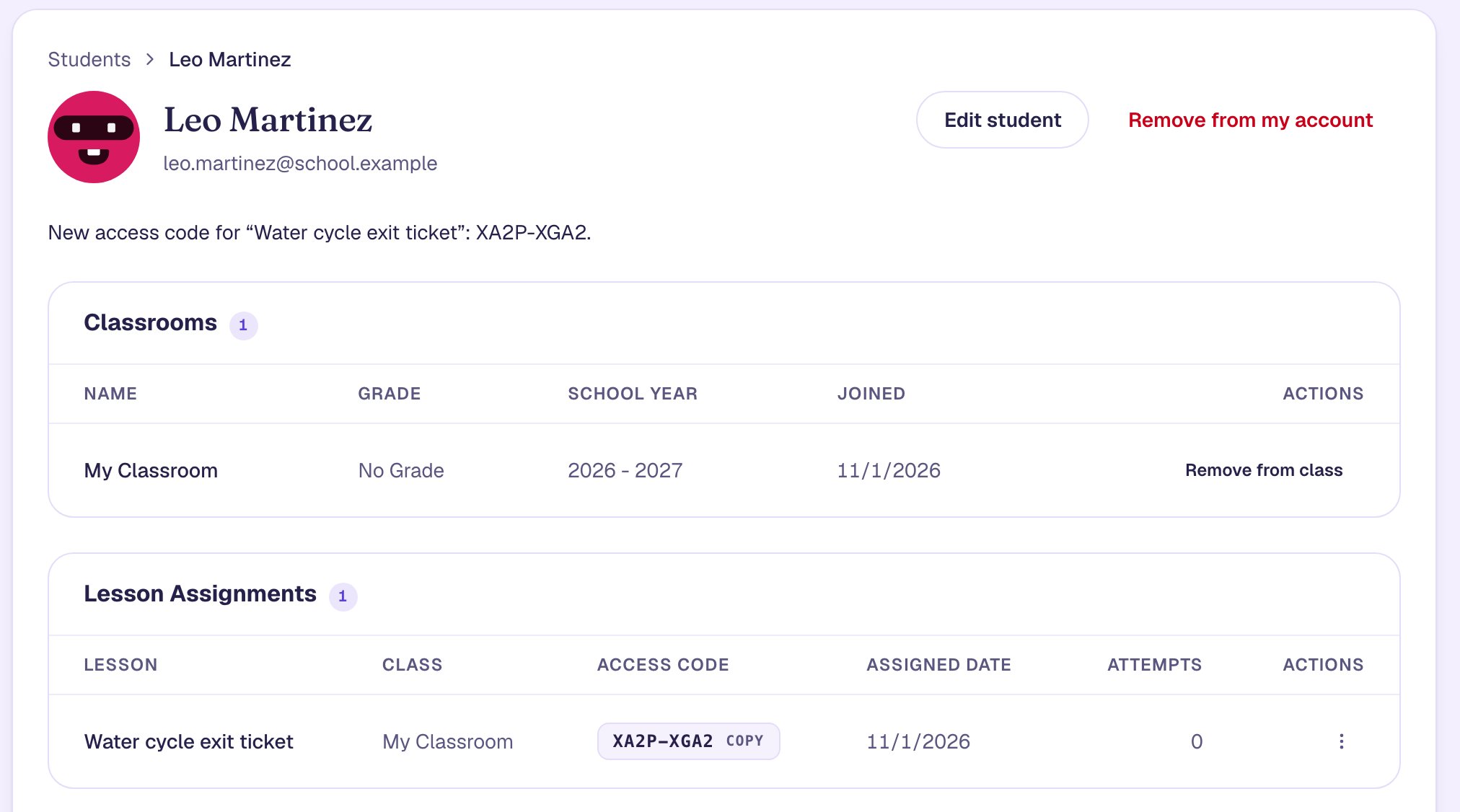
Give a small group extra practice
Assign a short review activity to just the students who need it, from your classroom's Assignments dialog, then add one more student to the group later without touching anyone else.
 Beginner · 5 min · 5 steps
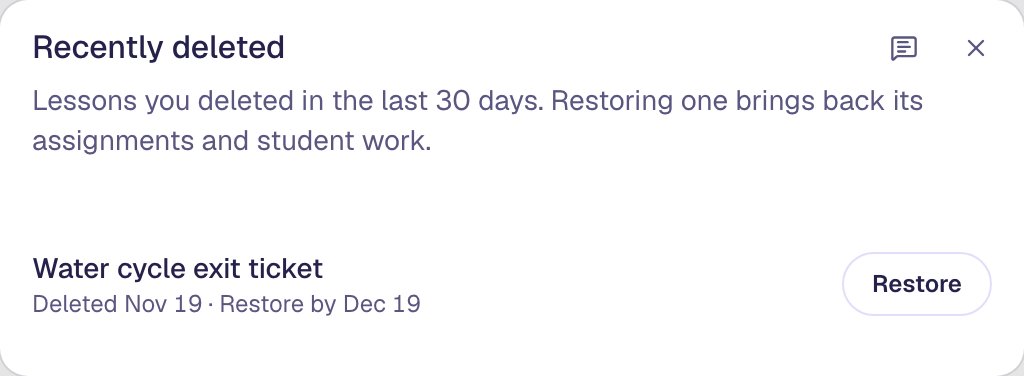
Fix a student's name and replace their code
Correct a typo in a student's name and give them a new access code when the old one reaches the wrong person, without losing anything they've done.
 Beginner · 5 min · 6 steps
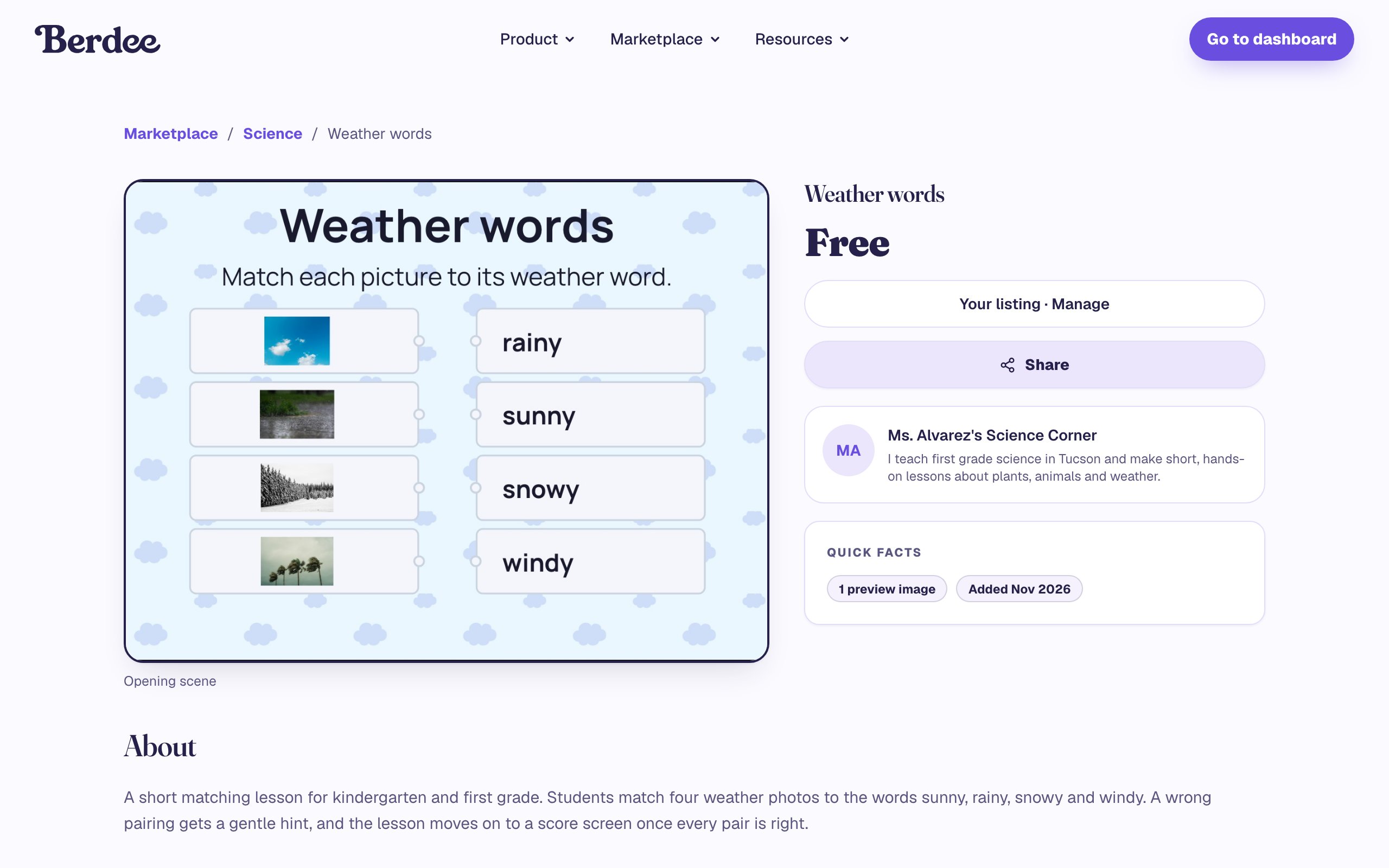
Bring back an activity you deleted
Delete an activity from your Activities page, see what that does to your class, and restore it from Recently deleted with its assignments and student work.
 Beginner · 10 min · 7 steps
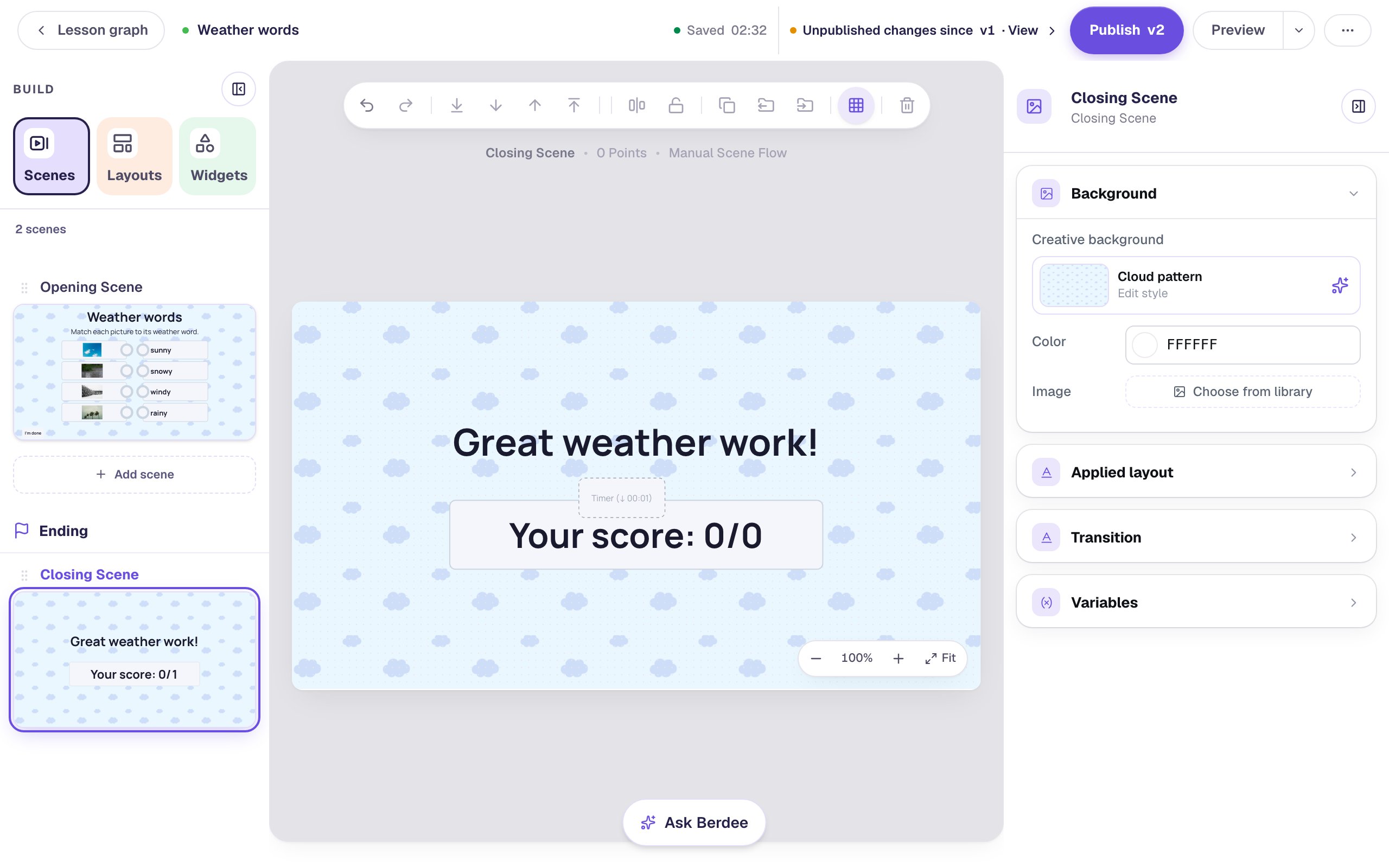
Publish a free activity to the marketplace
Put a finished activity on the Berdee marketplace for free, so any teacher can find it, add it to their account, and assign it. Set up your publisher profile, fill in the listing, and see it the way other teachers do.
 Beginner · 8 min · 8 steps
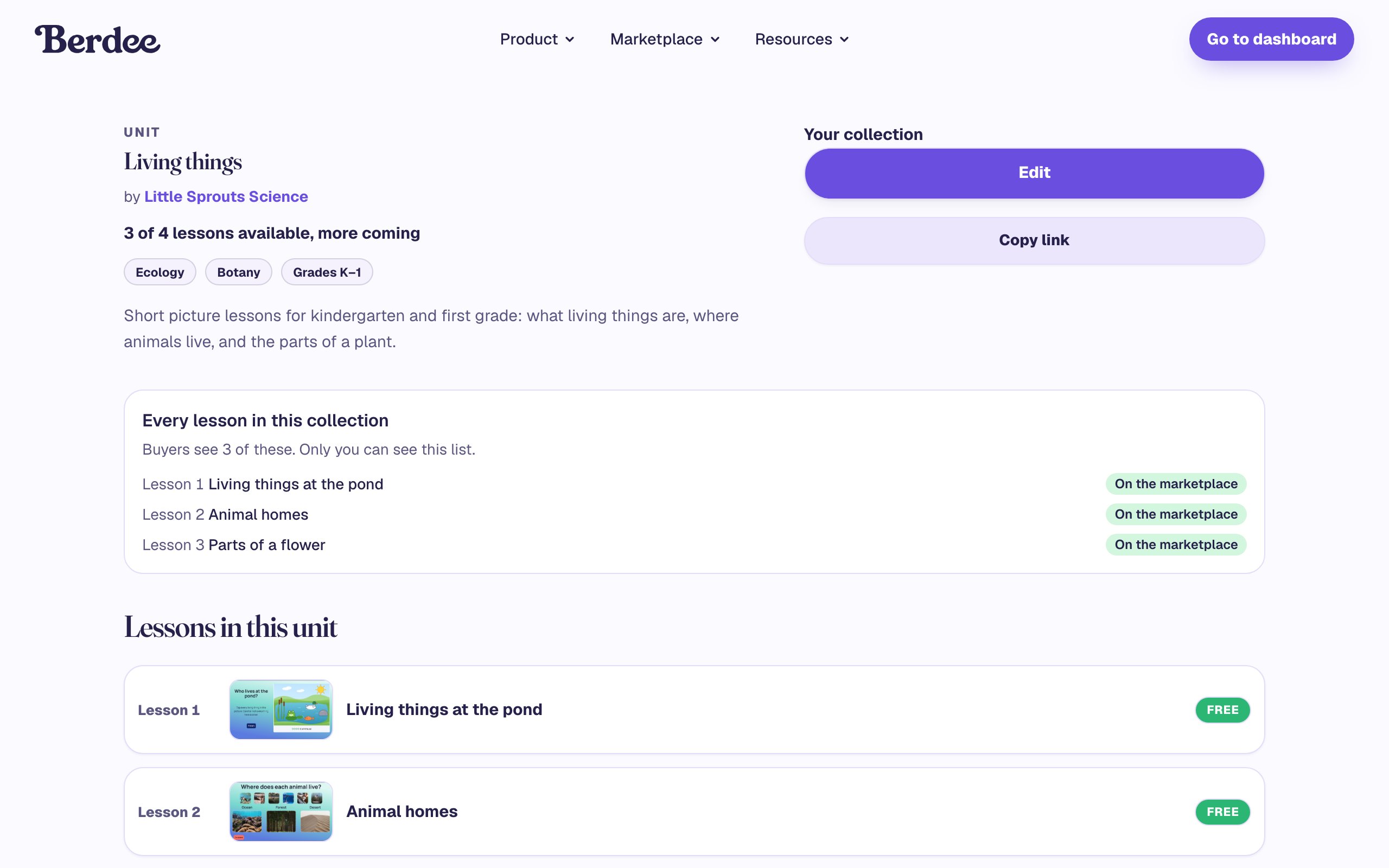
Publish an update to a marketplace activity
Fix an activity you've already put on the marketplace, check what changed since the version teachers have, and publish the new version with a short note they can read in its version history.
 Beginner · 8 min · 8 steps
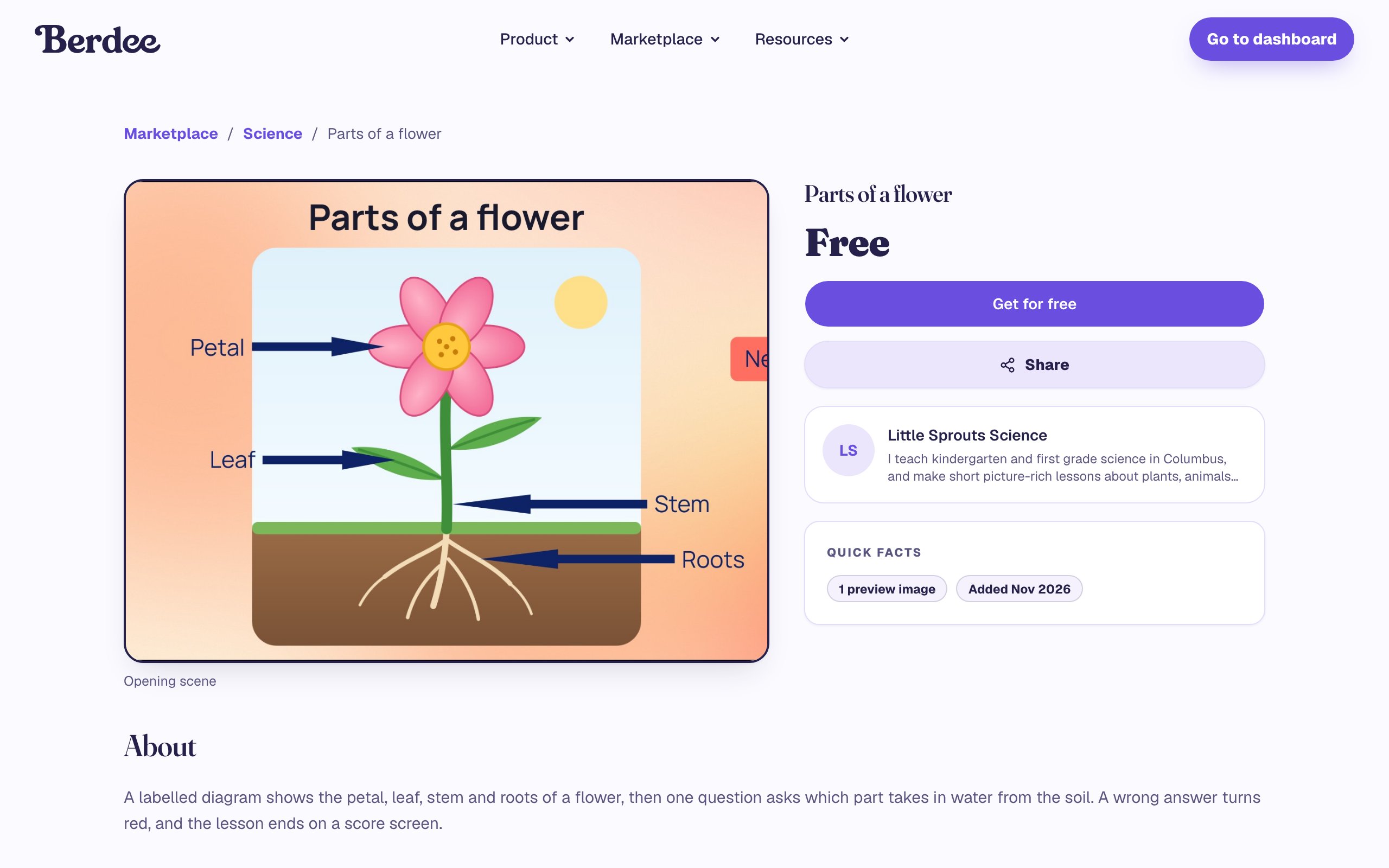
Group your marketplace activities into a unit
Put activities you've published into a unit, so teachers on the marketplace see them as one set, in the order you teach them, with a note that more are coming. Make the collection, add and order its activities, publish it, and see it the way teachers do.
 Beginner · 8 min · 7 steps
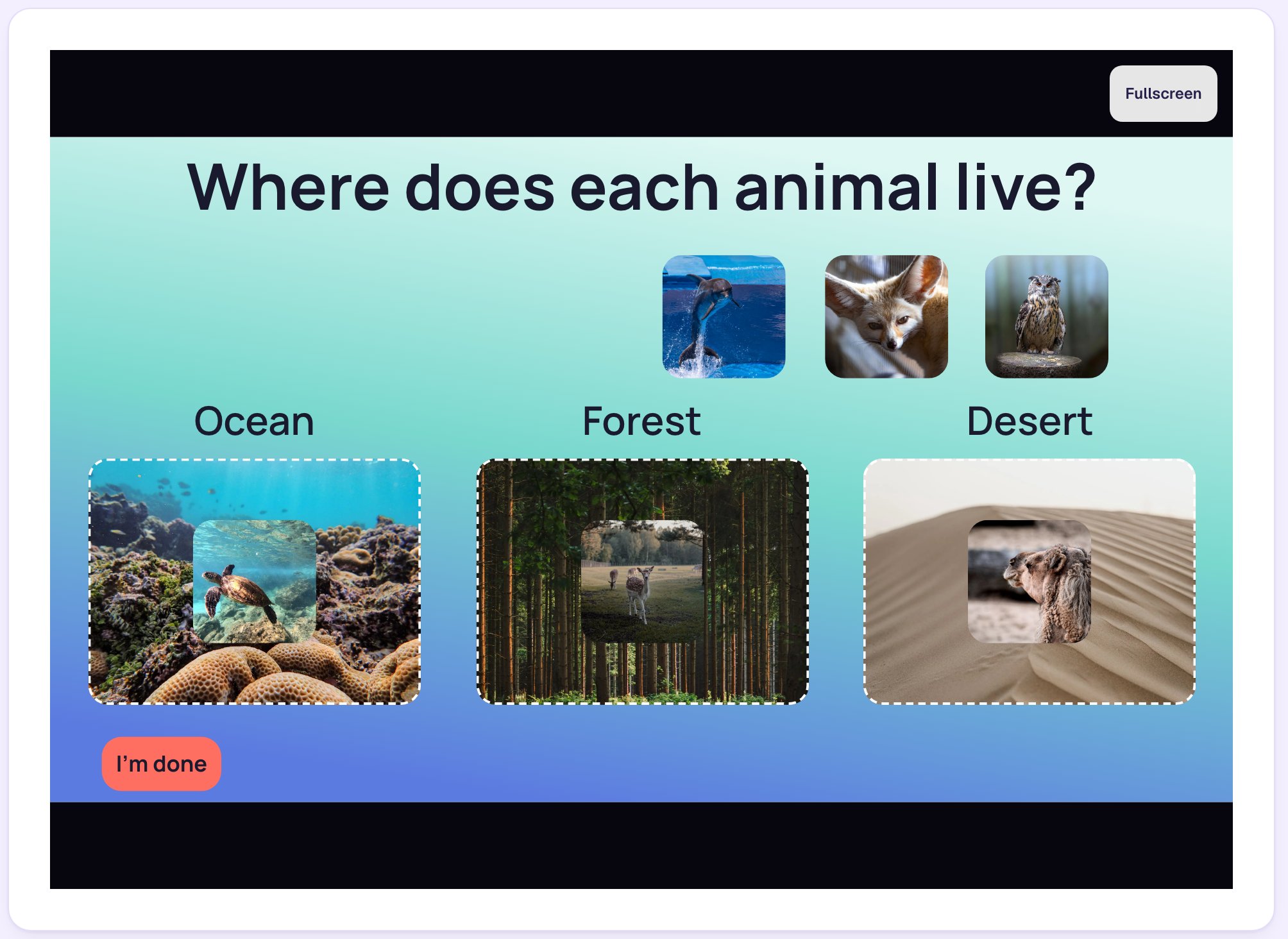
Get a free activity from the marketplace
Find a ready-made activity another teacher published, check that it fits your class, add it to your account for free, try it the way your students will, and assign it.
 Beginner · 8 min · 7 steps
Let anyone play an activity with a code
Turn on an activity's play code so families at a science night can play it at /go, with no class or roster to set up. Choose a code that's easy to say, share the link, and turn it off when the night is over.