Learn Berdee by building
Step-by-step walkthroughs with a screenshot for every step. Follow along in the studio and finish with an activity that works. Looking up one setting instead? The help center covers every control.
Try “timer”, “drag” or “score”. 173 of 174 come with a ready-made activity you can add to your account.
10 tutorials found
Scoring10 tutorials
Points, passing, and what students see at the end.
 Beginner · 15 min · 7 steps
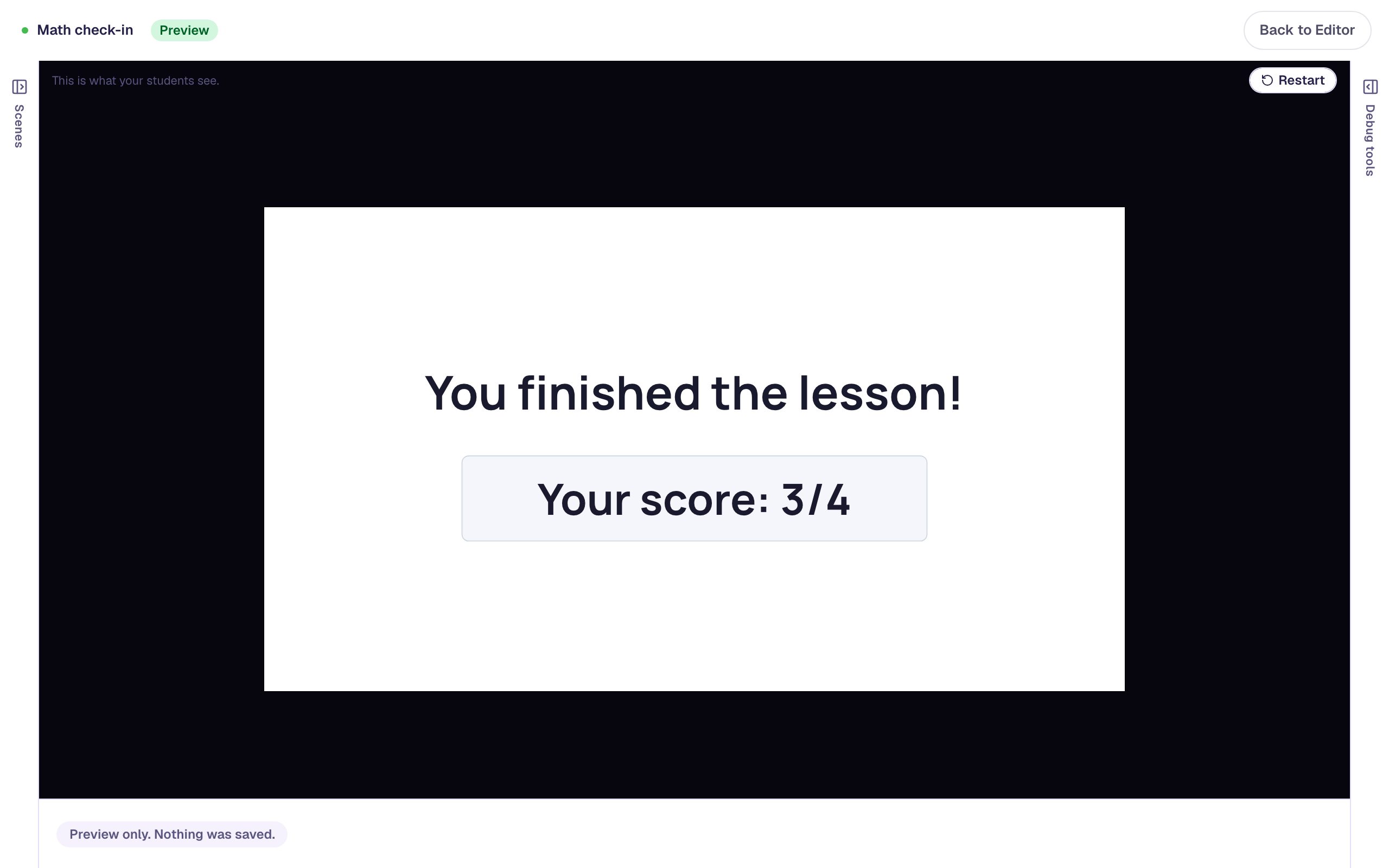
Make some questions count more, and one not at all
Give a harder question more points, turn scoring off for a practice question, and check the score students see at the end.
 Beginner · 15 min · 7 steps
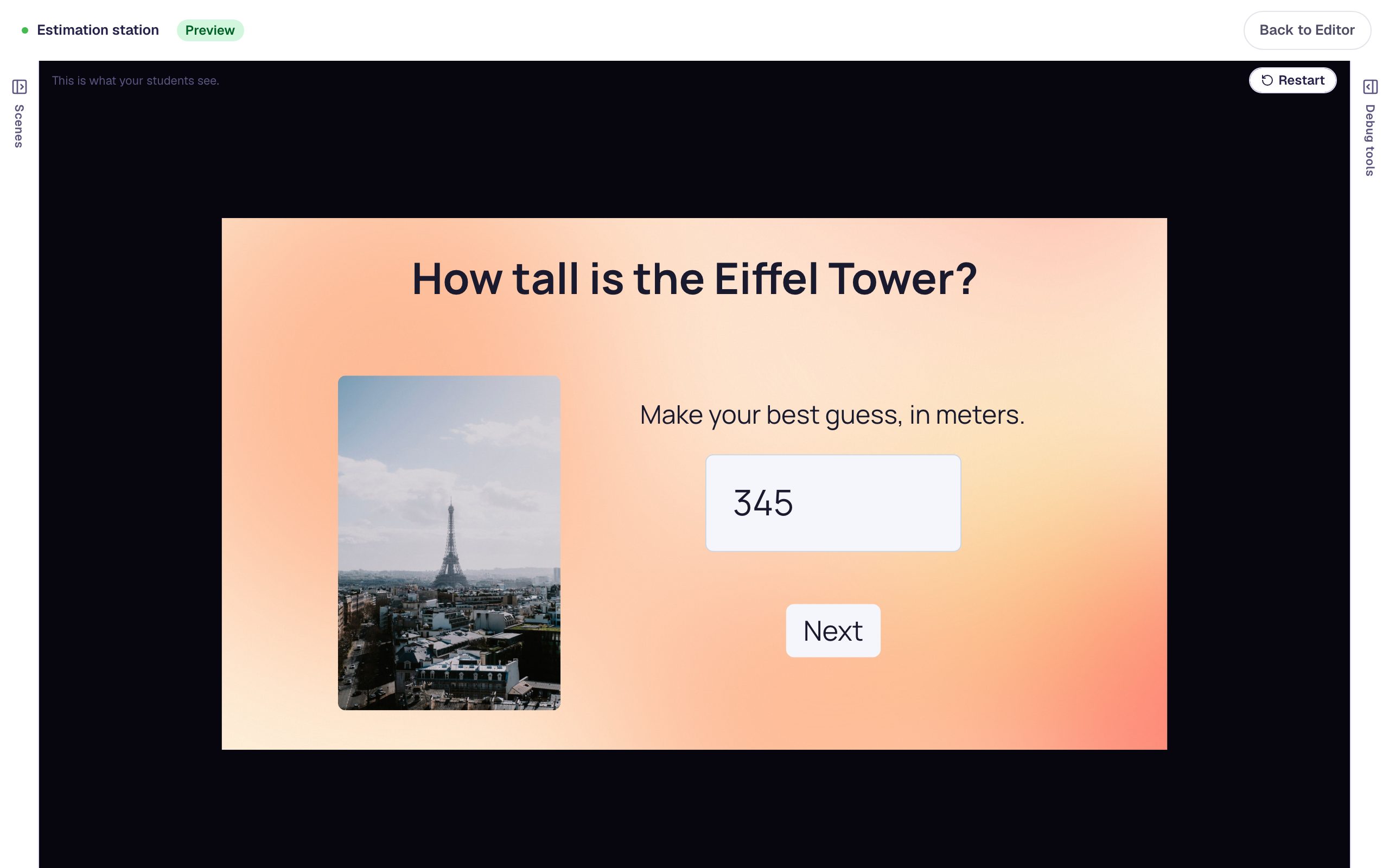
Accept close-enough answers to a number question
Ask students to estimate the Eiffel Tower's height and place 3/4 on a number line, and use Tolerance so an answer that's close still counts as right.
 Intermediate · 15 min · 8 steps
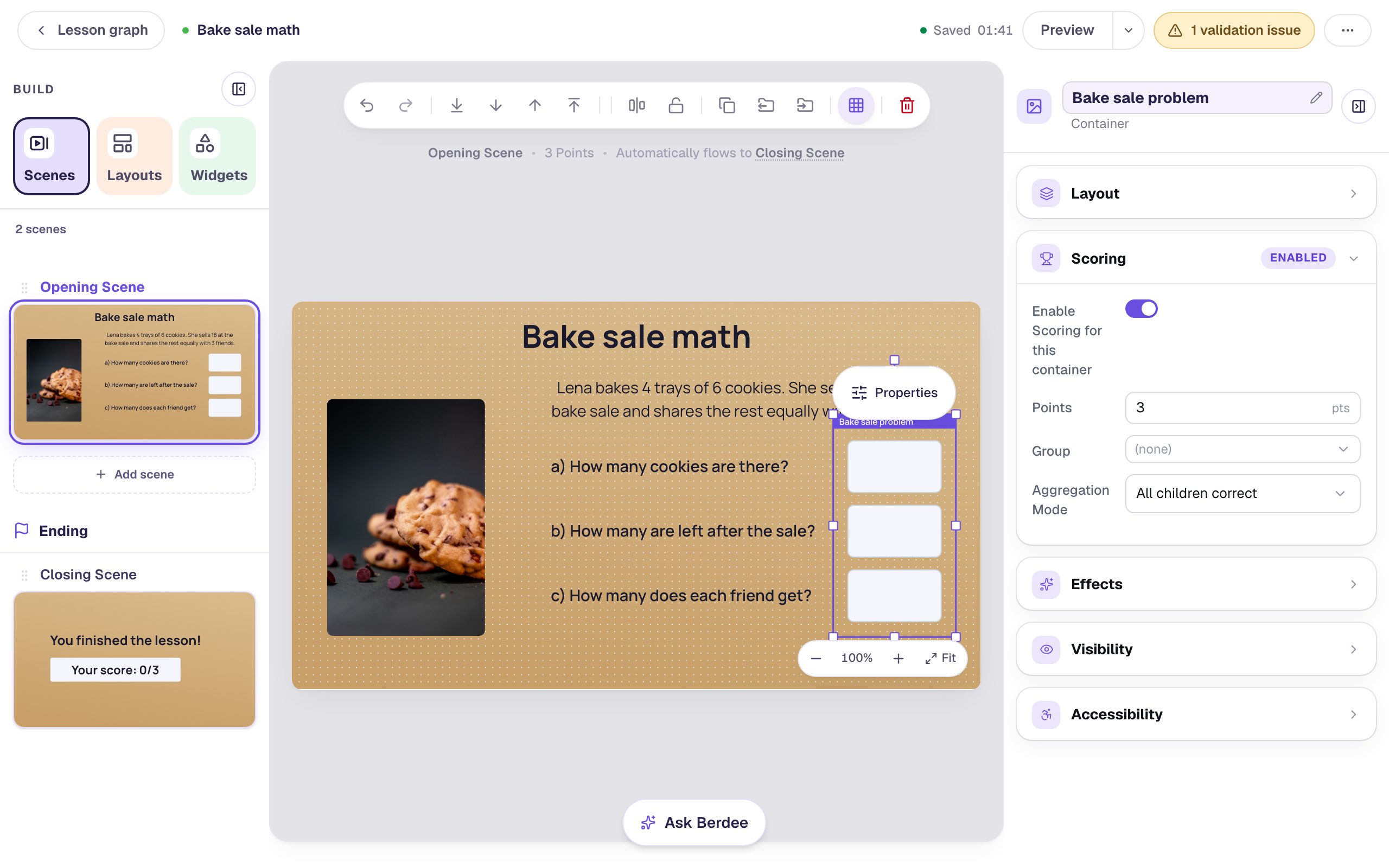
Score a three-part word problem as one question
Group the answers to a multi-part problem in a container so they earn one score together, then decide whether students need every part right or most of them.
 Intermediate · 15 min · 7 steps
Cheer a high score and encourage a low one
Give the ending two messages, one for students who scored 80% or more and one for everyone else, and save the confetti for the high scores, using visibility rules and a behavior condition on the activity score.
 Intermediate · 15 min · 7 steps
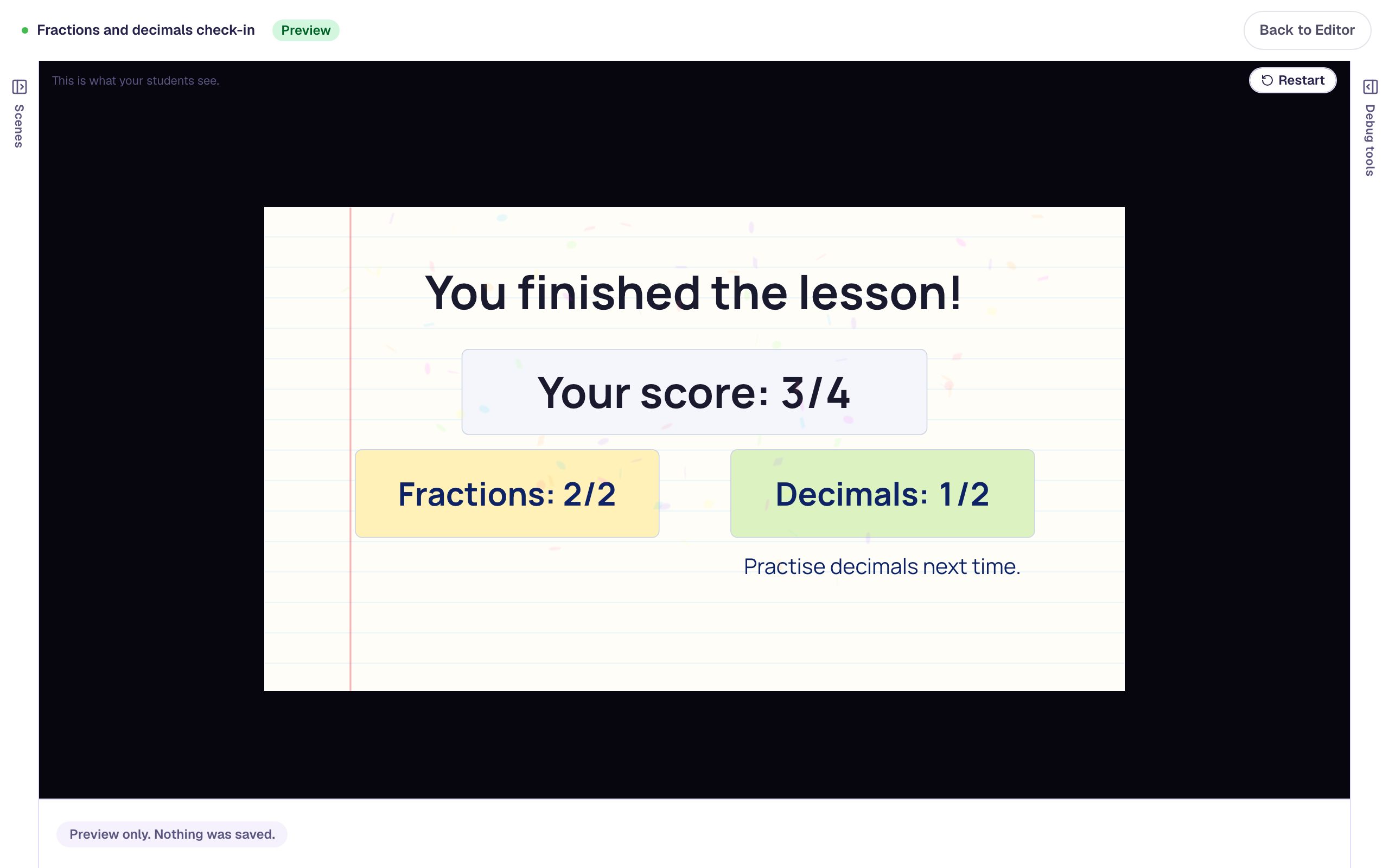
Score each skill separately with grading groups
Put each question in a grading group named after the skill it checks, then show one score per group on the ending, with a note that appears only for the skill a student still needs to practise.
 Intermediate · 15 min · 8 steps
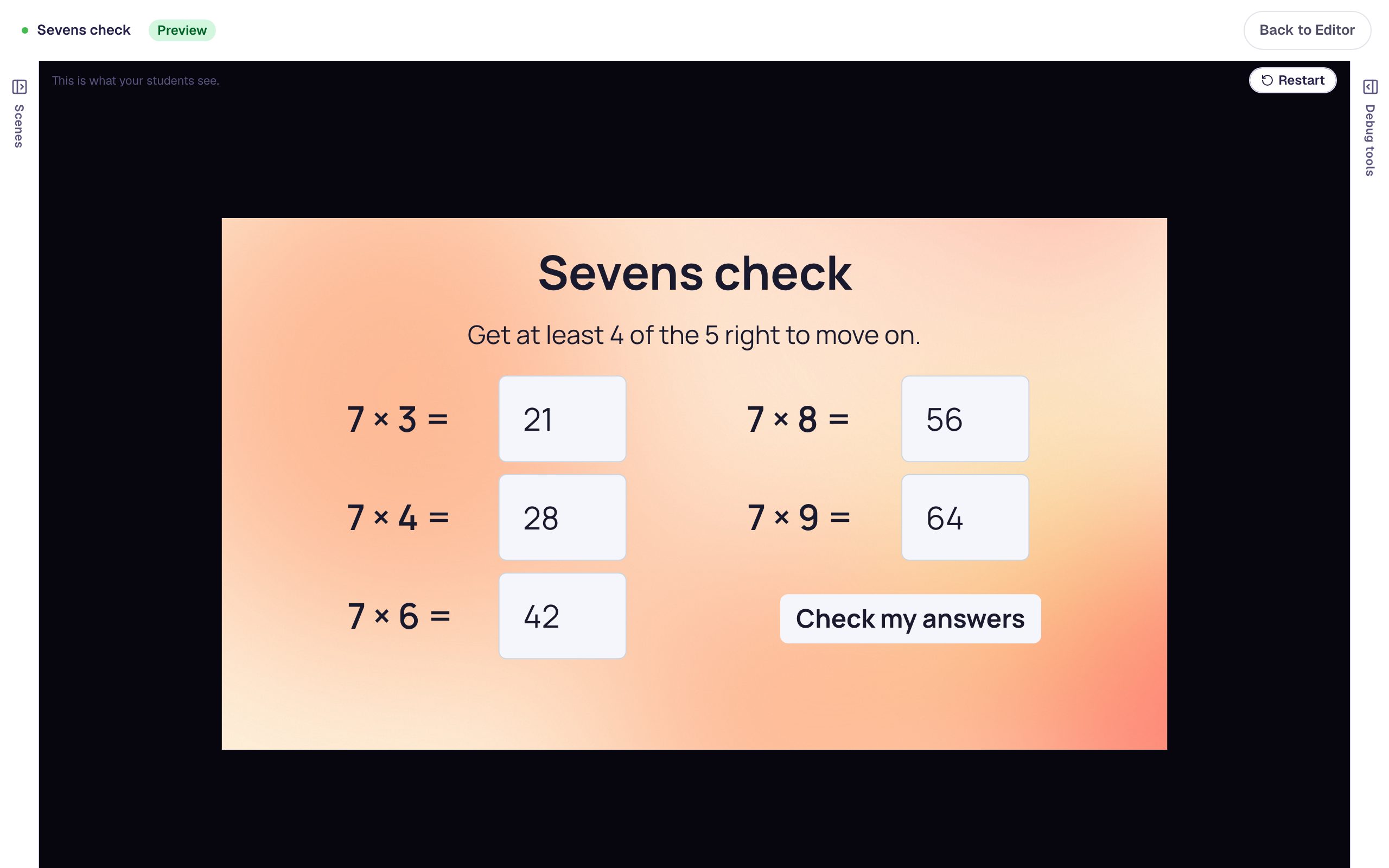
Move on when students get four of five right
Build a five-problem times-tables check that lets students move on with 80% right, using the scene's Cumulative rule and Passing %, and sends everyone below that to a short practice scene.
 Intermediate · 20 min · 8 steps
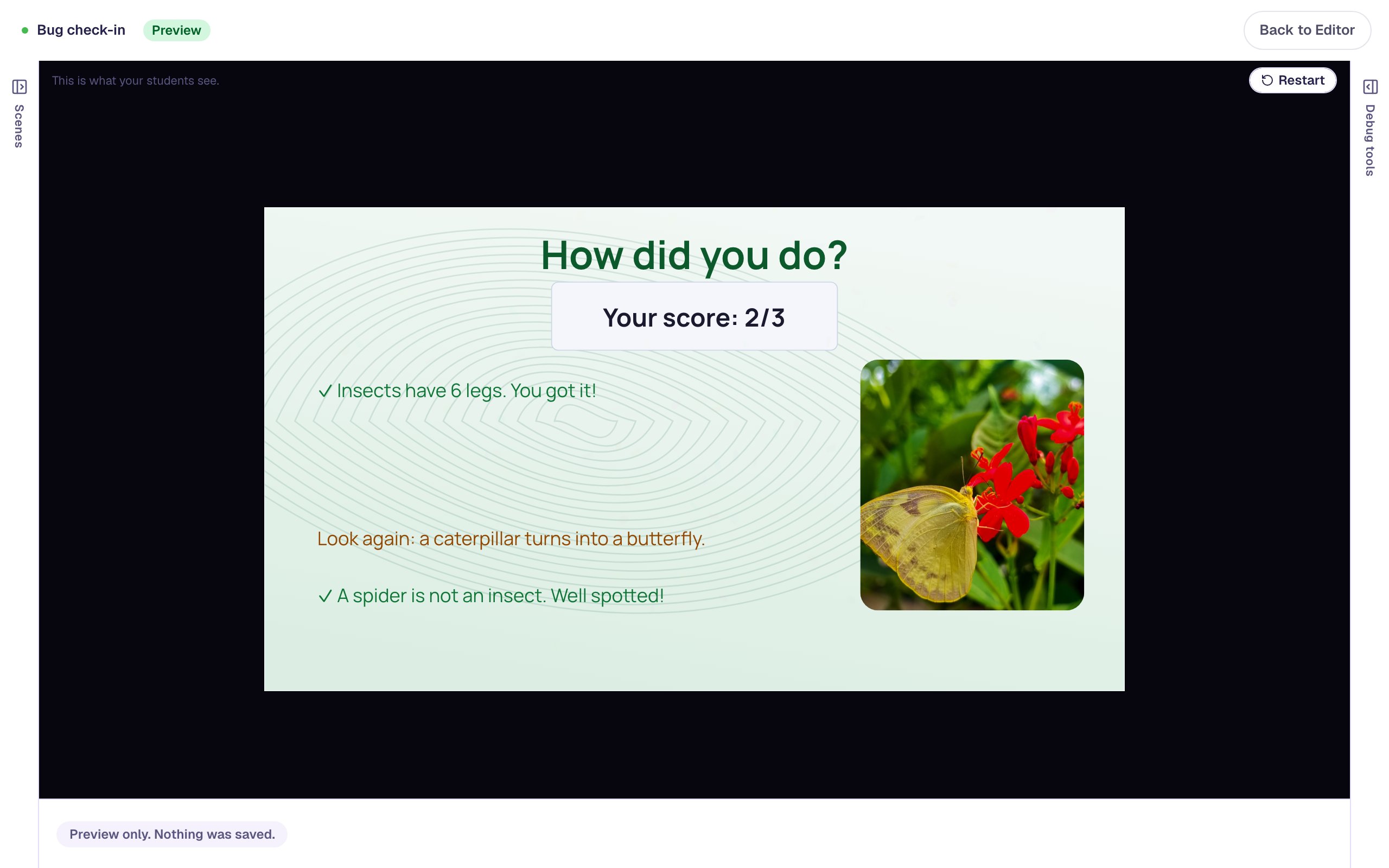
Show students which questions they got right
Hold every answer until the end of a three-question check-in, then give the ending one line per question, a well-done line when it's right and the correct answer when it isn't, with visibility rules that read each question.
 Intermediate · 15 min · 8 steps
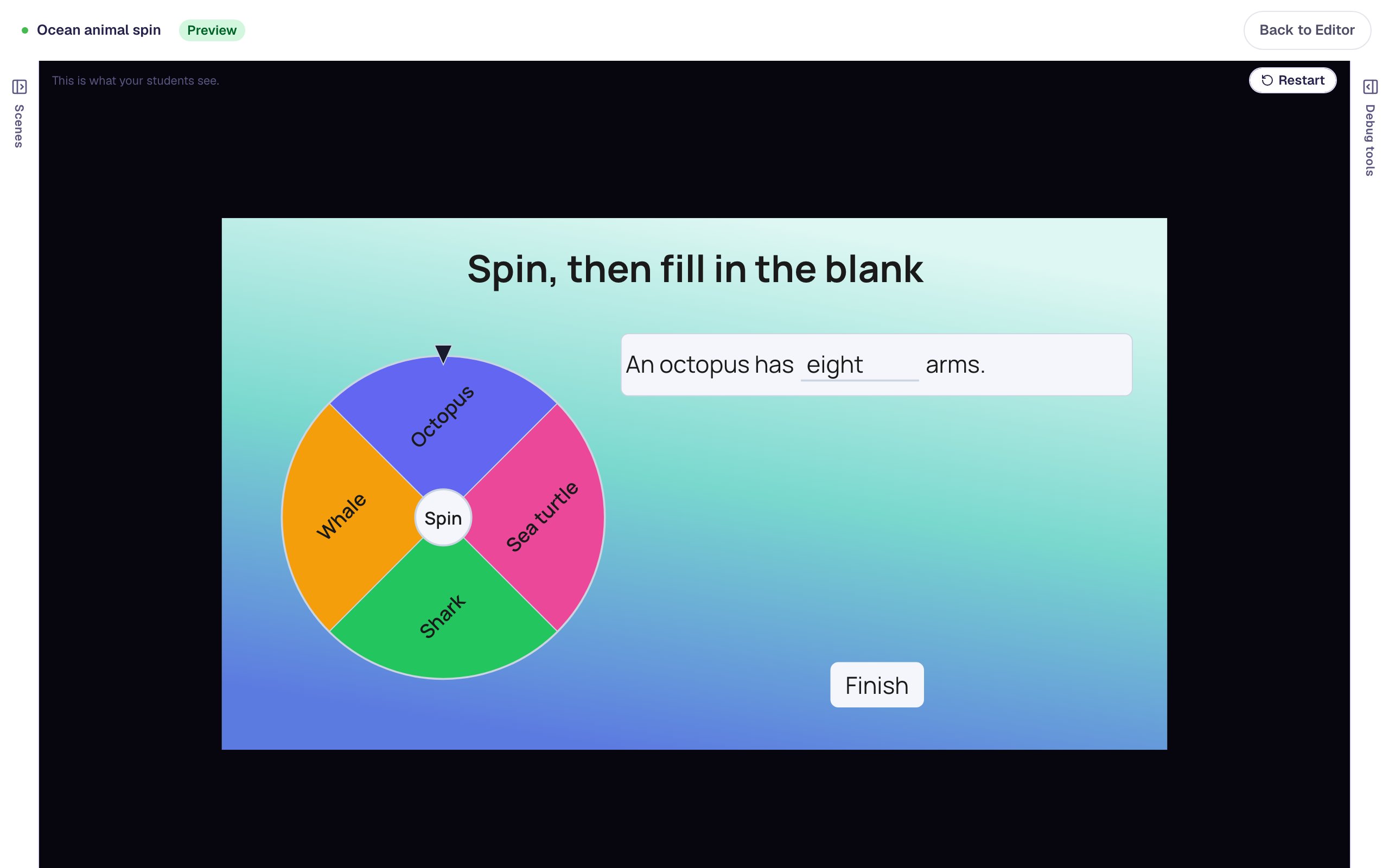
Spin a wheel to pick which questions to answer
Build a review game where a Spin Wheel picks two of four ocean questions. Each segment's Shows setting reveals its question, and the score counts only the questions the wheel picked.
 Intermediate · 10 min · 7 steps
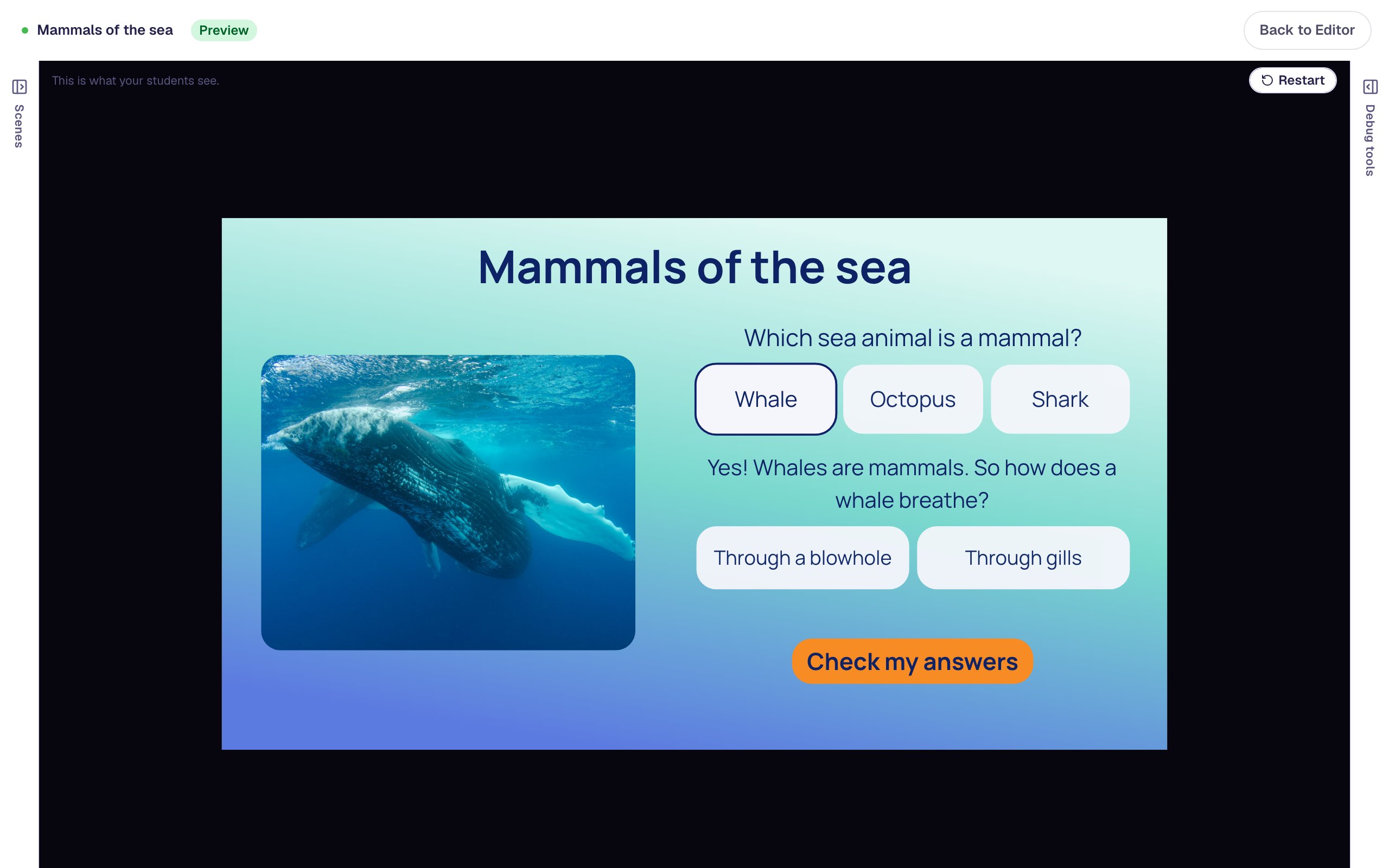
Ask a follow-up question only after a right answer
Add a second question that appears only when a student gets the first one right, using a visibility rule on Is correct. A student who misses the first question is never graded on a follow-up they didn't see.
 Intermediate · 15 min · 7 steps
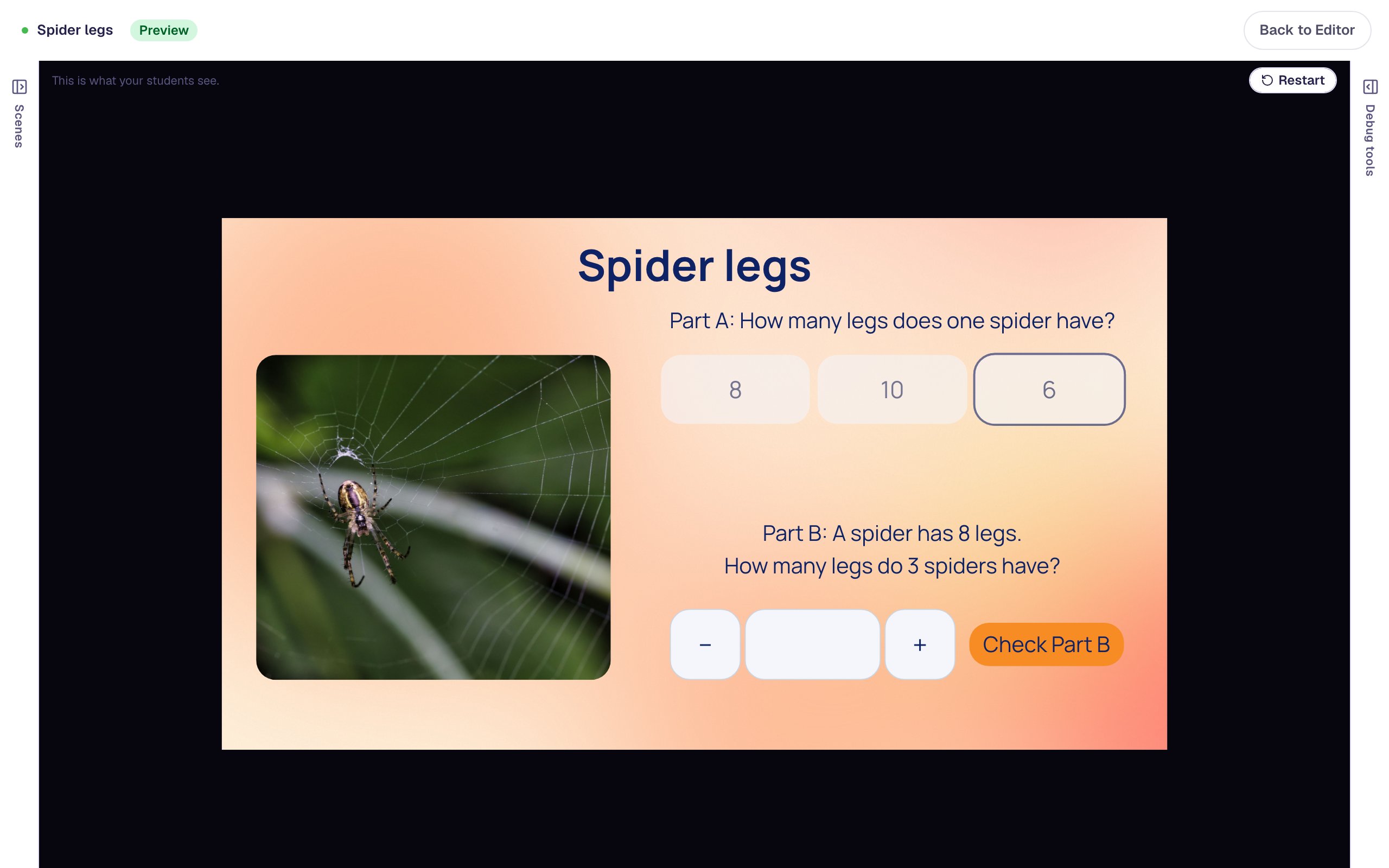
Check Part A before students start Part B
Put each part of a two-part question in its own grading group, add a button that checks only Part A, and show Part B once Part A is checked.