Learn Berdee by building
Step-by-step walkthroughs with a screenshot for every step. Follow along in the studio and finish with an activity that works. Looking up one setting instead? The help center covers every control.
Try “timer”, “drag” or “score”. 173 of 174 come with a ready-made activity you can add to your account.
27 tutorials found
Combining widgets27 tutorials
Put several widgets together for richer activities.
 Beginner · 15 min · 8 steps
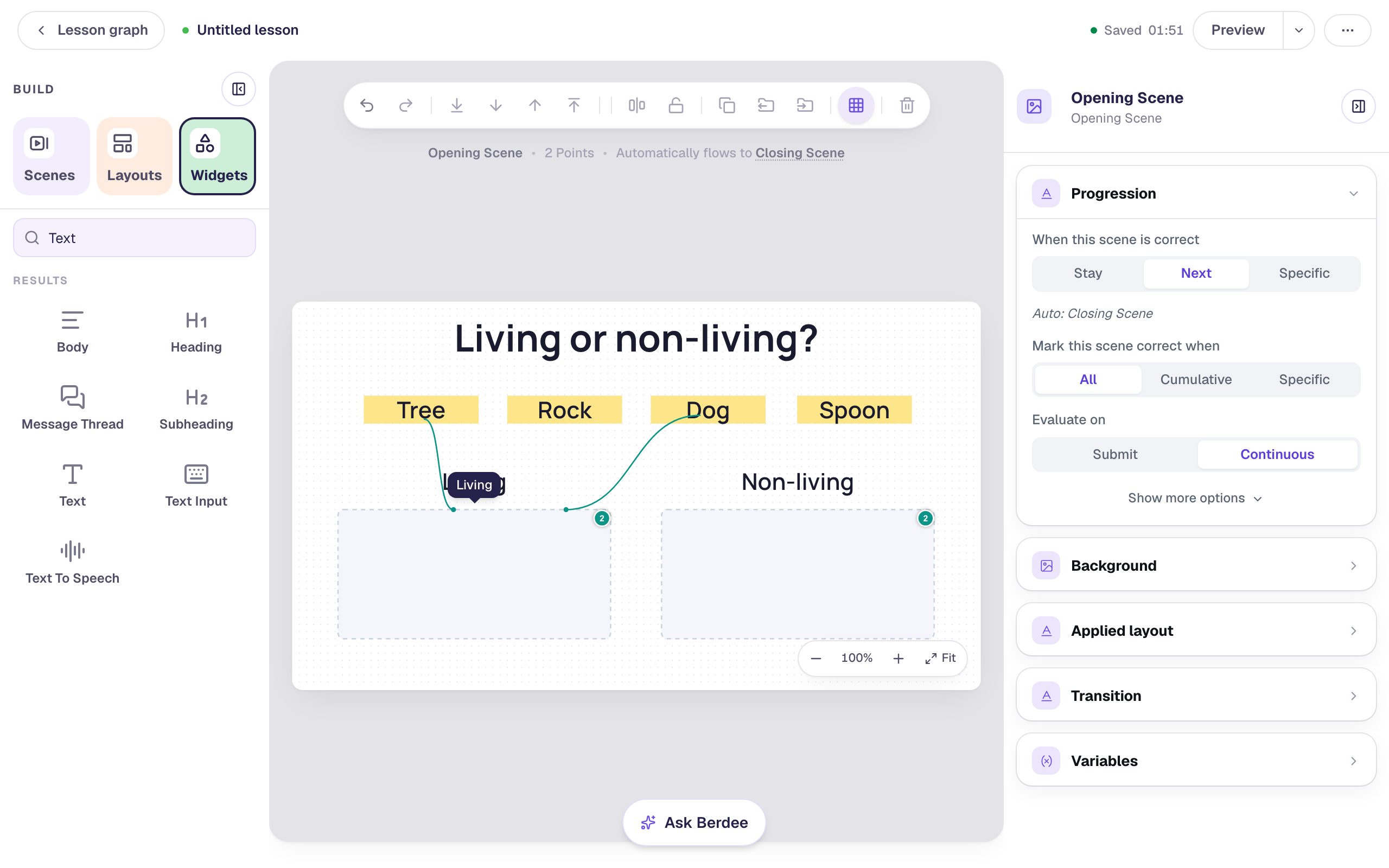
How to make a drag-and-drop sorting activity
Combine Text cards and Drop Buckets into a sorting activity that shows students when a card is in the wrong group and moves on once everything is sorted.
 Beginner · 10 min · 6 steps
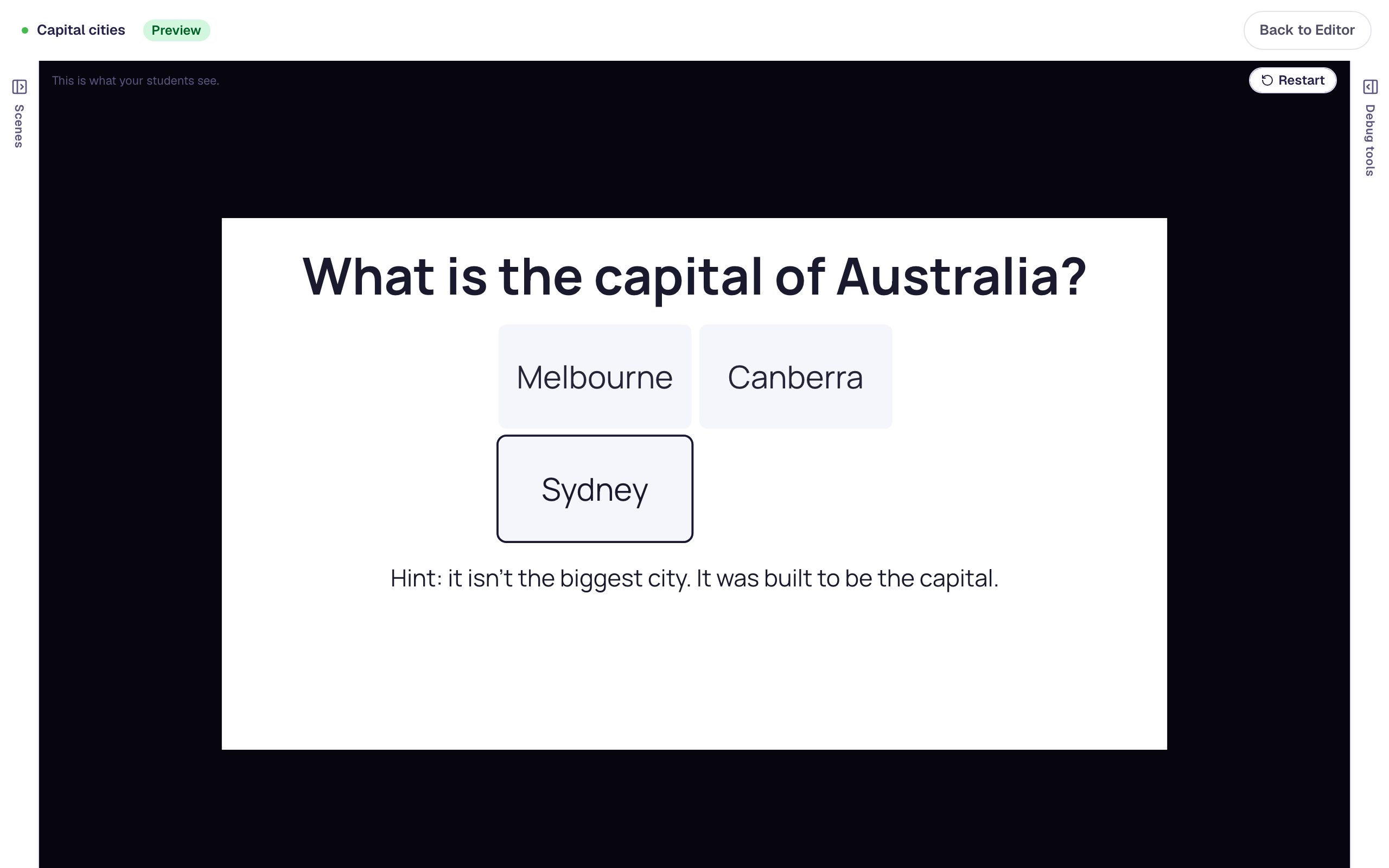
Add a hint students can open when they're stuck
Hide a hint under a question and add a Show hint button that reveals it, so students get help only when they ask for it.
 Intermediate · 15 min · 8 steps
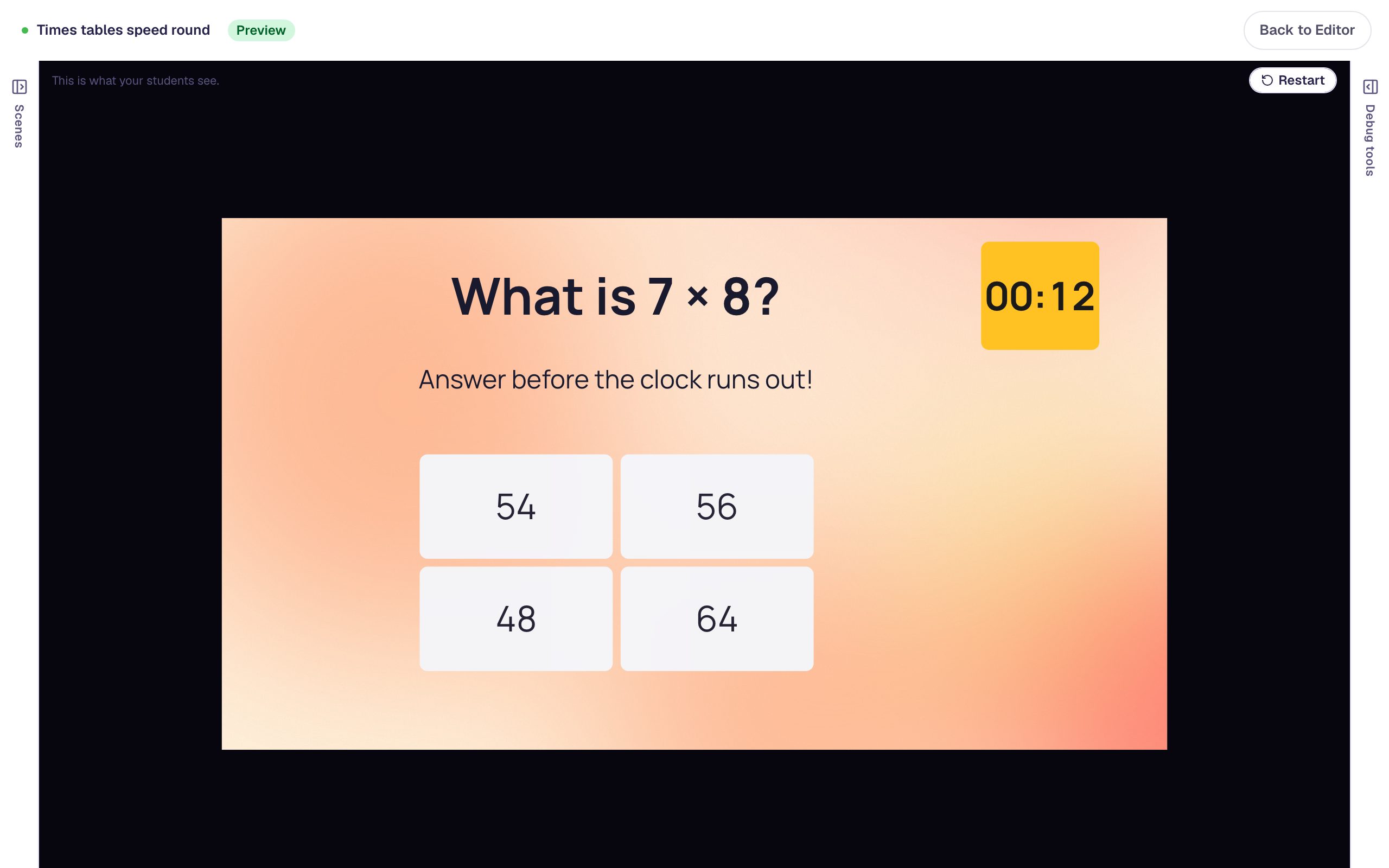
Give students 15 seconds to answer a question
Put a countdown Timer next to a multiple-choice question and send students to an "Out of time" scene when it reaches zero, while a quick right answer goes straight to the ending.
 Beginner · 15 min · 7 steps
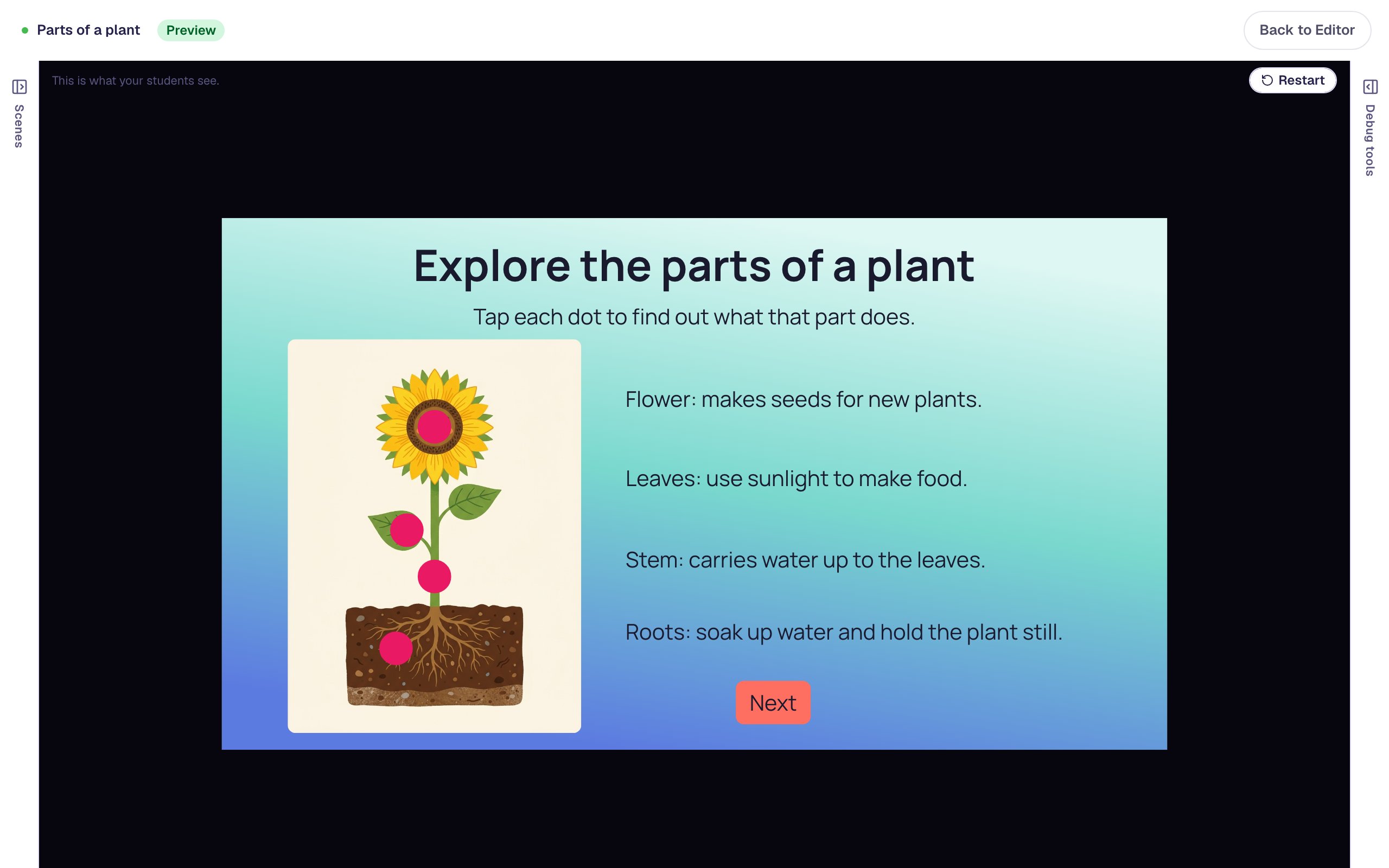
Make a picture students can tap to explore
Put Hotspot dots on a picture of a plant and make each one reveal what that part does, so students explore a diagram by tapping it instead of reading a wall of labels.
 Beginner · 12 min · 8 steps
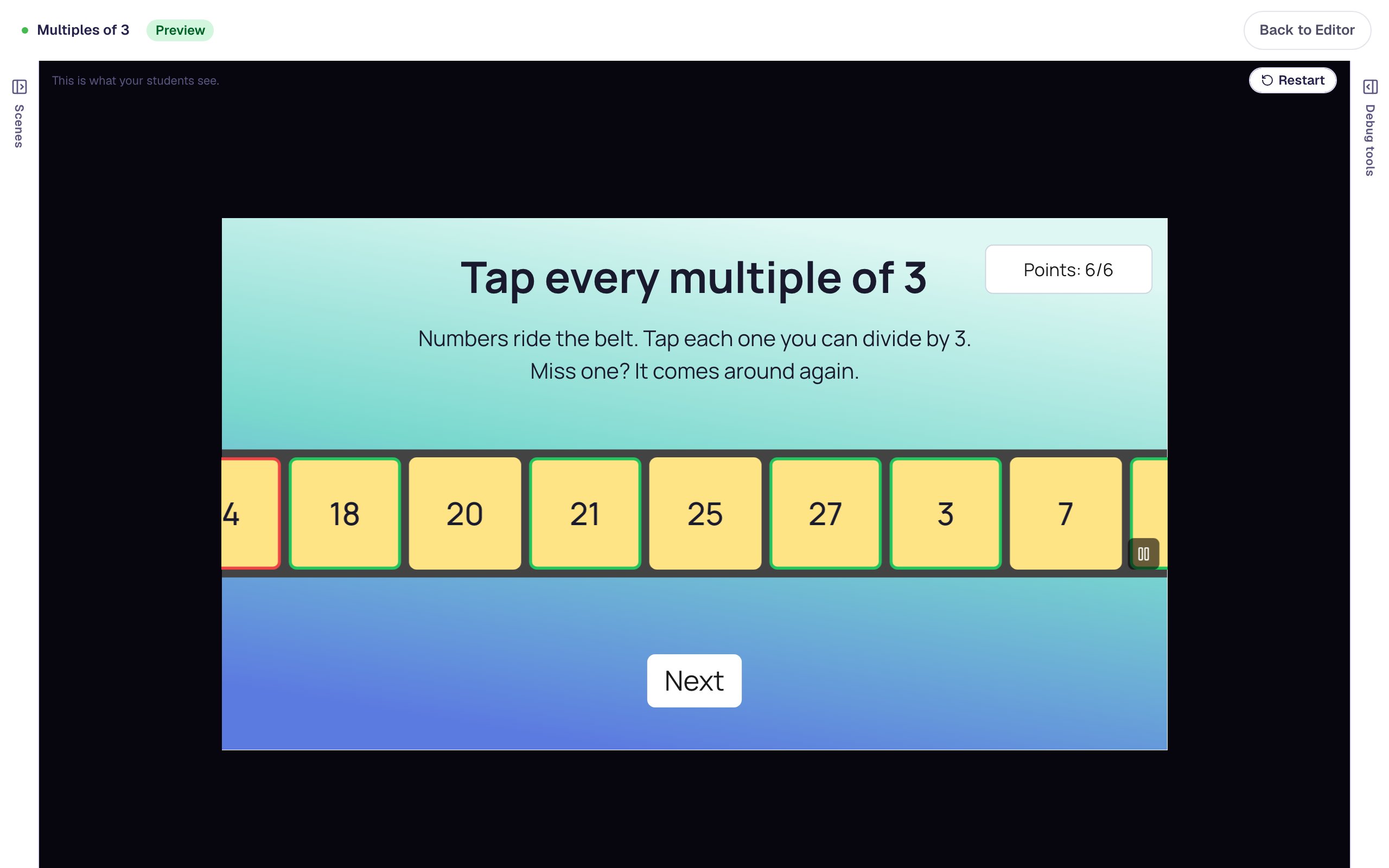
Build a conveyor-belt math game with a live score
Turn times-table practice into a game. Numbers ride a Conveyor Belt, students tap every multiple of 3, a Score widget counts each find, and a Next button appears once the belt is done.
 Intermediate · 15 min · 8 steps
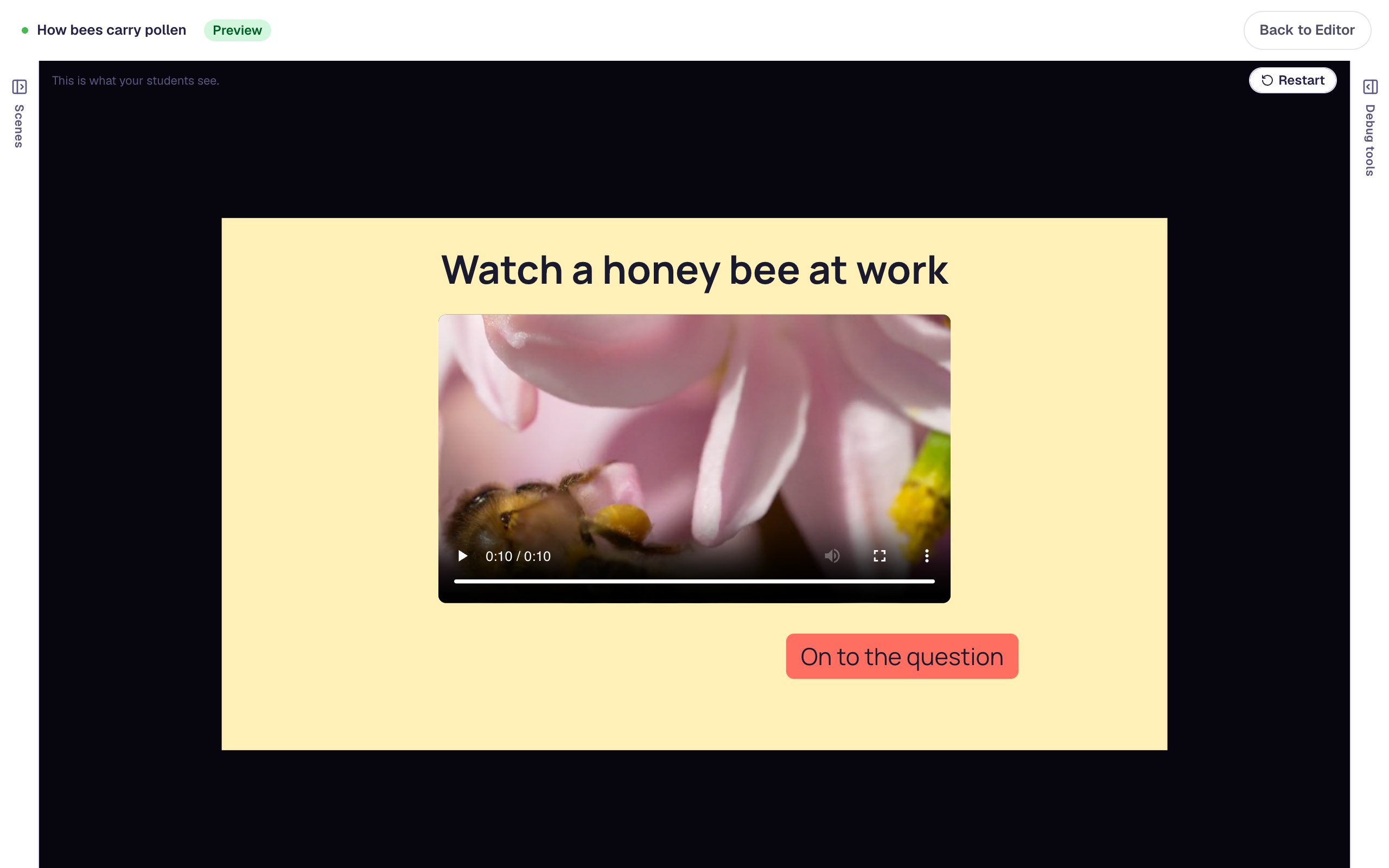
Unlock a question only after students watch a video
Upload a short clip to a Video widget, then use visibility rules so the button to the question appears only once the video has played to the end.
 Beginner · 12 min · 8 steps
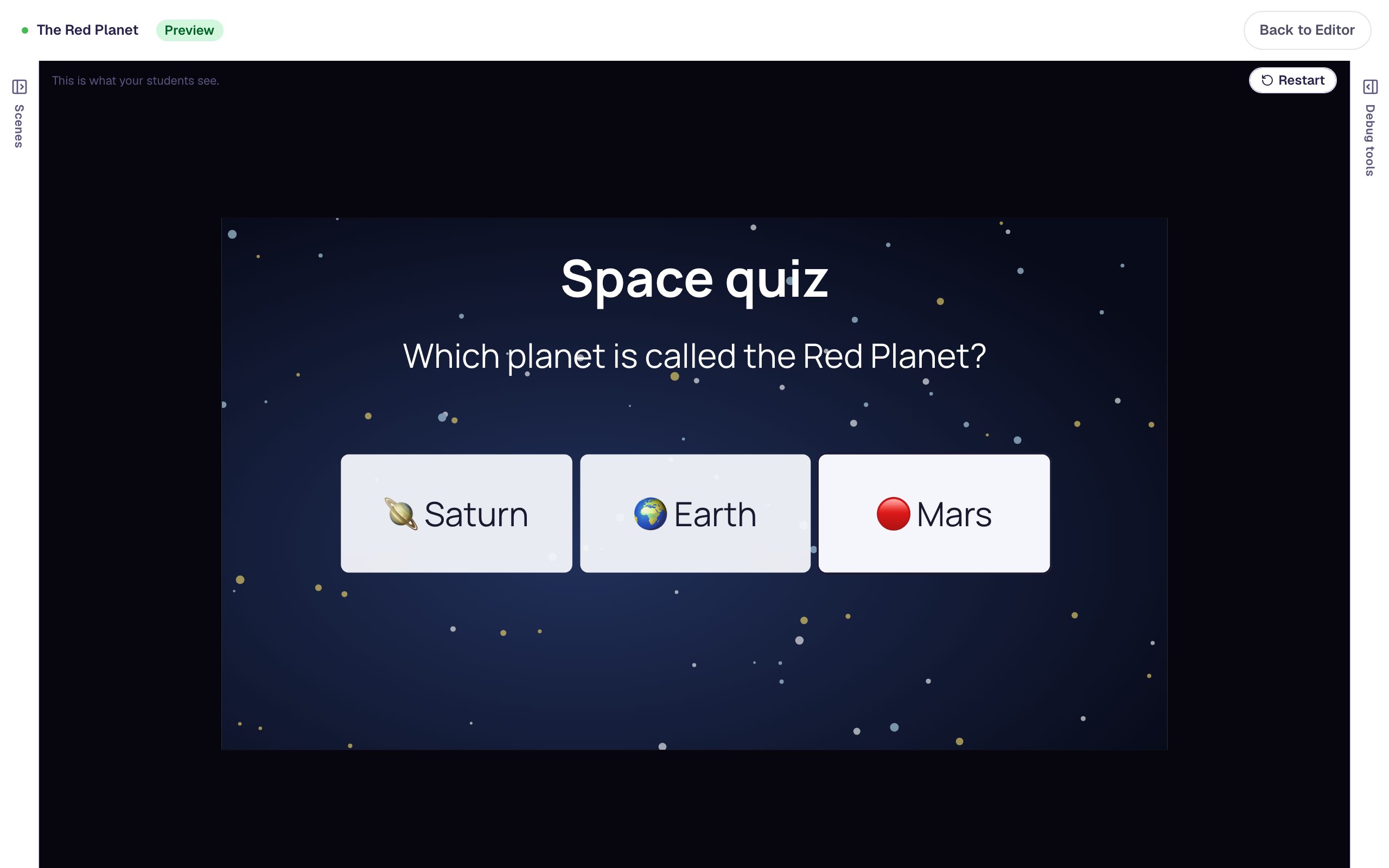
Play a sound for right and wrong answers
Generate two sound effects, hide their players, and use behaviors so a question plays one sound when students get it right and another when they pick a wrong answer.
 Beginner · 20 min · 8 steps
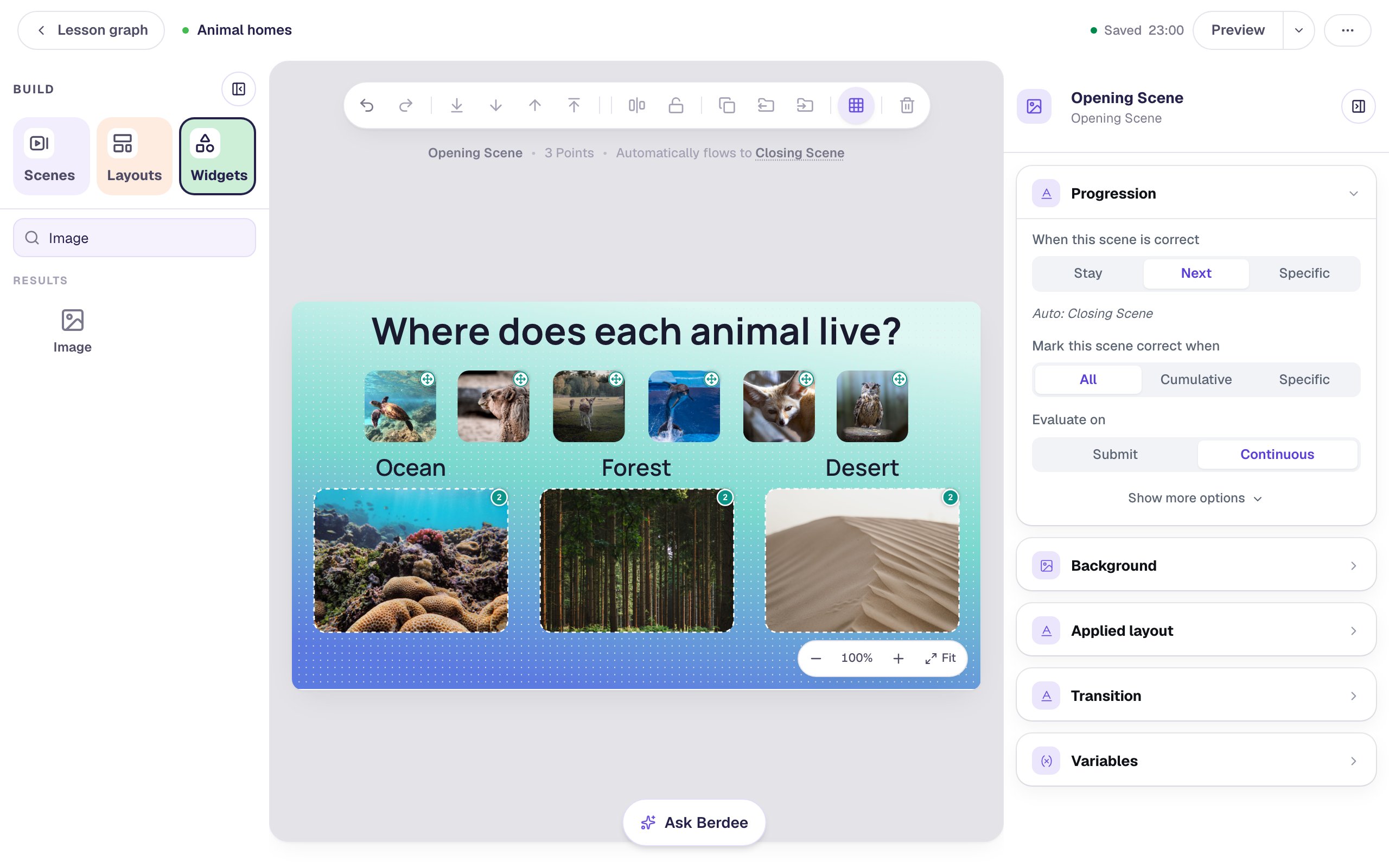
Sort animal pictures into their habitats
Lay see-through Drop Buckets over three habitat photos and turn six animal photos into draggable cards, so students drag each animal to the place it lives.
 Intermediate · 15 min · 9 steps
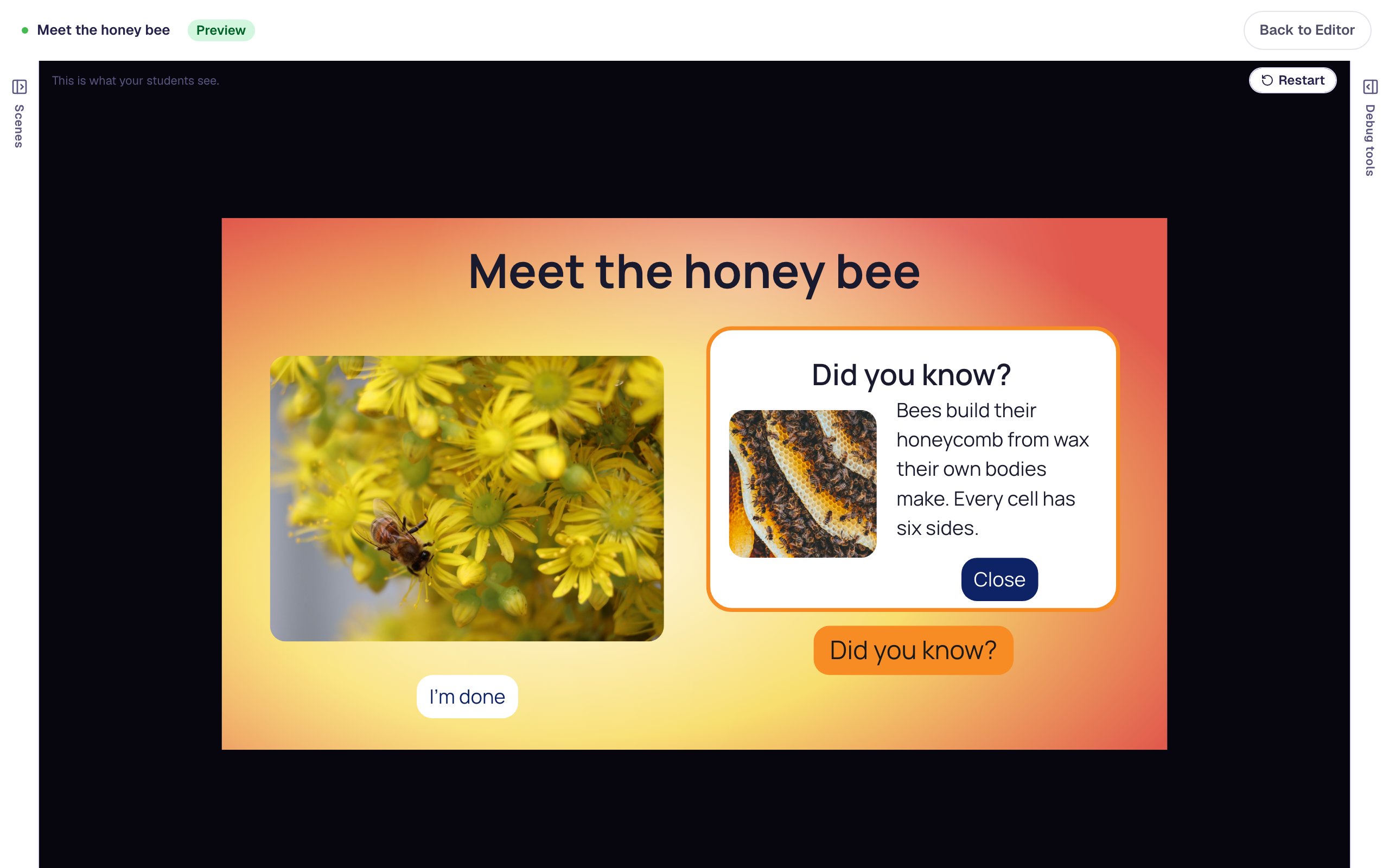
Pop up a fact card with a Container
Group a card's shape, picture, text and Close button in a Container, hide it, and open it with a Did you know? button, so one action shows or hides the whole card.
 Beginner · 15 min · 8 steps
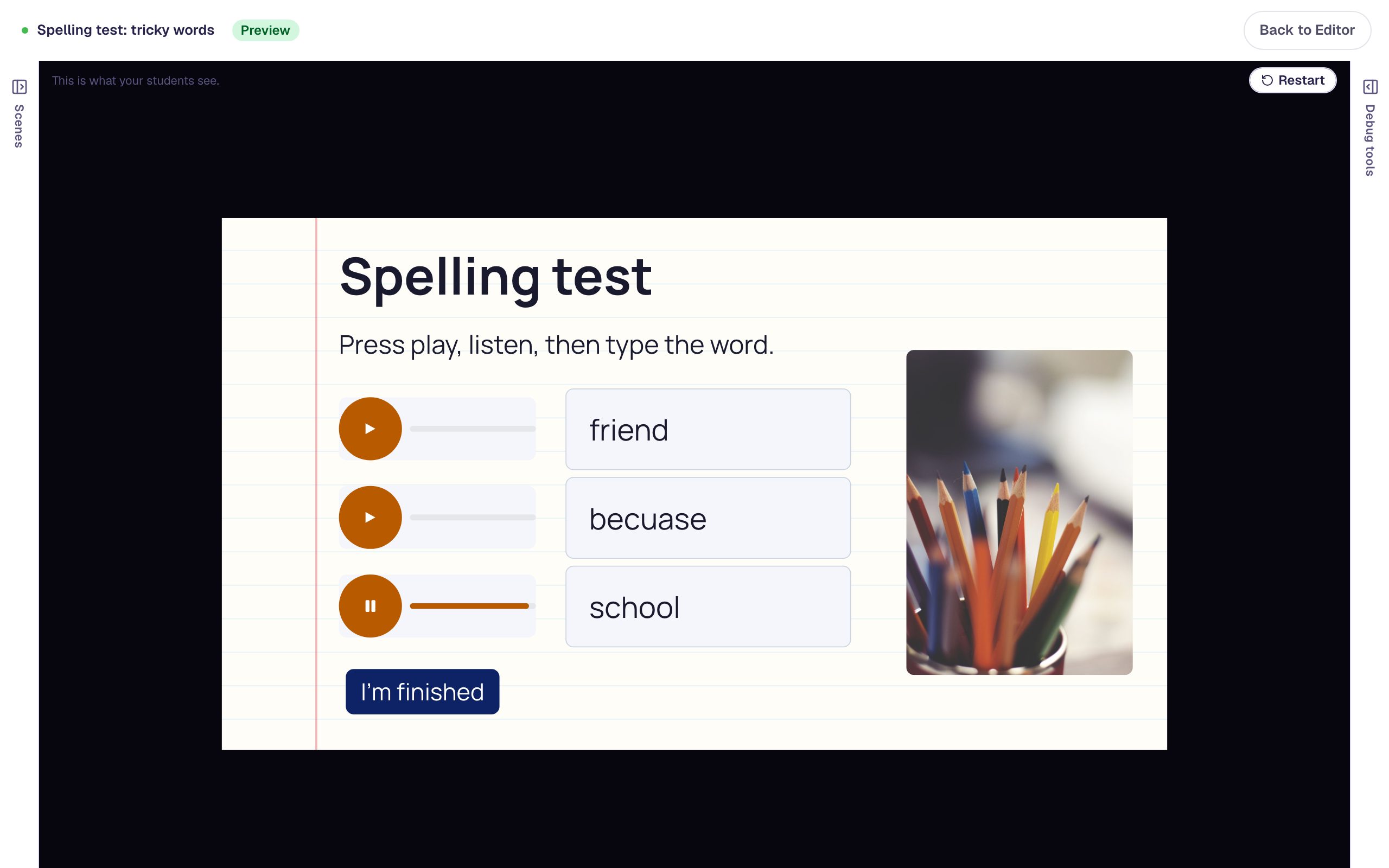
Give a spelling test students listen to
Build a three-word spelling test where each word has its own play button that says it in a sentence, an answer box beside it, and one I'm finished button that grades every word and shows the score.
 Beginner · 15 min · 8 steps
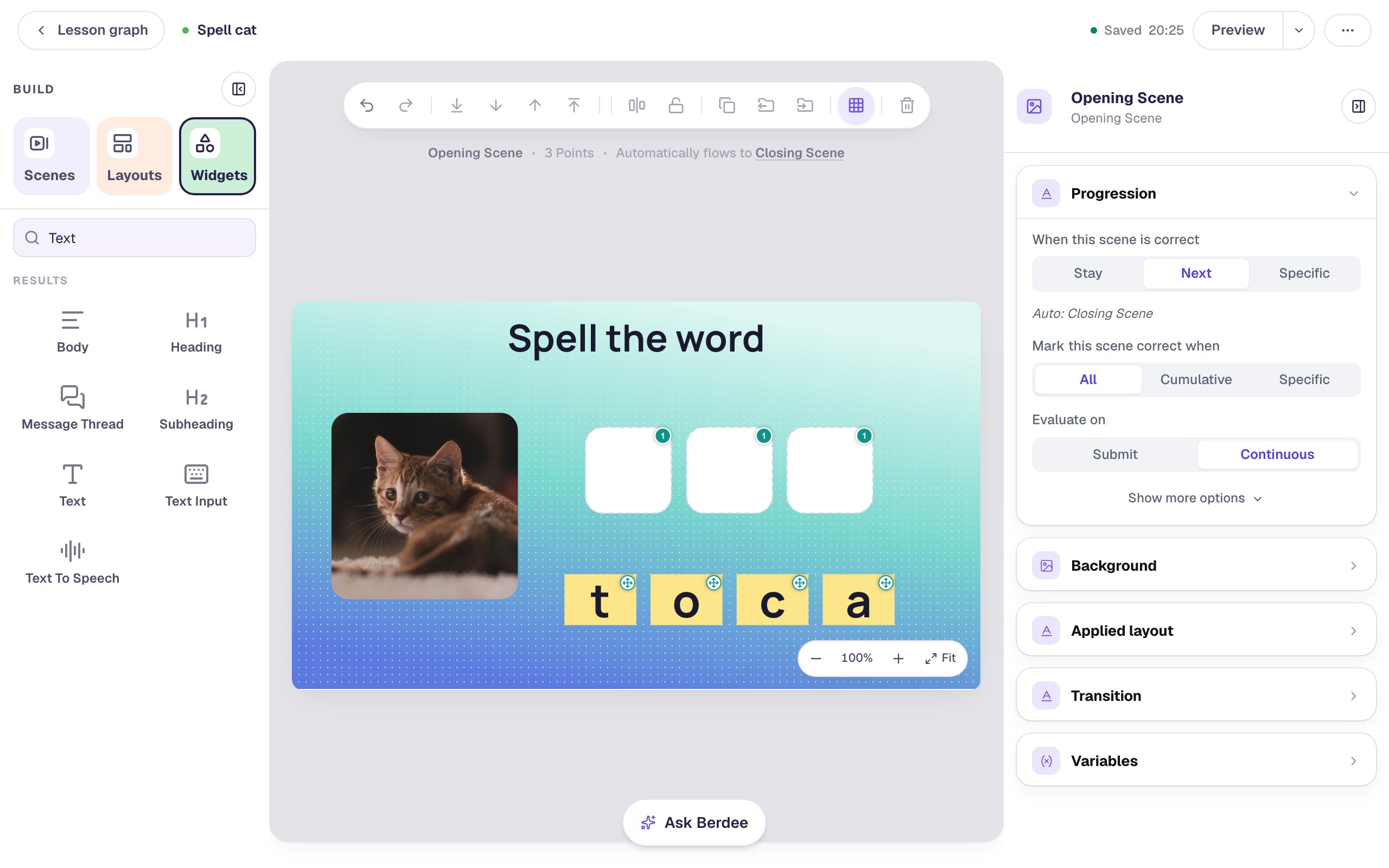
Build a word from letter tiles
Turn Drop Buckets into letter slots and Text widgets into letter tiles, so early readers spell a word by dragging each letter into place, with an extra letter that shows red in the wrong slot.
 Beginner · 15 min · 8 steps
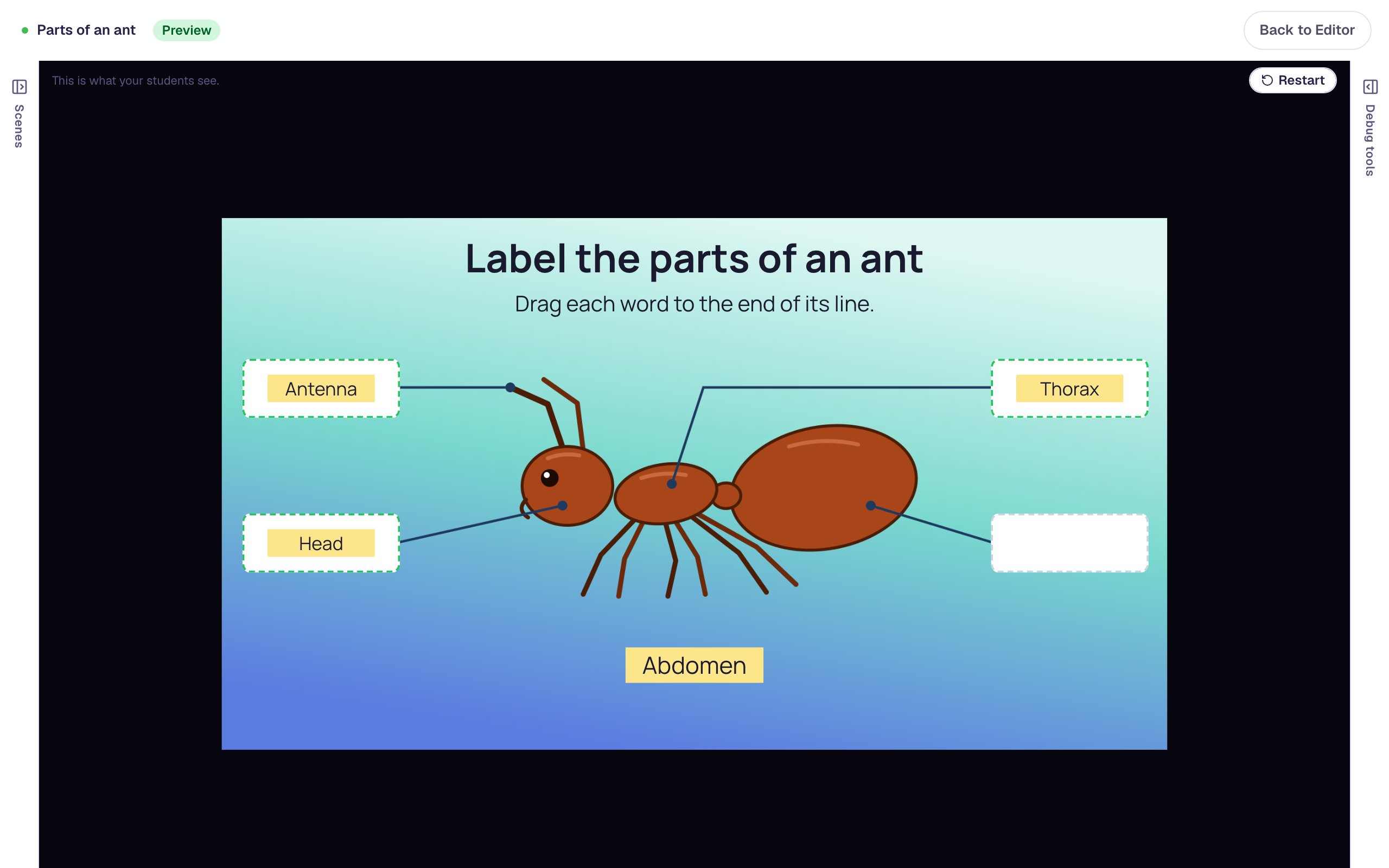
Drag labels onto the parts of a diagram
Put an empty slot at the end of each line on a diagram, turn four words into cards students can drag, and connect each word to its slot, so students label an ant's antenna, head, thorax and abdomen and see a red slot when a word is in the wrong place.
 Intermediate · 15 min · 7 steps
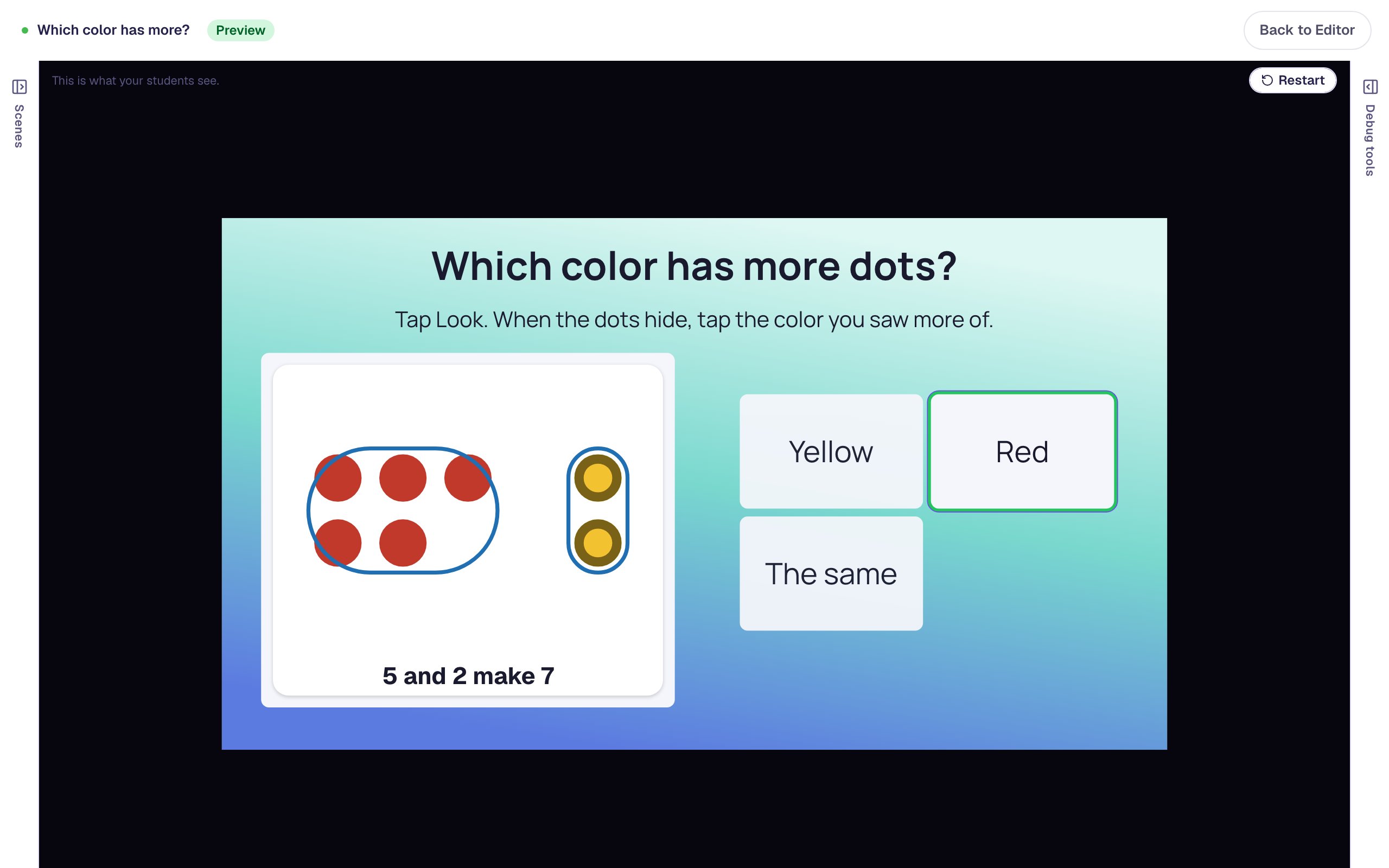
Flash a dot card, then ask your own question
Flash a red-and-yellow dot card with a Quick Look set to Just look, keep a Multiple Choice question hidden until the cover comes down, and bring the card back with rings after a right answer.
 Beginner · 15 min · 8 steps
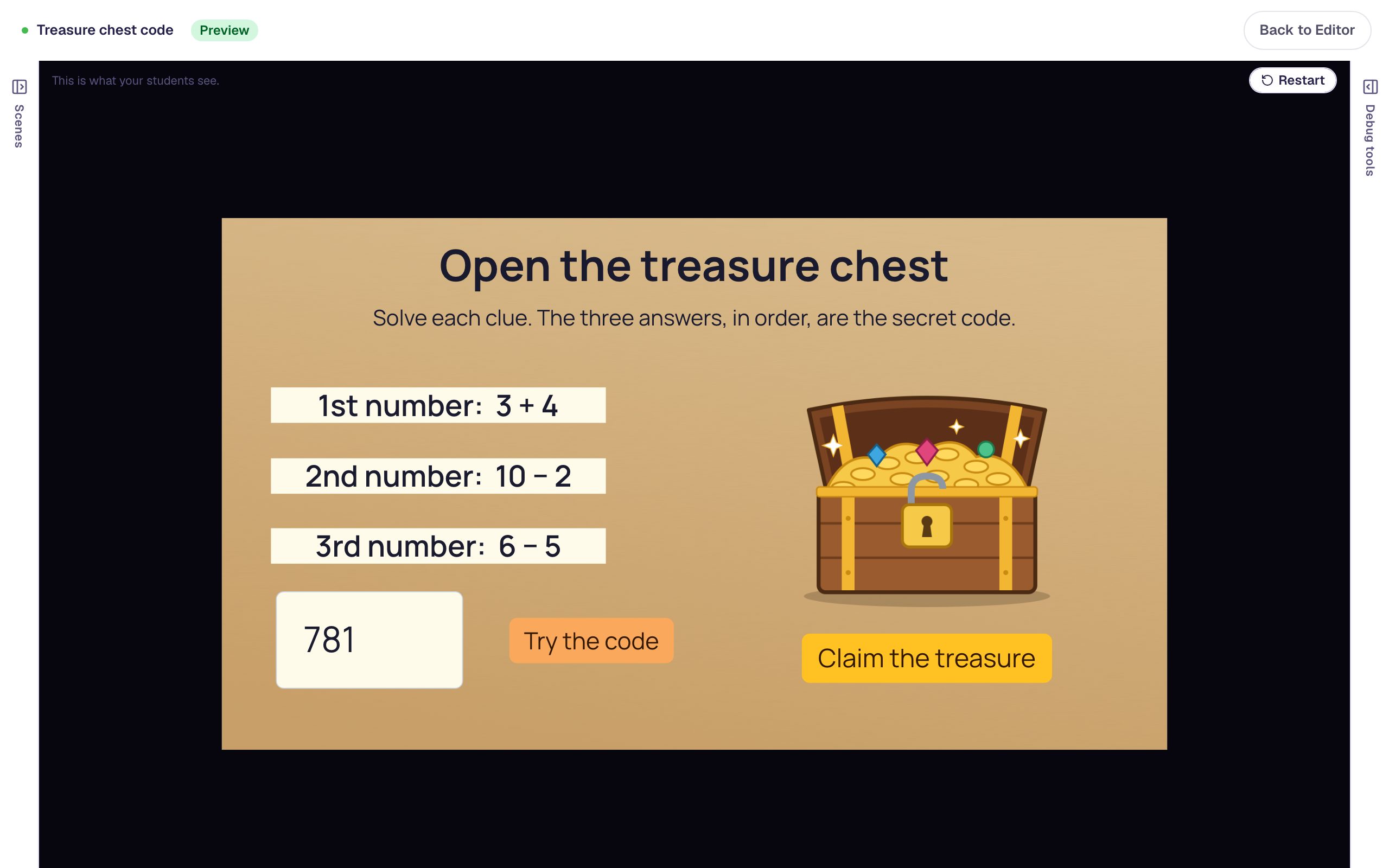
Open a treasure chest with a secret code
Build an escape-room style puzzle where three clue answers make a secret code. A Number Input is the lock, a button explains a wrong code, and Visibility rules swap a closed chest for an open one when the code is right.
 Beginner · 20 min · 8 steps
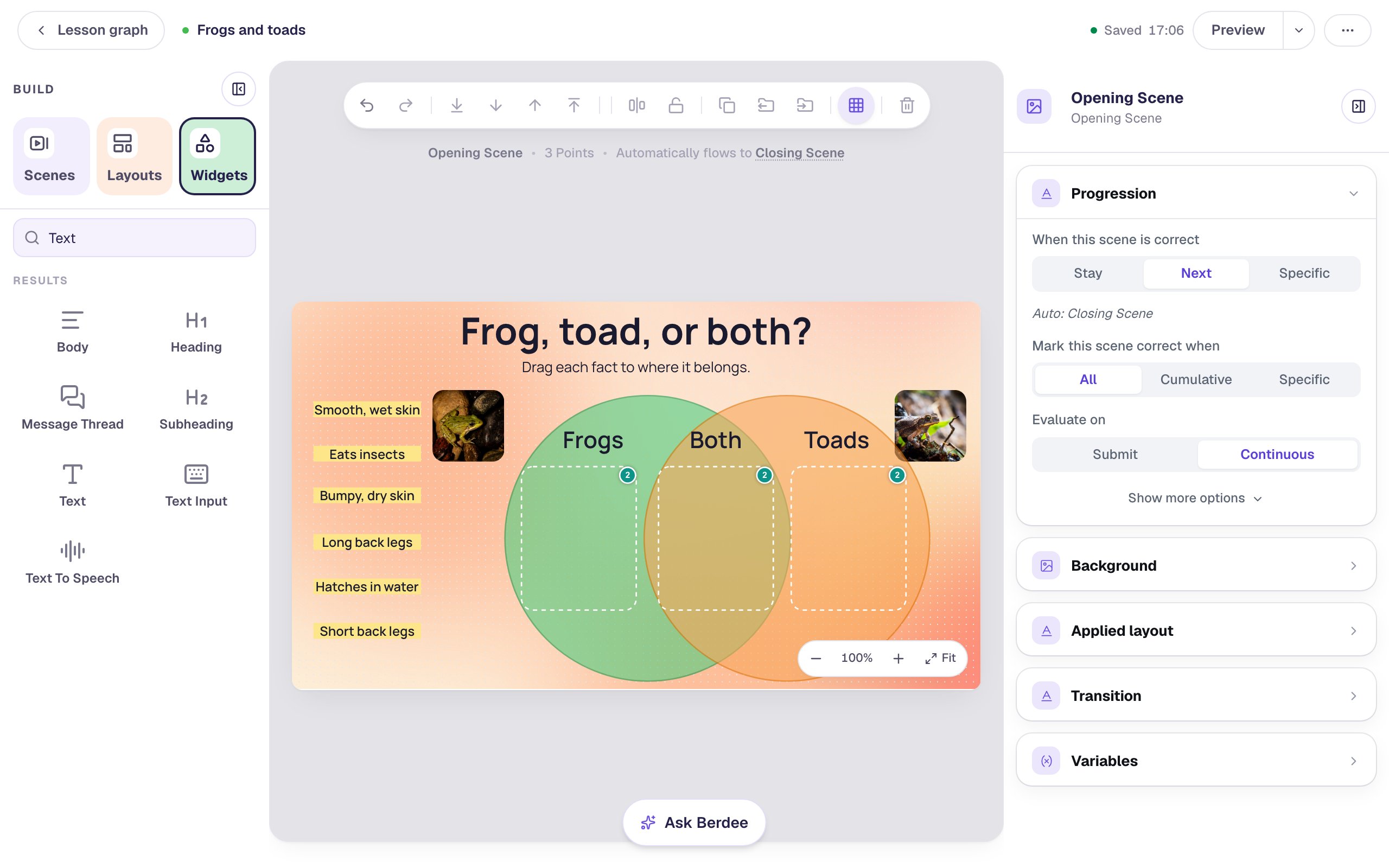
Compare frogs and toads with a Venn diagram
Draw two overlapping see-through circles with Shape widgets, lay a Drop Bucket in each part, and turn six facts into cards, so students sort what's true of frogs, of toads, or of both.
 Intermediate · 15 min · 8 steps
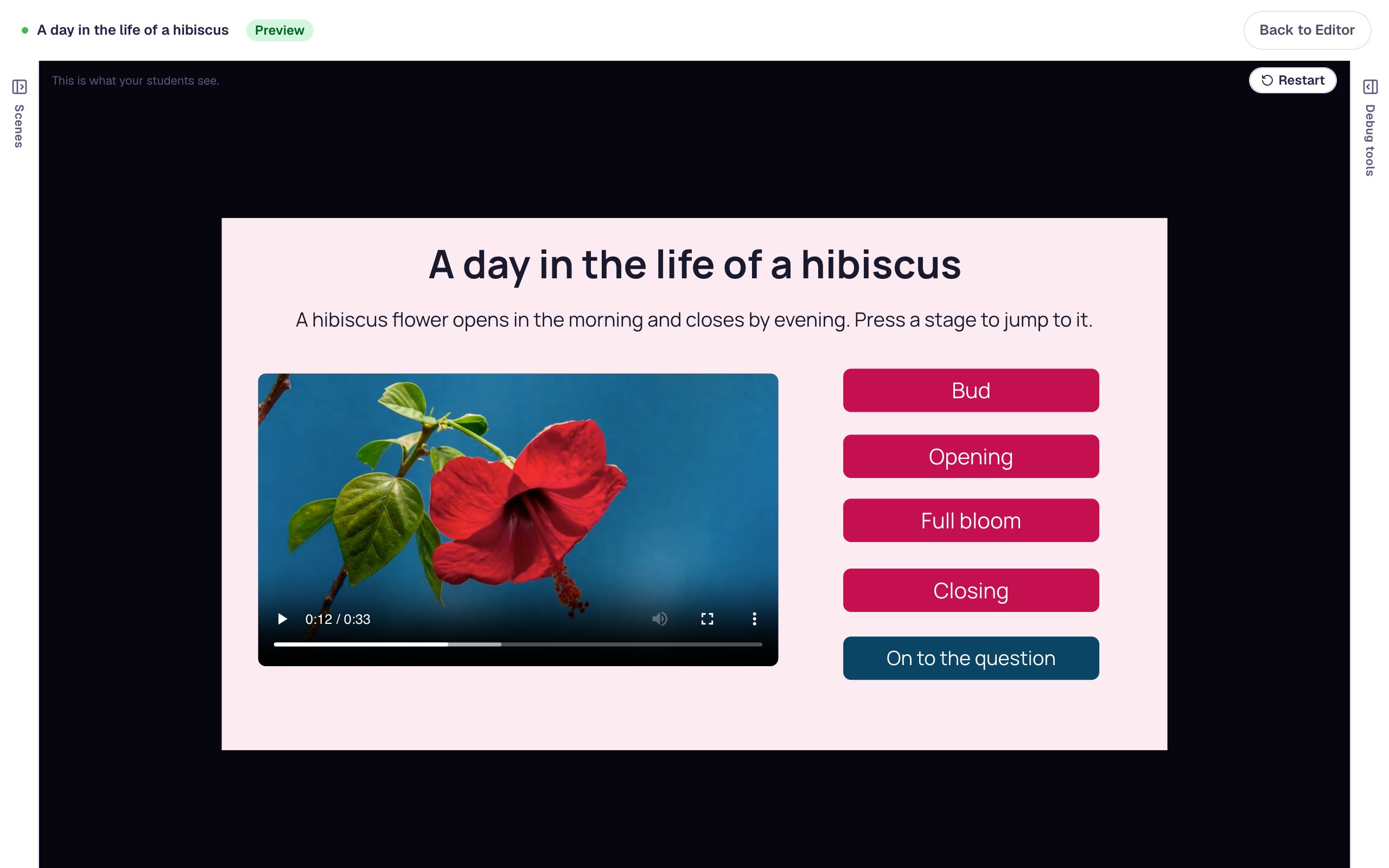
Jump to key moments in a video with buttons
Put a time-lapse in a Video widget and add a button for each stage, so one press takes students straight to the moment that matters. Build one button with a Seek action, copy it, and change only the second it jumps to.
 Beginner · 15 min · 9 steps
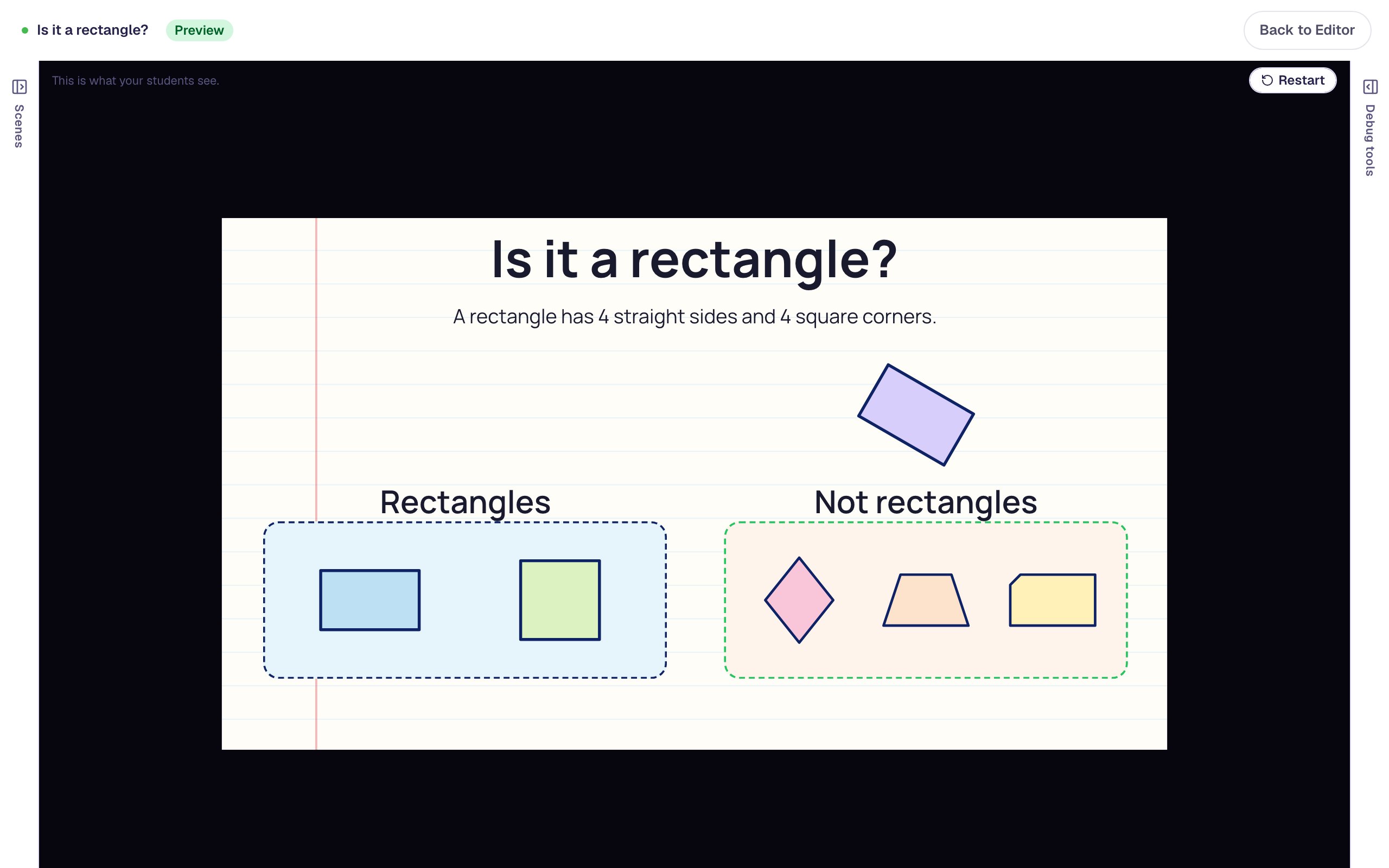
Sort rectangles from shapes that aren't
Draw six exact shapes with the Shape widget, make each one a draggable card, and let students sort them into Rectangles and Not rectangles. A square and a tilted rectangle belong with the rectangles; a rhombus and a trapezoid don't.
 Beginner · 15 min · 9 steps
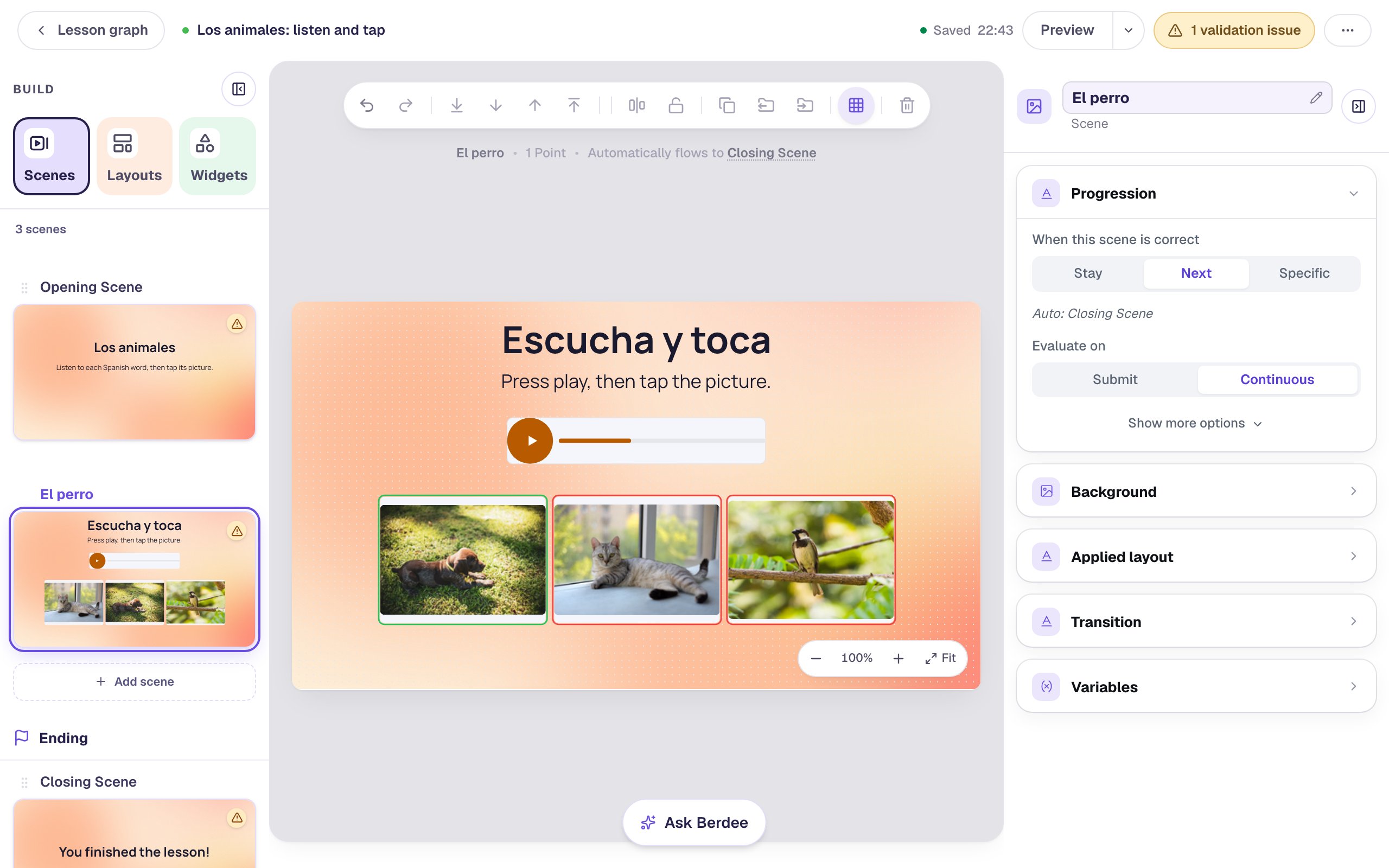
Make a Spanish listening quiz with pictures
Build a two-question world-language quiz where students press play, hear a Spanish sentence read by a voice that speaks Spanish, and tap the picture it names. Set the activity's voice once, then duplicate the first question for the next word.
 Beginner · 15 min · 8 steps
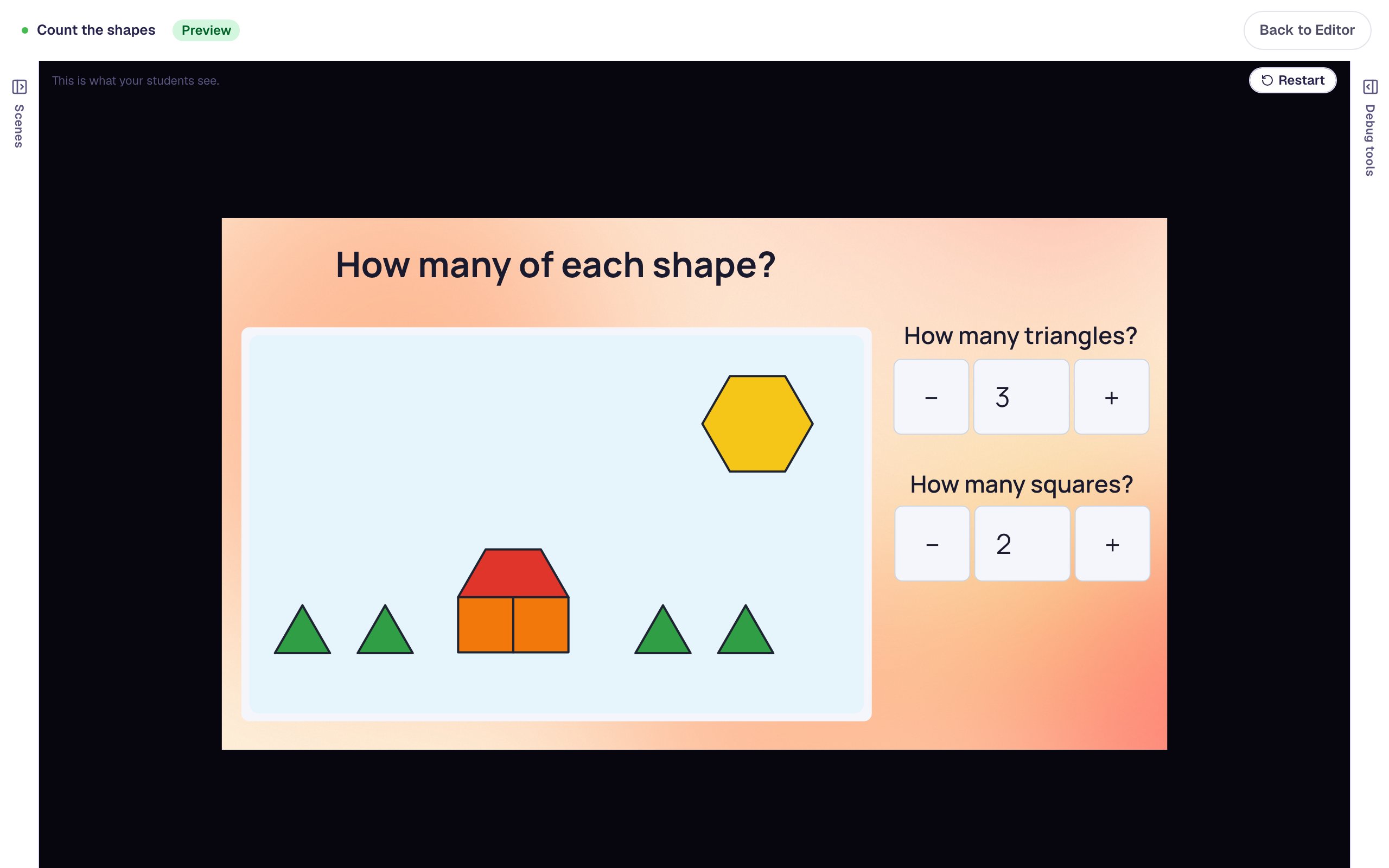
Count the shapes in a pattern block picture
Build a picture out of pattern blocks with the Pattern Blocks widget's Show mode, then ask "How many triangles?" and "How many squares?" with two Number Inputs that young learners answer by tapping + and −.
 Intermediate · 20 min · 8 steps
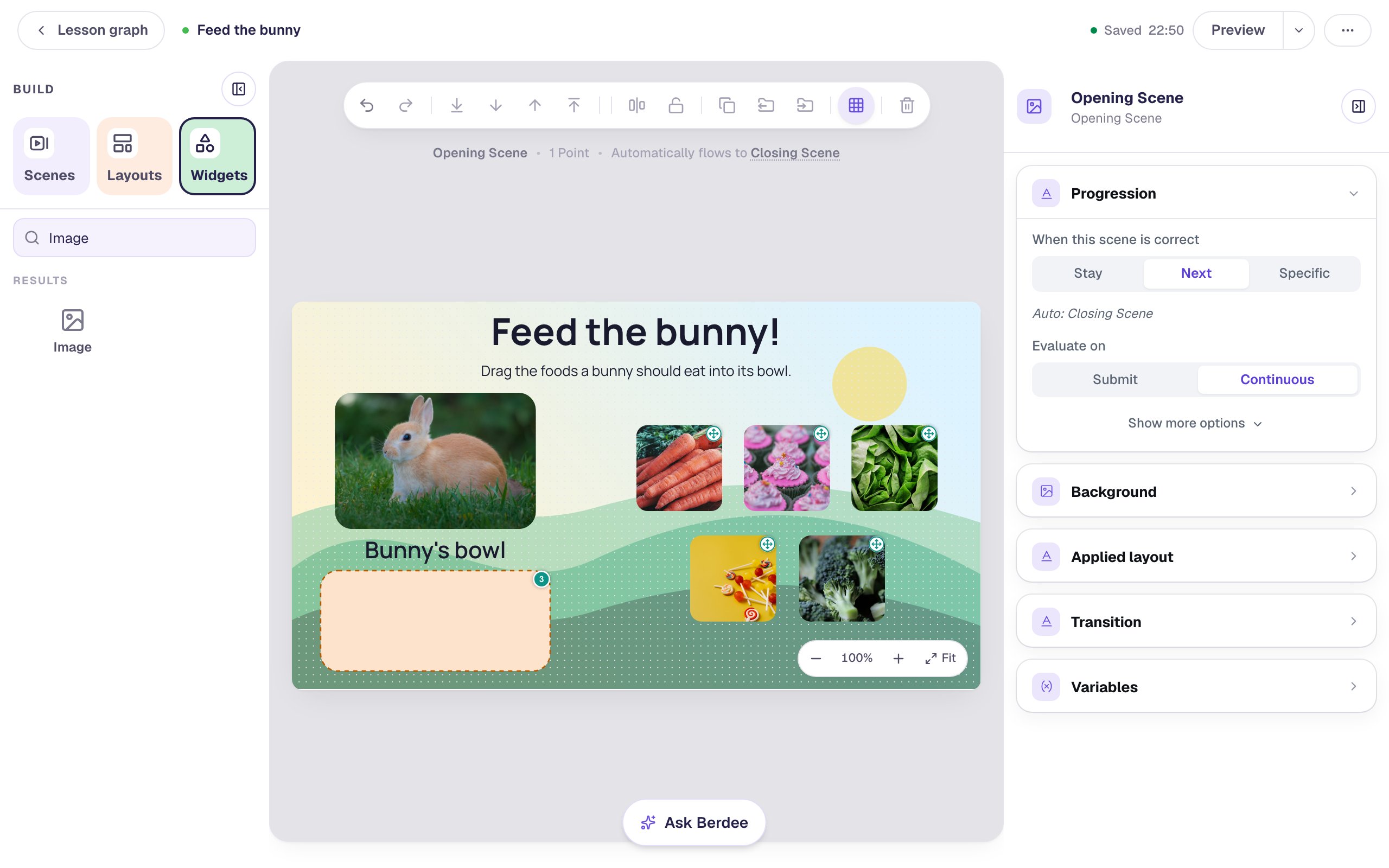
React to each drop in a drag-and-drop game
Build a feed-the-bunny game where every drop gets an answer right away, with an emoji burst for a right food, a gentle message for a wrong one, and praise when the student fixes it.
 Beginner · 15 min · 7 steps
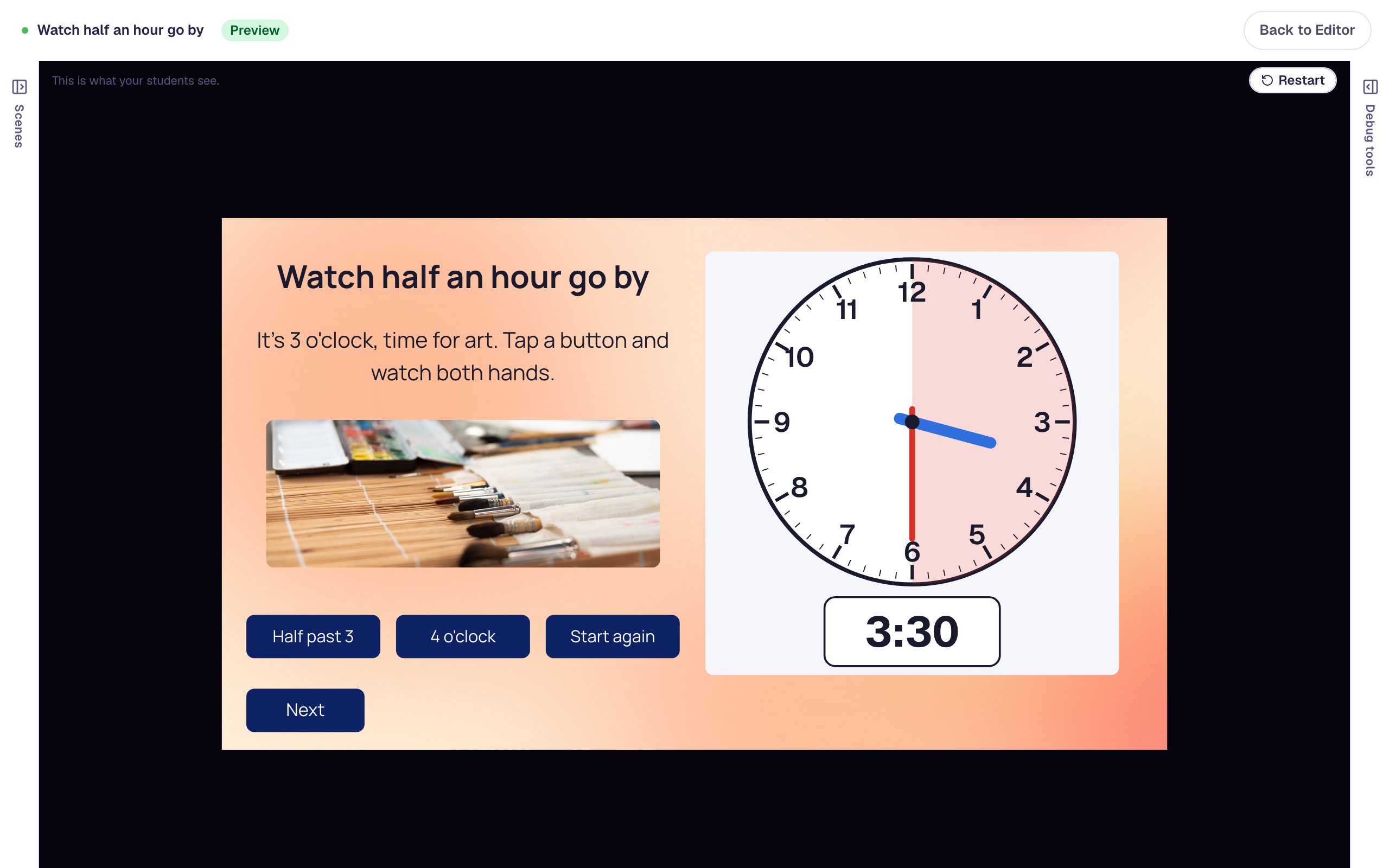
Show how a clock's hands move as time passes
Build a worked example with a Clock and three buttons. Each button turns the hands forward or sets them back, so students watch half an hour pass before they read a clock on their own.
 Beginner · 15 min · 9 steps
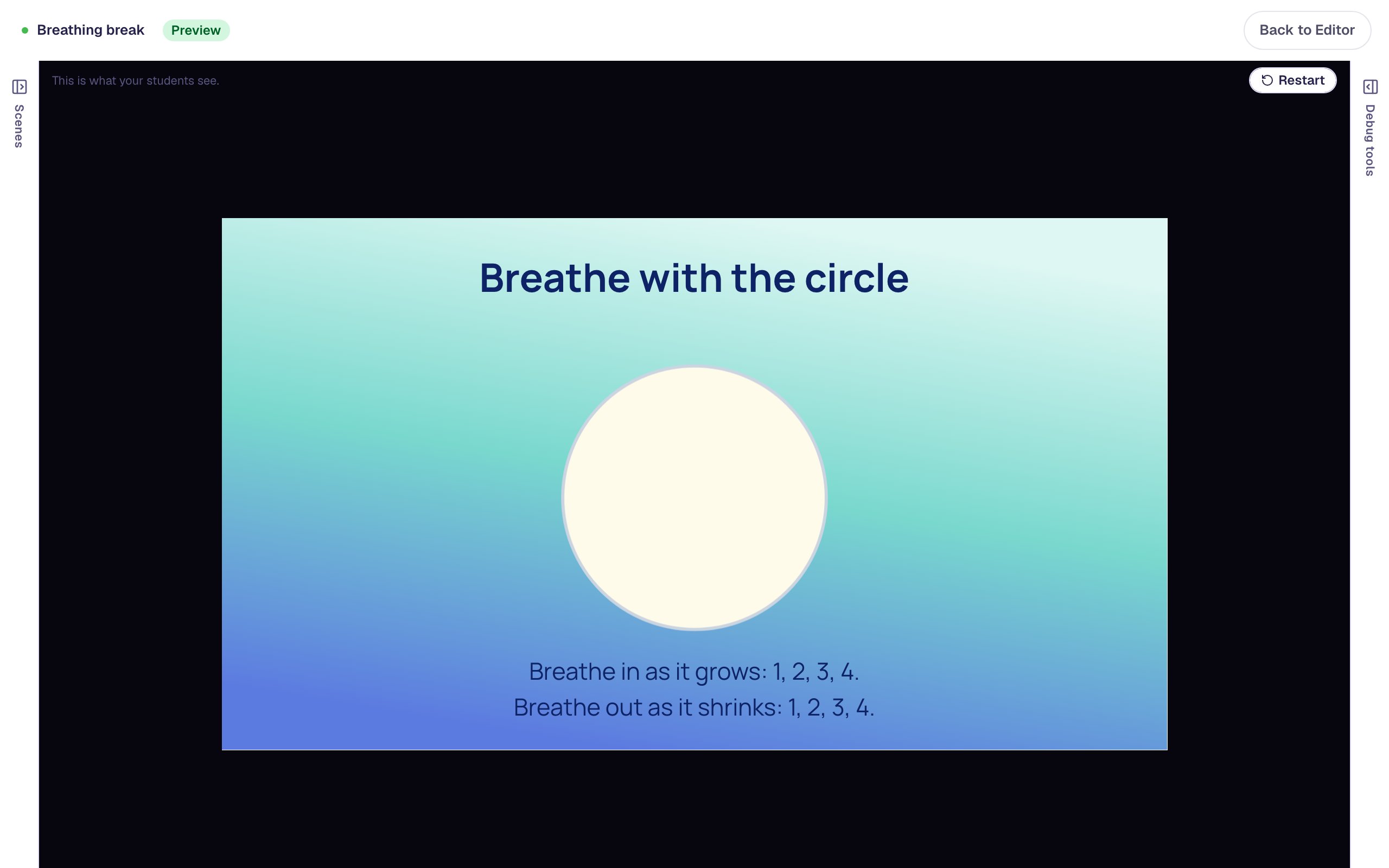
Lead a breathing break with a growing circle
Build a calm-down break where a circle grows and shrinks slowly enough to breathe with, the activity moves on by itself after four breaths, and students choose to breathe again or say they're ready.
 Intermediate · 15 min · 7 steps
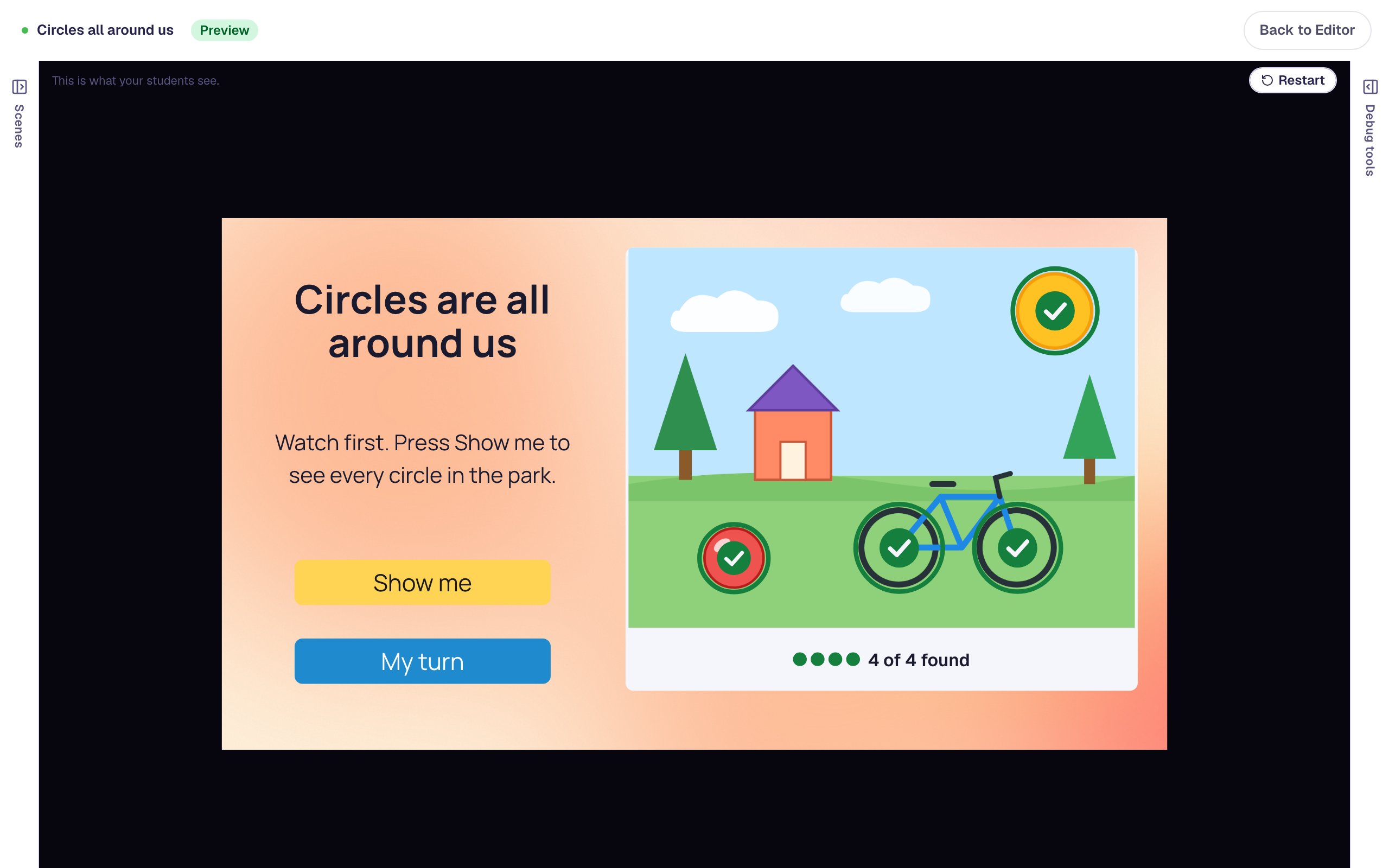
Show the answers, then let students try
Model a Find in Picture question before students answer one. A Show me button reveals every circle in a park picture, then students find the circles in a kitchen on their own, and only their turn is graded.
 Intermediate · 12 min · 7 steps
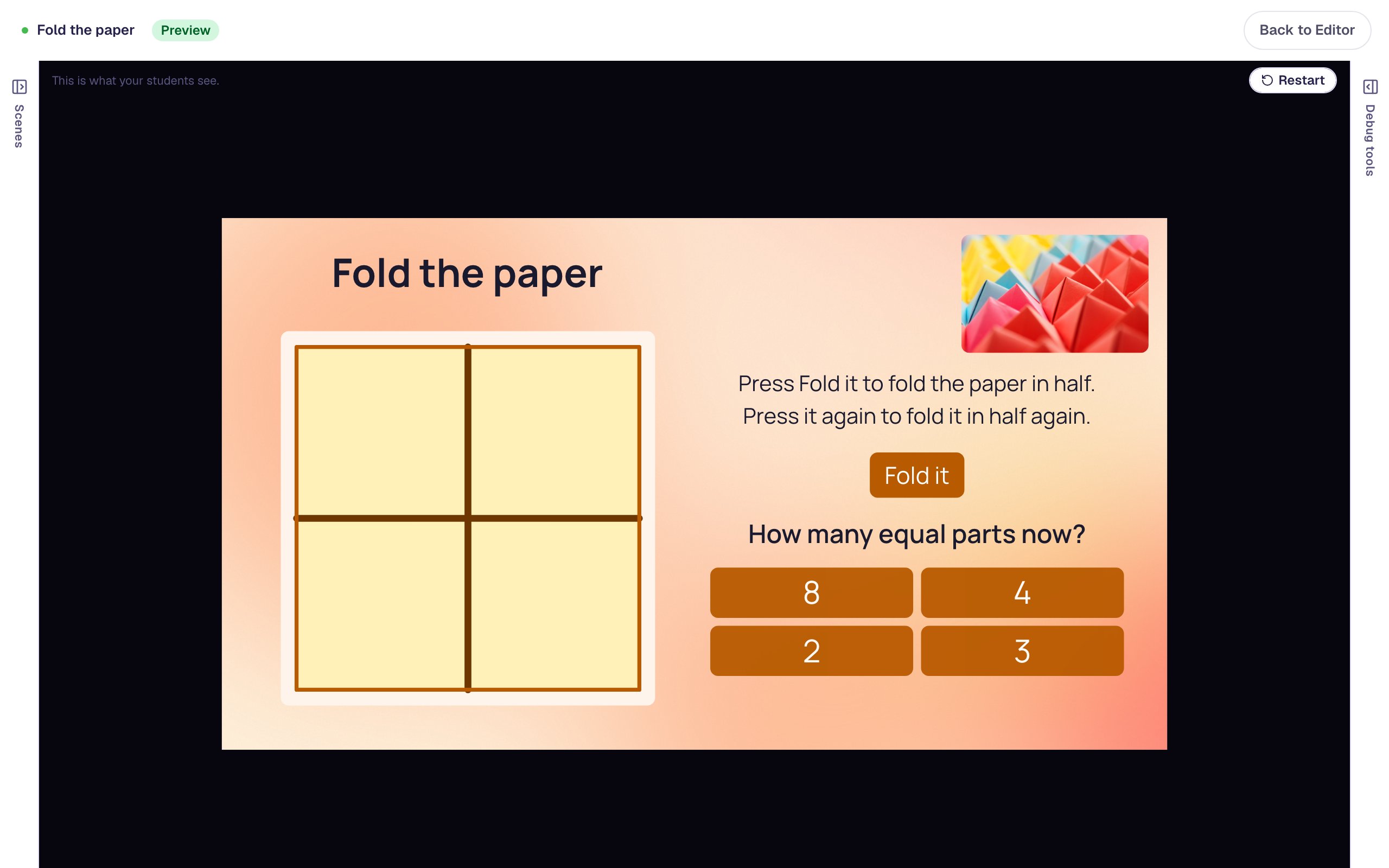
Fold a square in half, then in half again
Draw two folds on an Equal Shares card and turn on Reveal the cut one line at a time, then add a Fold it button that shows one fold per press, so students watch a square become 4 equal parts before they say how many there are.
 Beginner · 12 min · 8 steps
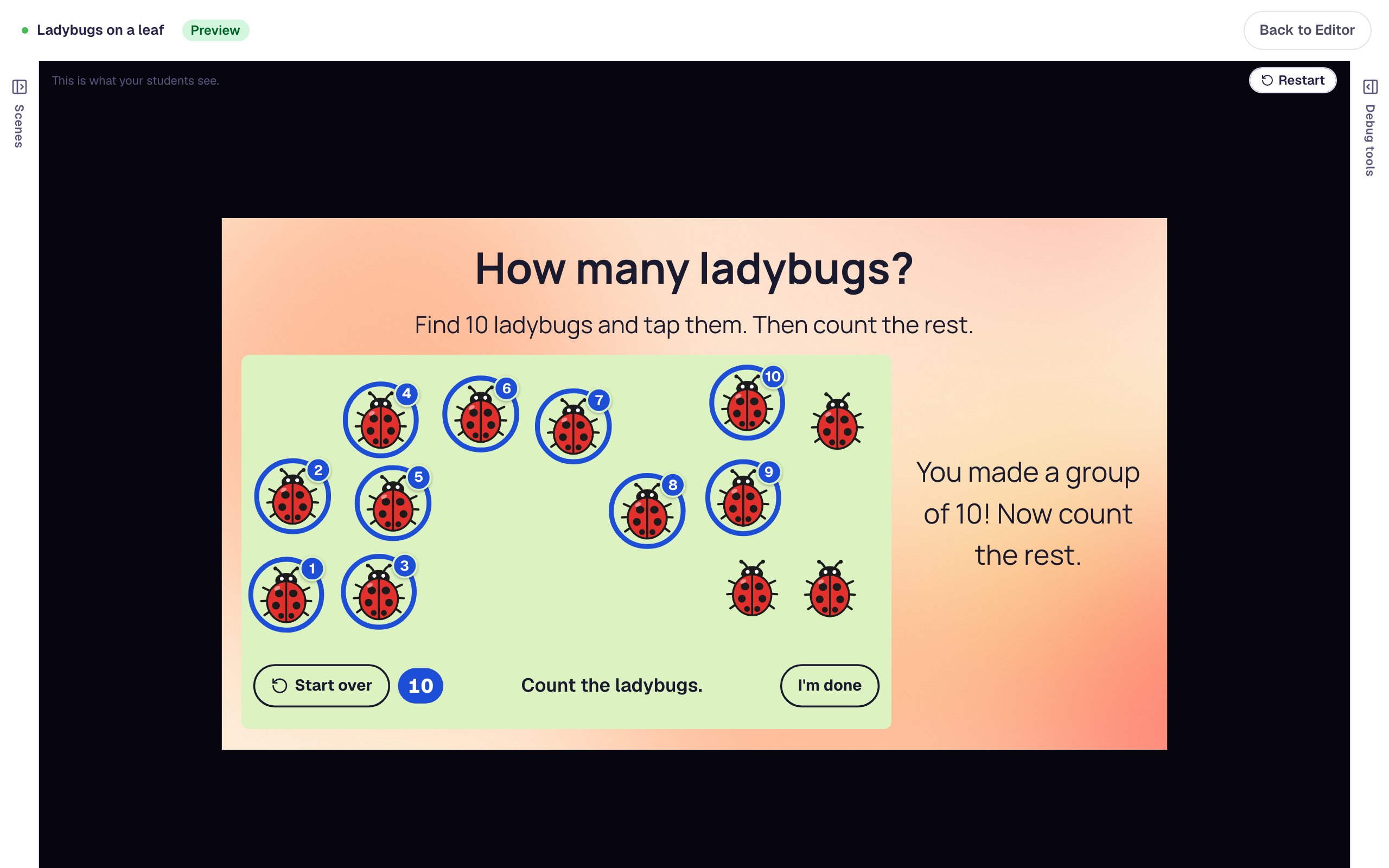
Find a group of 10, then count the rest
Build a teen-number counting activity. Students tap ten of thirteen scattered ladybugs to make a group of 10, a message appears the moment the group is made, and then they count the rest and answer How many?
 Beginner · 15 min · 6 steps
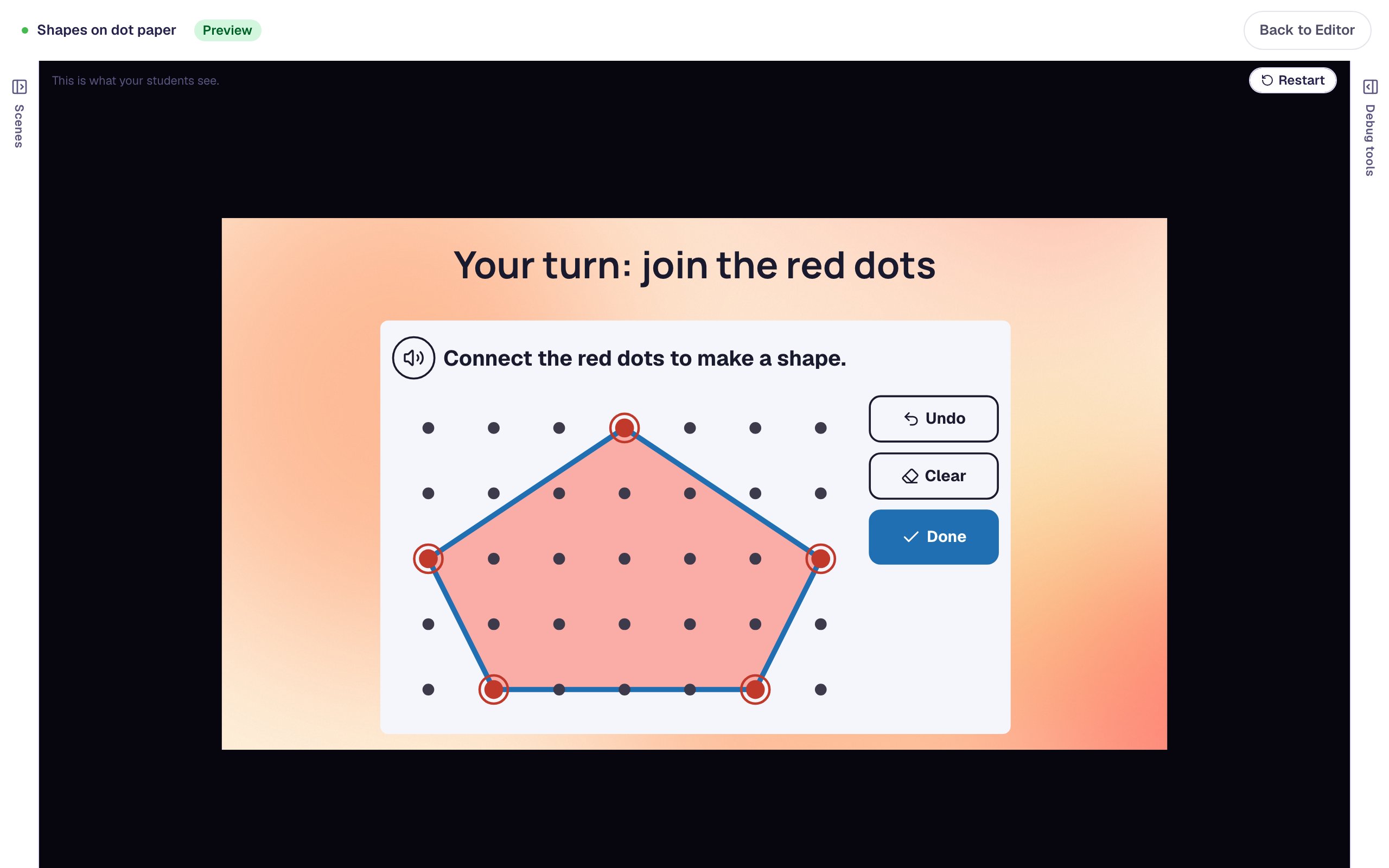
Count a shape's sides, then join the dots
Show a hexagon on dot paper and ask how many sides it has, then let students join five red dots into a shape of their own. Two Dot Paper modes, Show a shape and Connect the dots, in one short geometry lesson.
 Beginner · 20 min · 8 steps
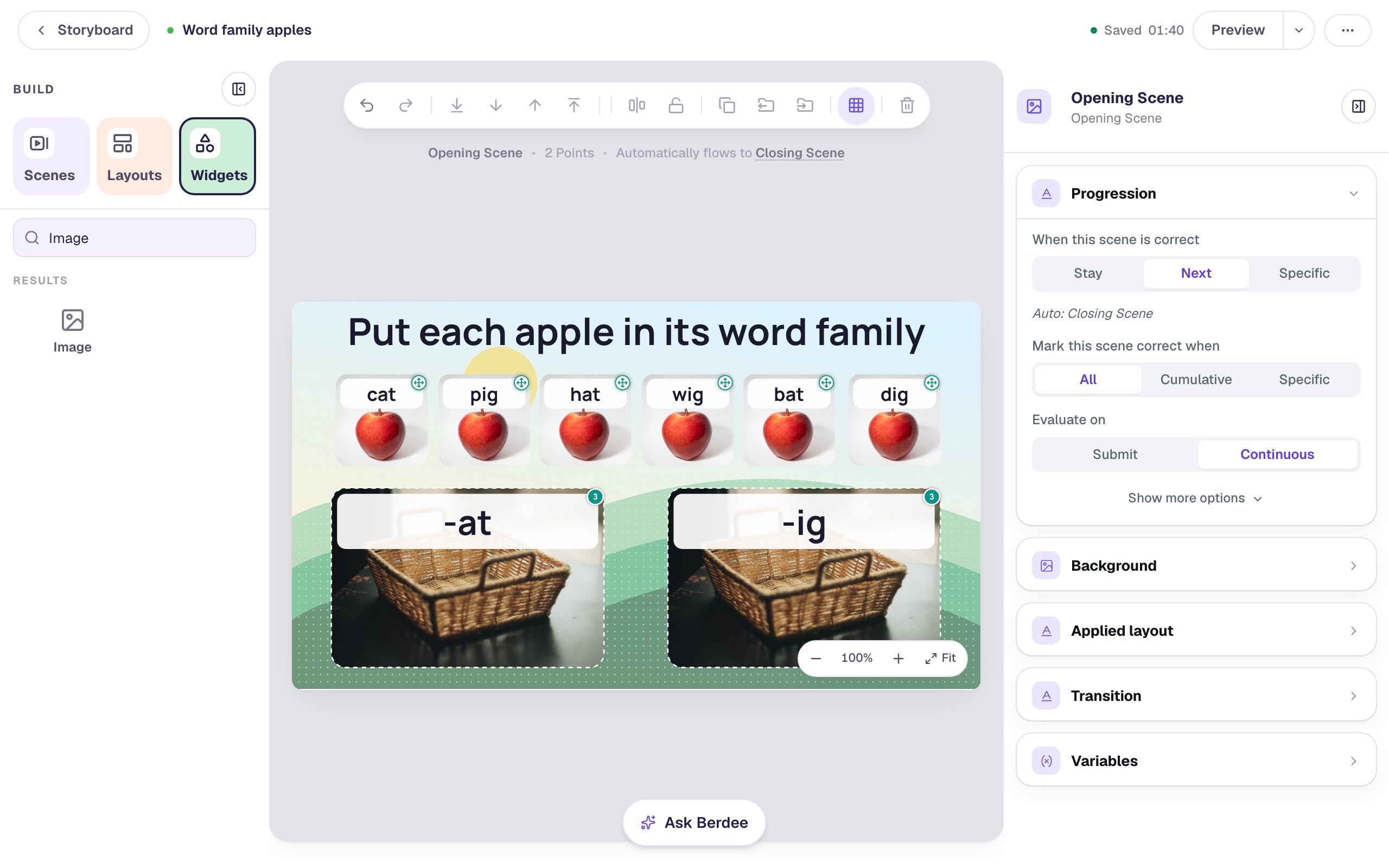
Print a word on a picture students drag
Print a word on an Image with its Label, so one apple photo becomes six word cards that drag, drop and score with their word, and students sort them into -at and -ig baskets.