Your students deserve great lessons. Meet your new favorite tool for making them.
Build interactive lessons, games, and practice in a drag-and-drop studio. Students play on any device, and every score comes back to you.
Free forever plan · No credit card
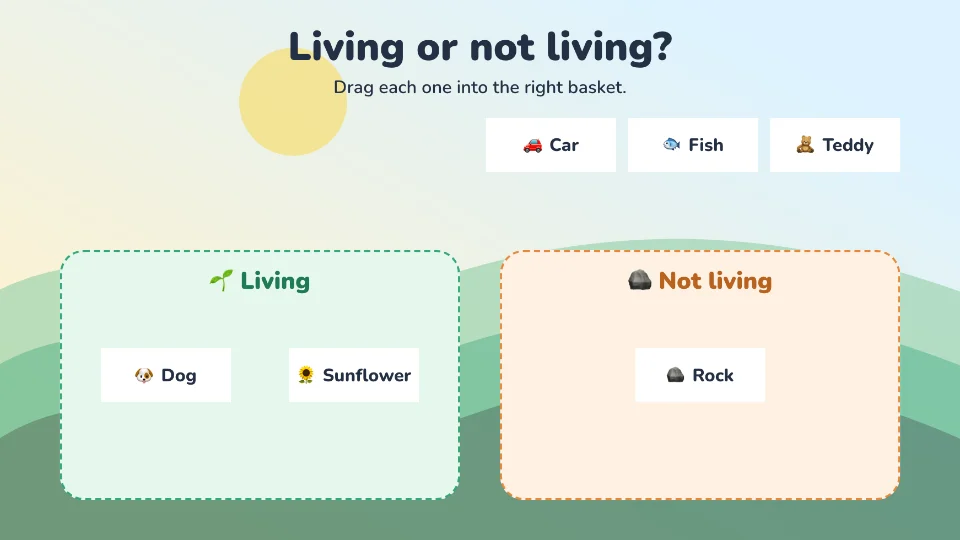
2nd grade science
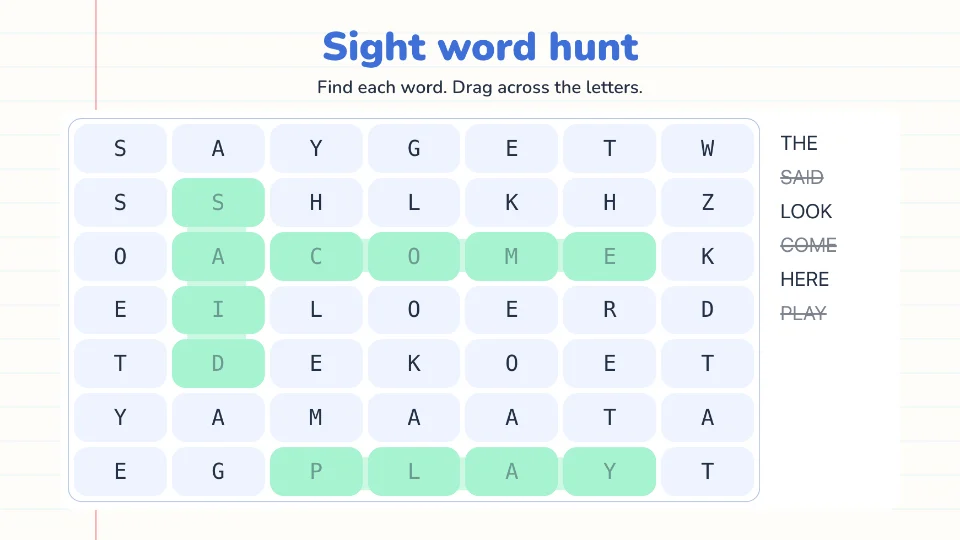
Sight words, K-1
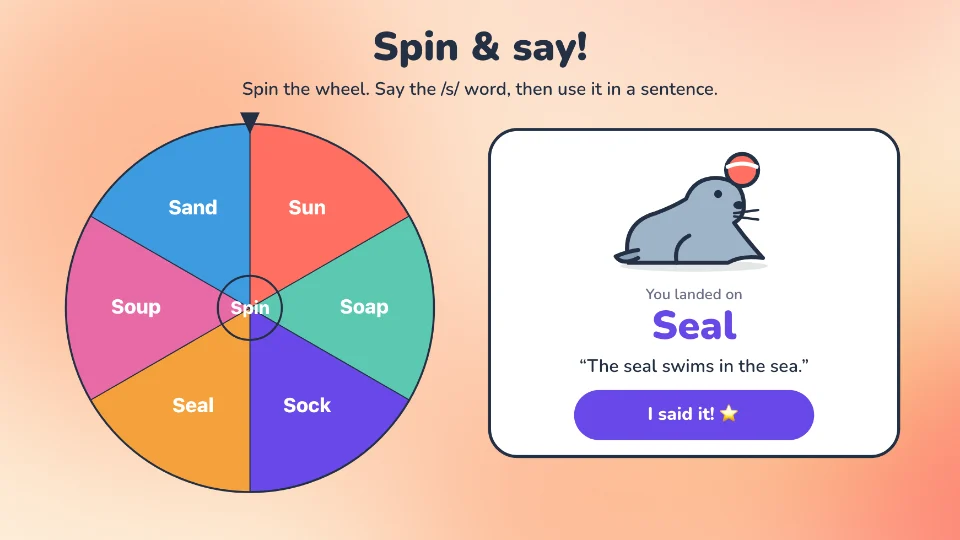
/s/ articulation
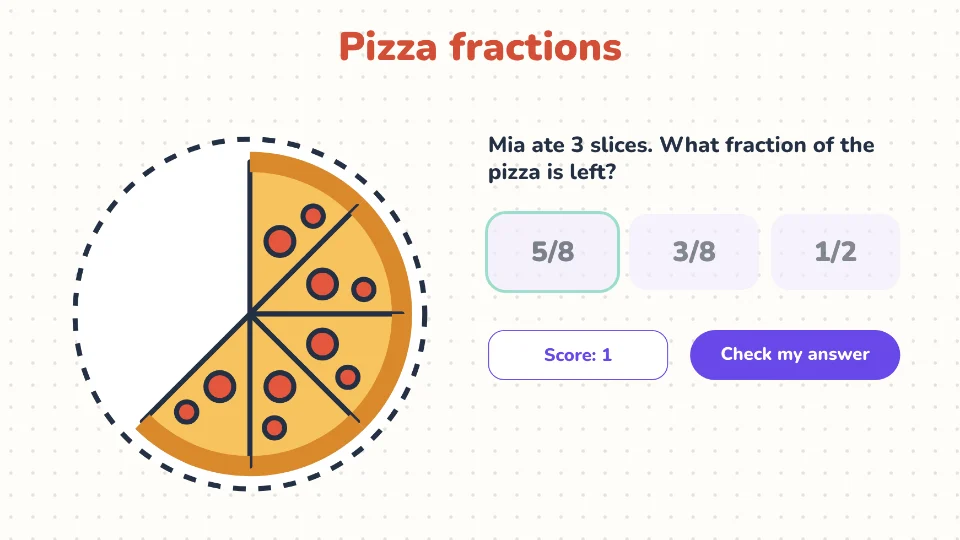
4th grade fractions
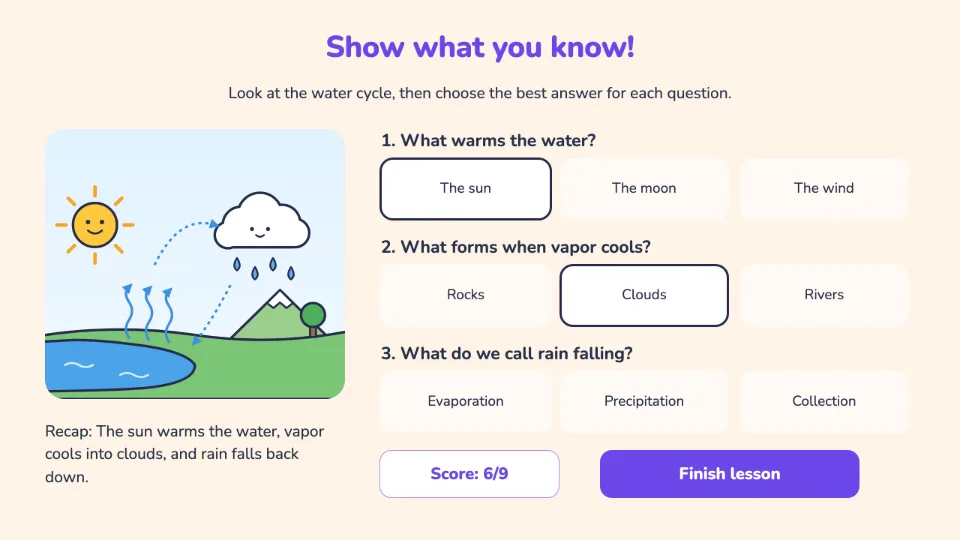
Why educators trust Berdee
Free & ready to use today
Interactive lessons other educators have shared for free. Open one to see what's inside, then add it to your library and assign it to your students with a free account.
 NewFree
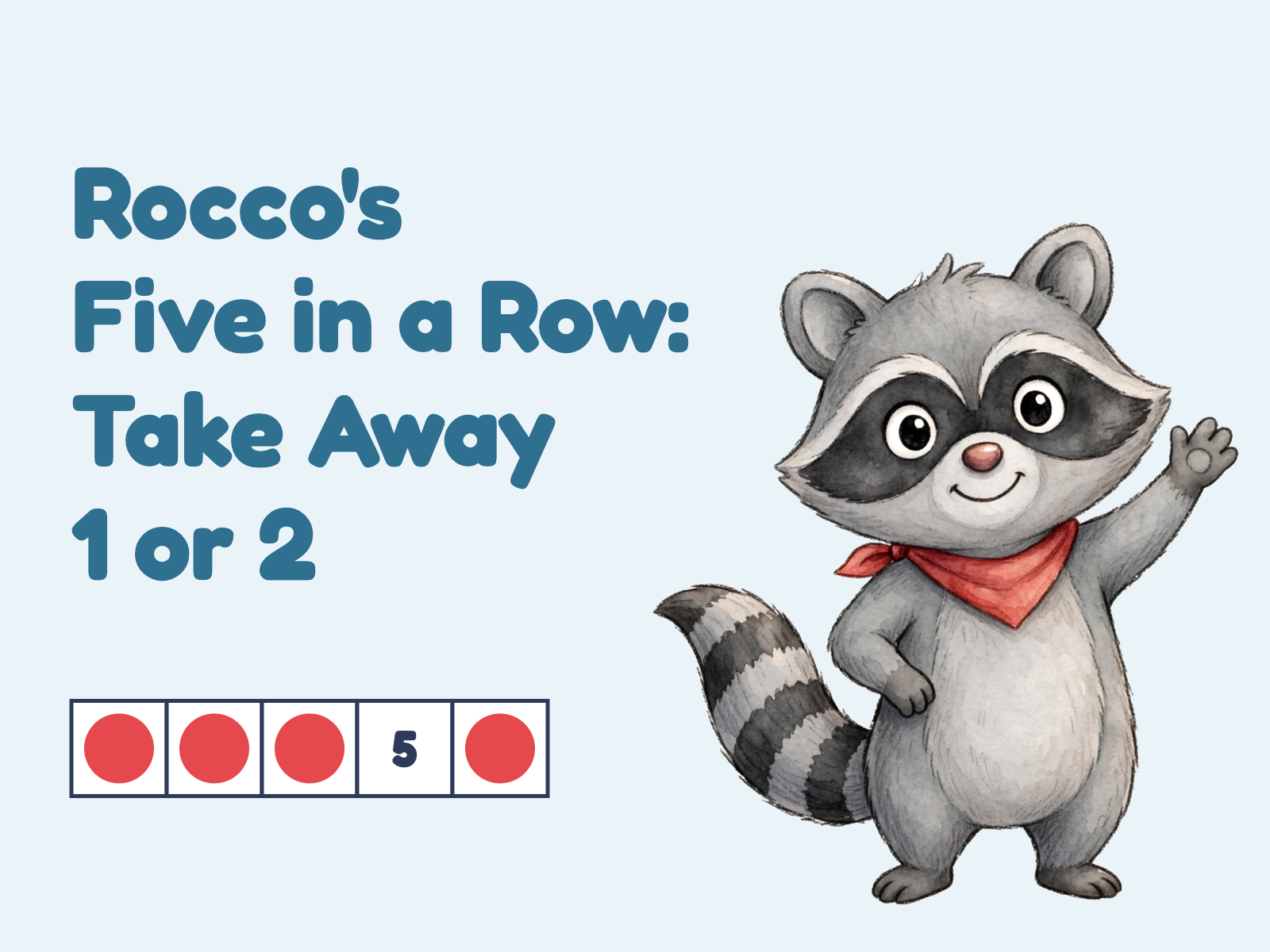
Rocco's Five in a Row: Take Away 1 or 2
Freeby Berdee OriginalsAddition & Subtraction1st Grade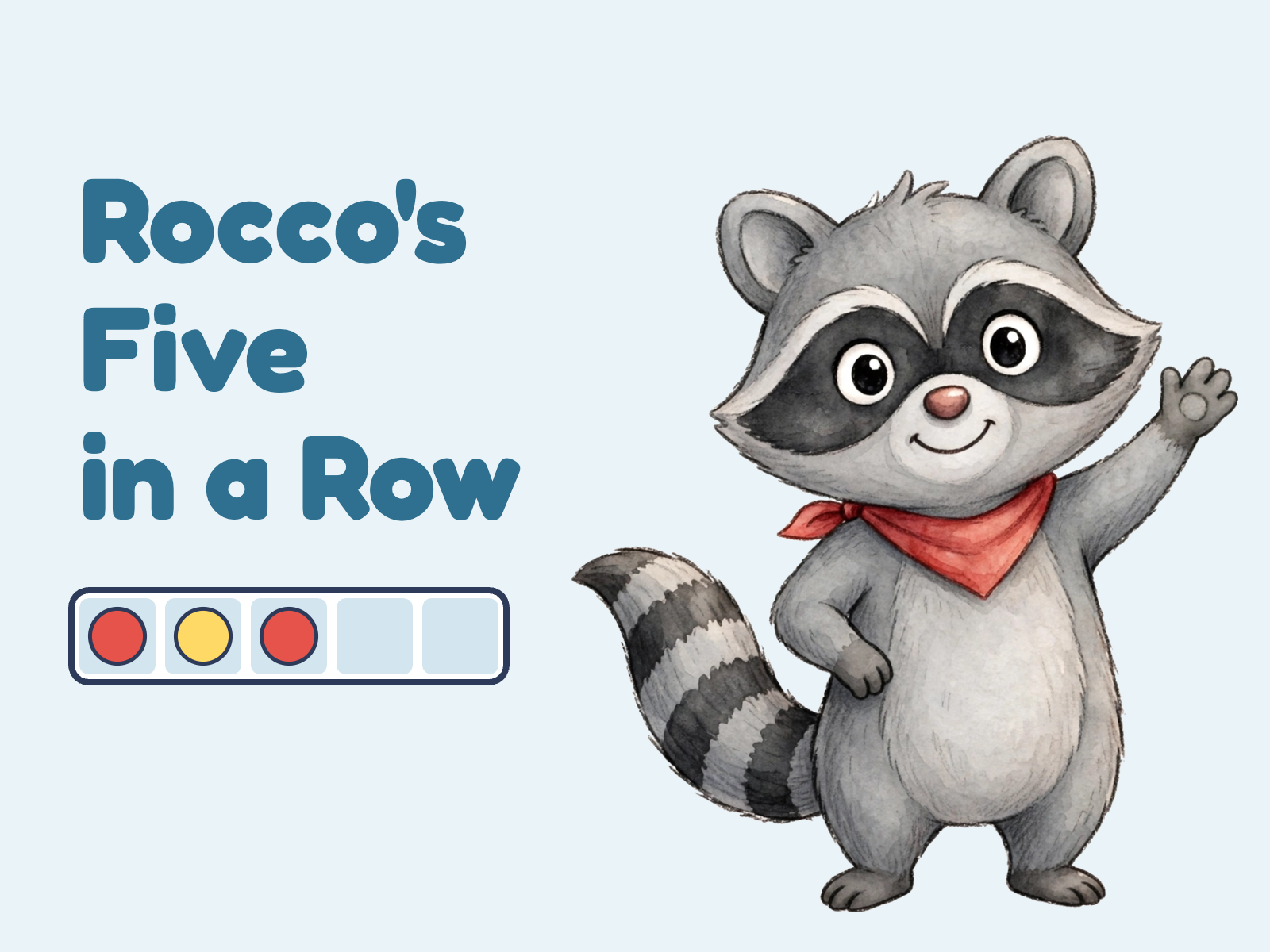 NewFree
Rocco's Five in a Row: Add 1 or 2
Freeby Berdee OriginalsAddition & Subtraction1st Grade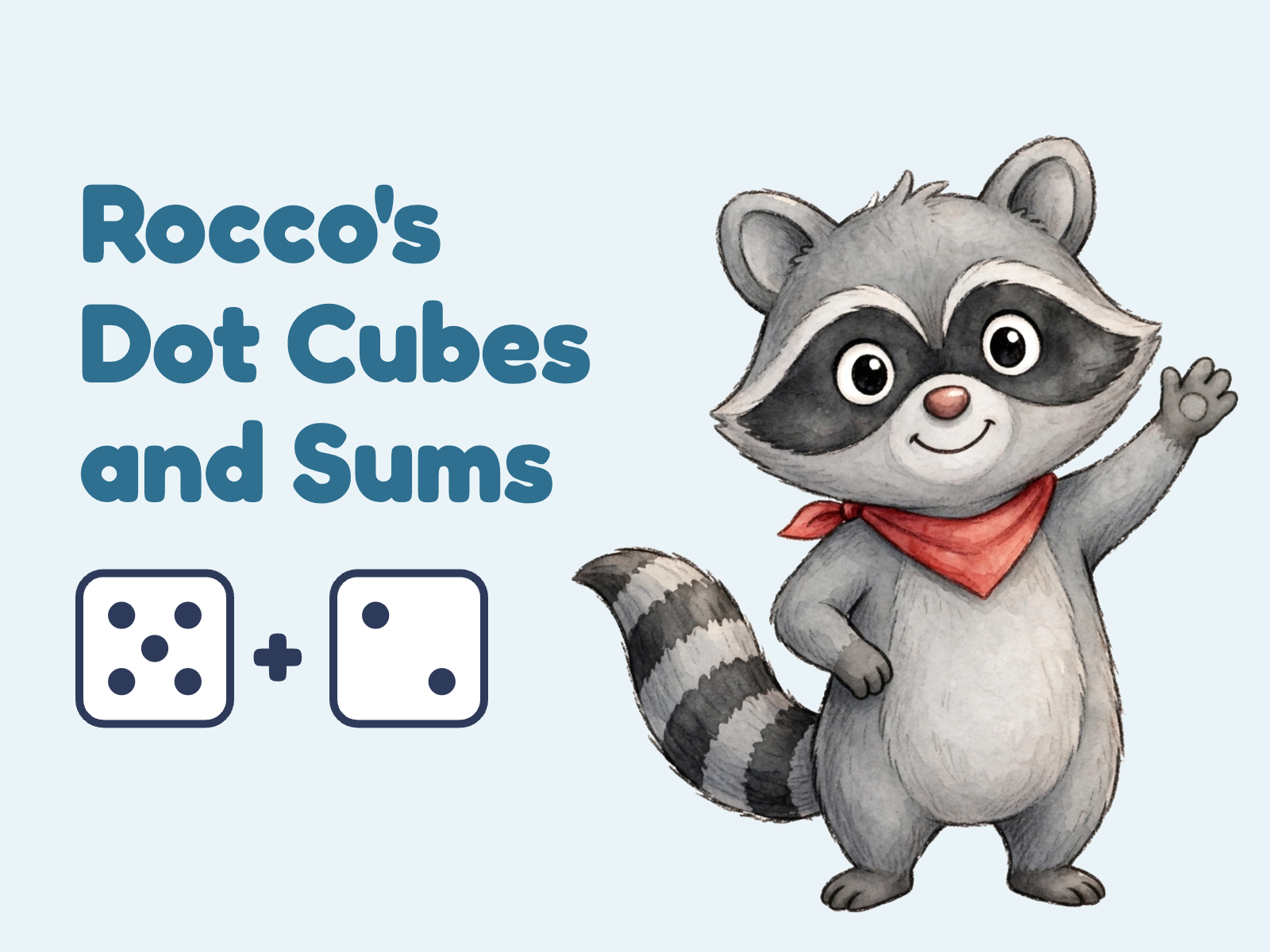 NewFree
Rocco's Dot Cubes and Sums
Freeby Berdee OriginalsAddition & Subtraction1st Grade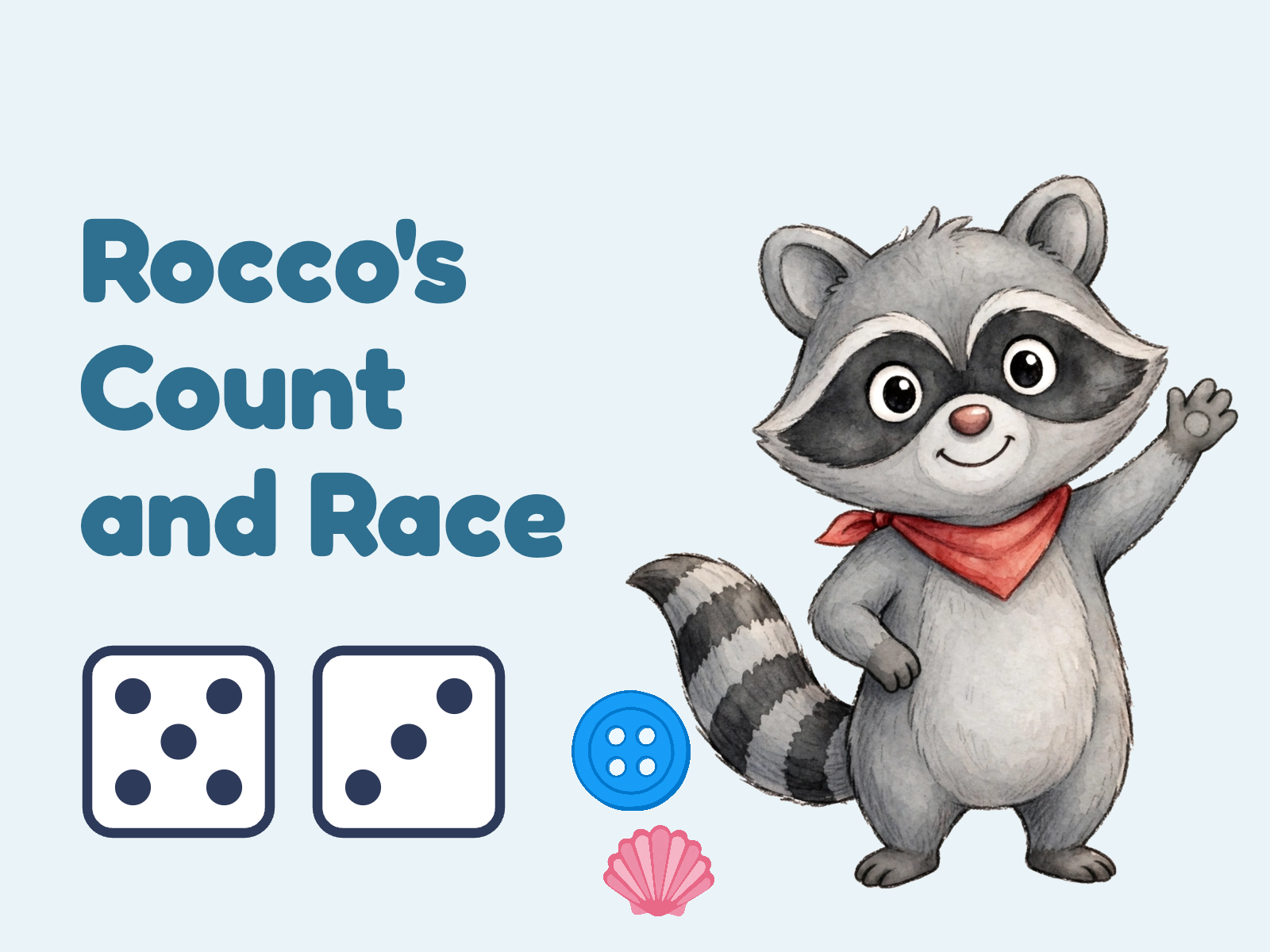 NewFree
Rocco's Count and Race
Freeby Berdee OriginalsCounting1st Grade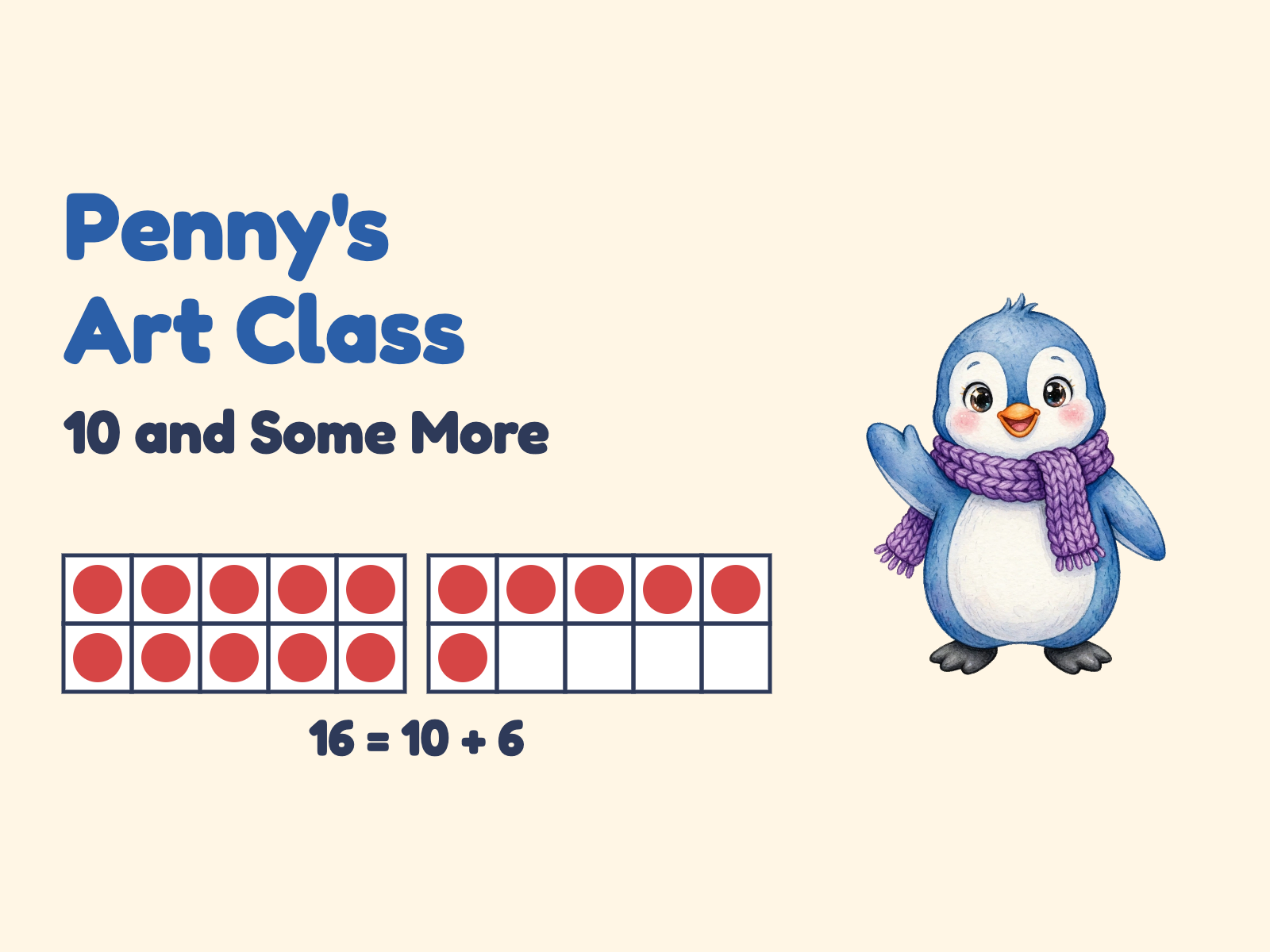 NewFree
Penny's Art Class: 10 and Some More
Freeby Berdee OriginalsPlace ValueKindergarten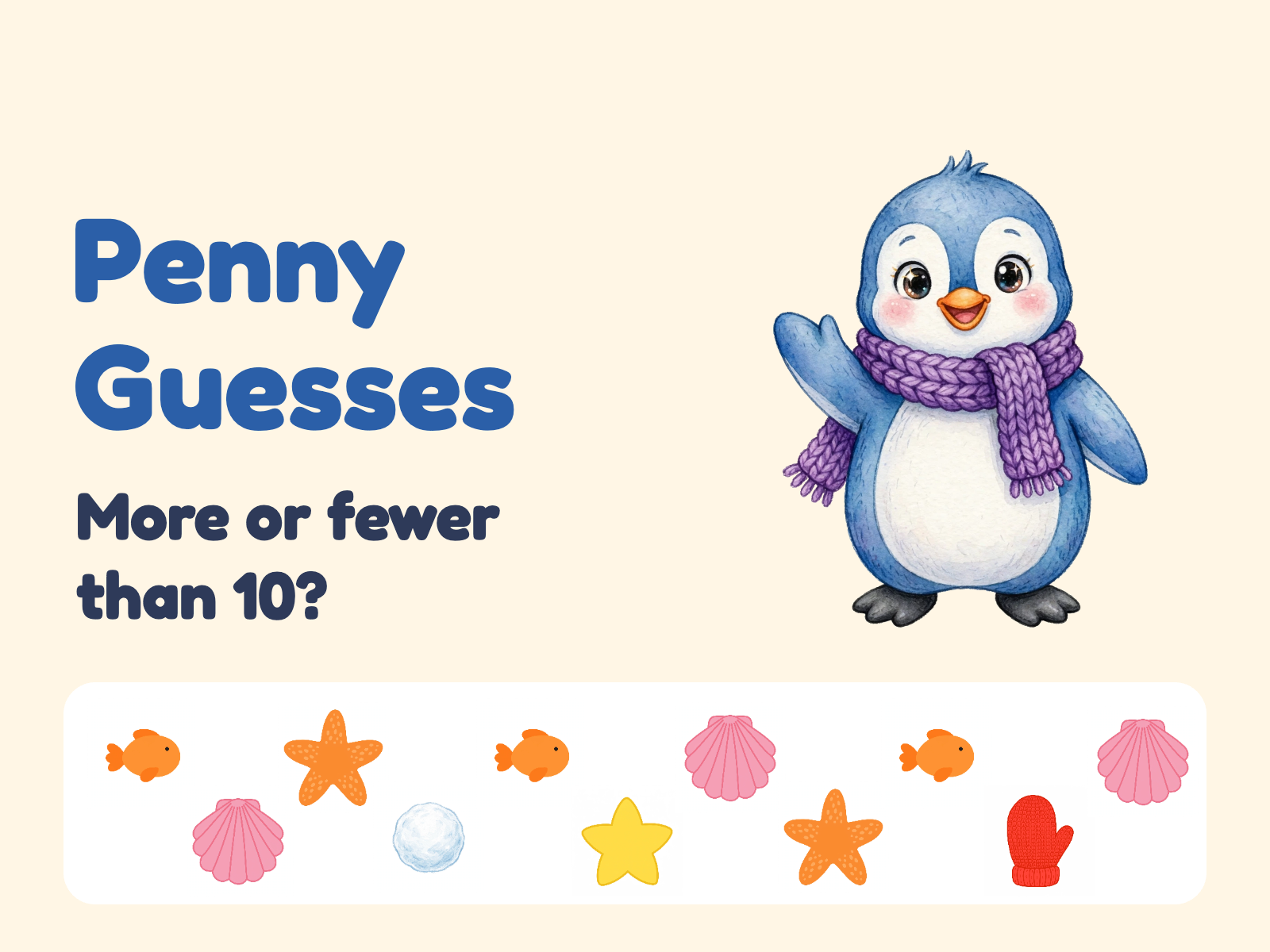 NewFree
Penny Guesses: More or Fewer than 10?
Freeby Berdee OriginalsCountingKindergarten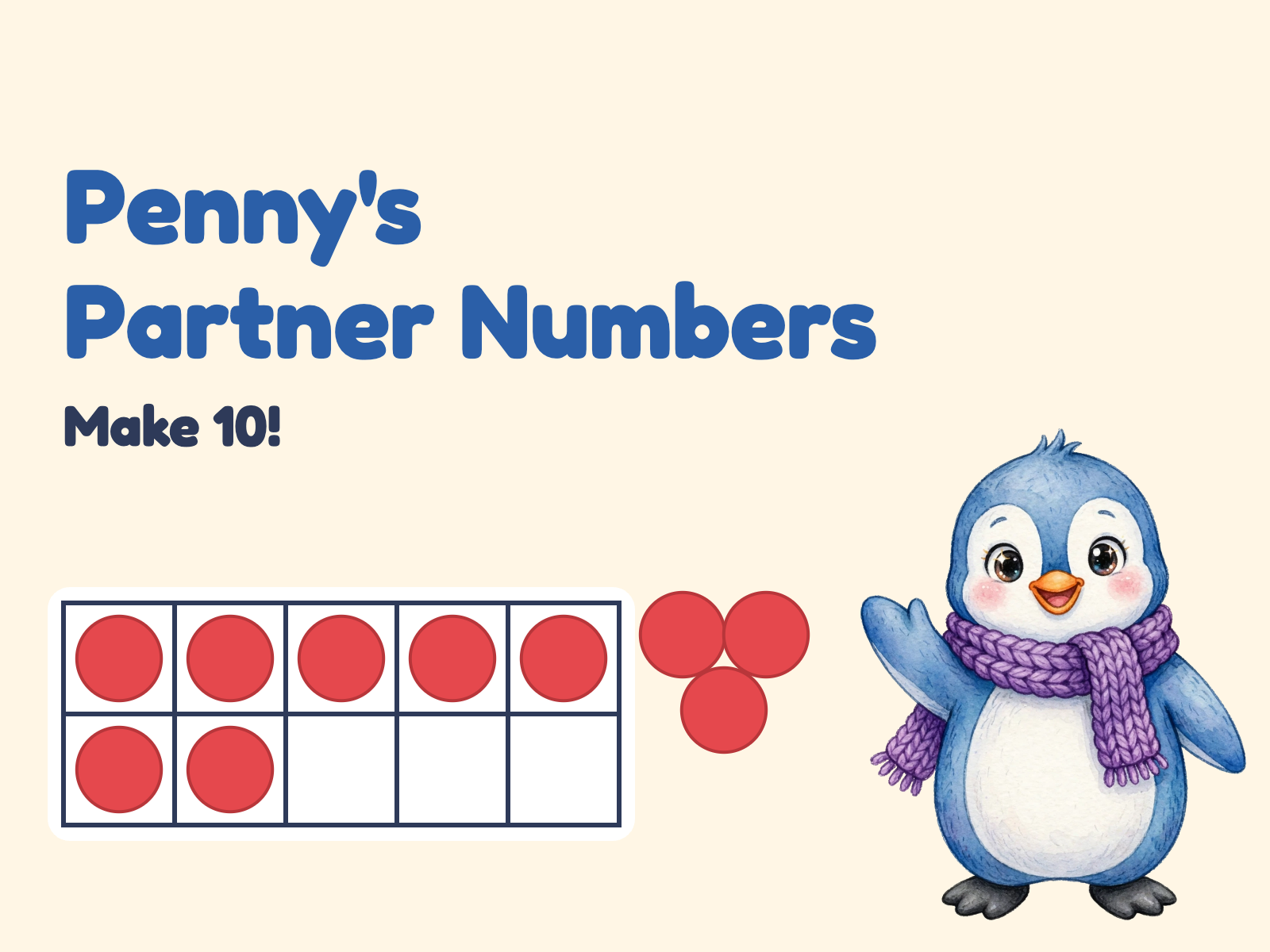 NewFree
Penny's Partner Numbers: Make 10
Freeby Berdee OriginalsAddition & SubtractionKindergarten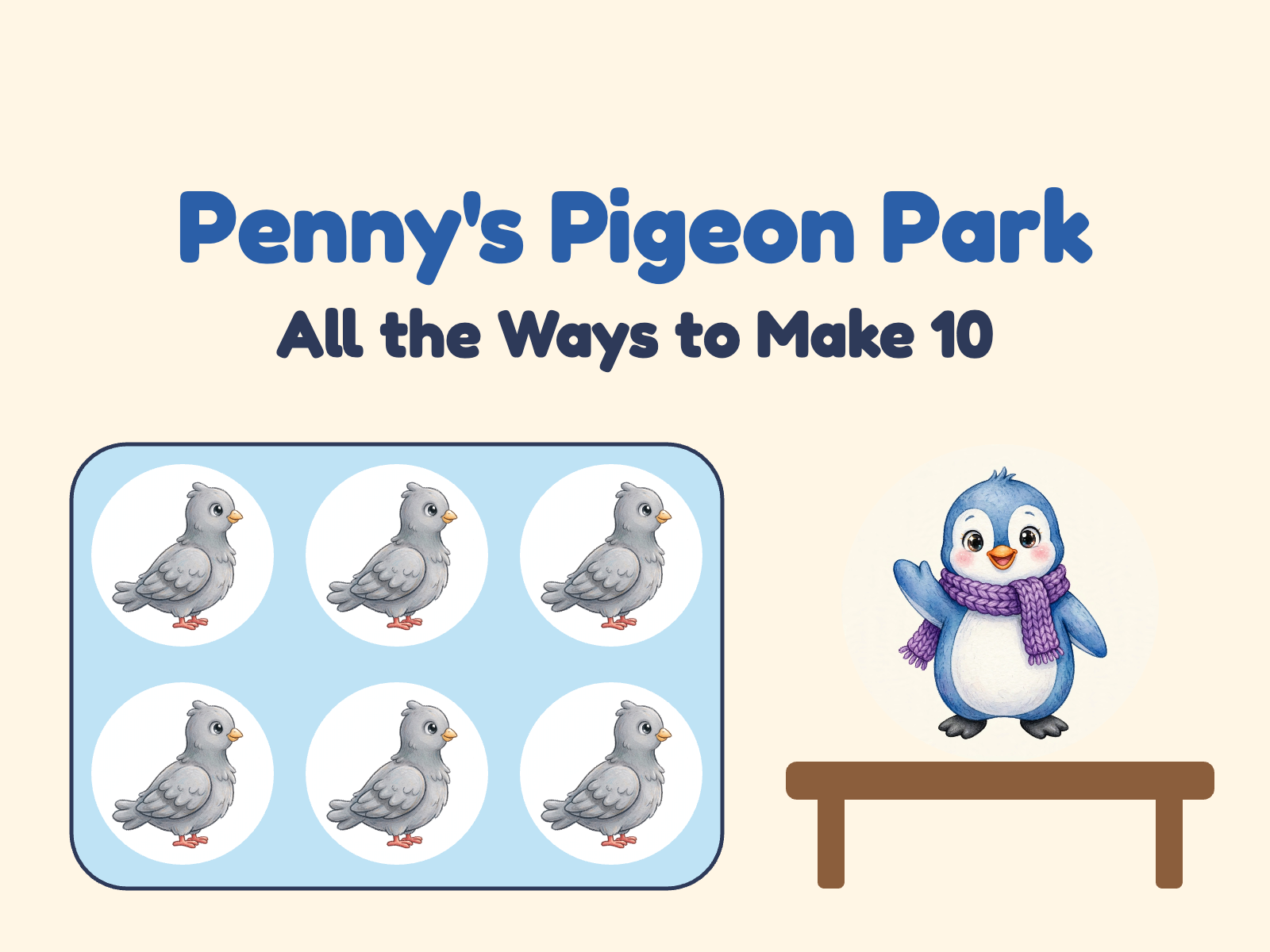 NewFree
Penny's Pigeon Park: All the Ways to Make 10
Freeby Berdee OriginalsAddition & SubtractionKindergarten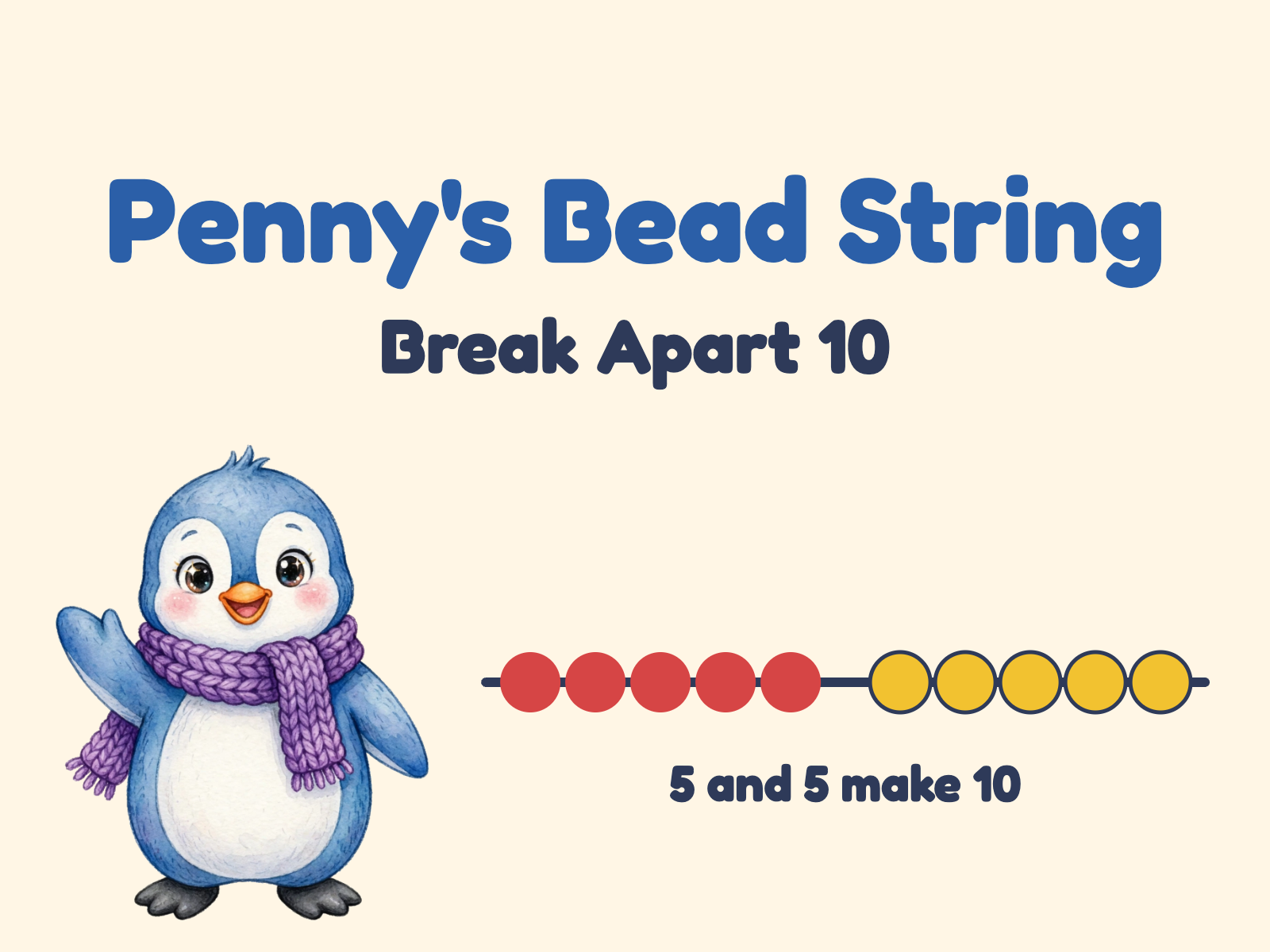 NewFree
Penny's Bead String: Break Apart 10
Freeby Berdee OriginalsAddition & SubtractionKindergarten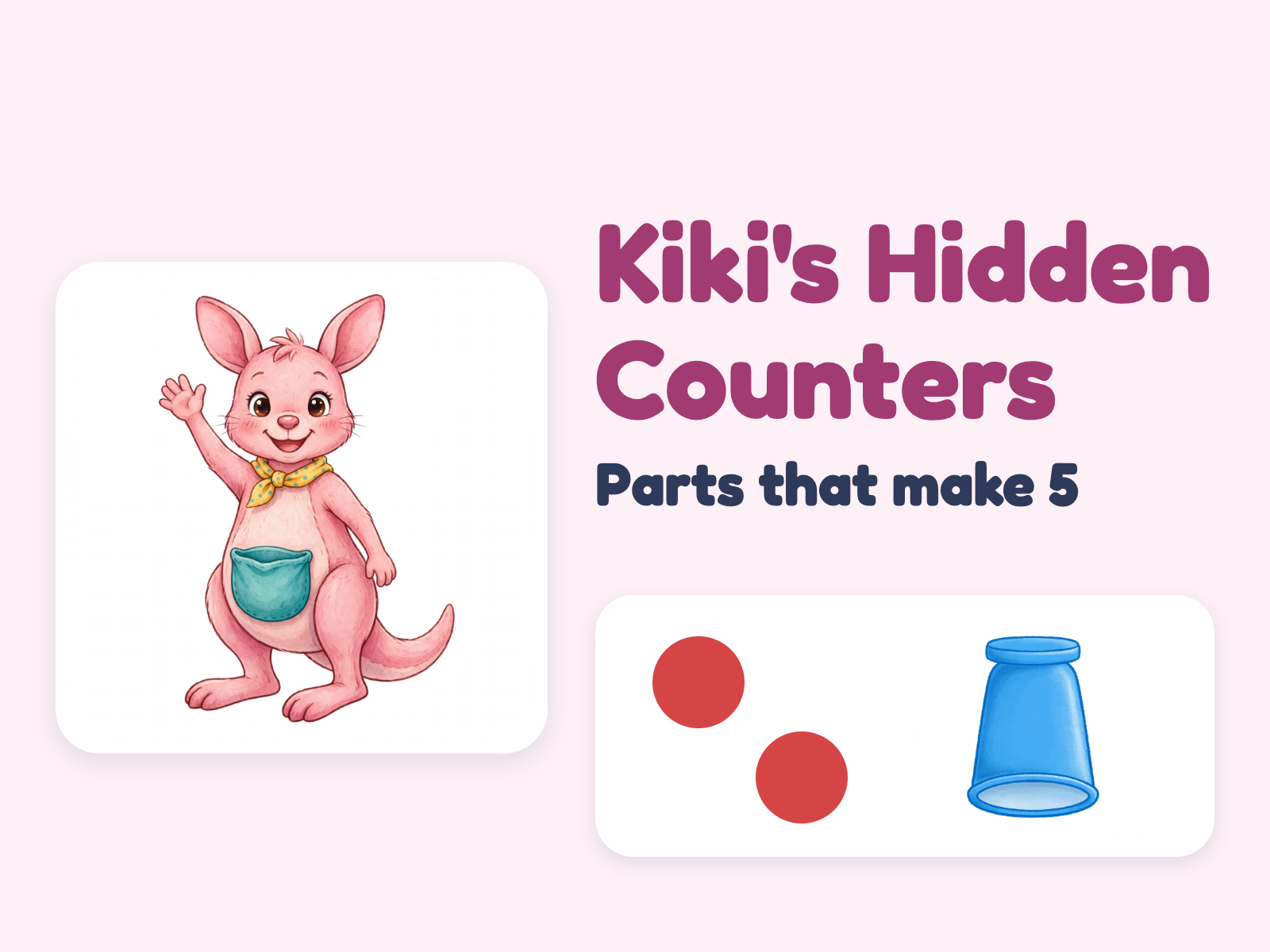 NewFree
Kiki's Hidden Counters: Parts That Make 5
Freeby Berdee OriginalsAddition & SubtractionKindergarten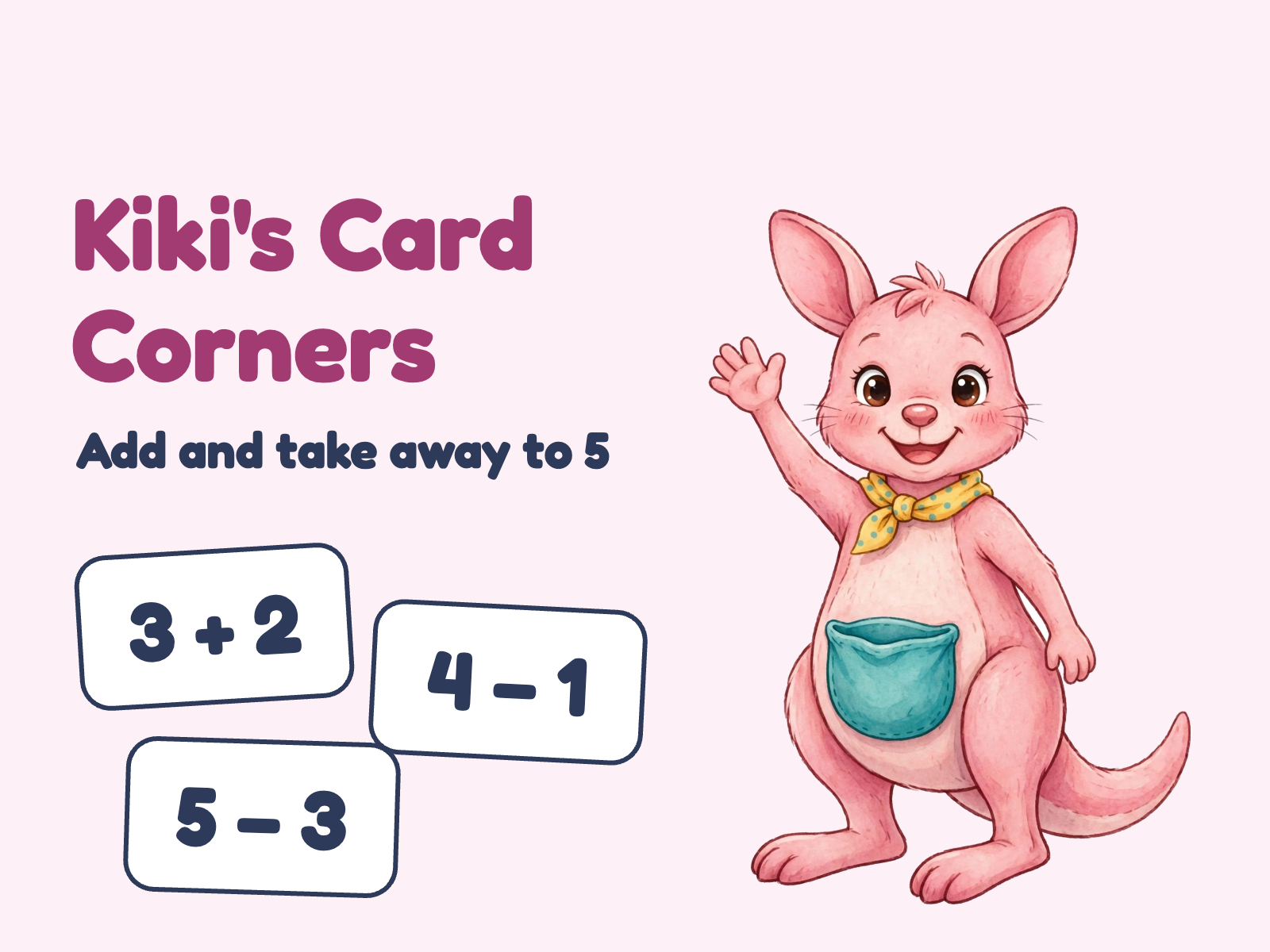 NewFree
Kiki's Card Corners: Add and Take Away to 5
Freeby Berdee OriginalsAddition & SubtractionKindergarten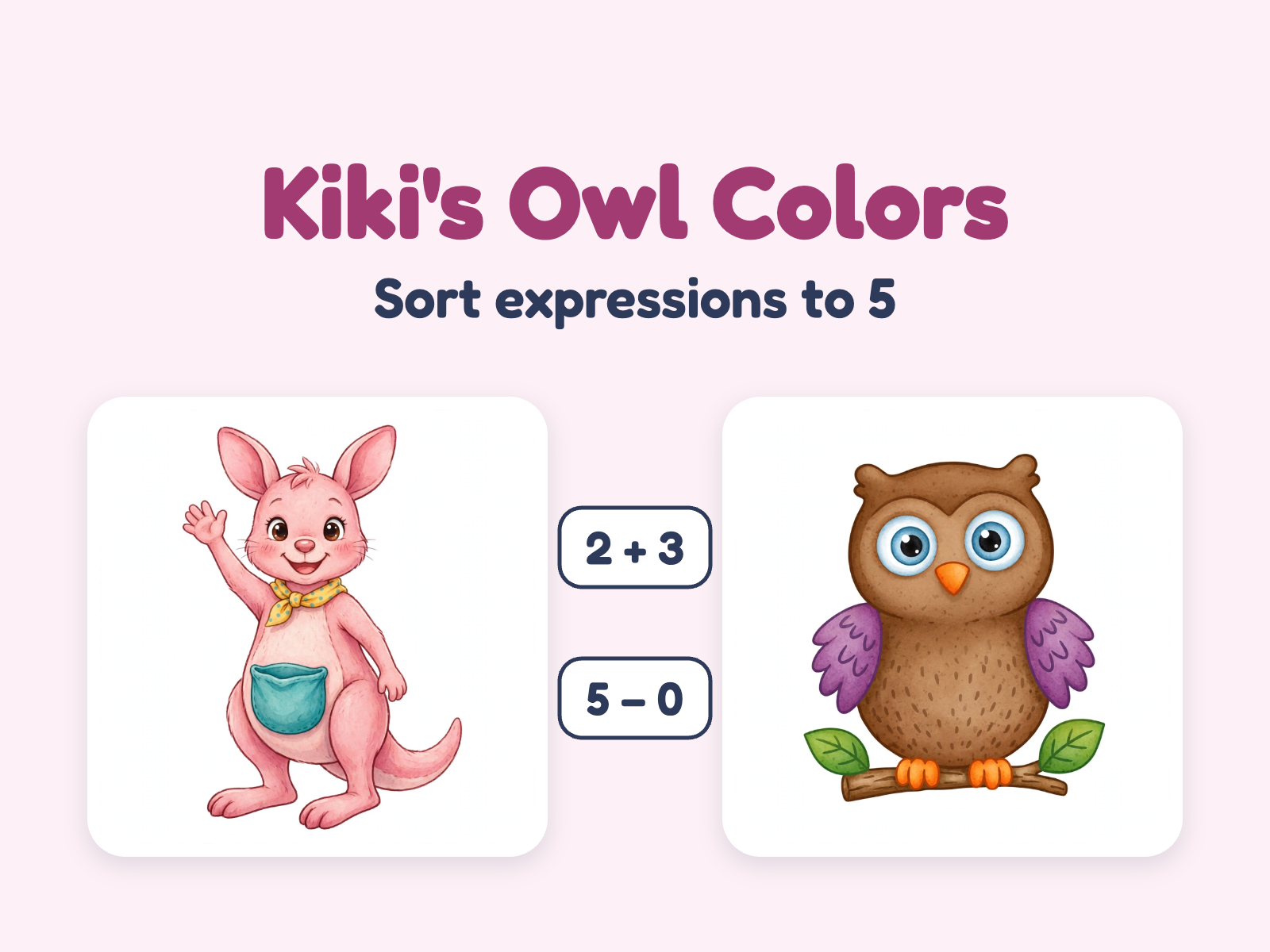 NewFree
Kiki's Owl Colors: Sort Expressions to 5
Freeby Berdee OriginalsAddition & SubtractionKindergarten
It’s Sunday night. You’re still making slides.
And slides don't teach back. Tomorrow your class will click through them in silence, and you won't know who understood until you've graded the pile. Berdee gives you the evening back, and gives your students a lesson that responds.
Hours back, every week.
Start from a template instead of a blank slide. Swap in your words and pictures, reuse what worked last year, and close the laptop.
One lesson that adapts.
The same activity pushes the student who's ahead and gives the stuck one a hint and another try. You teach; the lesson differentiates.
Know who got it.
Answers, scores, and time on task land in your dashboard as students finish. No grading pile, no spreadsheet.
Open a template. Make it yours.
Drag in the activities you want, drop in your own words and pictures, and watch the live preview as you go. No design or technical skills required.
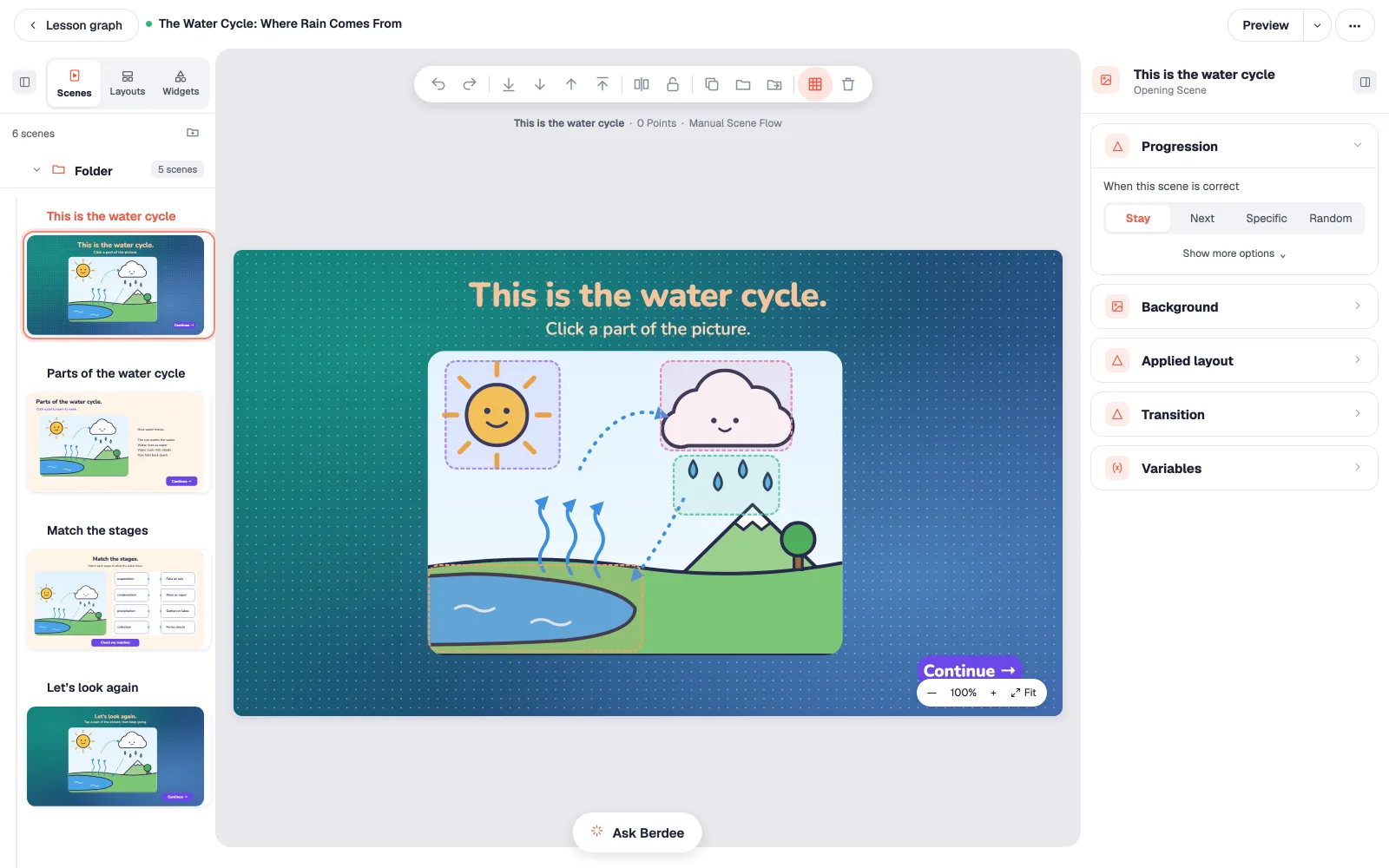
A canvas, not a slide.
Arrange widgets anywhere. No more fighting with text boxes.
Ask Berdee, right in the studio.
Ask a question, hand off an edit, or ask for three more scenes. It shows its work, and it asks before it guesses.
Branching that adapts to each student.
Send each student down their own path: a hint for the one who's stuck, a challenge for the one who's ahead. No code.
It’s done. And it teaches back.
Press Preview and play it the way your students will. The lesson answers in the words you gave it: an explanation, a review, a hint, a cheer. You write them once, and each student gets the ones they need.
It explains.
Any part of a picture can answer back, in your words.
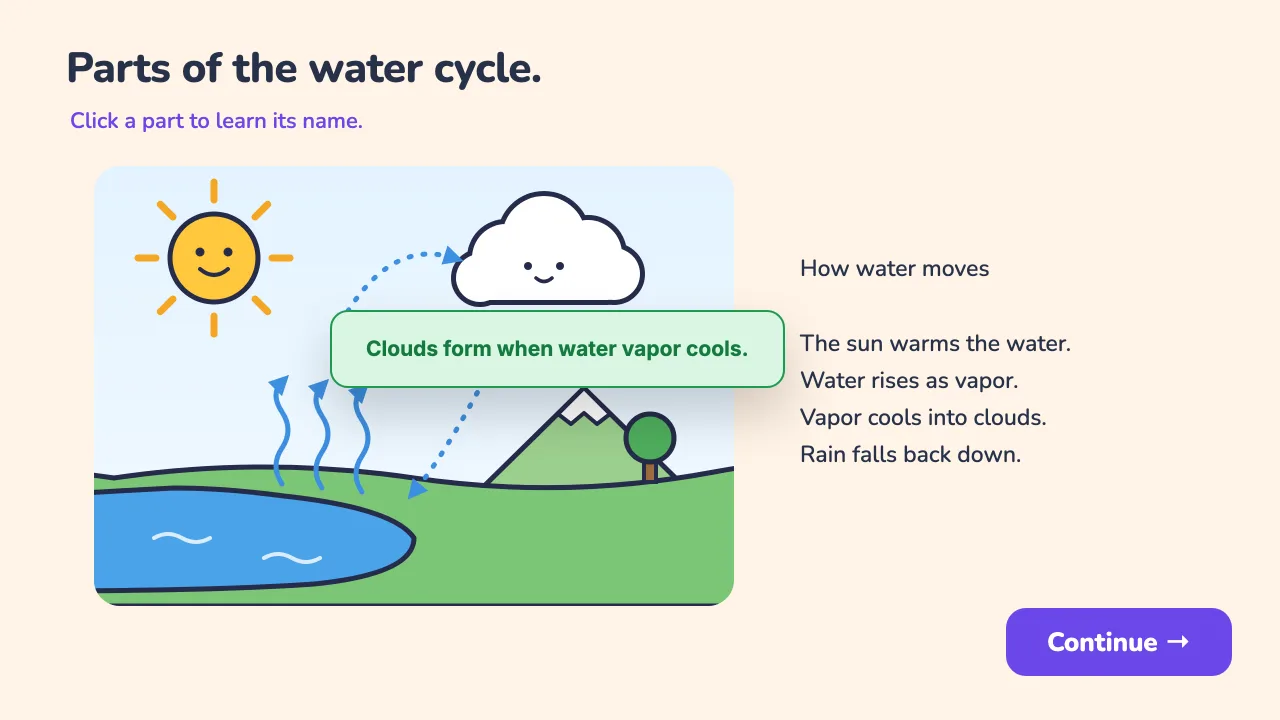
Taps the cloud
It reviews.
Miss a match and the lesson says so, shows the diagram again, then moves on.
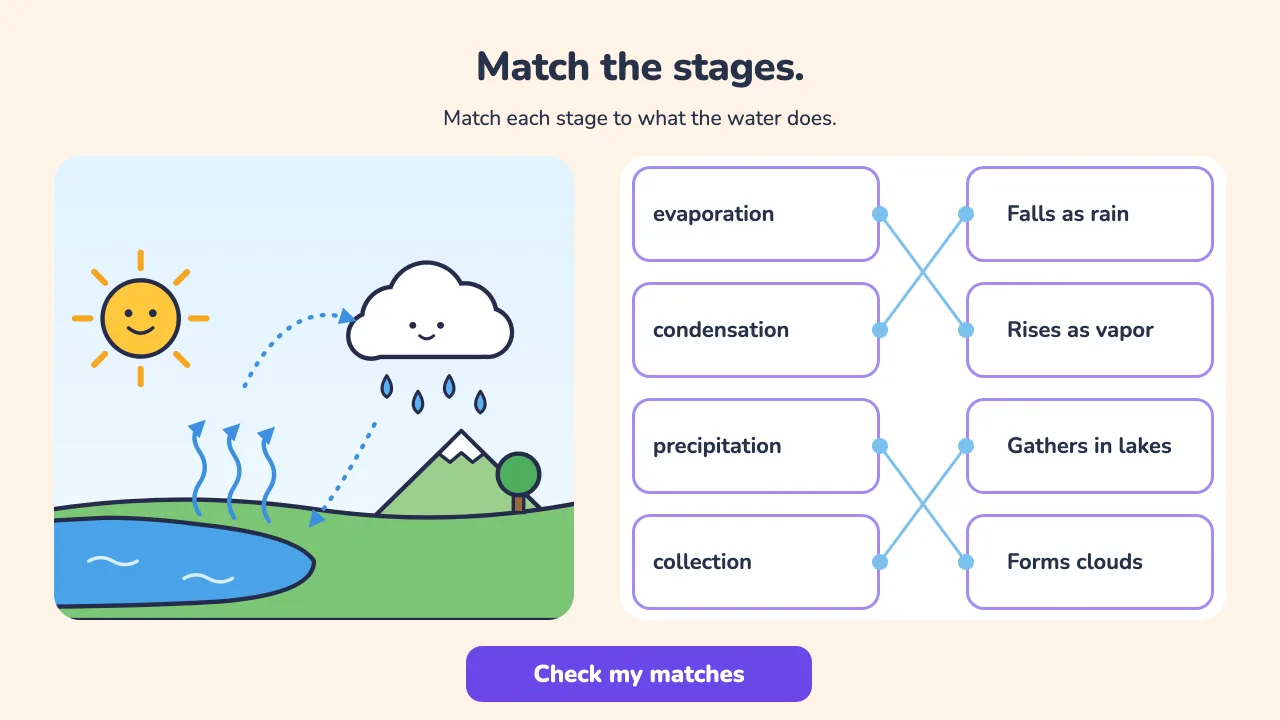
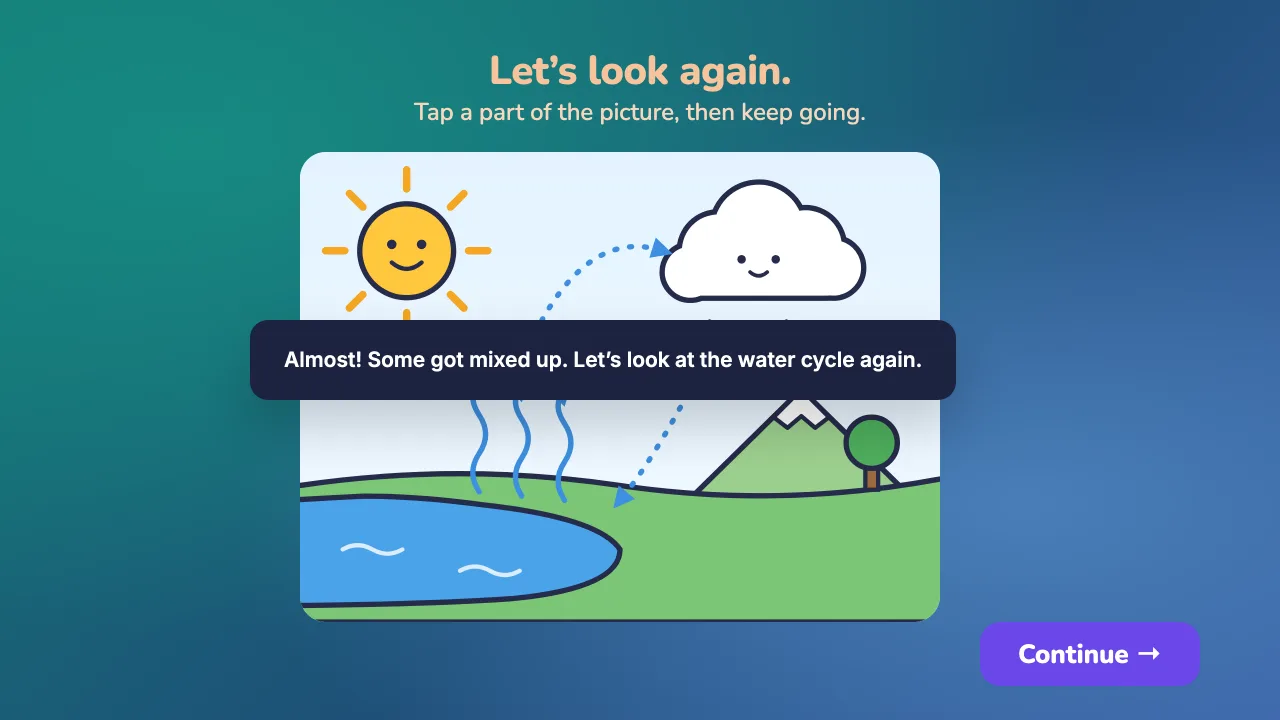
Mixes up clouds and rain
It hints.
A wrong answer gets a nudge you wrote, and another try.
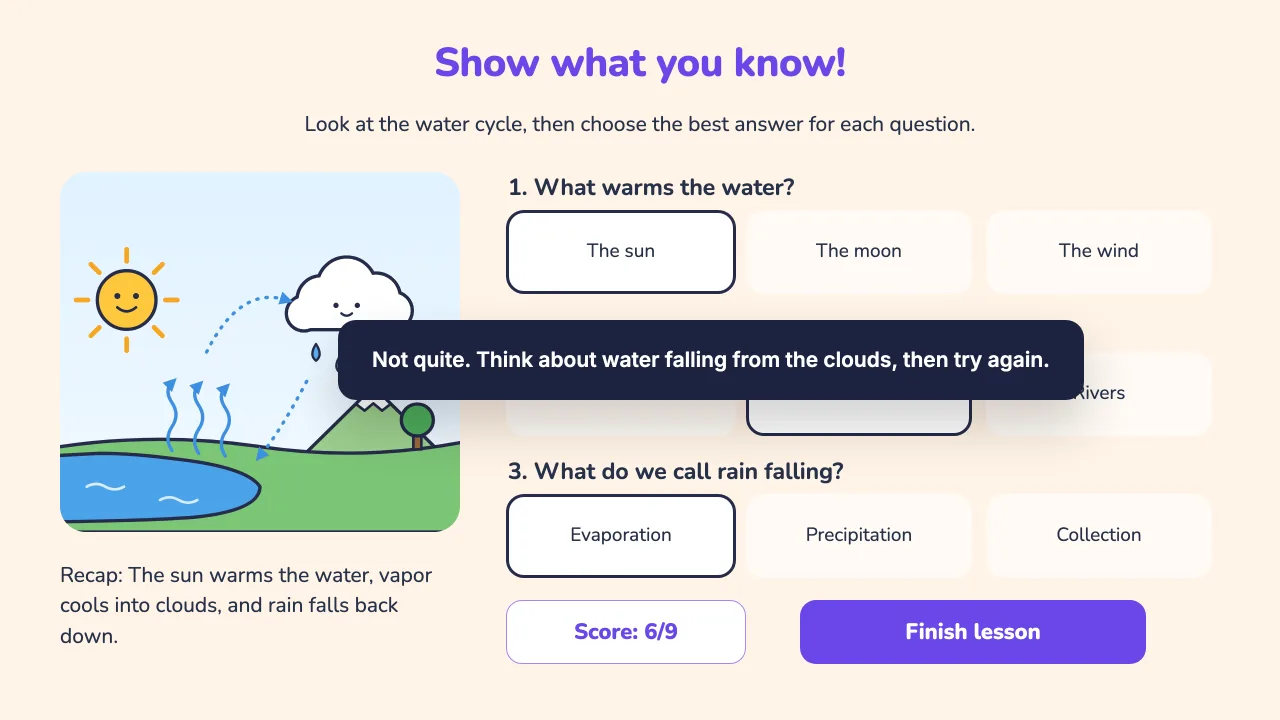
Picks the wrong answer
It cheers.
The celebration plays, with their score on the screen.
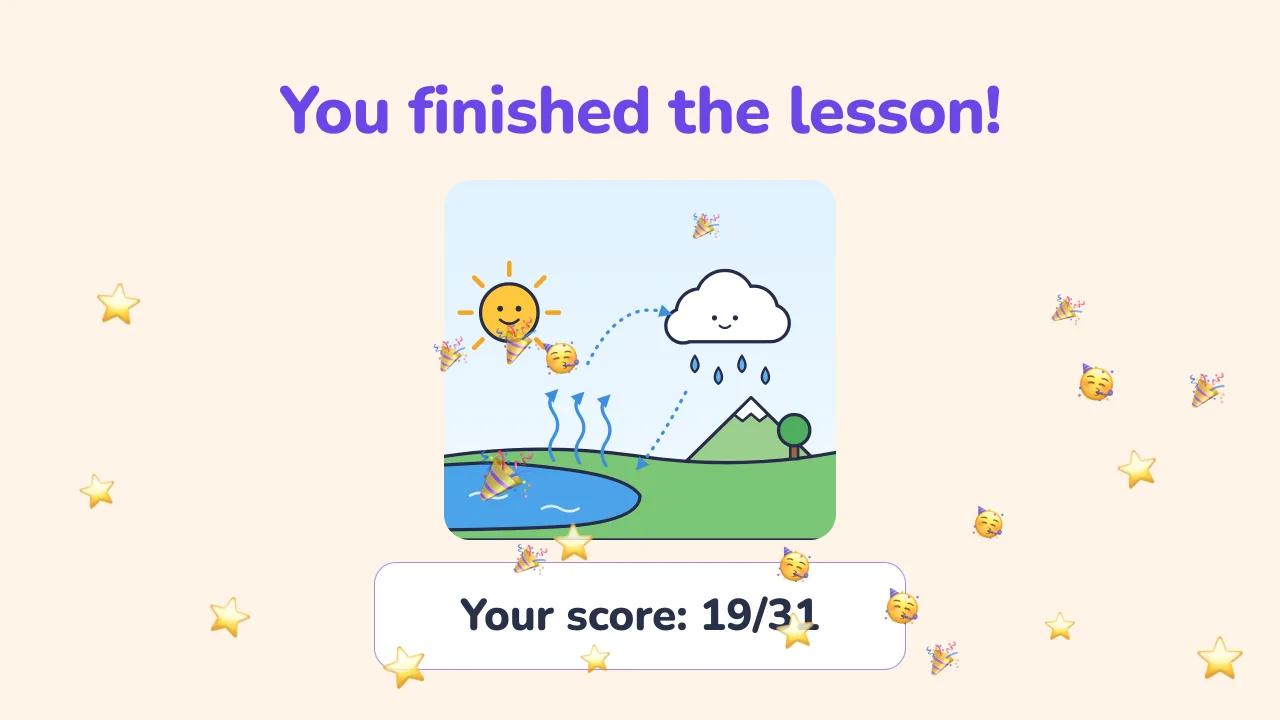
Finishes the lesson
Students play on any device. You get the data.
Second period. Hand out each student's code, step back, and watch. By the bell, their scores are already on the lesson's page.
Hand out their codes.
Each student gets their own short code for the lesson. They type it in on any device and start.
Students play on any device.
Phone, tablet, Chromebook. Nothing to install. Works on the school WiFi.
Scores come back to you.
Once a student finishes, their score and time spent are on the lesson's page.
Free to start. No credit card.
Their own code, no password
Each student opens lessons with their own code or link, with no password to remember. You add every student yourself, by email or from Google Classroom, and we keep their name and email so you know who's who.
Never sold
Student data isn't sold, and it isn't used to build third-party profiles.
Treated as school records
Attempts, scores, and rosters are handled as student records under FERPA, and they belong to your account.
Built for educators of all kinds.
One tool. One studio. Every kind of lesson, from K-2 articulation drills to middle school review games.
Sell your lessons. Keep 85%+.
The lessons you build can earn for you. With Studio Pro, list them on the marketplace and keep the large majority of every sale, with the rest covering payments and hosting.
Start free. Grow when you’re ready.
Free forever for individual educators. Upgrade for classrooms, students and higher limits. No per-student fees.
Free
For trying real lesson creation.
- Every available widget
- One classroom for a family or small group
- Marketplace browsing
Plus
For frequent individual use.
- More classrooms and students
- More saved lessons
- Text-to-speech narration
- Bonus marketplace credits on annual plans
Studio Pro
For marketplace publishers and power users.
- Everything in Plus
- Sell your lessons on the marketplace, paid monthly
- Sales reports + your own storefront
- The highest limits on lessons, classrooms and students
The short answers.
Monday night. The evening is yours.
You already know who needs help with question three, and there’s nothing left to grade. Free to start. No credit card. No training required.