Your students deserve activities they love. Meet your new favorite tool for making them.
Build interactive activities, games, and practice in a drag-and-drop studio. Students play on any device, and every score comes back to you.
Free forever plan · No credit card
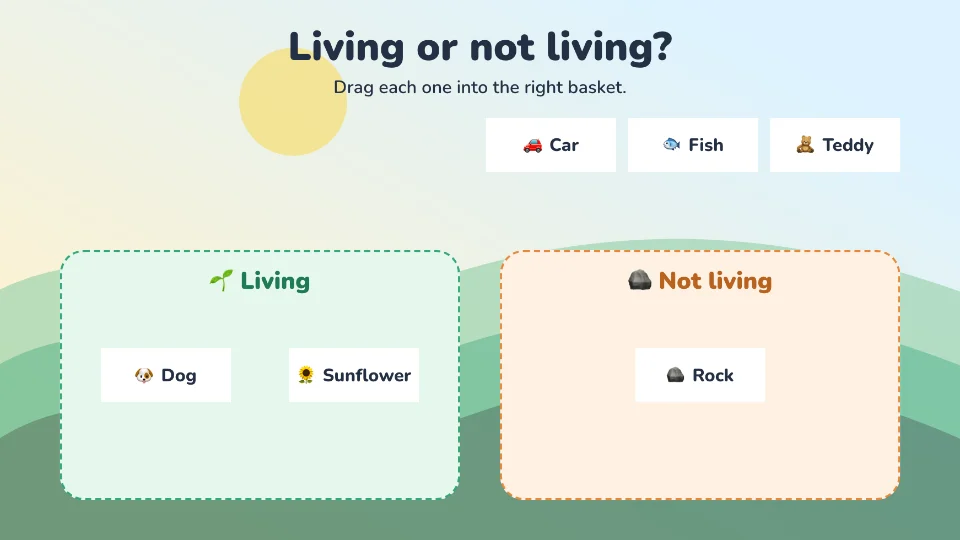
2nd grade science
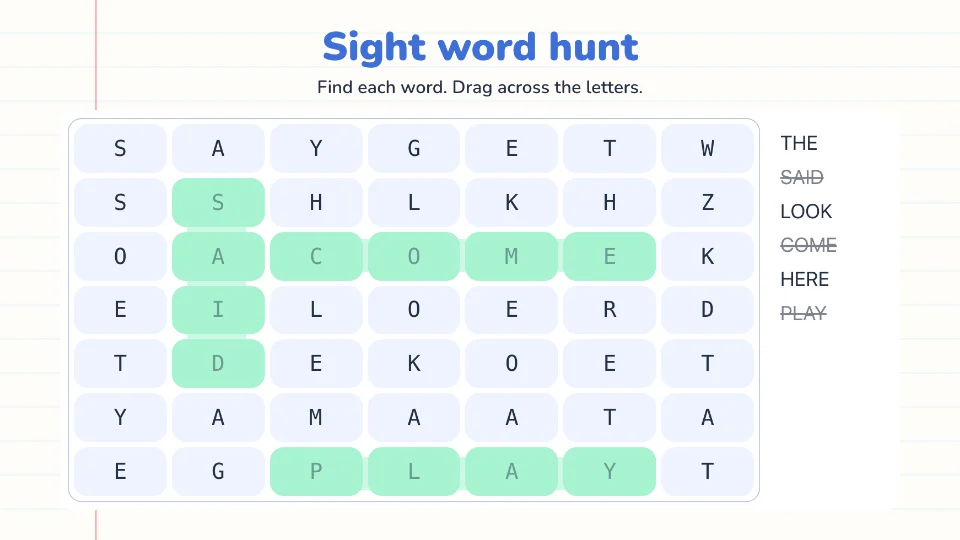
Sight words, K-1
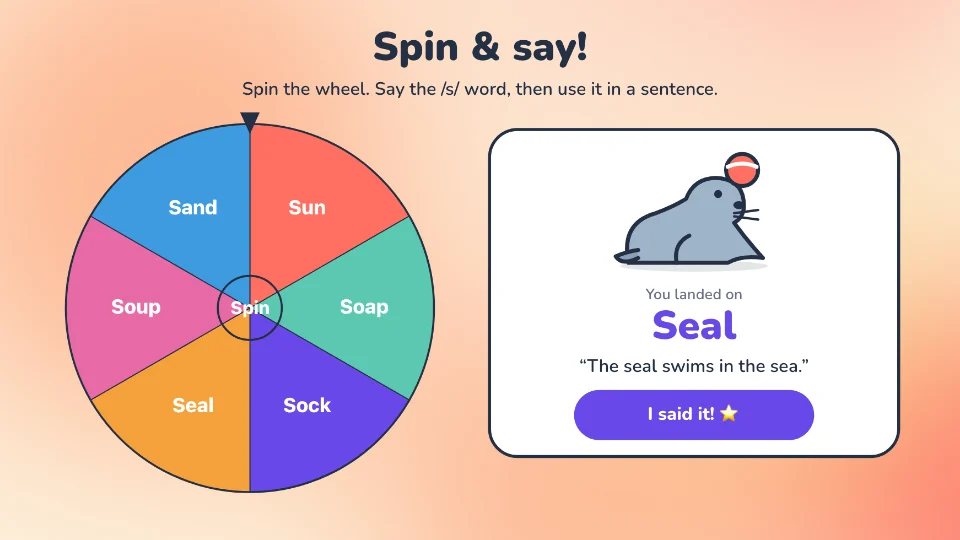
/s/ articulation
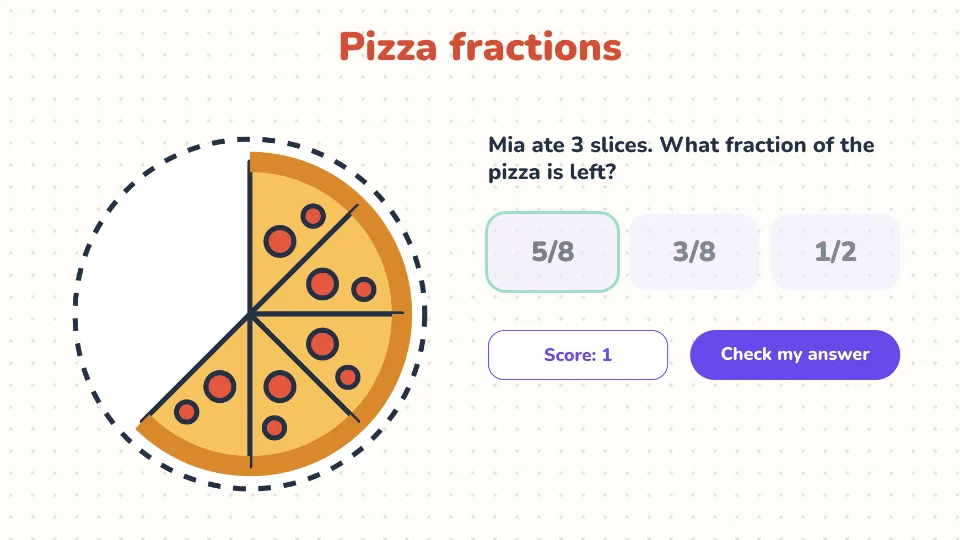
4th grade fractions
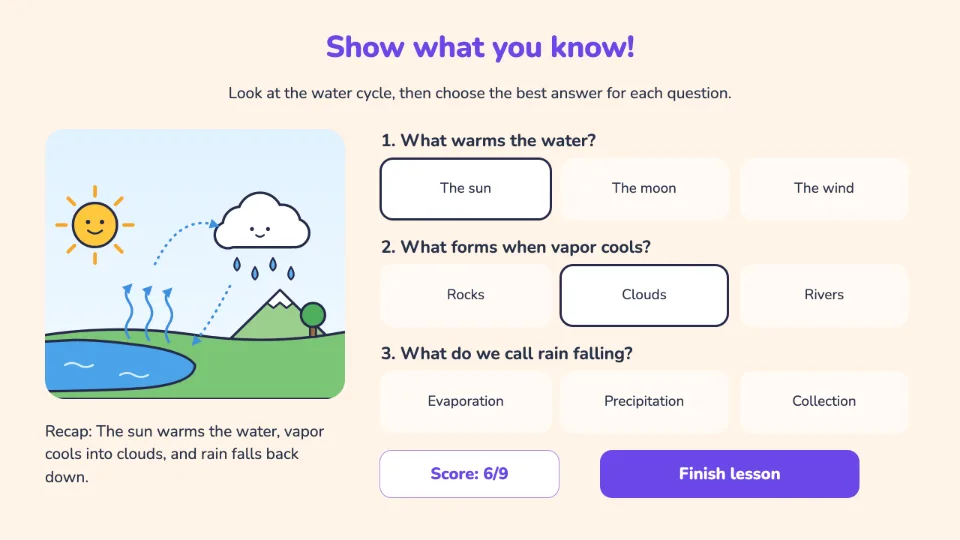
Berdee at a glance
Free & ready to use today
Interactive activities other educators have shared for free. Open one to see what's inside, then add it to your library and assign it to your students with a free account.
 New
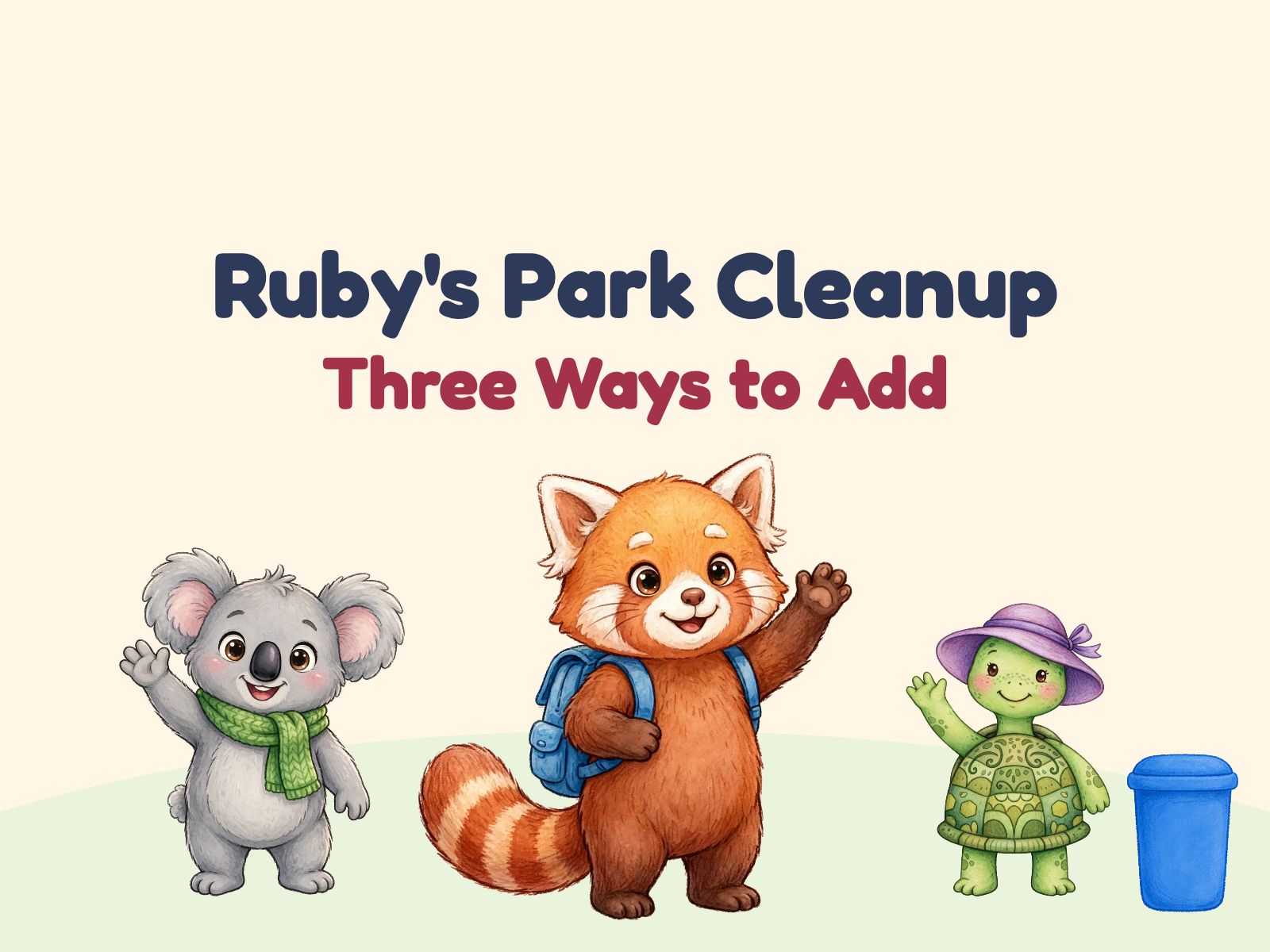
Ruby's Park Cleanup: Three Ways to Add
Freeby Berdee OriginalsAddition & Subtraction1st Grade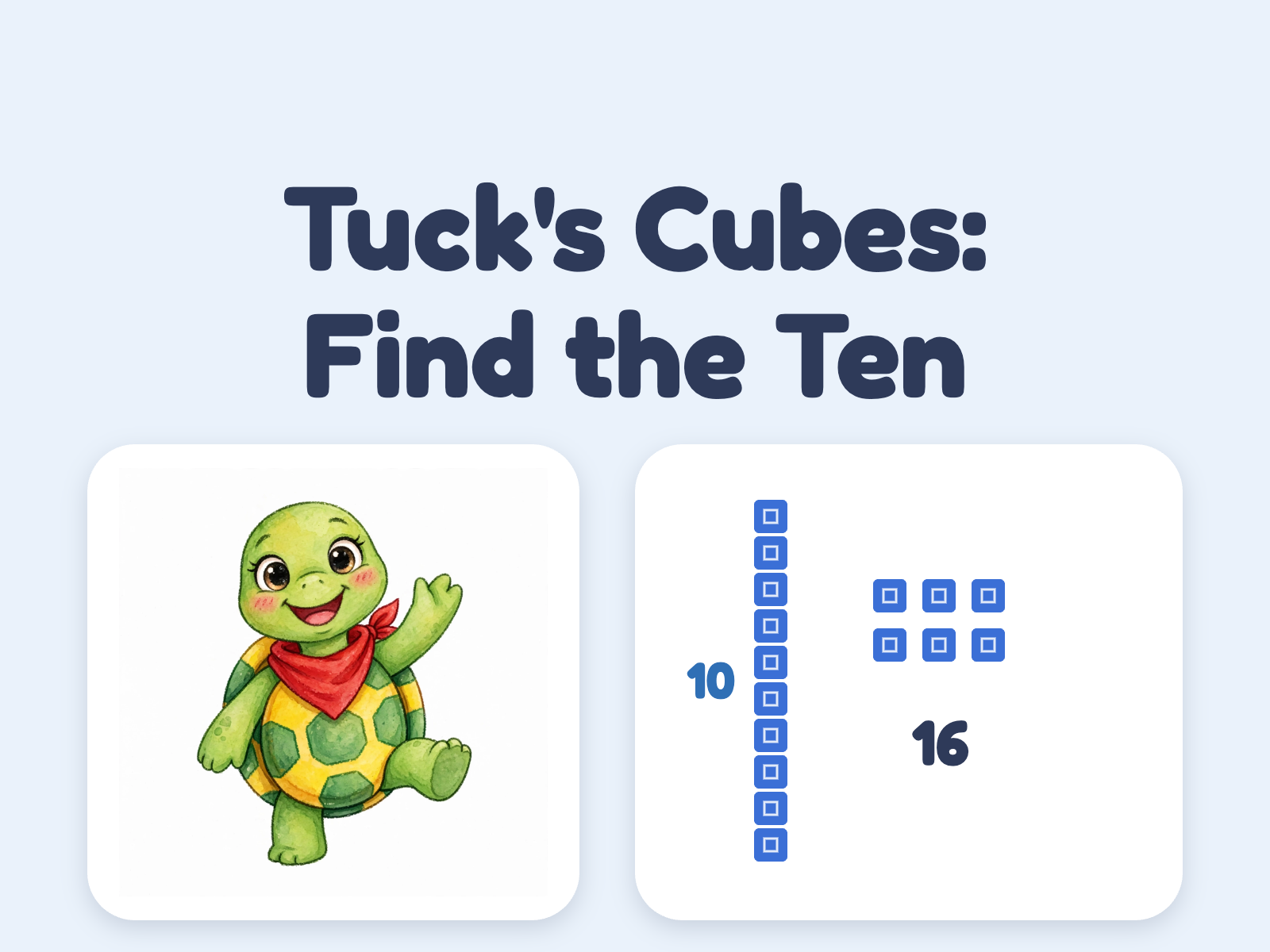 New
Tuck's Cubes: Find the Ten
Freeby Berdee OriginalsPlace Value1st Grade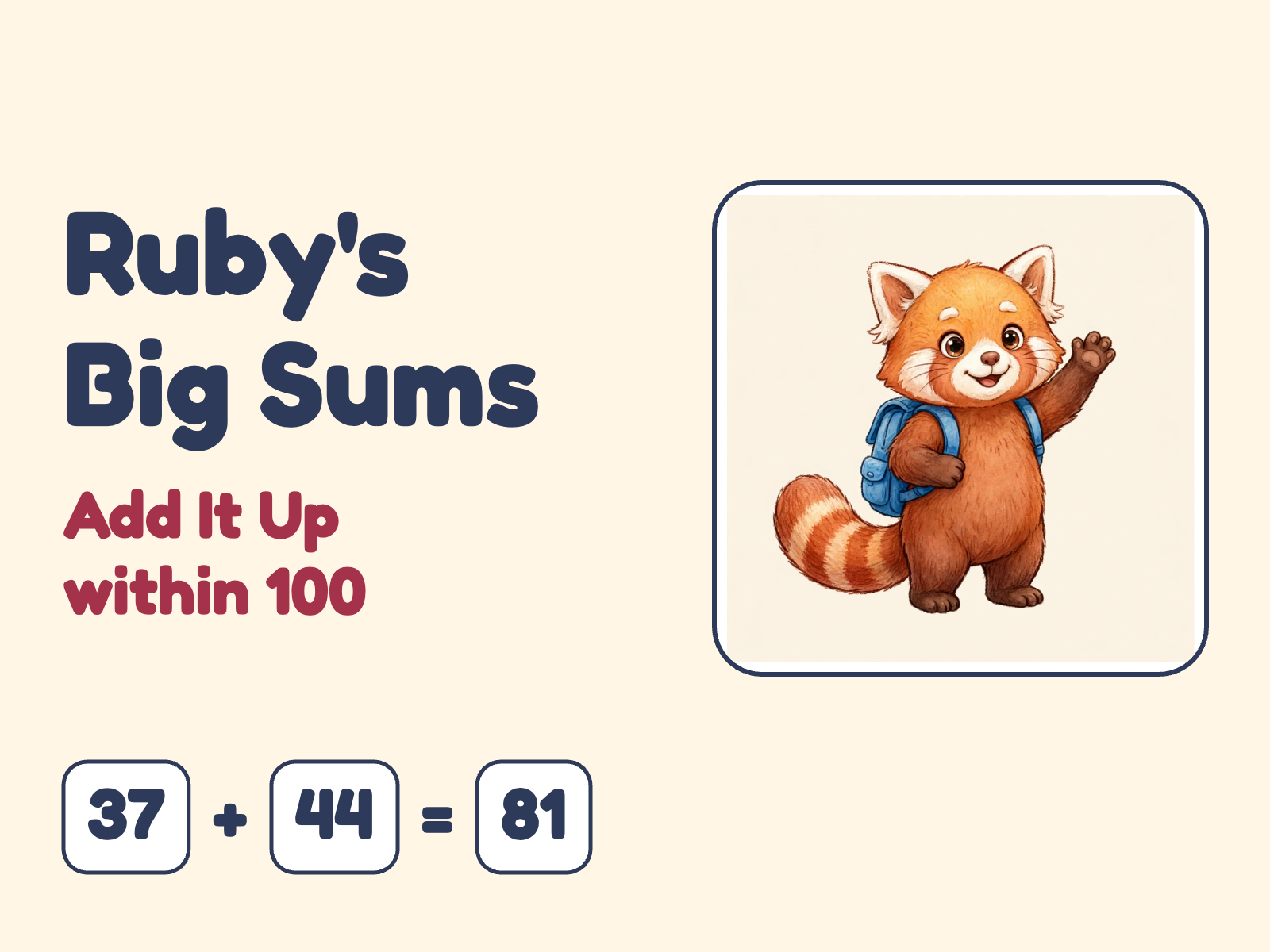 New
Ruby's Big Sums: Add It Up within 100
Freeby Berdee OriginalsAddition & Subtraction1st Grade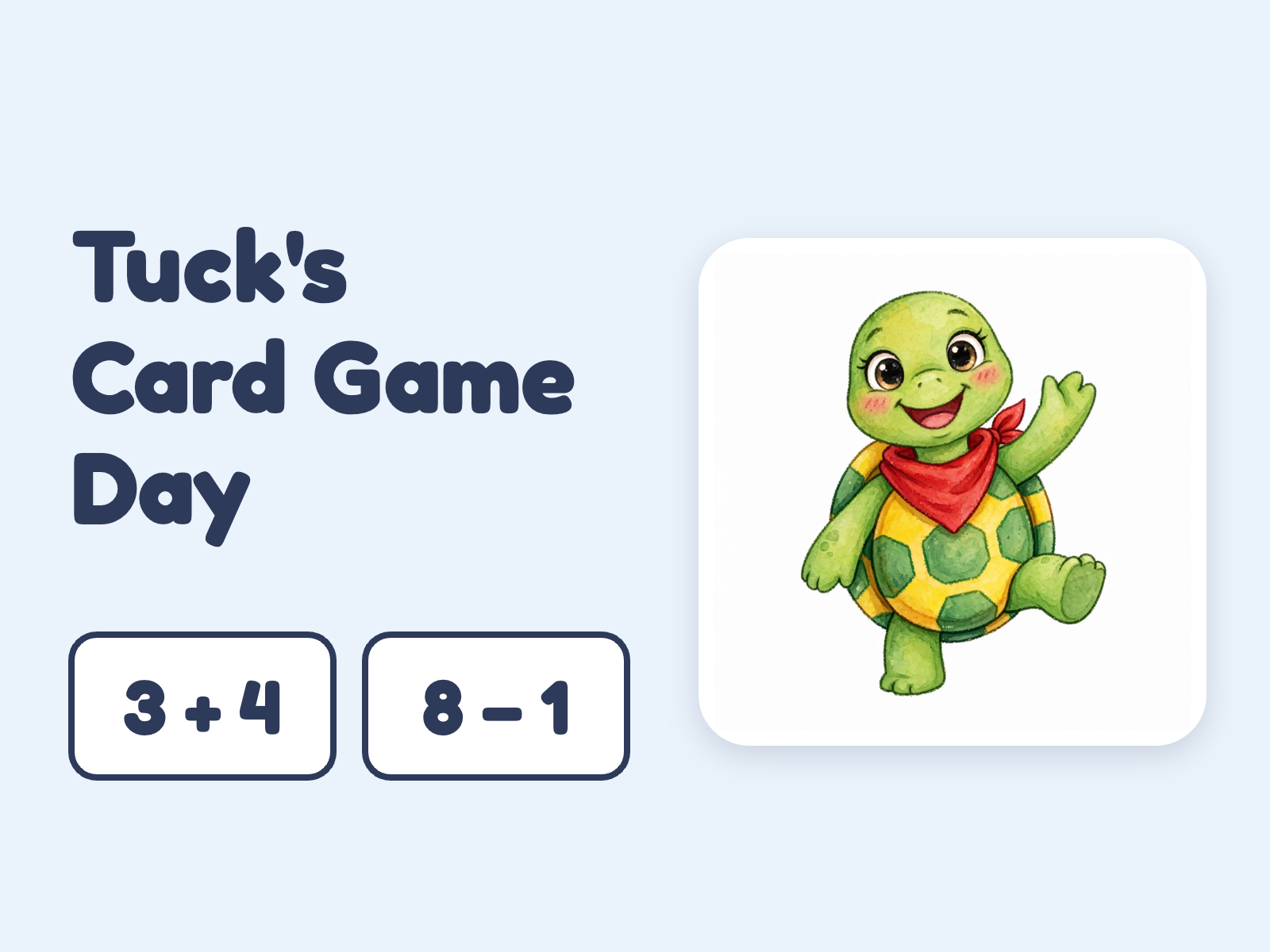 New
Tuck's Card Game Day
Freeby Berdee OriginalsAddition & Subtraction1st Grade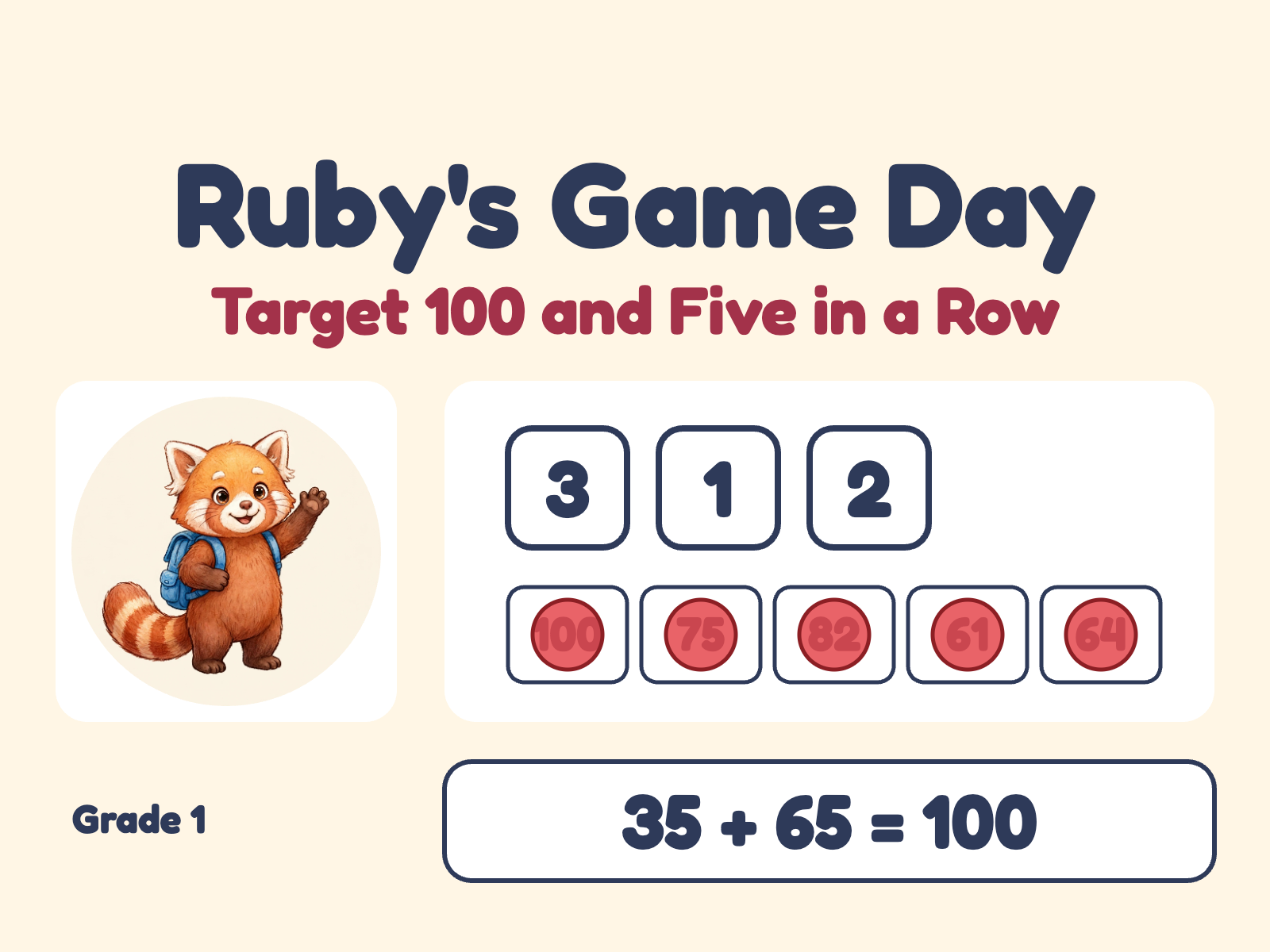 New
Ruby's Game Day: Target 100 and Five in a Row
Freeby Berdee OriginalsAddition & Subtraction1st Grade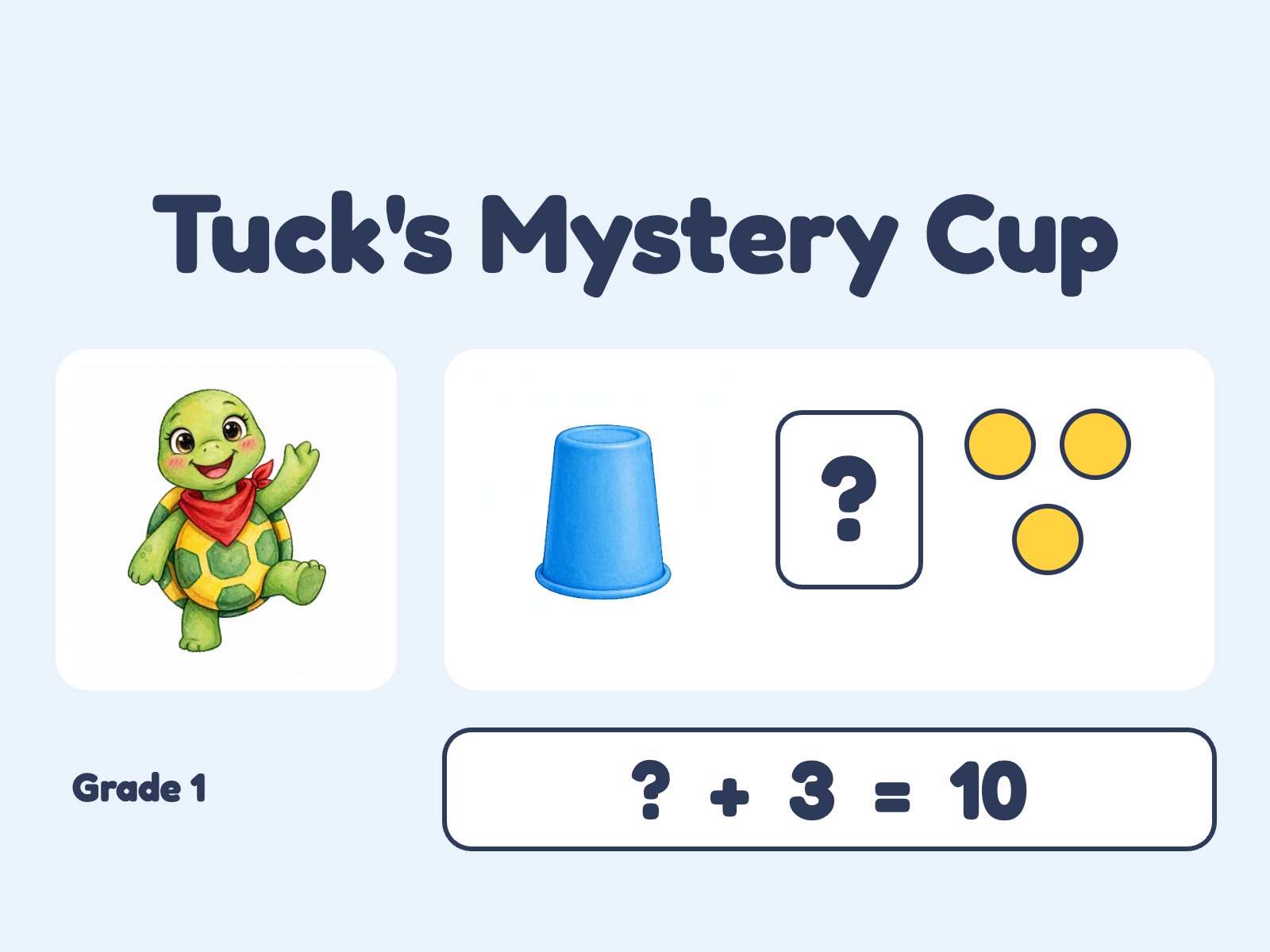 New
Tuck's Mystery Cup
Freeby Berdee OriginalsAddition & Subtraction1st Grade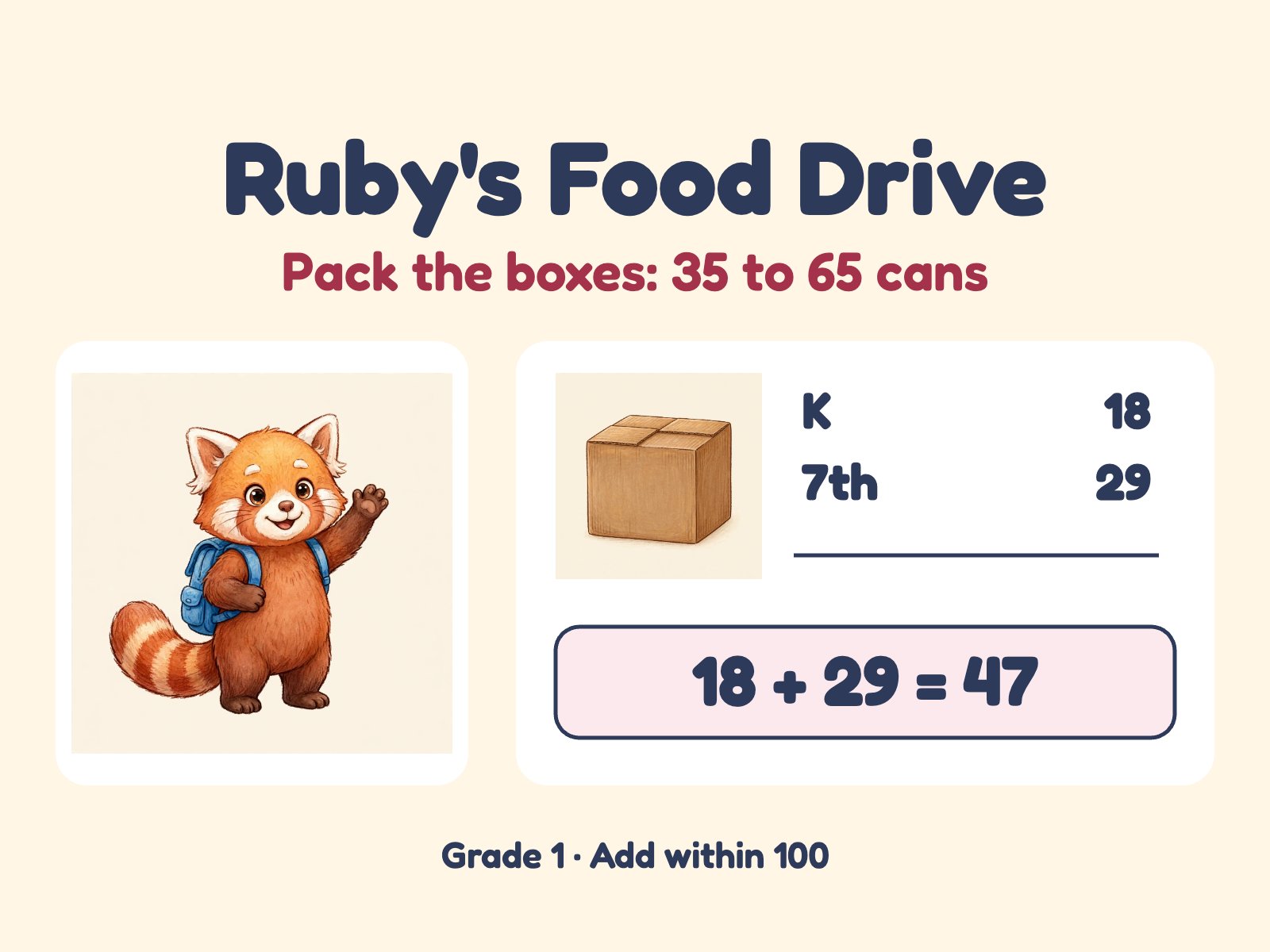 New
Ruby's Food Drive: Pack the Boxes
Freeby Berdee OriginalsAddition & Subtraction1st Grade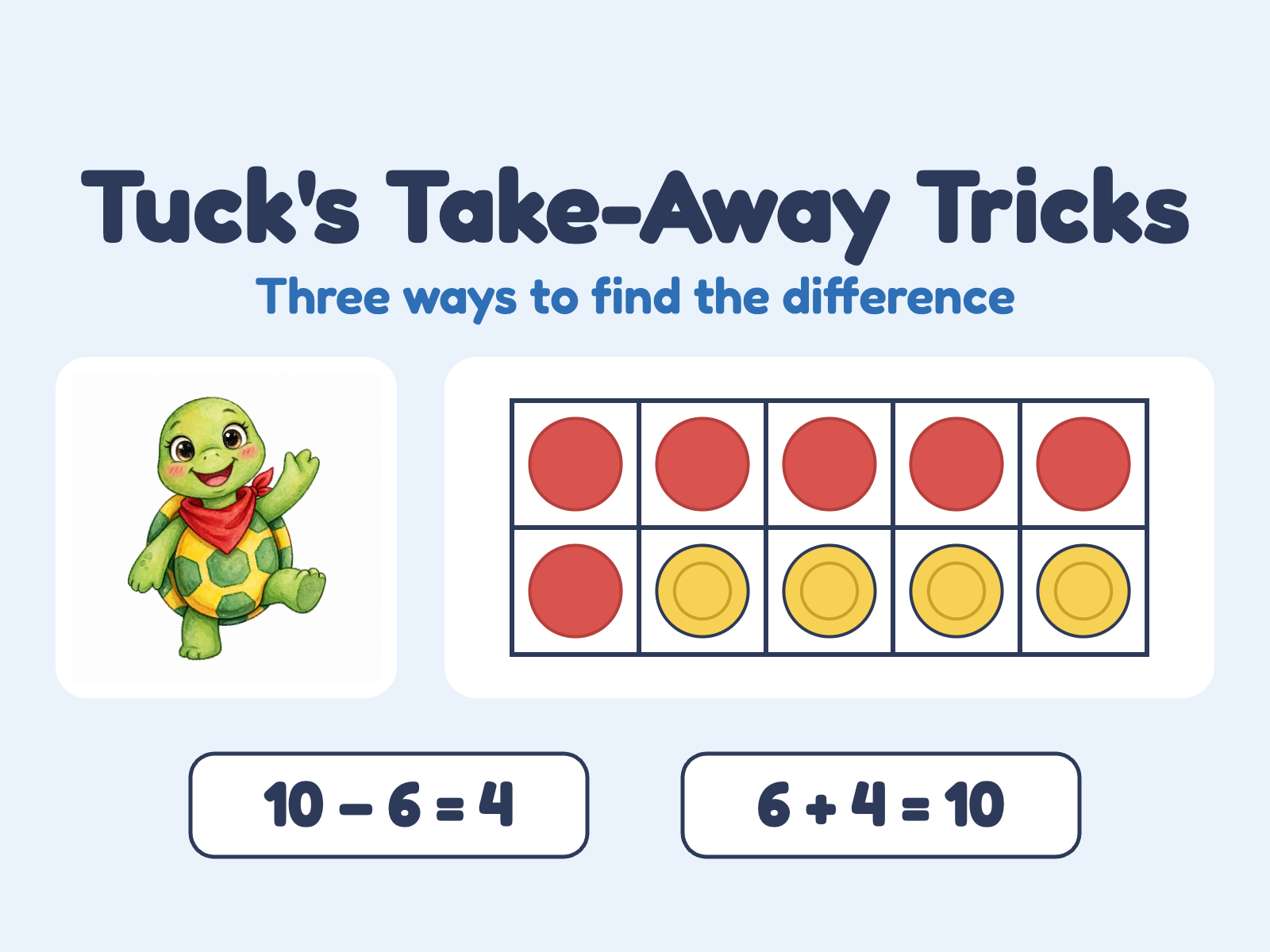 New
Tuck's Take-Away Tricks: Three Ways to Subtract
Freeby Berdee OriginalsAddition & Subtraction1st Grade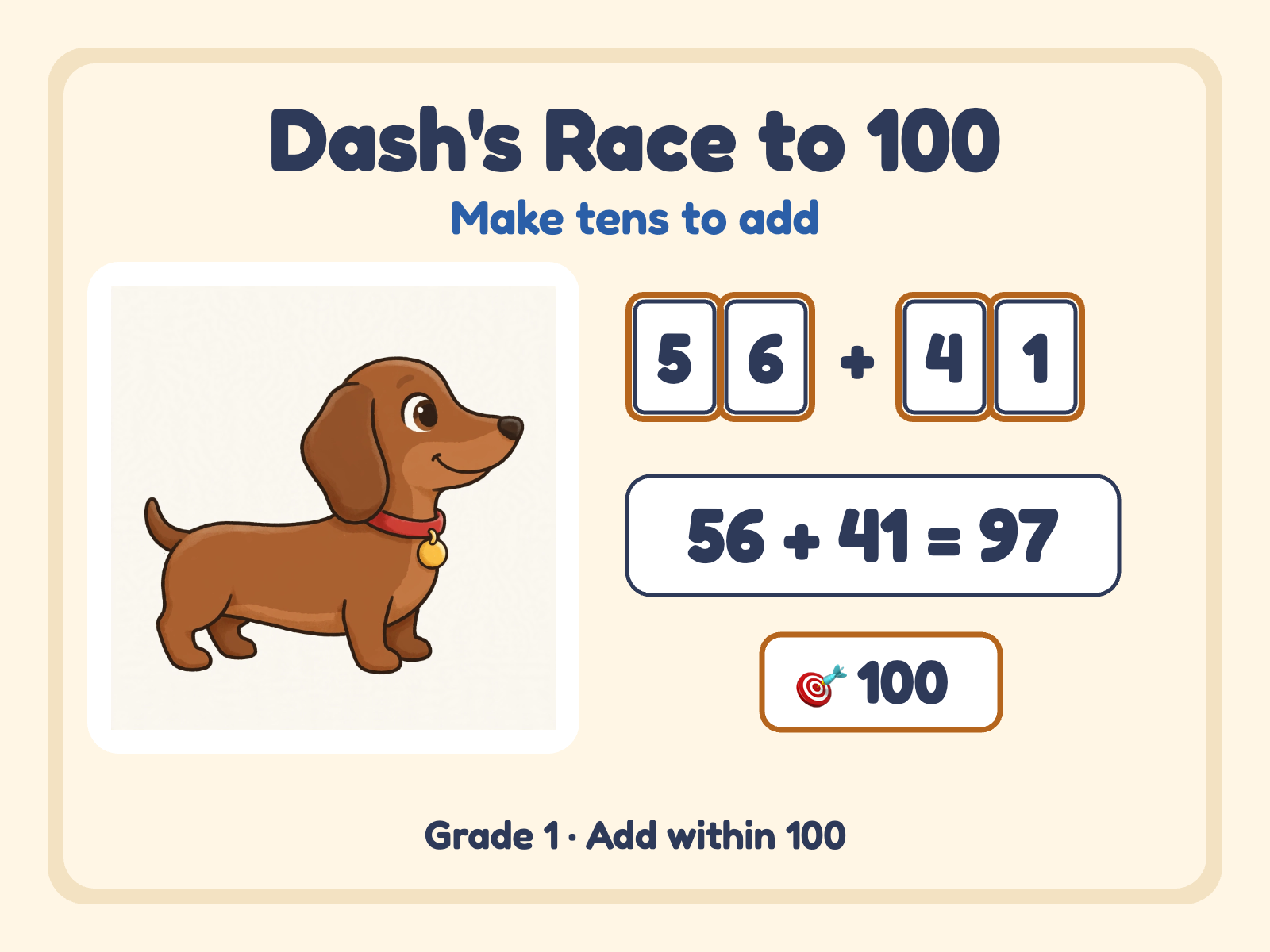 New
Dash's Race to 100: Make Tens to Add
Freeby Berdee OriginalsAddition & Subtraction1st Grade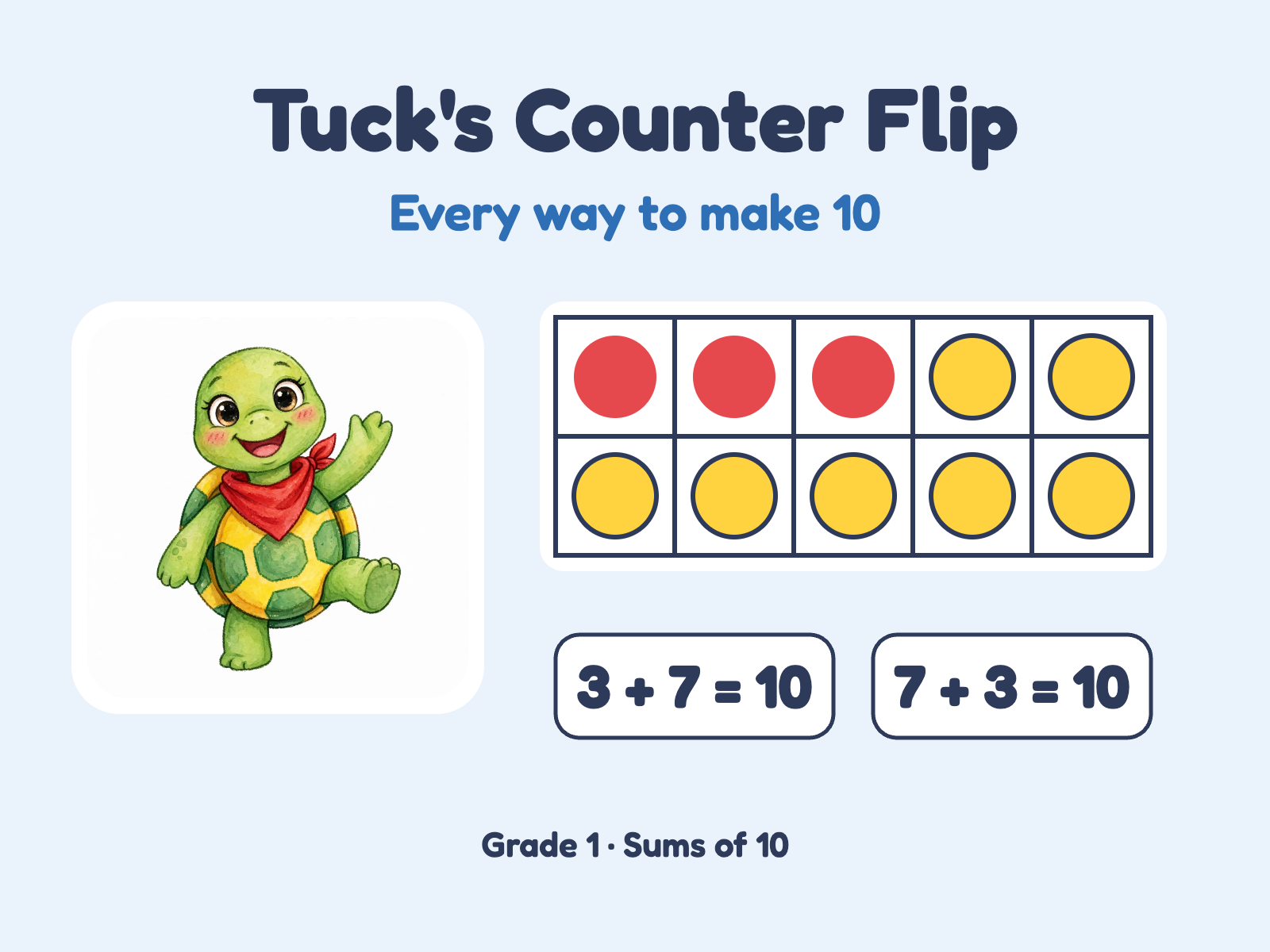 New
Tuck's Counter Flip: Every Way to Make 10
Freeby Berdee OriginalsAddition & Subtraction1st Grade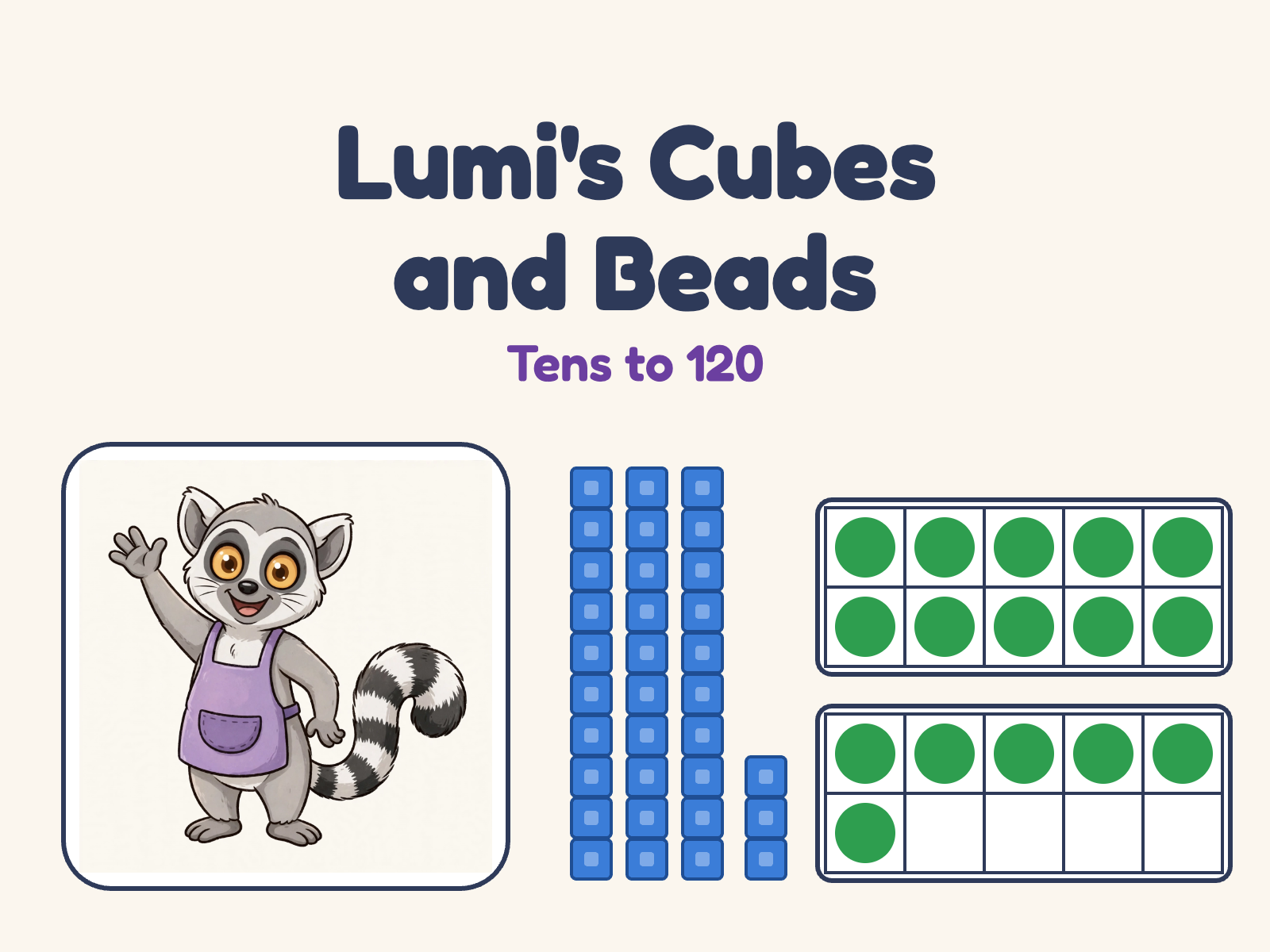 New
Lumi's Cubes and Beads: Tens to 120
Freeby Berdee OriginalsCounting1st Grade New
Tuck's Spill and Count On
Freeby Berdee OriginalsAddition & Subtraction1st Grade
It’s Sunday night. You’re still making slides.
And slides don't teach back. Tomorrow your class will click through them in silence, and you won't know who understood until you've graded the pile. Berdee gives you the evening back, and gives your students an activity that responds.
Hours back, every week.
Start from a template instead of a blank slide. Swap in your words and pictures, reuse what worked last year, and close the laptop.
One activity that adapts.
The same activity pushes the student who's ahead and gives the stuck one a hint and another try. You teach; the activity differentiates.
Know who got it.
Answers, scores, and time on task land in your dashboard as students finish. No grading pile, no spreadsheet.
Open a template. Make it yours.
Drag in the games you want, drop in your own words and pictures, and watch the live preview as you go. No design or technical skills required.
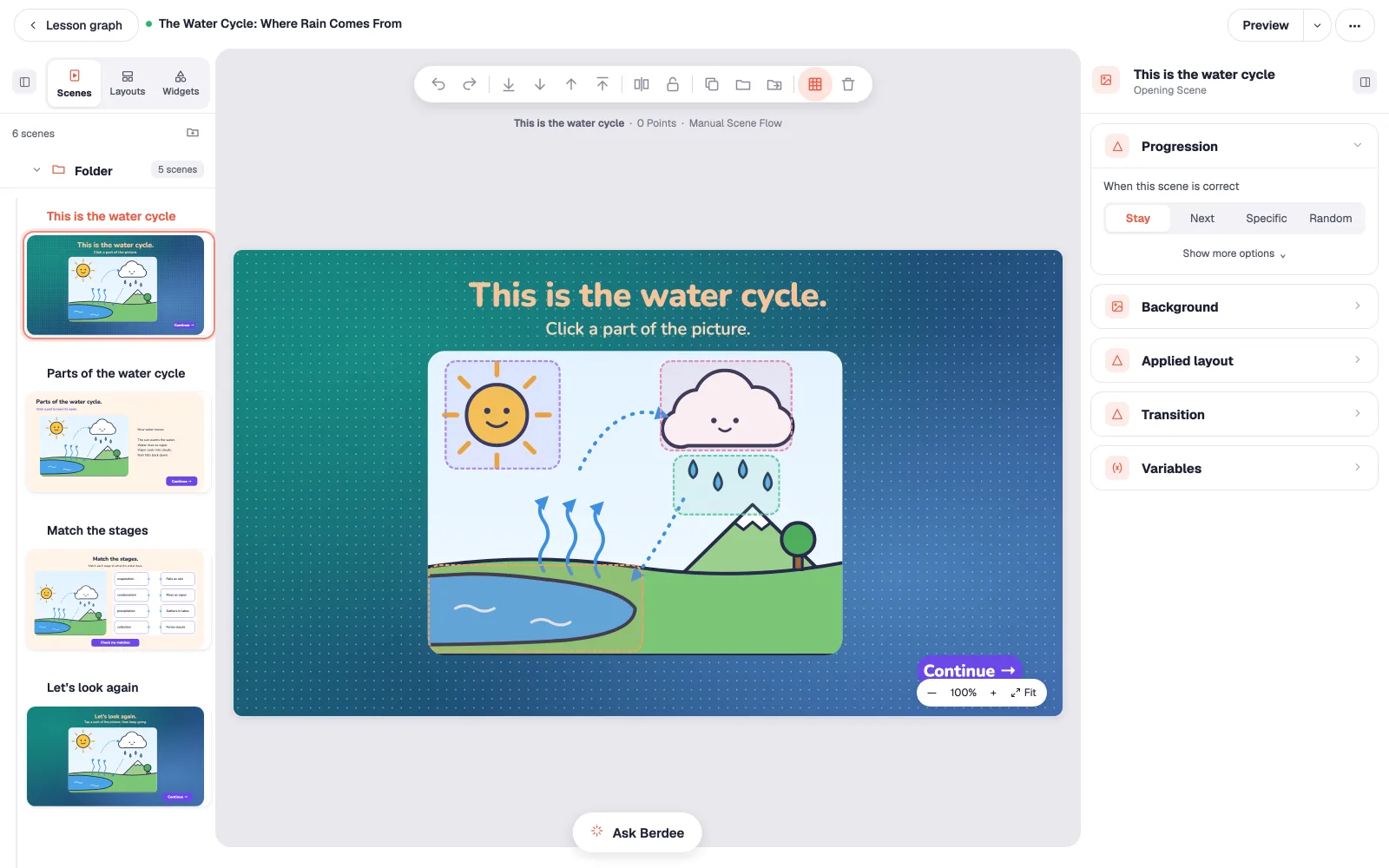
A canvas, not a slide.
Arrange widgets anywhere. No more fighting with text boxes.
Ask Berdee, right in the studio.
Ask a question, hand off an edit, or ask for three more scenes. It shows its work, and it asks before it guesses. Included with Plus and Studio Pro.
Branching that adapts to each student.
Send each student down their own path: a hint for the one who's stuck, a challenge for the one who's ahead. No code.
It’s done. And it teaches back.
Press Preview and play it the way your students will. The activity answers in the words you gave it: an explanation, a review, a hint, a cheer. You write them once, and each student gets the ones they need.
It explains.
Any part of a picture can answer back, in your words.
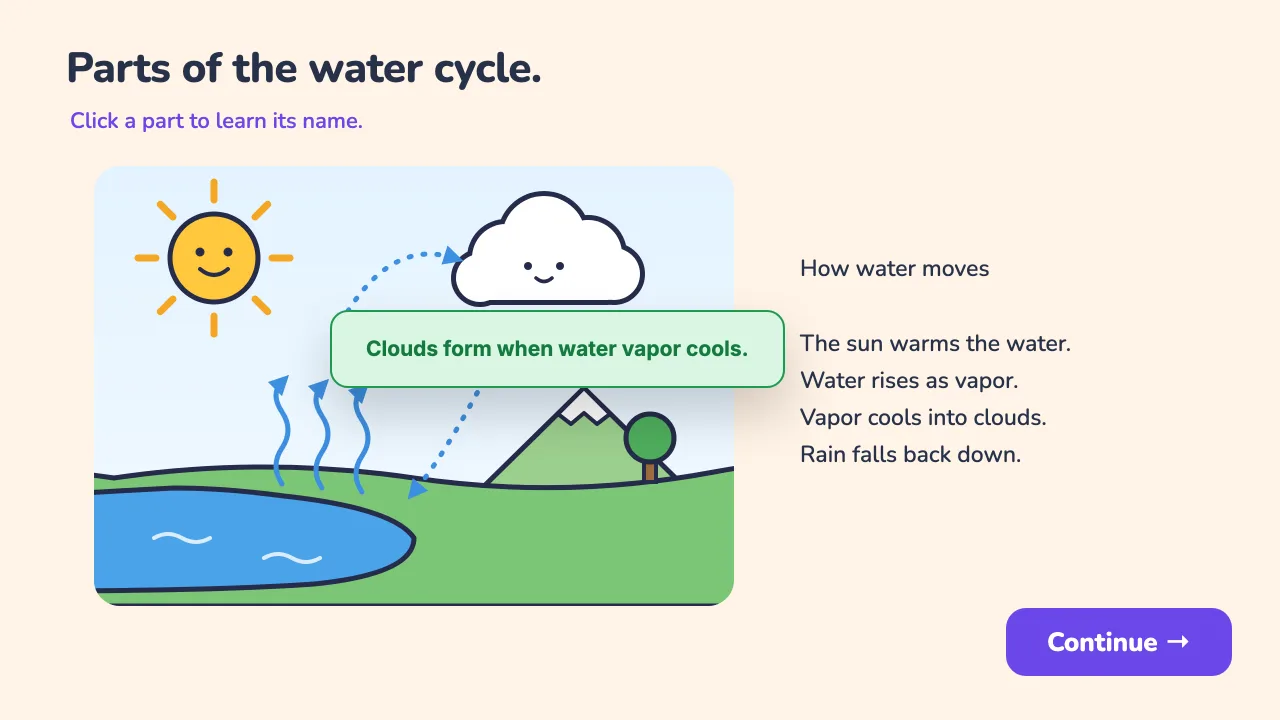
Taps the cloud
It reviews.
Miss a match and the activity says so, shows the diagram again, then moves on.
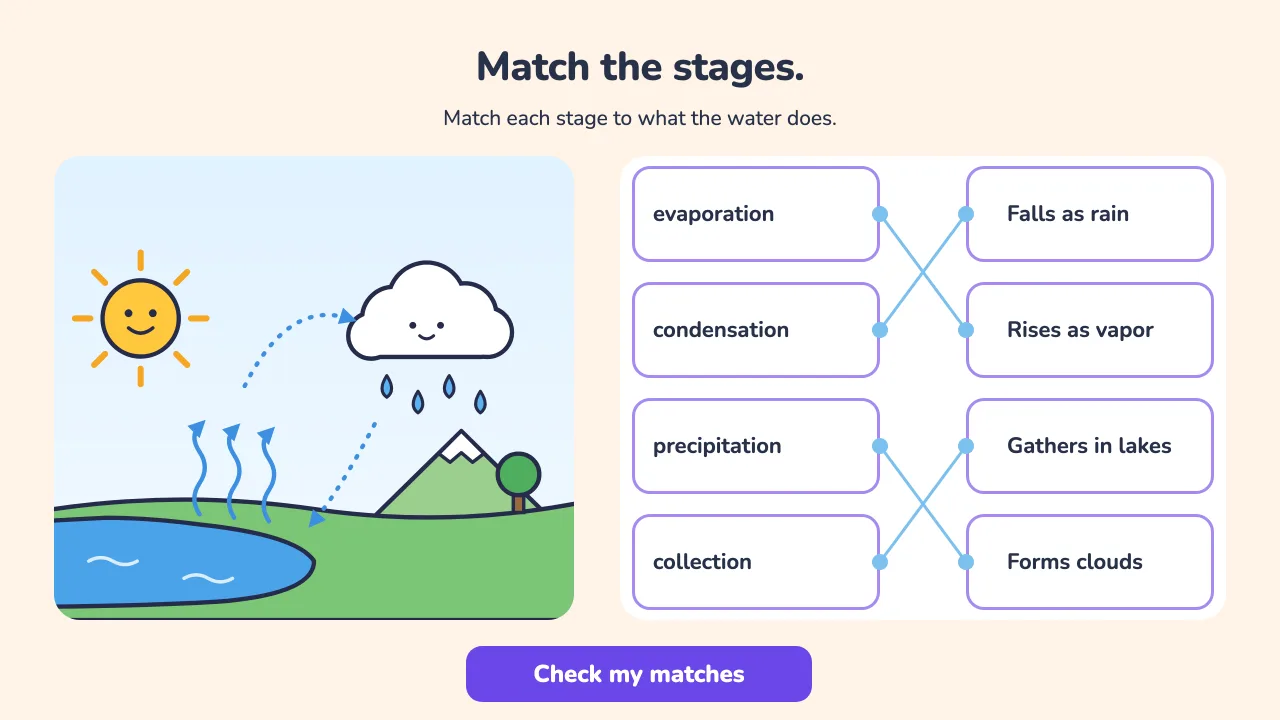
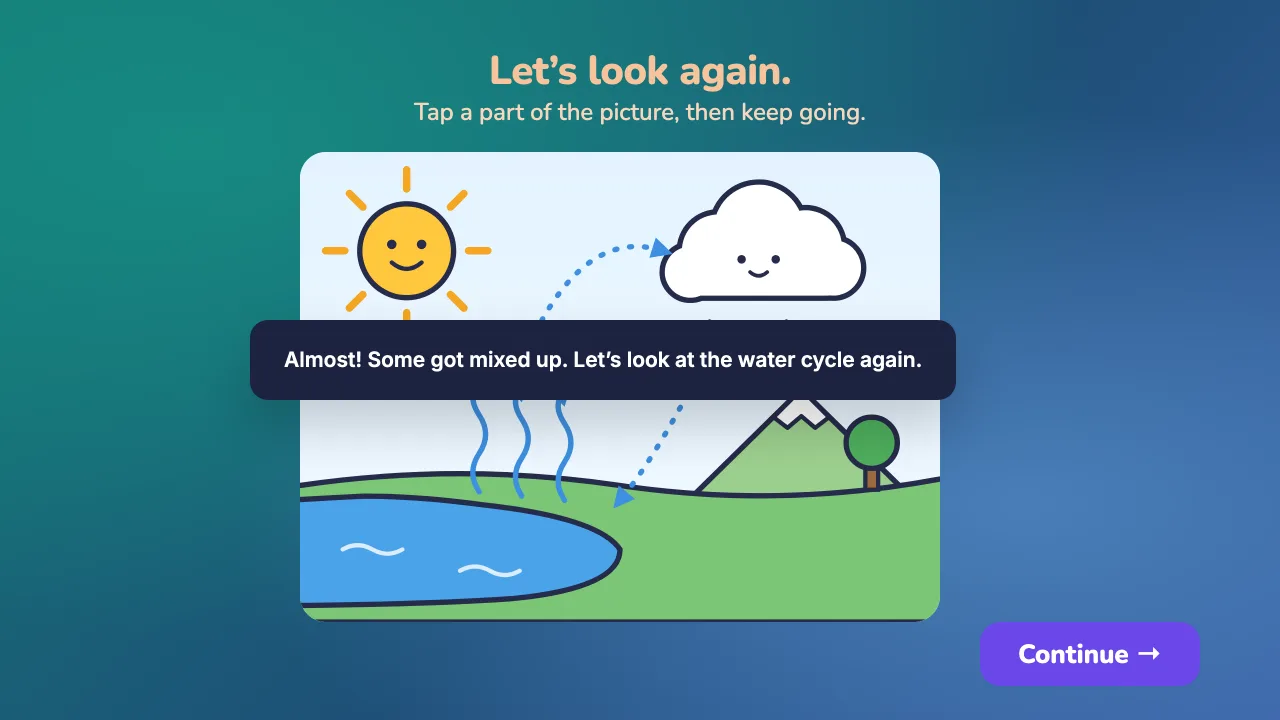
Mixes up clouds and rain
It hints.
A wrong answer gets a nudge you wrote, and another try.
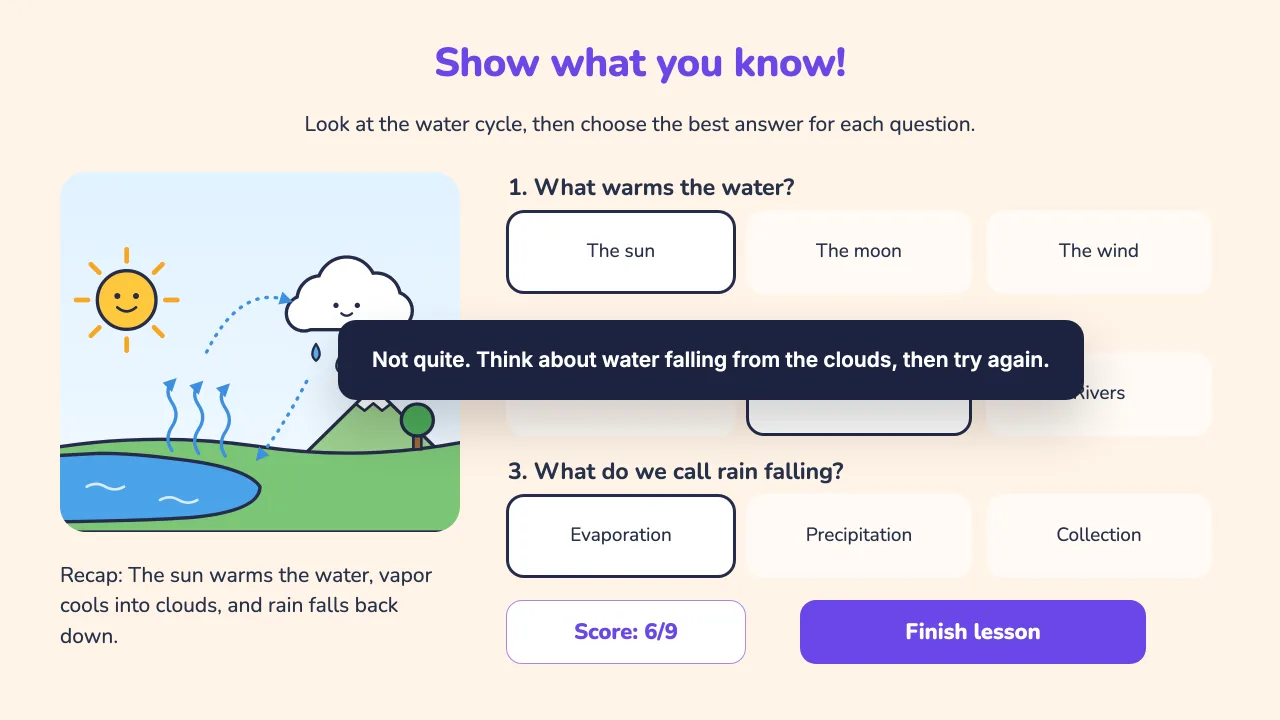
Picks the wrong answer
It cheers.
The celebration plays, with their score on the screen.
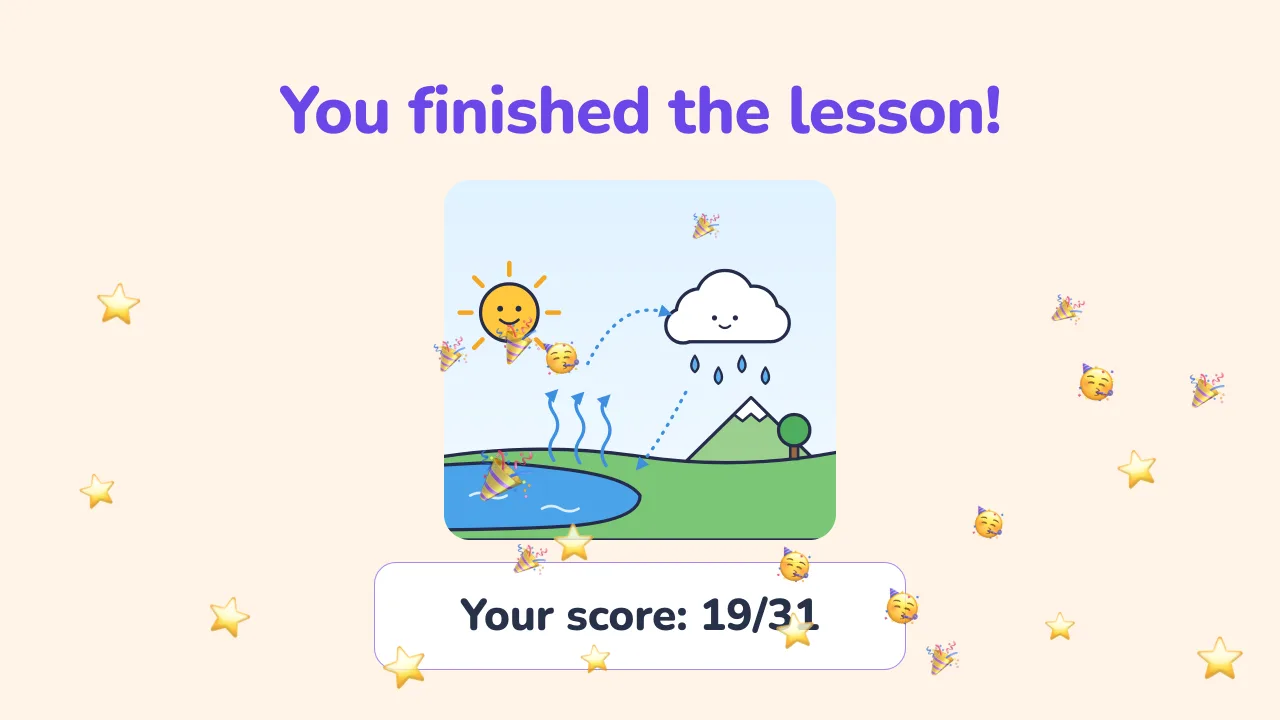
Finishes the activity
Students play on any device. You get the data.
Second period. Hand out each student's code, step back, and watch. By the bell, their scores are already on the activity's page.
Hand out their codes.
Each student gets their own short code for the activity. They type it in on any device and start.
Students play on any device.
Phone, tablet, Chromebook. Nothing to install. Works on the school WiFi.
Scores come back to you.
Once a student finishes, their score and time spent are on the activity's page.
Free to start. No credit card.
Their own code, no password
Each student opens activities with their own code or link, with no password to remember. You add every student yourself, by email or from Google Classroom, and we keep their name and email so you know who's who.
Never sold
Student data isn't sold, and it isn't used to build third-party profiles.
Treated as school records
Attempts, scores, and rosters are handled as student records under FERPA, and they belong to your account.
Built for educators of all kinds.
One tool. One studio. Every kind of activity, from K-2 articulation drills to middle school review games.
Sell your activities. Keep 85%+.
The activities you build can earn for you. With Studio Pro, list them on the marketplace and keep the large majority of every sale, with the rest covering payments and hosting.
Start free. Grow when you’re ready.
Free forever for individual educators, with one small classroom. Upgrade for more classrooms, more students and Ask Berdee. No per-student fees.
Free
For trying real activity creation.
- Every available widget
- One classroom for a family or small group
- Marketplace browsing
Plus
For frequent individual use.
- More classrooms and students
- More saved activities
- Ask Berdee + text-to-speech narration
- Bonus marketplace credits on annual plans
Studio Pro
For marketplace publishers and power users.
- Everything in Plus
- Sell your activities on the marketplace, paid monthly
- Sales reports + your own storefront
- The highest limits on activities, classrooms and students
The short answers.
Monday night. The evening is yours.
You already know who needs help with question three, and there’s nothing left to grade. Free to start. No credit card. No training required.