Learn Berdee by building
Step-by-step walkthroughs with a screenshot for every step. Follow along in the studio and finish with an activity that works. Looking up one setting instead? The help center covers every control.
Try “timer”, “drag” or “score”. 173 of 174 come with a ready-made activity you can add to your account.
6 tutorials found
Matching tutorials6 tutorials
 Intermediate · 15 min · 7 steps
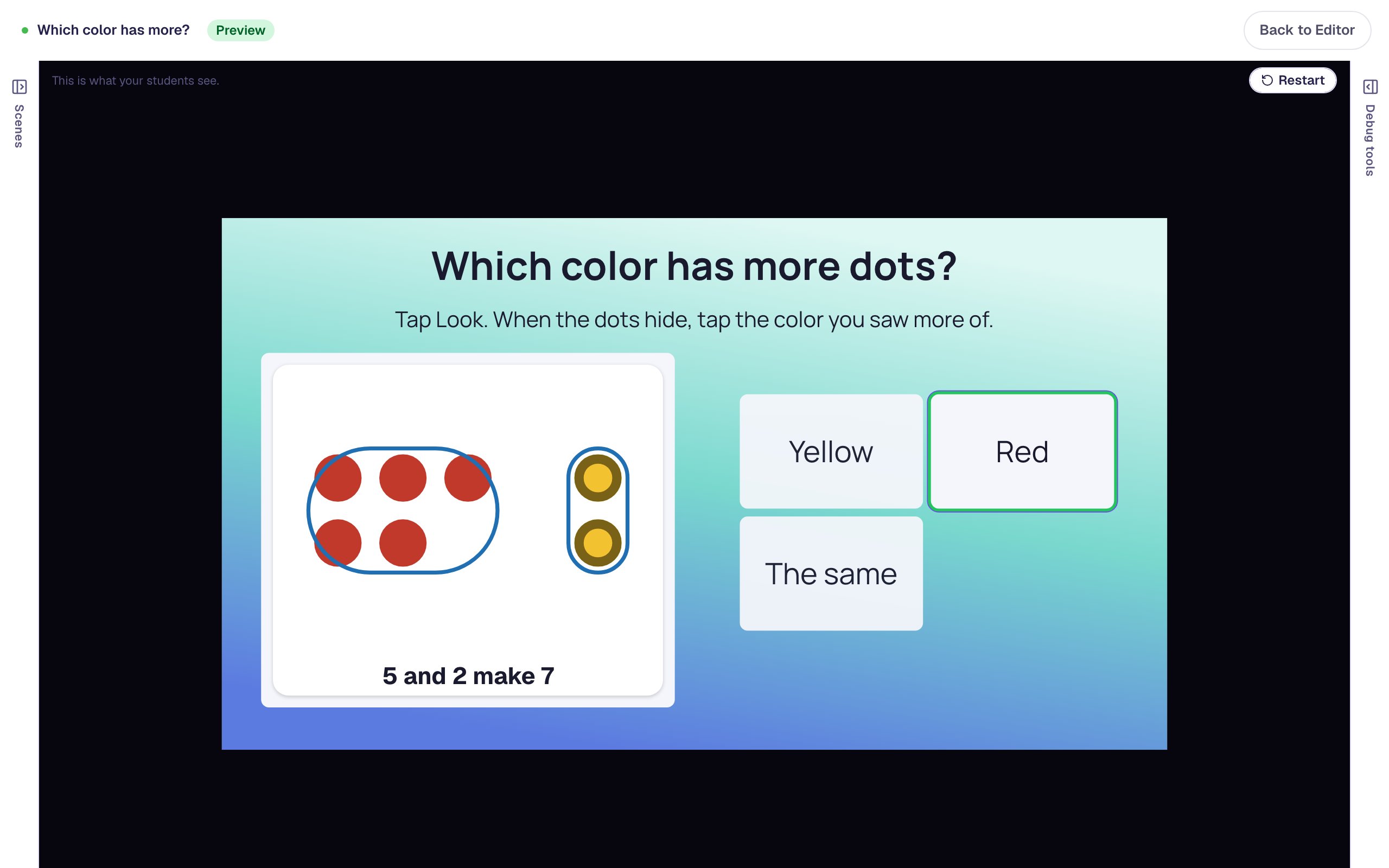
Flash a dot card, then ask your own question
Flash a red-and-yellow dot card with a Quick Look set to Just look, keep a Multiple Choice question hidden until the cover comes down, and bring the card back with rings after a right answer.
 Beginner · 15 min · 8 steps
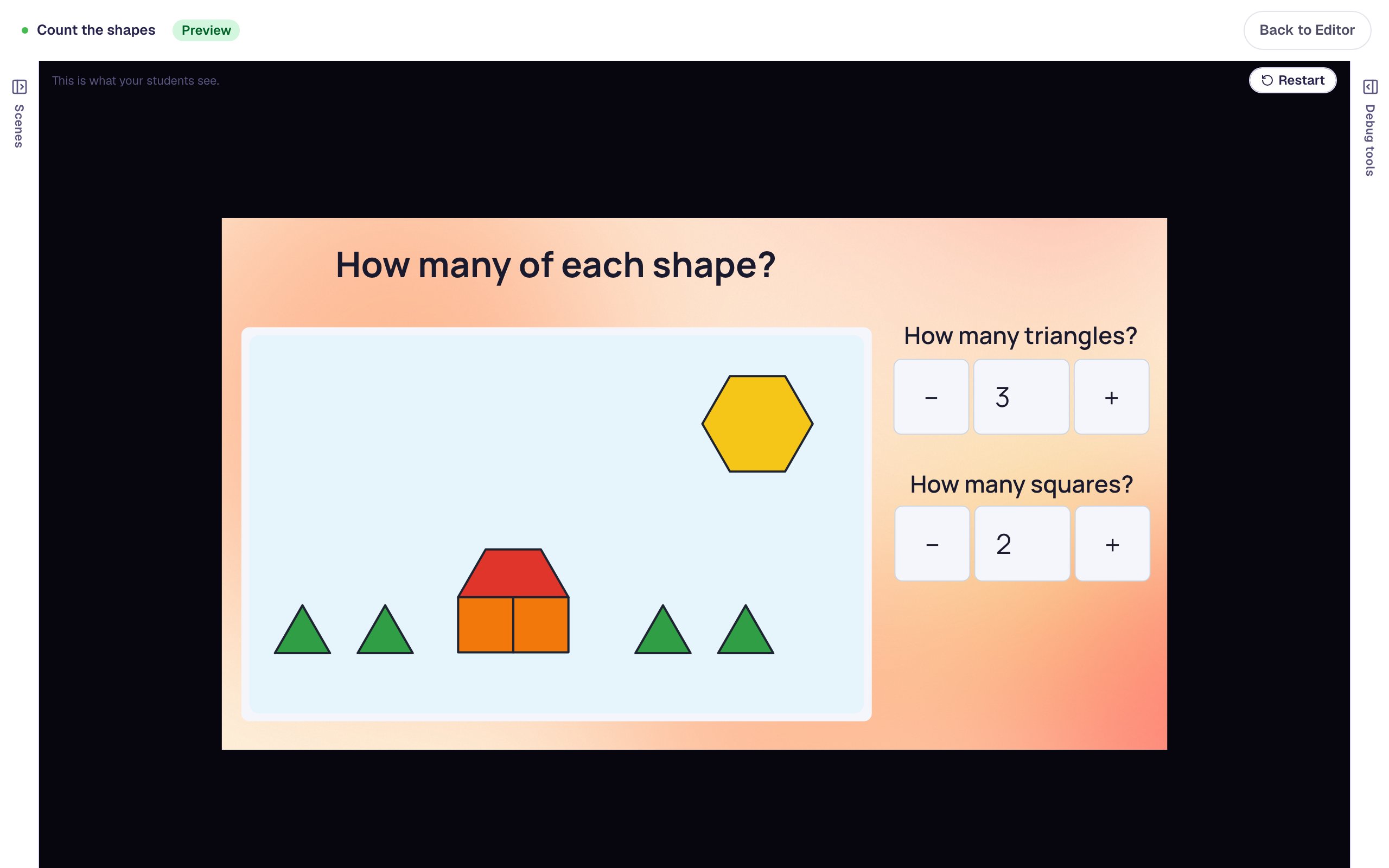
Count the shapes in a pattern block picture
Build a picture out of pattern blocks with the Pattern Blocks widget's Show mode, then ask "How many triangles?" and "How many squares?" with two Number Inputs that young learners answer by tapping + and −.
 Beginner · 15 min · 7 steps
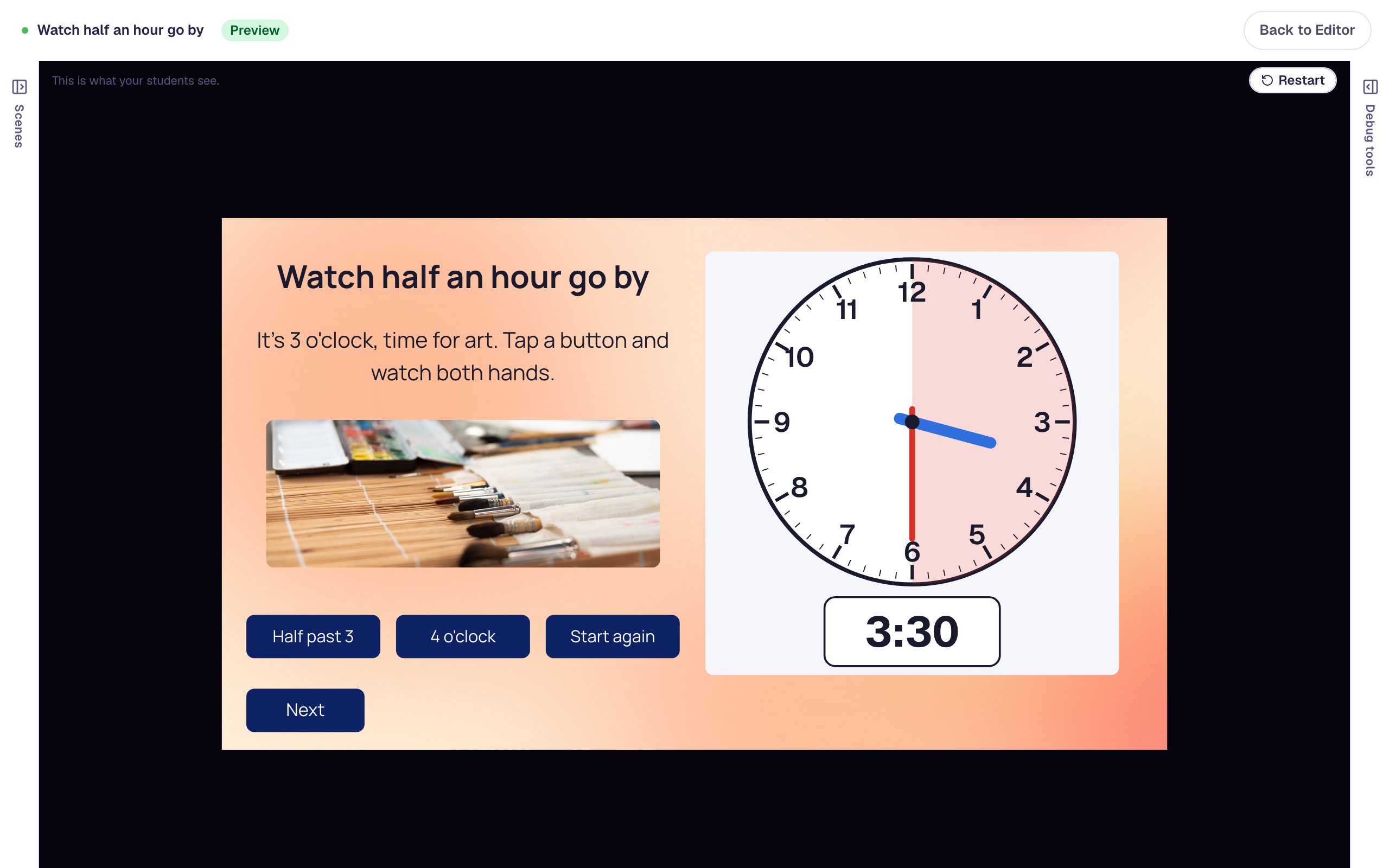
Show how a clock's hands move as time passes
Build a worked example with a Clock and three buttons. Each button turns the hands forward or sets them back, so students watch half an hour pass before they read a clock on their own.
 Intermediate · 12 min · 7 steps
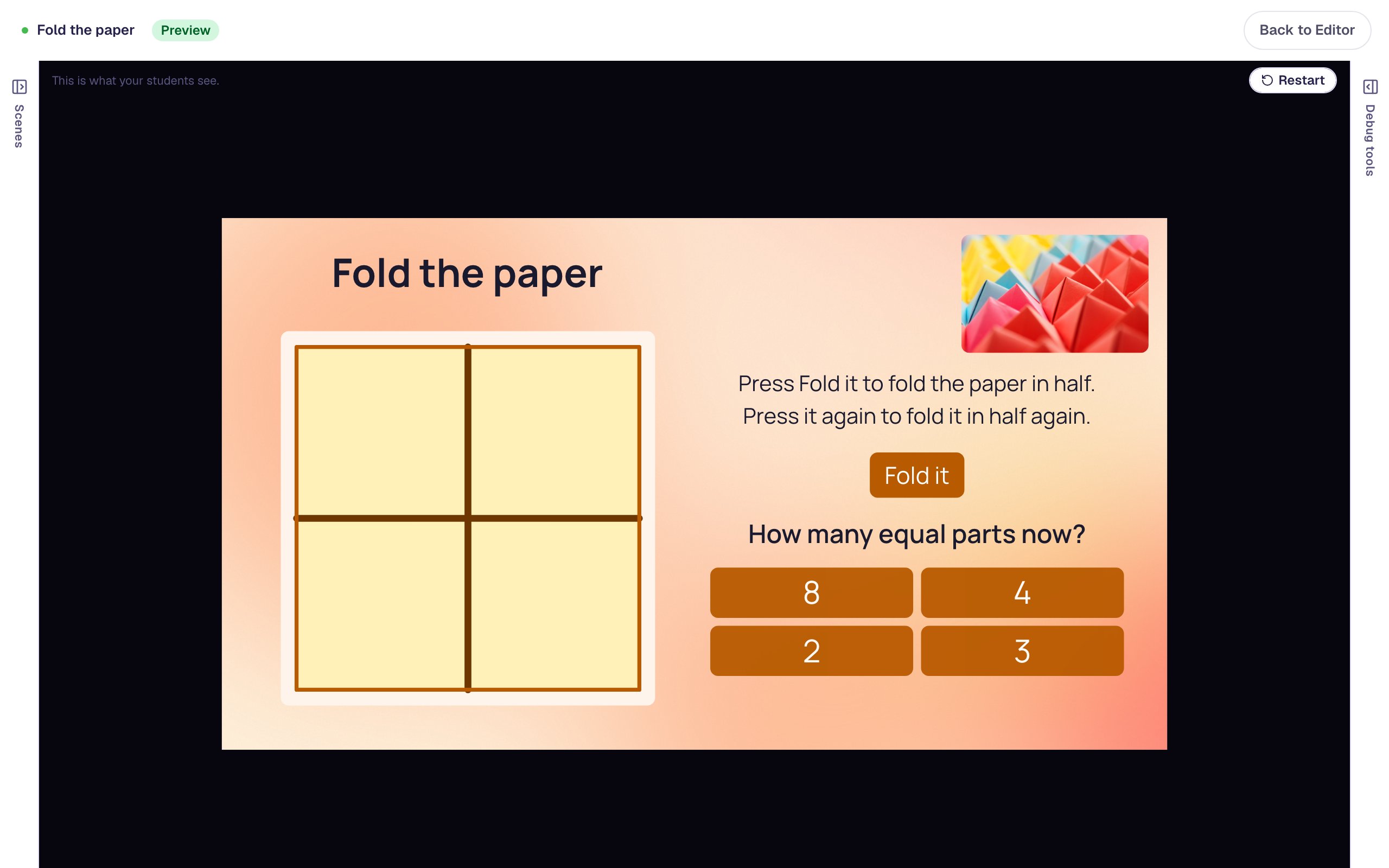
Fold a square in half, then in half again
Draw two folds on an Equal Shares card and turn on Reveal the cut one line at a time, then add a Fold it button that shows one fold per press, so students watch a square become 4 equal parts before they say how many there are.
 Beginner · 12 min · 8 steps
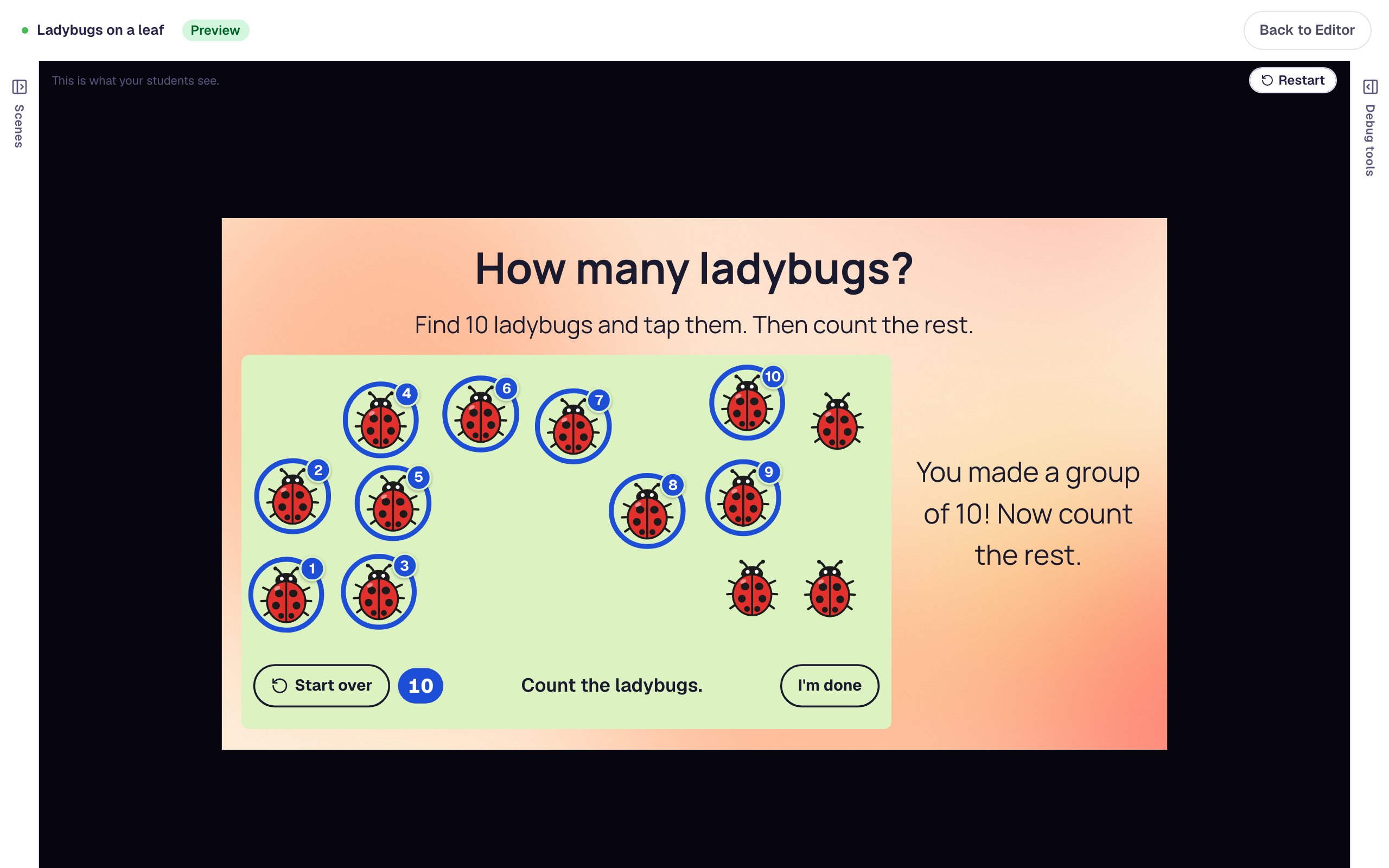
Find a group of 10, then count the rest
Build a teen-number counting activity. Students tap ten of thirteen scattered ladybugs to make a group of 10, a message appears the moment the group is made, and then they count the rest and answer How many?
 Beginner · 15 min · 6 steps
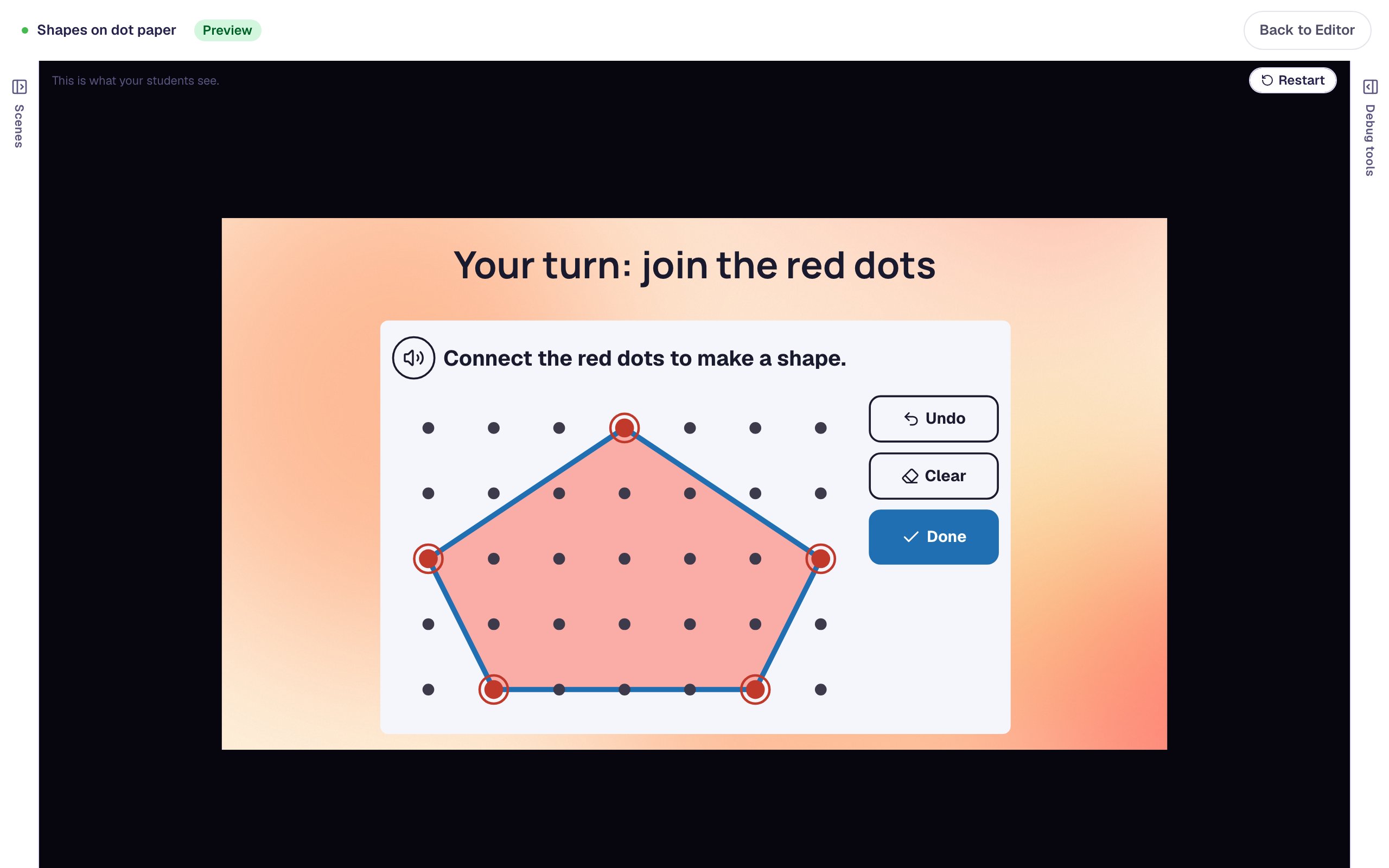
Count a shape's sides, then join the dots
Show a hexagon on dot paper and ask how many sides it has, then let students join five red dots into a shape of their own. Two Dot Paper modes, Show a shape and Connect the dots, in one short geometry lesson.