Learn Berdee by building
Step-by-step walkthroughs with a screenshot for every step. Follow along in the studio and finish with an activity that works. Looking up one setting instead? The help center covers every control.
Try “timer”, “drag” or “score”. 173 of 174 come with a ready-made activity you can add to your account.
8 tutorials found
Matching tutorials8 tutorials
 Beginner · 15 min · 8 steps
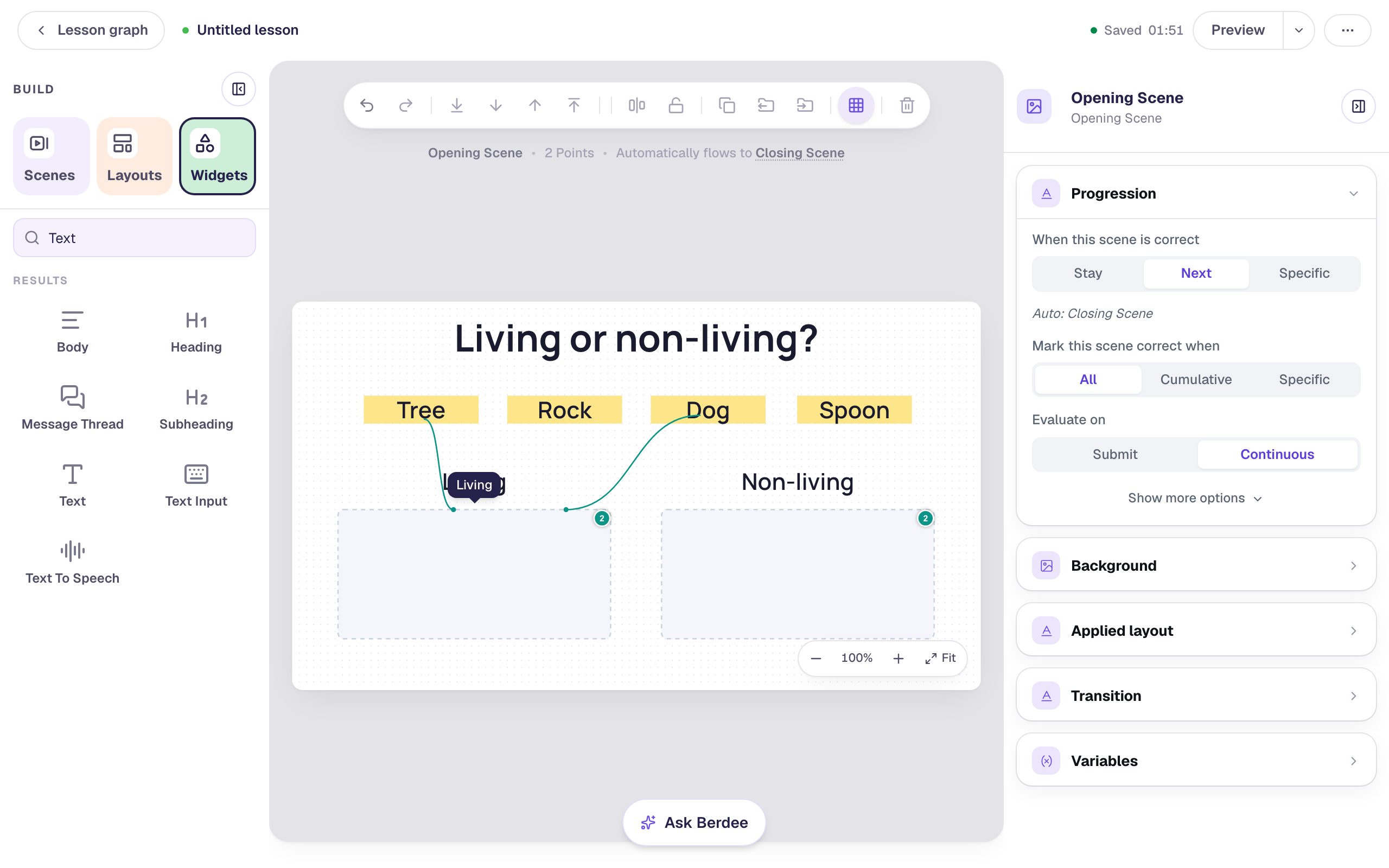
How to make a drag-and-drop sorting activity
Combine Text cards and Drop Buckets into a sorting activity that shows students when a card is in the wrong group and moves on once everything is sorted.
 Beginner · 20 min · 8 steps
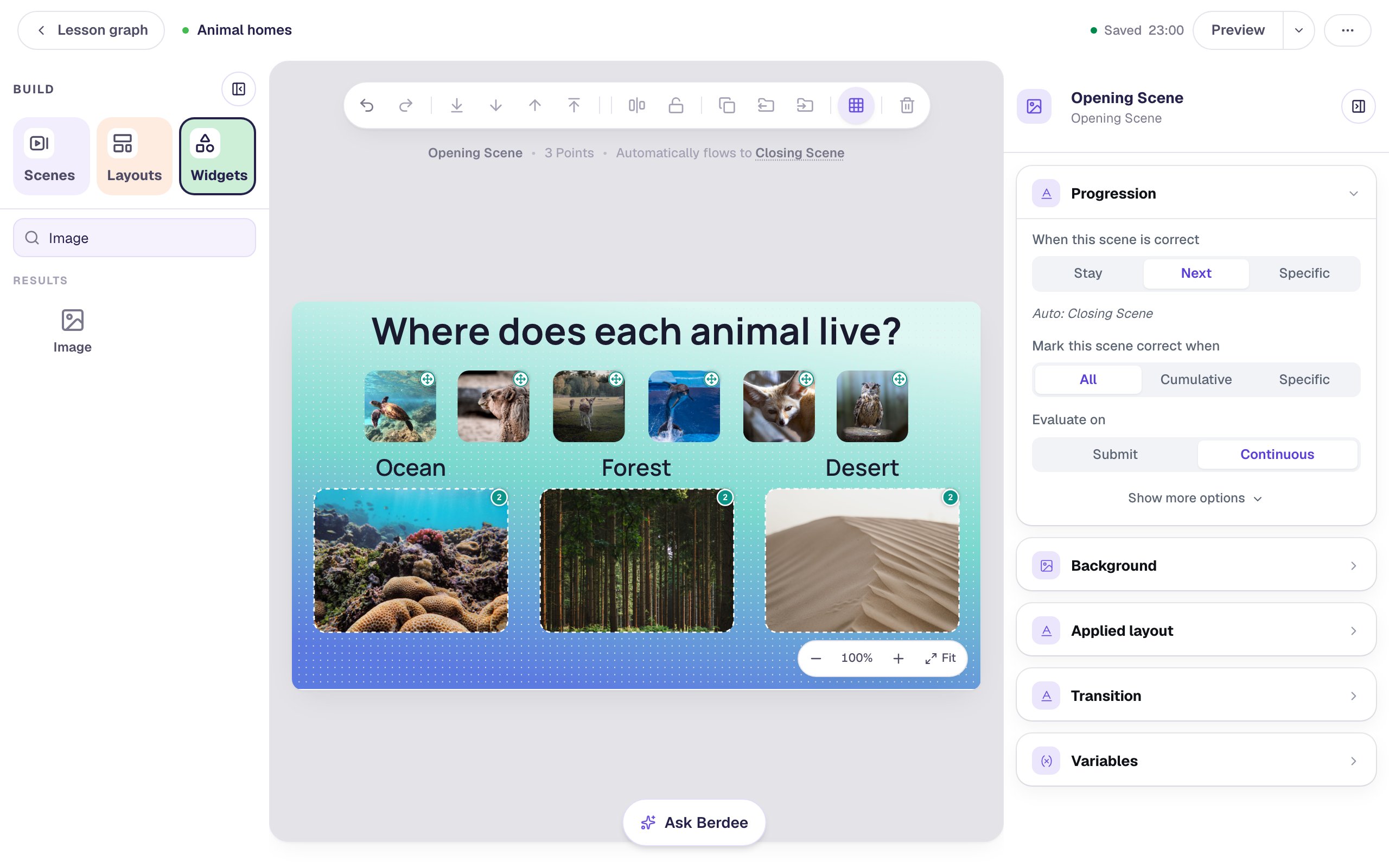
Sort animal pictures into their habitats
Lay see-through Drop Buckets over three habitat photos and turn six animal photos into draggable cards, so students drag each animal to the place it lives.
 Beginner · 15 min · 8 steps
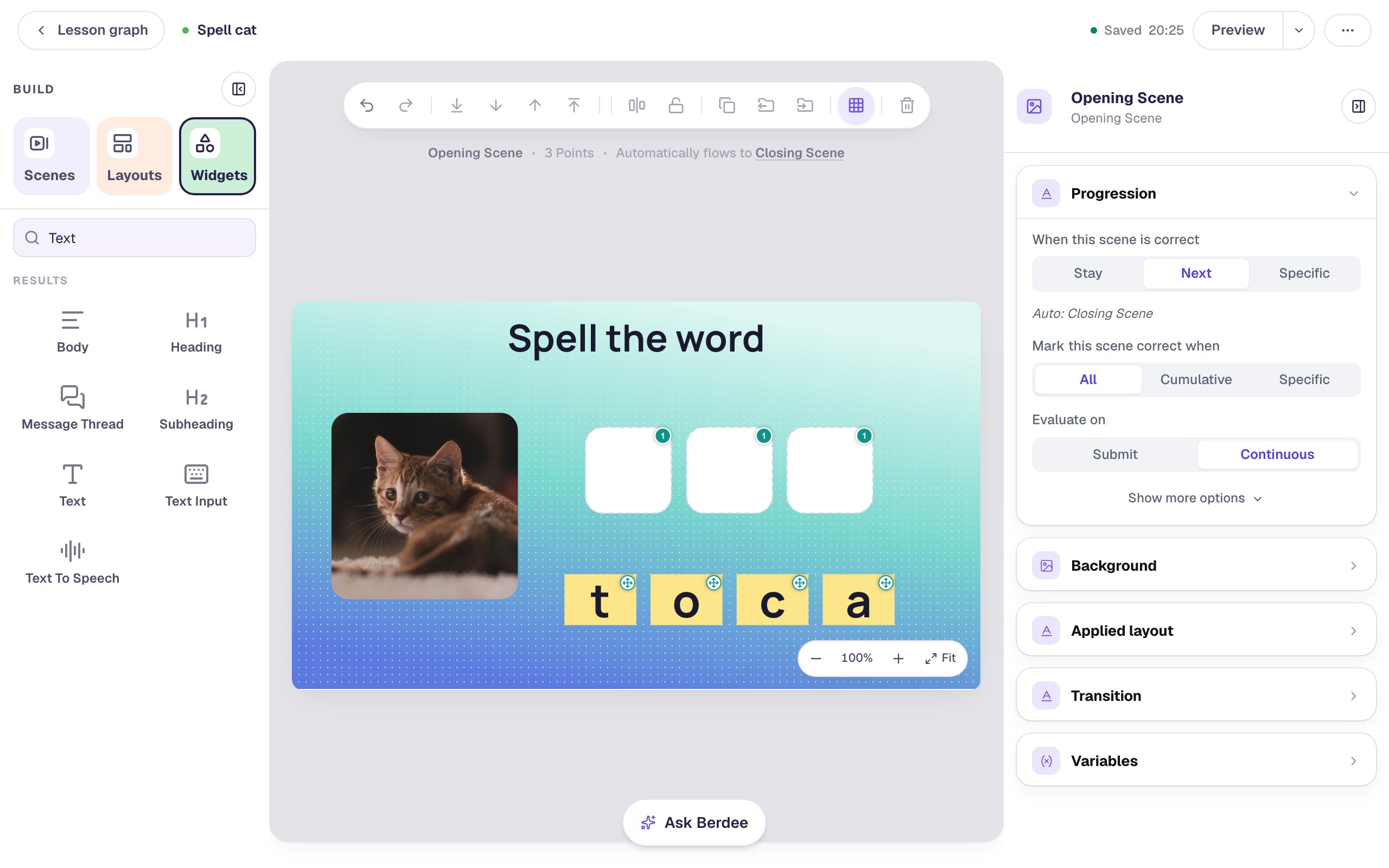
Build a word from letter tiles
Turn Drop Buckets into letter slots and Text widgets into letter tiles, so early readers spell a word by dragging each letter into place, with an extra letter that shows red in the wrong slot.
 Beginner · 15 min · 8 steps
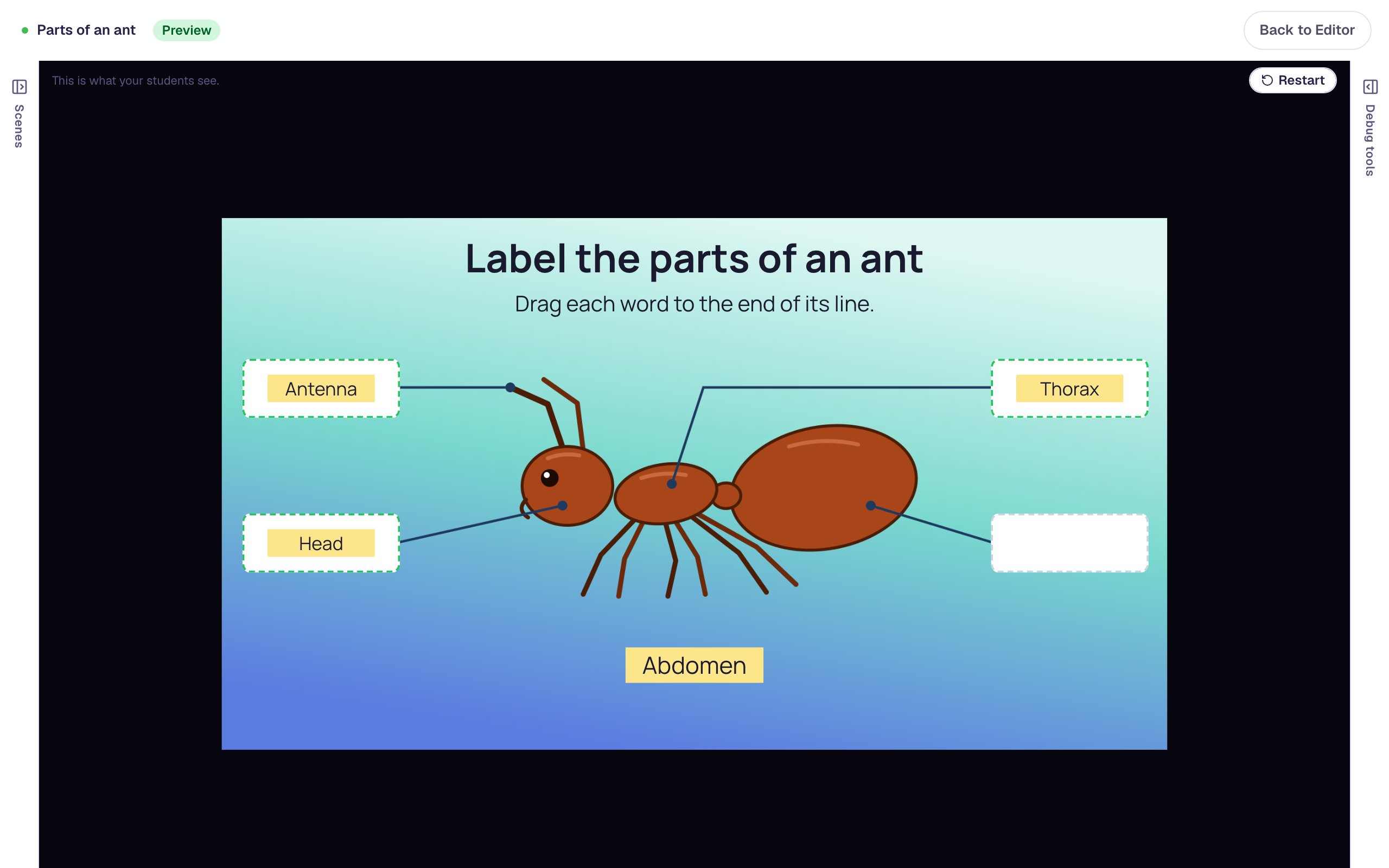
Drag labels onto the parts of a diagram
Put an empty slot at the end of each line on a diagram, turn four words into cards students can drag, and connect each word to its slot, so students label an ant's antenna, head, thorax and abdomen and see a red slot when a word is in the wrong place.
 Beginner · 20 min · 8 steps
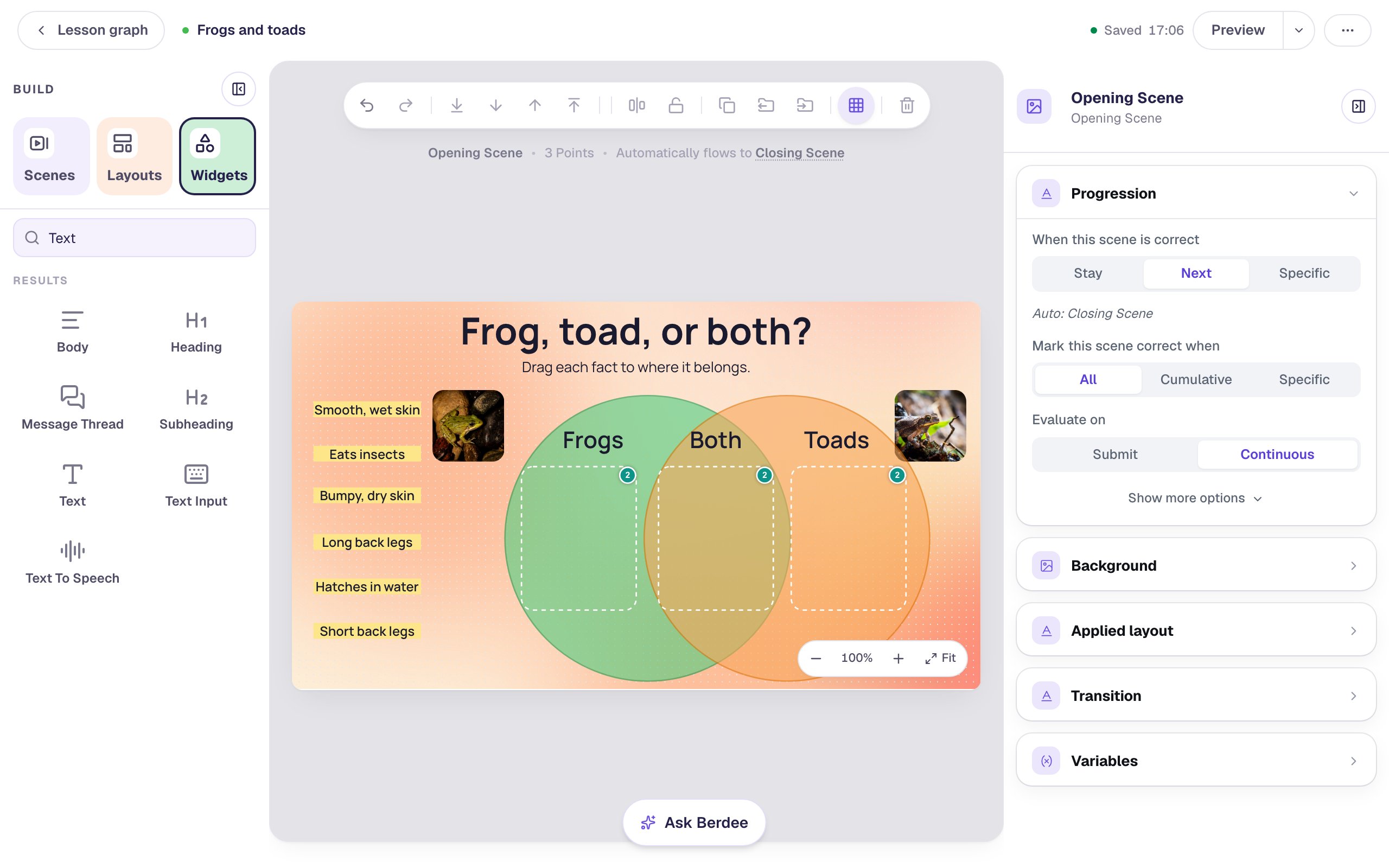
Compare frogs and toads with a Venn diagram
Draw two overlapping see-through circles with Shape widgets, lay a Drop Bucket in each part, and turn six facts into cards, so students sort what's true of frogs, of toads, or of both.
 Beginner · 15 min · 9 steps
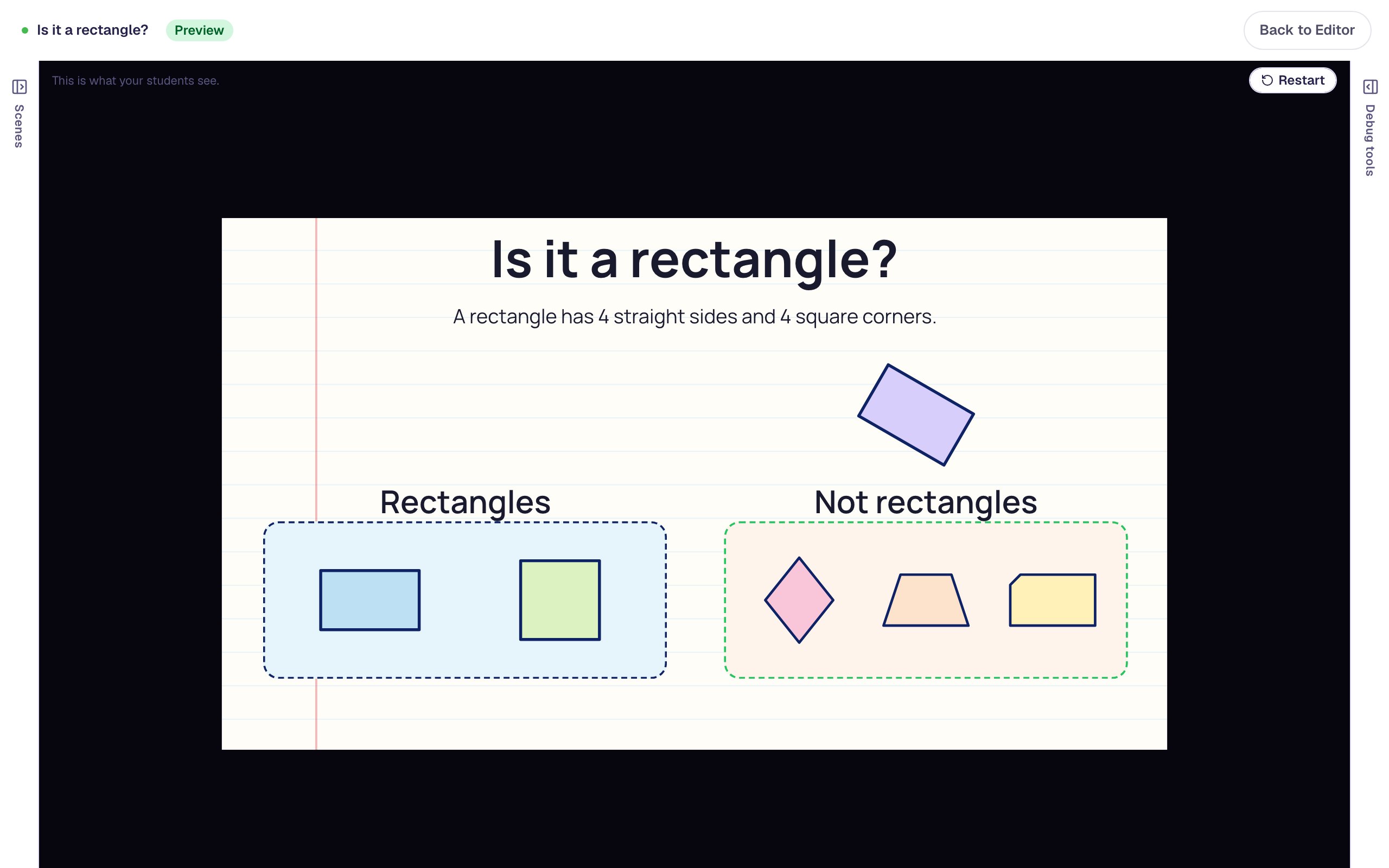
Sort rectangles from shapes that aren't
Draw six exact shapes with the Shape widget, make each one a draggable card, and let students sort them into Rectangles and Not rectangles. A square and a tilted rectangle belong with the rectangles; a rhombus and a trapezoid don't.
 Intermediate · 20 min · 8 steps
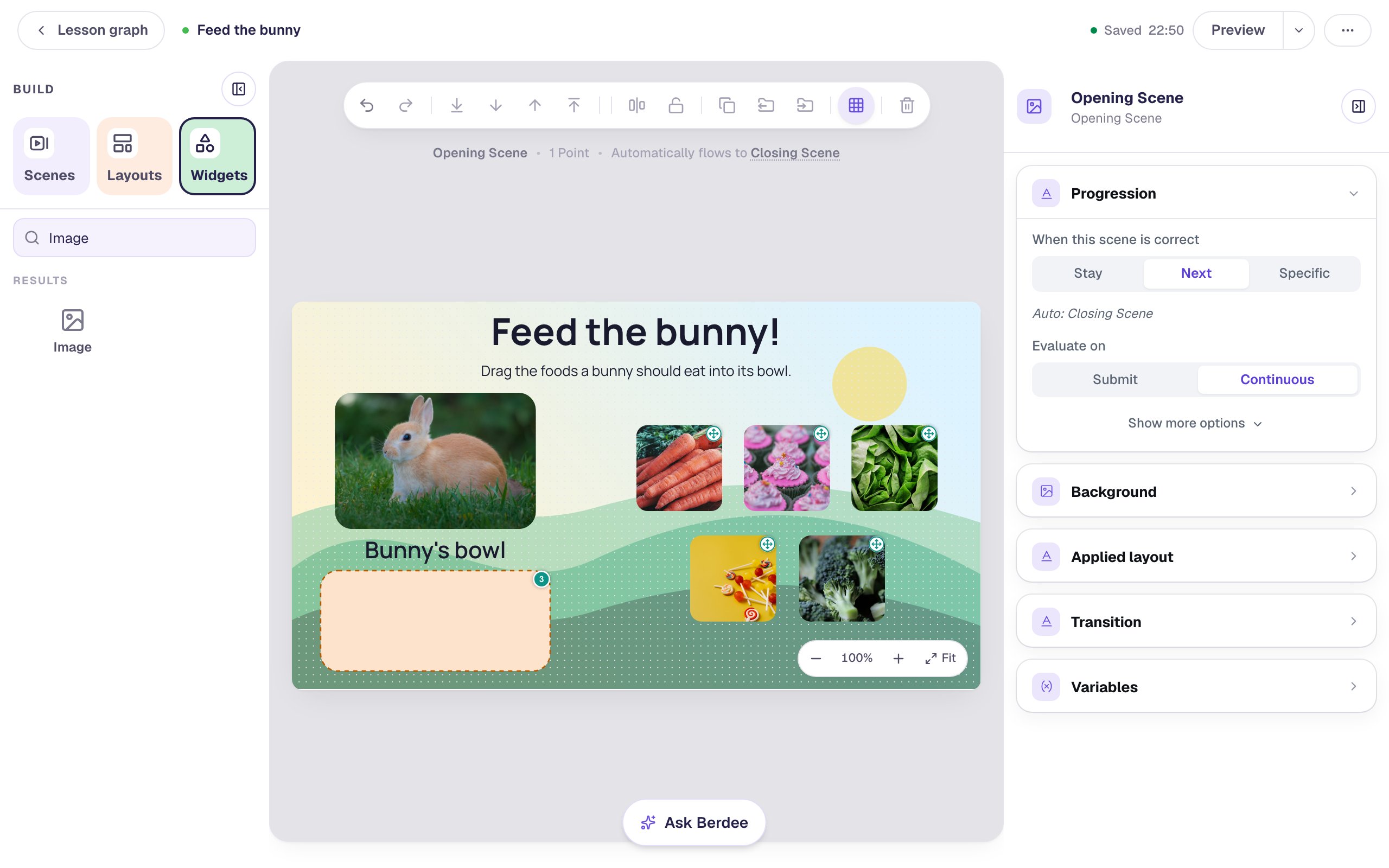
React to each drop in a drag-and-drop game
Build a feed-the-bunny game where every drop gets an answer right away, with an emoji burst for a right food, a gentle message for a wrong one, and praise when the student fixes it.
 Beginner · 20 min · 8 steps
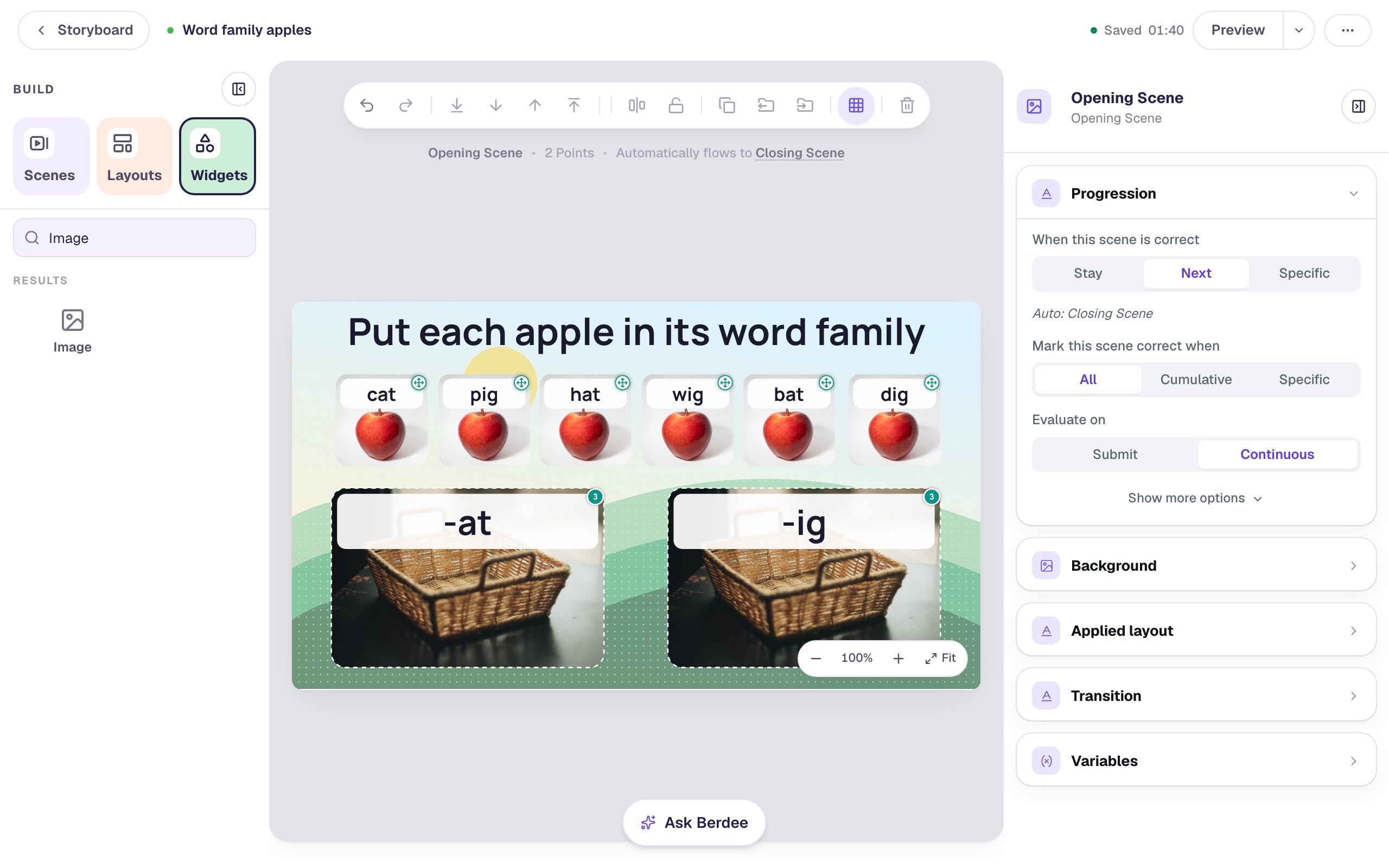
Print a word on a picture students drag
Print a word on an Image with its Label, so one apple photo becomes six word cards that drag, drop and score with their word, and students sort them into -at and -ig baskets.