Learn Berdee by building
Step-by-step walkthroughs with a screenshot for every step. Follow along in the studio and finish with an activity that works. Looking up one setting instead? The help center covers every control.
Try “timer”, “drag” or “score”. 173 of 174 come with a ready-made activity you can add to your account.
13 tutorials found
Matching tutorials13 tutorials
 Beginner · 10 min · 6 steps
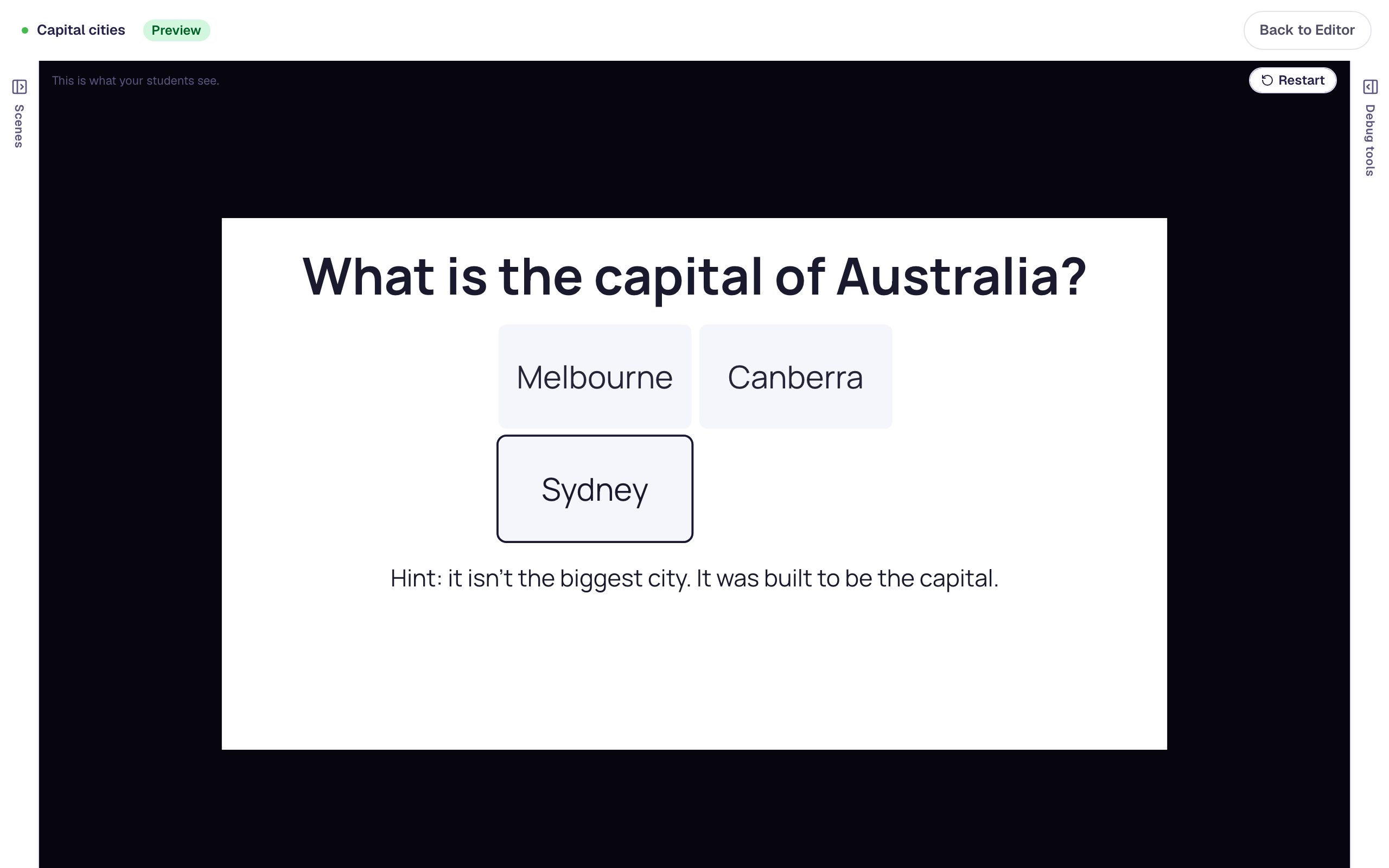
Add a hint students can open when they're stuck
Hide a hint under a question and add a Show hint button that reveals it, so students get help only when they ask for it.
 Intermediate · 15 min · 8 steps
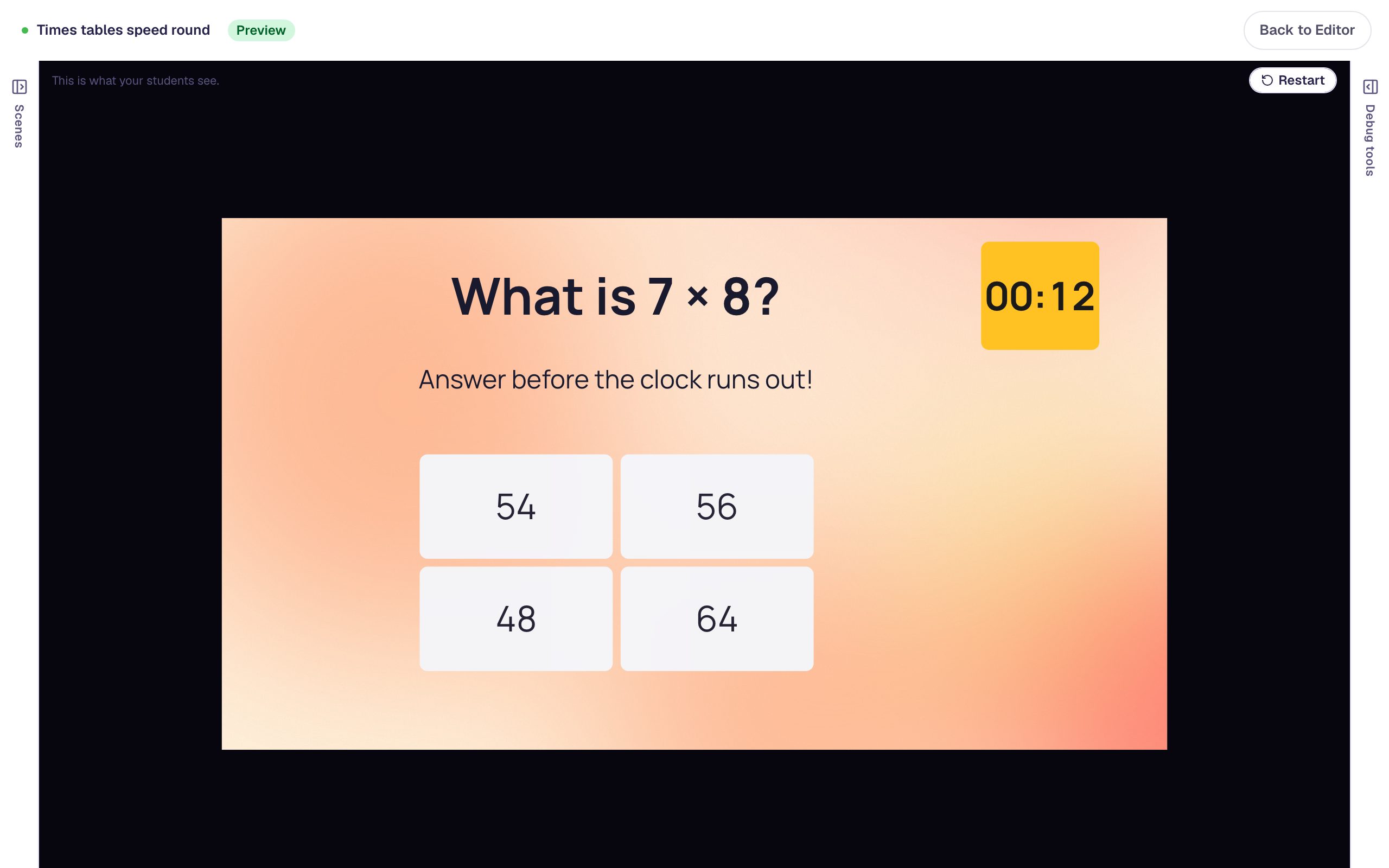
Give students 15 seconds to answer a question
Put a countdown Timer next to a multiple-choice question and send students to an "Out of time" scene when it reaches zero, while a quick right answer goes straight to the ending.
 Beginner · 15 min · 7 steps
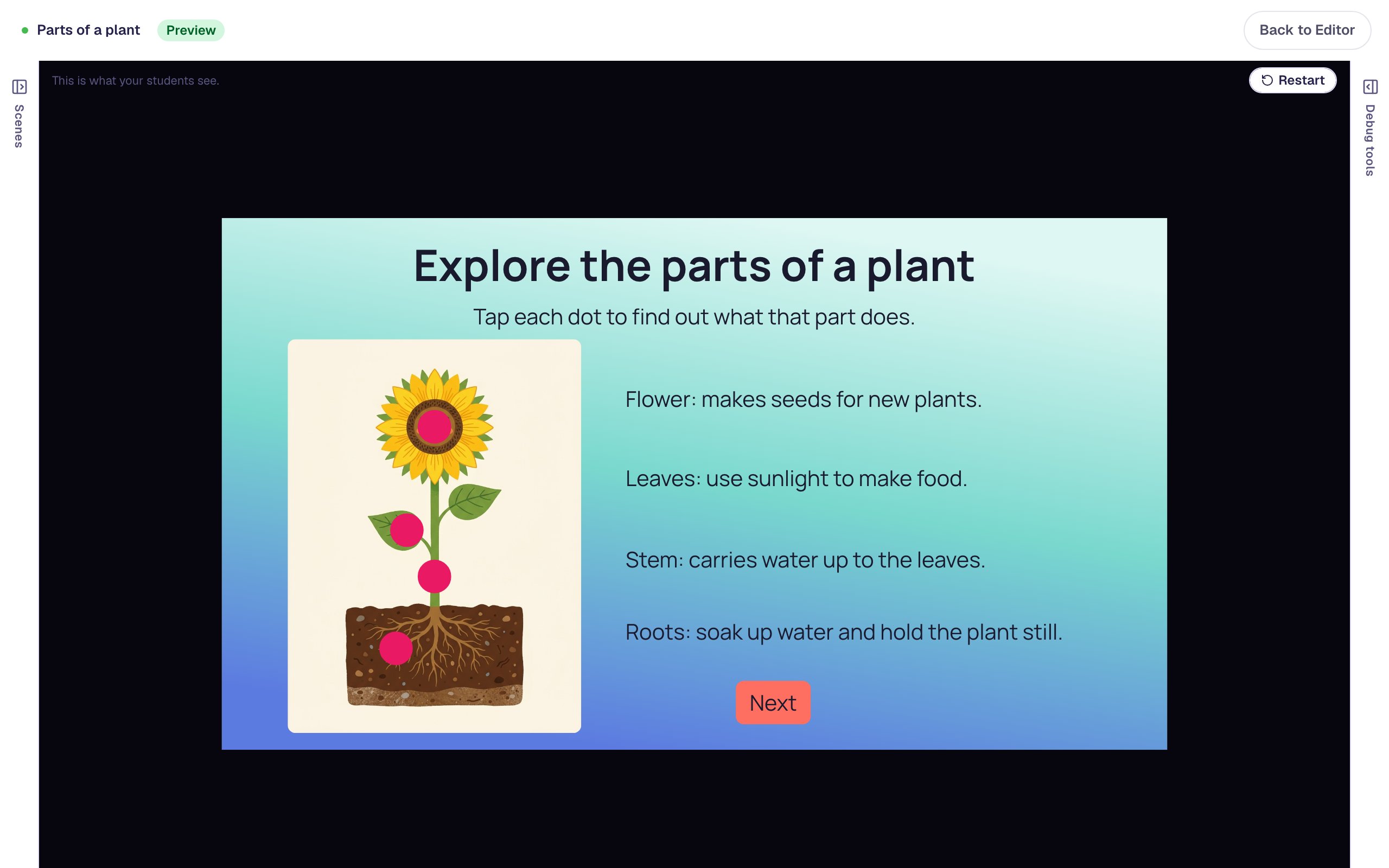
Make a picture students can tap to explore
Put Hotspot dots on a picture of a plant and make each one reveal what that part does, so students explore a diagram by tapping it instead of reading a wall of labels.
 Intermediate · 15 min · 8 steps
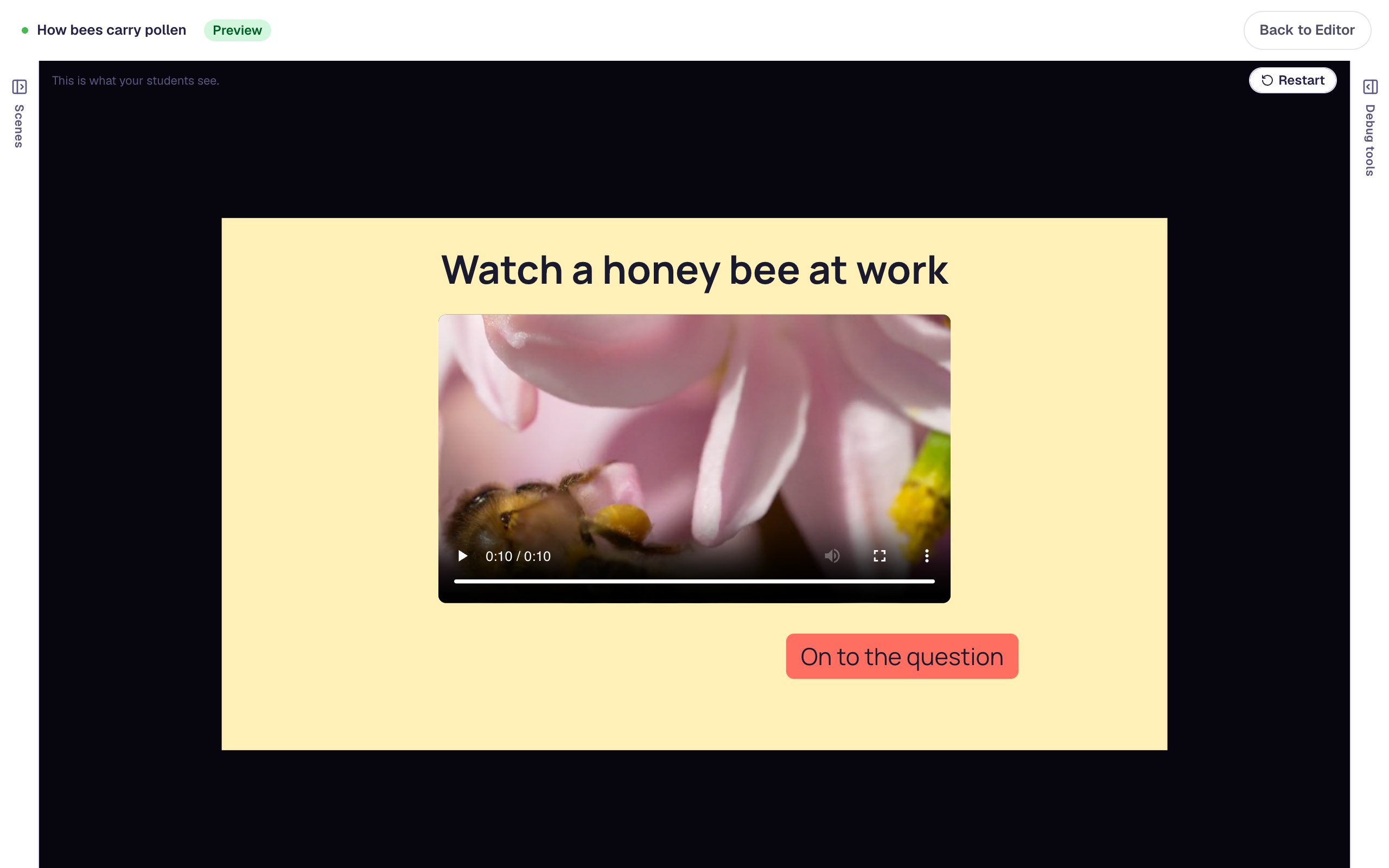
Unlock a question only after students watch a video
Upload a short clip to a Video widget, then use visibility rules so the button to the question appears only once the video has played to the end.
 Beginner · 12 min · 8 steps
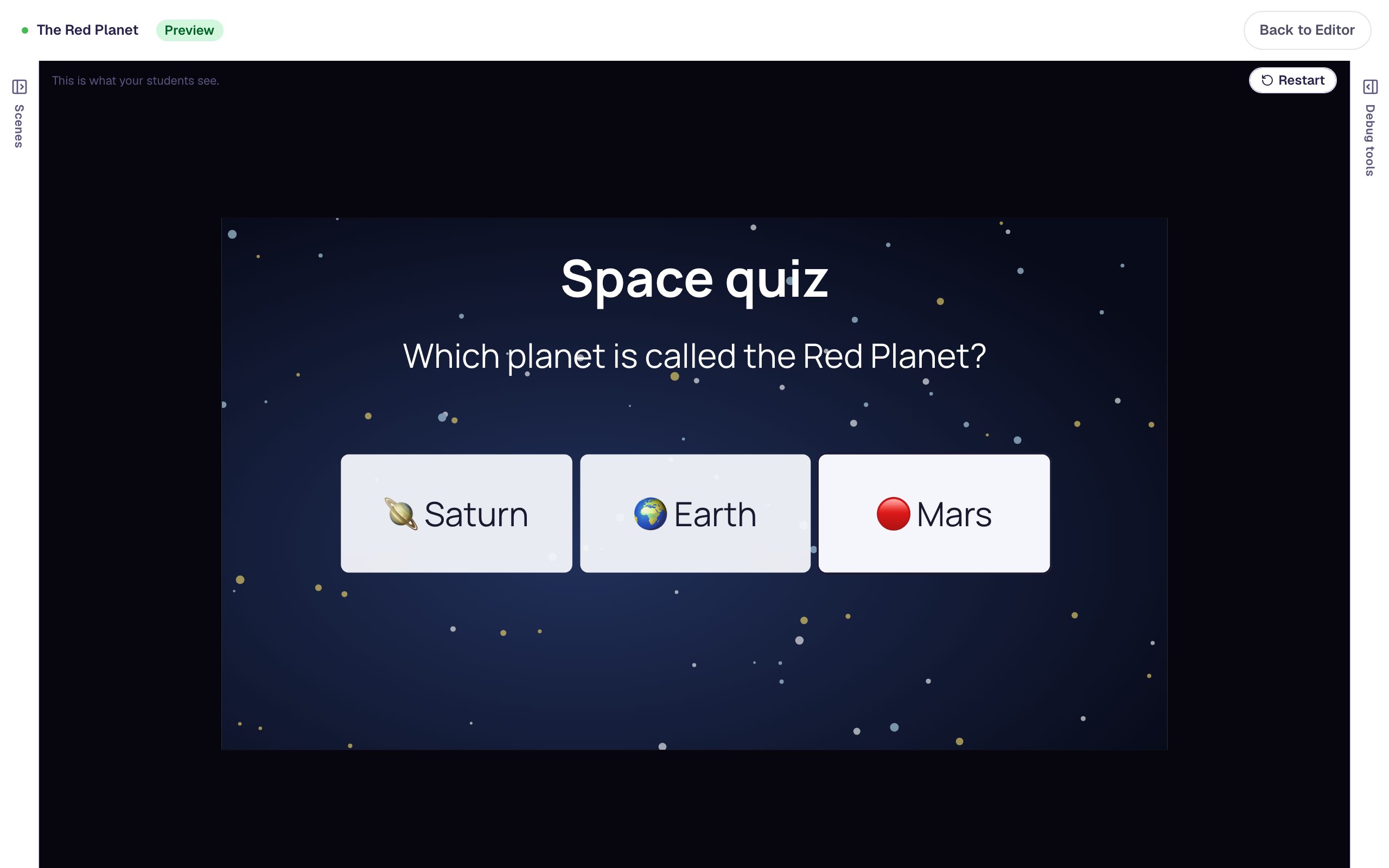
Play a sound for right and wrong answers
Generate two sound effects, hide their players, and use behaviors so a question plays one sound when students get it right and another when they pick a wrong answer.
 Beginner · 15 min · 8 steps
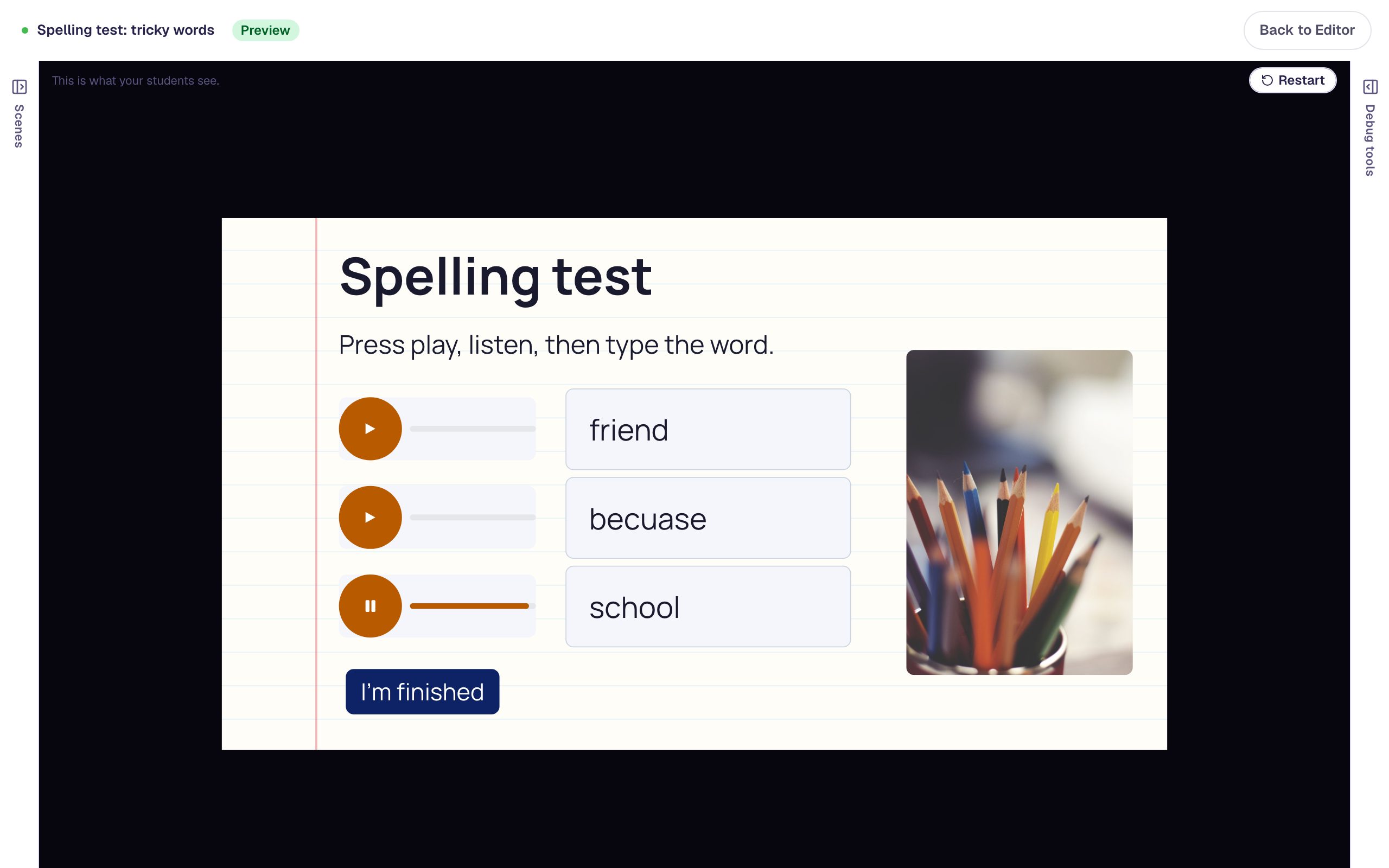
Give a spelling test students listen to
Build a three-word spelling test where each word has its own play button that says it in a sentence, an answer box beside it, and one I'm finished button that grades every word and shows the score.
 Intermediate · 15 min · 7 steps
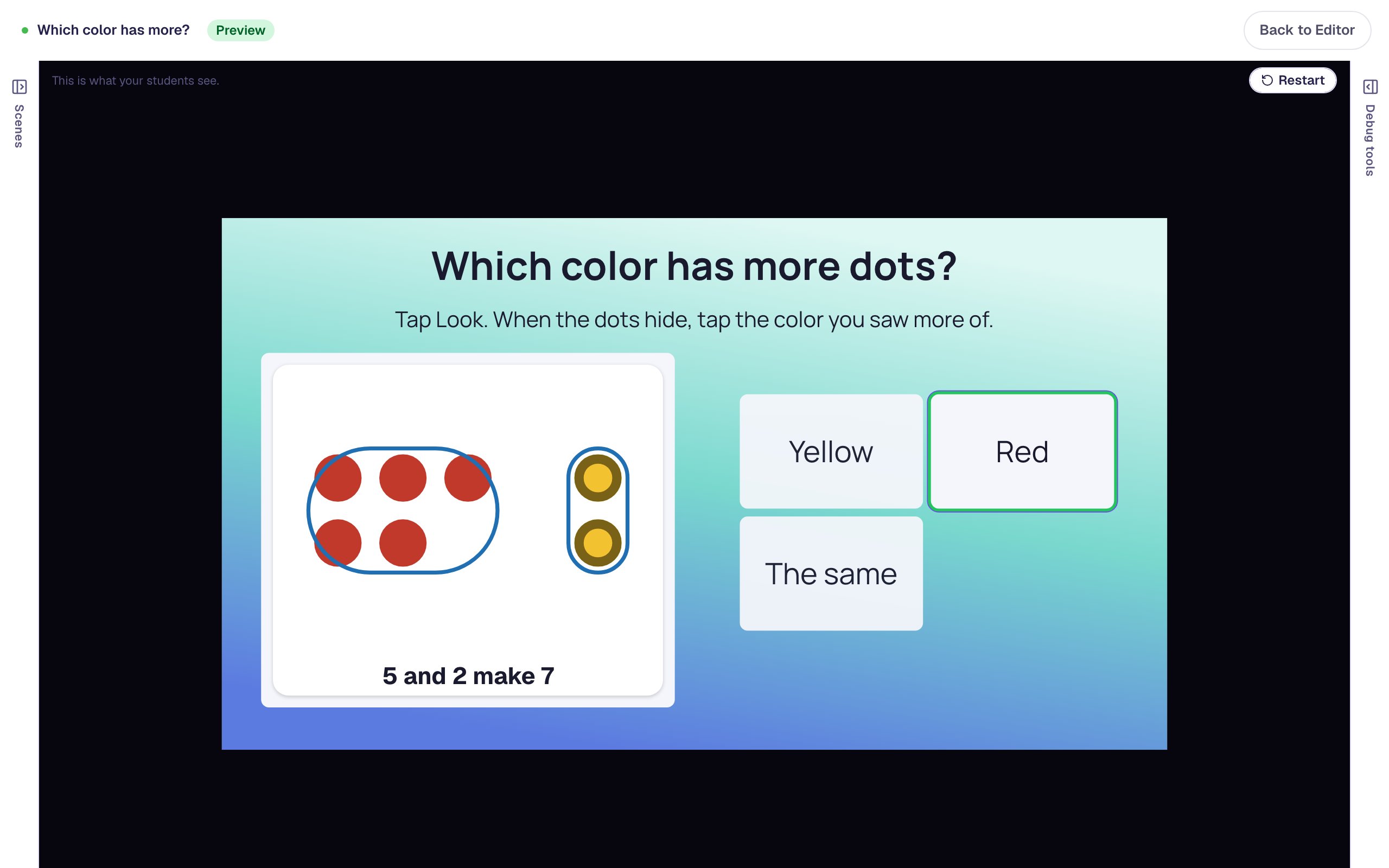
Flash a dot card, then ask your own question
Flash a red-and-yellow dot card with a Quick Look set to Just look, keep a Multiple Choice question hidden until the cover comes down, and bring the card back with rings after a right answer.
 Beginner · 15 min · 8 steps
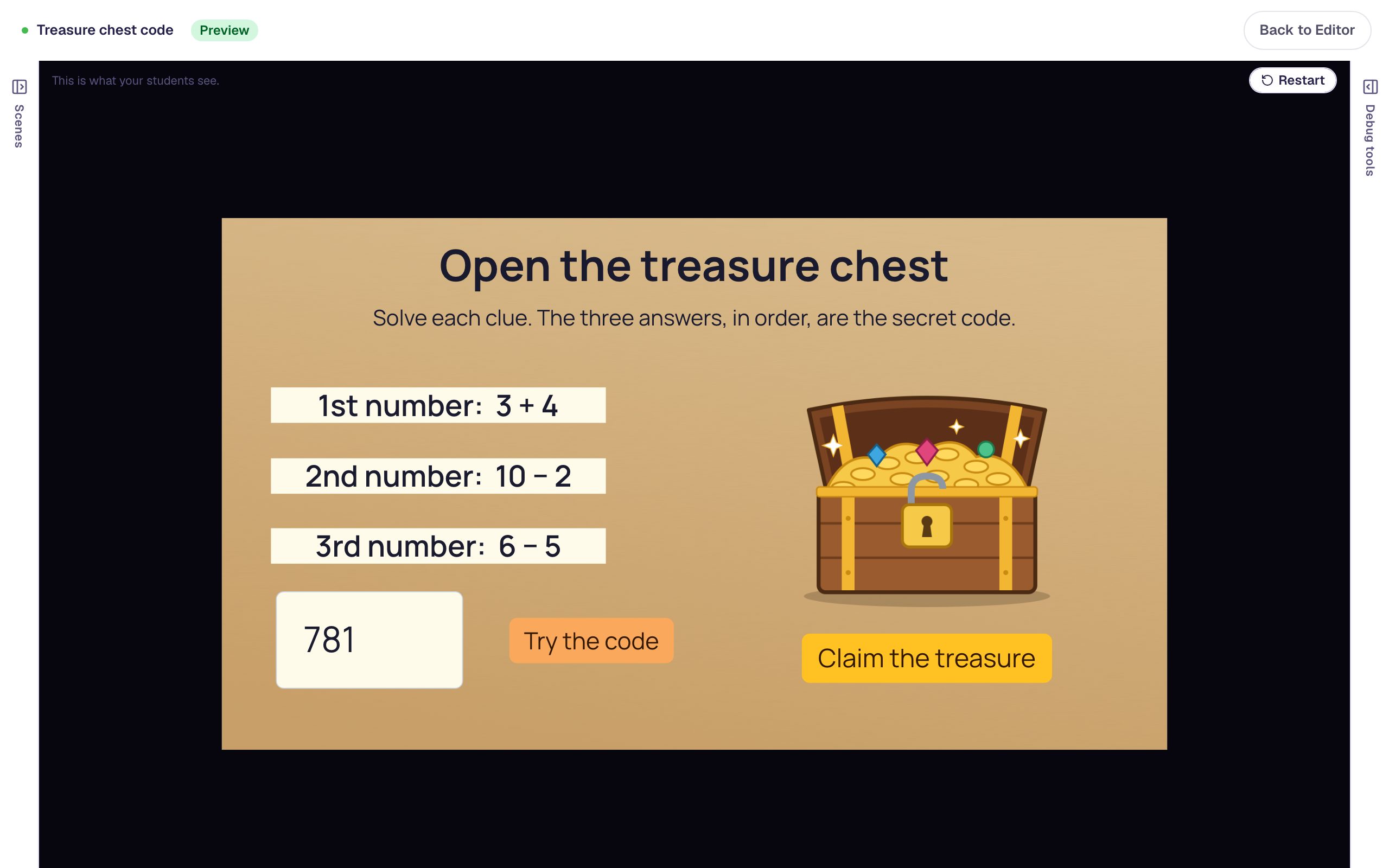
Open a treasure chest with a secret code
Build an escape-room style puzzle where three clue answers make a secret code. A Number Input is the lock, a button explains a wrong code, and Visibility rules swap a closed chest for an open one when the code is right.
 Intermediate · 15 min · 8 steps
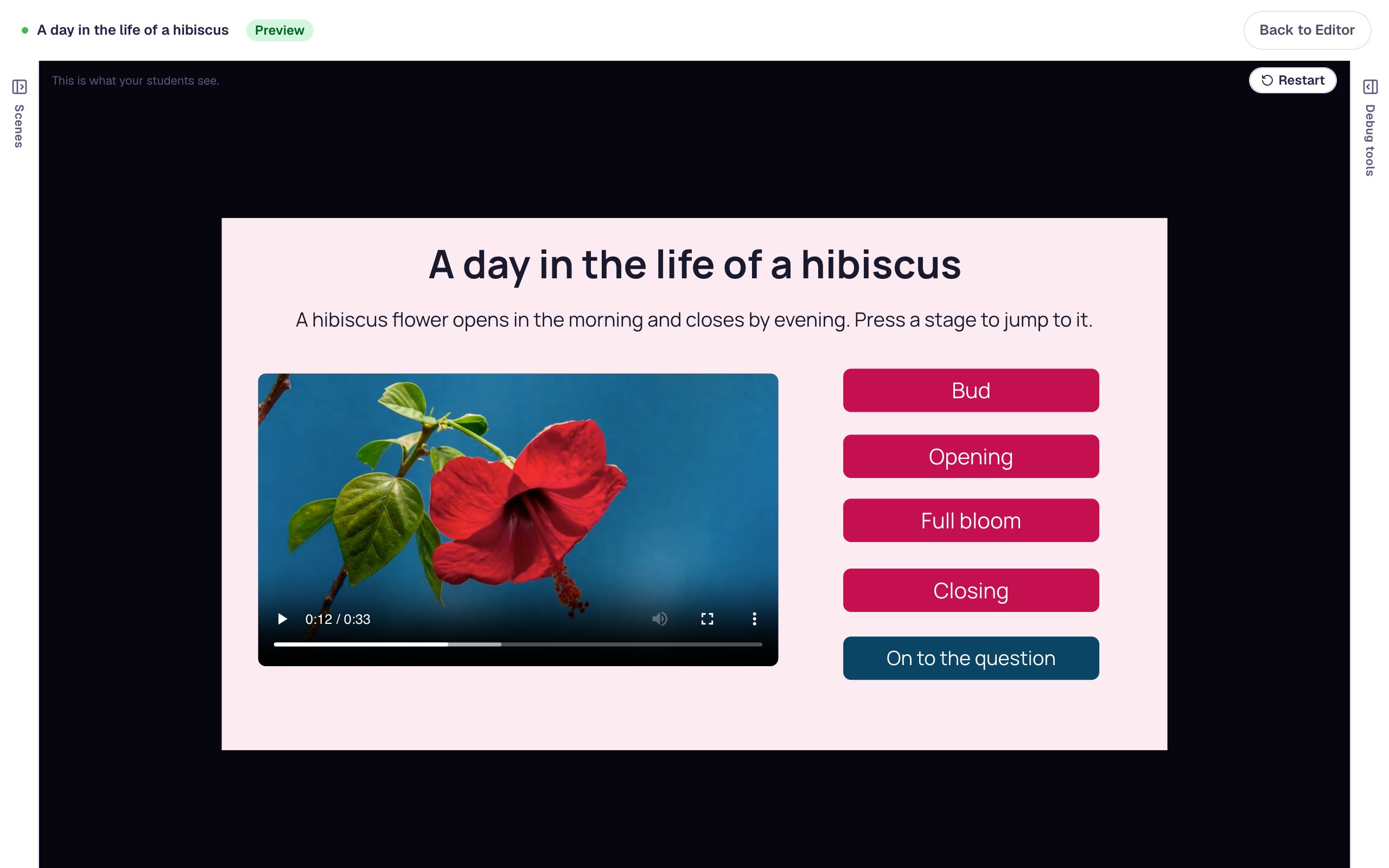
Jump to key moments in a video with buttons
Put a time-lapse in a Video widget and add a button for each stage, so one press takes students straight to the moment that matters. Build one button with a Seek action, copy it, and change only the second it jumps to.
 Beginner · 15 min · 9 steps
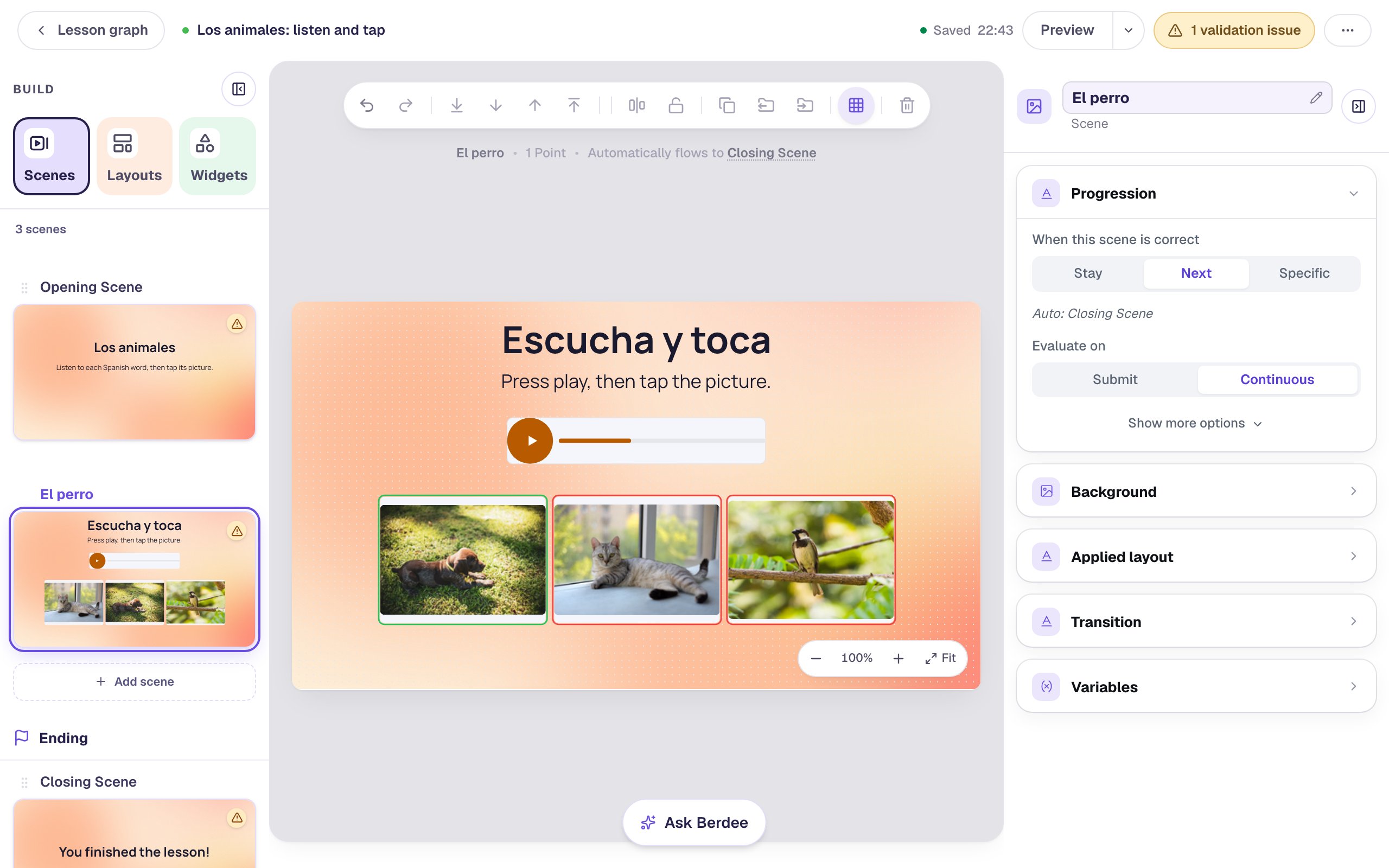
Make a Spanish listening quiz with pictures
Build a two-question world-language quiz where students press play, hear a Spanish sentence read by a voice that speaks Spanish, and tap the picture it names. Set the activity's voice once, then duplicate the first question for the next word.
 Beginner · 15 min · 8 steps
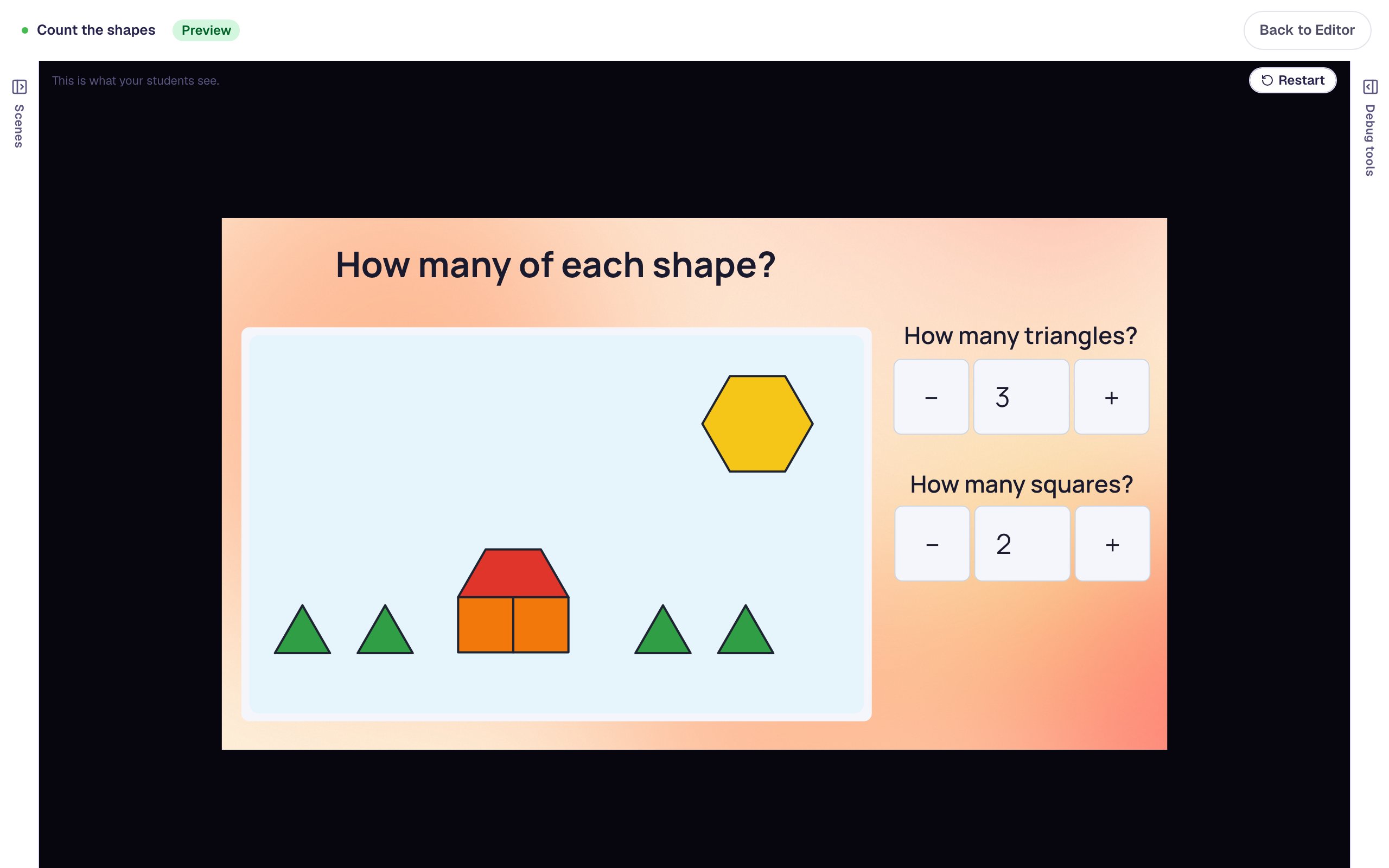
Count the shapes in a pattern block picture
Build a picture out of pattern blocks with the Pattern Blocks widget's Show mode, then ask "How many triangles?" and "How many squares?" with two Number Inputs that young learners answer by tapping + and −.
 Intermediate · 12 min · 7 steps
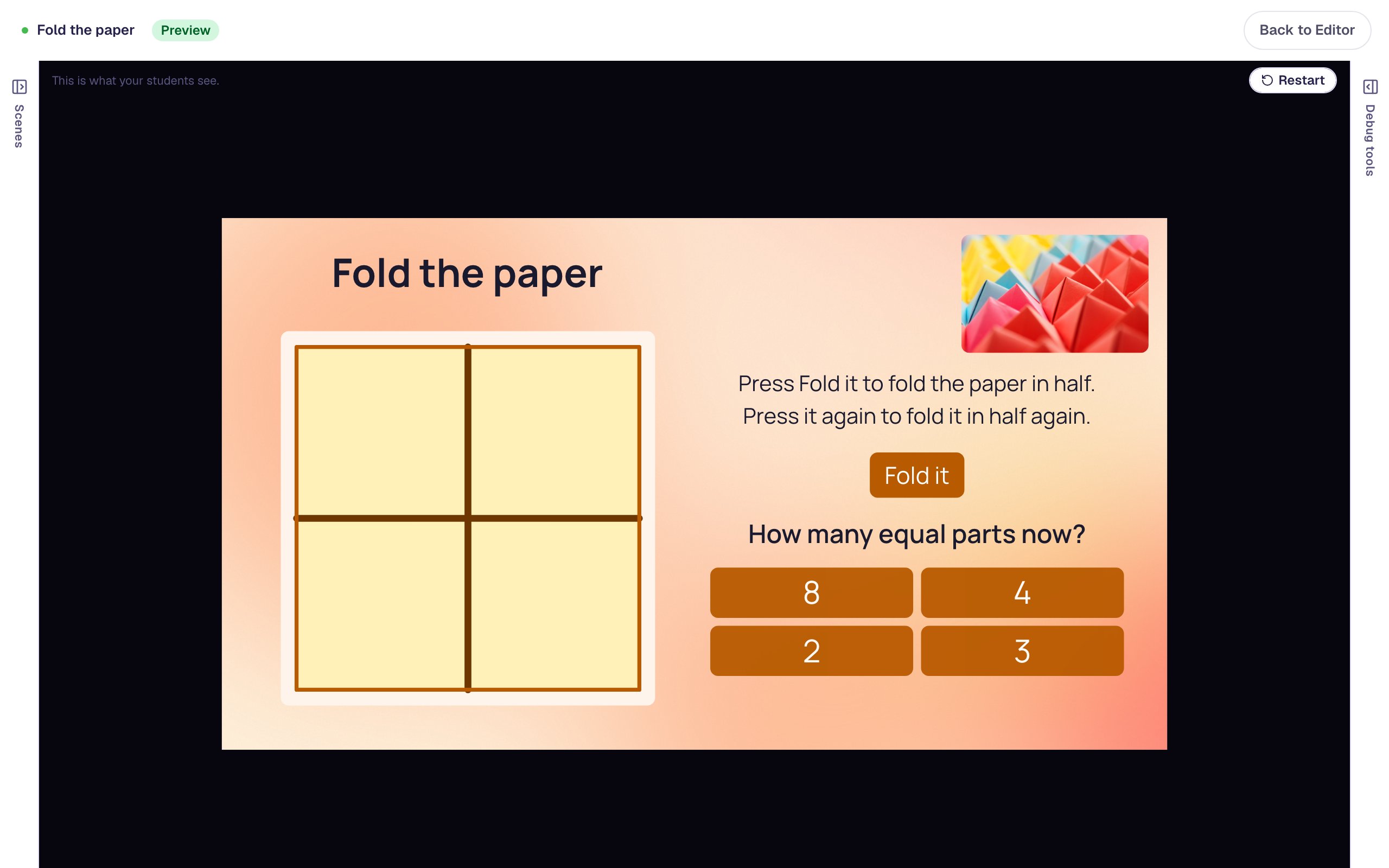
Fold a square in half, then in half again
Draw two folds on an Equal Shares card and turn on Reveal the cut one line at a time, then add a Fold it button that shows one fold per press, so students watch a square become 4 equal parts before they say how many there are.
 Beginner · 15 min · 6 steps
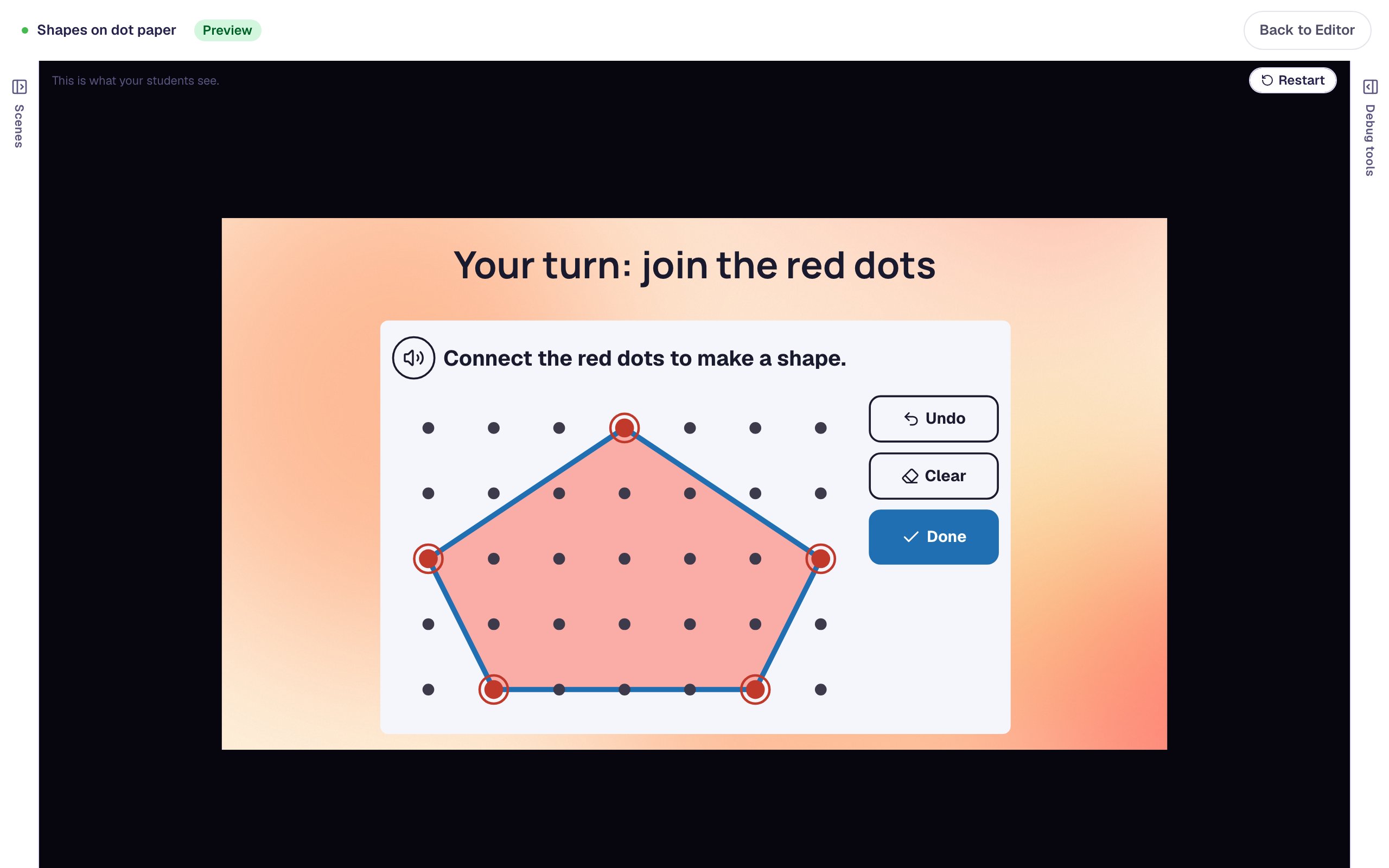
Count a shape's sides, then join the dots
Show a hexagon on dot paper and ask how many sides it has, then let students join five red dots into a shape of their own. Two Dot Paper modes, Show a shape and Connect the dots, in one short geometry lesson.