Learn Berdee by building
Step-by-step walkthroughs with a screenshot for every step. Follow along in the studio and finish with an activity that works. Looking up one setting instead? The help center covers every control.
Try “timer”, “drag” or “score”. 173 of 174 come with a ready-made activity you can add to your account.
13 tutorials found
Matching tutorials13 tutorials
 Beginner · 12 min · 8 steps
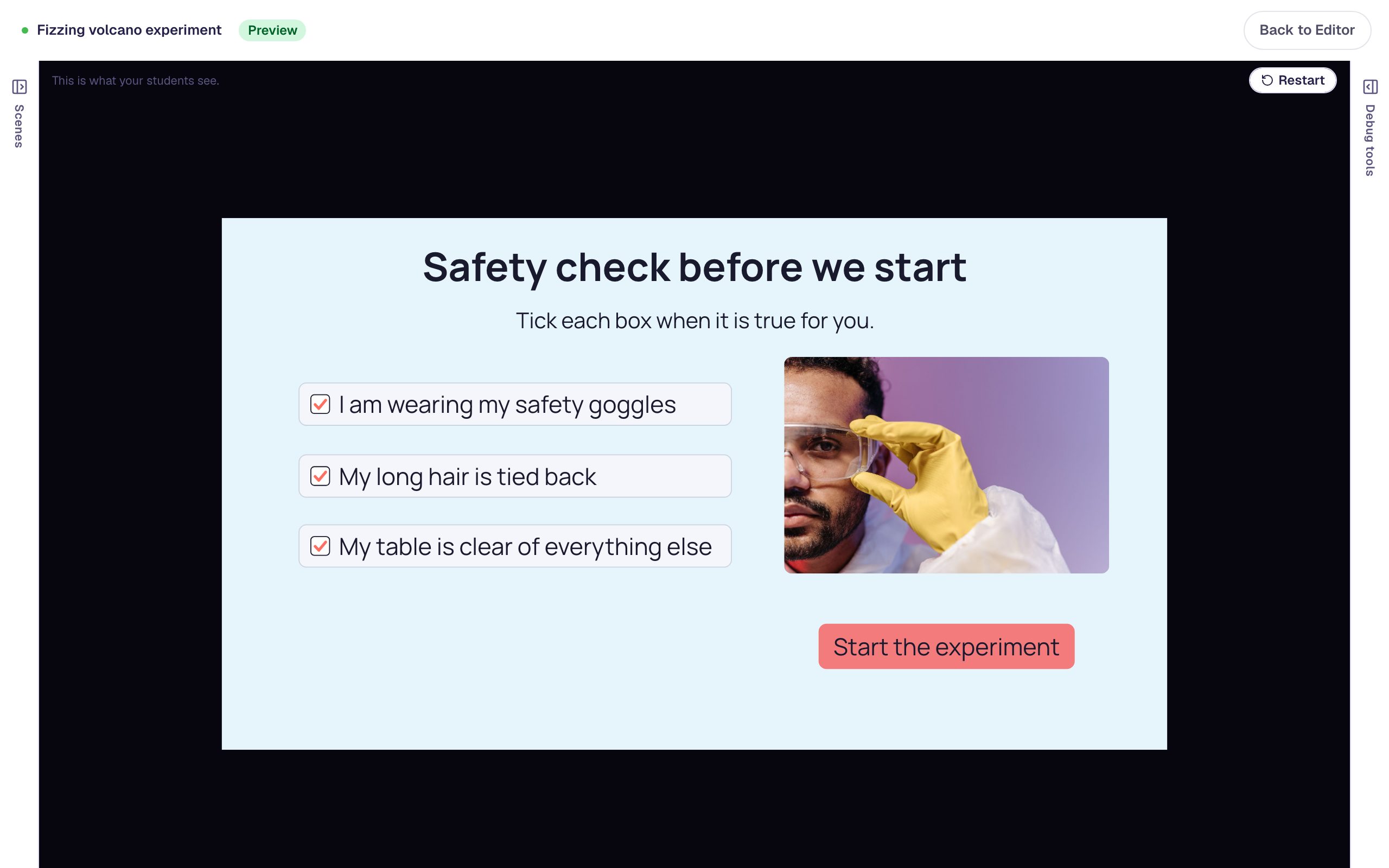
Unlock a button when every checklist box is ticked
Build a lab safety checklist from three checkboxes, then give the Start button one visibility rule with three conditions so it appears only once every box is ticked.
 Intermediate · 15 min · 6 steps
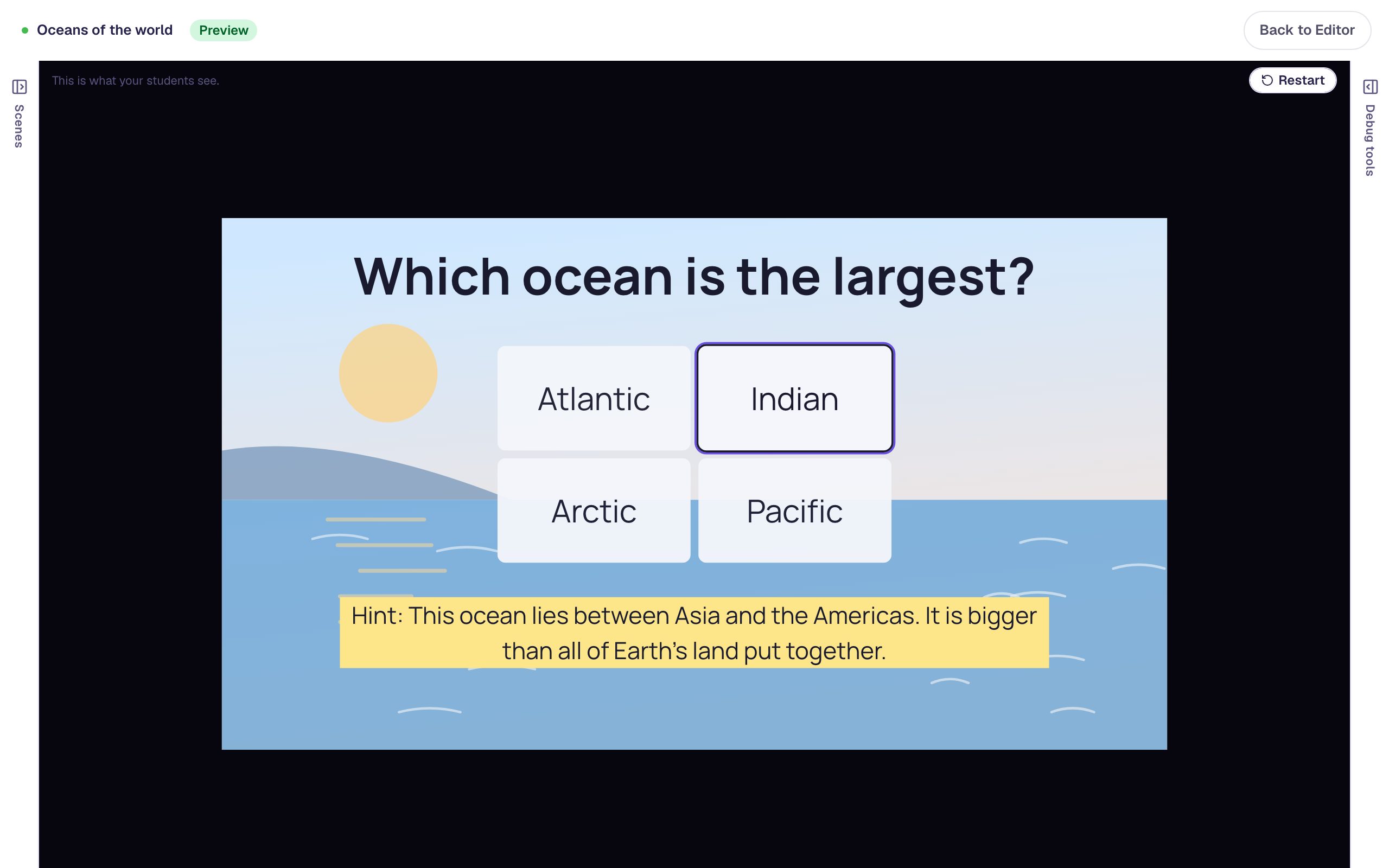
Show a hint after two wrong tries
Count a student's wrong answers in a number variable, then let a hint appear on its own once they've missed twice, so students try first and get help only when they need it.
 Intermediate · 15 min · 8 steps
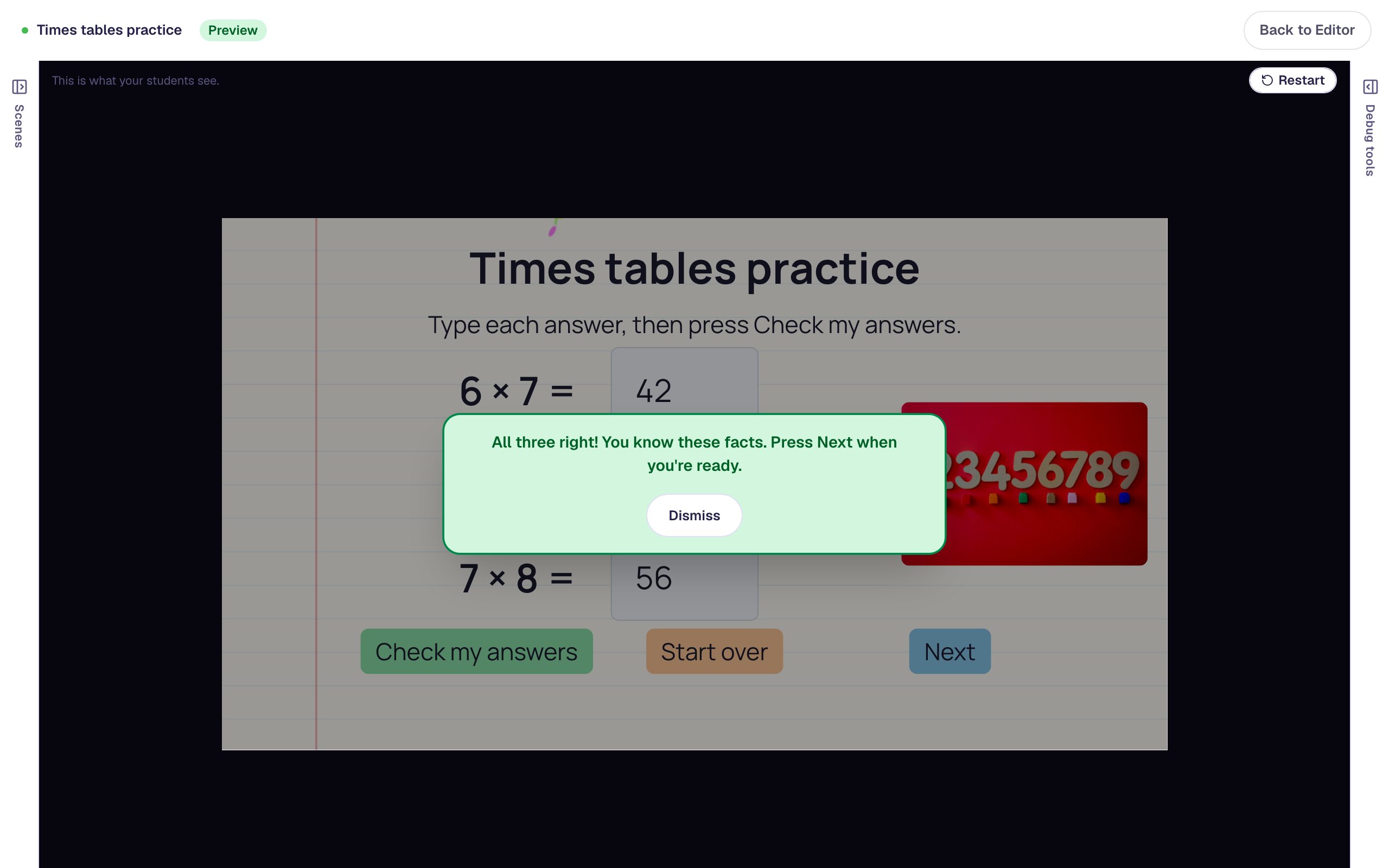
Let students check their work and start over
Build a times-tables practice sheet with a Check my answers button that says whether every answer is right, and a Start over button that clears the answers so students can practice again.
 Beginner · 15 min · 7 steps
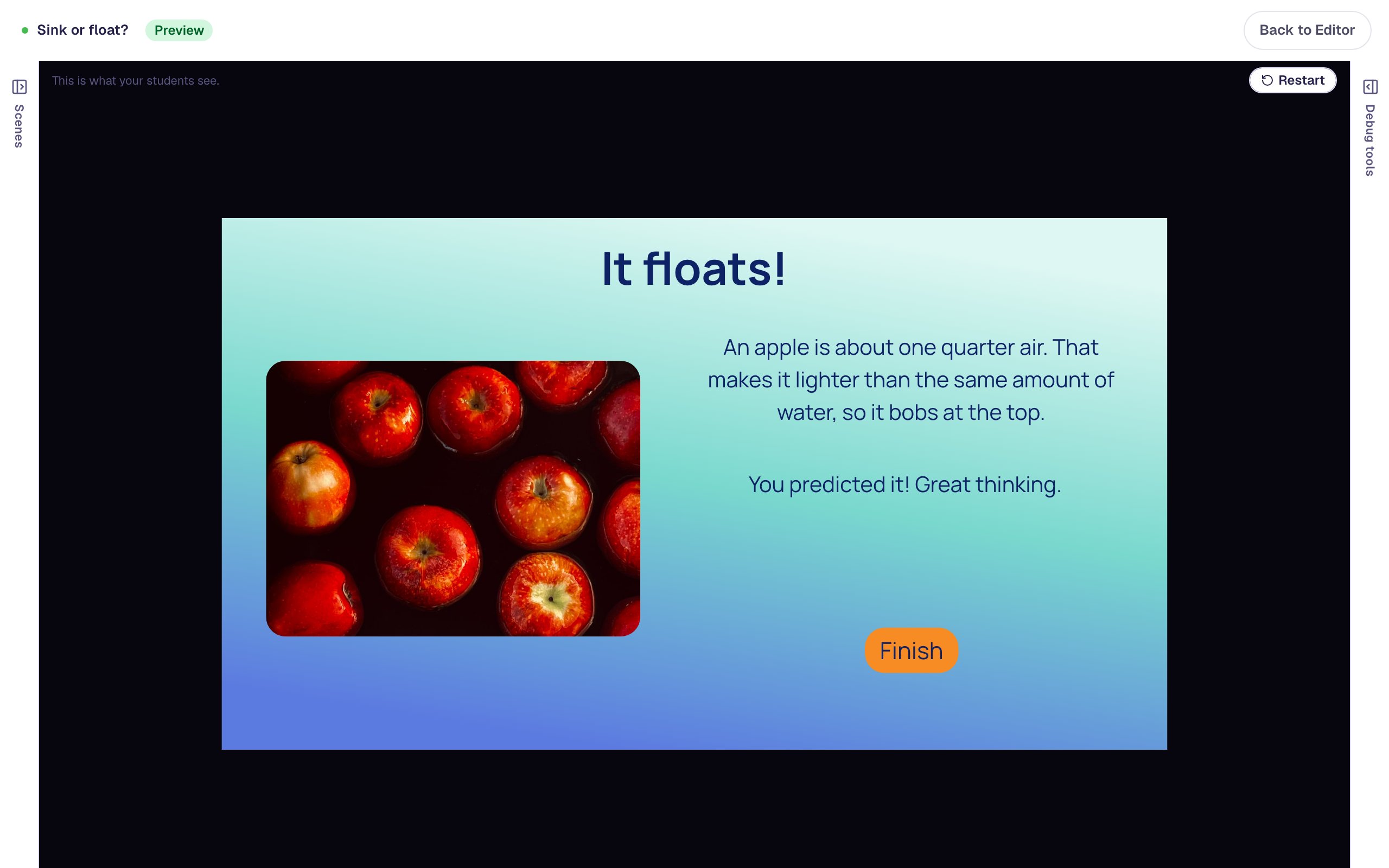
Ask students to predict before you reveal
Ask for an ungraded prediction with a Multiple Choice, show the Let's find out! button only once students have made one, and have the reveal scene answer their prediction with a different line for a right or wrong guess.
 Intermediate · 20 min · 6 steps
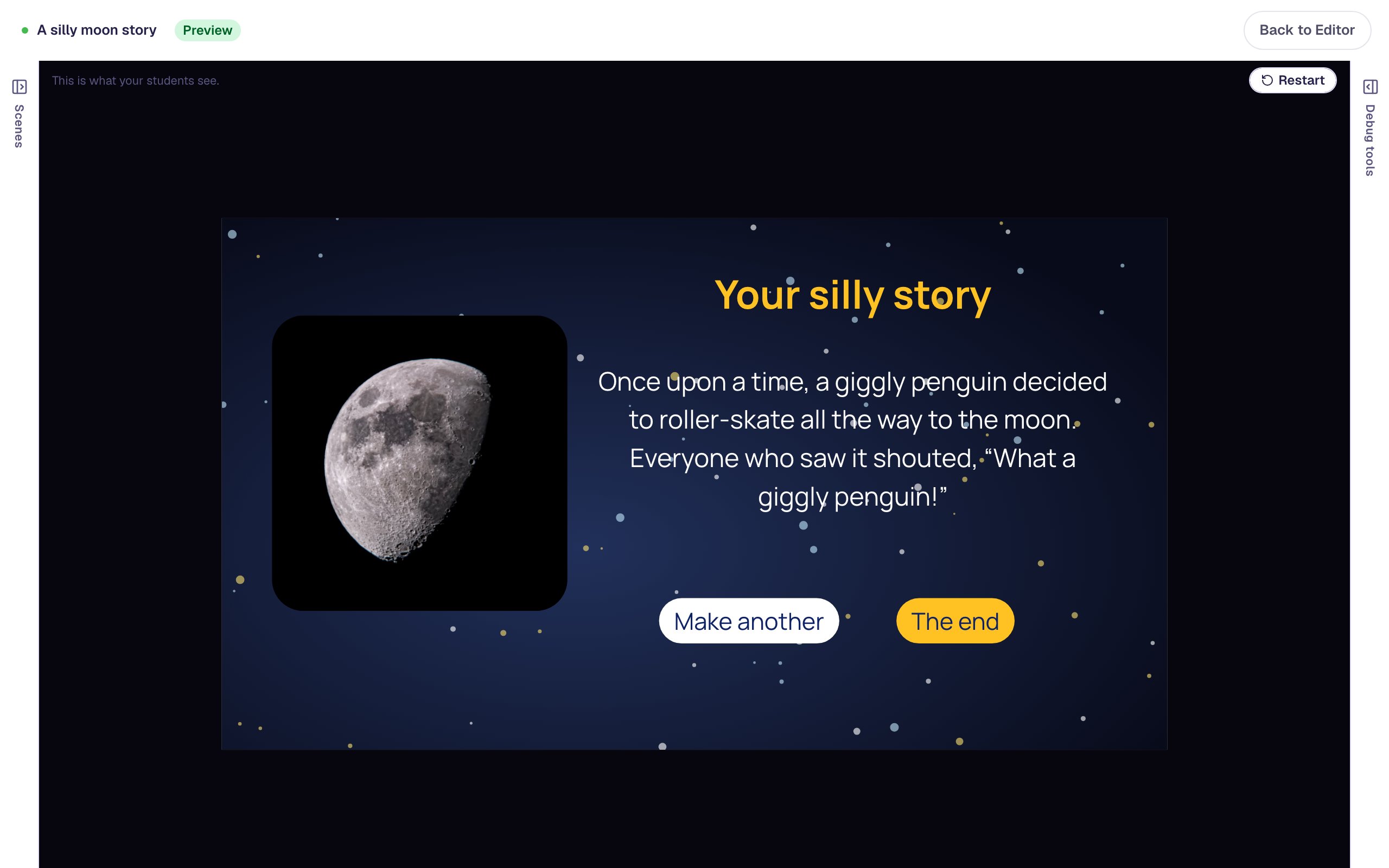
Build a silly story from words students pick
Students pick a describing word, an animal and an action from three dropdowns, and the next scene tells a story with their words in it. Set Variable copies each dropdown's choice into a variable with Widget property, and {{ }} placeholders show it.
 Beginner · 15 min · 7 steps
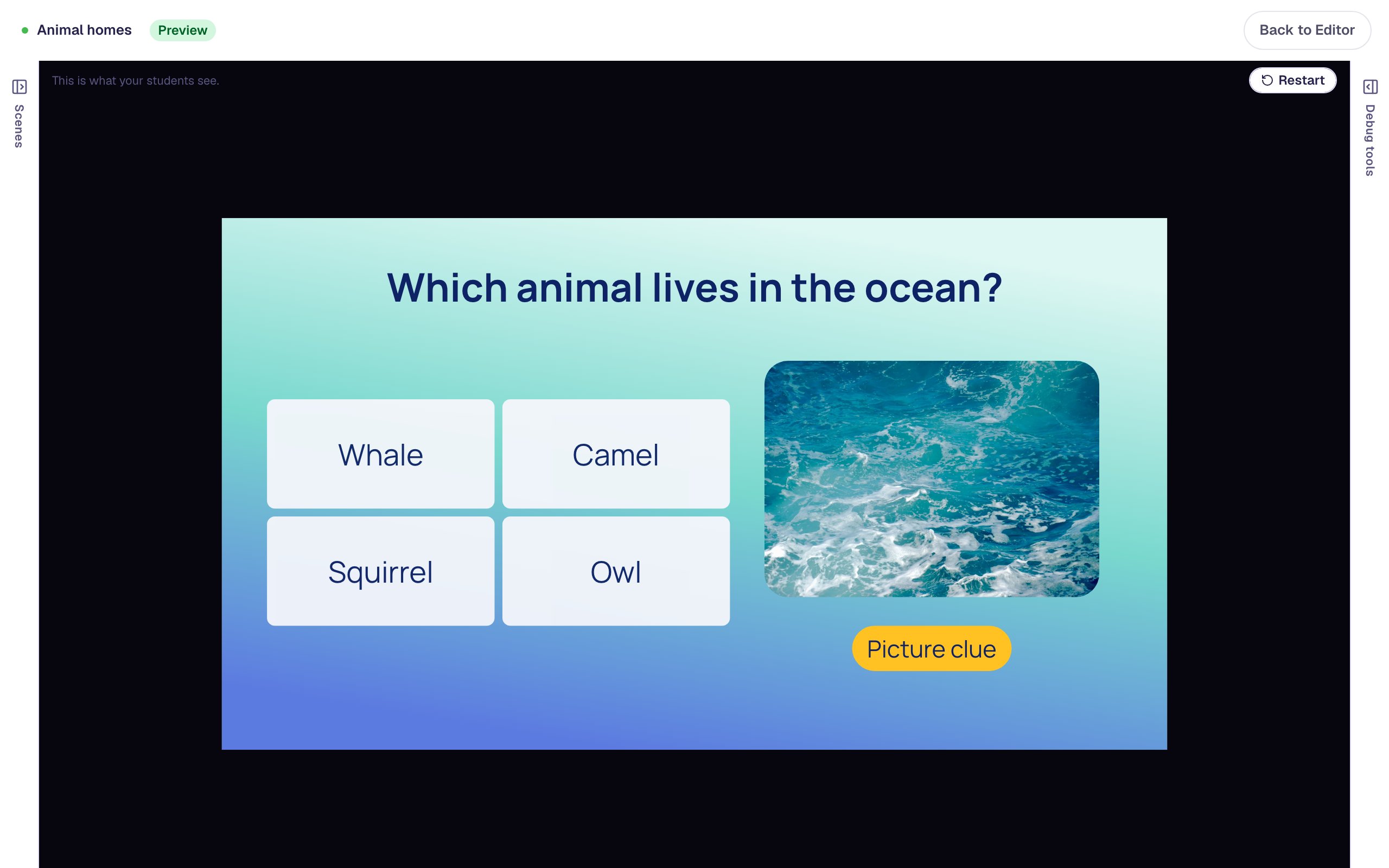
Let students turn picture clues on and off
Give early readers a Picture clue button that shows a photo of the question's key word, and that hides it again when pressed a second time. A yes-or-no variable remembers the choice, so a student who turns clues on gets them on every question.
 Intermediate · 20 min · 7 steps
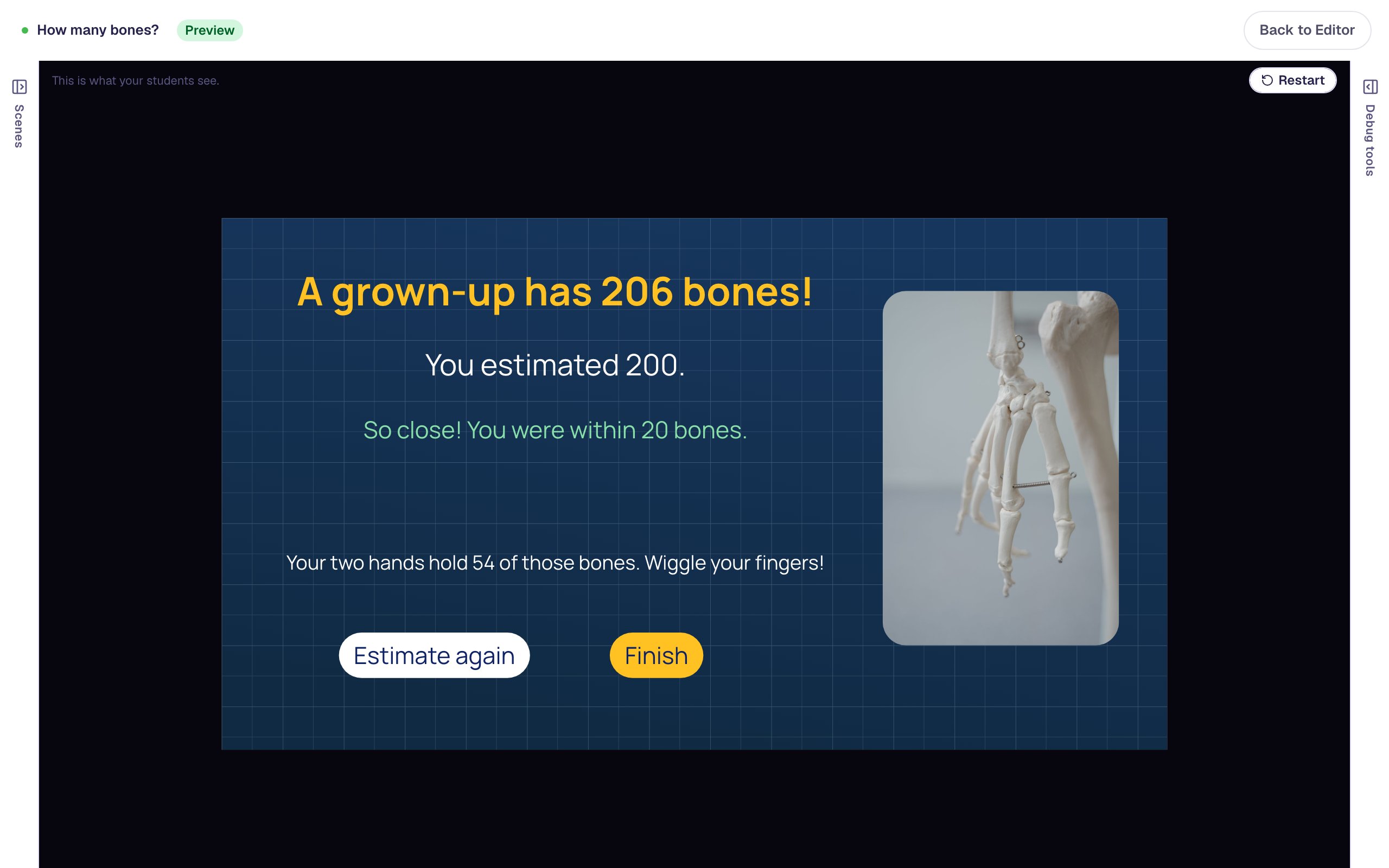
Reveal how close a student's estimate was
Students type an estimate into a Number Input, a button saves it in a number variable with Set Variable → Widget property, and the next scene shows their number beside the real one, with a "So close!" message only for estimates within 20.
 Intermediate · 20 min · 9 steps
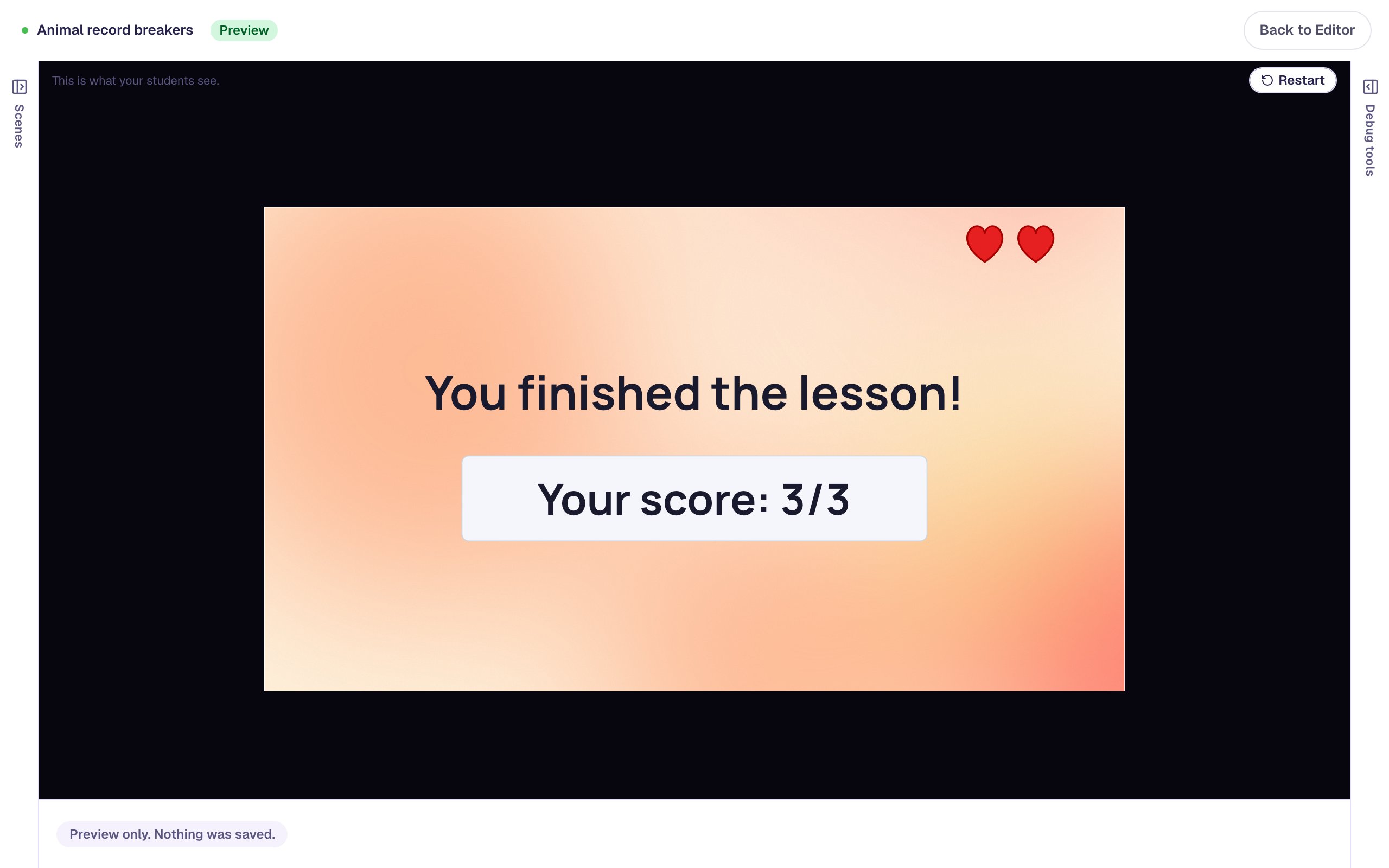
Make a quiz game with three hearts
Give students three hearts at the start of a quiz. Every wrong answer takes one away, the hearts in the corner disappear as they go, and losing the last one ends the game early. A number variable, three visibility rules and two behaviors do it all.
 Intermediate · 12 min · 5 steps
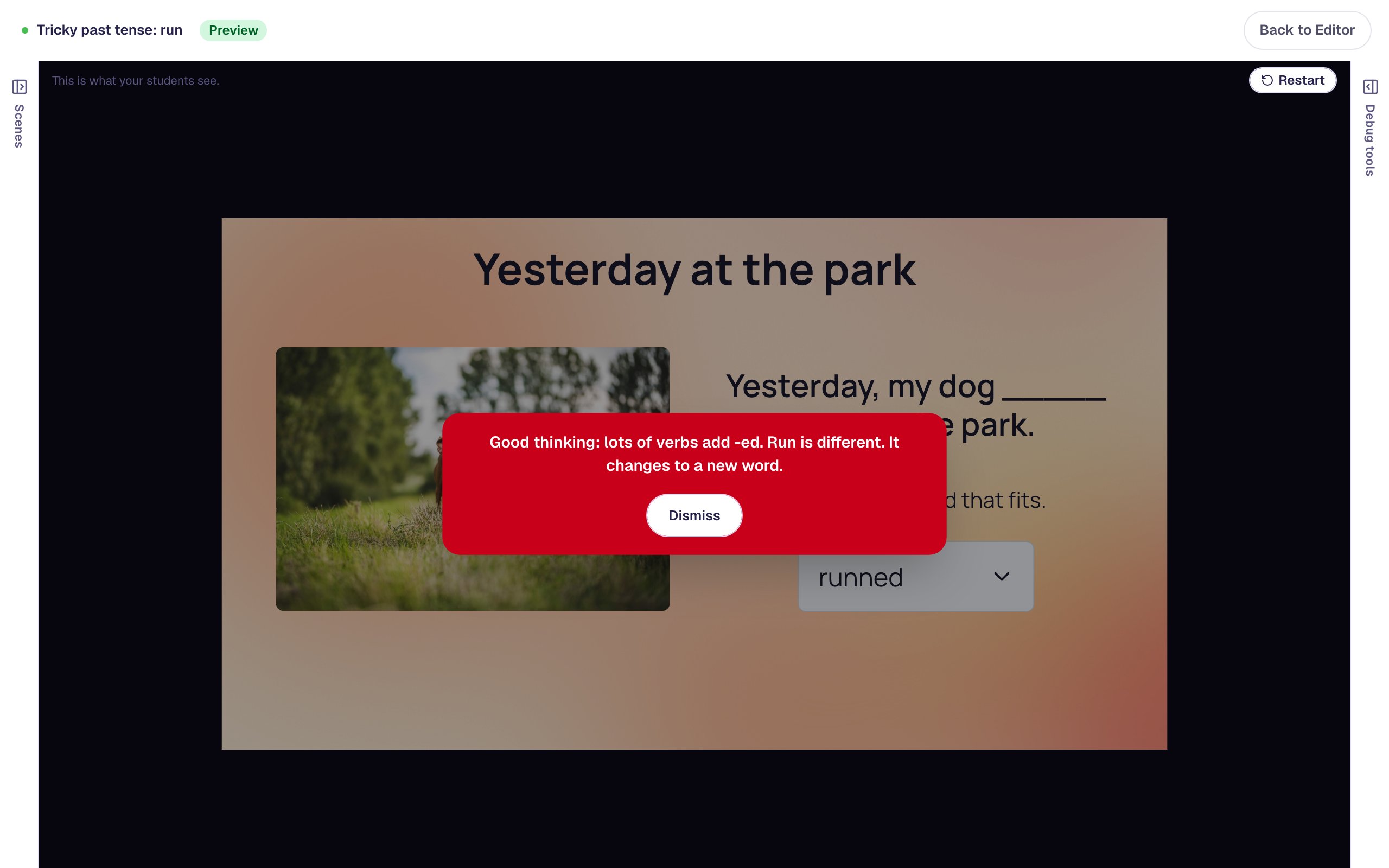
Give a different tip for each wrong answer
Build a past-tense question where every wrong word gets its own tip. Three "They pick a wrong answer" behaviors on one dropdown each check its Selected value, so the student who writes "runned" hears something different from the one who picks "will run".
 Intermediate · 12 min · 8 steps
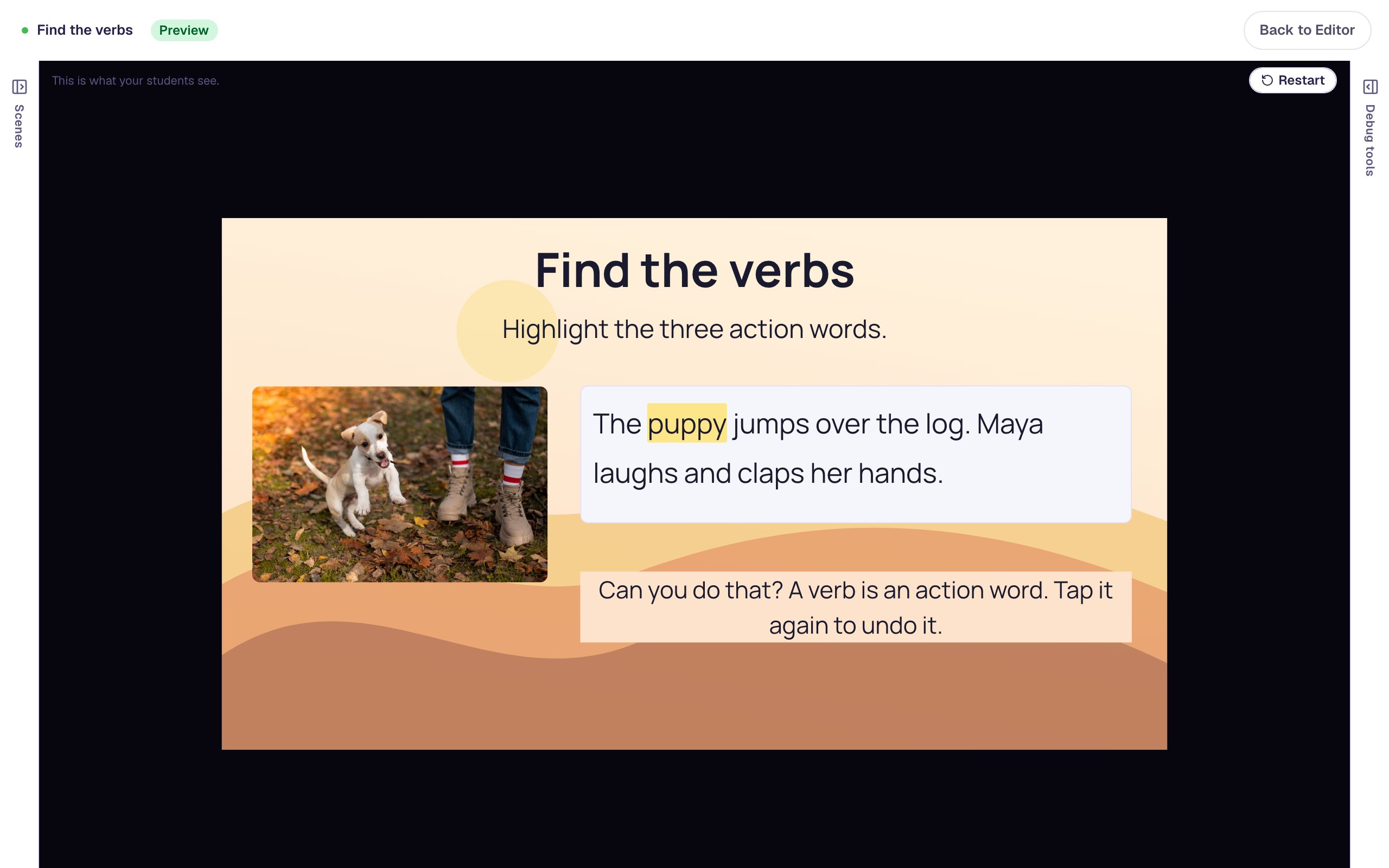
Show a tip until a student fixes a mistake
Build a "find the verbs" Highlighter where a tip pops up the moment a student highlights a word that isn't a verb, and goes away again as soon as they take it back. On Wrong Selected shows the tip, On Wrong Cleared hides it.
 Beginner · 15 min · 9 steps
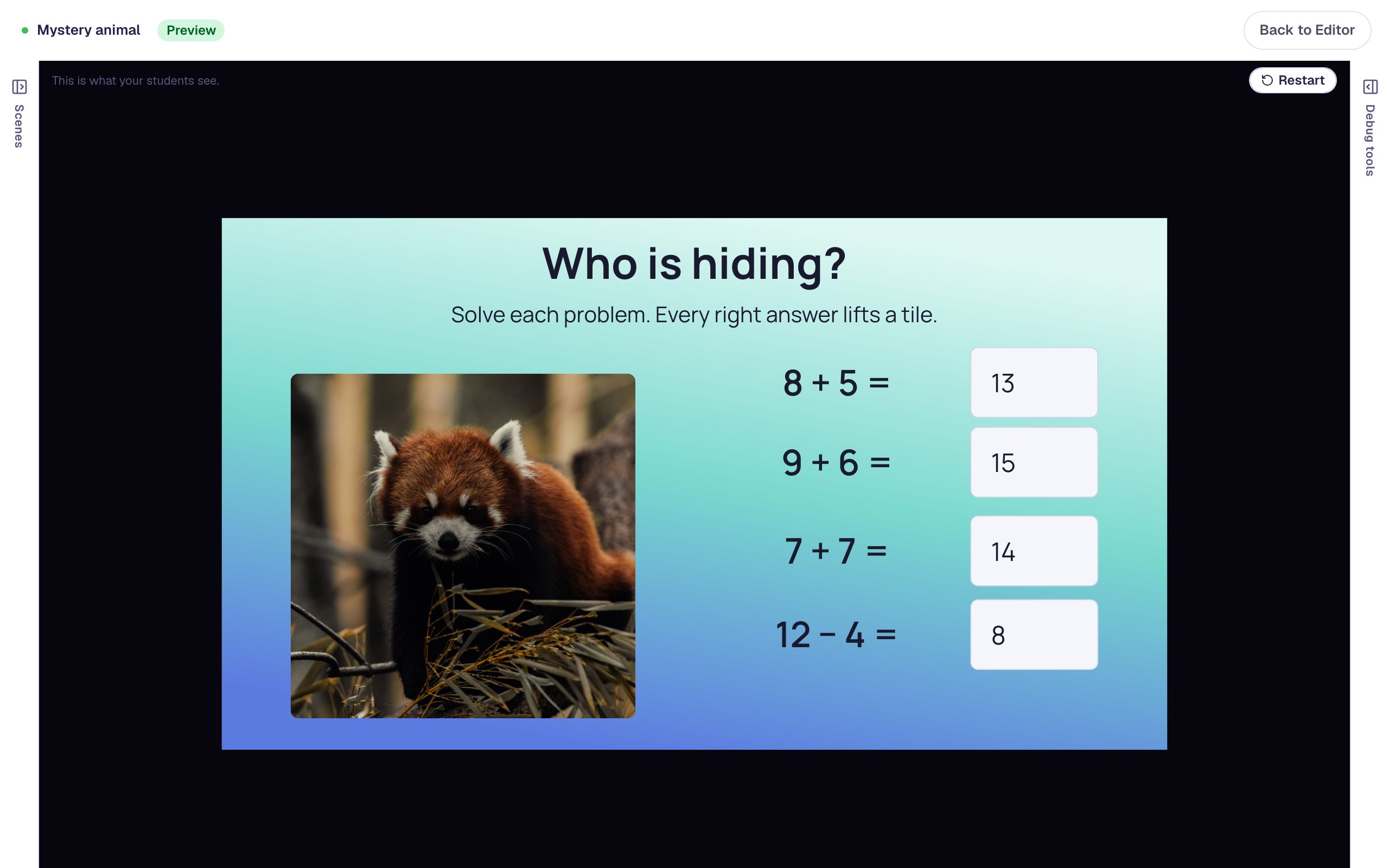
Uncover a mystery picture with right answers
Hide a photo under four coloured tiles and give each tile a visibility rule, so every right answer lifts one tile and students race to see who's hiding.
 Intermediate · 15 min · 7 steps
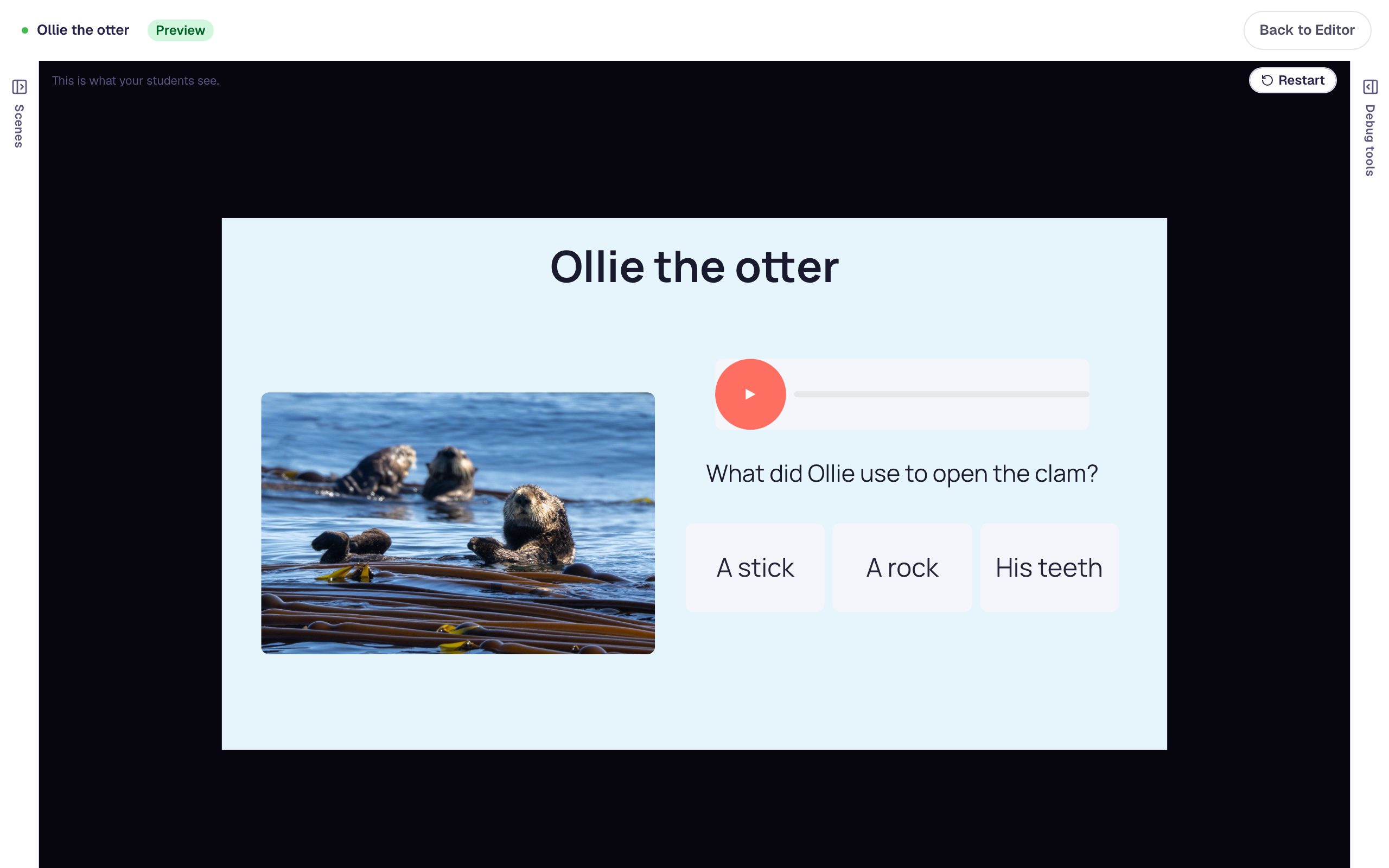
Ask a question after students hear a story
Record a short story in your own voice on an Audio player, then use visibility rules so the question appears only once the story has played to the end.
 Intermediate · 15 min · 8 steps
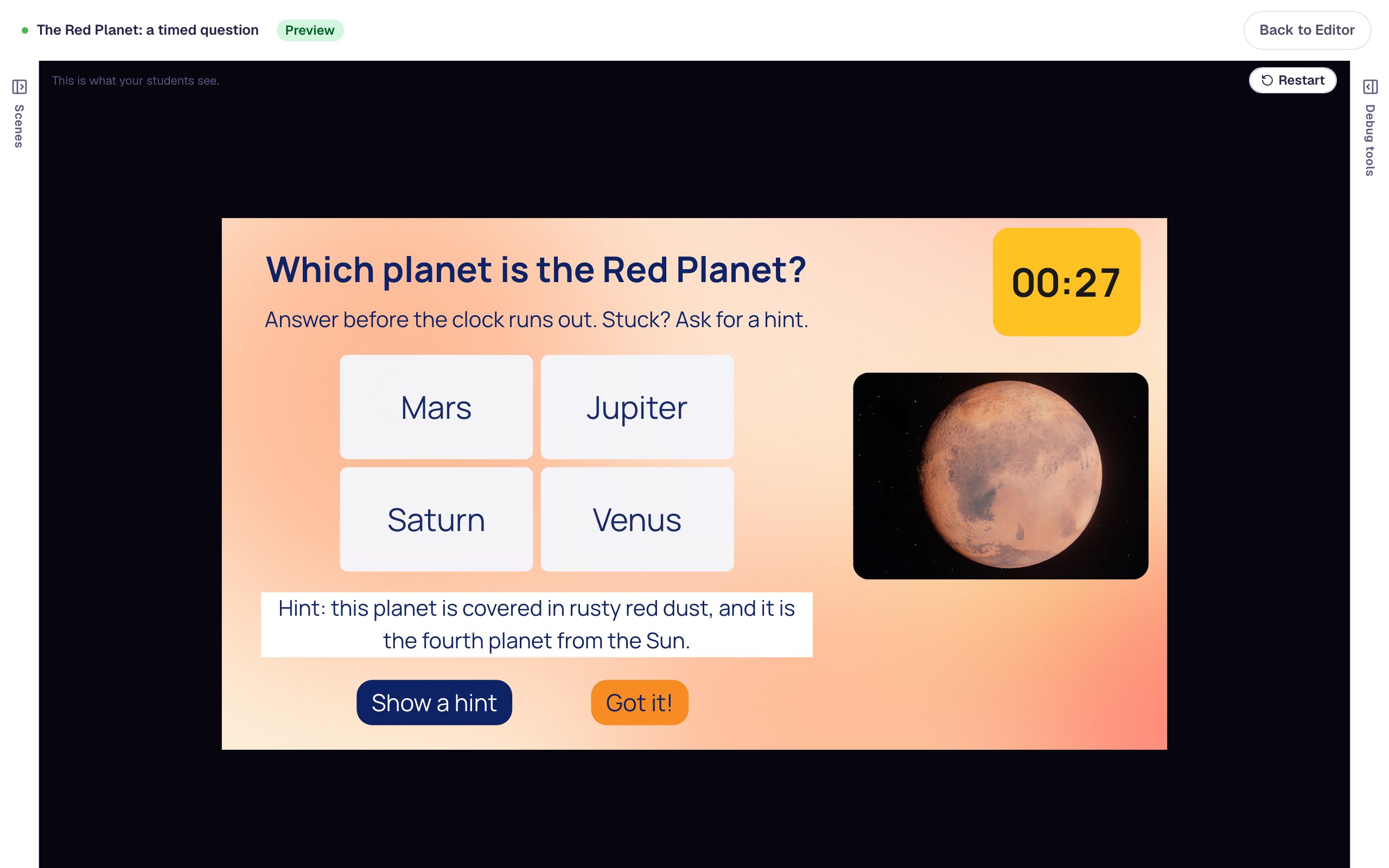
Pause the countdown while students read a hint
Put a 30-second countdown on a question, then add a Show a hint button that pauses the clock while the hint is open and a Got it! button that starts it again.