Learn Berdee by building
Step-by-step walkthroughs with a screenshot for every step. Follow along in the studio and finish with an activity that works. Looking up one setting instead? The help center covers every control.
Try “timer”, “drag” or “score”. 173 of 174 come with a ready-made activity you can add to your account.
20 tutorials found
Matching tutorials20 tutorials
 Beginner · 10 min · 8 steps
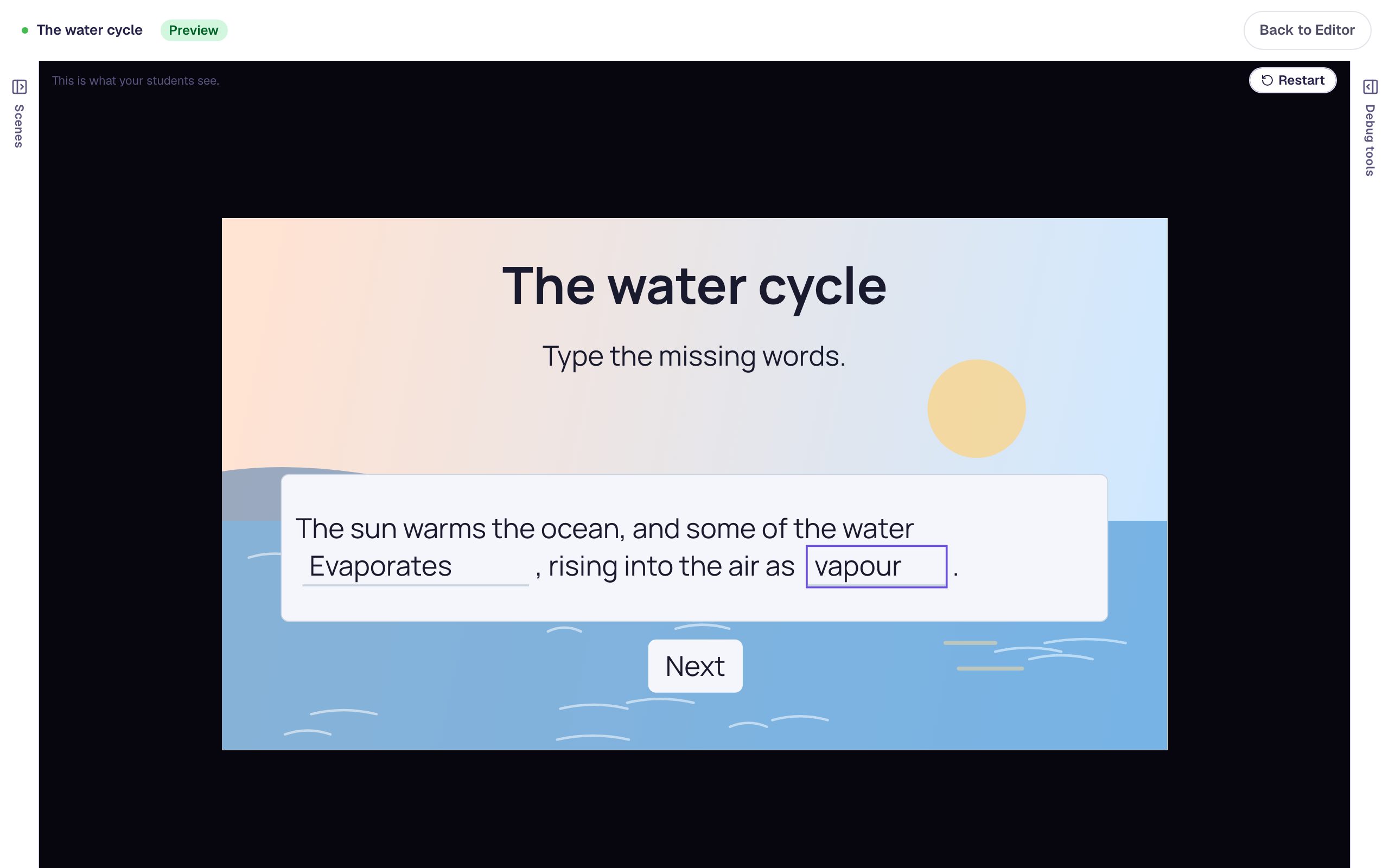
Accept more than one answer in a fill-in-the-blank
Build a Fill in the Blank question by typing the real sentence and marking the missing words, then add hints and a second spelling so a right answer is never marked wrong.
 Beginner · 10 min · 8 steps
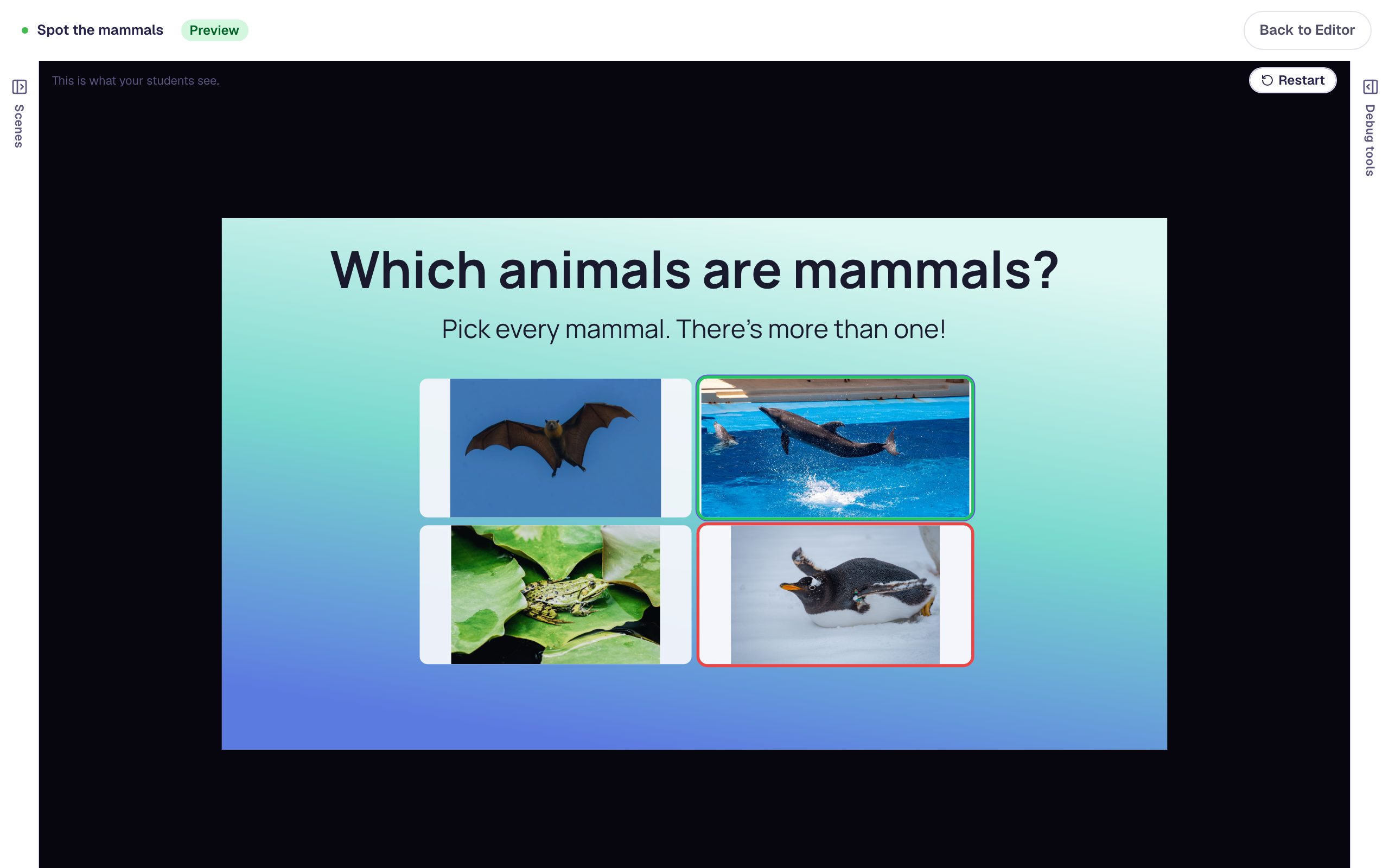
Ask a "select all that apply" question with pictures
Turn a Multiple Choice question into a select-all question with more than one right answer, give every answer a stock photo, and describe each picture so screen readers can read it.
 Beginner · 10 min · 7 steps
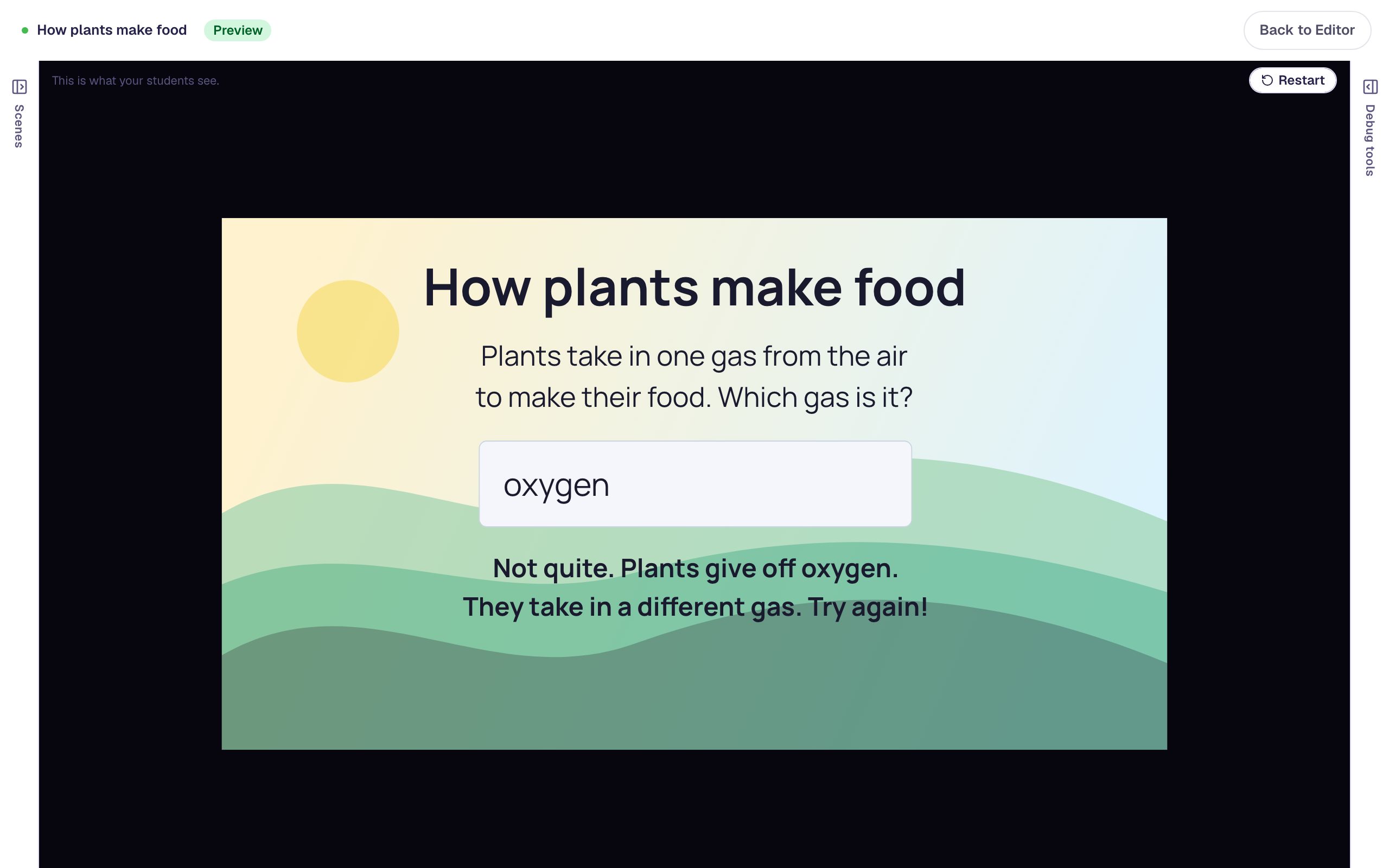
Ask a short-answer question that coaches a wrong try
Build a Text Input question that accepts more than one way of writing the answer, then add a "try again" message that appears only after a wrong answer.
 Beginner · 12 min · 9 steps
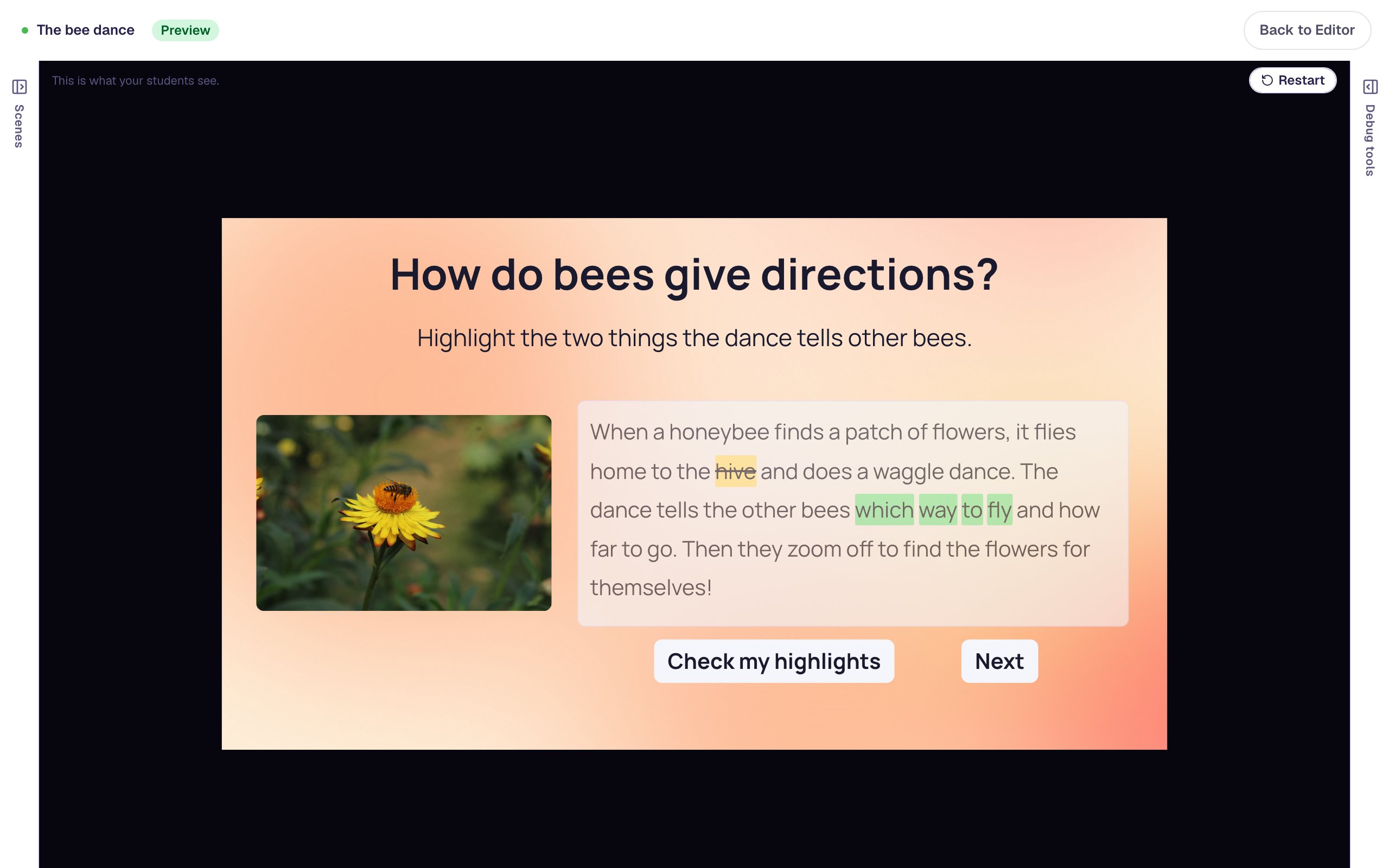
Ask students to highlight the evidence in a passage
Build a close-reading question with the Highlighter. Students read a short passage about honeybees, highlight the words that answer the question, and press Check to see which highlights were right.
 Beginner · 15 min · 7 steps
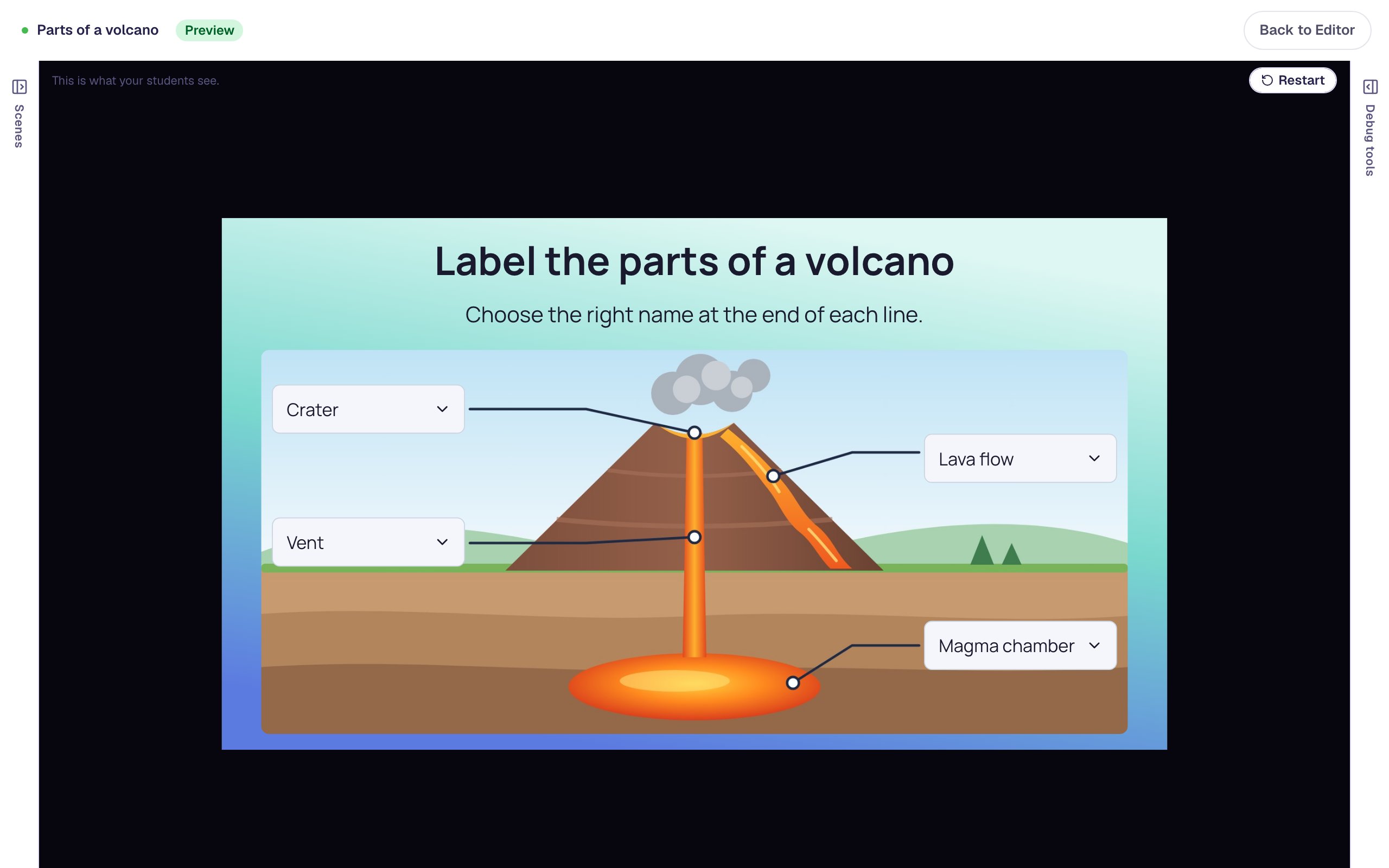
Label a diagram with dropdowns
Put four dropdowns on a picture of a volcano so students label each part by choosing its name from a list. Each dropdown is marked like a quiz question, and a wrong pick gets a try-again message straight away.
 Beginner · 10 min · 7 steps
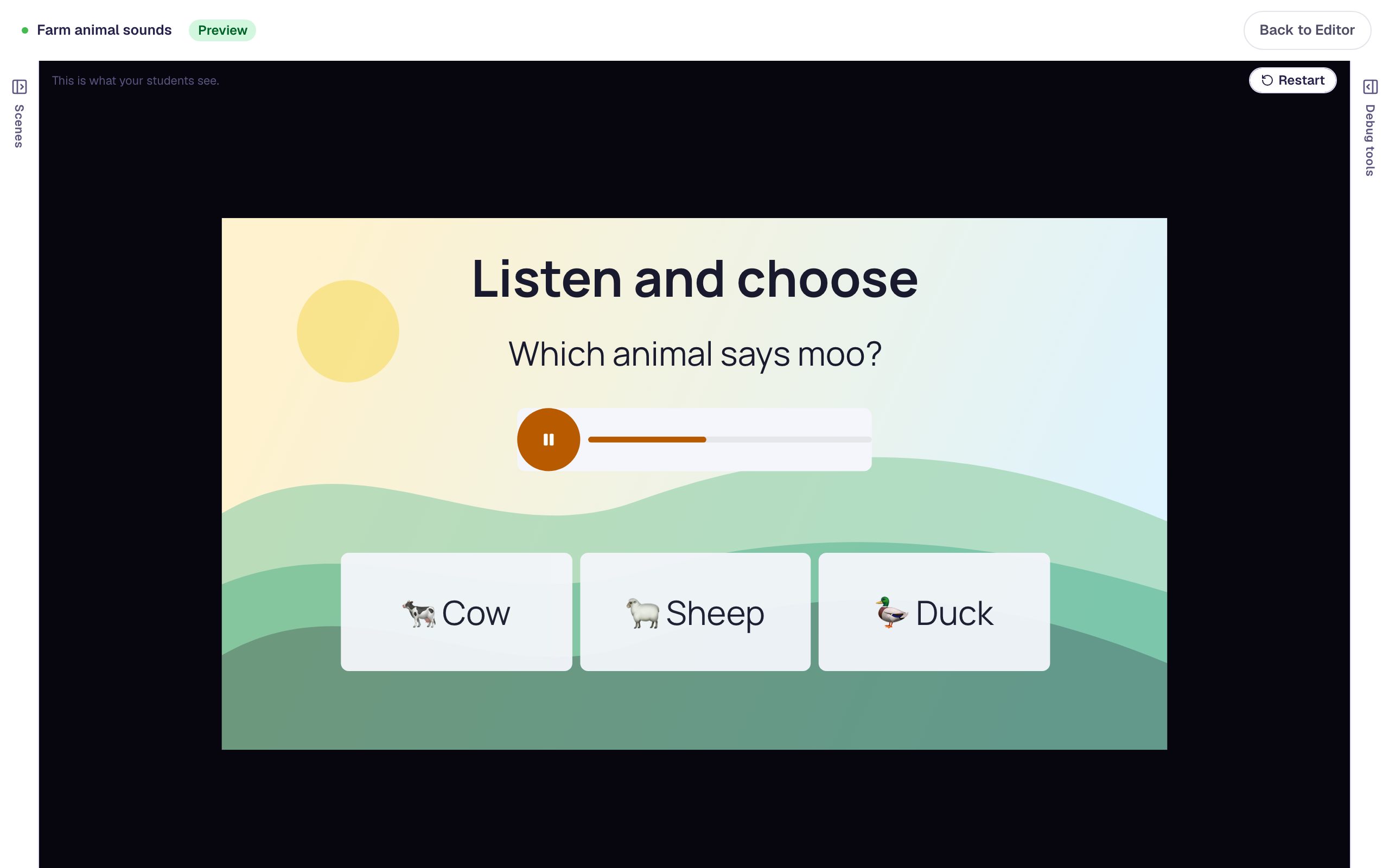
Read a question aloud for early readers
Add a Text To Speech player beside a question so students can hear it as many times as they need, in a voice you choose, with no recording or audio file to upload.
 Beginner · 10 min · 7 steps
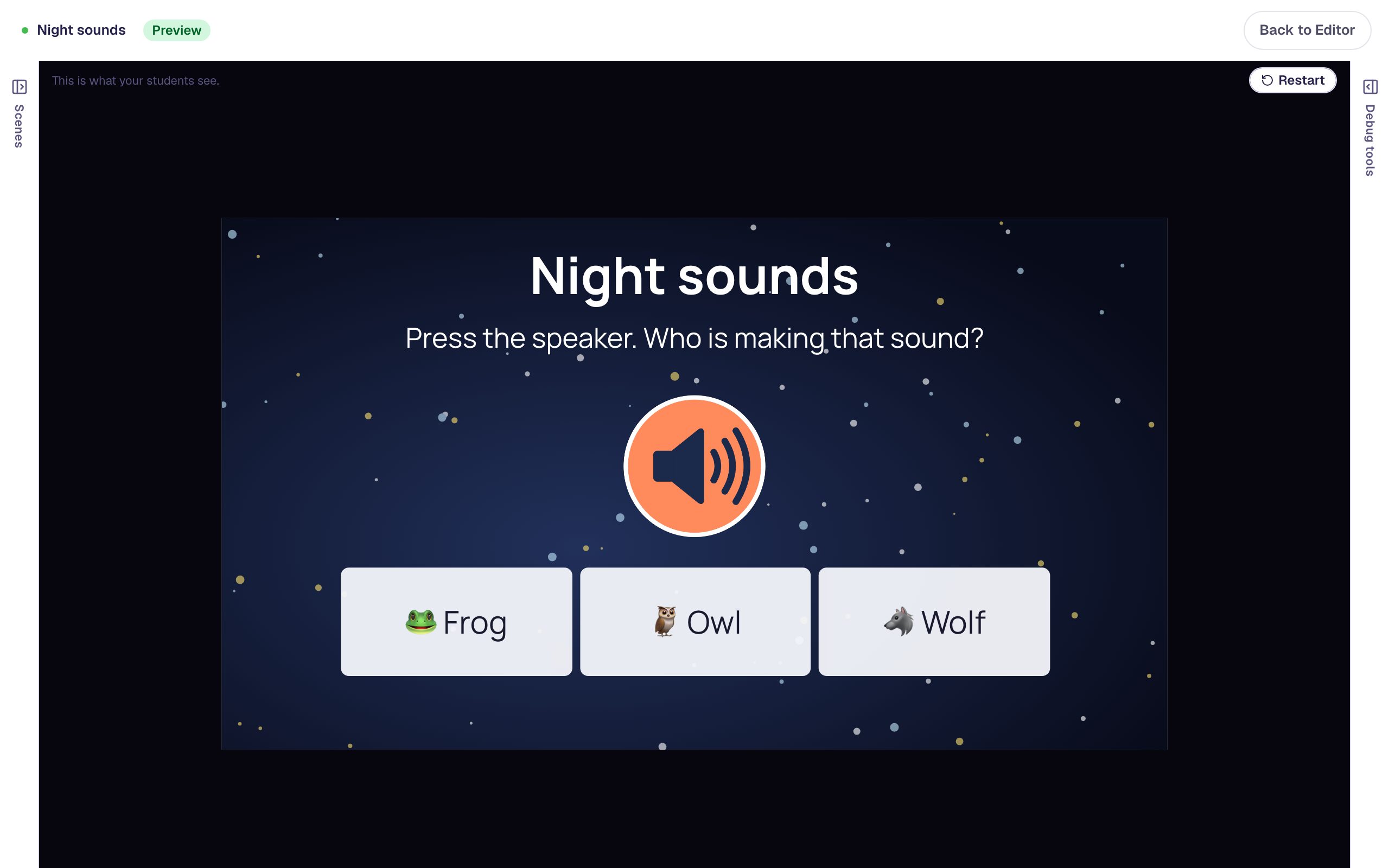
Turn a picture into a play button for listening
Make a "Who's making that sound?" question where students press a big speaker picture to hear a mystery animal. Give the Audio player your own picture for its play button, and a second one that shows while the sound plays.
 Beginner · 10 min · 7 steps
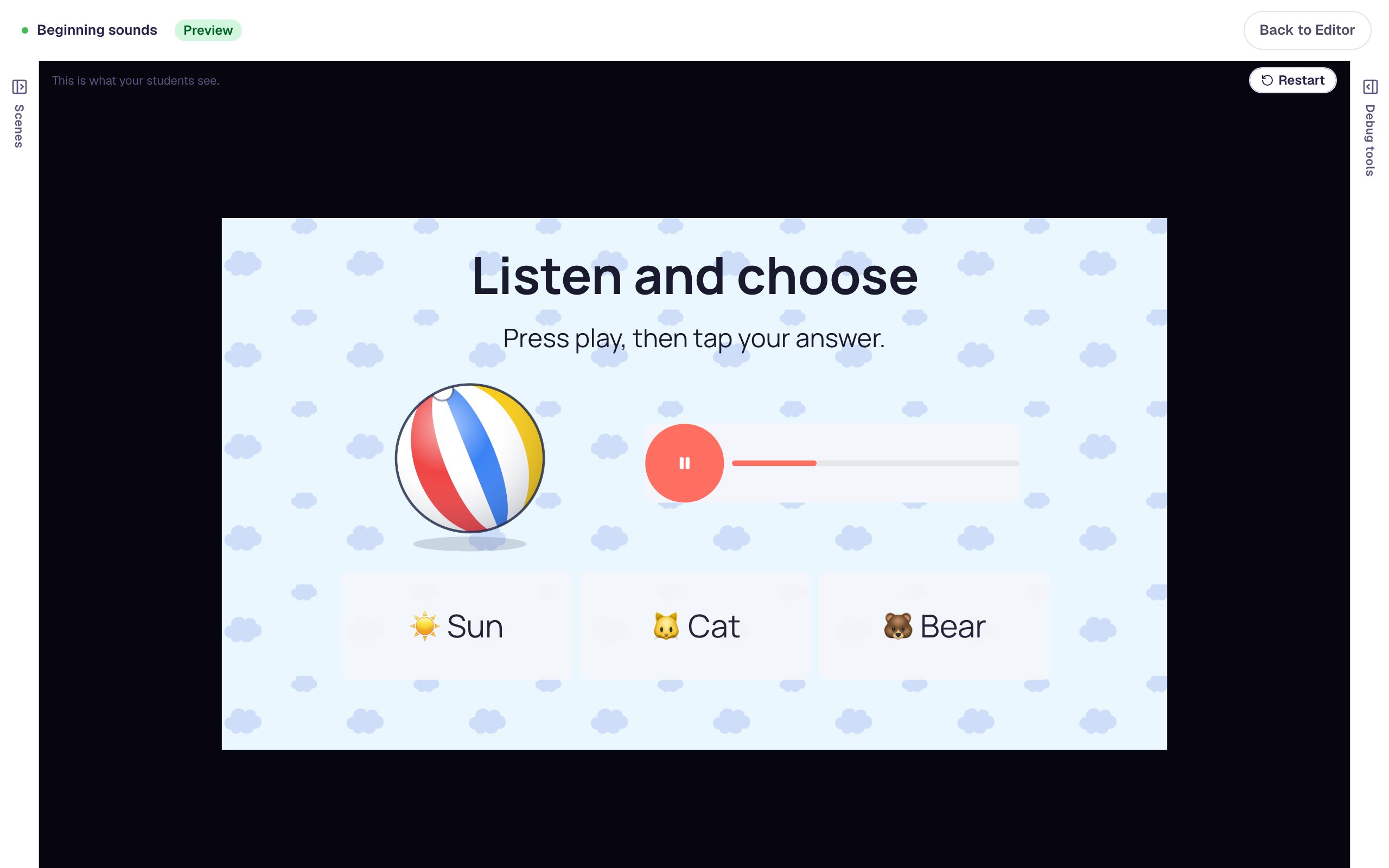
Record your own voice for a question
Record spoken directions in your own voice on the Audio player's Record tab, listen back, and save the take, so early readers can hear you explain a beginning-sounds question as often as they need.
 Beginner · 10 min · 8 steps
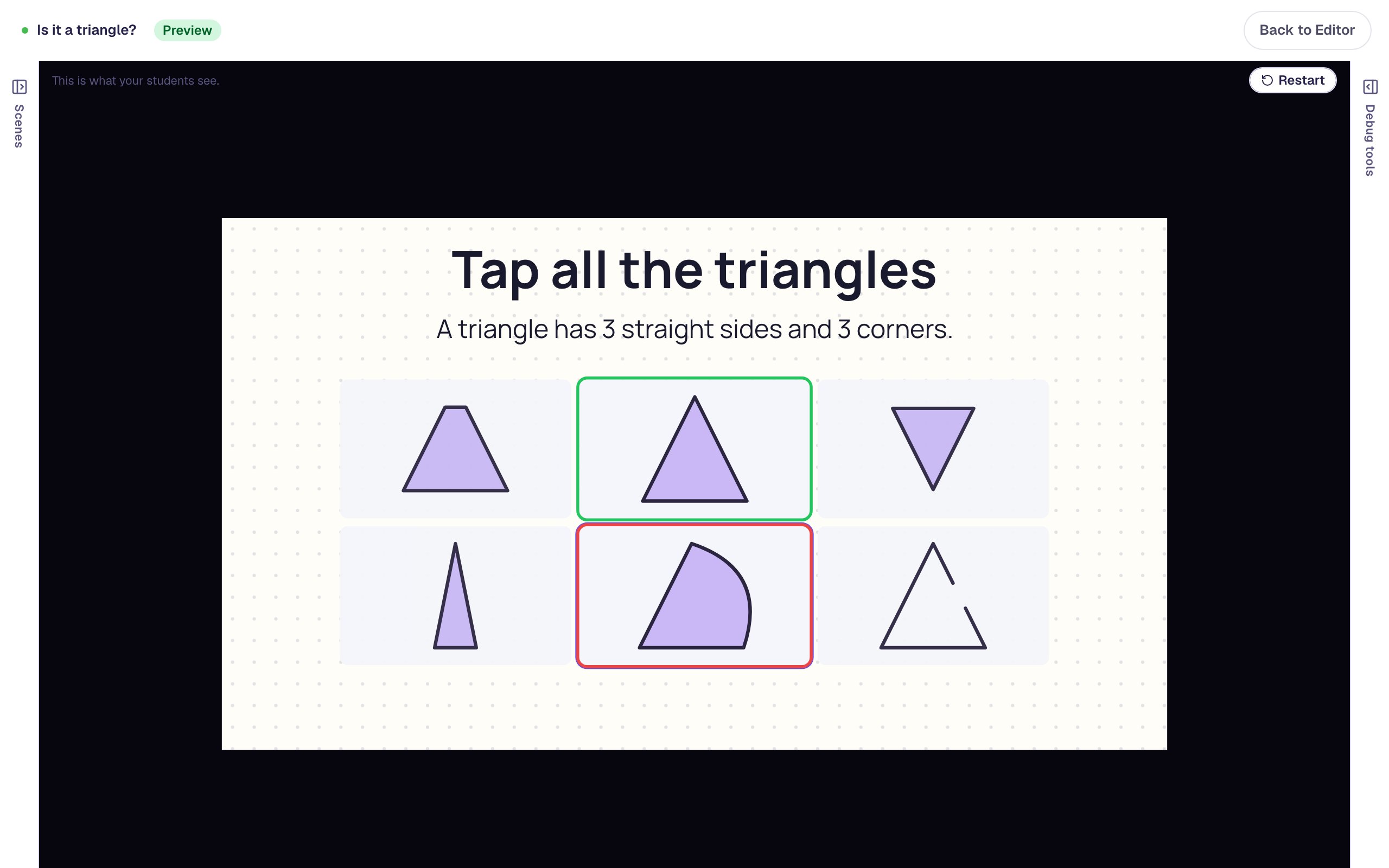
Ask students to tap all the triangles
Turn Multiple Choice answers into shapes Berdee draws for you, then mix real triangles (turned, smaller, skinny) with near-misses like a pizza slice and an open shape, so students sort by the rule, not the look.
 Beginner · 10 min · 7 steps
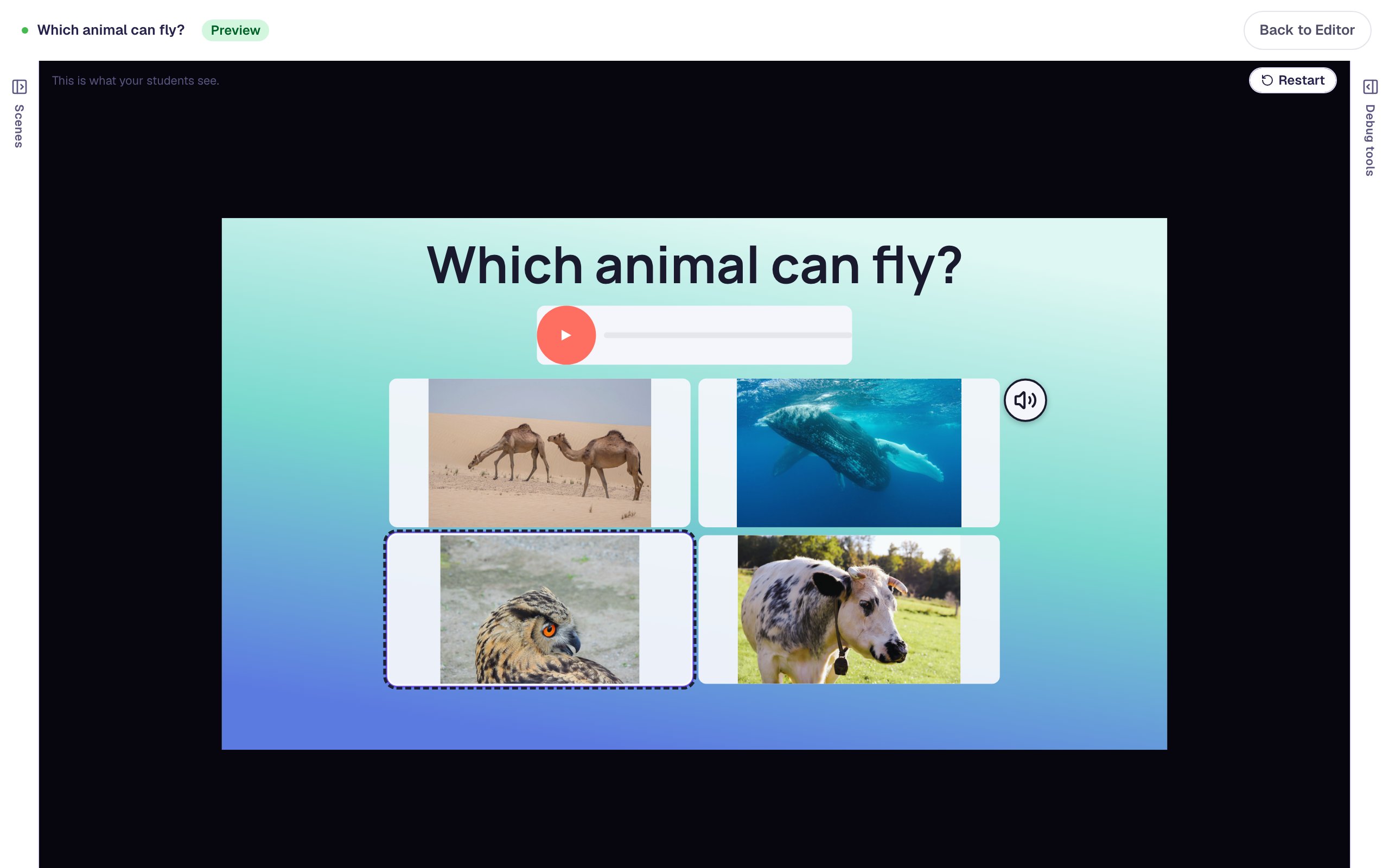
Let pre-readers hear every answer choice
Turn on Read choices aloud for a picture question, so children who can't read yet tap a picture to hear its name and tap it again to choose it. Give each picture a short spoken name and make the audio in the activity's narration voice.
 Beginner · 12 min · 8 steps
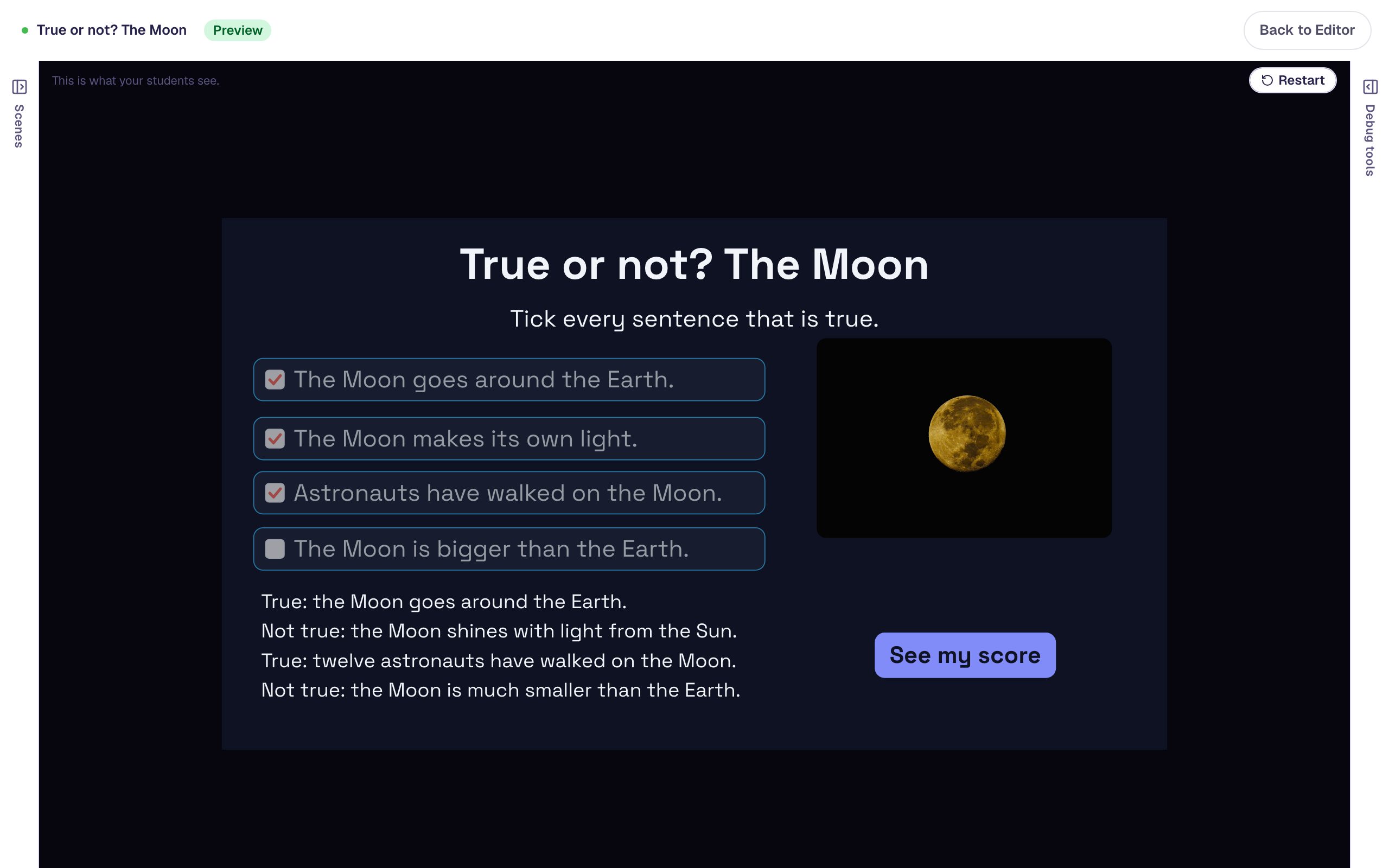
Tick every true sentence with checkboxes
Build a true-or-not check on the Moon from four graded checkboxes, where students tick the true sentences and leave the others alone. One Check button grades them all, then an answer key and a See my score button appear.
 Beginner · 12 min · 8 steps
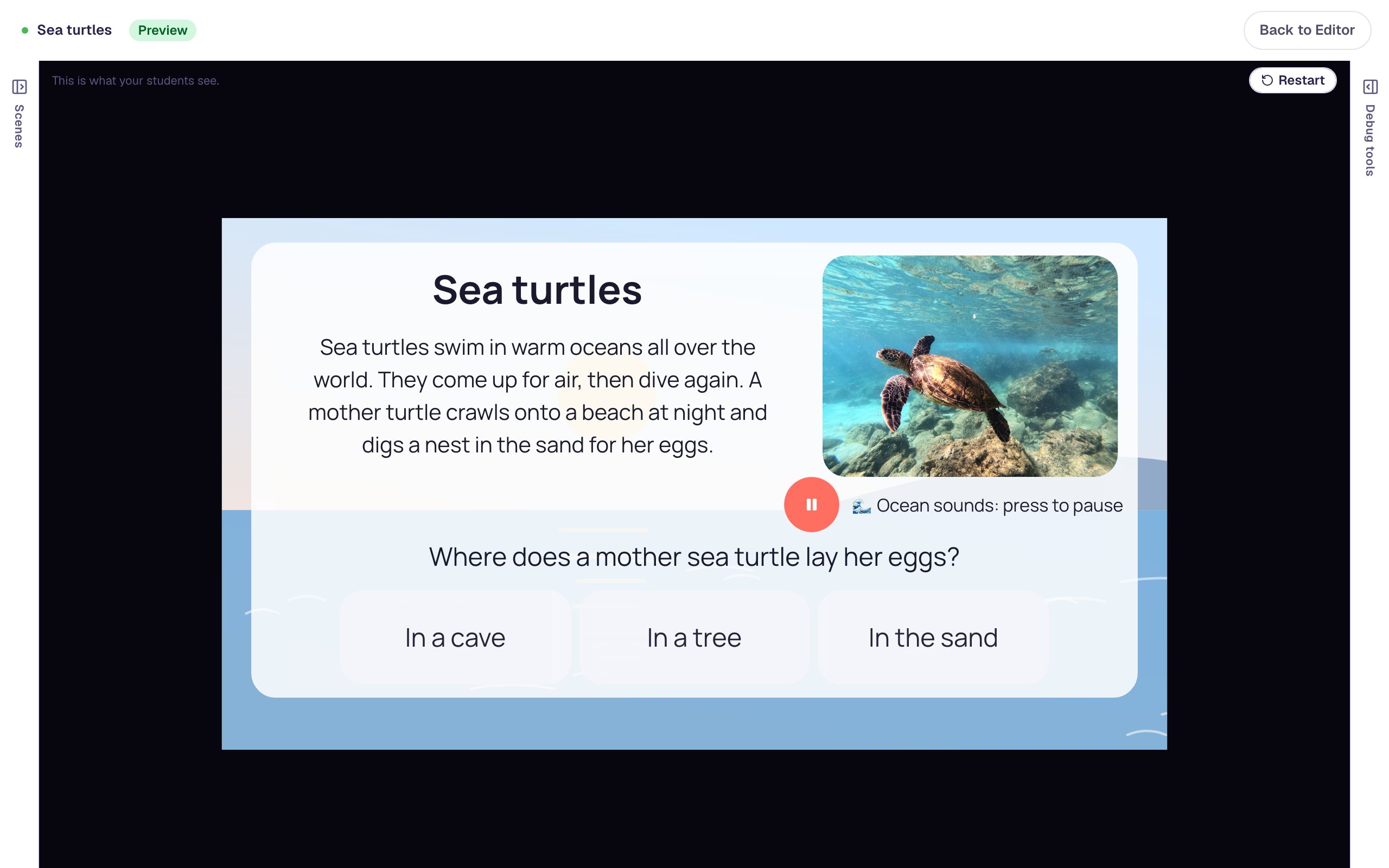
Play ocean sounds while students read
Build a sea turtle reading page with the sound of waves playing quietly behind it. Generate a seamless loop, start it with Auto Play and Loop, and give students a button to pause it.
 Beginner · 15 min · 9 steps
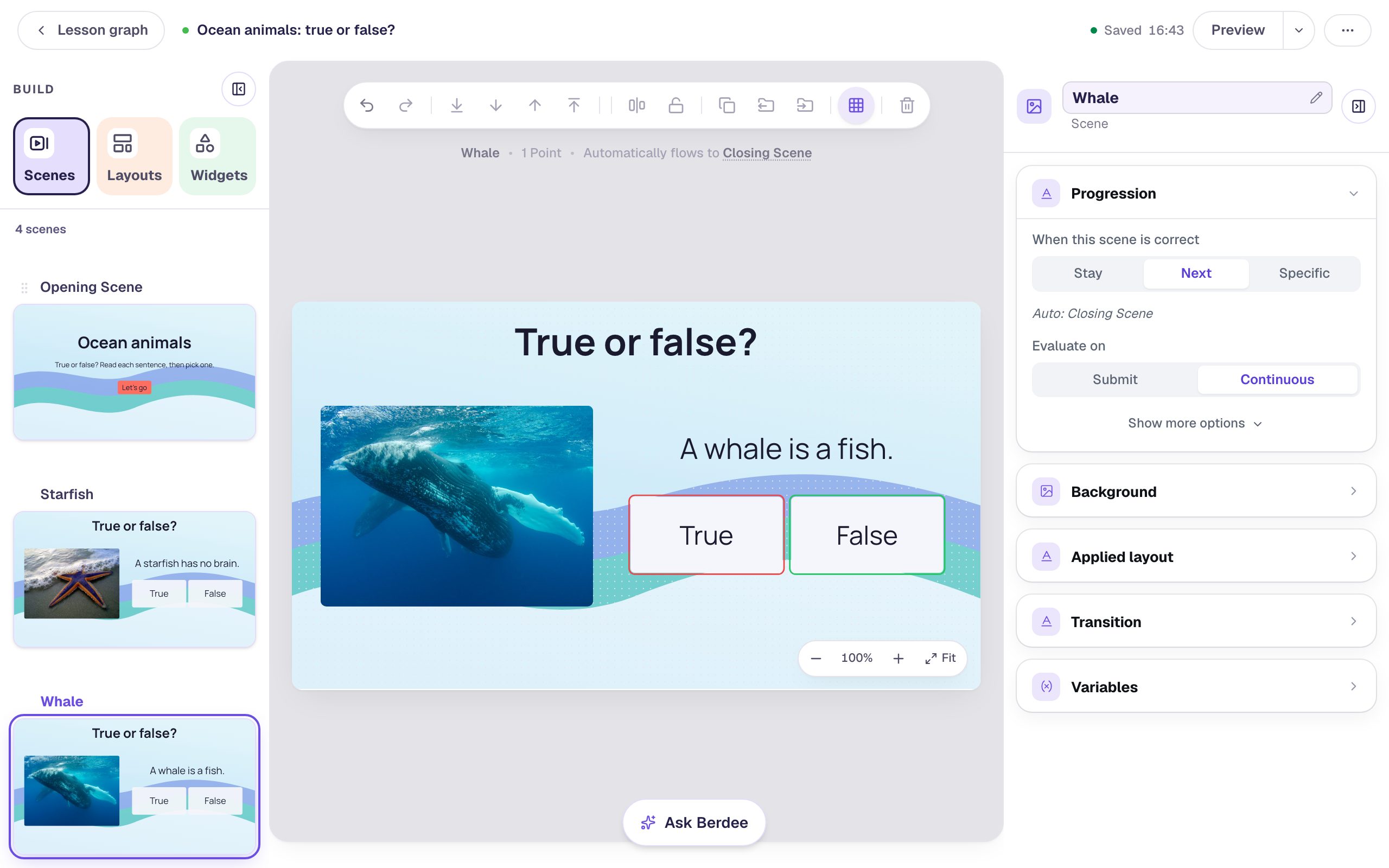
Make a true-or-false question
Turn a Multiple Choice into a True or False question with its two answers side by side, explain the fact after every answer with a message, and move students on after a wrong pick so their first answer is the one that counts.
 Beginner · 10 min · 6 steps
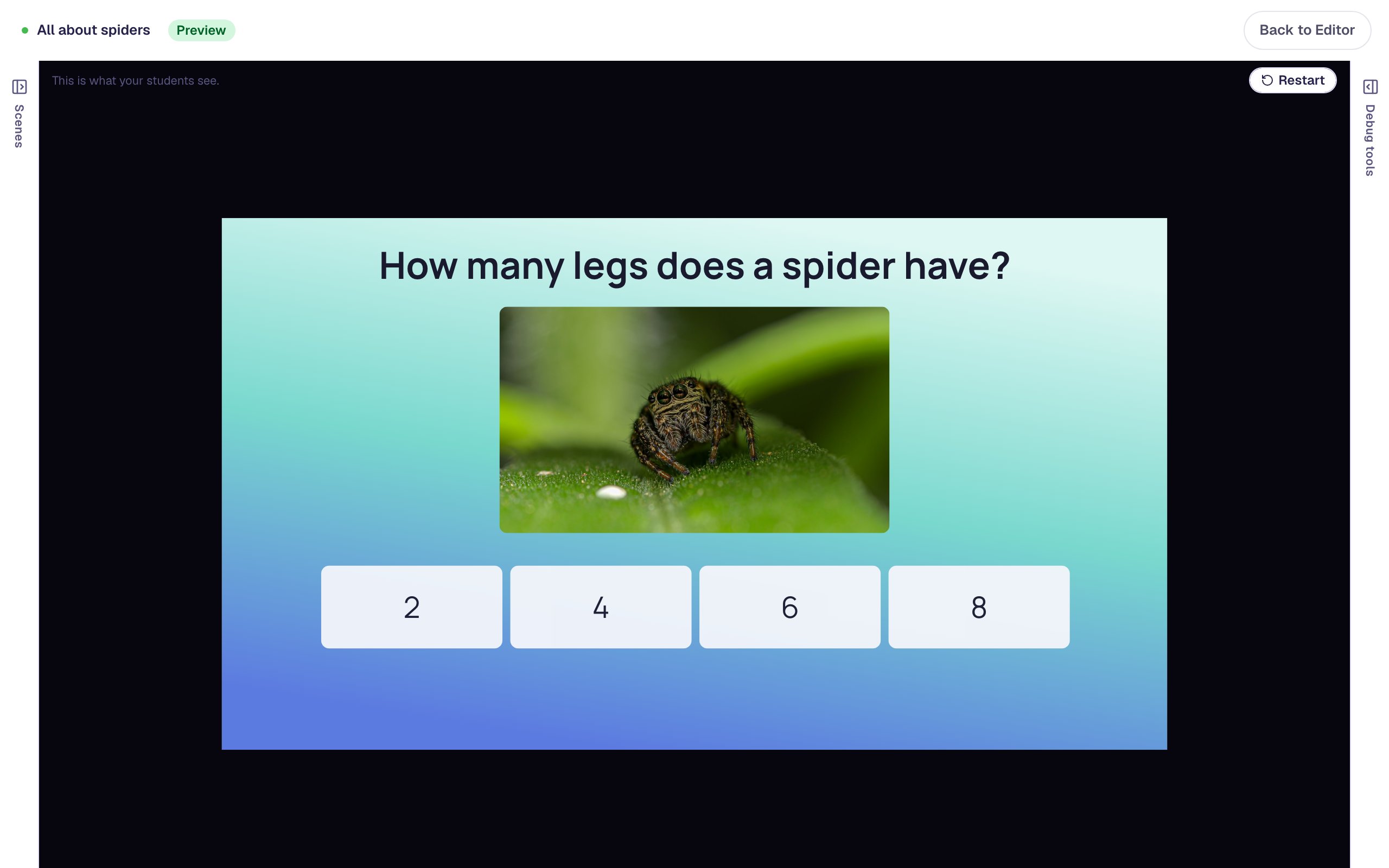
Keep number answers in order, shuffle the rest
Multiple Choice shuffles its answers for every student. Turn Randomize Order off for a question whose answers are numbers, so 2, 4, 6, 8 read in order, and leave it on where the order you typed would give the answer away.
 Beginner · 10 min · 7 steps
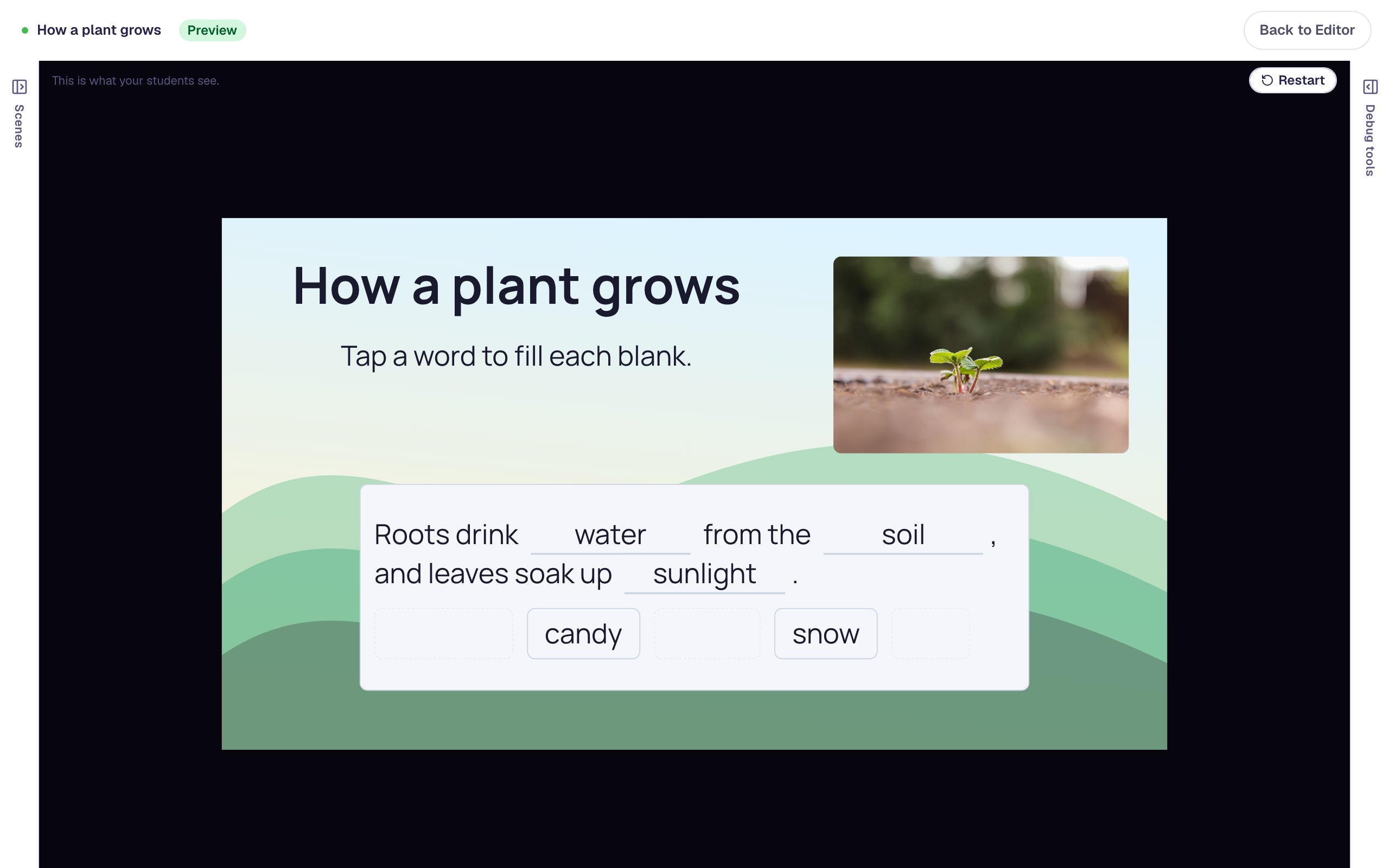
Fill in the blanks from a word bank
Turn a Fill Blank question into a tap-to-place word bank, add extra words to rule out, and mix up their order so the bank doesn't give the answers away.
 Beginner · 10 min · 7 steps
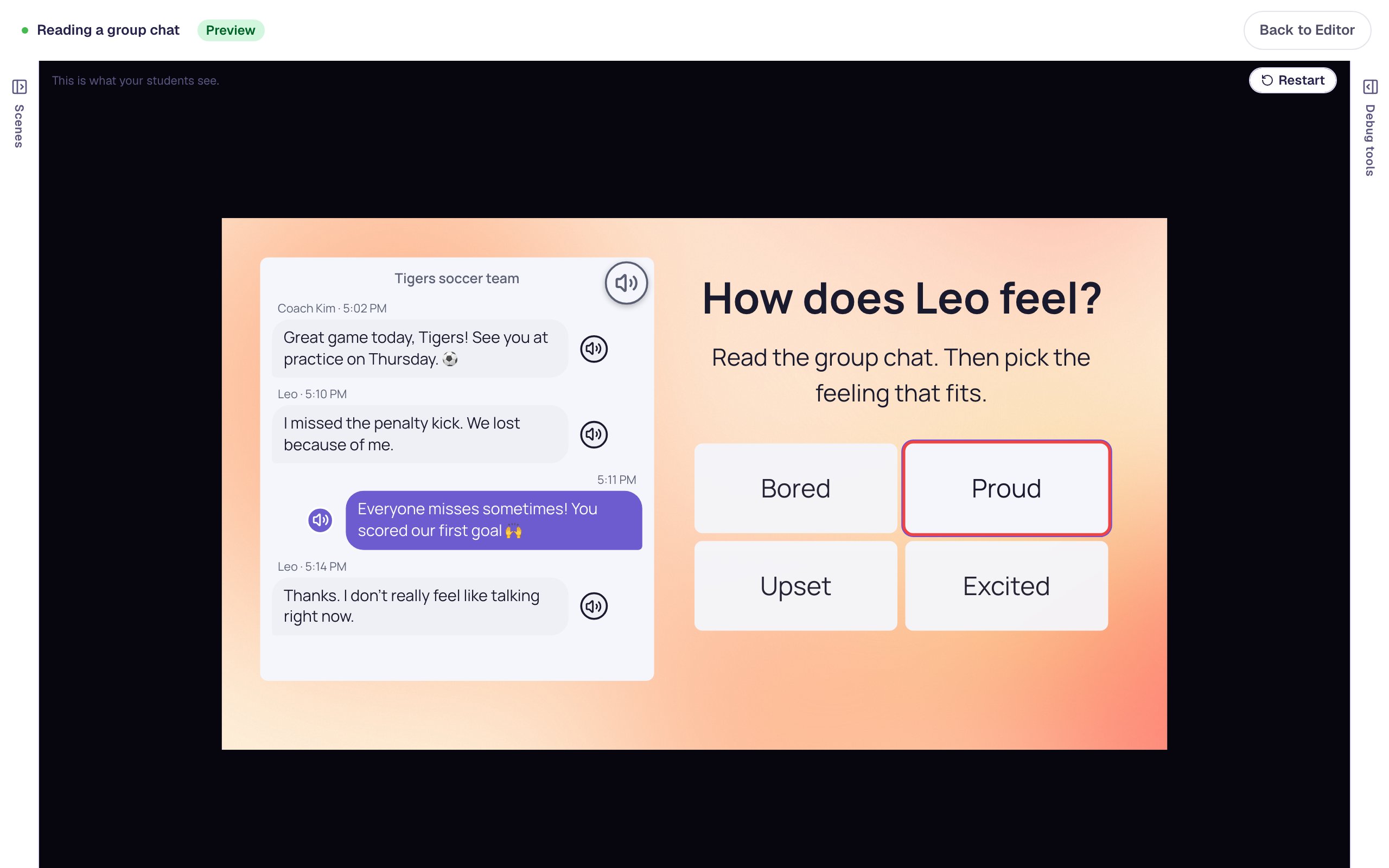
Ask how someone feels in a group chat
Show a phone-style group chat with the Message Thread widget, put the student's own messages on the right, let pre-readers hear each message, and ask a question about what they read.
 Beginner · 10 min · 8 steps
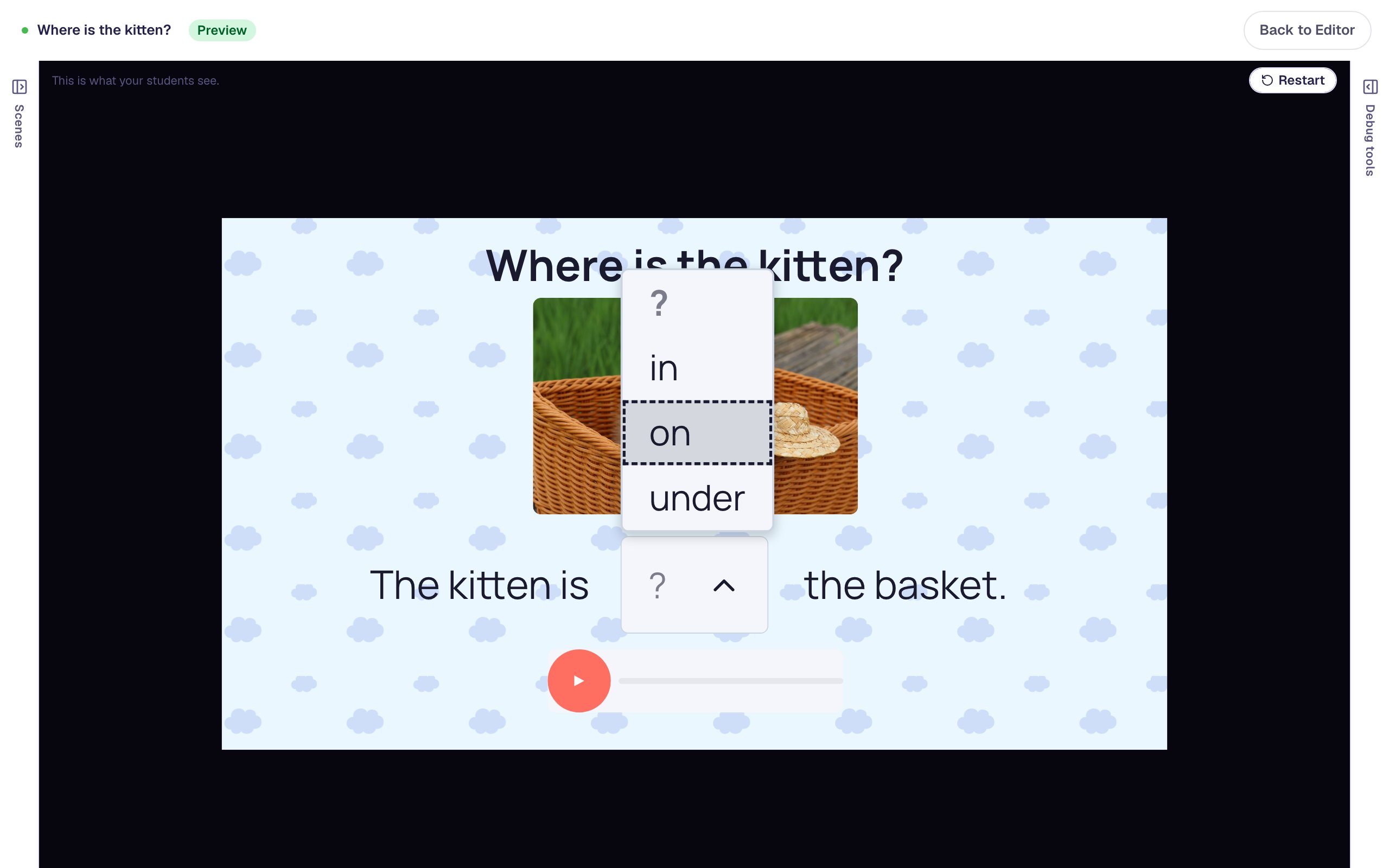
Read a dropdown's choices aloud to pre-readers
Put a dropdown inside a sentence so a child who can't read yet finishes it by ear. Each word says itself when tapped, a second tap chooses it, and your own recording reads the sentence.
 Beginner · 15 min · 6 steps
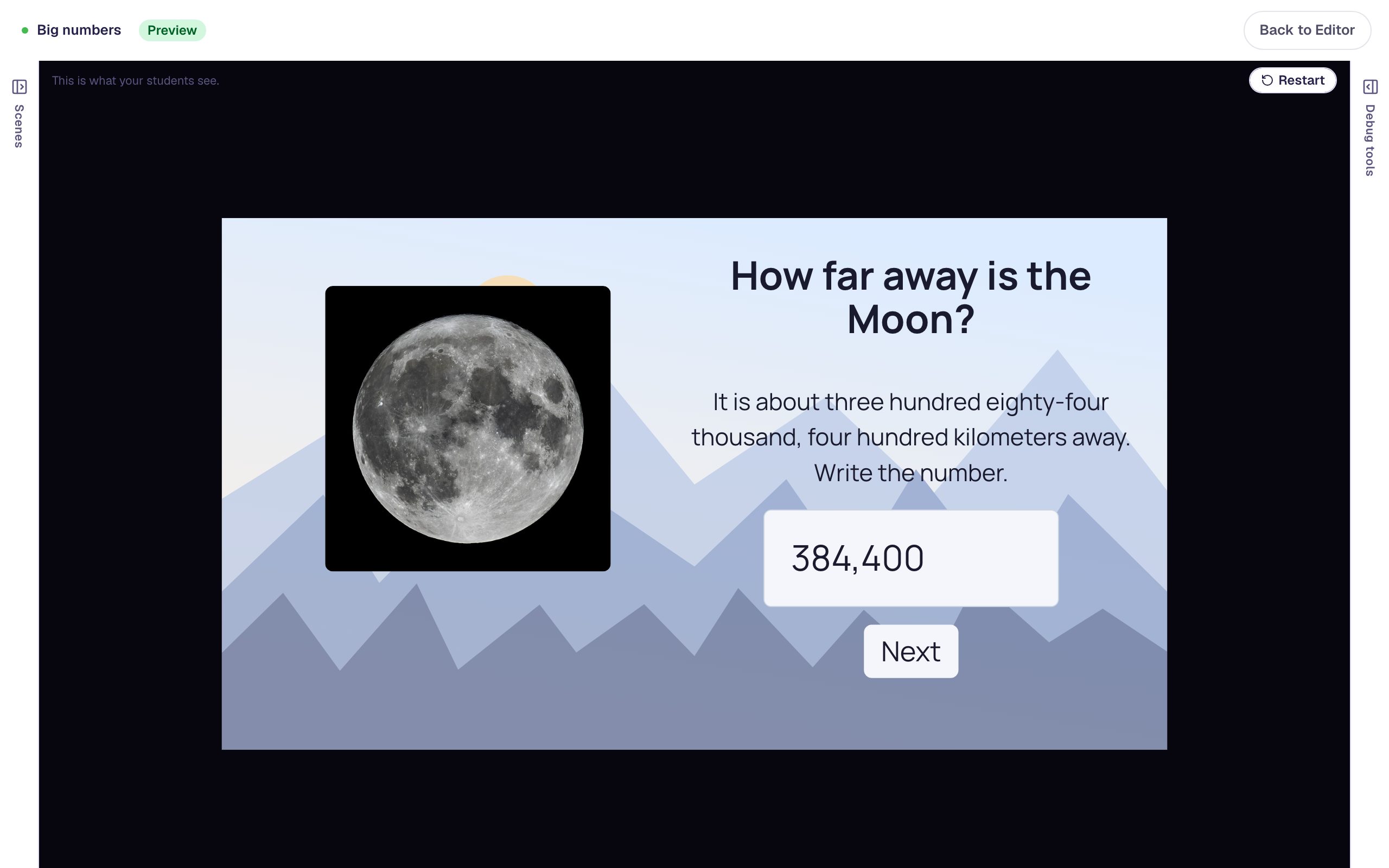
Ask for a big number and show it with commas
Ask students to write numbers in the thousands from their words, and turn on Thousands Separators so 384400 reads as 384,400 the moment they finish typing.
 Beginner · 15 min · 8 steps
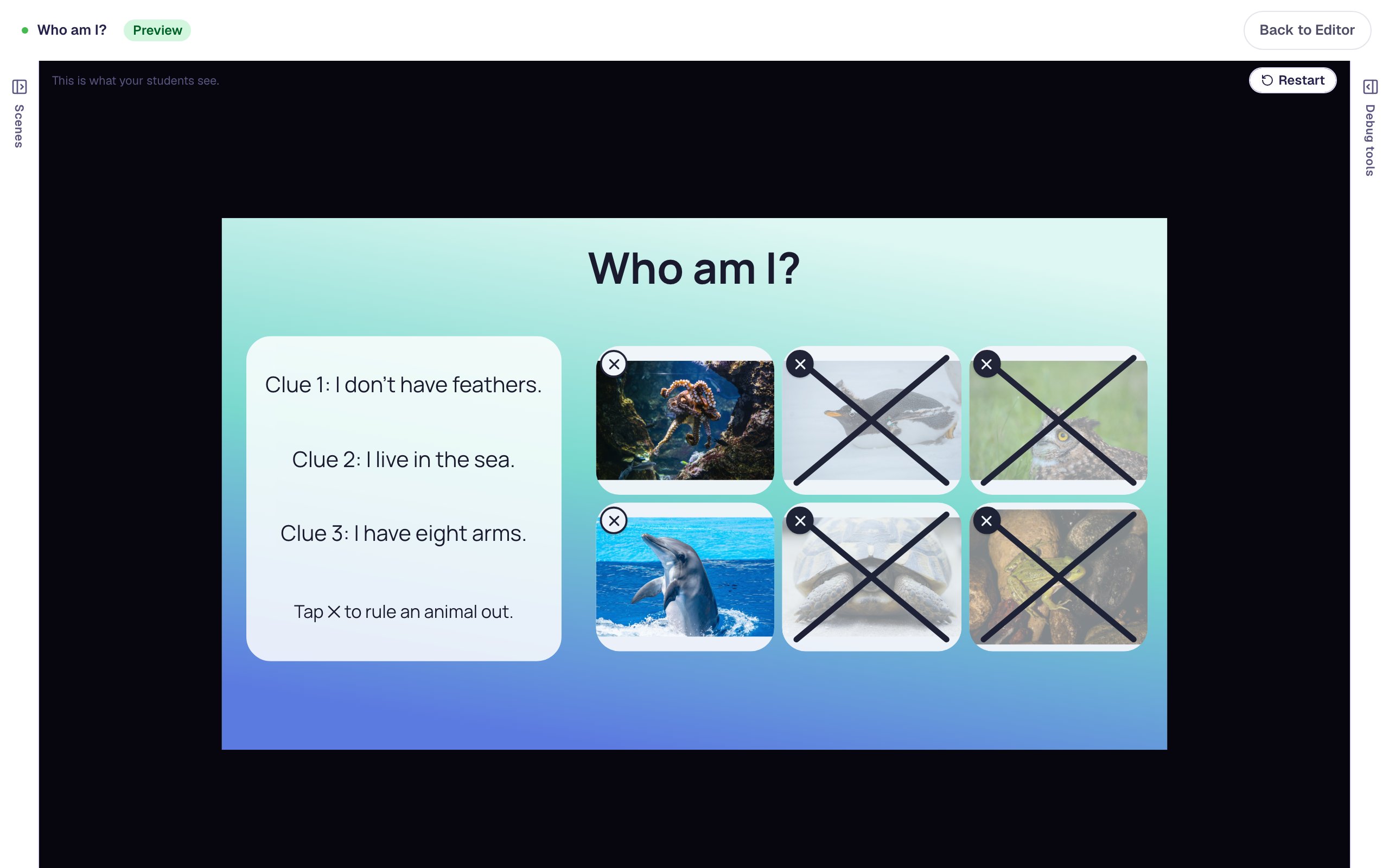
Make a Who am I? riddle with cross-out answers
Build an animal riddle where students read three clues and cross out every animal a clue rules out, using Multiple Choice's Cross Out option, with a gentle warning if they cross out the answer.
 Beginner · 10 min · 7 steps
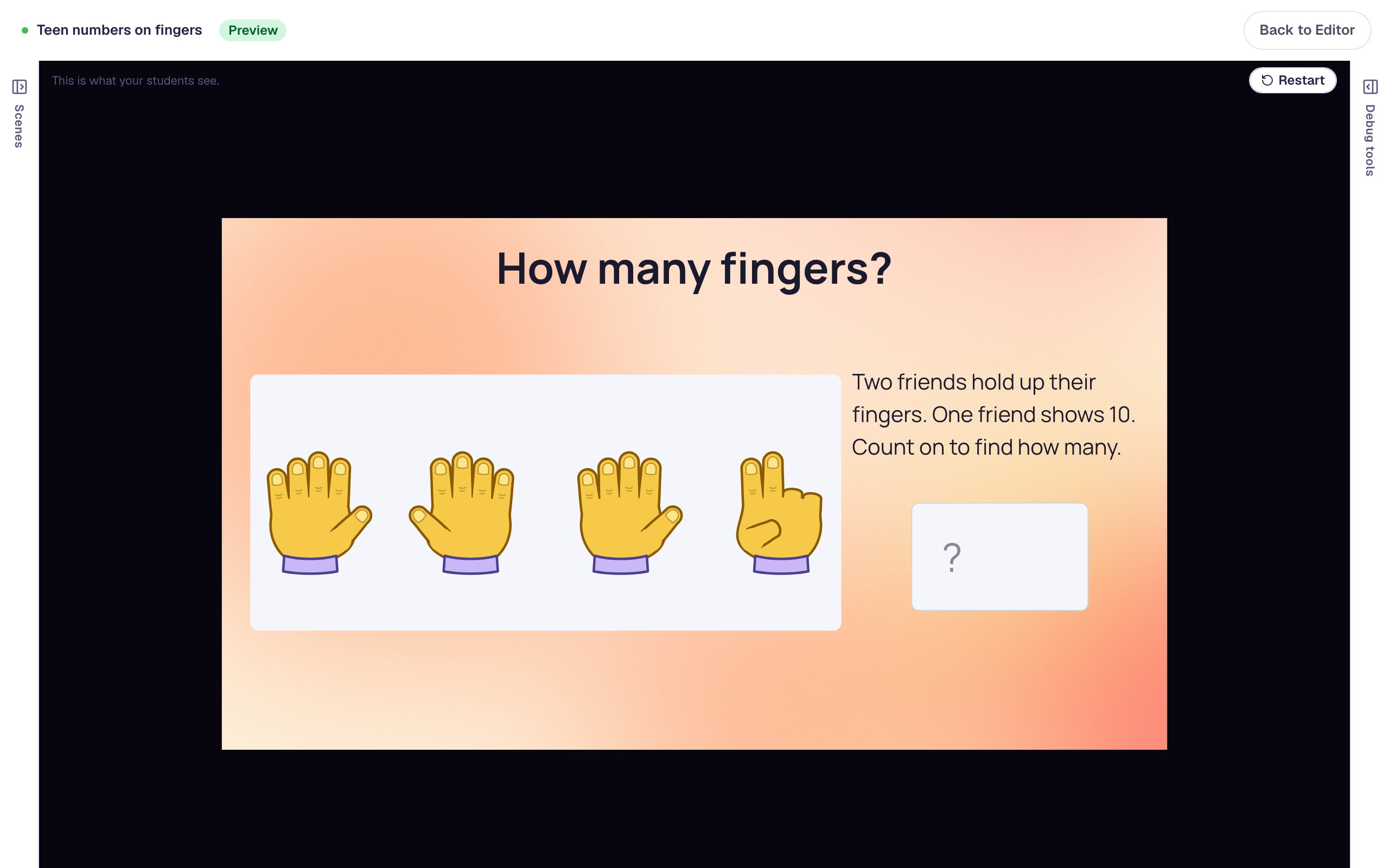
Show a teen number as ten and some more
Use the Fingers widget's Show mode on four hands to count 17 as one friend's 10 fingers and 7 more, then ask students how many with a Number Input that gives a count-on hint for a wrong answer.